Story videos dominate every platform that matters. Not brand ads. Not explainer clips. Actual narrative content with characters, tension, and payoff that holds a viewer's attention from the first second to the last. For years, producing that kind of full-length video story required a director, a budget, and weeks of production work. That equation has shifted permanently.
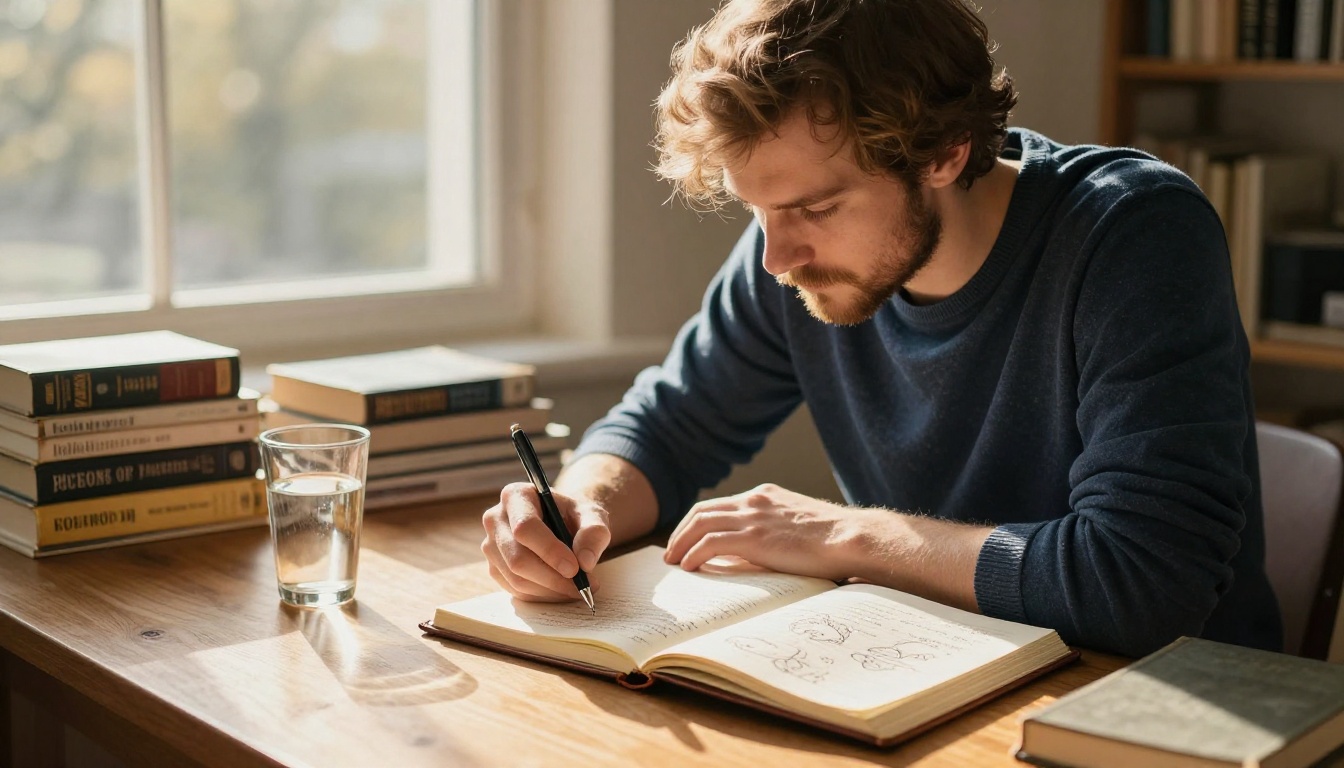
What a Full Story Video Actually Requires
A clip is not a story. A 5-second generated video of a person walking through fog is impressive, but it is not a narrative. A full story video has three things: a character (or situation), a conflict or journey, and a resolution or emotional beat. These three elements create the arc that holds viewers in place.
The good news is that AI models do not care how long your story is. They generate one scene at a time. Your job is to structure the story, break it into scenes, and then generate each scene with enough visual and tonal consistency that the final edit feels like a coherent whole.
The Clip Versus the Story
Most people get stuck at the clip stage. They generate one stunning video, post it, and wonder why it does not land the way they expected. Without context, a single clip is visual noise. What gives a clip meaning is what comes before and after it.
When you plan a full story video, you are essentially writing a short film. You do not need a screenplay format. A simple scene list with character positions, moods, and actions is enough to direct an AI model through the production.
Why Narrative Arc Matters
Audiences are hardwired for story structure: beginning, middle, and end. Even a 60-second video benefits from this shape. A person sitting alone (opening state), something happens (disruption), the person reacts and changes (resolution). That three-beat structure is the minimum viable story, and AI tools can produce it one scene at a time.

The 4-Step Production Workflow
Producing a full story video with AI is a process, not a single prompt. Breaking it into steps prevents the most common failure mode: generating random clips and hoping they connect.
Step 1: Write a Scene-by-Scene Script
Before touching any AI tool, write out your story as a list of scenes. Each scene should describe:
- Who is in the scene (character, age, appearance)
- Where they are (location, time of day, lighting)
- What they are doing (action, direction of movement, emotion)
- What the camera sees (wide establishing shot, close-up, overhead angle)
Three to five sentences per scene is enough. What matters is that every scene contributes to the arc.
Step 2: Define Your Visual Identity
Visual consistency separates amateur story videos from professional ones. Before generating your first clip, decide:
- The color palette (warm and golden, cool and desaturated, high contrast)
- The camera style (handheld and intimate, locked-off and cinematic)
- The time of day that anchors most scenes
Write these as a "style block" you paste into every prompt. Something like: "shot on 35mm film, warm afternoon light, shallow depth of field, Kodak Portra 400 grain". That style block becomes the visual DNA of your story.
Step 3: Generate Each Scene
With your script and style block ready, generate each scene individually. Use a text-to-video model that handles both motion and mood. The strongest models for story production right now:
Step 4: Edit and Assemble
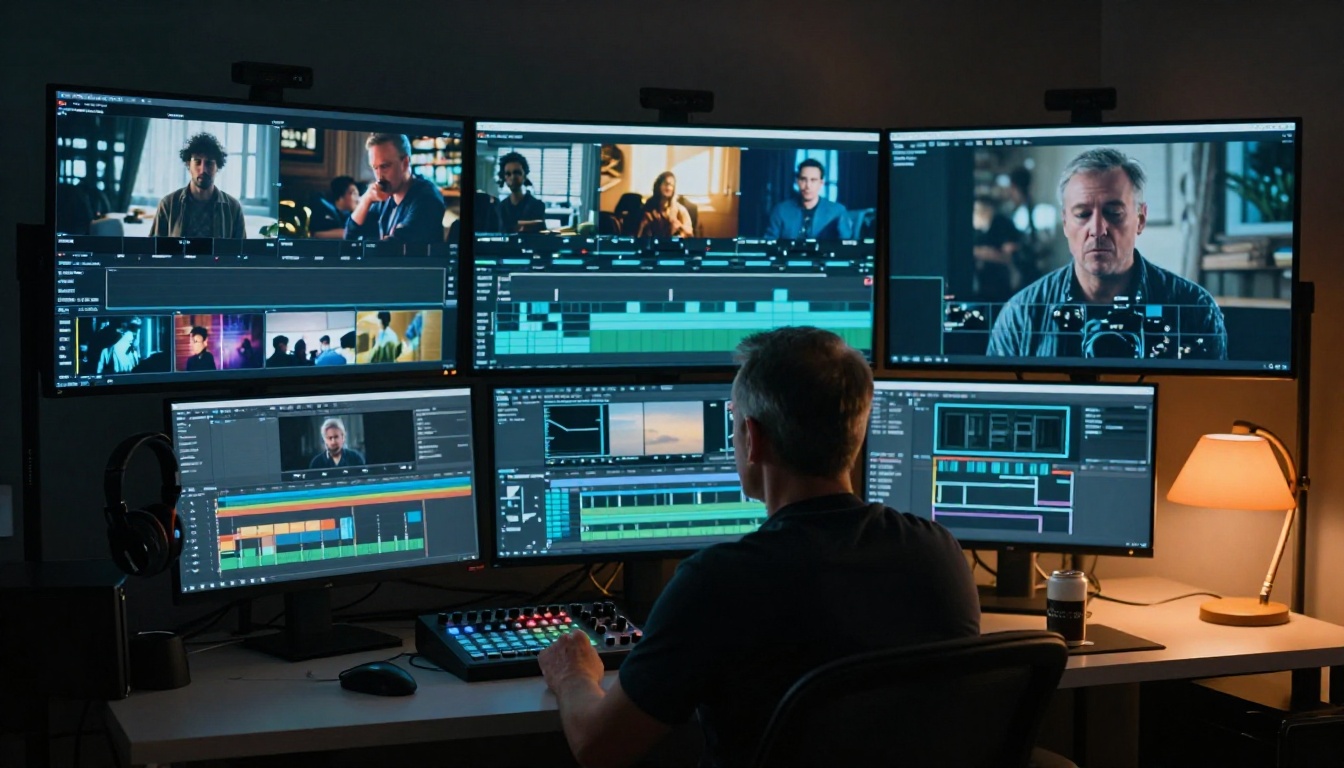
Once you have your clips, drop them into a video editor in sequence. Basic editing for a story video means: trim dead frames from the start and end of each clip, use straight cuts for dramatic effect rather than fades, and layer music or voiceover on top.
If you generated audio-synced clips with Seedance 1.5 Pro or Veo 3, the audio is already embedded. For stories where you want full control over the audio mix, generate silent clips and layer audio manually afterward.
How to Use Kling v3 on PicassoIA
Kling v3 Video is one of the strongest models for cinematic narrative content. It handles complex motion, character continuity, and cinematic lighting better than most alternatives. Here is how to use it for story production.
Setting Up Your First Scene
- Go to the Kling v3 Video model page on PicassoIA
- In the prompt field, paste your scene description followed by your visual style block
- Set the duration to the longest available option for more motion coverage
- Set the aspect ratio to 16:9 for cinematic output
Prompt structure that works:
[Character description] + [Action] + [Environment and lighting] + [Camera angle and lens] + [Style block]
Example: "A young woman in a red wool coat stands at the edge of a foggy pier, looking out at the water, early morning light diffused through mist, medium shot at eye level, 50mm lens, shot on 35mm film, Kodak Portra 400 grain"
Parameter Tips for Story Continuity
The biggest challenge in story video production is keeping your character looking the same across different clips. Kling v3 Video does not have native character locking, but strong consistency is achievable with these approaches:
- Fix your character description in every prompt. Use the exact same phrasing: same hair color, clothing, age description, and distinctive features.
- Fix your lighting description. If Scene 1 has "warm afternoon light from the right," Scene 2 uses the exact same phrase.
- Use reference images when the model supports image-to-video input. Generate a still of your character first, then use that image as the starting frame for each scene.
💡 For even stronger character consistency across scenes, use Wan 2.7 I2V to animate a reference image of your character frame by frame.

Prompts That Actually Produce Story
The prompt is where most people fail. They write a description of what they want to see, when they should be writing a description of what the camera sees. The difference matters enormously.
The 5-Part Prompt Formula
Every strong text-to-video prompt for narrative content has five components:
- Subject - Who or what is the primary focus
- Action - What is happening, with specific movement verbs
- Environment - Where, with physical details ("a wet cobblestone alleyway at dusk," not "a street")
- Camera - The angle, distance, and lens ("low angle," "extreme close-up," "aerial at 45 degrees")
- Atmosphere - The lighting quality and film style
💡 Replace vague adjectives with specific physical descriptions. Not "dramatic lighting" but "single practical lamp from above casting a hard shadow downward across the face."
3 Mistakes That Break Stories
Mistake 1: Over-describing the emotion. Telling the model "she feels sad and lonely" produces worse results than describing the physical state: "she sits with her shoulders drawn in, gaze fixed at the floor, one hand loosely holding an empty coffee cup."
Mistake 2: No camera instruction. Without a camera angle, the model picks one randomly. That choice might not match your previous scene, destroying continuity.
Mistake 3: Changing the style block. Every time you change your style description, you risk a tonal break in the final edit. Lock it in from the start and do not change it.
Keeping Visuals Consistent Across Scenes
Consistency is not a nice-to-have. It determines whether your story reads as a narrative or as a montage of unrelated clips. Viewers will forgive imperfect motion. They will not forgive a character who looks like a different person in Scene 3.
Character Consistency
The most reliable approach is the reference image method:
- Generate a high-quality portrait or full-body image of your character using a text-to-image model
- Use that image as the source frame for every scene via an image-to-video model like Wan 2.7 I2V or Kling v2.6
- Add motion instructions as text prompts on top of the reference frame
This anchors the character's face, hair, and clothing to the reference image, which eliminates most consistency problems between scenes.
Environment and Lighting Locks
Environments are easier to keep consistent than characters. Pick a specific description and repeat it exactly. If your story is set in one location, generate one establishing wide shot and reuse the environment description as the base of every scene prompt that takes place there.
| Element | How to Lock It |
|---|
| Character appearance | Exact same physical description in every prompt |
| Time of day | Same lighting phrase, word for word |
| Location feel | Same environment nouns and surface textures |
| Camera style | Same lens and grain note at end of every prompt |
💡 Create a simple text file with your locked style elements. Paste from it into every prompt. This takes 30 seconds and prevents 90% of consistency issues.
Audio, Music, and Voiceover
A silent story video is a half-finished story video. Audio is not optional. It is what makes the emotional beats land.
The Three Audio Layers
A full story video typically has three audio layers working together:
- Dialogue or voiceover: The character speaking, or a narrator carrying the story forward. Keep lines short and natural.
- Ambient sound: The environmental audio that places the viewer in the scene. Footsteps on gravel, rain on glass, distant crowd noise.
- Music: The emotional score underneath everything. AI music generation can produce custom tracks matched to your story's tone.
Models like Veo 3 and Seedance 1.5 Pro generate clips with native audio already embedded, which simplifies post-production. For stories where you want full control over the audio mix, generate silent clips and layer audio manually afterward.
Syncing Audio to Story Beats
The cut between two scenes is where the story either holds together or falls apart. Cut on motion when possible: if Scene 1 ends with a character standing up, cut to Scene 2 at the moment that motion begins. This gives the edit physical logic that feels natural to viewers.
Music should rise and fall with your story arc. A practical rule: bring the score up slightly going into the conflict scene, and let it breathe or drop out during the resolution.

Model Selection by Story Type
Different stories call for different models. Here is a practical breakdown of which tools perform best for common narrative categories:
Emotional Drama
For slow, character-driven stories with close-ups and emotional weight, use Kling v3 Video or LTX 2 Pro. Both handle subtle expressions and minimal motion better than action-oriented models.
Action and Movement
For stories with physical action and fast pacing, Kling v2.6 and Pixverse v5 handle dynamic motion more reliably. They produce fluid movement without the jitter that affects some models under fast-action prompts.
Documentary Style
For stories that feel captured rather than staged, Sora 2 produces the most photorealistic output available. Its rendering of natural environments, ambient light, and organic motion makes it the top choice for realistic narrative storytelling.
Fast Prototyping
When you are testing a story concept and need quick clips to check pacing before committing to a final render, Hailuo 02 Fast and Ray Flash 2 720p deliver results in seconds. Use these for drafts, then upgrade to a higher-quality model for the final output.
Scaling Your Story Output
Once you have produced one full story video, the process becomes repeatable. The core assets (character reference images, style block, scene template) carry over to the next project. What changes is the script and the specific scene descriptions.
A standard short story video (60 to 90 seconds) requires 8 to 12 individual scene clips. At an average generation time of 2 to 4 minutes per clip, the total generation time for a full story sits between 20 and 50 minutes, not counting assembly. That is a fraction of what conventional production requires.
Batch Your Production
If you are producing story videos at volume, batch your prompts. Write all scene prompts before starting any generation, then submit them in sequence. This prevents the mistake of writing prompts on the fly, which leads to inconsistencies in style and character description.
💡 Build a reusable template for each character and setting you use repeatedly. Store the full description as a text snippet you can paste directly into any prompt. This alone cuts production time significantly on multi-video story projects.
When to Use Seedance 2.0
For story videos with built-in audio, Seedance 2.0 is one of the most capable models available. It generates video with synchronized ambient sound and supports longer clip durations, which reduces the number of cuts needed in a story edit. Fewer cuts means more immersive storytelling.
Start Creating Your Story Now
Every idea you have for a story video can be broken down into scenes. Every scene can be described in a prompt. Every prompt can become a clip. The only thing between you and a finished story video is the decision to start.
PicassoIA gives you access to more than 100 text-to-video models in one place, from fast prototyping tools to cinematic 4K generators. You can test your first scene, see whether your story concept holds up visually, and refine from there.
Pick one scene from a story you have been sitting on. Write it out as a prompt. Use Kling v3 Video or Wan 2.7 T2V. Watch what happens when your words become moving images. Your story is already in your head. The tools to put it on screen are ready.