Getting a professional headshot used to mean booking a studio, hiring a photographer, spending $200 to $500 per session, and waiting a week for edited files. AI has changed every part of that equation. Today, you can generate studio-quality headshots in minutes, with full control over lighting, background, and finish, without leaving your desk.
This is not about slapping a filter on a selfie. The results we are talking about are indistinguishable from real studio sessions, with the kind of lighting, depth of field, and skin detail that used to require a Profoto kit and a trained eye.
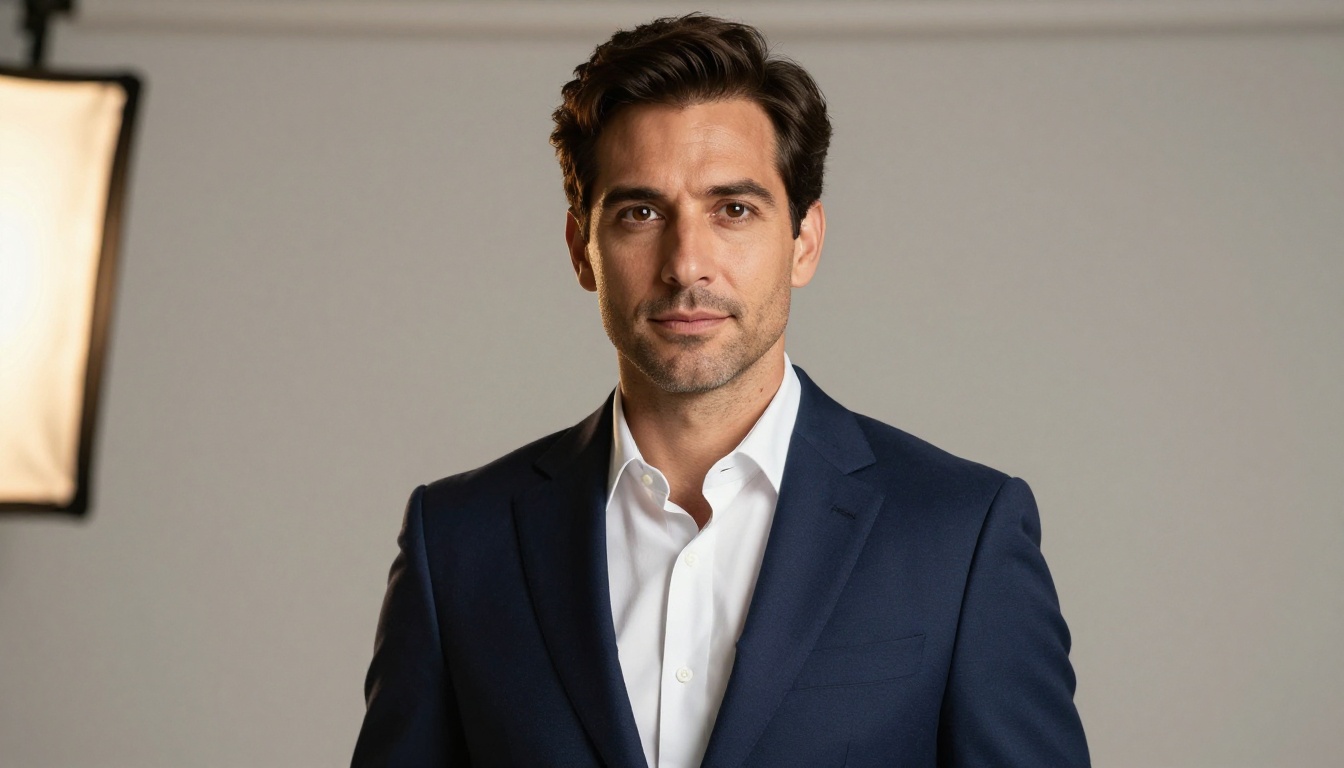
What "Studio Quality" Actually Means
Before generating anything, it helps to know exactly what makes a headshot look "studio quality." It is not just resolution. Most phone cameras now shoot in more megapixels than you will ever need. The real markers are subtler and more specific.
Light That Shapes, Not Just Illuminates
Studio photographers spend years learning to control light. The hallmarks of professional lighting are:
- Catchlights: The small bright reflections in the subject's eyes. One sharp catchlight at the 10 o'clock or 2 o'clock position signals a professional setup.
- Rembrandt triangle: A small triangle of light on the shadowed cheek. It creates depth without hiding the face.
- Separation light: A subtle backlight that lifts the hair and shoulders away from the background.
- Fill ratio: The balance between the main light and the shadow side. A 2:1 ratio reads as "corporate." A 4:1 ratio reads as "cinematic."
Without controlled lighting, a photo looks flat, amateur, or harsh. These are the qualities AI models can now simulate with remarkable accuracy.
Background and Depth of Field
The background in a professional headshot is almost never sharp. An 85mm lens at f/1.4 or f/1.8 turns any studio wall into a smooth, gradient blur. This effect, called bokeh, is what tells your brain "this looks expensive." Backgrounds are typically neutral: grey gradients, off-white walls, softly blurred office environments.
Resolution and Skin Detail
Real studio photography captures fine detail: individual eyelashes, fabric texture, natural skin pores. The skin looks refined without appearing airbrushed. This combination of sharpness and natural texture is what separates a $400 studio session from a $20 portrait booth print. AI image generators trained on high-resolution photography can replicate all three of these qualities when prompted correctly.
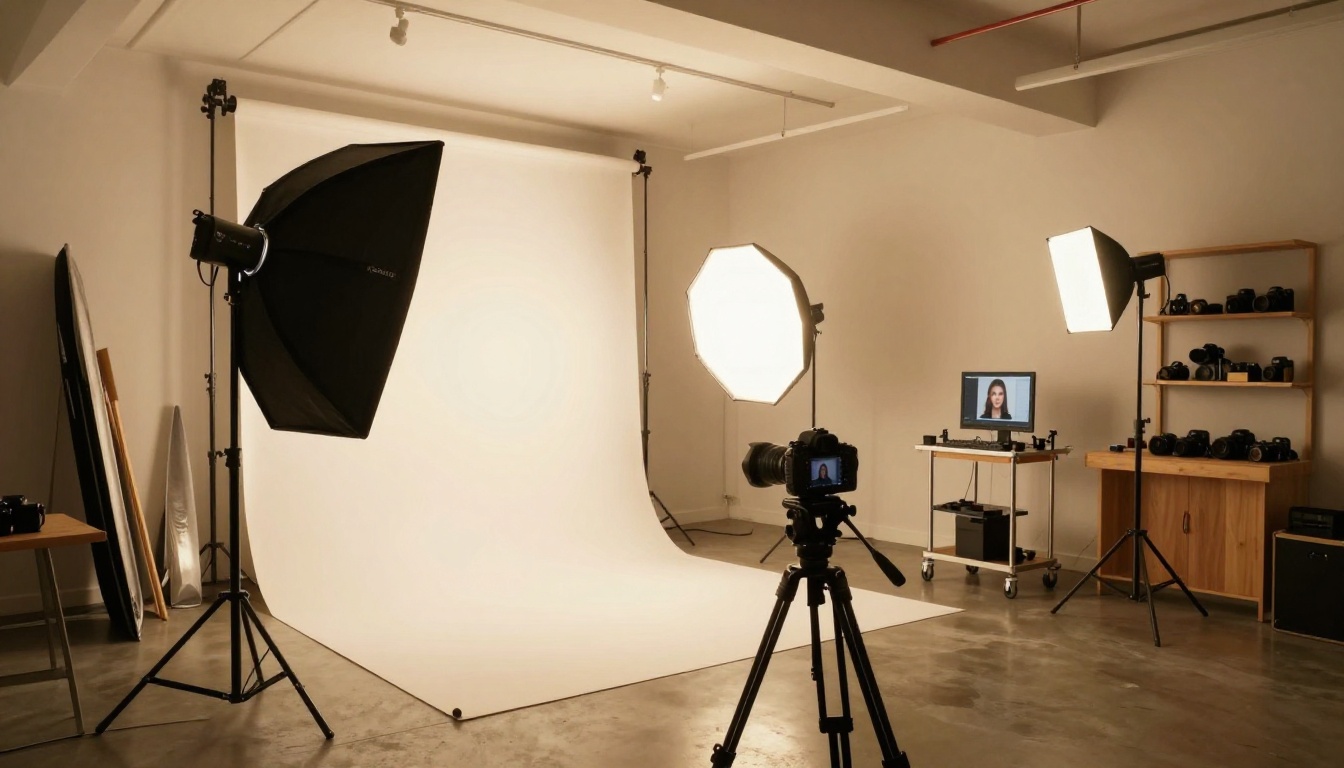
The Real Cost of a Traditional Studio
Here is what most people pay for professional headshots in 2025:
| Service | Cost | Turnaround |
|---|
| Local photographer (basic) | $150 to $300 | 3 to 7 days |
| Professional studio session | $300 to $600 | 5 to 10 days |
| NYC/LA executive headshot | $500 to $1,200 | 7 to 14 days |
| AI headshot on PicassoIA | Free to low cost | Under 5 minutes |
The AI option is not just cheaper. It is faster, repeatable, and lets you iterate without rebooking. Want a different background, a different expression, or a different outfit? Adjust the prompt and regenerate. No cancellation fees, no rescheduling.
💡 Tip: The best use of AI headshots is iteration. Generate 5 to 10 variations and pick the two or three that work best for your specific context.
The Right AI Models for the Job
Not all text-to-image models perform equally for portrait work. Some are optimized for landscapes, illustration, or product photography. For studio-quality headshots, you need models that handle skin tones, facial structure, and lighting physics with precision.
Professional Headshot for Instant Results
The Professional Headshot model by Flux Kontext Apps is specifically built for this use case. Upload any photo and it transforms the image into a polished, studio-quality headshot. The model understands professional contexts: it automatically adjusts lighting to read as "office-ready," smooths minor distractions without over-processing skin, and places the subject against a neutral backdrop appropriate for corporate or LinkedIn use.
This model is the fastest path from a casual phone photo to a professional result. It does not require a perfect input, just a clear, reasonably well-lit photo of the subject's face.
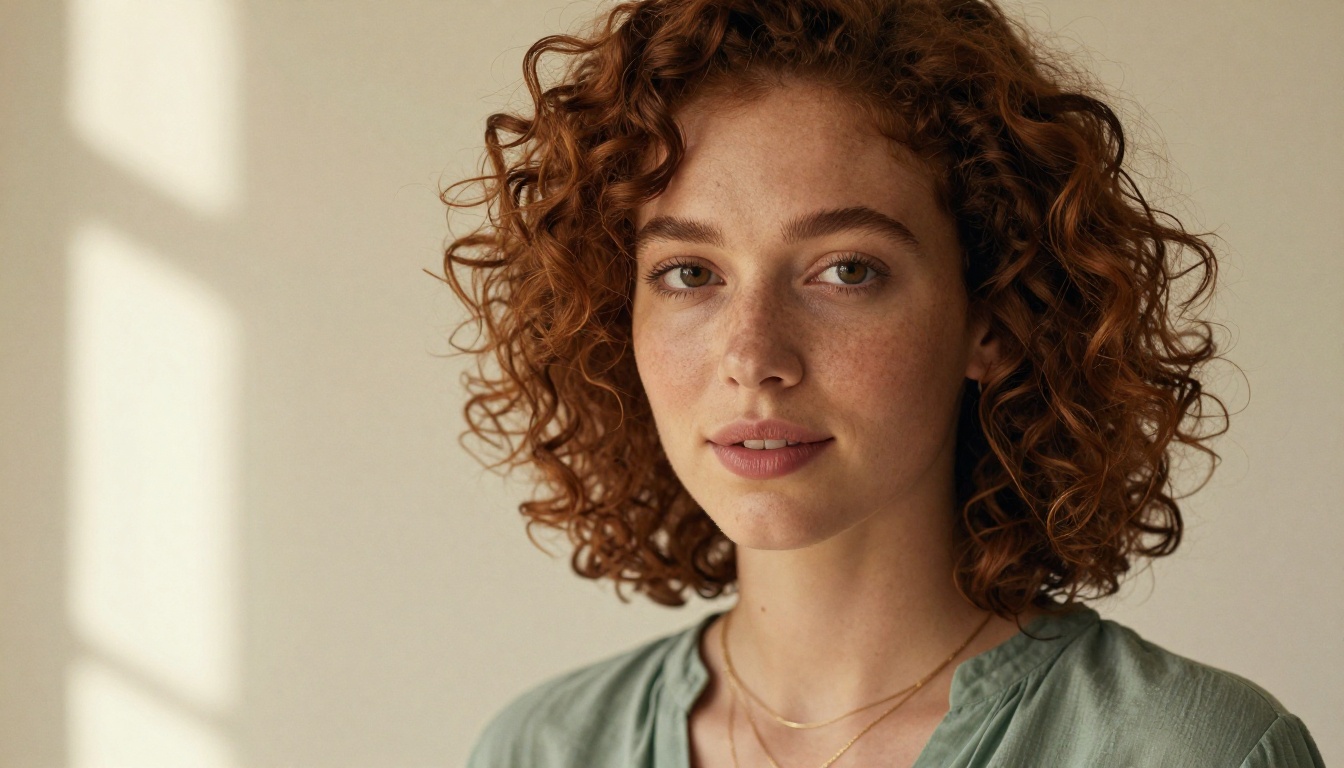
Portrait Series for Multiple Looks
If you need variety, the Portrait Series model takes one reference photo and generates multiple distinct portrait styles from it. Corporate, casual, outdoor, dramatic, and warm editorial looks, all from a single upload. This is particularly useful for:
- Building a visual content library for social media profiles
- Testing which headshot style gets better response on LinkedIn
- Creating consistent character references for actor portfolios
- Giving a client multiple options from one session
GPT Image 2 for Precision
GPT Image 2 excels when you need a headshot generated entirely from a text description, without a reference photo. If you are creating AI personas, illustrating blog content, or generating placeholder profiles, this model delivers sharp, photorealistic results that align closely with written descriptions. It handles specifics like "mid-40s woman in corporate attire, warm studio lighting, blue-grey background" with high fidelity.
How to Use Professional Headshot on PicassoIA
The Professional Headshot model has a simple, repeatable workflow. Here is the exact process:
Step 1: Prepare your source photo
Pick a clear, front-facing photo with decent lighting. It does not need to be perfect. Avoid heavy filters, sunglasses, or extreme angles. A simple selfie taken in natural window light works well as a starting point.
Step 2: Open the model on PicassoIA
Navigate to the Professional Headshot page. The interface shows an image upload field and a prompt box side by side.
Step 3: Upload your photo
Upload the source photo. The model reads the face structure and lighting conditions from your input and uses them as the base for the enhanced result.
Step 4: Write a focused prompt
Your prompt guides the final output. Effective prompts for headshots include:
- Specific lighting:
"Rembrandt lighting, soft octabox fill, studio strobes"
- Background:
"neutral grey gradient backdrop, soft bokeh background"
- Mood:
"confident, approachable, professional"
- Technical specs:
"85mm lens, f/1.8 depth of field, Kodak Portra 400 film grain"
💡 Tip: Focus your prompt on lighting and mood. The model handles skin and structure from the uploaded reference, so you do not need to describe the person's appearance in the prompt text.
Step 5: Generate and iterate
Run the generation. Look for catchlights in the eyes, skin texture quality, and background clarity. If the lighting reads as flat, add "Rembrandt triangle, separation hair light" to the prompt and regenerate.
Step 6: Adjust hairstyle if needed
Once the base headshot is ready, the Change Haircut model lets you swap hairstyles on the finished portrait without regenerating everything from scratch. Useful for exploring different looks or matching a specific style preferred by a corporate client.
Step 7: Upscale to 4K
If you need the final image at 4K resolution or higher, run it through P Image Upscale. This sharpens micro-detail without introducing artifacts or halos around edges.
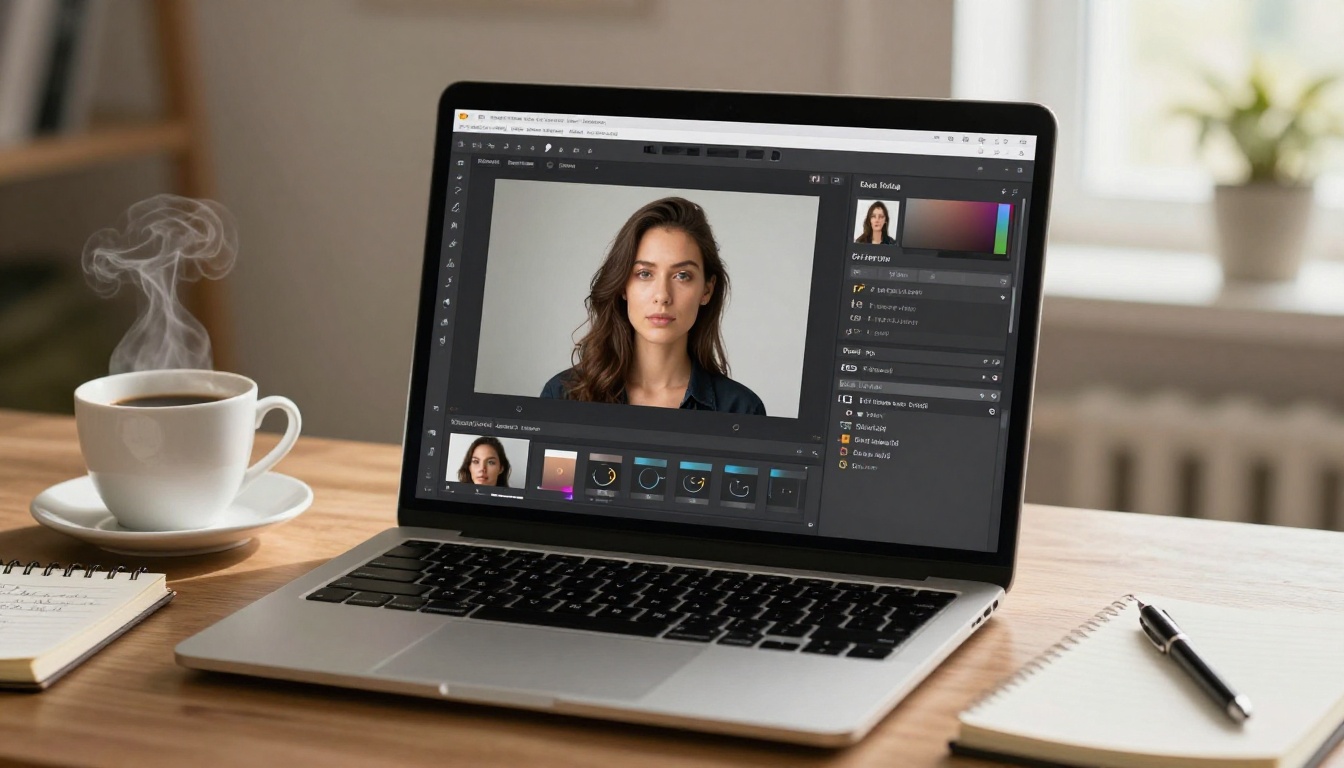
Skin Retouching That Doesn't Look Fake
Over-retouching is one of the most common mistakes in professional headshots. Skin that looks completely smooth reads as plastic and untrustworthy. Photographers at the premium end of the market specifically advertise "natural retouching" because their clients have learned that obvious airbrushing hurts credibility.
AI retouching faces the same trap. The goal is refinement without erasure: reducing redness, evening skin tone, and softening harsh creases without eliminating the texture that makes a face look real.
AI Skin Retouching
The Qwen Image Edit Plus LoRA Skin model was fine-tuned specifically for skin work. It targets uneven tone, blemishes, and harsh shadows while preserving pore texture, fine lines appropriate to the subject's age, and the natural micro-variation that makes skin look three-dimensional.
To use it effectively:
- Upload the AI-generated headshot as the source image
- Describe the retouching level clearly:
"subtle skin evening, preserve natural texture, reduce redness under eyes"
- Avoid broad requests like "smooth everything" or "make skin perfect," as this tends to over-process and remove the natural detail
Sharpness and Upscaling
For final output at print or presentation quality, P Image Upscale adds resolution without softening the image. Particularly useful when:
- The original generation came out at lower resolution
- You need to crop to 1:1 for a profile photo without losing clarity
- A platform requires a minimum file size or pixel dimension
Background Control and Depth of Field
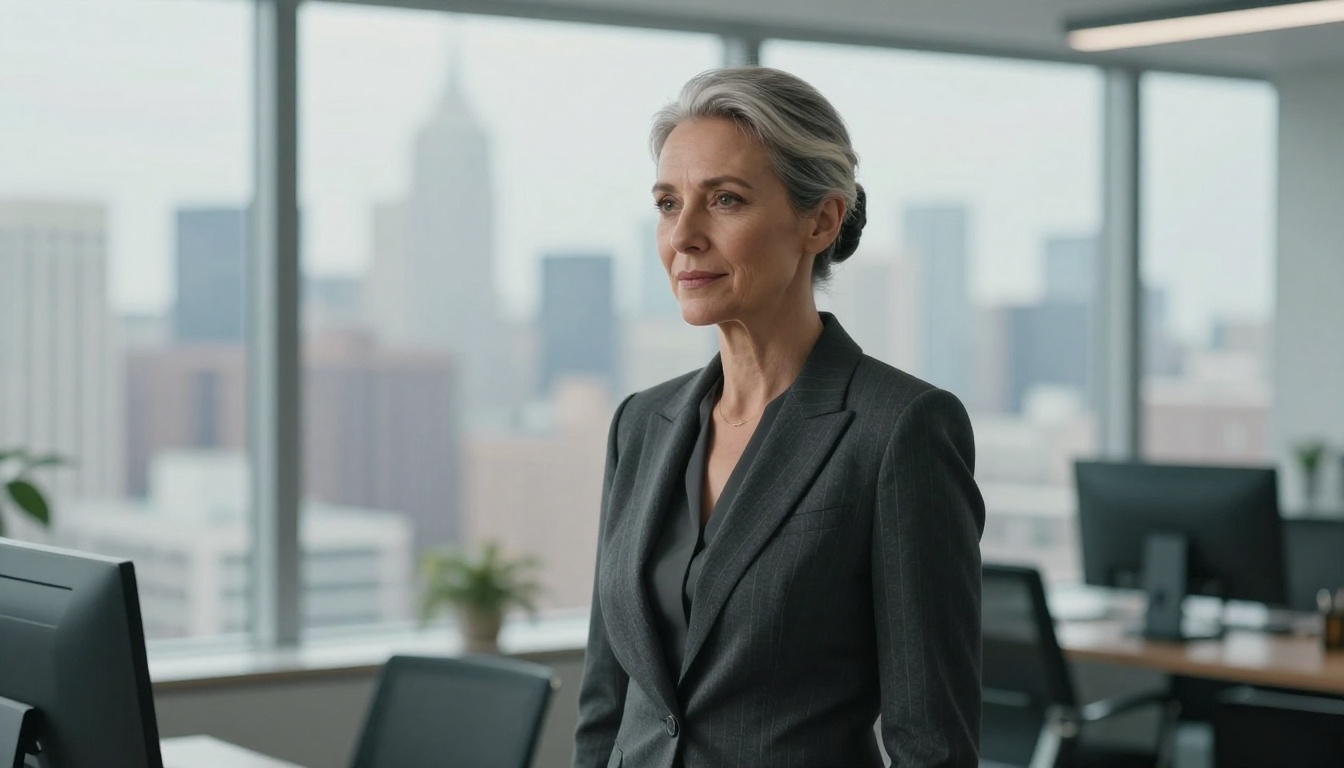
The background in a headshot is a design decision, not an afterthought. Grey gradients signal corporate. Blurred office environments signal "senior leader in context." Dark charcoal reads as dramatic and cinematic. White reads as clean and approachable. Choosing correctly means the background is doing work for you before anyone reads your name.
Blur Any Background
The Depth of Field model adds professional-quality background blur to any photo. If your generated headshot has a background that looks too sharp or visually distracting, this model applies a physically accurate bokeh effect that mimics what a fast prime lens would produce at wide apertures.
You can dial in something subtle, a hint of softness as if shot at f/4, or go extreme with full dissolution of the background into smooth circles as if shot at f/1.2.
Swap Backgrounds Entirely
Generate Background by Bria replaces the existing background with one generated from a text prompt. Want your headshot in front of a blurred Manhattan skyline? A warm wood-paneled library wall? A clean white seamless paper backdrop? Describe it, and the model generates and composites it behind the subject with realistic edge handling and shadow matching.
For quick targeted edits on existing headshots, Flux Kontext Fast lets you make specific changes, such as swapping a background color or adjusting the jacket shade, without affecting the rest of the image.
3 Lighting Styles That Work Every Time
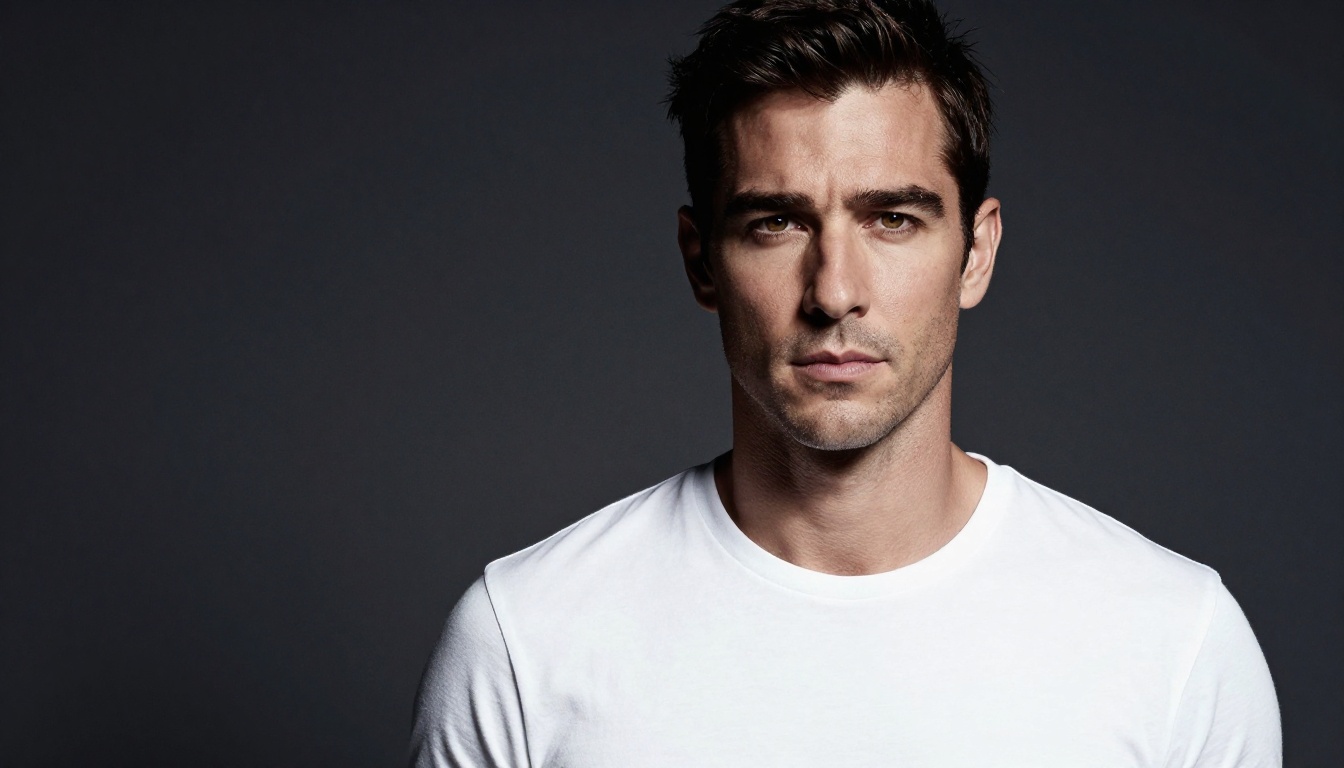
Lighting is not just a technical setting. It tells the viewer something about the person in the photo. These three setups work across virtually every professional context:
1. Rembrandt Lighting
Named after the Dutch master's use of controlled shadow. A main light positioned slightly above and to one side creates a small triangle of light on the shadowed cheek. This is the most-used setup for corporate and executive headshots because it adds depth without being dramatic.
Prompt words: "Rembrandt lighting, octabox 45 degrees upper left, subtle fill reflector right"
2. Butterfly (Paramount) Lighting
The main light positioned directly above the lens creates a symmetrical shadow under the nose, resembling a butterfly shape. Flattering for most face structures. Common for editorial and fashion-adjacent headshots where the look needs to feel polished but warm.
Prompt words: "butterfly lighting, overhead main light, symmetrical face shadow, beauty dish diffuser"
3. Split Lighting
The main light positioned directly to one side of the face, creating an even 50/50 shadow division. More dramatic, often used for actors, musicians, and creative professionals where artistic identity matters more than approachability.
Prompt words: "split lighting, side main light 90 degrees, strong contrast, deep shadow on far cheek"
💡 Tip: For LinkedIn and corporate profiles, Rembrandt or butterfly lighting almost always outperforms split lighting in first-impression tests. Save split for creative fields where it signals artistic seriousness.
Who Actually Needs This
LinkedIn and Corporate Profiles
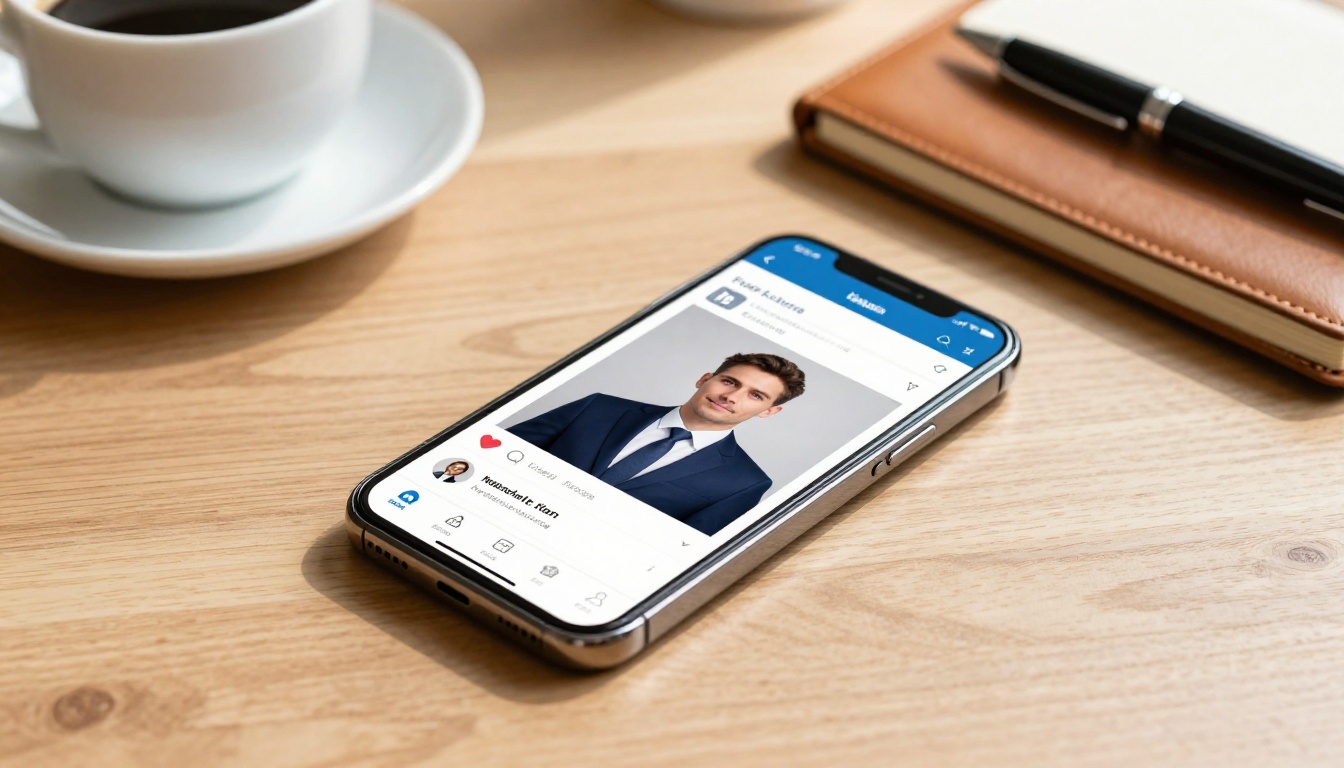
LinkedIn profiles with professional headshots receive significantly more connection requests and profile views than those without. The headshot is the first signal of credibility before anyone reads a word of your bio. For job seekers, sales professionals, and executives, a poor headshot is a real liability in a first impression context.
AI-generated headshots solve the most common blockers: cost, access to a photographer, and the awkwardness of a formal photoshoot. If you are based in a city where professional headshots cost $400 or more, or in an area where quality photographers are hard to find, AI gives you access to results that were previously gatekept by geography and budget.
Actors and Casting
Acting headshots follow strict conventions: bright even lighting, neutral backdrop, and a composed, present expression. The goal is not to look interesting, it is to look castable. AI can generate headshots that hit these specifications precisely, and the Portrait Series model lets actors generate multiple looks (commercial, theatrical, dramatic) from a single reference photo.
For emerging actors who cannot afford regular headshot sessions, AI closes a gap that previously made early career visibility much harder to achieve.
Dating Apps and Personal Branding
Profile photo quality has an outsized impact on match rates and first impression scoring. A natural, well-lit photo reads as confident and put-together. A poorly lit or filtered photo reads as low-effort regardless of how attractive the subject is.
AI headshots, used correctly, produce results that read as "professionally taken" without being stiff or staged. The goal is to avoid anything that looks obviously artificial: backgrounds that feel contextually correct, lighting that matches the platform's visual tone, and expressions that look natural rather than posed.
For personal branding across social media, author photos, speaking bio pages, and podcast art, AI-generated headshots give you consistent, high-quality visual assets without needing to reschedule a photographer every time your brand evolves.
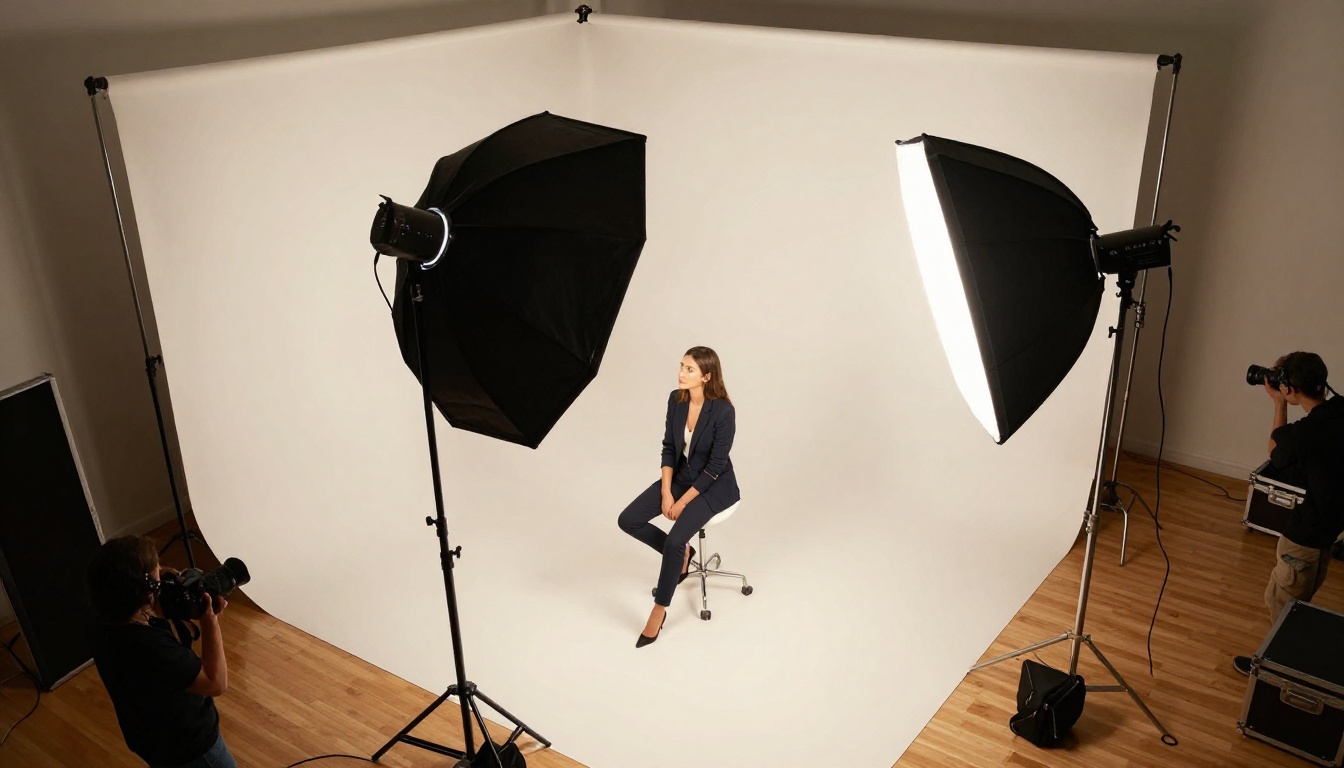
Most people generate mediocre AI headshots not because of the model, but because of vague prompts. Specificity is everything. Here is a formula that works:
[Subject description] + [Lighting setup] + [Background] + [Lens and camera details] + [Mood and color]
Example prompt for corporate:
"Professional woman mid-30s in charcoal blazer, Rembrandt lighting octabox upper left, neutral grey gradient backdrop soft bokeh, 85mm f/1.8 lens, Kodak Portra 400 film grain, confident approachable expression, natural skin texture"
Example prompt for creative fields:
"Male creative director in dark turtleneck, butterfly overhead lighting beauty dish, warm wood-toned blurred background, 50mm f/1.4, cinematic warm shadows, slight five o'clock shadow, relaxed direct gaze"
Example prompt for acting headshots:
"Woman actress early 20s in simple jewel-tone top, bright flat even studio lighting, white seamless backdrop, 85mm lens, neutral expression, present and available, commercial headshot quality"
The more specific you are with lighting, background, and mood, the more consistent and professional the output.
💡 Tip: Save the prompts that work. Once you find a formula that produces results you like, it becomes a reusable asset for generating variations or updating your headshots in the future.
Start Creating Your Own
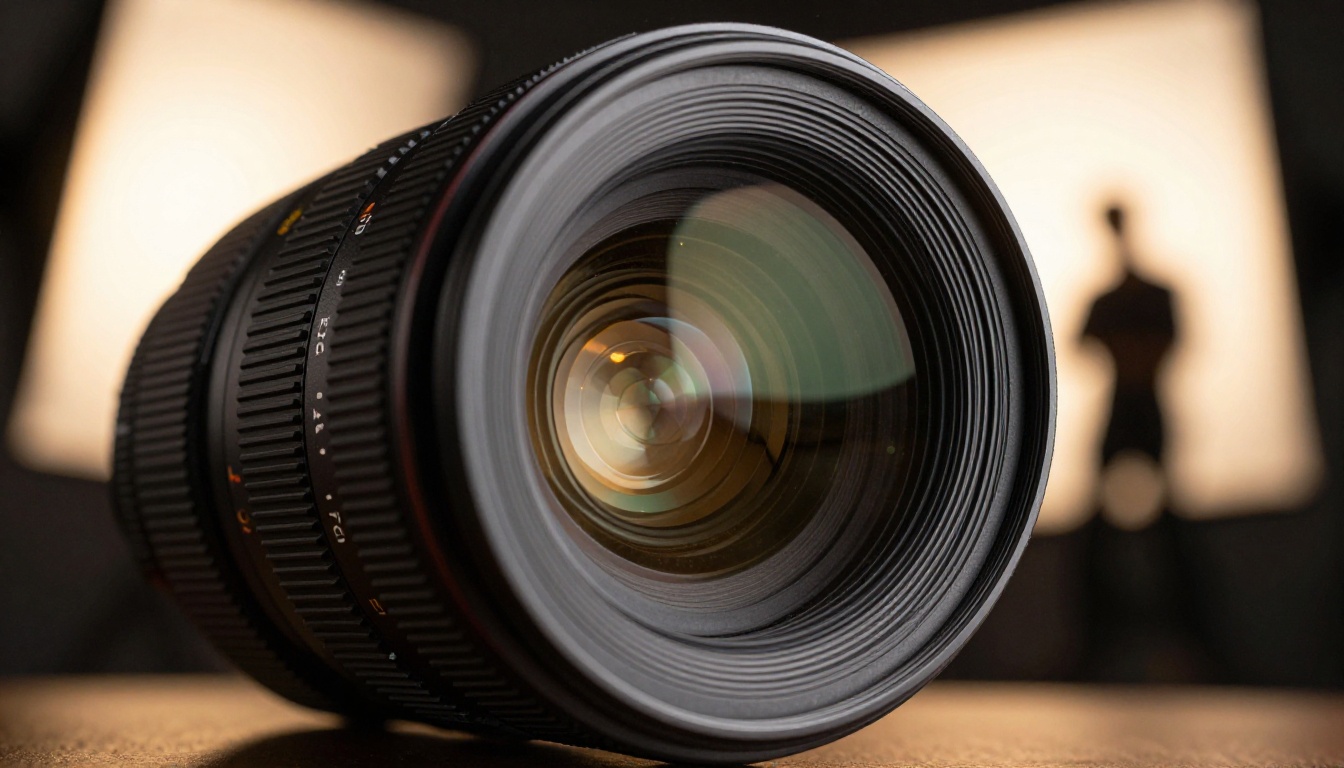
The path from nothing to a finished professional headshot takes less time than ordering coffee. Open Professional Headshot on PicassoIA, upload a photo or write a detailed description, specify your lighting style and background, and generate. Retouch skin with Qwen LoRA Skin, add professional background blur with Depth of Field, and upscale to 4K with P Image Upscale.
If you want multiple looks from a single photo, run it through Portrait Series. If you want a different hairstyle on the finished result, use Change Haircut. If you need a completely new background, Generate Background handles it in seconds.
Every professional using PicassoIA right now has access to the same quality that used to require a $500 studio booking and a week of waiting. The difference in your first impression is measurable. The only thing left is to start.


