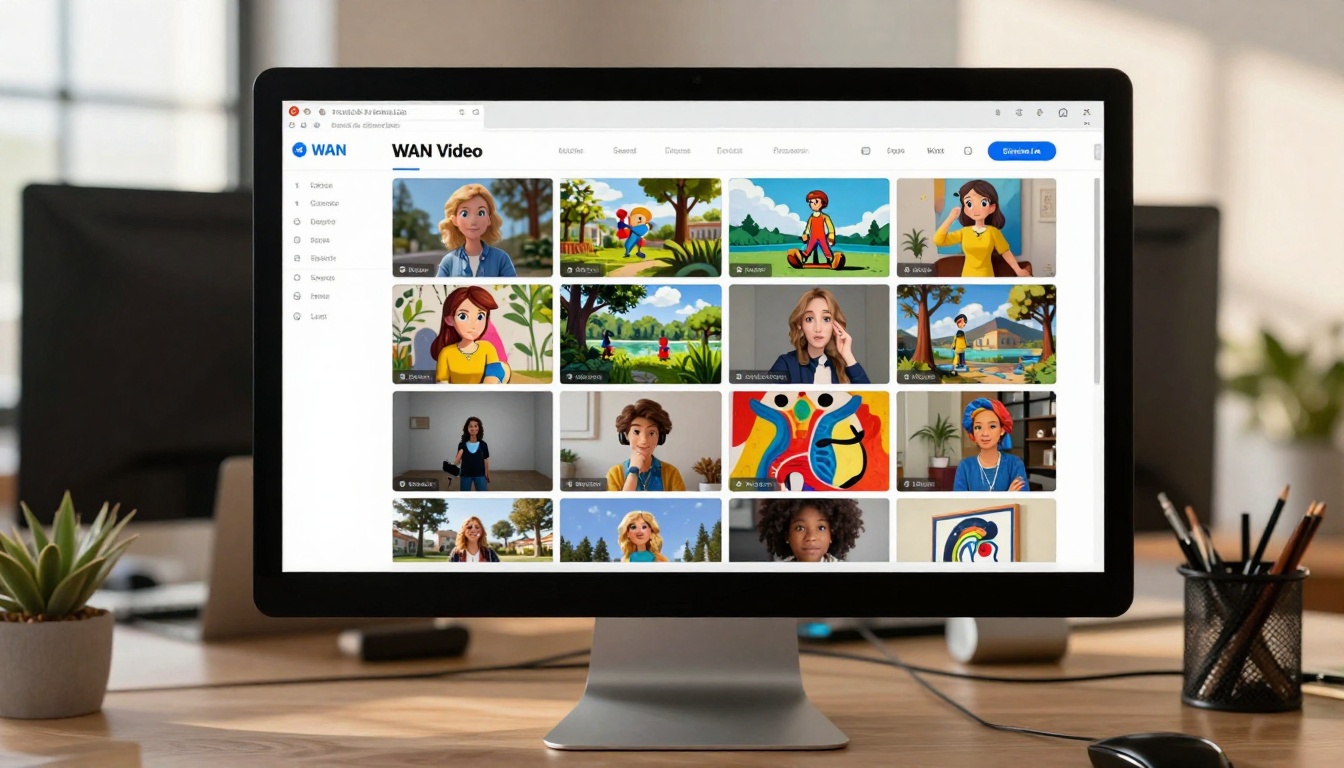
How to Generate Unlimited Videos for Free Using PicassoIA: Complete WAN Video Guide
Discover the power of PicassoIA's WAN Video model for creating unlimited videos without cost. This complete guide walks you through image-to-video transformation, parameter optimization, and practical applications for content creators, marketers, and educators.
💡 Quick Start: WAN Video transforms any static image into dynamic video content in seconds—completely free on PicassoIA. Start with clear, descriptive prompts for best results.
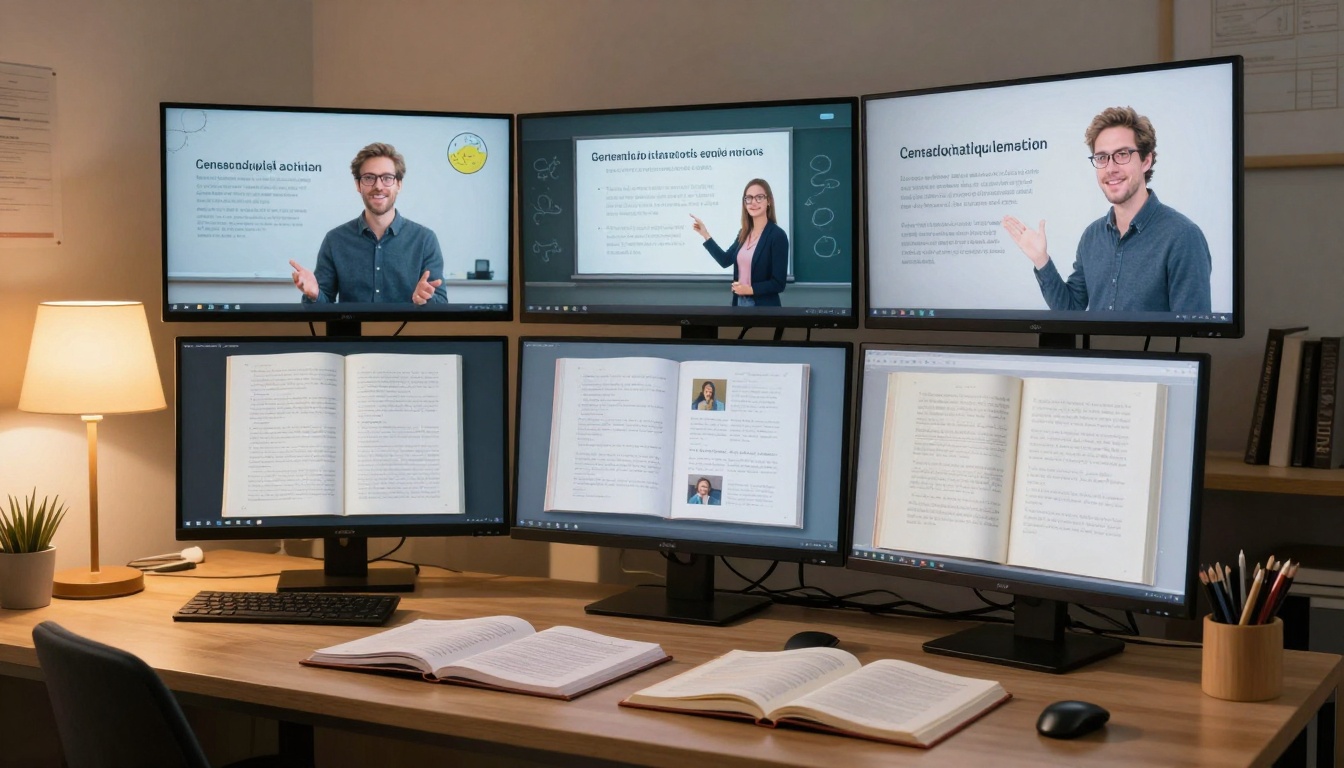
Video creation has traditionally been expensive, time-consuming, and technically demanding. Hiring animators, purchasing software licenses, and mastering complex editing tools created barriers for many creators. PicassoIA changes this landscape dramatically with its WAN Video model, offering unlimited video generation at zero cost.
Why Unlimited Video Generation Matters
⚠️ Important: While "unlimited" refers to the ability to generate as many videos as you need, always check PicassoIA's current usage policies for any rate limits or fair use guidelines.
The Video Content Revolution
Democratized Creation: Anyone with an image and an idea can create video content
Speed Advantage: Generate videos in seconds versus hours or days of manual work
Cost Elimination: Zero software costs, zero hiring expenses, zero subscription fees
Creative Freedom: Experiment with unlimited variations without financial risk
Real-World Applications
Industry
Use Case
Traditional Cost
WAN Video Cost
Marketing
Product demos
$500-$2000
$0
Education
Explainer videos
$300-$1500
$0
Social Media
Content creation
$100-$500/month
$0
Prototyping
Concept visualization
$200-$1000
$0
Personal Projects
Creative expression
Varies
$0
Understanding PicassoIA's WAN Video Model
WAN Video (wan-2.2-i2v-fast) stands for "Wavespeed AI Network," representing a cutting-edge image-to-video generation model optimized for speed and accessibility. The "i2v" indicates "image to video," while "fast" highlights its optimized processing speed.
✨ Pro Tip: The "2.2" version number indicates significant improvements over previous iterations, particularly in motion quality and prompt understanding.
Key Technical Specifications
Input Requirements: Single image + descriptive text prompt
Output Format: MP4 video files
Processing Speed: Seconds per generation
Resolution Options: 480p or 720p
Aspect Ratios: Landscape (16:9) or Portrait (9:16)
Frame Control: 81-121 frames (3-5 seconds at 24fps)
How WAN Video Works: The Technical Magic
The Transformation Process
Image Analysis: The model examines your uploaded image, identifying elements, composition, and style
Prompt Interpretation: Your text description guides what motion and transformations should occur
Motion Generation: AI algorithms create believable movement based on image content and prompt instructions
Video Synthesis: Individual frames are generated and compiled into a seamless video sequence
Output Delivery: Final video is rendered in your chosen format and resolution
What Makes It "Unlimited"
📌 Note: "Unlimited" in this context means you can generate as many unique videos as you need, not that there are absolutely no practical limitations. Always create responsibly.
No Generation Caps: Generate videos whenever inspiration strikes
Multiple Variations: Create different versions from the same base image
Iterative Refinement: Adjust prompts and parameters to perfect your results
Continuous Learning: The model improves with community usage patterns
Practical Applications: Where to Use Unlimited Videos
Content Creation & Social Media
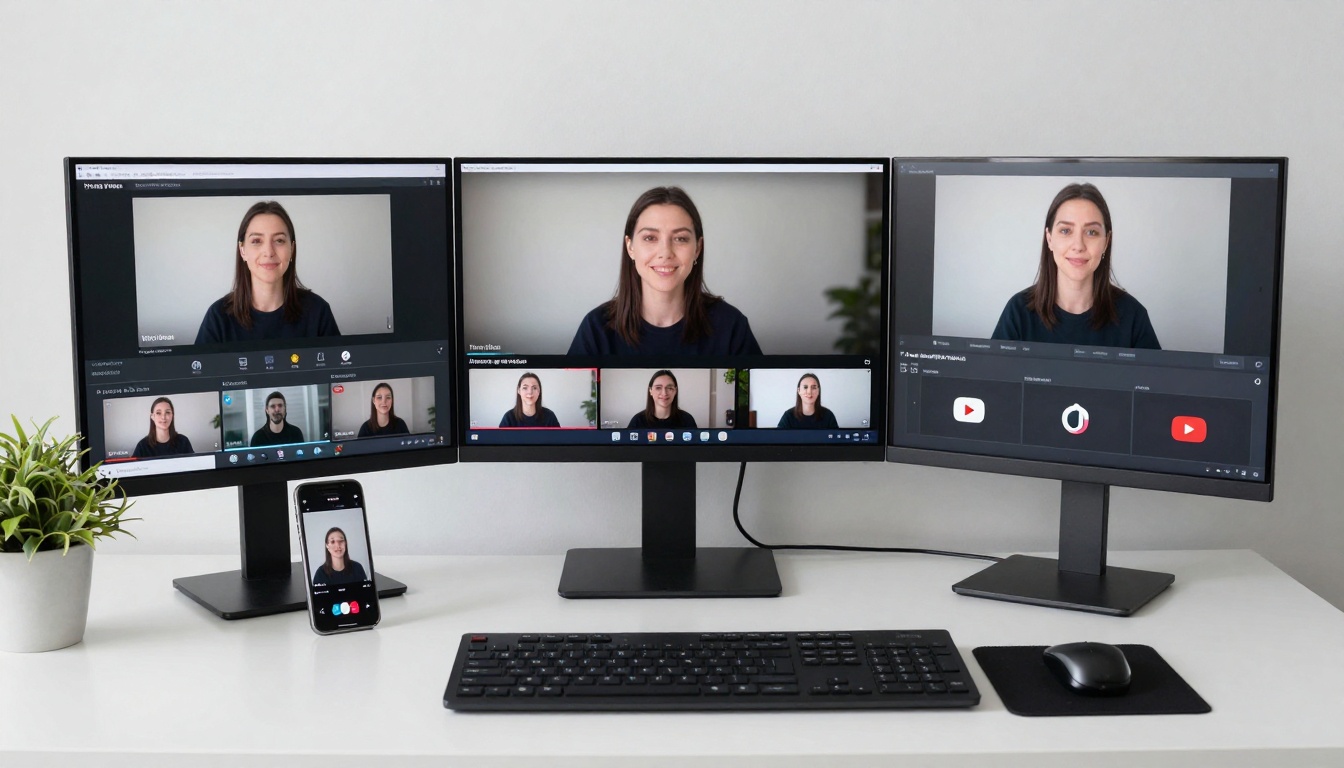
Instagram Reels: Create engaging short-form content from product photos
TikTok Videos: Transform still images into trending video formats
YouTube Shorts: Generate educational or entertainment content
LinkedIn Posts: Create professional animations for business content
Business & Marketing
Product Demos: Animate product images to show features in action
Explainer Videos: Create simple animations to explain complex concepts
Ad Campaigns: Generate multiple ad variations for A/B testing
Presentation Enhancements: Add motion to static slides and charts
Education & Training
Learning Materials: Animate diagrams and illustrations
Course Content: Create engaging video supplements for online courses
Student Projects: Enable students to visualize concepts
Training Modules: Develop interactive training materials
Creative & Personal Projects
Digital Art: Bring paintings and illustrations to life
Storytelling: Create animated sequences from storyboard images
Personal Videos: Transform vacation photos into cinematic memories
Experimental Art: Explore new forms of digital expression
Mastering Prompt Engineering for Video Generation
💡 Pro Tip: Successful video generation starts with effective prompts. Be specific about motion, direction, speed, and style.
"A majestic eagle soaring through cloudy skies with graceful wing movements, cinematic slow motion, professional wildlife documentary style, golden hour lighting, 24fps smooth animation"
Best for: Quick prototypes, social media previews, rapid testing
Advantages: Faster generation, smaller file sizes, adequate for mobile viewing
Use when: Speed matters more than maximum quality
720p (1280x720 for 16:9):
Best for: Final presentations, professional deliverables, larger displays
Advantages: Higher quality, more detail, better for full-screen viewing
Use when: Quality is the primary concern
Frame Rate Considerations
24fps: Cinematic standard, smooth natural motion
Lower frame rates: Can create stylistic effects or reduce file size
Higher frame rates: Require more frames (increased generation time)
⚠️ Important: Pricing is based on video duration at 16fps. Higher frame rates may affect cost calculations if you're using paid tiers in the future.
Aspect Ratio Strategy
Landscape (16:9):
Traditional video format
Ideal for YouTube, presentations, desktop viewing
Matches most camera and screen proportions
Portrait (9:16):
Mobile-first format
Perfect for Instagram Stories, TikTok, Snapchat
Vertical scrolling compatibility
Advanced Parameter Tweaks
Seed Control:
Leave blank for random variations
Set specific seed for reproducible results
Useful for comparing parameter effects
Sample Shift (Default: 12):
Affects motion smoothness and creativity
Higher values can increase variation
Lower values maintain more consistency
Number of Frames:
81 frames: Standard duration, balanced results
121 frames: Longer videos, more complex motion
Adjust based on desired video length
Video Examples: See WAN Video in Action
🎬 Watch & Learn: These examples show what's possible with WAN Video. Click to view the generated videos.
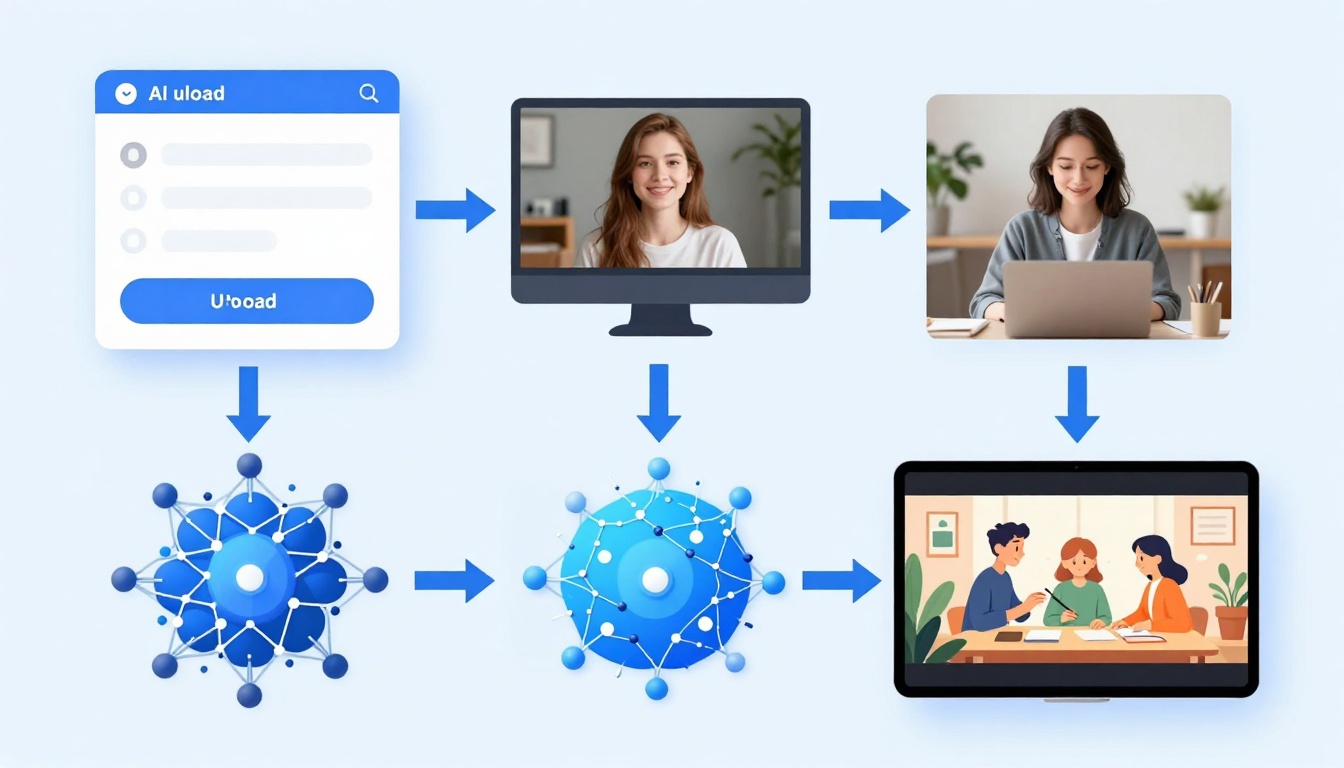
Example 1: Workflow Animation
Prompt: "A workflow diagram showing the video generation process with animated arrows and flowing connections between steps, smooth professional animation"
Video Result:
Click the image to watch the animated workflow diagram
What This Shows:
How static diagrams can become animated explanations
Smooth flow animations between process steps
Professional business animation style
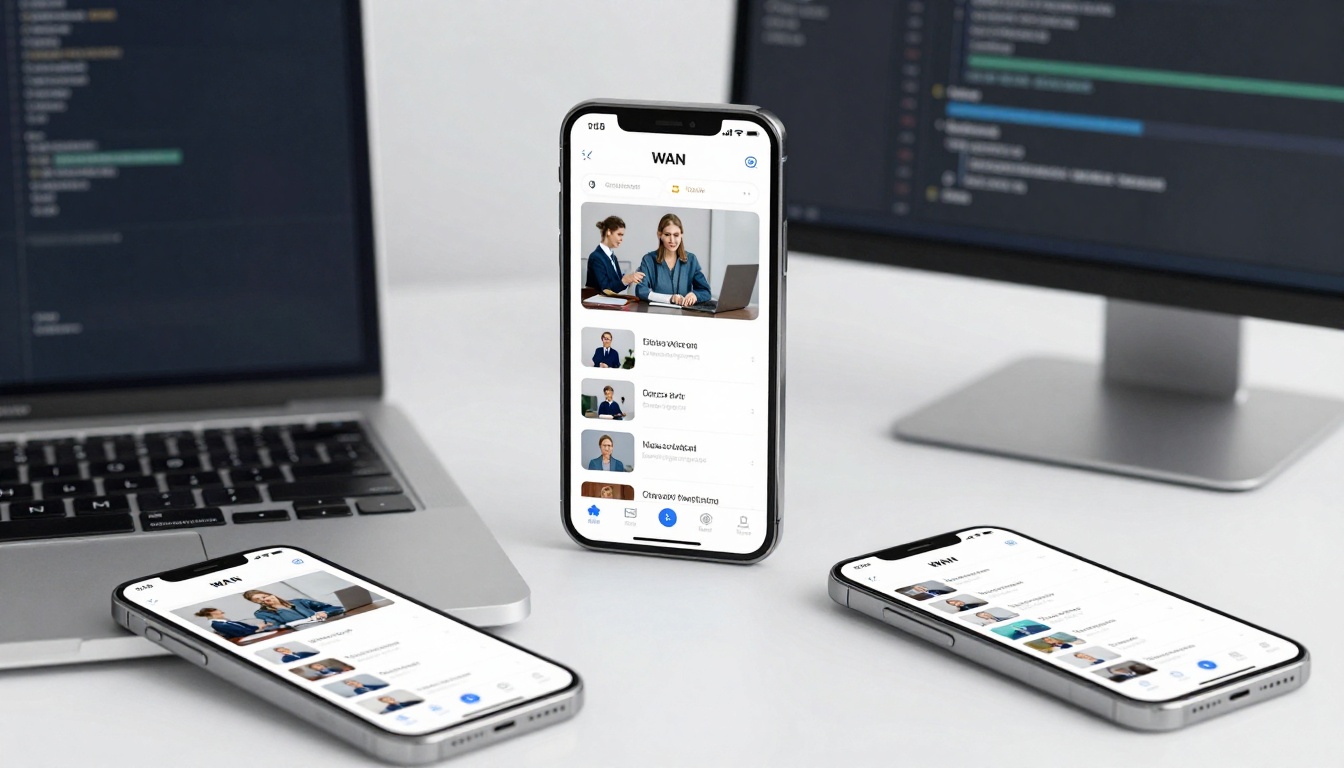
Example 2: Product Demo Animation
Prompt: "Product smartphone rotating slowly showing all angles with subtle screen animations showing app interfaces, professional product photography style, smooth cinematic rotation"
Video Result:
Click the image to watch the product rotation demo
What This Shows:
360-degree product rotation animations
Subtle screen interface animations
Professional e-commerce video style
Cinematic lighting and movement
Key Takeaways from Examples
Clear prompts yield clear results: Both examples use specific motion descriptions
Image quality matters: High-quality source images produce better animations
Style consistency: Match your prompt language to your desired output style
Practical applications: These are real-world use cases anyone can replicate
How to Use WAN Video on PicassoIA: Step-by-Step Tutorial
✨ Quick Win: Bookmark the WAN Video model page for quick access to unlimited video generation.
Style Direction: Cinematic, cartoon, realistic, etc.
Technical Preferences: Speed, camera movement, lighting
Example Prompts by Category:
Product Demonstration:
"The smartphone slowly rotates 360 degrees showing all angles, with subtle screen animations showing app interfaces, professional product photography style, smooth cinematic rotation"
Nature Scene:
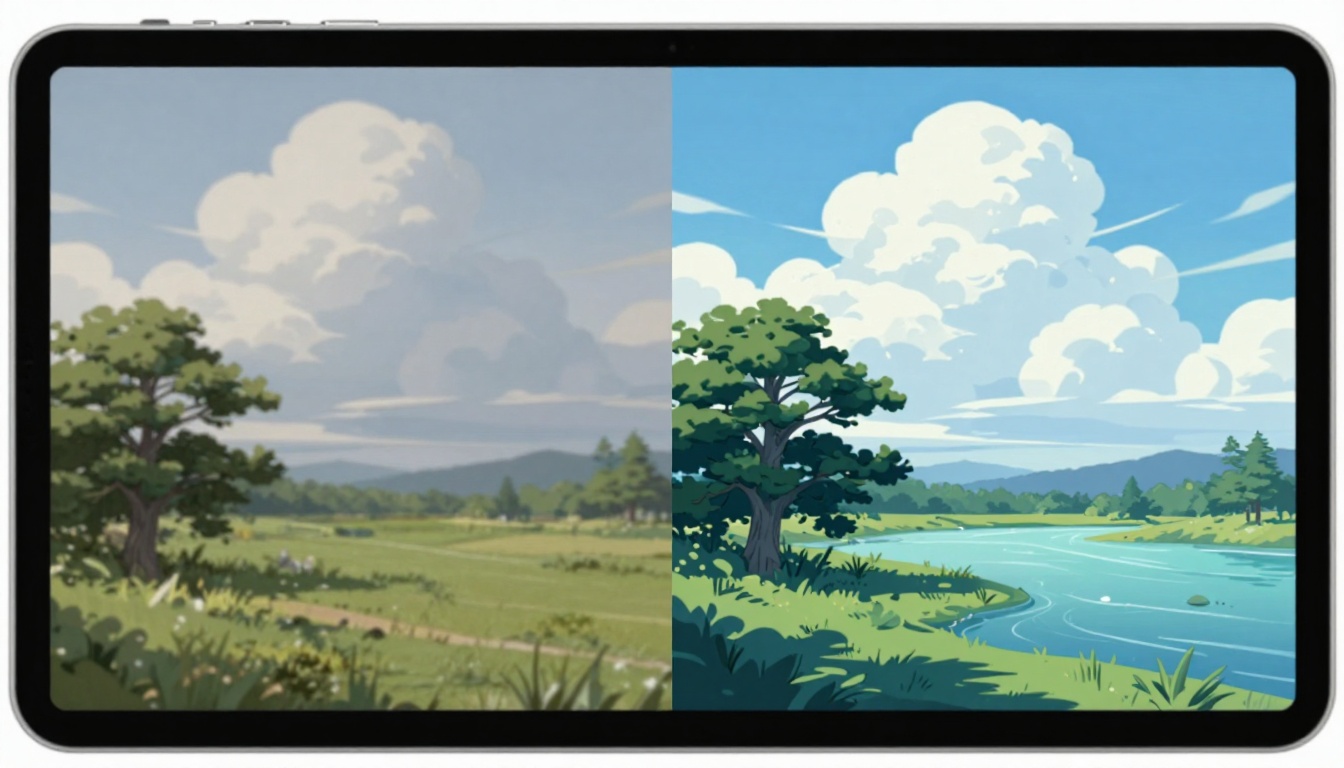
"Water flows gently downstream with ripples and reflections, leaves sway in a light breeze, clouds drift slowly across the sky, peaceful natural documentary style, tranquil atmosphere"
Character Animation:
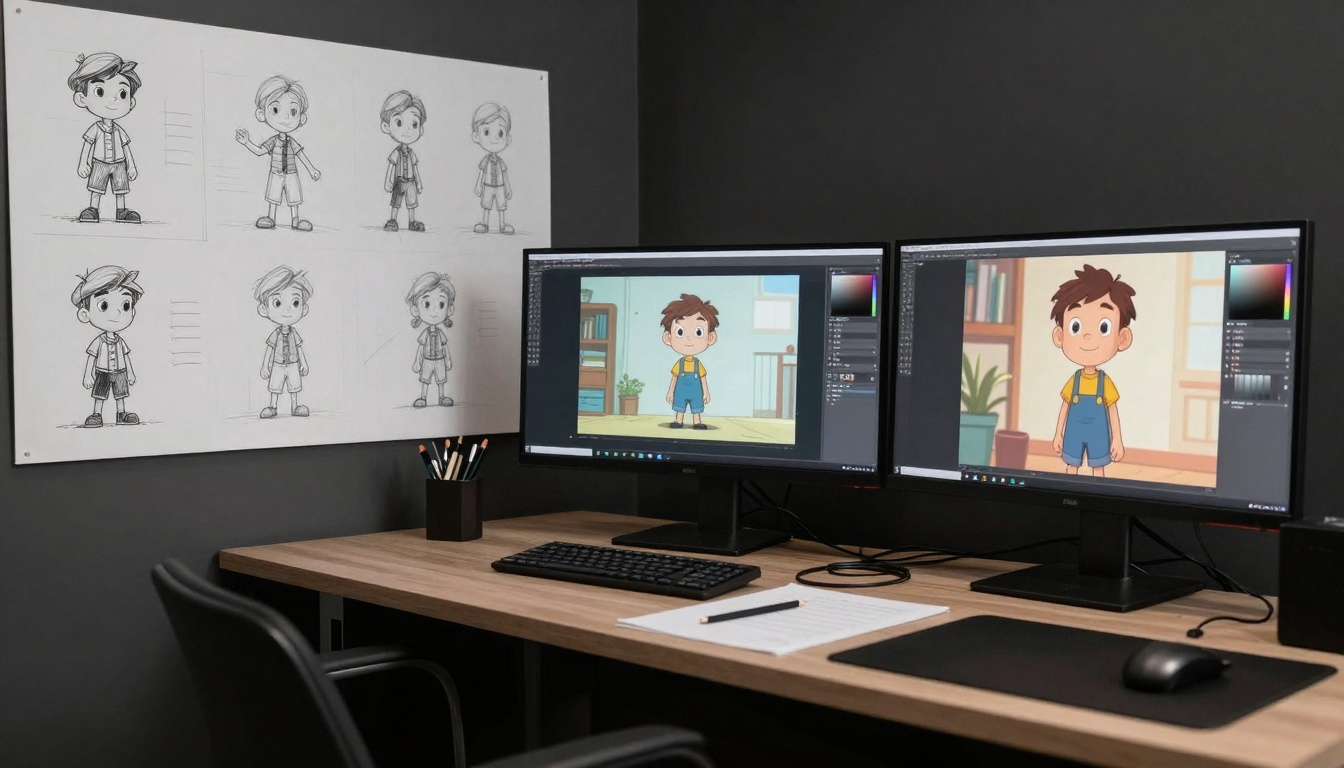
"The cartoon character waves happily with exaggerated arm movements, blinking eyes and smiling expression, playful animation style, smooth looping motion"
Template systems: Save and reuse successful configurations
Collaboration features: Team workflows and sharing
Advanced analytics: Performance tracking and optimization
Getting Started Today: Your Action Plan
🚀 Next Steps: Start with one simple project today. Experience is the best teacher for mastering unlimited video generation.
Week 1: Foundation Building
Daily Practice Schedule:
Day 1: Create 3 simple animations from family photos
Day 2: Experiment with different aspect ratios
Day 3: Master prompt structure with 5 different images
Day 4: Explore parameter effects systematically
Day 5: Create your first practical project (social media post)
Day 6: Refine techniques based on week's learning
Day 7: Plan your first content series
Month 1: Skill Development
Weekly Focus Areas:
Week 1: Technical mastery of all parameters
Week 2: Prompt engineering excellence
Week 3: Practical project implementation
Week 4: Advanced techniques and optimization
Long-Term Strategy
Building Your Video Library:
Document successes: Save prompts and parameters that work
Create templates: Standard formats for different content types
Develop workflows: Efficient processes for different projects
Share knowledge: Contribute to the PicassoIA community
Conclusion: The Unlimited Video Future
WAN Video on PicassoIA represents more than just a tool—it's a paradigm shift in content creation. The ability to generate unlimited videos for free removes traditional barriers and empowers creators at every level.
✨ Final Insight: The most successful video creators aren't those with the biggest budgets, but those who understand how to communicate their vision effectively to AI tools. Your creativity, not your wallet, becomes the limiting factor.
Key Takeaways:
Accessibility: Video creation is now available to everyone, regardless of technical skill or budget
Speed: What used to take days now happens in seconds
Experimentation: The free model encourages creative exploration without risk
Practicality: Real-world applications span from personal projects to professional work
Evolution: This technology will continue improving, making today's start valuable tomorrow
Your journey into unlimited video generation begins with a single image and a clear idea. Visit PicassoIA's WAN Video page and create your first video today. The only limit is your imagination.
Ready to start generating unlimited videos?Access WAN Video on PicassoIA now and transform your static images into dynamic content in seconds.