TikTok rewards one thing above everything else: video that fits its screen. Not cropped, not squeezed, not letter-boxed with black bars on the sides. The platform was designed for vertical video, and every piece of content you upload is judged by how well it fills that tall, narrow 9:16 frame. Whether you are picking up a phone for the first time or posting daily, getting the format right is what separates content that disappears in three seconds from clips that rack up views for weeks.
This article walks through how to generate vertical videos for TikTok, from phone camera settings and framing rules to AI video models that create full, scroll-stopping clips from a single text prompt, no camera required.
Why Vertical Is Not Optional on TikTok
When someone opens TikTok, the app fills the entire phone screen with one video. That screen is tall. If your video is horizontal (16:9 landscape), TikTok does not stretch it, it shrinks it and adds black bars top and bottom. That kills attention immediately. The algorithm treats it as a low-quality upload, and viewers scroll past it before the audio even registers.
Vertical video fills every pixel. It feels native, intentional, and professional even when it is not. The simple act of rotating your phone before you hit record changes how your content performs.
The 9:16 Ratio Explained
9:16 is the standard ratio for all short-form vertical video. In pixels, that translates to 1080 x 1920 at Full HD and 2160 x 3840 at 4K. TikTok recommends 1080p minimum. Anything below 720p looks compressed and blurry after the platform re-encodes it.
| Format | Dimensions | Quality |
|---|
| 4K Vertical | 2160 x 3840 | Best possible |
| Full HD Vertical | 1080 x 1920 | Recommended |
| HD Vertical | 720 x 1280 | Acceptable minimum |
| Horizontal (any) | Wide x Short | Avoid for TikTok |
What Happens When You Post Horizontal
TikTok will not reject horizontal video. It posts it. But then reach drops, watch time falls, and follows slow to a crawl. The algorithm factors in watch completion rates, and horizontal video with black bars loses viewers in the first second. The content is not the problem. The format is.
Your Phone Setup for Vertical Video
Most people skip setup and just point and shoot. Spending three minutes on settings before your first shoot changes everything downstream.
Getting Resolution Right
Open your phone camera settings before recording anything. On iPhone: Settings > Camera > Record Video. On Android, this is inside the Camera app under a gear icon or quality settings. Set the resolution to 1080p at 30fps or 1080p at 60fps for smooth motion in dances or fast content.
💡 Tip: 60fps is smoother but creates larger files. If you edit before posting, the editing app may re-encode the video and lose quality. Stick to 30fps unless motion blur is a real issue for your content type.
Framing Rules That Actually Work
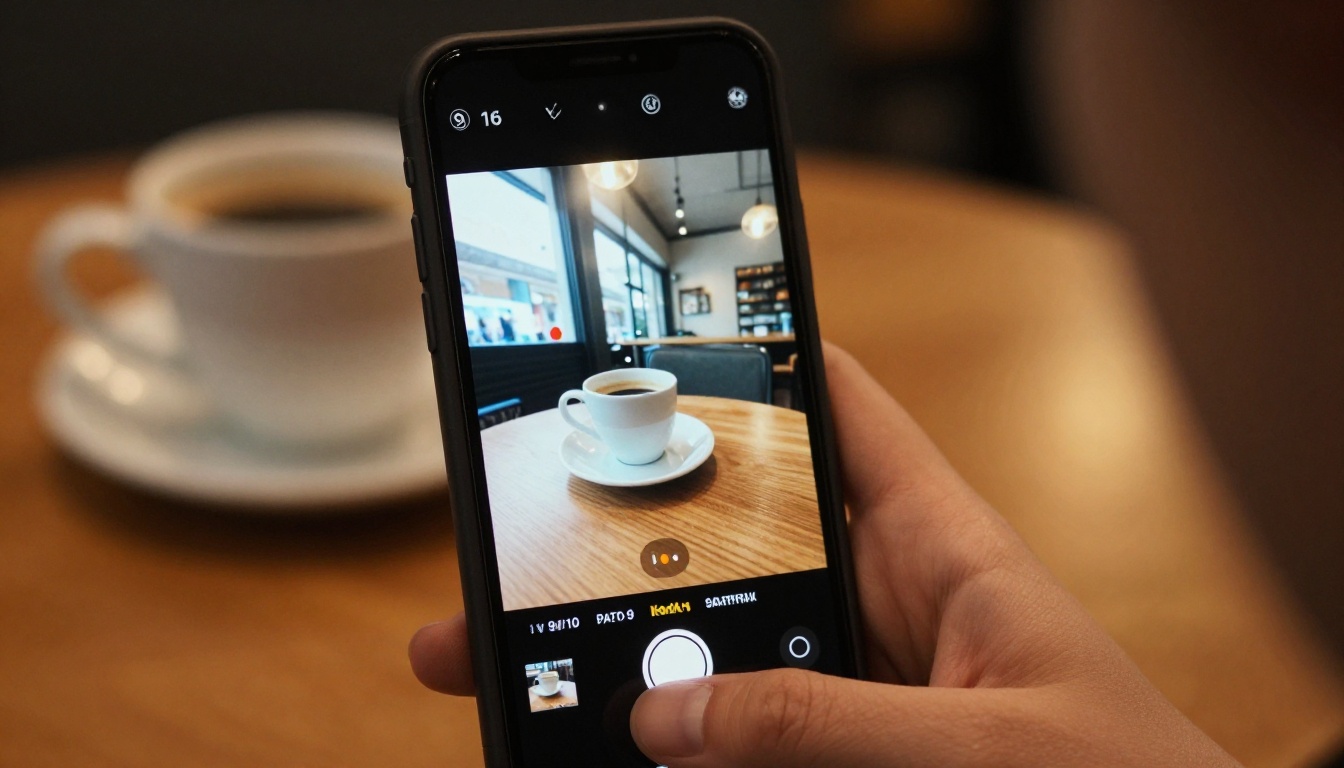
Framing for a vertical frame is different from what most people learned watching movies. Here is what works:
- Center your subject for talking head content. Eyes should sit in the upper third of the frame, not the middle.
- Leave headroom but not too much. A few inches above the head prevents that cut-off look.
- Use the full height. If there is empty space at the bottom, either step back or include something in the lower portion: hands, a product, a prop.
- Safe zones matter. TikTok overlays UI elements on the right side and bottom. Keep important content away from those edges.
💡 Tip: TikTok's in-app camera has a grid overlay. Turn it on. It shows exactly where the safe zone ends and where the algorithm crops for thumbnails.
Filming Tips That Change Everything
Getting the format right is just the start. What you do while filming determines whether viewers stay through to the end or swipe after two seconds.
Lighting on a Budget
Lighting is the single biggest factor in perceived video quality, more than lens quality, more than resolution. Bad lighting makes a high-end phone look low-end.
For most indoor TikTok content, natural window light is free and effective. Face the window, not the wall, so the light hits your face directly rather than creating harsh shadows. If you shoot at night or in a dark room, a ring light in the $25 to $60 range changes the look dramatically.
What to avoid:
- Overhead fluorescent lights that create dark shadows under eyes
- Backlighting (window or lamp behind you) that turns your face dark
- Mixed color temperatures: cool daylight from a window paired with warm yellow from a lamp
Stability Without a Gimbal
Shaky video is unwatchable. You do not need a $200 gimbal to fix it. Options ranked by cost:
- Prop your phone against a book, a mug, a box. Free and works.
- Phone tripod with a flexible neck: $10 to $20, works everywhere.
- Selfie stick with tripod feet: $20 to $35, doubles as a boom arm.
- Smartphone gimbal (DJI OM series, Hohem): $80 to $150, cinematic motion.
💡 Tip: For walking shots, hold the phone with both hands, bend your knees slightly, and walk heel-to-toe. It absorbs vibration better than any other no-cost method.
Audio You Cannot Ignore
TikTok is a sound-on platform. Bad audio kills watch time faster than bad visuals. Three options that work:
- Use TikTok's audio library and lip-sync or react to trending sounds. This borrows reach from the original audio's popularity.
- Record with a lavalier mic clipped to your shirt (Rode Wireless ME, DJI Mic 2). Removes background noise and wind instantly.
- Use voice-over in post. Record video silently, then narrate over it in the editing app. This is the simplest professional-sounding audio solution.
AI Video for TikTok Without Filming Anything
You do not have to appear on camera. You do not have to film anything. AI text-to-video models generate entire vertical video clips from a written description, cinematic, photorealistic, and ready to post.
This is not a workaround. It is a production workflow that brands, agencies, and solo creators use to output content at scale without a crew or studio.
What AI Video Models Can Do
Modern AI video models generate 5 to 10 second clips at up to 1080p from a text prompt. You describe the scene, the motion, the mood, and the model renders it. The quality is strong enough to post as-is for many niches: travel, product display, nature, abstract, fashion, food.
What they do well:
- Realistic human motion (walking, dancing, turning)
- Cinematic camera moves (pan, zoom, orbit)
- Environment and weather effects (rain, sunlight, fog)
- Product reveals and close-ups
What still needs refinement:
- Consistent faces across multiple clips
- Complex multi-person interactions
- Precise text overlay inside the video

Best Models for Vertical Content
Not every AI video model handles vertical output the same way. Here are the ones producing the strongest results for TikTok-style 9:16 content:
| Model | Strength | Best For |
|---|
| Kling v2.6 | Cinematic 1080p motion | Lifestyle, fashion, travel |
| Wan 2.7 T2V | High fidelity 1080p | Nature, product, abstract |
| Seedance 1.5 Pro | Audio-synced video | Music, dance, trending sounds |
| Pixverse v5 | Fast 1080p generation | Quick daily content |
| Veo 3.1 | Native audio and 1080p | Full scene storytelling |
| Hailuo 02 | Photorealistic HD | Beauty, food, architecture |
| LTX 2 Pro | 4K quality output | Premium product content |
| P Video | Text or image input | Flexible workflows |
How to Use AI Video Models on PicassoIA
PicassoIA gives you access to all the models above through a single interface, no API setup, no subscriptions to eight different platforms.
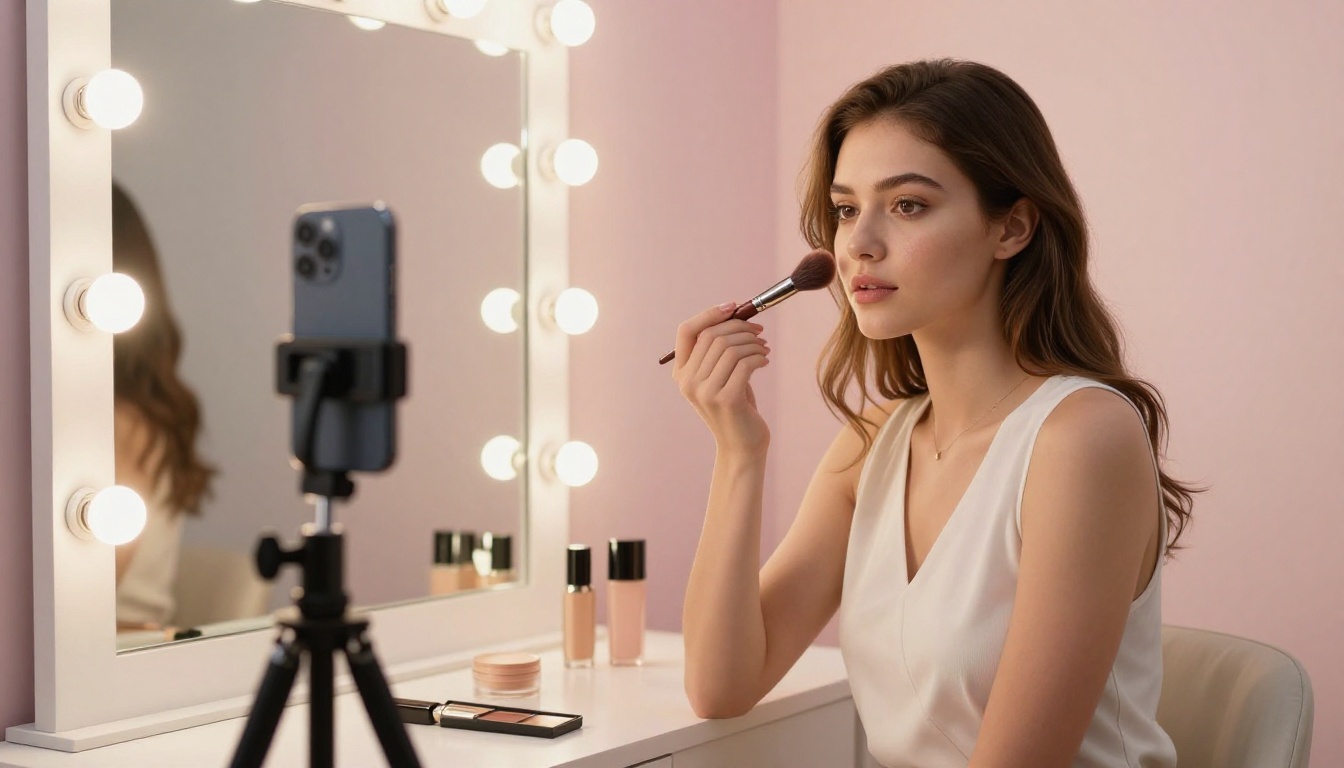
Step 1: Write a Strong Prompt
The prompt is everything. A vague prompt produces a vague video. A specific prompt produces a specific result.
Weak prompt: A woman walking on a beach
Strong prompt: A young woman in a flowing white dress walking barefoot along the shoreline at golden hour, waves gently reaching her feet, camera tracking her from a low angle, soft warm sunlight, slow motion, cinematic depth of field
For vertical TikTok video, add this to any prompt: "vertical 9:16 framing, portrait orientation, full height composition"
Elements of a strong AI video prompt:
- Subject: who or what is in the frame
- Action: what they are doing
- Environment: where the scene takes place
- Lighting: time of day, direction, quality of light
- Camera: angle, movement, lens feel
- Mood: emotional tone of the clip
Step 2: Choose the Right Model
For fast, high-quality TikTok content, Kling v2.6 and Pixverse v5 are the most reliable starting points. Both handle the 9:16 format natively and produce output at 1080p without extra steps.
If you want the absolute highest quality and have time to wait, LTX 2 Pro outputs at 4K, which you can crop to vertical in any editing app with zero quality loss.
For content that needs synced audio, Seedance 1.5 Pro is built precisely for that use case.
💡 Tip: Run the same prompt through two different models and compare. It takes a few extra minutes but often produces one result that is noticeably better for your specific scenario.
Step 3: Set to Vertical Output
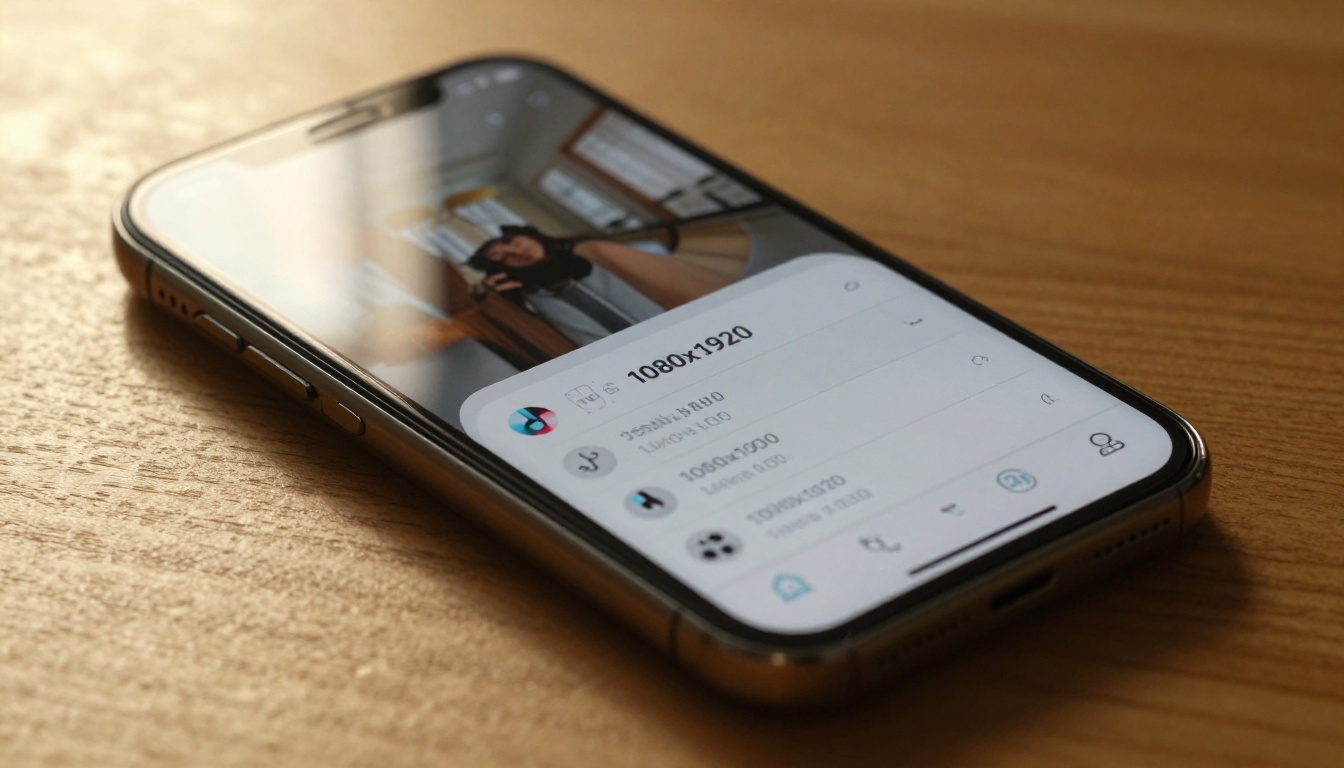
In the model settings, look for aspect ratio or output dimensions. Select 9:16 or set dimensions to 1080 x 1920 manually. Some models default to landscape output and need this adjustment, or the video will need cropping in post.
If a model does not support 9:16 natively, generate at the highest quality available and crop in your editing app. A 4K horizontal clip cropped to vertical still looks sharp at 1080p.
Step 4: Refine and Iterate
AI video generation is iterative. Your first output may be 80% of what you want. Adjust the prompt based on what worked and what did not.
Common adjustments:
- Too slow: Add "fast motion, dynamic movement" to the prompt
- Wrong framing: Specify "tight close-up" or "wide environmental shot"
- Poor lighting: Add "golden hour," "studio lighting," or "overcast natural light"
- Needs energy: Add words like "vibrant," "energetic," "high contrast"
For content starting from an existing image, models like Wan 2.7 I2V and P Video accept image input and animate it into video. This works particularly well for product-focused TikTok accounts that already have photo assets.
Editing Your Vertical Video
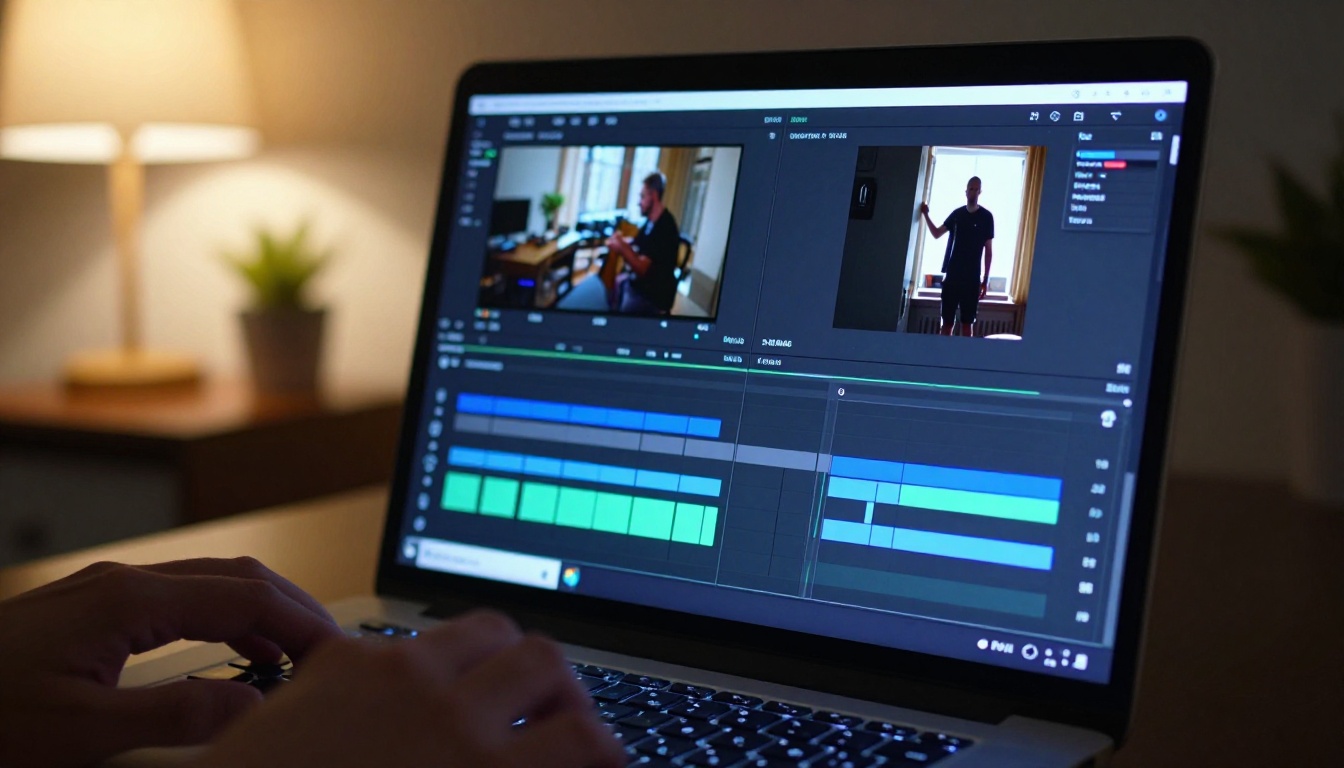
Whether filmed on a phone or generated with AI, the editing step is where captions, music, pacing, and polish come together.
Apps Worth Using
| App | Platform | Best For |
|---|
| CapCut | iOS, Android, Desktop | AI captions, templates, effects |
| DaVinci Resolve | Desktop | Color grading, precision editing |
| TikTok In-App Editor | iOS, Android | Quick native uploads |
| Adobe Premiere Rush | iOS, Android, Desktop | Multi-clip timelines |
CapCut is the most popular among short-form creators for a reason. Its auto-caption tool alone saves hours per week, and its template library covers nearly every trending TikTok format.
Captions and Text Placement
Always add captions. A significant portion of TikTok viewers watch with sound off, especially in public spaces. Captions keep them watching through to the end.
Text placement for vertical video:
- Keep text in the center horizontal band of the frame (roughly 30% to 70% of the height)
- Avoid the bottom 15% (overlaps with TikTok's own UI elements)
- Avoid the right 20% (overlaps with the action button column)
- Use high-contrast text: white with a dark shadow, or dark text on a light background block
What Actually Gets Watched
You can have perfect vertical framing, great lighting, and a cinematic AI clip and still get no views. Distribution matters as much as production.
The First 3 Seconds Rule
TikTok's algorithm measures retention. If people swipe away in the first three seconds, the video stops being pushed to new viewers. If they watch to the end or re-watch, the algorithm amplifies it.
Your first frame needs to do one thing: create a reason to stay. That could be:
- A striking visual (unexpected image, bold color contrast)
- A spoken question or bold claim ("Nobody talks about this...")
- Text on screen that promises a payoff ("Wait for the end")
- Motion that catches the eye (fast cut, zoom, sudden movement)
Do not start with an intro. Do not say your name. Do not explain what the video is about. Start in the middle of something already happening.
Posting Time and Frequency
TikTok's algorithm is not purely time-dependent, but initial distribution to your followers happens when they are online. Windows that perform consistently:
- Tuesday to Thursday: higher overall platform activity
- 7am to 9am: morning commute scroll
- 12pm to 2pm: lunch break
- 7pm to 9pm: evening peak
Frequency matters more than timing for most accounts. Posting every day for 30 days consistently outperforms posting three times a week with "perfect" content. The algorithm rewards accounts that show up regularly.

Start Making Vertical Videos Today
Vertical video for TikTok is not complicated once you have the right setup. A phone held upright and set to 1080p is all you need to start filming. AI video models give you a completely different option: generate cinematic content without a camera, using models like Kling v3 Video, Veo 3.1, or Hailuo 02 to produce scroll-stopping clips from a text description alone.
PicassoIA puts all of these models in one place. You can test multiple approaches on the same prompt, compare results side by side, and find the workflow that fits your content style. Whether you are a solo creator posting daily or a brand building a content library from scratch, the tools are ready.
Try generating your first AI vertical video: pick a scene you want to see, write a detailed prompt, choose a model, and see what comes back. The output might surprise you.


