The first time most people saw a Seedance 2.0 video, they assumed it was professionally filmed. The motion is fluid. The skin texture catches light in a way that feels tactile. The overall output carries a cinematic weight that earlier AI models never came close to matching. If you've been chasing that quality for your own NSFW AI video projects, this article tells you exactly how to get there: which models to use, how to write prompts that actually produce cinematic results, and the workflow that separates generic output from something that looks shot on a real set.
What Makes Seedance 2.0 Different
Seedance 2.0 is a text-and-image-to-video model from ByteDance. It's not the only strong contender in this space, but it currently sets the benchmark for realistic motion in suggestive or adult-adjacent content. The reason comes down to three things: temporal coherence, motion naturalness, and skin rendering fidelity.
The Temporal Coherence Problem
Most AI video generators struggle with what's called temporal coherence, which is the consistency of a subject from one frame to the next. A face that morphs subtly between frames, hair that flickers, or clothing that warps is the tell that something was AI-generated. This is especially visible in close-up and portrait-style shots where the viewer is actively studying the subject.
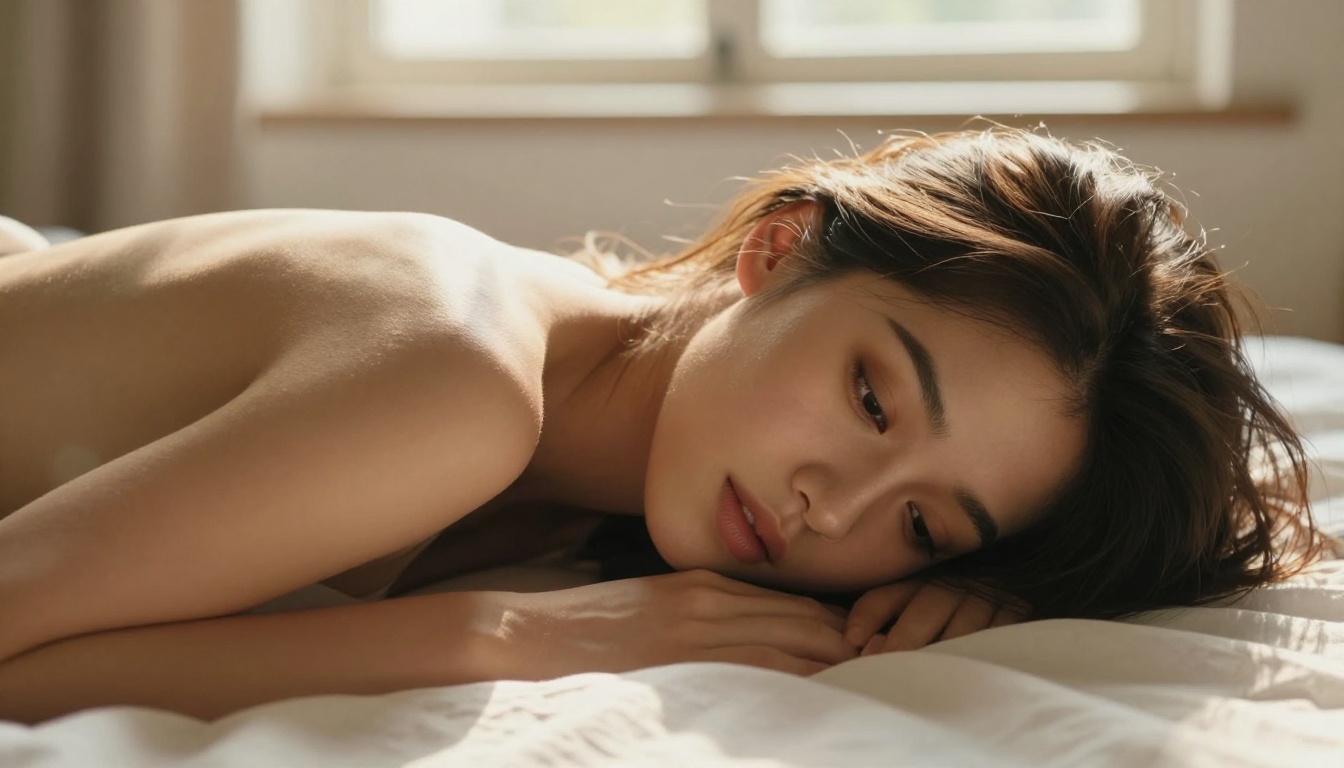
Seedance 2.0 handles this significantly better than its predecessors. Faces maintain their structure through full head movements. Hair flows in physically plausible arcs. Skin tone doesn't fluctuate under changing light. The result is video that feels captured rather than synthesized.
Skin and Texture Rendering
This is arguably where Seedance 2.0 wins hardest. The model renders micro-detail on skin with an accuracy that previous models couldn't sustain over motion. You get:
- Natural subsurface scattering on lighter skin areas
- Realistic pore shadow behavior under directional lighting
- Accurate fabric-skin contact (clothing moves with the body, not floating above it)
- Hair strand micro-motion that responds to implied physics
For NSFW content specifically, this physical accuracy is what separates "looks like a game cutscene" from "looks like a real person."
Native Audio Integration
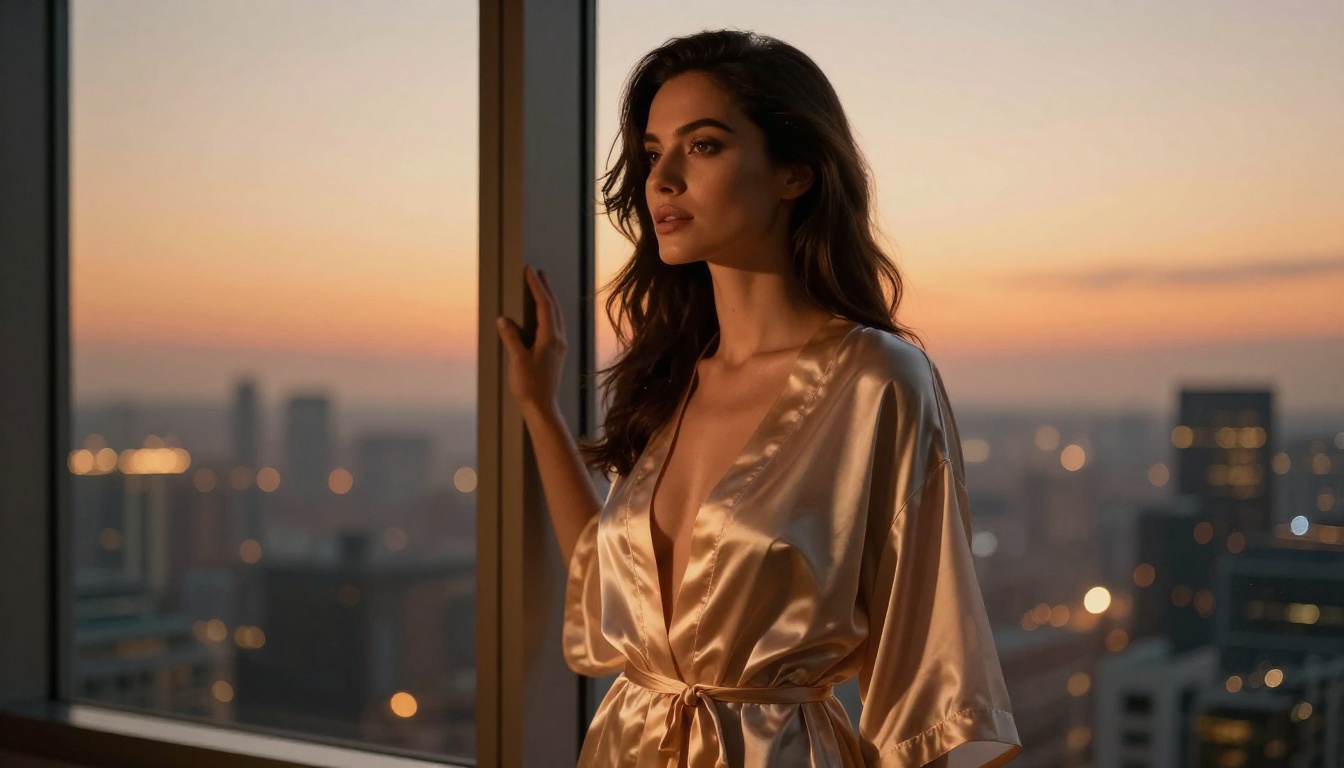
One thing that often gets overlooked: Seedance 2.0 generates with native audio. Ambient sound, breath, and environmental audio can be present in the output without any post-processing. For immersive NSFW video creation, this raises production value dramatically with no extra effort on your end.
💡 Tip: Use Seedance 2.0 Fast for your first 3-4 prompt iterations. Switch to the full model only when you're satisfied with the concept. It's the fastest way to iterate without burning credits.
Prompt Architecture for Cinematic Results
Getting cinematic NSFW output from any model is almost entirely a prompting problem. The model can only render what you describe. Vague prompts produce vague output. Here's how to build prompts that consistently deliver.
The Five-Layer Prompt Structure
Think of every prompt as having five distinct layers, each responsible for a different dimension of the output:
| Layer | What It Covers | Example |
|---|
| Subject | Who, what they're wearing, body position | "woman in black satin robe, seated at the edge of the bed" |
| Environment | Setting, background detail | "dimly lit boutique hotel room, city lights through sheer curtains" |
| Lighting | Source, direction, quality | "single warm bedside lamp from the right, soft rim light tracing the shoulder" |
| Camera | Angle, lens, movement | "medium shot, 85mm, slow dolly forward" |
| Atmosphere | Mood, film style, texture | "Kodak Portra 800, cinematic grain, late evening color grade" |
Missing even one layer usually results in flat, generic output. Lighting and atmosphere are the two layers most people skip, and they're the two most responsible for the "cheap AI" look.
What NOT to Write
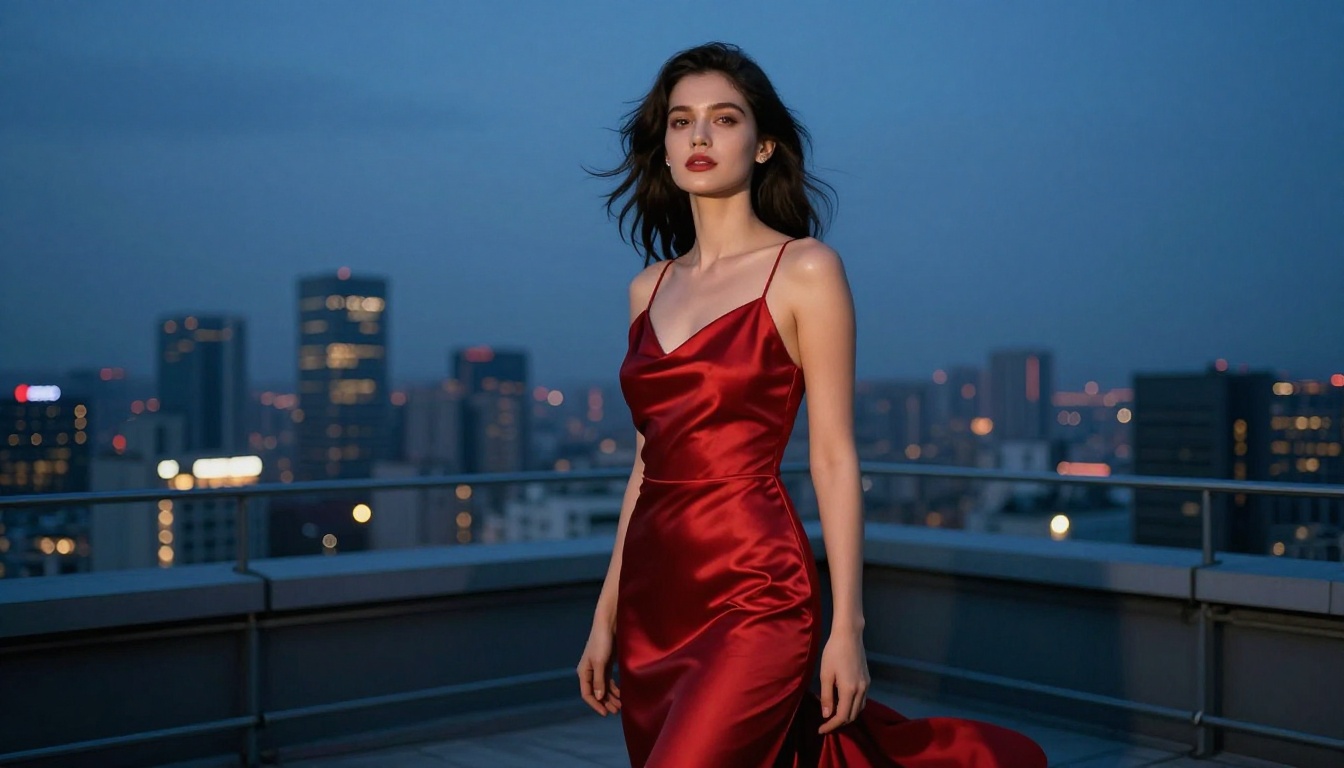
The most common mistake is writing NSFW prompts that focus heavily on explicit content and leave everything else unspecified. The model doesn't need explicit detail to produce sensual output. It needs cinematic detail.
Weak prompt: "sexy woman in lingerie, realistic, 4k"
Strong prompt: "elegant woman in ivory silk chemise reclining against a dark headboard, late evening light from a floor lamp creates a warm gradient across the fabric, medium shot, 85mm f/1.8, soft film grain, moody intimacy, Kodak Portra 400"
The second prompt gives the model everything it needs to produce something that looks shot on location.
💡 Tip: Describe light behavior (how it falls, where shadows land) rather than just naming light sources. "Warm lamp glow pooling on the left shoulder creating soft edge shadow on the neck" will outperform "warm lamp lighting" every single time.
The Best Models for This Style Right Now
Seedance 2.0 is the headline, but it's not the only model worth knowing. Depending on your scene type, speed requirements, and output goals, here's the current top tier:
Seedance 2.0 (Full)
Best for maximum realism, final renders, skin fidelity, and close-up portrait shots. Seedance 2.0 is the reference standard right now. Slower generation, but the quality gap is real when you're working at portrait distance.
Wan 2.6 Text-to-Video
Wan 2.6 T2V handles depth-of-field simulation and background-subject separation exceptionally well. Use it for complex scene compositions, environmental shots, or any scene with rich spatial depth.
Wan 2.6 Image-to-Video
Wan 2.6 I2V takes a still image and generates motion from it. This workflow is powerful for NSFW content because you can first generate a precise still using a text-to-image model, get the composition exactly right, then animate it. Far more control than pure text-to-video for sensitive or precise subjects.
Kling v3
Kling v3 excels at physically convincing motion: fabric flow, hair movement with weight, and natural body dynamics. When the motion itself is the priority and you want that "filmed on a real set" feeling, this is the model to reach for.
Hailuo 2.3
Hailuo 2.3 is the fastest of the high-quality options. When you need volume over perfection, or you're prototyping multiple scene variations before committing to a final render, this one strikes the best balance of speed and realism.
PixVerse v5.6
PixVerse v5.6 handles dramatic light-and-shadow scenarios with exceptional results: night shots, candlelit scenes, and high-contrast intimate lighting. If your scene relies on atmosphere over motion complexity, this is a strong pick.
LTX-2.3-Pro
LTX-2.3-Pro holds quality across longer video durations better than most alternatives. If you're building sequences beyond five seconds, this model reduces the quality degradation that typically appears in extended AI video.
How to Use Seedance 2.0 on PicassoIA
Since Seedance 2.0 is the model this whole article is built around, here's the direct workflow for best results.
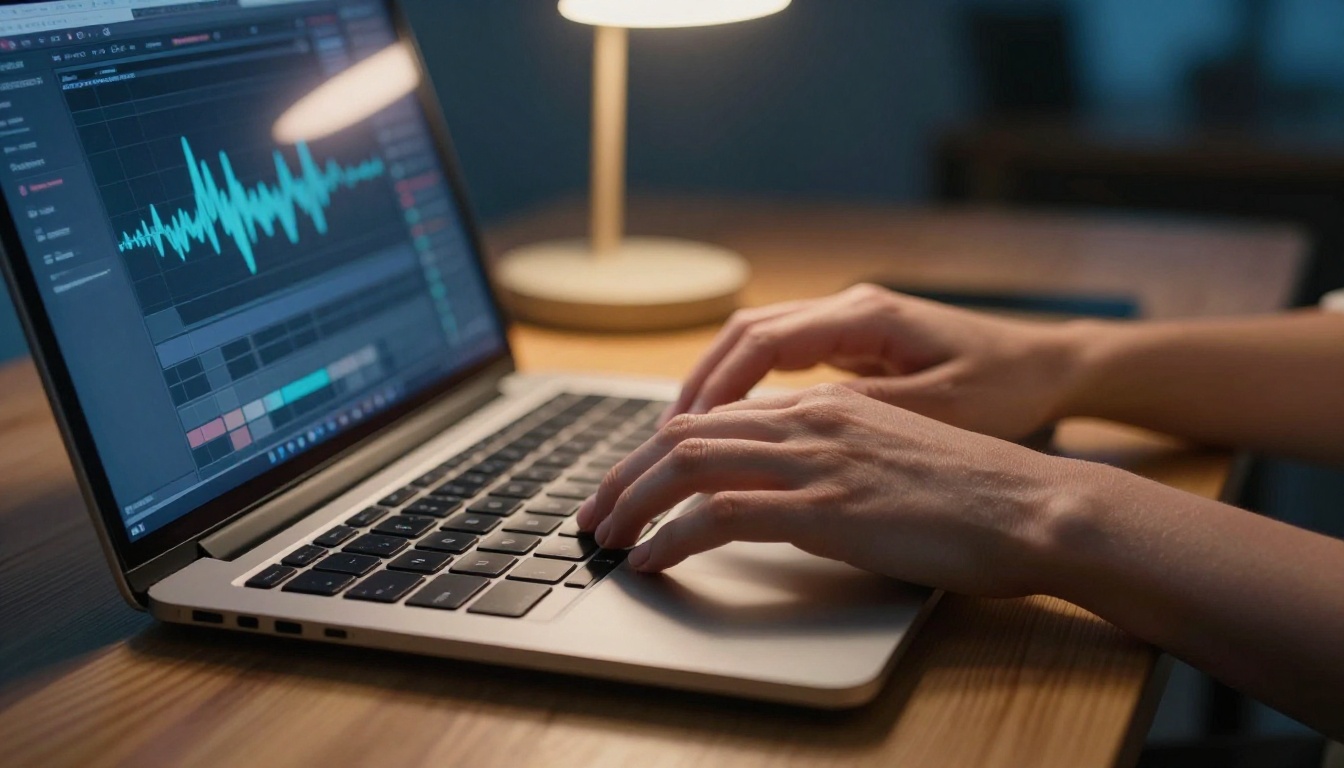
Step 1: Choose Your Input Mode
On the Seedance 2.0 page you'll see two input options:
- Text-to-video: Build your scene entirely from a written prompt.
- Image-to-video: Upload a reference still, then describe the motion.
For NSFW-style cinematic content, image-to-video consistently produces cleaner results because you've already solved the composition problem before the model touches it.
Step 2: Build a Layered Prompt
Apply the five-layer structure. Do not skip lighting and atmosphere. Here's a working example:
"Woman in ivory lace standing at an open balcony window, warm late afternoon light filtering through sheer curtains casting soft parallel shadows across bare skin, low-angle medium shot, 50mm lens, gentle breeze visible in hair and fabric, Kodak Portra 400 color grade, slow camera drift left, cinematic grain"
Step 3: Set Duration by Scene Type
- Close-up portrait shots: 3-5 seconds. Quality holds better with shorter durations.
- Environmental or movement-heavy shots: 8-10 seconds. Motion context needs room to develop.
- Intimate still scenes with subtle motion: 5-7 seconds is the sweet spot.
Step 4: Iterate on Fast, Finalize on Full
Use Seedance 2.0 Fast for your first several attempts to refine the prompt. Switch to the full model only when you've confirmed the composition and lighting are where you want them. This workflow saves significant time and resources.
💡 Tip: Keep a personal log of your best-performing prompts. A prompt structure that produced strong output for one scene will usually produce strong output in similar configurations. Lighting setups in particular transfer well across different subjects.
The Image-First Workflow
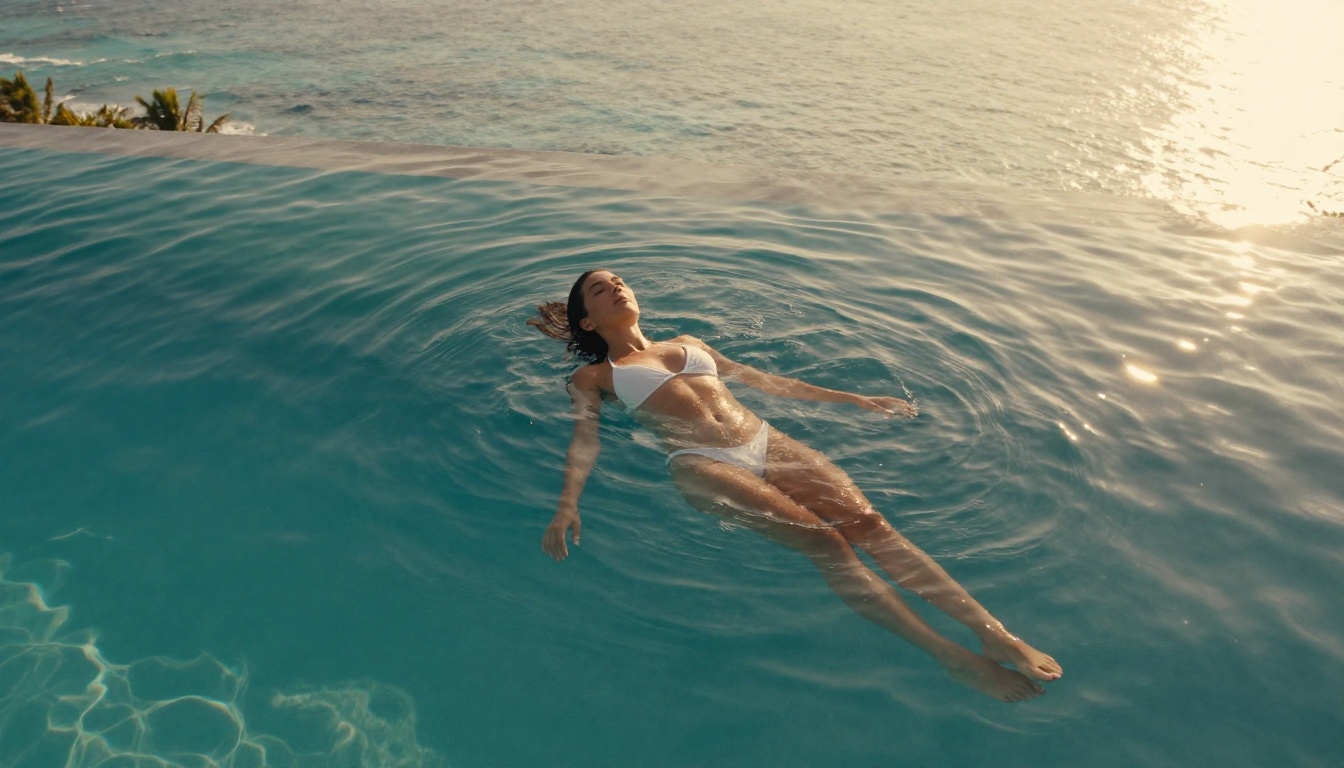
One of the most reliable ways to achieve Seedance-level output is to not start with video at all. Start with image generation.
Why This Works
Text-to-video models have to solve two hard problems simultaneously: what the frame looks like and how it moves. When you provide a strong reference image, you've already solved the first problem. The model can concentrate all its capacity on producing convincing motion rather than splitting attention between visual design and temporal consistency.
The Two-Step Process
- Generate a photorealistic still using a text-to-image model. Dial in the subject, clothing, pose, and lighting until the frame is exactly what you want.
- Feed that still into Seedance 2.0 or Wan 2.6 I2V with a motion-focused prompt. Keep it minimal: "subtle breathing movement," "slow hair lift from ambient breeze," "slight head turn toward camera."
The output from this workflow looks significantly more controlled than text-to-video alone, especially for content where precise body position and composition matter.
Lighting Setups That Read as Cinematic
Regardless of which model you use, certain lighting descriptions consistently produce output that reads as professionally produced. These setups work because they match real-world film lighting logic, and the models have absorbed enough film data to interpret them accurately.
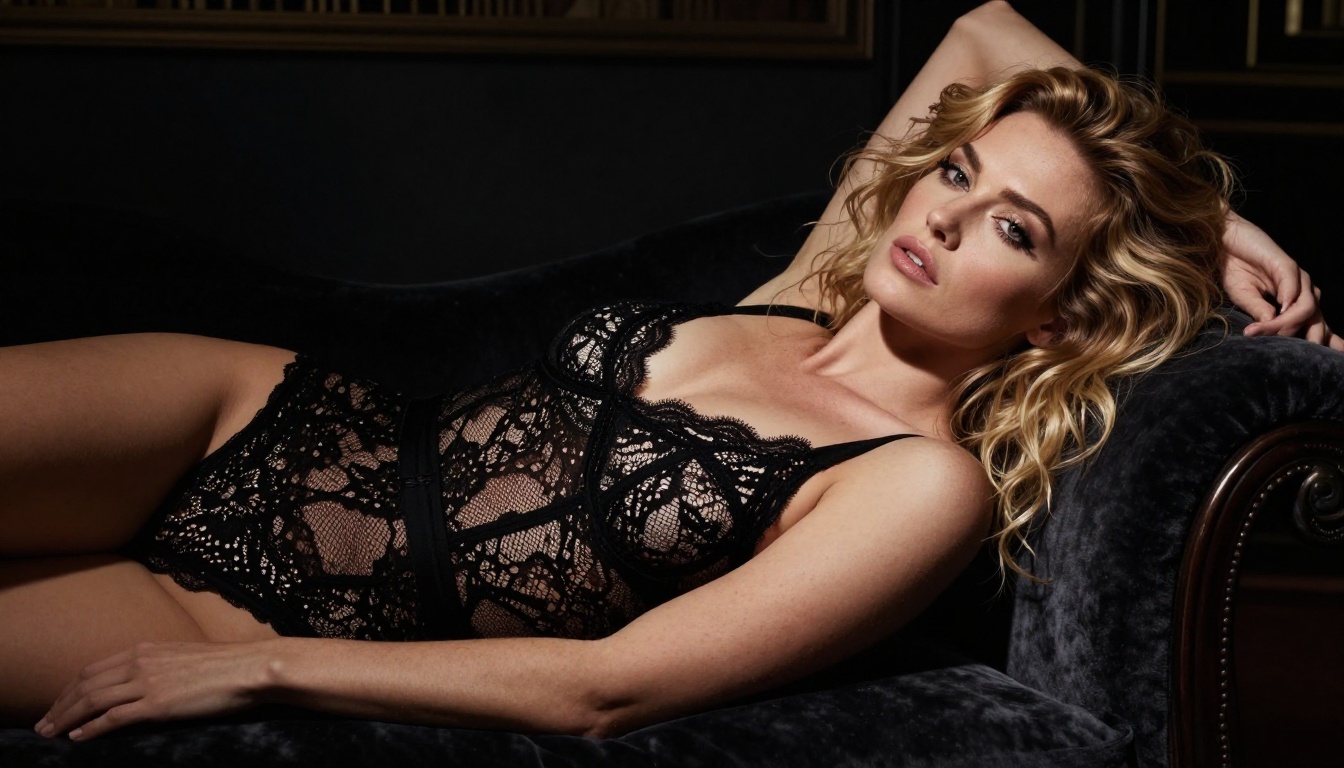
The Three-Point Film Setup
Describe a primary light, fill light, and rim light. AI video models understand classical film lighting vocabulary and respond to it reliably.
"Warm tungsten primary light from upper left, soft ambient fill from the right removing harsh shadows, cool rim light from behind separating subject from background"
This single sentence in any prompt will immediately push output toward professional film aesthetics.
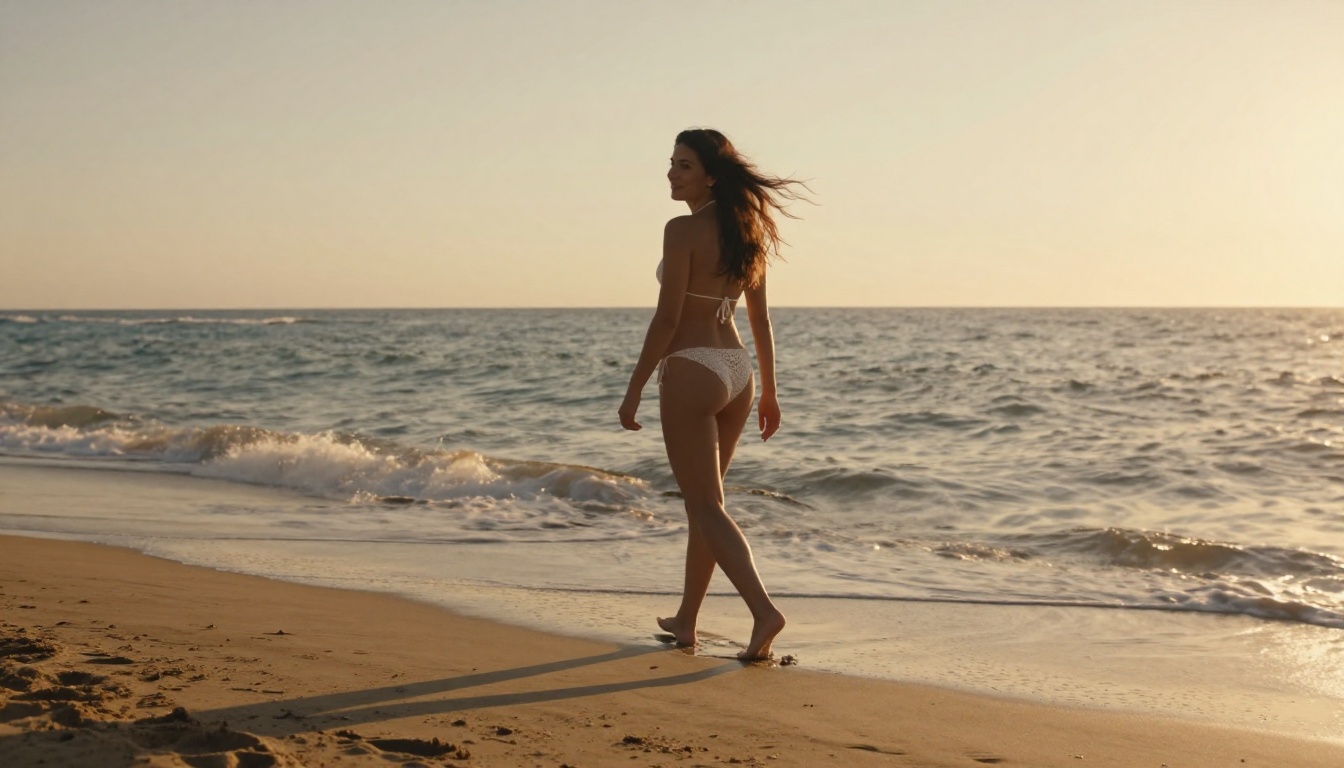
Golden Hour Outdoors
The most forgiving lighting scenario for NSFW content is the golden hour exterior. Warm, diffuse light, no hard shadows, naturally flattering on skin at any distance. Describe it precisely:
"Late afternoon golden hour sunlight from camera left, warm orange cast on skin, long soft shadows extending away from subject, ambient reflected light from sand and water filling shadow areas"
Candlelight and Low Ambience
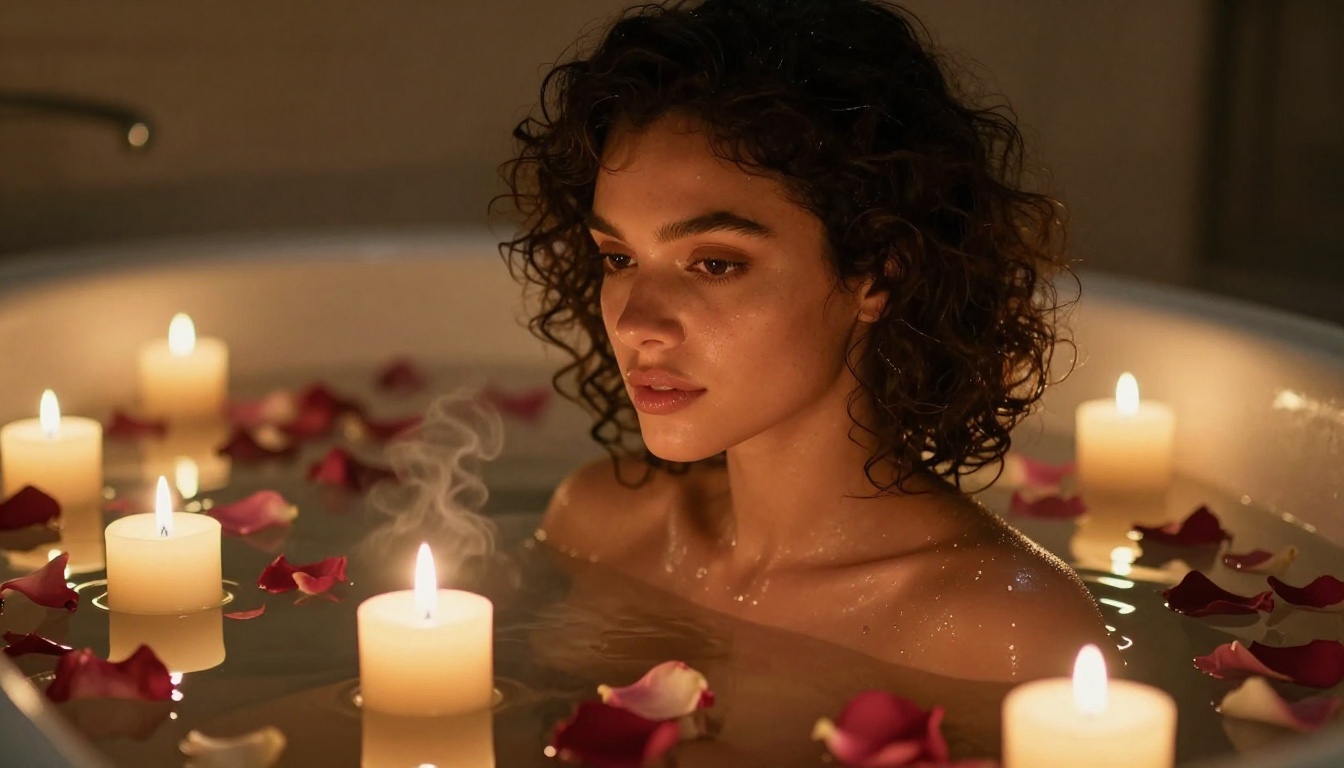
For intimate indoor scenes, candlelight prompts generate remarkably convincing output in models like PixVerse v5.6 and Seedance 2.0:
"Single candle flame as primary light source, warm amber flicker light wrapping subject from the right, deep natural shadows on left side, slight warm glow on skin from below"
Window Light: The All-Purpose Option
Soft, directional window light is the most versatile setup. Controllable, natural, and flattering regardless of skin tone or fabric:
"Diffused daylight from large window frame left, soft natural shadows falling across mid-body, cool ambient fill from the opposite wall, slightly overcast sky giving even quality"
Common Mistakes That Break Cinematic Quality
Even with the right model and a solid prompt, a few consistent errors will pull output into "obviously AI" territory every time.
Too Many Subjects
Every additional person in the scene multiplies the temporal coherence the model has to maintain. Two people moving in the same frame doubles the chances of flickering or warping. Keep NSFW scenes focused on a single subject whenever possible for cleanest results.
Conflicting Style Descriptors
Mixing film aesthetics (Kodak Portra, cinematic grain, soft latitude) with hyper-digital aesthetics (4K sharp, ultra-clean, HDR) creates conflicted output. Pick one visual language and commit to it throughout the prompt.
Overly Static Poses at High Complexity
Still images can hold any pose. Video requires the model to maintain that pose through motion. Extreme positions requiring fine joint detail (hands near face, complex leg arrangements) degrade quickly in video. Default to naturalistic resting poses for the cleanest output, then add motion through subtle motion verbs.
Forgetting Motion Verbs
A prompt without motion description produces generic or abrupt movement. Add at least one motion verb per prompt to direct the output:
- "exhales slowly, slight chest rise"
- "fingers trace across fabric"
- "hair lifts gently in ambient breeze"
- "slowly turns head toward camera"
💡 Tip: Small, subtle motions look more realistic than large dramatic ones. "Slight shoulder drop" consistently outperforms "poses dramatically." AI models handle micro-motion far better than macro-action.
How to Stack Models for Maximum Quality
The highest-quality results usually come from combining multiple tools in sequence rather than relying on any single model for everything. This is how serious creators are working right now.
Recommended Stack
| Step | Tool | Purpose |
|---|
| 1 | Text-to-image model | Generate a precise reference still |
| 2 | Seedance 2.0 | Animate with subtle, controlled motion |
| 3 | Wan 2.6 I2V | Alternative animation for variation or re-takes |
| 4 | Super-resolution / AI video restoration | Upscale and stabilize final output |
Running AI video restoration after generation recovers fine detail and removes subtle temporal artifacts from any model, pushing the final result noticeably closer to professional quality without any re-generation cost.
Choosing Between Wan Versions
The Wan family spans several speed and quality tiers. Here's how to think about which to reach for:
- Wan 2.6 T2V: Best text-to-video quality in the series. Use for pure prompt-to-video generation.
- Wan 2.6 I2V: Best image-to-video quality. Use when you have a strong still to animate.
- Wan 2.2 I2V Fast: Speed priority with solid quality for iteration and drafts.
Each has a clear use case. Mixing them strategically across your workflow lets you move fast on iterations while still achieving a high-quality final render.
The Prompt Reuse Strategy
Once you have a prompt structure that works for a specific lighting setup or scene type, that structure transfers across different subjects. The lighting variables are the reusable part. Change the subject description while keeping the lighting, camera, and atmosphere layers consistent, and you'll maintain visual coherence across a series of outputs without starting from scratch each time.
Start Producing Cinematic AI Video Now
The gap between "generic AI video" and "cinematic AI video" is not the model. It's the workflow. Seedance 2.0 gives you the best technical foundation available right now, but prompt architecture, lighting descriptions, and the image-first approach are what actually close the quality gap between a forgettable output and something you'd be proud to show.
All the tools in this article are available on PicassoIA in one place. Seedance 2.0, Seedance 2.0 Fast, Wan 2.6, Kling v3, Hailuo 2.3, PixVerse v5.6, and over 80 additional text-to-video models are ready to use right now. Start with the five-layer prompt structure, iterate fast using the speed variants, and use the image-first workflow for your highest-priority scenes.
There's no reason your next AI video can't pass for something shot on a real set.


