Higgsfield Cinema Studio arrived with a specific promise: make AI video feel less like a tech demo and more like actual filmmaking. If you've spent time with other text-to-video tools and found the results flat or unpredictable, Higgsfield's structured approach to shot design is worth your attention. This article walks through every stage, from creating your account to shipping your first polished cinematic clip.
What Higgsfield Cinema Studio Actually Is
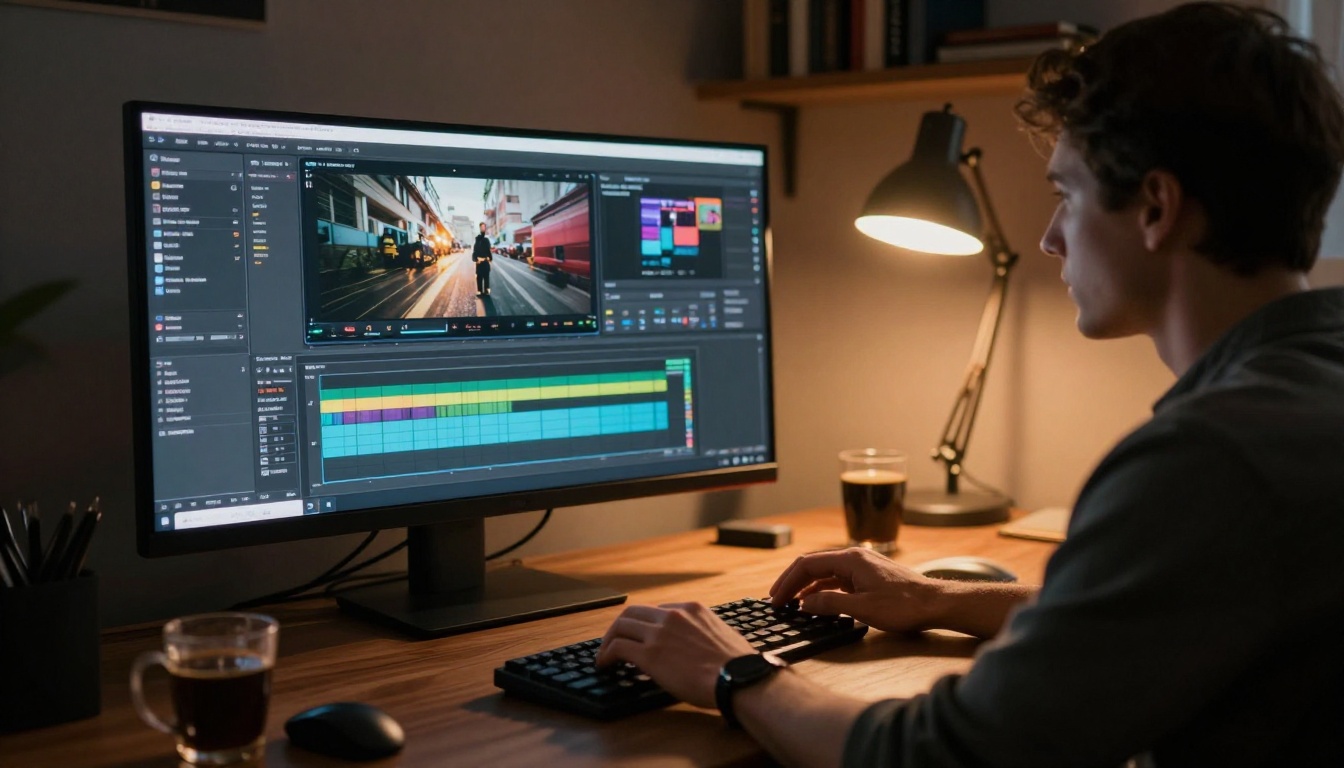
Higgsfield Cinema Studio is a browser-based AI video platform built around a film-production metaphor. You are not simply entering a prompt and waiting. You are building shots, organizing them into scenes, and arranging scenes into a story. That three-tier hierarchy, shot, scene, story, maps directly onto how directors and cinematographers think about visual narrative.
The platform runs on Higgsfield's proprietary generation model, trained on curated high-quality cinematographic footage. The practical outcome is output that holds together better across lighting logic, camera physics, and compositional intent than most general-purpose alternatives.
The core workflow
Every project starts with a Shot, which is the atomic unit: one prompt, one camera movement, one clip. Shots are grouped into Scenes, and scenes chain into a Story. This structure keeps complex projects organized without requiring a separate video editor.
Who it's built for
- Filmmakers using AI for pre-visualization or low-budget production
- Content creators who need cinematic short-form at scale
- Marketers producing aspirational product or lifestyle footage
- Developers prototyping narrative-driven applications
The tool rewards people who already think in shots. If terms like motivated camera move or depth of field are unfamiliar, there is a modest ramp before output quality reflects your intent.
Setting Up Your Account

Signup is minimal friction. Head to the Higgsfield website, register with email or Google, and the Studio interface loads immediately. No desktop app, no API token setup at this stage.
Free accounts receive a monthly credit allotment that is enough to properly evaluate the tool but not for high-volume production. Paid plans give you access to higher resolution, extended clip durations, and faster queue priority.
💡 Tip: Before spending a single credit, spend fifteen minutes in the public example gallery. Every clip displays its prompt. Pattern-matching from real examples is faster than reading documentation.
First steps after login
- Create a new Project and give it a real name, not "Untitled."
- Add your first Scene inside the project.
- Inside that scene, create a Shot.
- Write your first prompt in the shot editor.
- Select a camera movement from the preset dropdown.
- Hit Generate.
Generation runs between 20 and 90 seconds depending on queue depth and resolution settings.
The dashboard layout
The interface splits into three panels:
- Left panel: Project tree showing your shots, scenes, and stories
- Center panel: The generation canvas, prompt field, and preview player
- Right panel: Settings for duration, resolution, camera movement, and style preset
There is no timeline editor or audio track. Higgsfield is a generation tool, not a post-production suite. Export your clips and edit them in your NLE of choice.
Your First Cinematic Shot
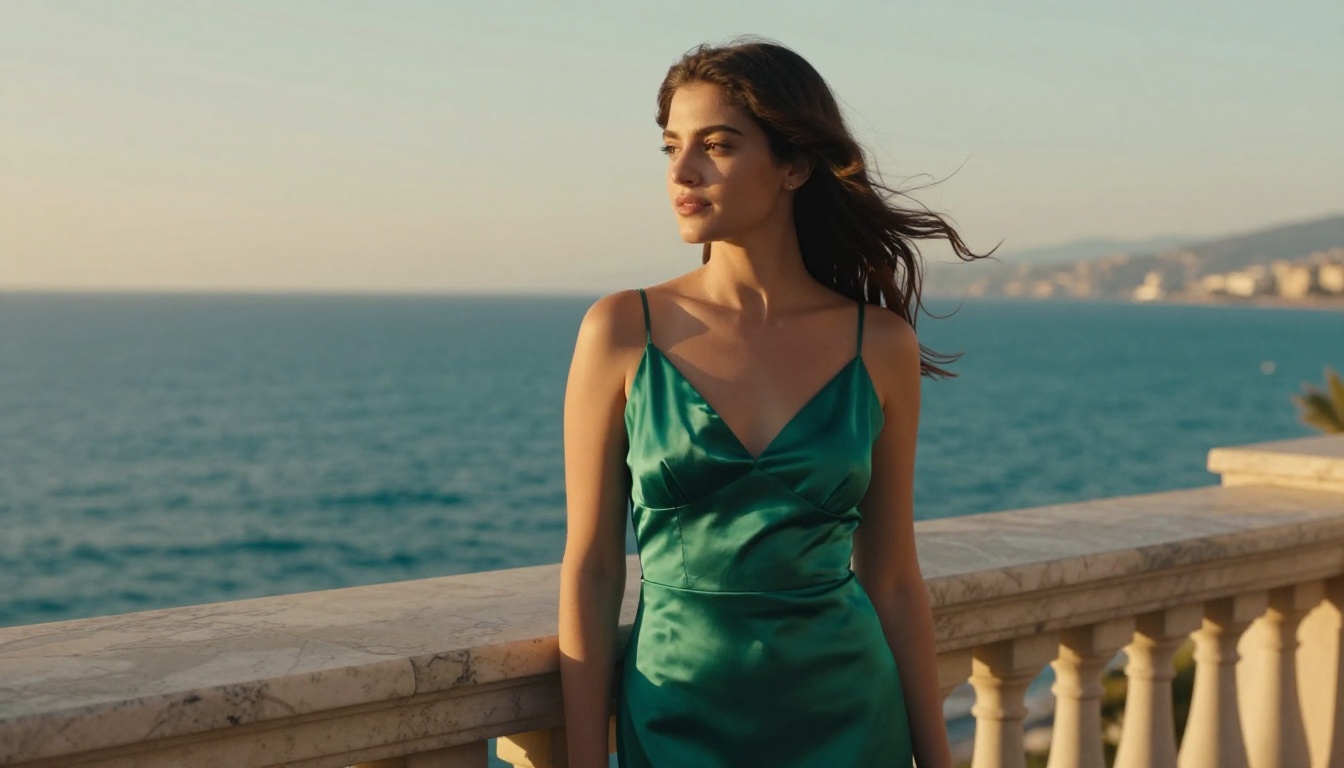
The single biggest factor in first-clip quality is prompt construction. Higgsfield's model responds to cinematographic language, not narrative description. Tell it how the scene looks, not what the scene means.
Writing your first prompt
Weak prompt: A woman stands on a balcony at sunset.
Strong prompt: Medium shot, a woman in a silk dress stands at a marble balcony overlooking the Mediterranean at golden hour, shallow depth of field, warm backlight from the setting sun creating a rim light on her hair, gentle sea breeze, 85mm lens feel.
The difference is specificity at the visual layer: lighting source and direction, lens character, depth of field, and atmospheric conditions. The model is trained on cinematographic material, so it responds to the vocabulary cinematographers actually use.
Camera movement controls
Higgsfield offers a curated set of preset camera movements. Match the movement to the emotional tone of your shot:
| Movement | What It Does | Best Used For |
|---|
| Push In | Slow dolly forward | Intimacy, tension |
| Pull Out | Retreating reveal | Scale, isolation |
| Pan Left / Right | Horizontal pivot | Following action, reveals |
| Tilt Up / Down | Vertical pivot | Scale, reverence |
| Orbit | Arc around subject | Presence, examination |
| Static | Locked tripod | Dread, contemplation |
| Handheld | Organic camera shake | Urgency, realism |
| Crane Up | Vertical rise | Establishing shots, release |
Most beginners select movements arbitrarily. A push-in on a face signals intimacy or tension. A crane-up signals release or triumph. Static builds stillness. Spend thirty seconds choosing deliberately.
Features That Set It Apart

Most text-to-video models struggle with two specific failure modes: character consistency across shots and physically plausible camera motion. Higgsfield addresses both more directly than most competitors.
Character consistency
Within a project, Higgsfield allows you to define a Character with a reference image. That character can then appear across multiple shots with consistent facial features, skin tone, and general build. Consistency degrades at extreme camera angles, but it remains substantially more reliable than generating independent clips and hoping they feel like the same person.
This matters for brand video with recurring talent, narrative short films, or content series with a consistent host or spokesperson.
Cinematic style presets
Higgsfield ships with named style presets that bias the generation toward specific visual palettes:
- Film Noir (high contrast, deep shadow, moody grain)
- Golden Hour (warm directional light, soft haze)
- Overcast Indie (flat cool light, desaturated palette)
- Blockbuster (teal-orange grade, dynamic shadows)
- Documentary (natural color, slight handheld, shallow depth of field)
Presets act as starting-point seed values. Any element can be overridden in the text prompt. They reduce the number of descriptors required for consistent tonal output.
💡 Tip: Combine presets with explicit lighting descriptions. "Golden Hour preset, strong directional backlight from the right" gives you the warmth of the preset with specific compositional intent added on top.
Prompts That Actually Work
Strong prompts across the cinematic AI video space share a recognizable structure. It is not a rigid formula, but the pattern is consistent.
Structure of a strong prompt
[Shot size] + [Subject + Action] + [Location + Environment] + [Lighting condition] + [Camera movement or lens feel] + [Atmosphere or mood]
Element by element:
- Shot size: Extreme close-up, close-up, medium, wide, extreme wide
- Subject + Action: What is in frame and what is it doing or being
- Location + Environment: Interior or exterior, time of day, weather conditions
- Lighting condition: Source, direction, quality (hard vs. soft), color temperature
- Camera movement: From the preset list, or described in words
- Atmosphere: Fog, dust, rain, heat shimmer, film grain style, lens flare character
Every element you leave out is filled probabilistically by the model. Its best guess may differ from yours.
3 mistakes to avoid on day one
1. Narrative overload. Writing a plot beat instead of a visual specification. "A woman who has just discovered her sister is missing walks nervously to the window" gives the model emotional context but no visual instruction. Reframe it: "Medium shot, a woman in a coat approaches a rain-streaked window, nervous micro-expressions, overcast light, handheld."
2. Conflicting aesthetics. Asking for "cinematic film look but vibrant colors and dreamy soft focus" sets contradictory signals. Cinematic generally means restrained color grading. Dreamy generally means heavy diffusion. Pick one direction and commit.
3. Ignoring duration. Longer clips (6 to 8 seconds) require attention to the action arc across the full duration. A static shot at 3 seconds is forgiving. A 7-second crane move with a subject in it needs the described action to be durable across all those frames, not just frame one.
How It Stacks Up Against Rivals
Higgsfield occupies a specific position in the AI video market. Here is an honest comparison against the tools most frequently mentioned alongside it:
| Feature | Higgsfield | Kling v3 | Runway Gen 4.5 | Sora 2 | Veo 3 |
|---|
| Character consistency | Strong | Moderate | Moderate | Strong | Moderate |
| Camera movement control | Structured presets | Prompt-driven | Prompt-driven | Prompt-driven | Prompt-driven |
| Output resolution | Up to 1080p | 1080p | 1080p | 1080p | 1080p |
| Native audio | No | No | No | Yes | Yes |
| Free tier | Yes (limited) | Via platforms | No | No | Via platforms |
| Cinematic style presets | Yes | No | No | No | No |
| Avg. generation time | 20-90s | 30-120s | 30-90s | 60-180s | 30-90s |
vs Kling
Kling v3 Video from Kwai sets the current bar for general-purpose cinematic generation. Motion is fluid, lighting logic is strong, and the model handles complex compositions well. Where it differs from Higgsfield is in interface philosophy: Kling gives you raw generation power with minimal scaffolding. Higgsfield adds production structure. For rapid shot iteration within a narrative project, Higgsfield's workflow is more intuitive. For maximum model flexibility, Kling v2.6 and Kling v3 are formidable choices.
vs Runway Gen 4.5
Gen 4.5 from Runway is the professional-tools standard for AI video, with robust editing features, inpainting, and a mature platform ecosystem. Runway costs more and offers more post-generation manipulation. Higgsfield is narrower in scope but faster to a first strong output for pure text-to-cinematic-video generation.
vs Sora 2
Sora 2 from OpenAI produces some of the most physically coherent video available, with strong object permanence and realistic motion physics. It also ships with native audio generation. Higgsfield's advantages over Sora are the structured production workflow and more accessible pricing for non-OpenAI-subscriber users.
Cinematic AI Video Without Higgsfield
Higgsfield is a good tool. It is not the only tool. Depending on your workflow and output requirements, several alternatives produce results that compete directly, sometimes at lower cost and with broader model variety.
Kling v3 Video
Kling v3 Video is the current quality benchmark for cinematic prompt-to-video. Motion fluidity is strong, lighting holds across the clip, and the model handles complex compositions with care. Pair it with a structured prompt and the output competes with anything Higgsfield produces. Kling v3 Omni Video adds multi-modal control for even more specific results.
Veo 3
Veo 3 from Google is a significant step for AI video, primarily because it generates synchronized native audio alongside the visual track. For cinematic storytelling where ambient sound matters, rain on cobblestones, crowd noise, or wind through foliage, Veo 3 removes a post-production step that every other model currently leaves to the creator. Veo 3.1 pushes temporal consistency further.
Seedance 2.0
Seedance 2.0 from ByteDance handles longer clips with strong motion continuity and integrates audio generation. It performs particularly well on action-forward prompts: athletic movement, crowd scenes, and dynamic environments where other models produce drift or inconsistency. For faster iteration, Seedance 2.0 Fast reduces generation time significantly.
💡 Also worth testing: Hailuo 2.3 from MiniMax and LTX 2.3 Pro from Lightricks for 4K-class output when resolution is your primary concern.
Make Your First Cinematic Clip Right Now
The fastest path to quality cinematic AI video is not studying the tools. It is generating badly, analyzing the gap between intent and result, and closing that gap one variable at a time.
Start with a simple scene you can describe with precision: one subject, a specific location, a defined time of day. Lock those variables and iterate only on camera movement and lighting description. Once that combination produces consistent results, introduce complexity.
If Higgsfield's credit system or workflow constraints are slowing your iteration, the same generation models are accessible across platforms that put dozens of text-to-video models side by side. You can run the same prompt through Kling v3 Video, Veo 3.1 Fast, Pixverse v5.6, and Seedance 2.0 in the same session to see which model's output best matches your visual intention.
The cinematography is in the prompt. The model executes it. Write sharper visual directions and the footage improves regardless of which tool you use. Open a tab, write one shot description following the structure above, and see what comes back. That is where it starts.


