Wan 2.7 is one of the most capable open-source video generation models released in 2025, and it's the one most adult content creators are actively trying to get results from. Three distinct variants, genuine 1080p quality, and motion coherence that other video models are still catching up to. The friction? The default configuration blocks a wide range of mature, suggestive, and NSFW prompts. This article details exactly how to produce uncensored output from Wan 2.7, starting from where to run it, through prompt structure, to the image-first workflow that experienced creators use for consistent results.
What Wan 2.7 Actually Is
Wan 2.7 is not a single model; it's a three-variant architecture developed by the Wan Video team. Each variant handles a different input type, and the best route to uncensored results depends on which variant you choose.
T2V, I2V, R2V Explained
| Variant | Input | Best For |
|---|
| Wan 2.7 T2V | Text prompt | Building entire scenes from description |
| Wan 2.7 I2V | Image + motion prompt | Animating a photorealistic source image |
| Wan 2.7 R2V | Reference subject + prompt | Consistent character across multiple clips |
For mature and adult content, I2V is the most reliable path. You generate a photorealistic still first, then animate it. This two-step workflow gives you precise control over subject appearance, lighting, and scene setup before the video model ever runs. R2V builds on this by letting you reuse a reference subject across unlimited clip variations.
Where the Filters Actually Sit
The safety filtering in Wan 2.7 operates at two distinct levels. First is the model-level classifier built into the architecture during training. Second is the platform-level filter added by whichever service is hosting the model. When you run Wan 2.7 through official APIs or major hosted platforms, both filter layers are active simultaneously.
PicassoIA runs Wan 2.7 with the platform-level filter removed. The model executes on dedicated infrastructure configured for creative and adult content use cases. Mature and NSFW prompts that get blocked elsewhere produce clean, high-quality output here. This is not a technical exploit; it is a hosting configuration choice that PicassoIA has made for its user base.
How to Use Wan 2.7 on PicassoIA
All three Wan 2.7 variants are live on PicassoIA. Here is the step-by-step process for each.
Running Wan 2.7 T2V
- Navigate to Wan 2.7 T2V on PicassoIA
- Write your prompt using the environment-first structure (detailed in the prompt section below)
- Add negative prompts:
cartoon, blurry, censored, watermark
- Select 1080p as your output resolution
- Set aspect ratio to 16:9 for landscape or 9:16 for vertical delivery
- Click generate
Generation time at 1080p is typically 3 to 6 minutes. The model is computationally intensive; do not refresh or cancel mid-render.
Running Wan 2.7 I2V
- Generate a source image using Seedream 4.5 (the best option for photorealistic NSFW stills, detailed below)
- Navigate to Wan 2.7 I2V on PicassoIA
- Upload your source image
- Write a motion-only prompt describing what changes in the scene
- Select 1080p output and generate
The motion prompt for I2V should be short. You only describe what moves. Everything static is pulled from the source image. A prompt like "she slowly turns toward camera, hair falls forward, gentle breath" is correct. Re-describing the subject or setting wastes tokens and can degrade output quality.
Running Wan 2.7 R2V
- Pick one high-quality reference image of your subject (front-facing, clean lighting, 1024px minimum)
- Navigate to Wan 2.7 R2V on PicassoIA
- Upload the reference image
- Write a full scene prompt describing the new context and motion
- Generate multiple clips with the same reference for a consistent character series
R2V is the fastest way to produce a content series from a single character reference without fine-tuning.
Writing Prompts That Actually Work
Weak prompts are the single biggest reason for disappointing output, even on an unrestricted platform.
Prompt Structure for Mature Content
Wan 2.7 responds to cinematic framing language. The words "photorealistic" and "cinematic" genuinely shift the model's output distribution toward higher-quality textures and motion. This is not wishful thinking; these terms appear in the model's training data in high-quality visual contexts and they work.
The highest-performing structure for adult content:
- Setting (2-4 words): location, time of day, lighting
- Subject (5-8 words): physical details and clothing
- Action (3-5 words): what is happening or what moves
- Style (2-3 words): photorealistic, cinematic, 8K
Keep the total prompt under 120 tokens. Wan 2.7 loses coherence on excessively long prompts, especially for scenes involving complex human motion.
💡 Environment first, action last. The model anchors to early tokens first. Establishing the scene before introducing the subject produces better spatial and lighting coherence in the output.
Negative Prompts That Help
These negatives suppress the most common Wan 2.7 failure modes for adult content:
cartoon, anime, illustration, CGI prevents style driftblurry, low quality, watermark enforces baseline qualityfully clothed, conservative, censored for NSFW intentdeformed hands, bad anatomy, extra limbs for anatomy correction
Use all four lines in your negative prompt field for consistent improvement.
3 Prompt Examples That Deliver
Example 1: Bedroom, intimate
Upscale hotel suite, warm lamp light at night, beautiful woman in black lace lingerie sitting on edge of bed, she slowly turns toward camera with a confident expression, slow push-in camera move, photorealistic, cinematic, 8K
Example 2: Pool, outdoor
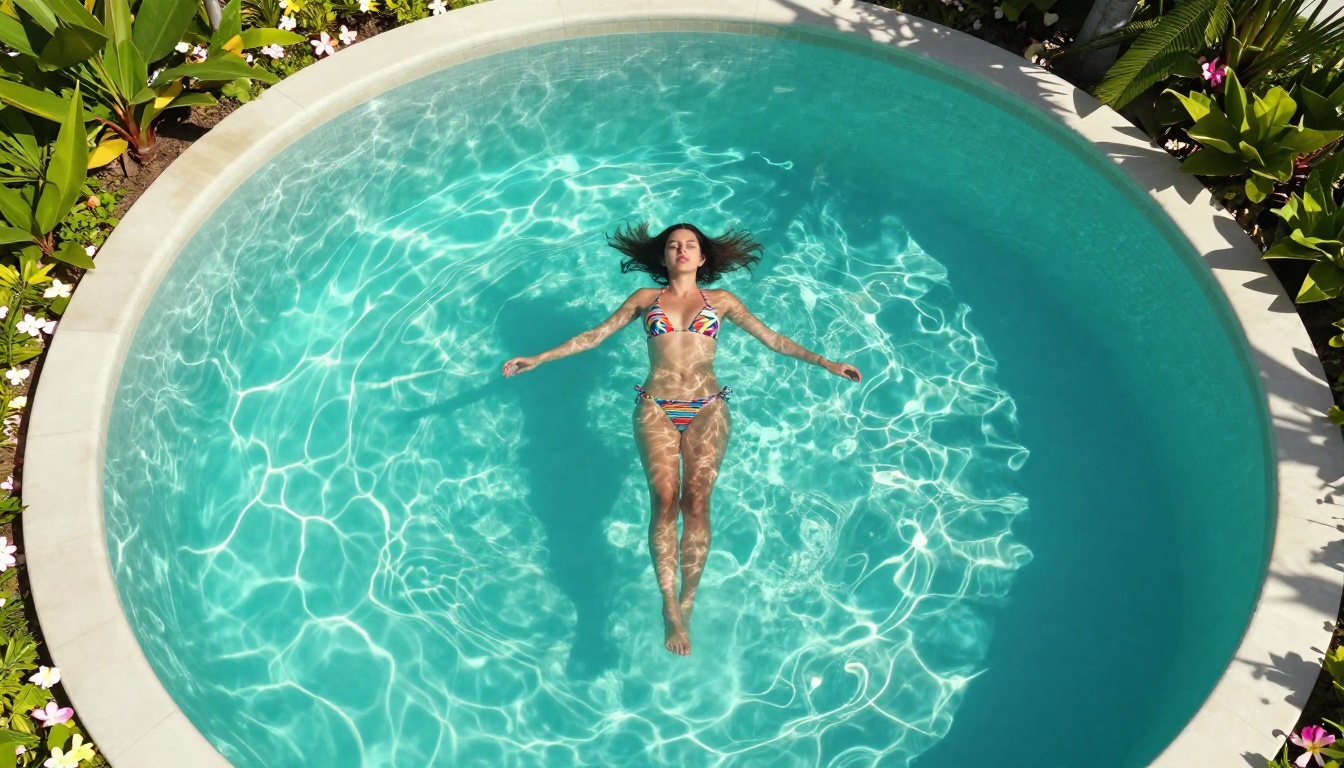
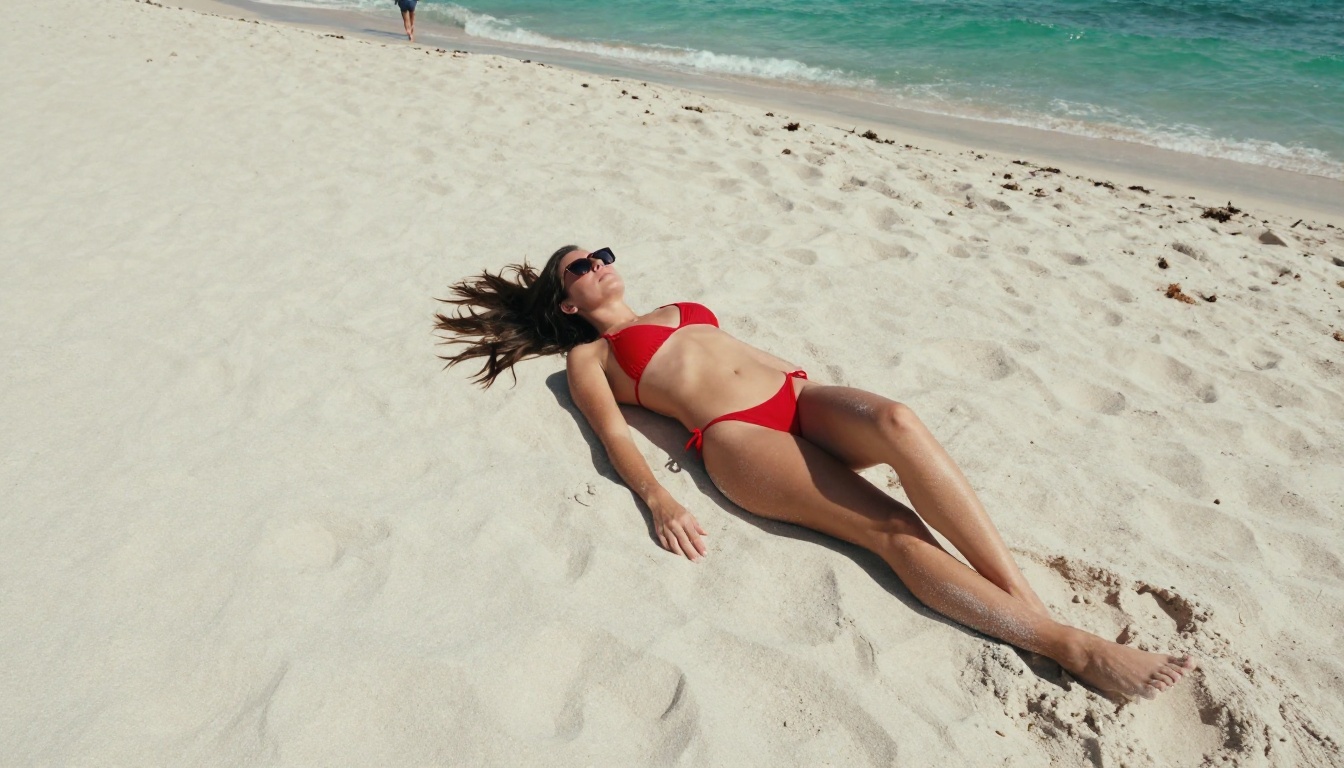
Rooftop infinity pool, Miami, golden sunset light, beautiful woman in red bikini stepping out of water, water streaming off skin, slow motion, photorealistic, 8K, cinematic
Example 3: Editorial fashion
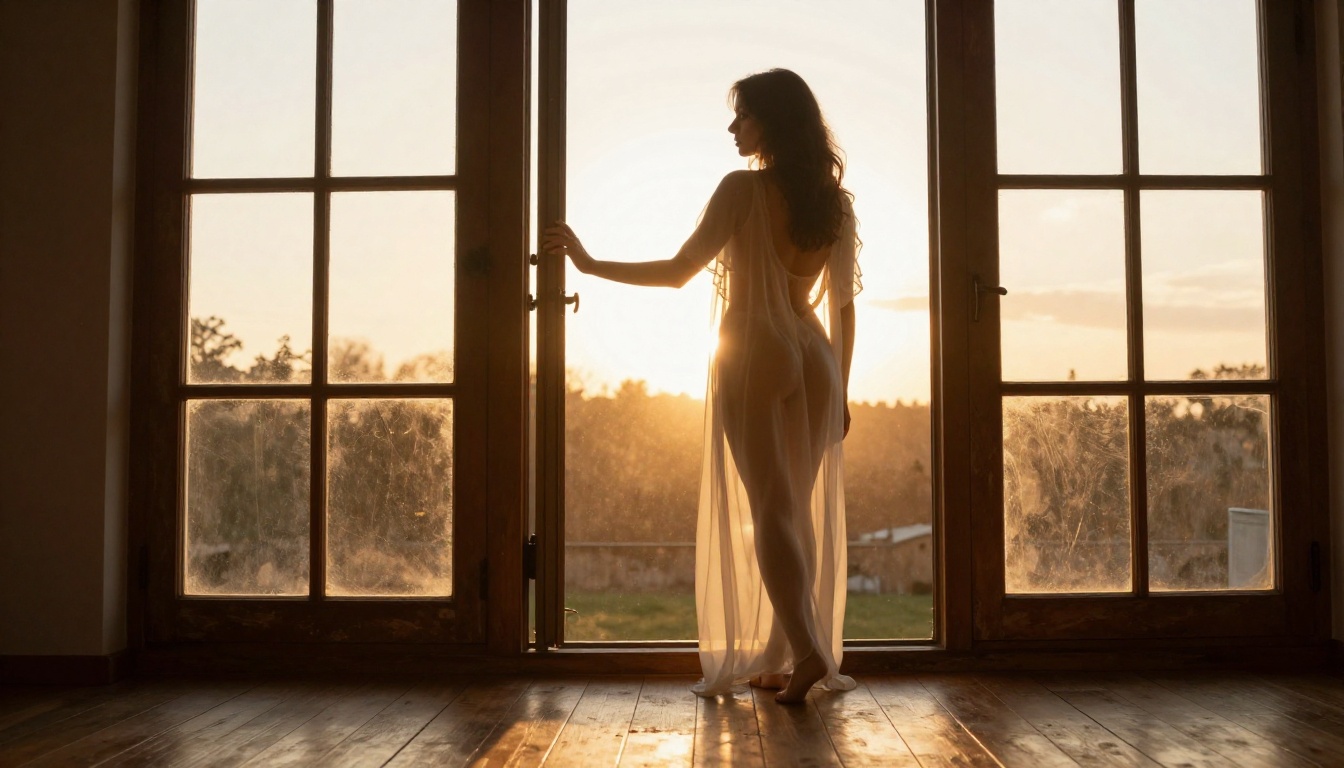
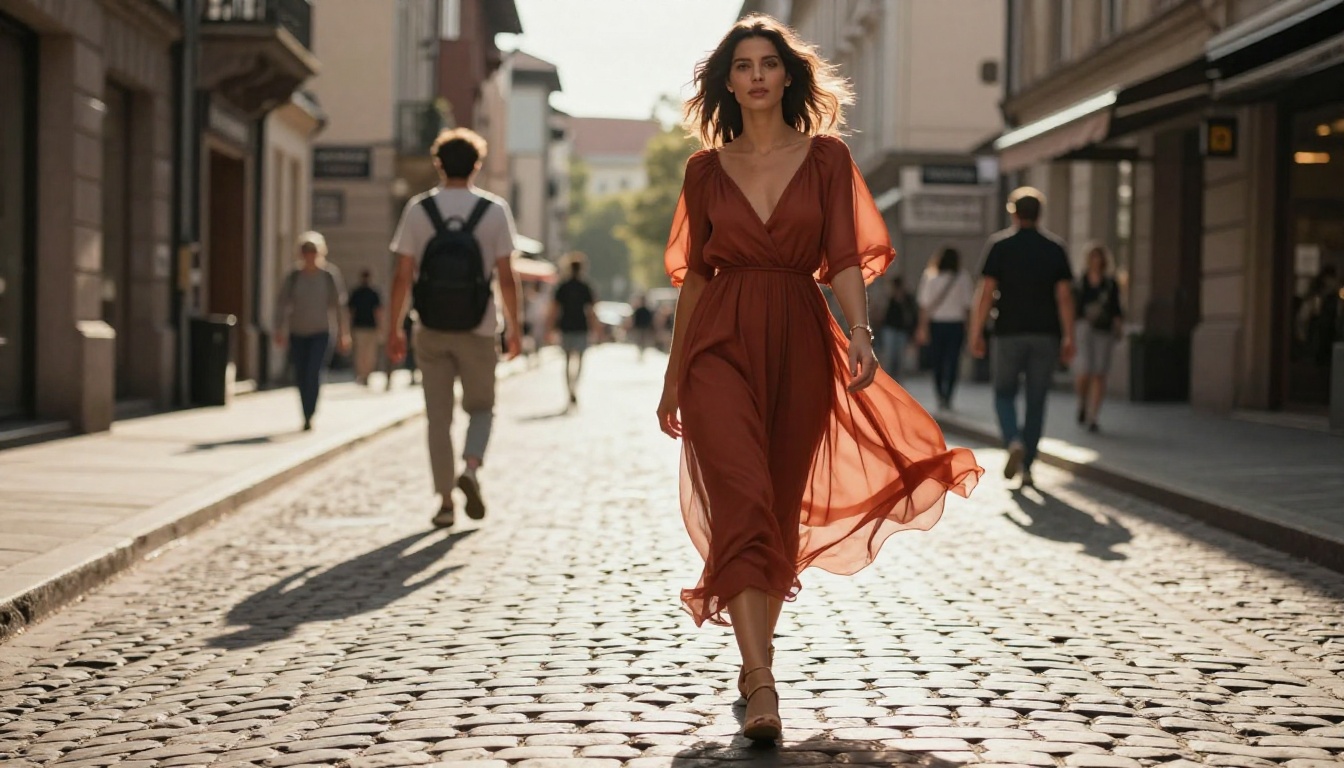
Modern penthouse corridor, large glass windows, afternoon light, confident woman in sheer silk robe walking slowly toward camera, fabric moving softly, 35mm lens, photorealistic, cinematic

Common Output Failures and Fixes
Even on an unrestricted platform, Wan 2.7 can produce unsatisfying results. Here are the most frequent issues.
Output Looks Safe Despite Prompt
This happens when the model's own internal NSFW classifier fires even with the platform filter removed. The fix: be more specific about anatomy and clothing in your prompt rather than relying on implicit or vague terms. Detailed description of garment type, body positioning, and lighting direction consistently outperforms suggestive-but-vague phrasing.
Also check whether you should be using I2V instead of T2V. When scene content is ambiguous, T2V may default to a conservative interpretation. I2V anchors to the source image and is harder to deflect toward safe outputs.
Anatomy Problems Across Frames
Wan 2.7 sometimes struggles with hands and full-body motion coherence across longer clips. Three fixes:
- Crop your I2V source image to remove hands from the first frame when hands are not essential to the scene
- Write the motion to minimize hand movement: "seated, upper body only, she slowly turns her head"
- Use Wan 2.7 R2V instead of I2V for scenes involving significant body motion; R2V maintains anatomy better across full-body movement
Seedream 4.5: The Best for Uncensored Stills
The source image you feed into Wan 2.7 I2V determines the ceiling for your output quality. This is where Seedream 4.5 becomes the most important tool in the workflow.
Seedream 4.5 by ByteDance is the top-performing uncensored image model for photorealistic human subjects currently available on PicassoIA. It handles skin tone accuracy, lighting realism, and anatomical coherence better than any other model in its category. The results hold up at 1080p and above, which matters because video models amplify source image quality.
💡 Seedream 4.5 was trained on a dataset that includes artistic nudity and mature fashion photography without the filtering that degrades anatomy in restricted models. The output looks like a professional photo session, not a synthetic render.
| Model | Realism | NSFW Output | Unlimited Gens |
|---|
| Seedream 4.5 | Excellent | Full | Yes |
| Seedream 5 Pro | Excellent | Partial | Yes |
| Standard T2I models | Varies | Limited | Varies |
Seedream 5 Pro produces outstanding general realism but applies partial filtering for adult content. For a source image that animates fully uncensored in Wan 2.7 I2V, Seedream 4.5 is the reliable choice every time.
PicassoIA Image Editor Pro: Unlimited Iterations
After generating your source still with Seedream 4.5, PicassoIA Image Editor Pro lets you iterate with unlimited generations. Adjust lighting, modify clothing details, fine-tune expressions, or extend the canvas before passing the final image into Wan 2.7 I2V.
For multi-clip content series, this is particularly powerful. Generate your character with Seedream 4.5, produce variations with Image Editor Pro across different poses, lighting setups, and wardrobe changes, then animate each variation with Wan 2.7 R2V using the same reference image for character consistency.
Wan 2.7 vs Other Video Models
Wan 2.7 is not the only uncensored video option on PicassoIA. Knowing where it performs best helps you pick the right tool for each project.
Wan 2.7 vs Seedance 2.5
Seedance 2.5 by ByteDance supports clips up to 30 seconds with native audio. Wan 2.7 generates shorter clips but produces superior motion quality and temporal consistency for complex human movement. For adult content with significant subject motion, Wan 2.7 I2V preserves anatomy across frames more reliably. Use Seedance 2.5 when you need longer duration, integrated dialogue, or ambient sound.
Wan 2.7 vs Kling v2.6
Kling v2.6 is competitive with Wan 2.7 at 1080p and offers excellent cinematic motion dynamics. The key difference: Kling v2.6 maintains more conservative output tendencies even with reduced platform filtering. For prompts specifically targeting mature content, Wan 2.7 responds more directly with less implicit sanitization. Switch to Wan 2.7 if Kling outputs are coming back cleaner than intended.
💡 Also worth testing: Wan 2.6 I2V for image animation work and LTX 2.5 Fast for rapid prototyping before committing to a full-quality Wan 2.7 render.
Settings That Change Everything
Resolution and Frame Rate
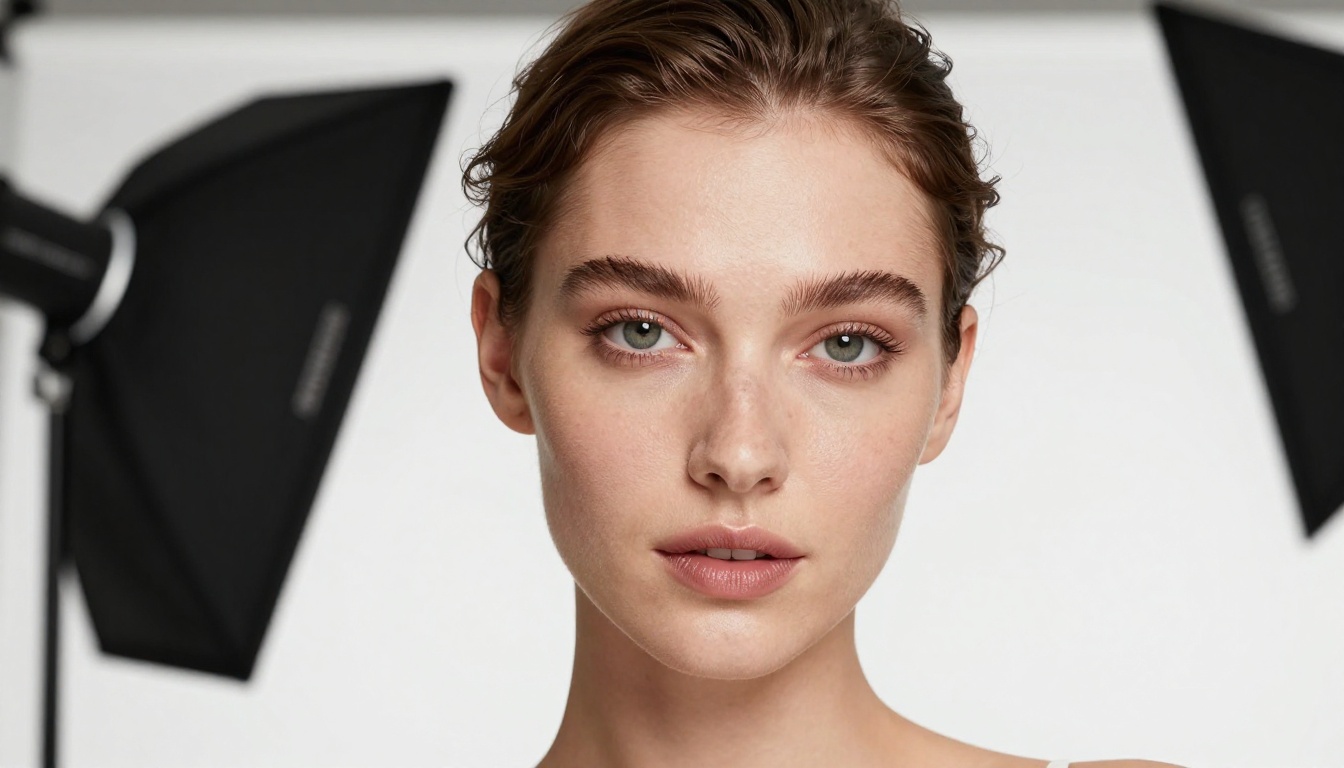
Always render Wan 2.7 at 1080p for adult content. At 480p, skin texture compression artifacts are clearly visible and degrade the quality of intimate scenes substantially. The 1080p render takes longer but the output difference is significant, not marginal. Frame rate is fixed at 24fps across all Wan 2.7 variants, aligning with cinematic standard. No configuration is needed.
How to Use R2V for Character Consistency
Wan 2.7 R2V takes a reference image of a subject and re-renders them into a new scene with the described motion. This is the fastest way to maintain a consistent character across a content series without model fine-tuning.
Practical R2V workflow:
- Choose one hero reference image (front-facing, neutral expression, clean studio lighting)
- Write a separate motion prompt for each scene you want to create
- Submit each prompt to R2V with the same reference image
- Every clip will feature the same subject
Reference image quality propagates directly into output quality. A 1024x1024 Seedream 4.5 output with clean neutral lighting produces the best R2V results. Low-resolution or poorly lit references produce inconsistent character rendering across clips.
The Full Workflow
Put it together in sequence:
- Generate your source still with Seedream 4.5: detailed photorealistic prompt, 1024x1024, mature content enabled
- Refine and iterate with PicassoIA Image Editor Pro: unlimited adjustments for lighting, detail, and pose
- Animate the still with Wan 2.7 I2V: motion-only prompt, 1080p output
- For scenes from scratch: use Wan 2.7 T2V with an environment-first prompt structure
- For character series: use Wan 2.7 R2V with one consistent reference image across all renders
- When longer clips are needed: Seedance 2.5 for up to 30 seconds with native audio
Getting the input quality right matters more than the specific model choice. A strong Seedream 4.5 source image fed into Wan 2.7 I2V will consistently outperform a weak source image fed into any other video model at any resolution.
Try It Right Now
Every model in this article is available on PicassoIA with no content restrictions at the platform level. Wan 2.7 T2V, Wan 2.7 I2V, and Wan 2.7 R2V are all running now. Seedream 4.5 is available for source image generation, and PicassoIA Image Editor Pro is open for unlimited iterations on any still.
Pick one of the three example prompts from this article, run it through Wan 2.7 T2V first to see how the environment-first structure performs, then iterate. The fastest way to improve your output is to change one variable per render and compare results directly.
For the full catalog of models across video generation, image creation, effects, and enhancement tools, visit picassoia.com/en/all-models.


