Keeping an AI character consistent across multiple images is one of the most frustrating problems in AI art. You generate a perfect face on Tuesday, try to recreate it on Wednesday, and the character looks like a completely different person. This happens because most diffusion models are stateless, meaning they have no memory of what they generated before.
But consistency is achievable. Professionals working on AI comics, storyboards, and product visuals have developed reliable systems for keeping the same character intact across dozens of scenes. Here is exactly how they do it.
Why Characters Keep Changing
The Core Problem with Diffusion Models
Every time you run an AI image generator, it starts from scratch. There is no built-in memory of your character's eye color, nose shape, or hair texture. The model interprets your text prompt fresh each time, which is why two generations of "a woman with brown hair and blue eyes" can produce radically different people.
This is not a bug. It is the nature of how probabilistic generation works. The model samples from a massive distribution of possible images, and each sample is slightly different.
What "Consistent" Actually Means
True consistency means the character's core physical features, bone structure, eye shape, skin tone, and proportional relationships between features remain identical across different contexts. Outfit, lighting, and pose can change. The face should not.
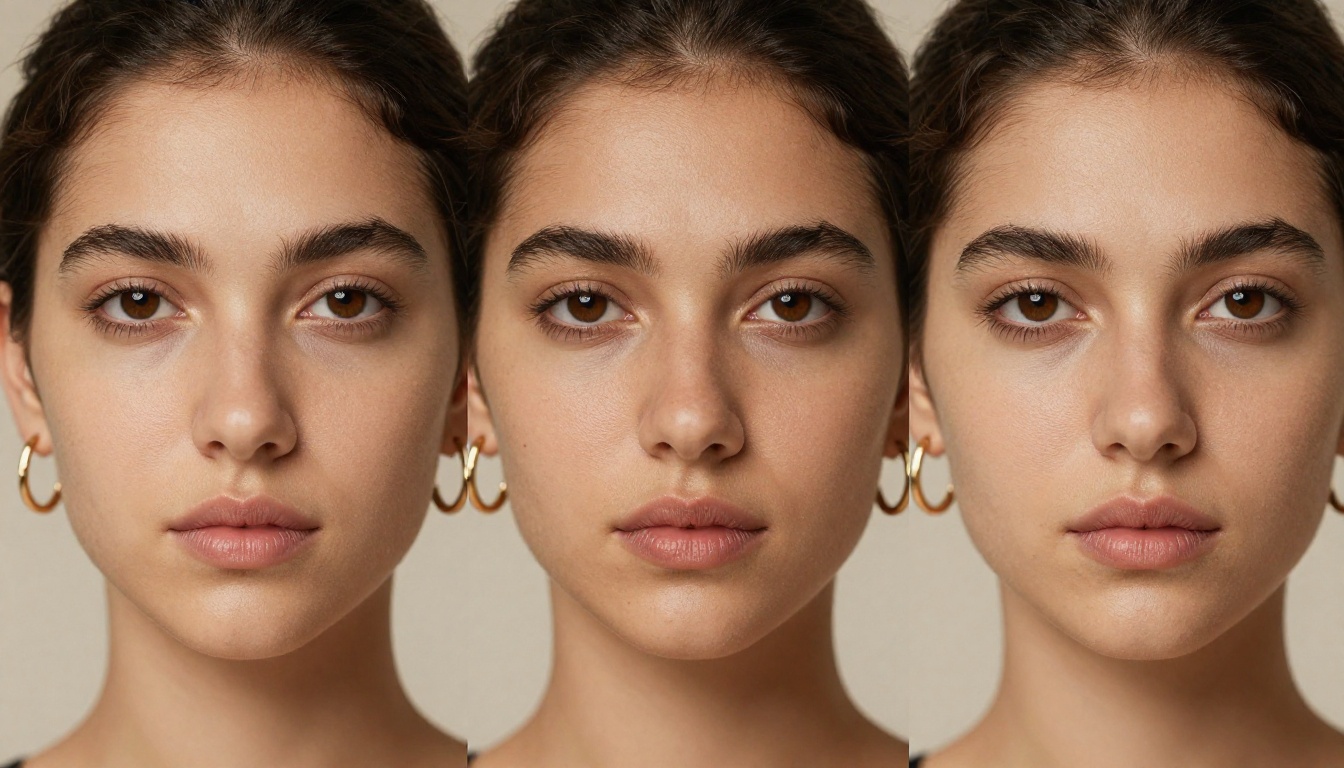
Most people confuse "similar" with "consistent." A character who looks roughly the same in most images is not consistent. A character whose identical jawline, lip shape, and eye distance appear in every single generation is consistent.
Build Your Character Sheet First
The 5 Physical Anchors
Before generating a single image, you need a written character sheet that locks down five physical anchors:
- Face shape: oval, square, heart, round, oblong
- Eye details: color, shape (almond, round, hooded), and distance
- Nose structure: bridge width, tip shape, nostril flare
- Skin tone: specific descriptors like "warm olive", "cool ivory", "deep ebony"
- Hair: color, texture, cut, and length in precise terms
Do not write "pretty brown hair." Write "shoulder-length chestnut brown hair with subtle highlights, slight wave, side part left." The more specific you are, the less the model has to interpret.
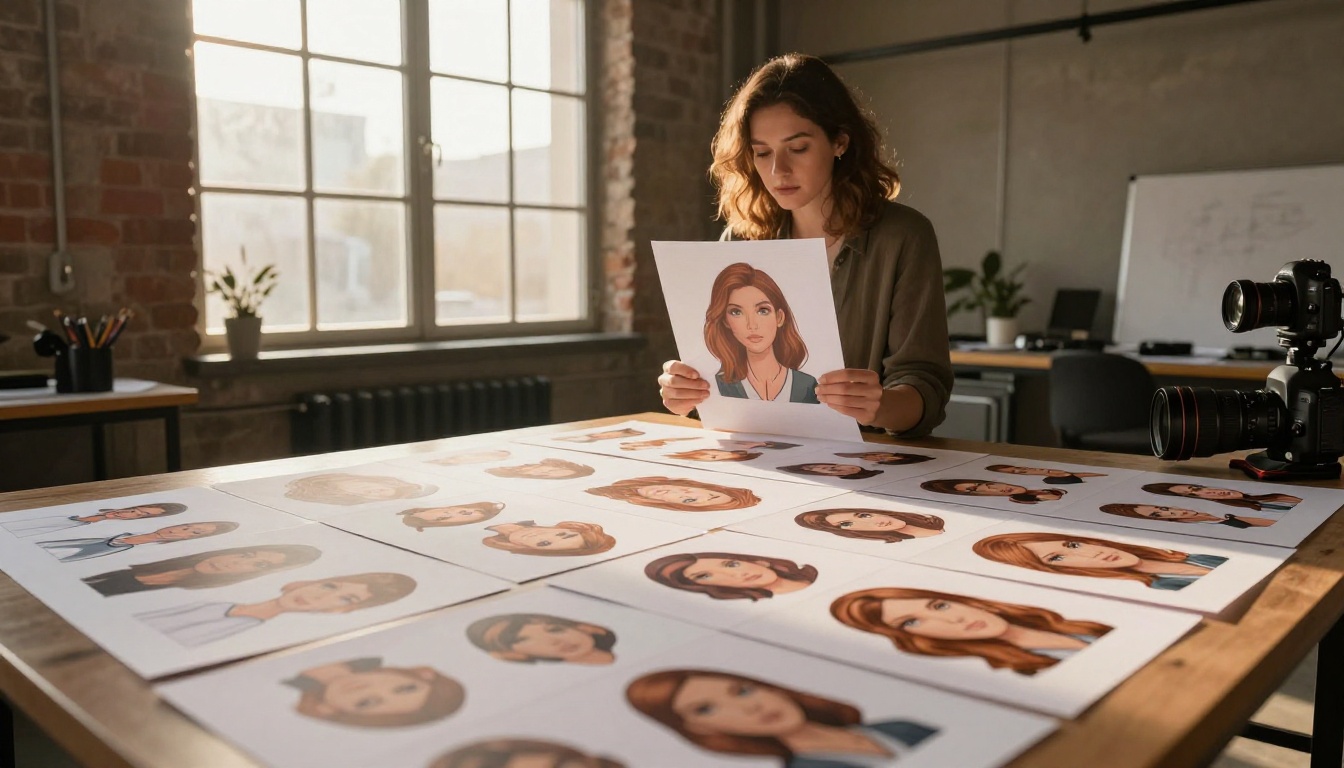
Write It Like a Casting Brief
Think of your character sheet as a casting brief for a film production. Real casting directors describe actors with obsessive physical detail because a different actor in scene 4 breaks the entire film.
Write your character description as a single dense paragraph, not a bullet list. This paragraph becomes what professionals call the "character block," and it gets copied verbatim into every single prompt.
💡 Tip: Keep your character block under 120 words. Long blocks compete with scene description and can reduce consistency, not improve it.
The Seed Number Is Your Secret Weapon
How Seeds Work
Every AI image is generated from a random seed, a number that initializes the generation process. When you use the same seed with the same prompt, you get the same image. Change the prompt slightly and keep the seed, and the image changes while preserving some of the underlying structure, including facial geometry.
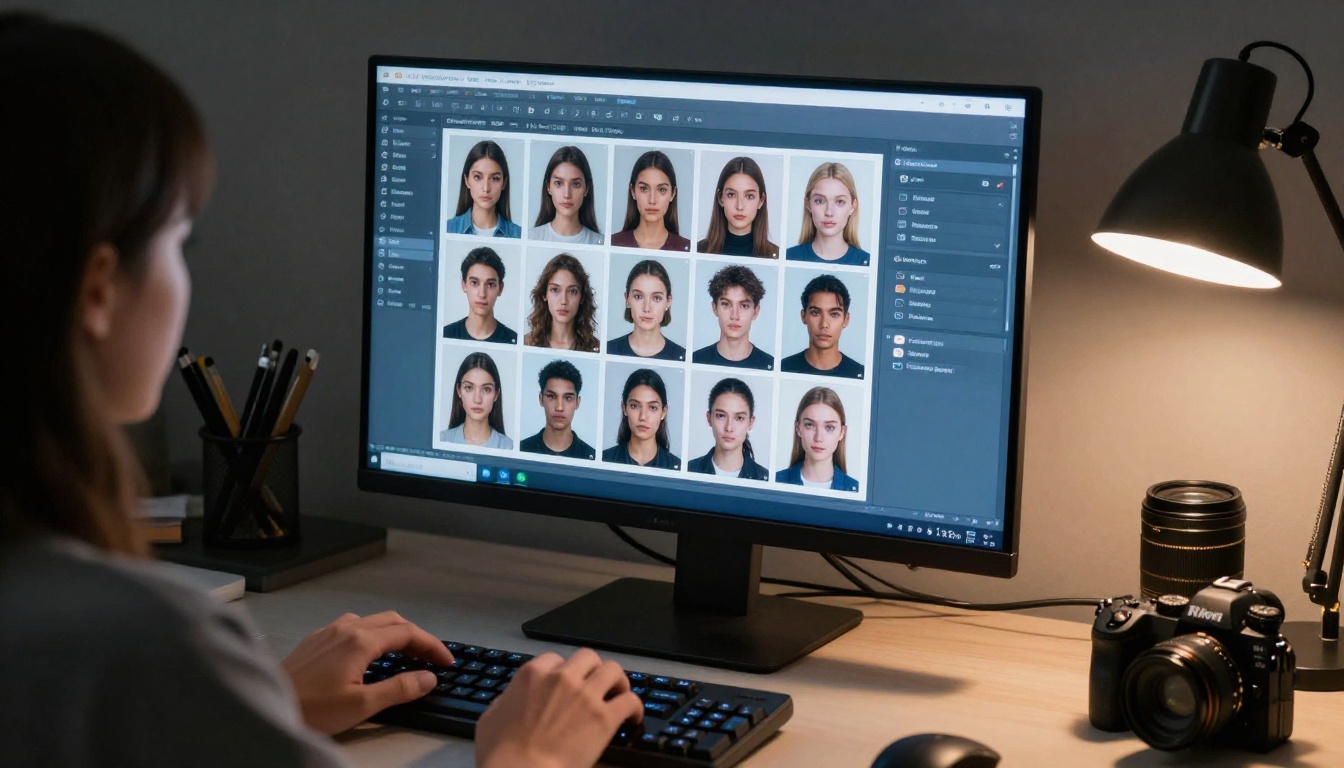
This is the most underused consistency tool available to anyone generating AI art. Once you generate a character you love, immediately record the seed number. Keep it in your character sheet.
When to Lock and When to Change
Lock your seed when:
- Generating multiple poses of the same character
- Testing different outfit variations
- Creating scene-to-scene continuity for comics or storyboards
Change your seed when:
- Switching to a different emotion or expression where the seed is fighting you
- Aging or dramatically altering the character
- Starting a completely new character
💡 Tip: Some platforms let you use seed ranges where nearby seed numbers produce similar but not identical outputs. Experiment with seeds plus or minus 50 from your original to find variants that maintain consistency while offering variety.
Prompt Engineering for Consistency
The Character Block Formula
Here is the exact formula professionals use for consistent character prompts:
[Scene Setup] + [Character Block] + [Action/Pose] + [Environment] + [Lighting] + [Camera/Technical]
The character block never changes. The rest of the prompt adapts to the scene.
Example character block:
"young woman, 28 years old, oval face, almond-shaped dark brown eyes, defined high cheekbones, small straight nose, full lips, warm olive skin tone, shoulder-length dark wavy hair, lean athletic build"
This block goes into every prompt, whether the character is at a beach or in an office.
3 Common Prompt Mistakes
| Mistake | What Goes Wrong | Fix |
|---|
| Vague descriptors | "beautiful woman" generates a new person every time | Use 8+ specific physical descriptors |
| Putting character block at the end | Model weights early tokens more heavily | Always put character block before scene description |
| Changing any word in the block | "dark hair" vs "dark wavy hair" shifts generation significantly | Copy-paste the block, never retype it |
💡 Tip: Save your character block as a text snippet in a notes tool. One tap to paste it into any prompt field.
Portrait Series on PicassoIA
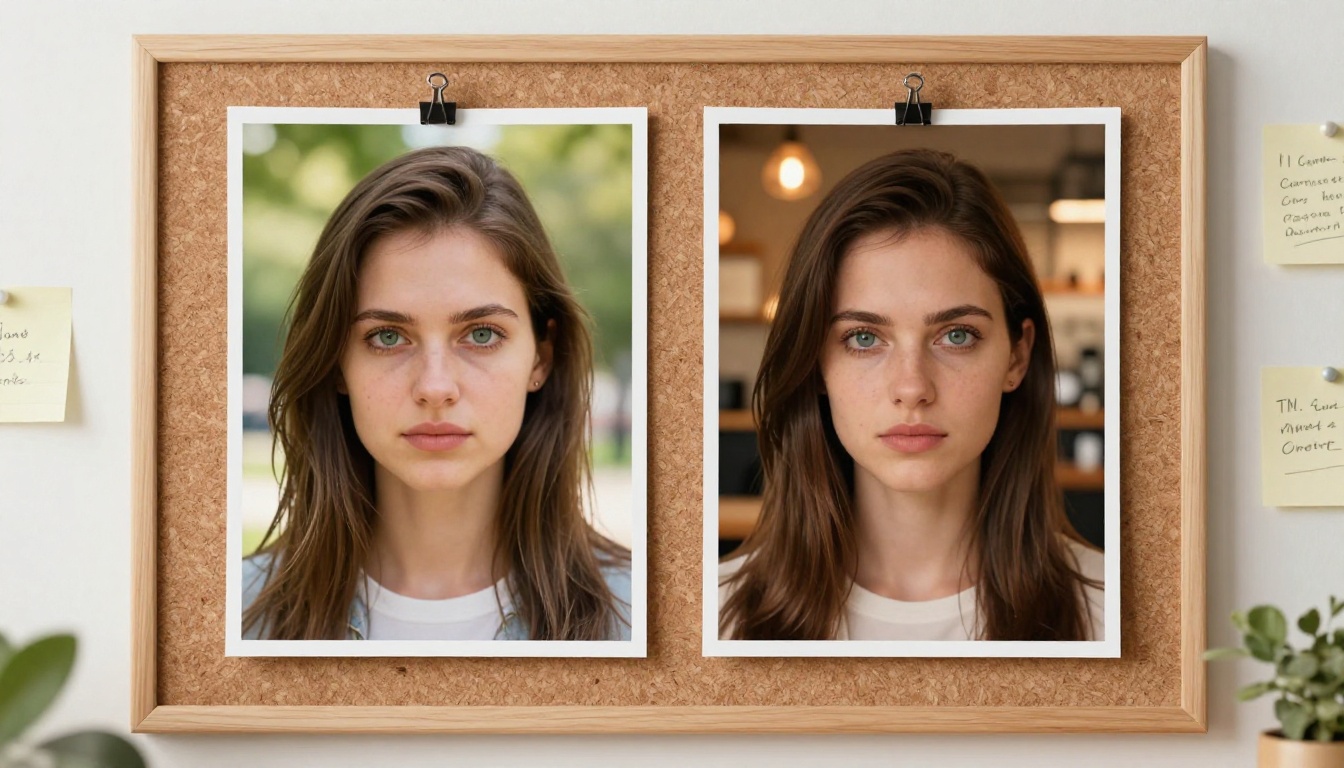
The Portrait Series model on PicassoIA is built specifically for generating multiple portraits of the same person. It was designed to address the core consistency problem directly, making it one of the most practical tools for character work.
Unlike general-purpose models, Portrait Series uses reference conditioning that anchors facial geometry across generations. Upload one reference image of your character and the model uses it as a structural guide for every subsequent generation.
Flux Redux for Scene Variations
Flux Redux Schnell takes an existing image and generates variations that maintain the visual identity of the original. For character consistency, this means you start with your ideal character generation and use Redux to place them in new scenes, poses, or lighting conditions.
The workflow is:
- Generate your "master" character image
- Feed it into Flux Redux Schnell
- Describe the new scene or pose
- The model maintains your character's appearance while applying the new context
This is significantly more reliable than trying to recreate a character from a text prompt alone.
Flux Canny Pro for Structural Control
Flux Canny Pro extracts the structural edge map of an existing image and uses it as a hard constraint for new generations. For characters, this means locking the bone structure and proportions while allowing you to change lighting, color, or style.
If your character has a distinctive silhouette or very specific proportions, Canny control ensures those proportions survive across every generation.
SDXL as a Reliable Base Model
SDXL remains one of the most reliable base models for character generation because its architecture responds very predictably to detailed physical descriptors. Many professional character artists use SDXL as their primary base for establishing a character, then use Flux-based tools for scene variations.
Using Reference Images the Right Way
What Makes a Good Reference Image
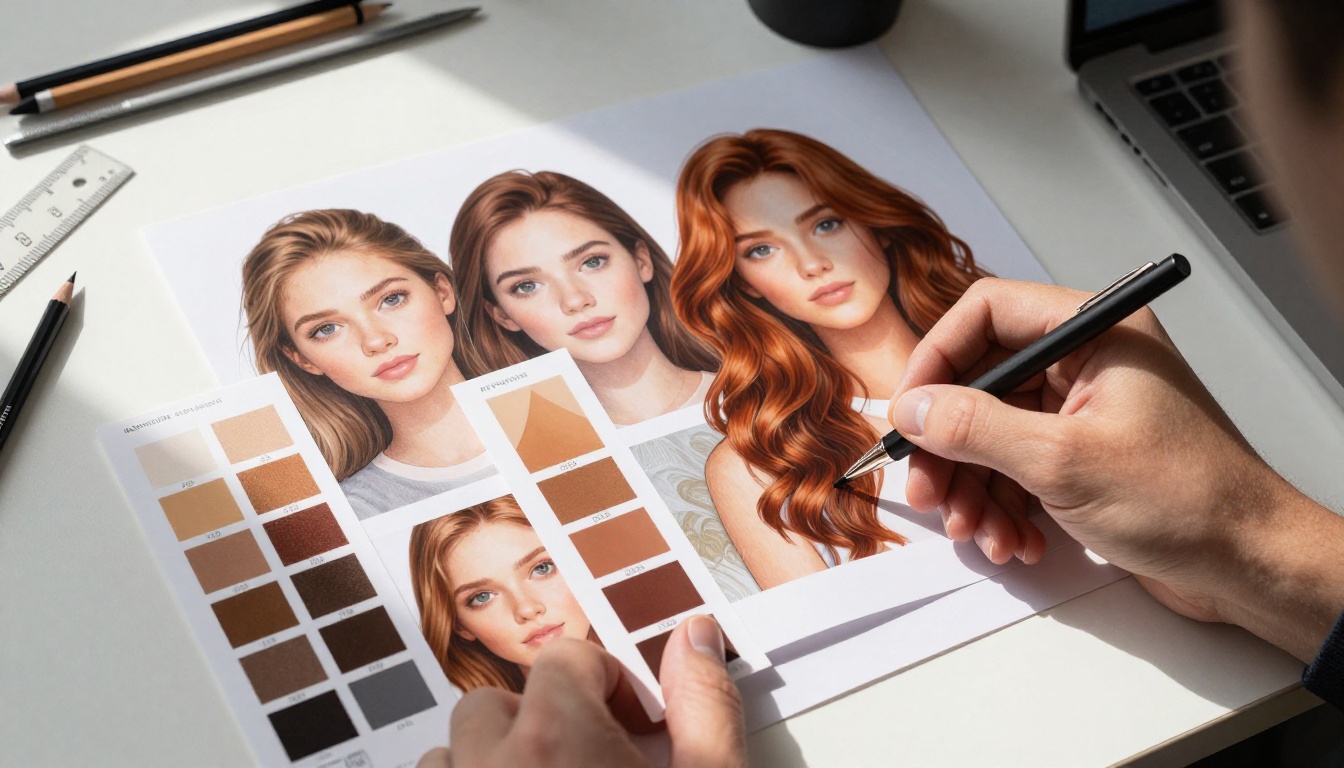
A reference image for character consistency should be:
- Neutral expression: Smiling or grimacing exaggerates features and throws off subsequent generations
- Frontal or slight 3/4 angle: Profiles hide too many features for the model to anchor on
- Clean lighting: Even, diffused light without harsh shadows reveals the full face structure
- Minimal background: A busy background competes with face data during conditioning
- High resolution: More detail means the model has more to anchor on
The single most common mistake is using a highly stylized or dramatically lit image as a reference. The model learns the style and the lighting as part of the character, not just the face.

Face Swapping vs. Style Transfer
These are two different consistency approaches that get confused constantly:
Face swapping takes a specific face from a reference image and transplants it onto a new generated body. The result is photorealistic and very consistent, but it requires a real reference photo and the output is tied to that specific face's lighting and texture.
Style transfer preserves the artistic style of a character (hair color, skin tone, general proportions) without anchoring to a specific photorealistic face. More flexible, less precise.
For fictional characters and AI-native creations, style transfer with SDXL ControlNet LoRA offers the best balance of flexibility and consistency.
Testing Your Character Across Different Scenes
The 5-Scene Test
Before committing to a character design, run what professionals call the 5-scene test. Generate the same character in these five radically different contexts:
- Indoor neutral: Office, library, or kitchen with flat lighting
- Outdoor harsh light: Midday sun from directly above
- Night scene: Artificial lighting, high contrast
- Close-up portrait: Filling 80% of the frame
- Full body shot: Character visible head to toe
If the character remains recognizable across all five, your prompt and workflow are solid. If she drifts in any one scenario, that context is breaking your consistency system and needs to be addressed.

When to Restart vs. When to Refine
Restart when:
- The face structure itself shifted (different bone structure, not just expression)
- More than 3 of the 5 anchor features are wrong
- The seed that was working stopped working after a model update
Refine when:
- The skin tone is slightly off but the face is right
- The hair color drifted but the face is intact
- The pose is awkward but the face is correct
Refinement means adding negative prompts for the specific drifting element, or adjusting model weights slightly. Restarting means a new seed and a revised character block.
Keep Detailed Notes
Professionals who maintain consistency over months of work all share one habit: obsessive documentation. Every successful generation gets its seed, prompt, model, and settings recorded. Every failed generation gets a note on what broke.
This seems tedious until you need to recreate a character three months later and your memory of which exact words you used has faded. The notes are what make consistency sustainable, not just achievable once.
💡 Tip: Use Flux Schnell LoRA for rapid iteration when testing character variations. Its speed lets you run the 5-scene test in minutes rather than hours, making the documentation process far less painful.
Consistency at Scale: LoRA Training
When you need a character to remain consistent across hundreds of images, prompt engineering and seeds will eventually reach their limits. At this level, professionals train a dedicated LoRA (Low-Rank Adaptation) on their specific character.
A character LoRA is a small fine-tuned model layer trained on 15 to 30 images of your character. Once trained, adding this LoRA to any generation run means the model now "knows" your character and will reproduce them reliably without needing a long character block.
The SDXL ControlNet LoRA framework on PicassoIA supports structured character conditioning, combining structural control with the flexibility of LoRA conditioning.
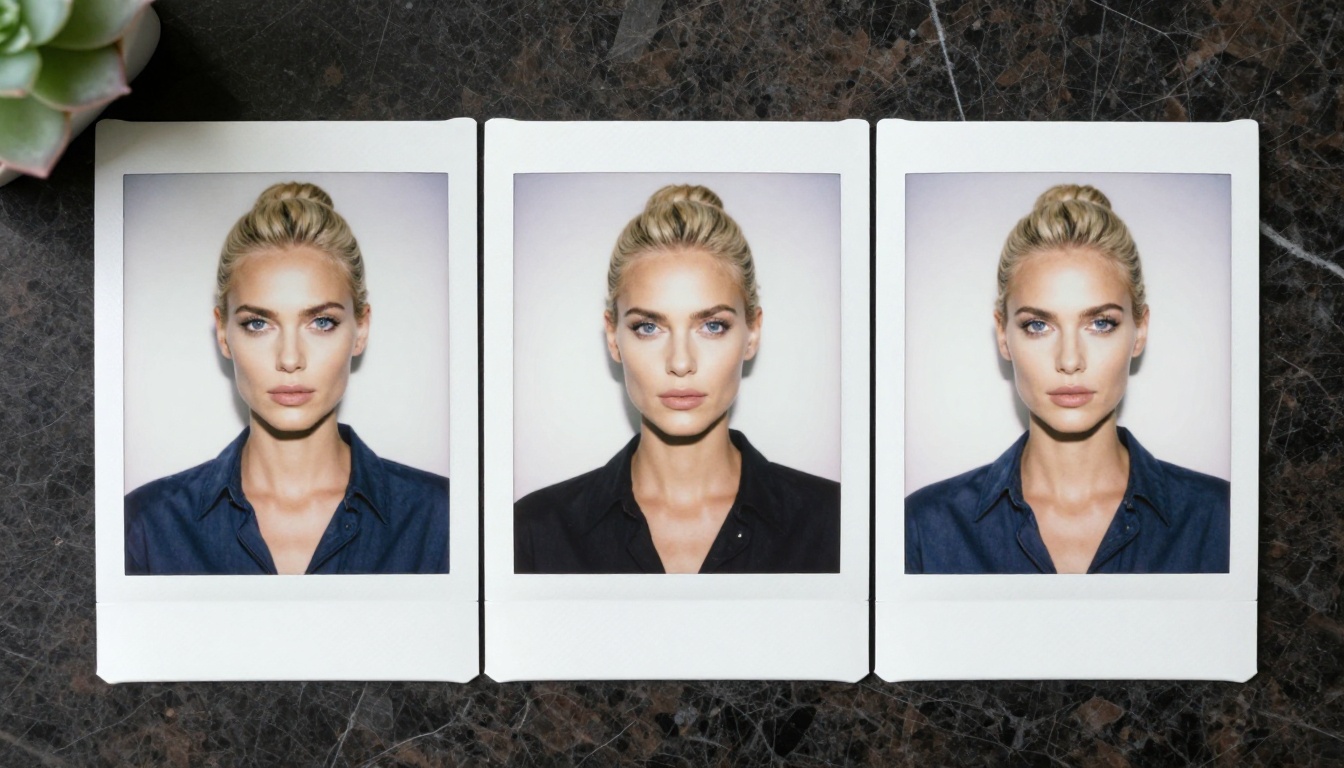
For most creators, LoRA training is the eventual destination once a character becomes central to ongoing work. It removes the dependency on prompting skill and makes consistency almost automatic.
Start Creating Your Own Consistent Characters
Character consistency in AI generation is a skill, not luck. It requires deliberate system-building before you ever open a generation tool.
The progression is clear: start with a detailed written character sheet, lock a seed when you find a generation you love, use your character block religiously in every prompt, and leverage tools like Portrait Series, Flux Redux Schnell, and Flux Canny Pro to extend your character into new scenes without losing their identity.
PicassoIA gives you access to all of these tools in one place, from base text-to-image models to specialized portrait conditioners and structural controls. Whether you are building characters for a graphic novel, a content series, or brand visuals, the platform has the specific tools that make consistency achievable rather than accidental.
Pick one character. Build their sheet. Run the 5-scene test. You will be surprised how quickly a systematic approach turns a frustrating process into a reliable creative workflow.


