You generate thirty images of the same character and get thirty different people. Different nose bridges, different eye shapes, different jawlines. If you have spent any time creating adult AI art, this problem has probably cost you hours. Face consistency is, without question, the hardest technical challenge in AI image generation, and it is the one skill that separates casual users from creators who can build entire series with a single recognizable character.
This article breaks down every method that actually works: seed anchoring, image reference workflows, model selection, and prompt engineering. It covers quick single-session fixes and longer-term solutions for series work.
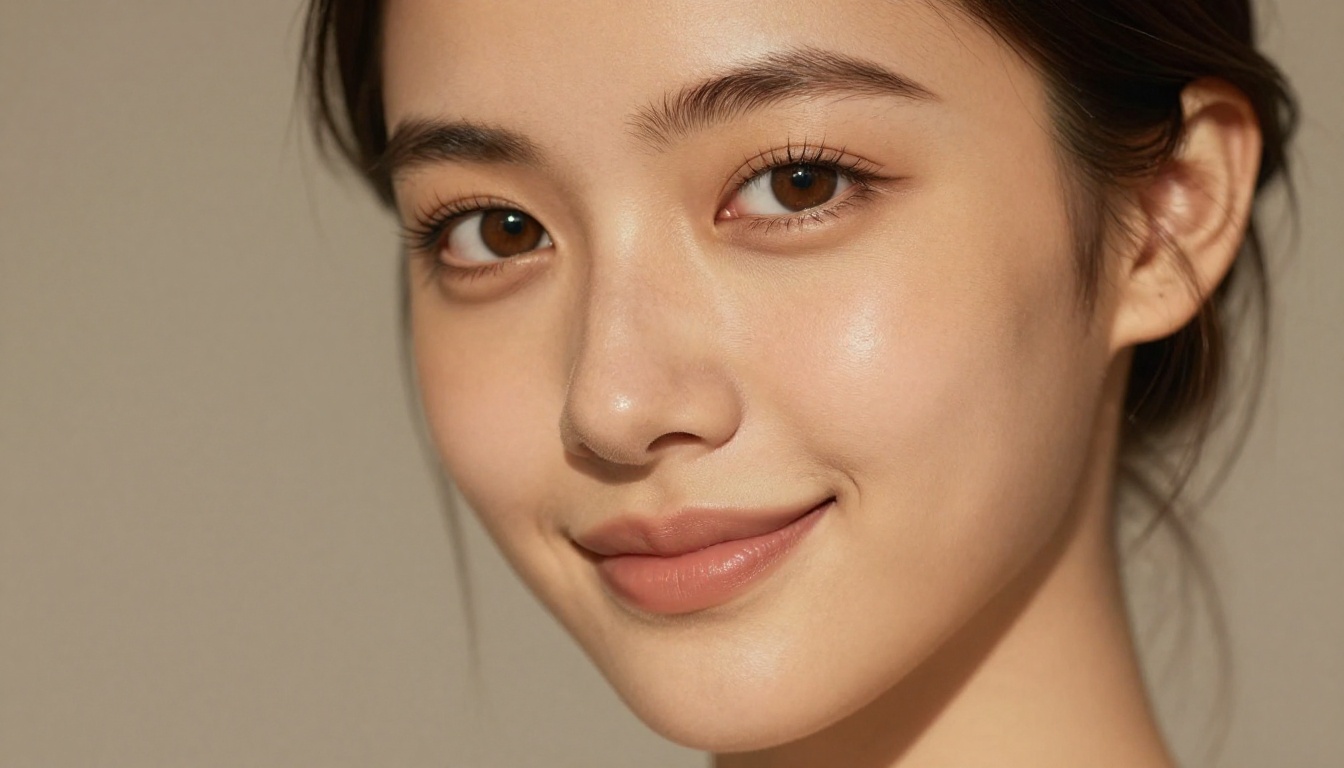
Why Faces Drift Between Generations
Before fixing the problem, you need to understand why it happens.
The randomness problem
Every image generation starts with a noise seed. That seed is a number, usually enormous, that sets the starting random state for the diffusion process. Change the seed by even one digit and the model starts drawing from a completely different corner of its latent space. The face you got in generation 47 is statistically unlikely to appear again unless you lock the conditions precisely.
For most content types this does not matter. A sunset, a cityscape, a forest, these look "correct" even when they differ between generations. But a human face has thousands of micro-features that viewers read subconsciously. Viewers notice when the jawline shifts from square to oval, when the nose bridge narrows, when the eyes change from almond to round. Your brain evolved specifically to detect these changes because recognizing the same person across different contexts was a survival skill.
What actually controls a face
Three things determine what face an AI model generates:
- The seed (the random starting point)
- The text prompt (how precisely you describe the face)
- The reference image (if you provide one through IP-Adapter or similar tools)
Control all three simultaneously and you get consistency. Miss any one of them and the face drifts. Most users only control the prompt. That is why most users have inconsistent faces.
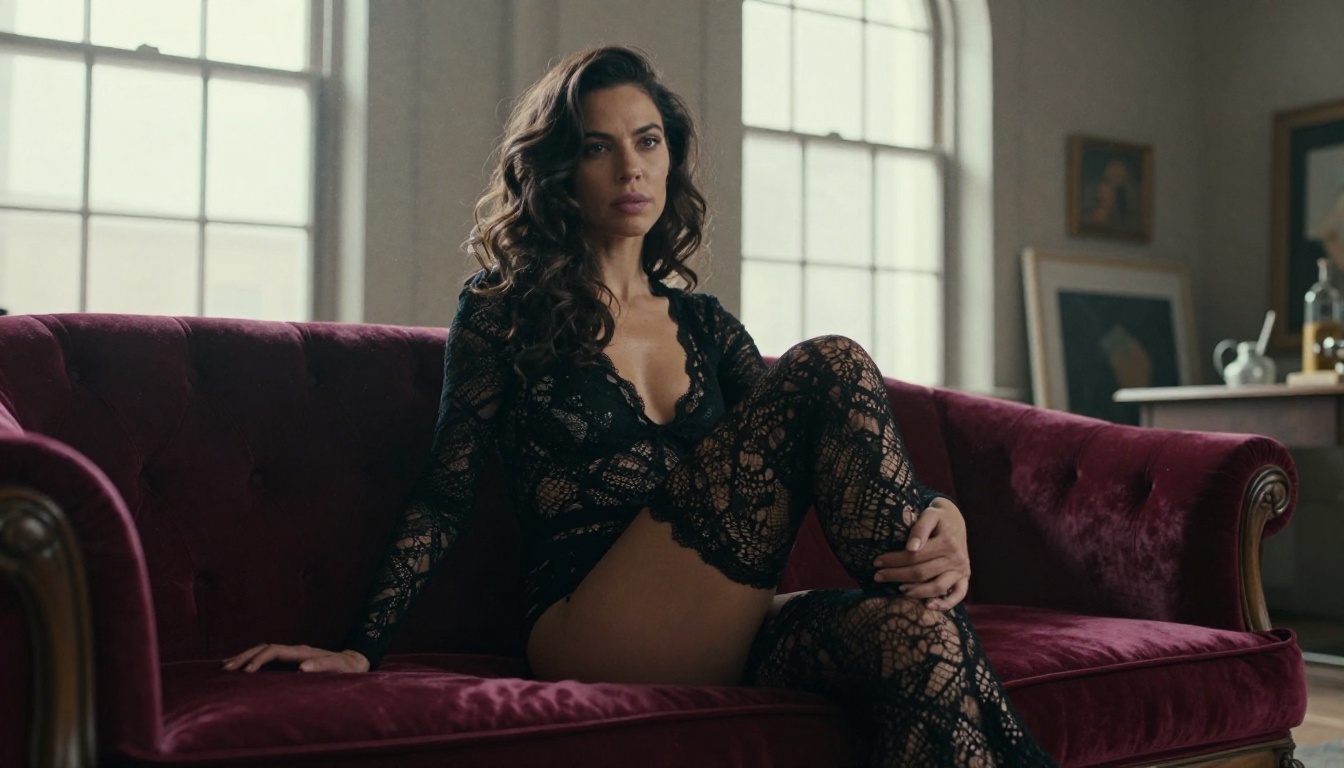
Method 1: Seed Locking
This is the fastest method and the most underused. When you find a generation that gives you the face you want, write down the seed number immediately.
How seeds work in practice
Most platforms display the seed somewhere in the generation output. On PicassoIA, the seed is returned alongside the image. Copy it. Save it in a text file with the character name. That seed plus your exact prompt becomes your face template.
Here is what most users miss: the seed alone is not enough. You need the seed AND an identical base prompt. If you change the prompt significantly, the seed will interpret those changes and produce a different composition, which often means a different face. The seed controls randomness, not output directly.
Seed and prompt anchoring
Build your prompts in two layers:
- Layer 1 (Face anchor, never changes):
[25-year-old woman, sharp green eyes, high cheekbones, full lips, straight nose bridge, auburn hair, light freckles]
- Layer 2 (Scene description, changes each generation):
[standing in a sunlit studio, wearing a cream silk robe]
Keep Layer 1 word-for-word identical across every generation. Only change Layer 2. Combined with a locked seed, this dramatically reduces facial drift. You will not get a perfect match every time, but you will get close enough that post-processing or upscaling can bridge the gap.
Tip: Save your face anchor layer as a text snippet you can paste into any prompt. Changing even one adjective in the face description shifts the output.
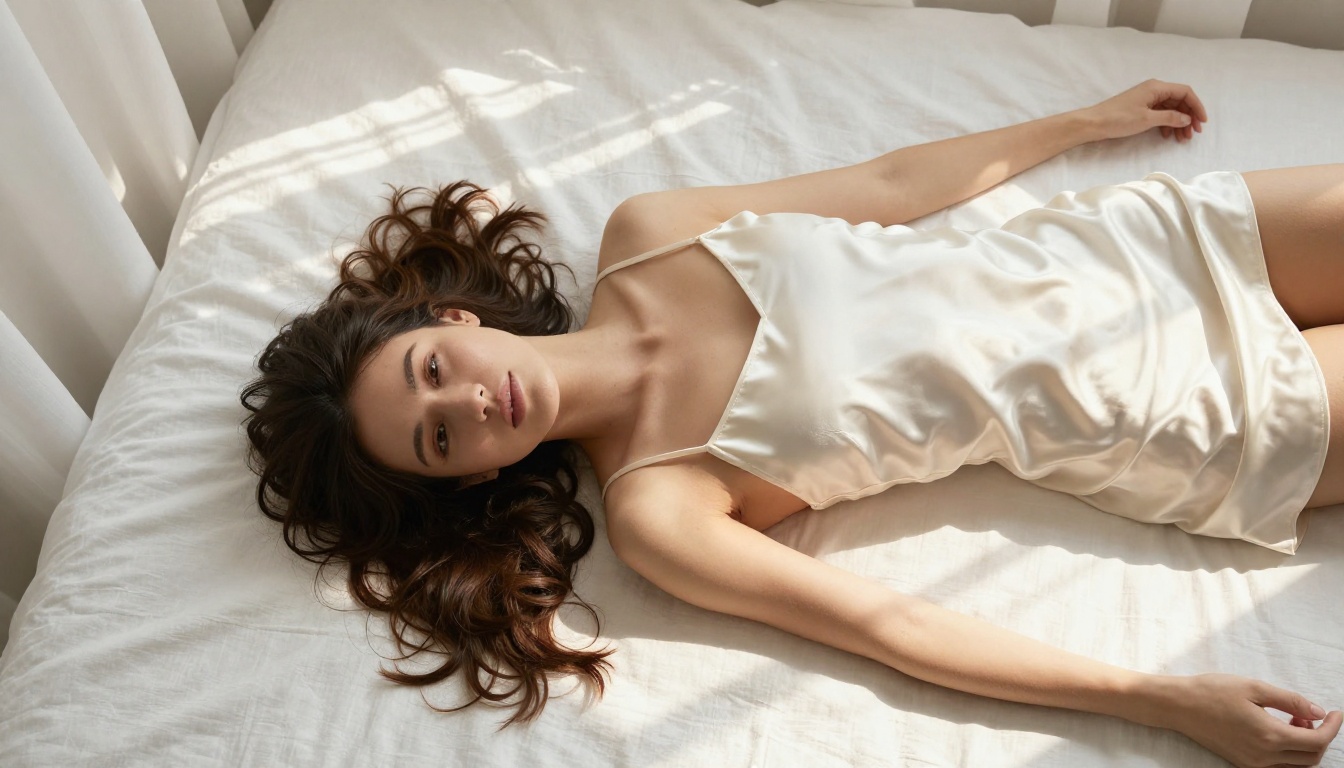
Method 2: IP-Adapter and Image Reference
This is the most powerful method for ongoing series work. IP-Adapter lets you upload a reference image and instruct the model to keep the face from that reference.
How image reference works
Instead of relying on text alone to describe a face, you hand the model a photo. The model analyzes the facial structure from your reference and tries to reproduce it in a new composition. The key parameters:
| Parameter | What It Controls |
|---|
| Face strength | How closely the face matches the reference (0.0 to 1.0) |
| Composition strength | How much the reference controls the pose and scene |
| Denoise | How much freedom the model has to reinterpret the scene |
For pure face consistency with different scenes, set face strength high (0.7 to 0.9) and composition strength low (0.2 to 0.4). This tells the model: keep this exact face, but feel free to change everything else.
Choosing the right reference image
Your reference image matters enormously. The ideal reference for face consistency:
- Shows the face frontally or at a slight angle (avoid extreme profiles)
- Has clean, even lighting with no harsh shadows obscuring features
- Is high resolution with sharp focus on the face
- Shows the face without other people nearby
- Represents a neutral to mild expression (extreme emotions can lock the model into that expression)
For adult AI art specifically, a tasteful portrait shot that already has the features you want works best. The model cares about the geometric face structure it extracts from the reference, nothing else.
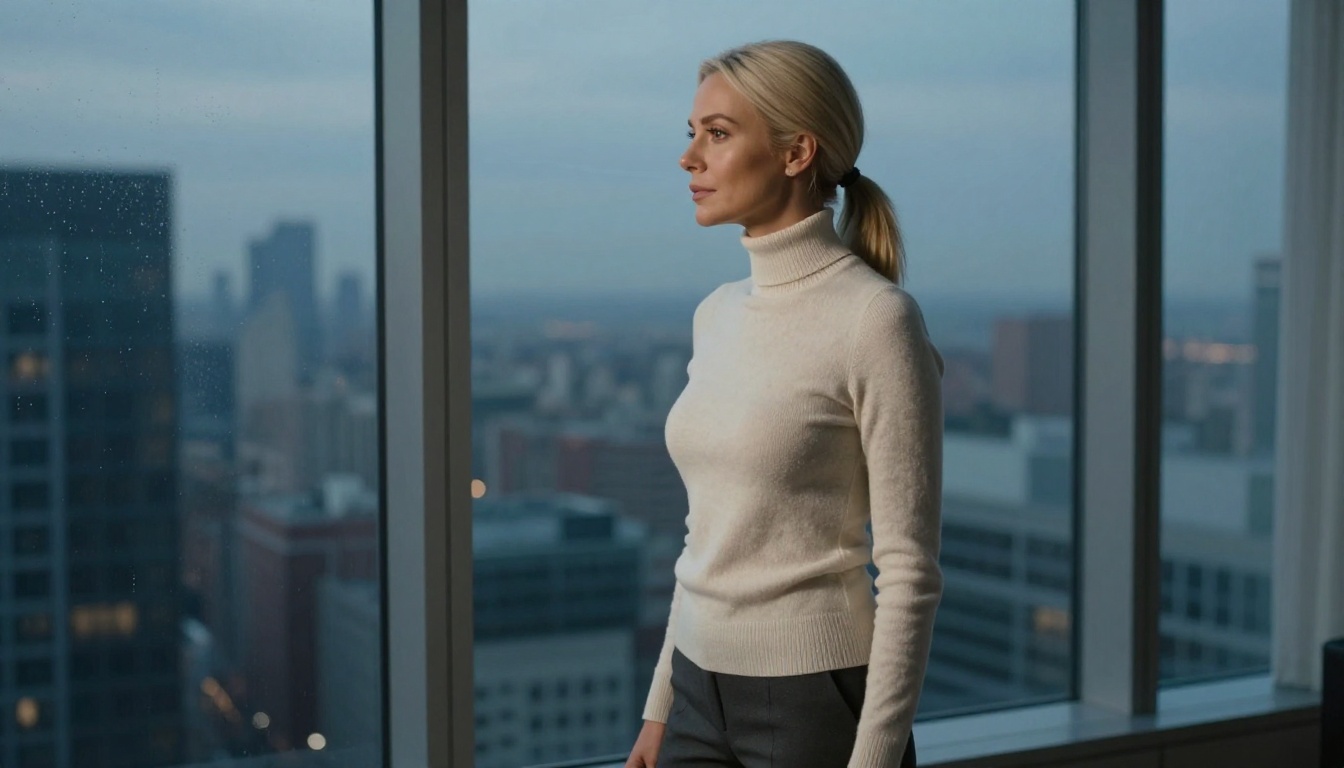
Method 3: Character LoRA Training
For creators who want the highest level of face consistency for long-term series work, training a LoRA (Low-Rank Adaptation) on a character is the gold standard.
What you need to train
A LoRA is a small model add-on trained on a set of reference images of a specific face. After training, you load this LoRA and it steers every generation toward that face, regardless of seed or scene changes.
Minimum dataset for solid results:
- 15 to 30 images of the same face
- Variety of angles: front, three-quarter, side profile
- Variety of lighting: day, night, studio, outdoor
- Variety of expressions: neutral, smiling, serious
- Consistent image quality throughout
The training process takes anywhere from 20 minutes to several hours depending on your hardware. Once trained, you have a face anchor that works across any prompt and any scene.
When LoRA beats everything else
Use LoRA when:
- You are building a series of 50 or more images of the same character
- The character has a very specific face that is hard to describe in text
- You need consistency across different models and styles
- You want other people to use the same face reliably
Use seed plus prompt when:
- You are doing a one-off session or small batch
- You do not have the time or hardware to train
- You want quick results within a single platform
Both have their place. Most professional adult AI content creators use LoRA for their main characters and seed-locking for quick work.
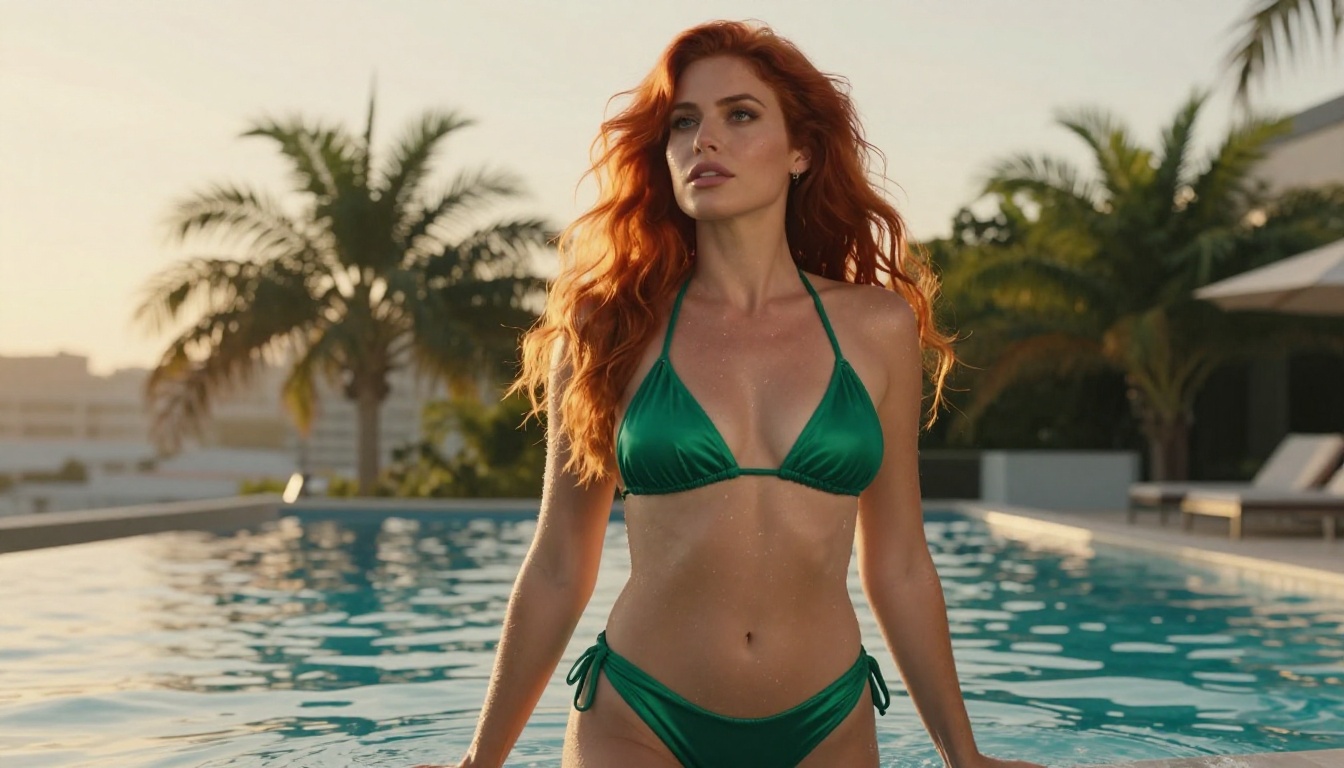
Best Models for Face Consistency
Not all models handle face consistency equally. The architecture and training data of each model affects how well it holds facial features across different prompts.
Seedream 5 Pro
Seedream 5 Pro from ByteDance is one of the strongest models for photorealistic portrait consistency on PicassoIA. Its 2K output resolution provides enough pixel density to preserve fine facial details, and its training on high-quality photographic data makes it lean toward realistic face anatomy rather than stylized features that drift.
For adult content, Seedream 5 Pro handles suggestive scenarios with photorealistic detail while maintaining structural consistency across generations when you provide strong face anchors in your prompt.
Best for: High-res portrait series, glamour photography style, realistic skin and feature detail
Reve 2.1
Reve 2.1 has a notable strength: it responds well to detailed face descriptions in prompts, which makes the seed plus prompt technique particularly effective. When you write out specific facial geometry (eye shape, nose bridge, lip fullness, cheekbone height), Reve 2.1 interprets these more literally than many other models.
Best for: Prompt-driven face locking, mid-complexity series work
Krea 2 Large
Krea 2 Large is the photorealism heavyweight. It generates faces with a level of anatomical accuracy that makes consistency easier to achieve and maintain. Its larger architecture holds more nuance in facial geometry across different compositions.
Best for: Ultra-realistic faces, professional glamour content, high-fidelity detail
Riverflow v2.5 Pro
Riverflow v2.5 Pro brings a balance of speed and quality that makes it practical for larger batches. If you are generating 20 to 30 images in a session to find good seeds, its generation speed lets you iterate faster.
Best for: Rapid seed-hunting sessions, batch testing face prompts
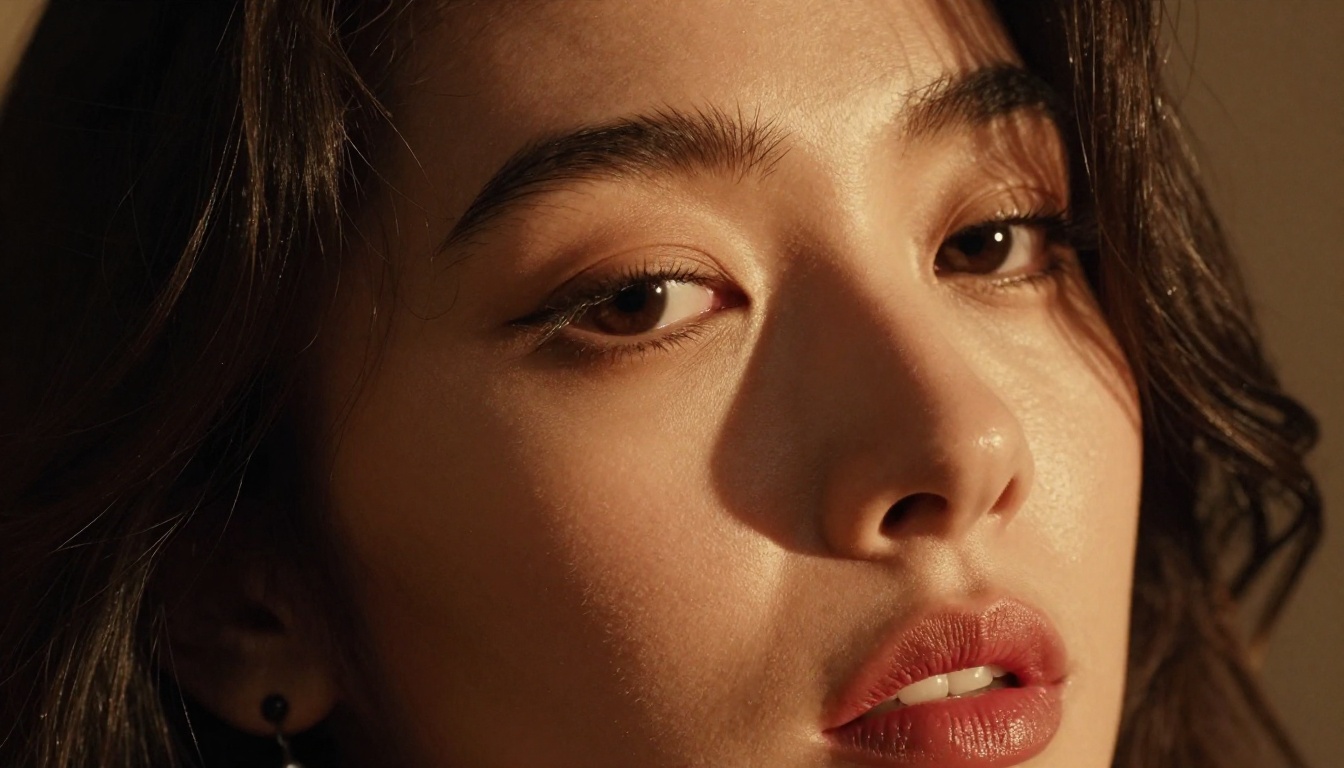
How to Use PicassoIA for a Consistent Character
PicassoIA at picassoia.com/en/all-models gives you access to over 90 text-to-image models plus specialized editing and upscaling tools, all in one platform without any download or setup.
Step-by-step workflow
Step 1: Create your character template
Write a detailed face anchor paragraph and include every fixed feature:
[25-year-old woman], [almond-shaped hazel eyes], [light brow arch], [slightly upturned nose], [full lower lip], [sharp jaw], [high cheekbones], [smooth skin], [natural auburn hair]
Step 2: Generate 15 to 20 variations
Use Seedream 5 Pro or Krea 2 Large with your face anchor. Record the seed number for every generation you like.
Step 3: Pick your canonical face
From your batch, choose one generation that best represents the character. This is now your master reference. Save the image and its seed.
Step 4: Upscale the master reference
Before using this master reference as a future IP-Adapter input, run it through Clarity Pro Upscaler or Crystal Upscaler. Upscaling adds detail and sharpness that gives the reference model more geometric data to work with. A blurry reference gives a blurry identity lock.
Step 5: Generate scene variations using your reference
Now use your master reference as the IP-Adapter input for new generations. Your character gets placed into new scenes, poses, and situations while keeping her face intact.
P Image Upscale for quick detail
For fast upscaling without quality loss, P Image Upscale delivers sharp results in about one second. When you are iterating quickly between generations and need to check facial detail at full resolution, this is the quickest path.
Real ESRGAN for older or lower-res references
If you are working from a lower-resolution reference image, Real ESRGAN provides a reliable 4x upscale that recovers detail without adding hallucinated features. Keeping your reference clean is as important as keeping it sharp.

Prompt Engineering for Face Consistency
Even without IP-Adapter or LoRA, strong prompt engineering alone significantly reduces face drift.
Physical anchors that hold
These descriptor categories are the most stable across generations. Include all of them in your face anchor layer:
Eye descriptors (highest impact):
- Shape: almond, round, hooded, monolid, upturned, downturned
- Color: specific terms (hazel, amber, steel grey) outperform generic terms ("brown eyes")
- Size relative to face: "large eyes" vs. "small, sharp eyes"
Nose descriptors (second highest):
- Bridge width: narrow, wide, straight, slightly curved
- Tip shape: rounded, pointed, upturned, flat
- Overall size: petite, prominent, balanced
Jaw and face shape:
- Jawline: sharp and angular, soft and rounded, square
- Face shape: oval, heart, square, diamond
- Cheekbone prominence: high, flat, prominent
Lips:
- Fullness: full upper and lower lip, thin lips, fuller lower lip
- Shape: cupid's bow, natural, wide-set
What to always include in adult AI prompts
For adult AI art where you want the same face across intimate scenes, these additions prevent the model from drifting toward generic attractiveness archetypes:
- Specific ethnic markers when relevant (the model will otherwise average toward whatever the training data skewed toward)
- Age qualifiers ("25-year-old" holds face shape better than unspecified age)
- Imperfection markers ("subtle nose bridge bump," "light freckles") force the model to preserve unique features rather than smoothing everything into a generic face
- Hair as anchor: Unusual or specific hair characteristics help the model recognize the character even when face details drift slightly
Tip: The more specific your imperfection markers, the harder it is for the model to substitute a generic attractive face. A character with light freckles across the nose and a faint chin dimple is far easier to hold consistent than a "perfect beauty" prompt.

5 Mistakes That Kill Face Consistency
Most face consistency problems come from a handful of repeatable mistakes.
Mistake 1: Switching models mid-series
Different models have different average-face biases. If you generate your character in Seedream 5 Pro and then switch to Reve 2.1 without an IP-Adapter reference, the second model will produce a different person. Stick to one model for a session unless you are using strong image reference tools.
Mistake 2: Changing resolution mid-series
Switching from 512x512 to 1024x1024 mid-series changes how the model samples the face. The face anchor composition shifts as the model fills more pixels. Decide your resolution before starting a series and keep it fixed.
Mistake 3: Ignoring lighting consistency
Dramatic lighting changes how a face reads. A face illuminated from below looks like a different person than the same face illuminated from above. Include lighting direction in your face anchor: "soft light from camera-left" or "warm top-down studio light."
Mistake 4: Too few seed candidates
Finding a seed that generates the exact face you want rarely happens in the first five tries. Plan to generate 15 to 30 images in a seed-hunting session. The more candidates you review, the better your master reference will be.
Mistake 5: Using a blurry reference image
A low-resolution or soft-focus reference image provides poor geometric data to the IP-Adapter. The tool tries to infer facial structure from blur and guesses wrong. Always upscale and sharpen your reference images with Crystal Upscaler before using them as references.
The Character Sheet Approach
One technique borrowed from traditional character design that translates perfectly to AI art: the character sheet.
A character sheet is a set of reference images showing your character from multiple angles and in multiple lighting conditions, all generated in the same session with the same seed and prompt. Typically five to eight images:
- Front face, neutral expression
- Three-quarter angle, slight smile
- Side profile
- Front face, different lighting
- Full body (for body type reference)
With these as your reference library, you can feed any one of them into an IP-Adapter workflow and get accurate face reproduction regardless of scene. When one reference fails, try another from the sheet. Different angles work better in different compositional contexts.
If you work across multiple platforms, you will need to re-establish your character in each one. There is no universal face import that works everywhere. But a high-quality IP-Adapter reference image is the closest thing to a portable face.
The workflow: generate your canonical face on PicassoIA, upscale it to maximum resolution using Clarity Pro Upscaler, then use that image as the reference input in any platform that supports image-to-image or IP-Adapter workflows.
For animated content or talking videos, Omni Human 1.5 lets you take a still image of your character and animate it with audio or motion. Since you are starting from a single canonical image, the face stays fixed throughout the animation, solving consistency automatically for video formats.
Build Your First Consistent Character Today
Everything described here: seed-locking, IP-Adapter reference, upscaling, is available on PicassoIA without downloading anything. The platform runs entirely in browser, with over 90 text-to-image models, super-resolution tools, and editing capabilities all accessible from a single interface.
Start by picking one of the portrait-strong models: Seedream 5 Pro, Krea 2 Large, or Reve 2.1. Write your face anchor prompt. Generate 20 variations, note the seeds you like, pick a master reference, upscale it with Clarity Pro Upscaler, and start building your series from there.
The difference between a creator with consistent characters and one who generates thirty different people every session comes down to three habits: lock your seed, anchor your prompt, always have a reference image. Start with those, and face drift stops being a frustration and starts being a solved problem.
Browse all available models at picassoia.com/en/all-models.


