Three hours to create one Facebook ad. That was the reality for most marketers just two years ago, between briefing a designer, waiting for revisions, writing copy, resizing for every format, and approving the final asset. Today, that same ad takes four minutes. AI has changed the math entirely, and the gap between brands that know this and brands that don't is growing fast.
Why Manual Ad Creation Is Dead
The old workflow was expensive by design. You needed a designer, a copywriter, and a project manager just to get a single static ad out the door. Small businesses either paid agency rates they couldn't afford or settled for amateur designs that performed accordingly. Neither option was acceptable.
The Real Cost of Hiring Designers
A single ad campaign with 5 to 10 creative variants costs anywhere from $500 to $3,000 when outsourced to a freelancer or agency. That's before you factor in revisions, platform resizing, and A/B testing iterations. For most businesses running ads on Facebook, Instagram, YouTube, and TikTok simultaneously, the creative budget alone consumes half the total marketing spend.
What Slow Output Does to Campaign Performance
Digital advertising rewards speed. A flash sale that needs a creative asset today can't wait two days for a designer. Seasonal moments pass. Competitor campaigns steal momentum. The brands winning on paid social are the ones iterating daily, not weekly. Speed is now a creative strategy, not just an operational preference.
How AI Changes Everything
Modern AI tools collapse the production timeline from days to minutes. You describe what you want, the AI generates it, and you tweak until it's right. No design software knowledge required. No waiting on someone else's schedule.
The core shift is this: AI tools separate creative judgment from creative execution. You still need to know what makes a good ad. But you no longer need technical skills to produce it. A brand manager can now output what used to require a full creative department.
The 3 AI Capabilities Behind Fast Ad Creation
- Text-to-image generation: Convert a text description into a photorealistic ad image in seconds
- Text-to-video generation: Animate a static image or create full motion ads from a single prompt
- Prompt-driven iteration: Tweak one variable at a time until the output matches your exact vision
💡 The real power isn't a single generation. It's the speed of iteration. You can test 20 creative directions in the time it used to take to get one design approved by a creative director.
The AI Ad Creation Workflow in 5 Steps
Here's the exact process used by marketing teams generating hundreds of ad creatives per week.
Step 1: Define Your Ad Objective
Before writing a single prompt, answer these questions:
- What platform is this ad for? (Facebook, Instagram, YouTube, TikTok)
- What format? (Static image, short video, carousel)
- What's the single emotion or action you want the viewer to feel or take?
Write this down in one sentence. That sentence becomes the backbone of your AI prompt.
Step 2: Write a Specific Prompt
Vague prompts produce vague ads. "A woman holding a product" gives you nothing useful. "A confident woman in her late 20s holding a matte black skincare bottle in a minimalist bathroom, soft morning light from the left, 85mm f/1.8, Kodak Portra film grain" gives you something you can run directly.
The formula:
| Element | What to Include |
|---|
| Subject | Who or what is in the ad |
| Setting | Where the scene takes place |
| Lighting | Direction, quality, color temperature |
| Camera | Lens focal length, aperture, angle |
| Style | Film stock, mood, color palette |
| Restrictions | What to exclude (no text, no logo, no props) |
Step 3: Generate and Evaluate
Run the prompt. Look at the first output critically:
- Does the composition match what you described?
- Is the product or subject clearly visible?
- Does the image read well as a thumbnail at small sizes?
If anything is wrong, change that one variable in your prompt and regenerate. Don't rewrite the whole prompt. Isolate the element that's off and adjust only that.
Step 4: Animate for Video
Static images become video ads by passing them through an image-to-video model. This is where simple photography becomes scroll-stopping motion content. A product shot with a slow dolly push. A model's hair catching a gentle breeze. A liquid pouring in cinematic slow motion. You're adding time to something that was already working.
Step 5: Export and Resize
Most AI platforms output at 16:9 by default. For Instagram Stories or TikTok you need 9:16. For Facebook feed, 1:1 performs better. Use your AI tool's aspect ratio controls to produce all required variants from the same base creative without regenerating from scratch each time.
Image Generation for Ad Creatives
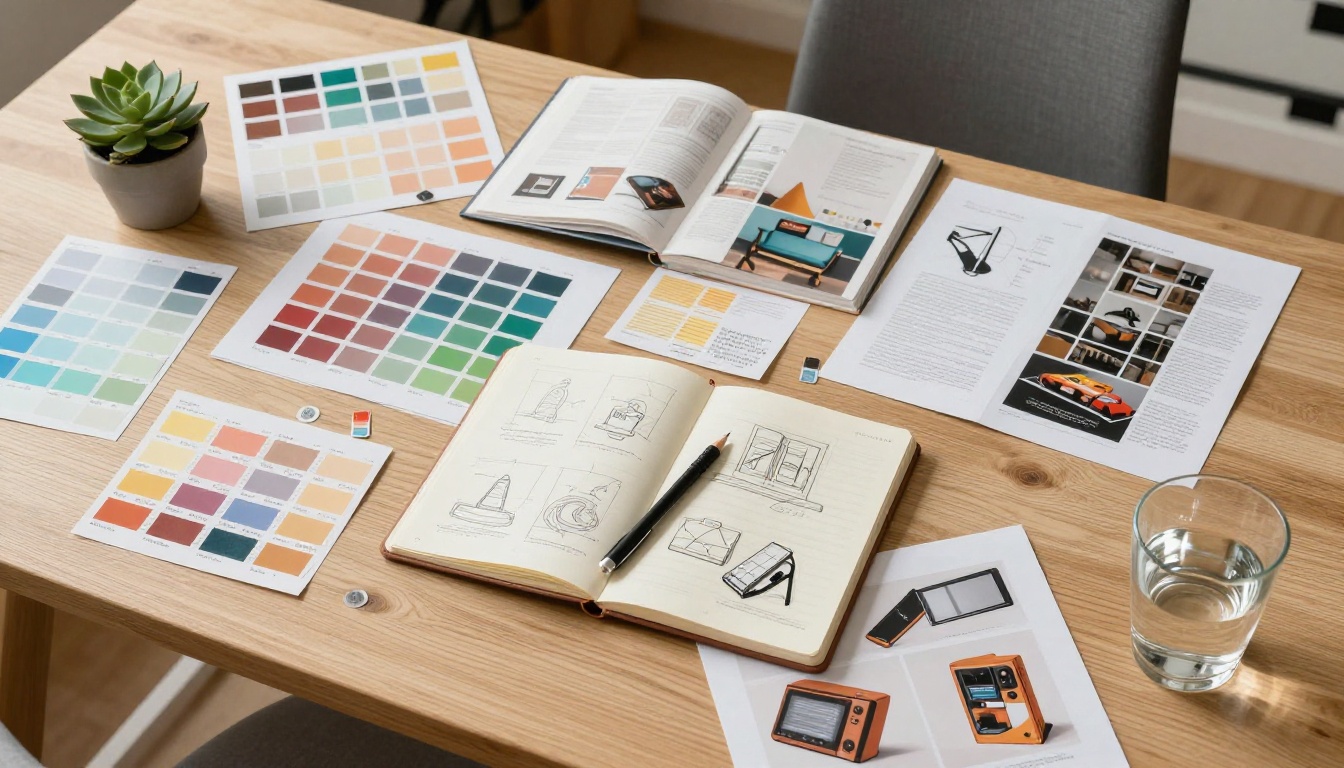
The quality of your static ad creative depends entirely on the model you use and the specificity of the prompt you give it. On PicassoIA, you have access to over 91 text-to-image models, from fast draft generators to 8K photorealistic models capable of commercial-grade output.
Choosing the Right Image Model
Different ad types demand different model strengths:
- Product photography ads: You need clean backgrounds, sharp product detail, and professional lighting. Models that handle studio-style composition are ideal.
- Lifestyle ads: Look for models strong on natural skin tones, environmental depth, and realistic textures. P Image by PrunaAI delivers consistent photorealistic results across both lifestyle and product contexts.
- Fashion and beauty ads: Prioritize models that handle fabric texture, accurate skin tone, and editorial composition with cinematic depth of field.
Prompt Tips That Produce Ad-Quality Images
These elements consistently improve output quality for advertising use:
- Specify the platform format: "optimized for Instagram feed, square composition" or "9:16 vertical portrait for Stories"
- Describe product action: not just "perfume bottle" but "perfume bottle being lifted from marble surface, motion blur on fingers"
- Lock the color palette: "warm earth tones, cream, terracotta, sage" or "navy and gold with white space"
- Control negative space: "subject positioned on left third, clean space on right for text overlay"
- Define what's not there: "no text, no logos, no props, no background distractions"
Video Ad Creation with AI
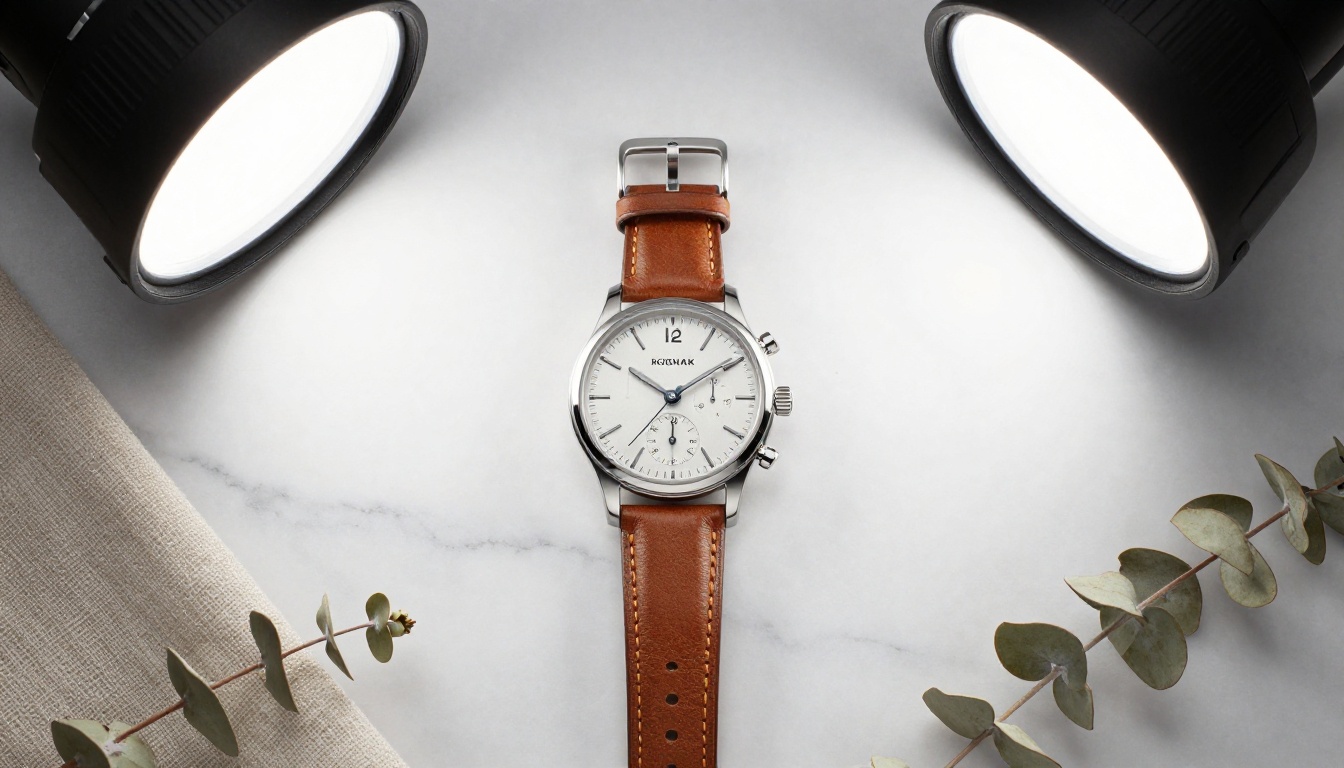
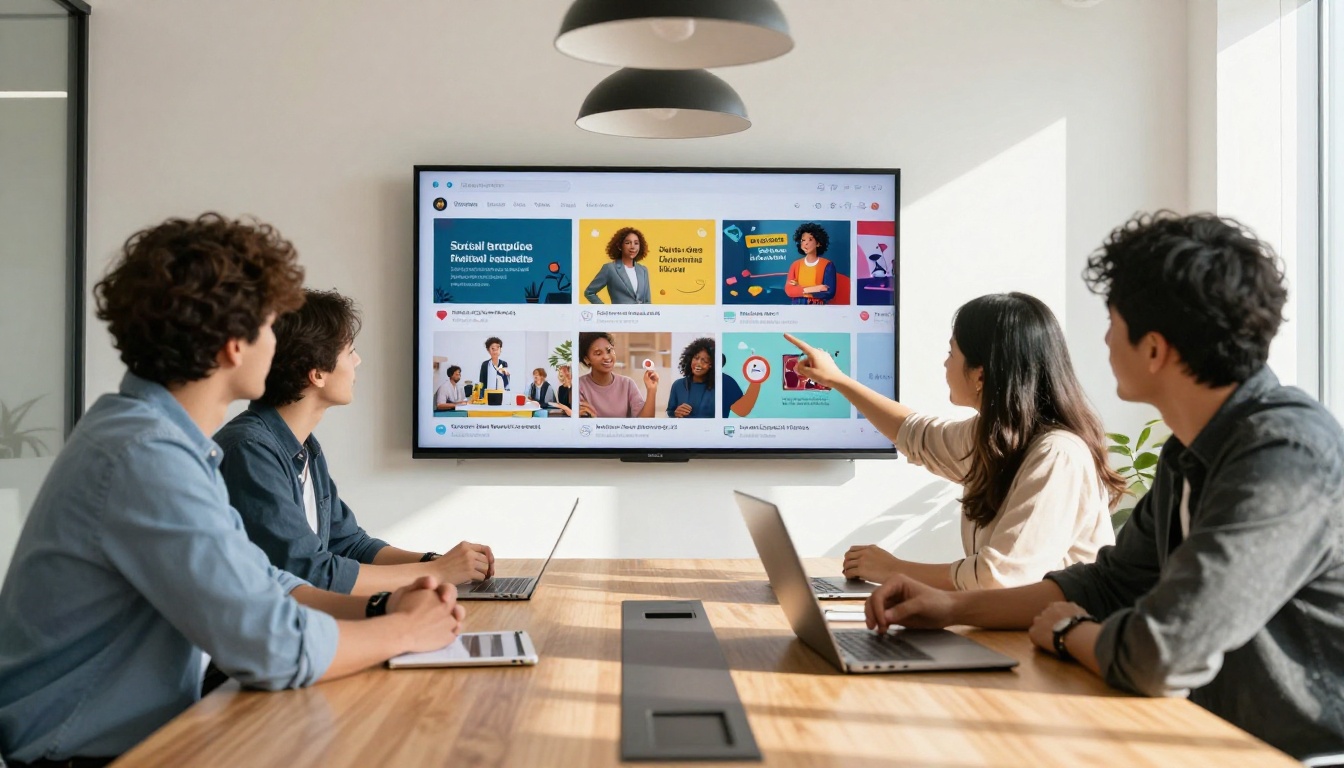
Video ads consistently outperform static images across every major ad platform. Facebook's own research shows video ads generate significantly more engagement than image ads at comparable spend. The barrier was always production cost. AI removes it entirely.
The Image-to-Video Workflow
The fastest path to a video ad starts with an image you've already generated:
- Generate a high-quality static image (product shot, lifestyle scene, or editorial visual)
- Pass it through a video generation model as the first frame
- Describe the motion in your prompt: what moves, how the camera moves, what changes over 5 seconds
- Export and add any text overlay or voiceover in your editing tool
On PicassoIA, Seedance 2.0 generates videos with built-in synchronized audio, making it particularly effective for ads that benefit from ambient sound or music beds. Kling v2.6 produces cinematic motion quality ideal for premium brand advertising where every frame needs to look deliberate.
Top Video Models for Ads on PicassoIA
Writing Motion Prompts for Video Ads
Video prompts are different from image prompts. You're describing action and change over time:
- Product reveal: "Perfume bottle on marble surface, camera slowly dolly-pushing in over 5 seconds, bottle rotating 15 degrees, morning light catching the glass facets, smooth cinematic motion"
- Lifestyle: "Woman takes a sip of coffee by a window, she smiles slightly as light shifts from soft to golden, camera holds steady then gently pushes forward over 5 seconds"
- Fashion: "Model walks toward camera on a cobblestone street, coat flowing behind her, subtle camera shake suggesting handheld documentary style, natural afternoon light"
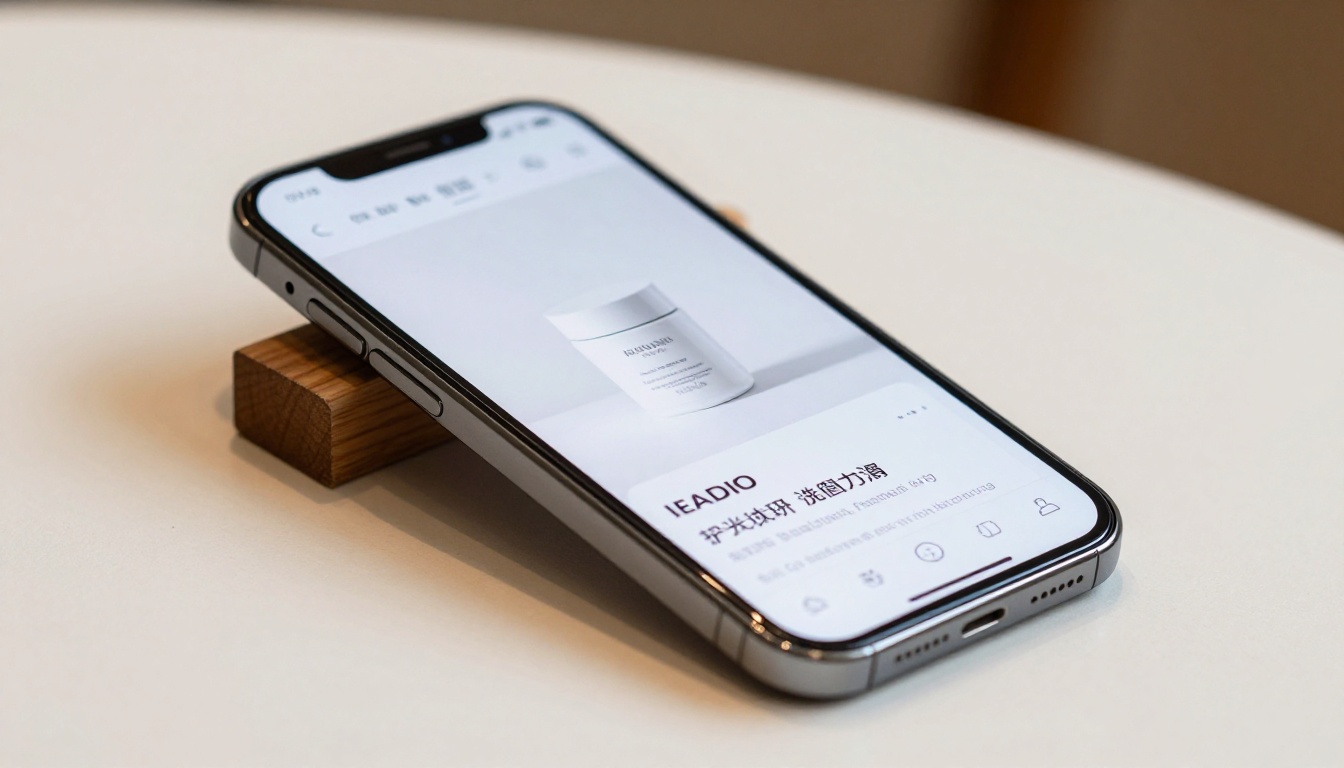
Different platforms have different content expectations and viewer behaviors. The same creative rarely performs equally across all channels without some adaptation.
Facebook and Instagram Feed Ads
Facebook rewards square (1:1) images and short video under 15 seconds. The first frame needs to communicate without sound because most users scroll on mute. Generate your base image, animate it with subtle motion (product rotation, slow zoom, parallax), and keep the motion simple enough to be understood in 3 seconds of silent viewing.
💡 Most effective format for feed: A clean product image with subtle camera motion. Think floating, gentle rotation, or a single slow push. No complex story that requires audio to follow.
Instagram Stories and TikTok
Vertical format (9:16) dominates both platforms. Generate your base image in portrait orientation, or generate landscape and specify the crop area in your prompt. Fast-paced motion works better than slow cinematic motion here. Keep any text you plan to overlay above and below the center of the frame to avoid UI element interference.
YouTube Pre-Roll Ads
You have 5 seconds before a viewer can skip. The first frame must be visually arresting enough to earn attention. Use a high-tension image prompt: extreme close-up of a product, a face mid-expression, or a scene that raises an immediate question. Veo 3 produces 1080p video with native synchronized audio, making it a strong choice for YouTube where sound-on viewing rates are higher than on social feeds.
5 Ad Types You Can Build Right Now
1. Product Showcase Ads
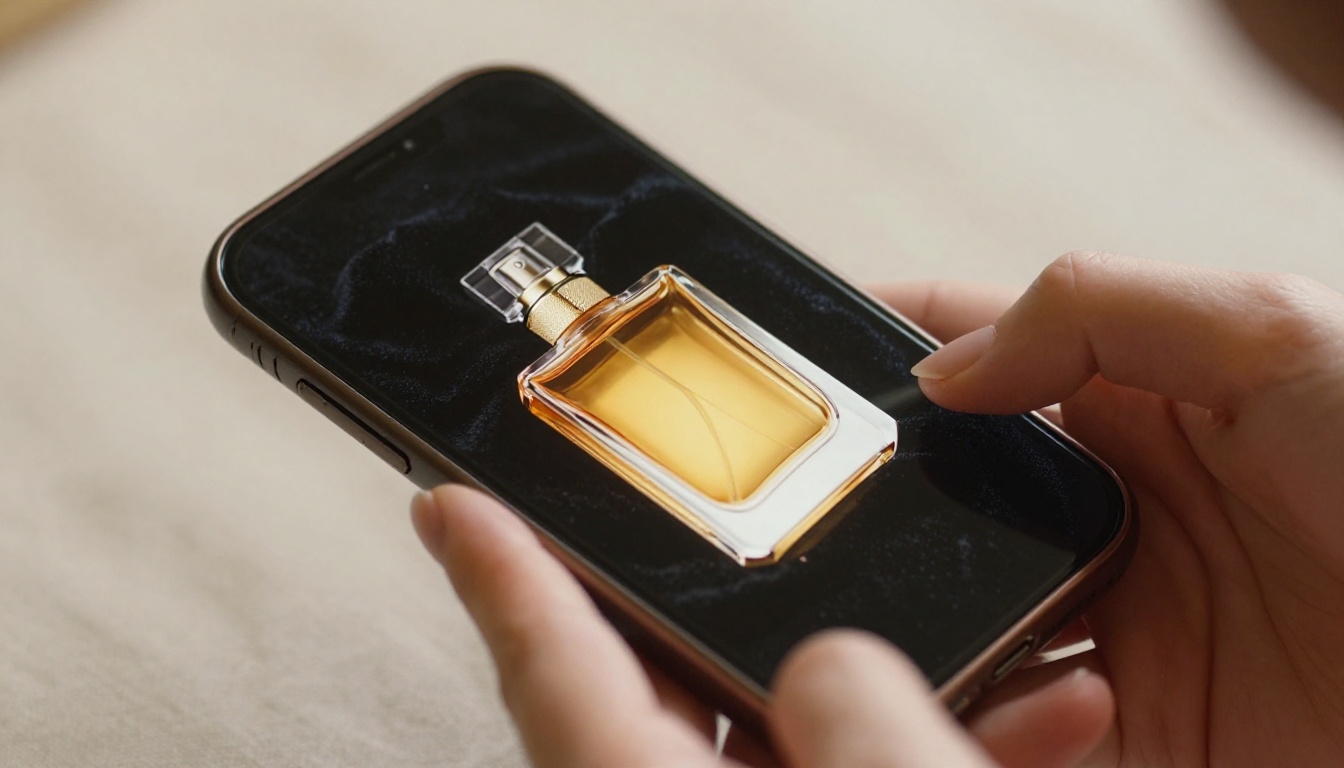
Generate a flatlay or staged product photo with a precise prompt covering surface, lighting direction, and color palette. Pass your best result to an image-to-video model for a 5-second animated version. Add a text overlay in your editing tool. Total time from prompt to finished ad: under 10 minutes.
2. Lifestyle Ads
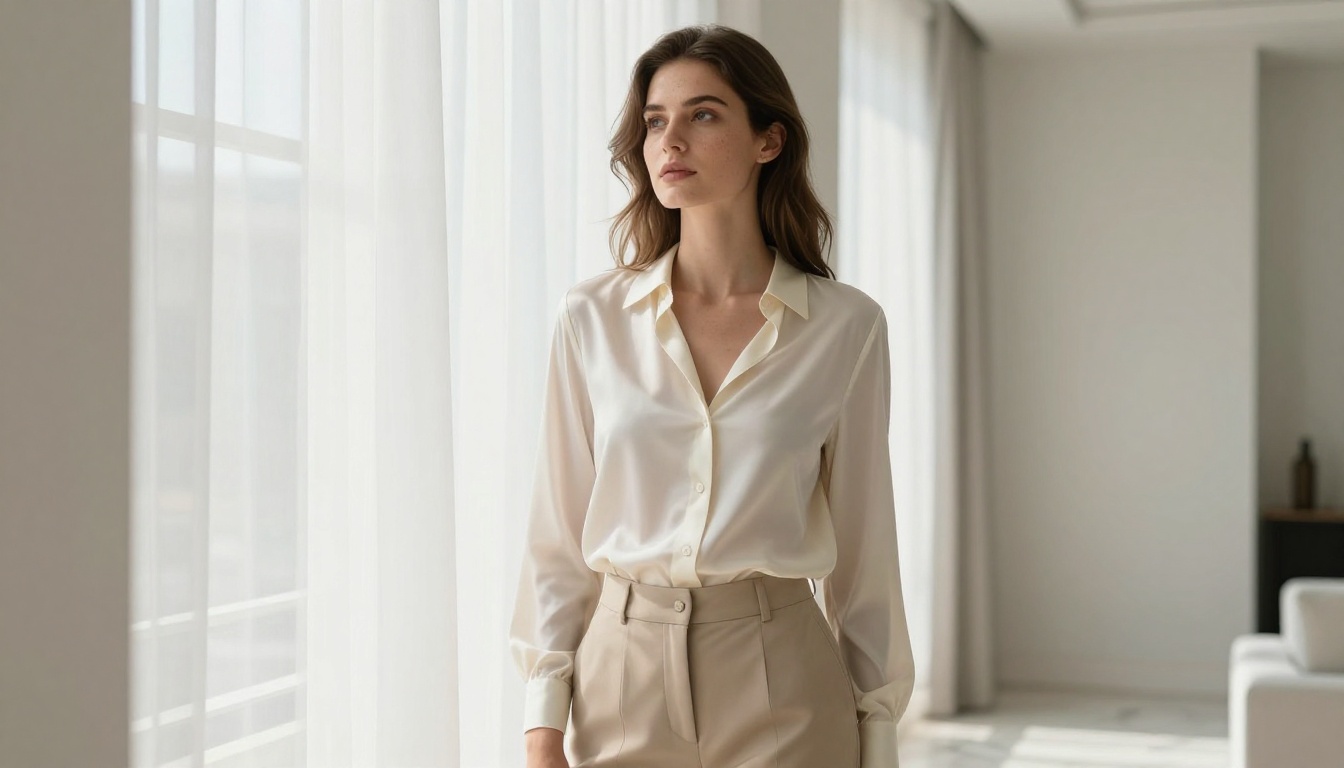
Describe your target customer in a realistic, aspirational scene that implies your product. A skincare brand shows a confident woman with healthy, glowing skin in a minimalist bathroom at morning. No product in frame. The emotion does the selling. This is the format that converts at the highest rates across beauty, fitness, and apparel.
3. Before/After or Comparison Ads
Generate two images: the "problem" state and the "result" state. Side-by-side these as a carousel or animate between them with a transition effect. This format is particularly effective for beauty, fitness, home improvement, and SaaS products where the transformation is the value proposition.
4. Promotional and Sale Ads
Generate a high-energy product image and deliberately leave negative space on the right or lower third for text. The AI handles the visual; you add the discount percentage and CTA in your editor. Swap the image for every seasonal promotion in minutes without rebuilding the visual language of the campaign.
5. Event and Launch Ads
Generate aspirational venue photography: a rooftop event space at golden hour, a conference hall with dramatic overhead lighting, a product launch stage with elegant staging. These shots are nearly impossible to produce on a small budget with traditional photography but trivial to generate with a well-written prompt.
How to Use PicassoIA for Ad Creation

PicassoIA gives you access to every major AI model through a single platform. No API keys, no developer setup, no separate subscriptions for each model provider.
Step 1: Pick Your Format
Go to picassoia.com/en/all-models and select either text-to-image (for static ads) or text-to-video (for motion ads). Filter by quality or speed depending on how fast you need the output versus how high a production standard the campaign demands.
Step 2: Write Your Prompt
Use the framework from earlier: subject, setting, lighting, camera, style, and restrictions. For ad creatives specifically, include:
- Aspect ratio guidance ("16:9 horizontal" or "9:16 vertical portrait for Stories")
- Clean negative space instruction if you'll overlay text ("clear white space on right third")
- Your exact color palette to match brand guidelines
Step 3: Generate and Iterate
Click generate. Evaluate the output for composition, subject clarity, and emotional tone. Change one element at a time. The PicassoIA Video tool lets you generate unlimited free video content directly from text or image inputs, making iteration cost-free.
Step 4: Animate Your Best Image
Take your strongest image output and pass it to Seedance 2.0 or Wan 2.7 T2V for motion. Describe what moves and how the camera responds. Generate. You now have both a static and a video version of the same ad creative.
Step 5: Export and Deploy
Download your file, add text overlays or CTAs in your editor of choice, and upload directly to your ad platform. The whole process from blank canvas to upload-ready creative typically takes 5 to 15 minutes once you know how to write prompts.
Speed matters. But a fast bad ad is still a bad ad. Here's what separates AI-generated ads that convert from AI-generated ads that don't.
Specificity Beats Length in Prompts
It's not about writing longer prompts. It's about writing more specific ones. "A woman" is useless. "A woman in her early 30s, Mediterranean features, natural makeup, looking slightly off-camera with a composed expression" is specific and produces consistent, usable output. Every vague word in your prompt is a coin flip you're leaving to the model.
Brand Consistency at Scale
The biggest operational advantage of AI ad creation isn't one good image. It's the ability to maintain visual brand consistency across 50 variants. Define your brand's visual language as a reusable prompt fragment: your color palette, your lighting style, your typical subject characteristics, your preferred camera perspective. Apply it to every generation. Your ads start to feel like they belong to the same campaign even when the specific creative is different.
💡 Save your brand's prompt template as a text file. Paste it as the base of every new prompt. Add only the product-specific variable at the end. Your creative output becomes immediately recognizable as yours.
Iteration Speed as a Competitive Advantage
Traditional creative agencies test 2 to 4 ad variants per campaign cycle. Brands using AI ad generation can test 20 to 50 variants at comparable cost. The cumulative performance lift from that level of testing compounds at scale. Every percentage point of CTR improvement across a significant spend budget translates directly to lower customer acquisition cost.
Pre-Publish Checklist
Before any AI-generated ad goes live, run through this:
Start Creating Your First Ad Today
The barrier to professional ad creative has never been lower. You don't need a creative team, a design budget, or years of software experience. You need a clear idea of what your ad should communicate, a specific prompt that says it visually, and a platform with the right models.
PicassoIA brings together over 90 text-to-image models and 100 text-to-video models in one place. From polished product shots using P Image to cinematic video ads using Kling v2.6 or LTX 2.3 Pro, every creative format modern advertising demands is already there waiting.
Go to picassoia.com/en/all-models, pick a model, write your first prompt, and have an ad creative ready in under five minutes. The brands running 10x the creative volume of their competitors aren't outsourcing to bigger agencies. They're using better tools, and they're using them right now.


