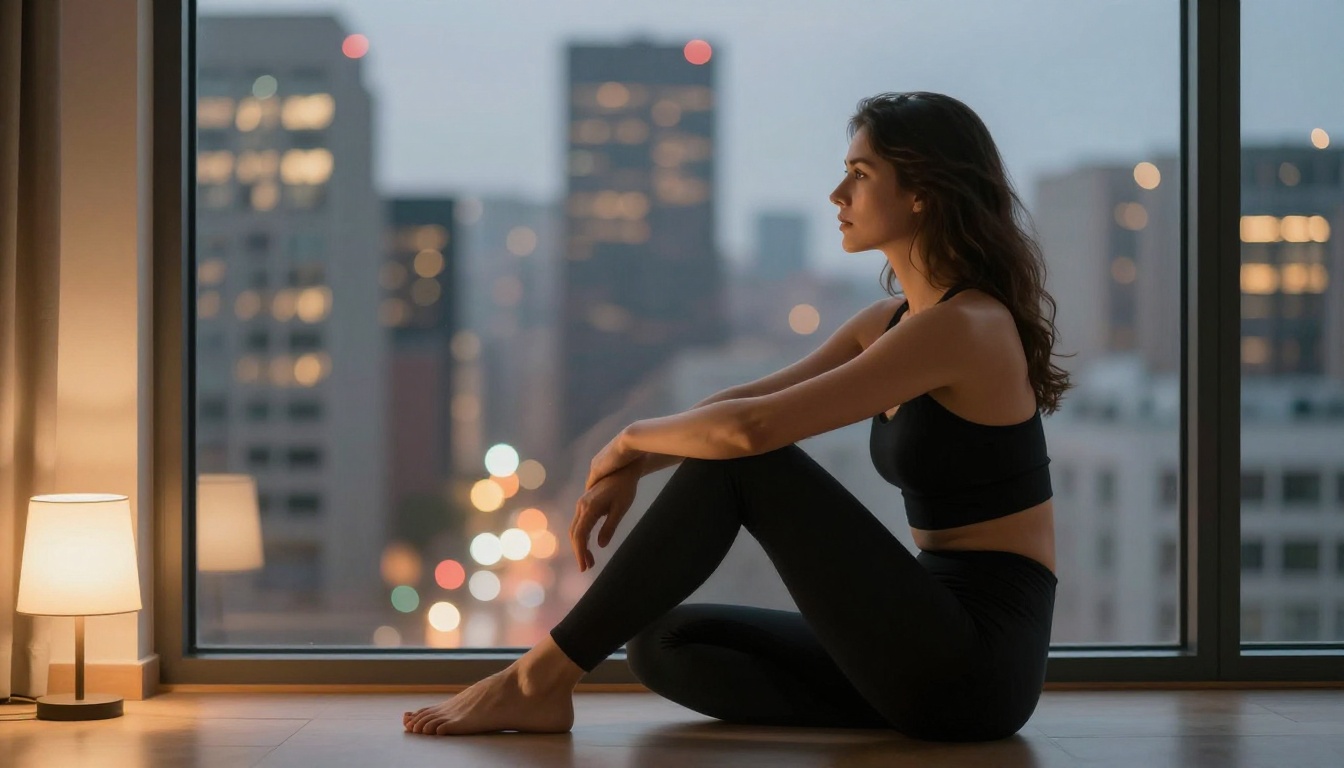
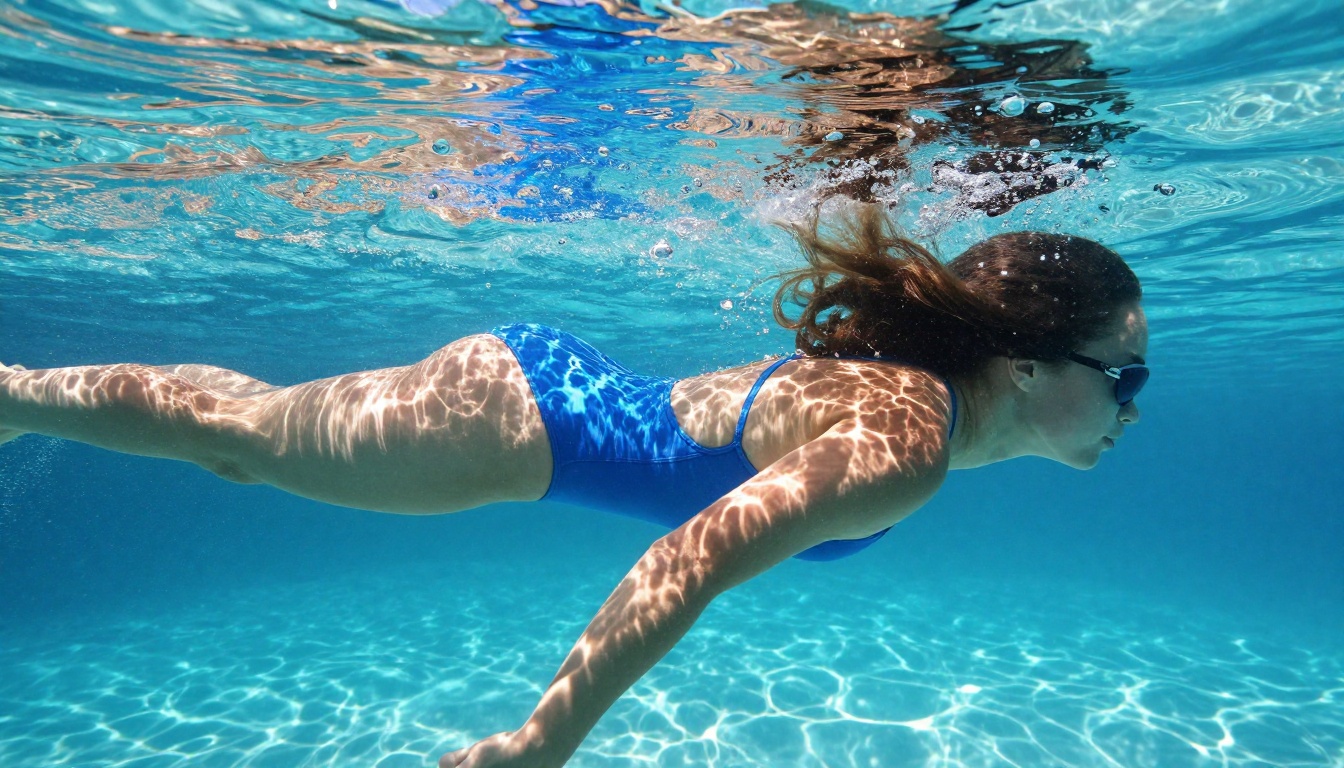
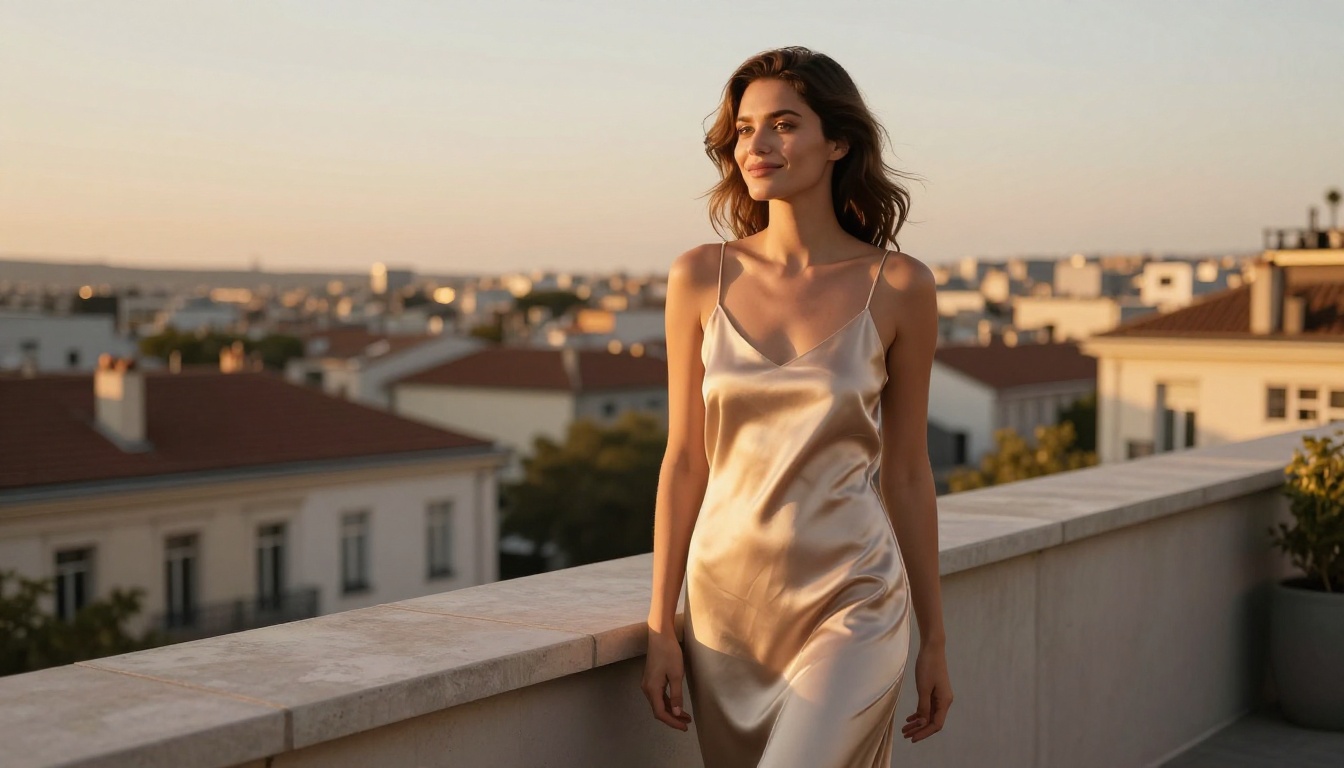
A hands-on breakdown of the best free tools for creating adult AI content in 2027 without content restrictions, expensive subscriptions, or technical barriers. From Seedream 4.5 to PicassoIA Image Editor Pro, find out which NSFW-friendly AI models deliver photorealistic results in seconds and how to prompt them.
Adult AI content creation has fundamentally changed. What once required expensive tools, powerful hardware, and the patience to navigate layers of content filters now works in a browser window. The models are sharper, the platforms are more honest about what they support, and the free tiers are genuinely useful.
This article covers how to make adult AI content safely and free — which models actually work, how to write prompts that get results, and where to go when you need unlimited generation without restrictions.
What "Safely" Actually Means
"Safely" in this context covers two distinct concerns. First, your content stays private. Second, your tools accept adult prompts without flagging your account mid-generation or quietly producing degraded outputs.
Mainstream platforms — Midjourney, Adobe Firefly, DALL-E 3 — run NSFW filters at the model level. They're not making a moral judgment; they're protecting enterprise partnerships. But the result for individual creators is the same: you get blocked, warned, or banned for prompts that are far from extreme.
Why Mainstream Tools Fall Short
Corporate AI products are built for the widest possible audience. Their content policies reflect legal exposure to minors-protection laws, payment processor terms of service, and conservative brand guidelines from enterprise customers.
The filters aren't always transparent. You might write a prompt that sounds innocuous and hit a block, or produce content that looks fine but triggers a delayed review. For creators who need reliable, consistent adult content generation, this unpredictability is a production problem.
Platforms Built for Creative Freedom
PicassoIA takes a different approach. With over 90 text-to-image models, many explicitly supporting adult content, the platform treats creative freedom as a feature rather than a liability. You prompt, it generates, without secondary filters intercepting your request.
Your generations don't appear in public feeds by default. Private by default, unrestricted by design.
The Best Models for Adult AI Content
Not all NSFW-capable models are equal. Realism, speed, resolution, and what they actually accept vary significantly. This ranking reflects current performance across all four dimensions.
Seedream 4.5 — The Top Pick
Seedream 4.5 is the strongest option available right now. It generates in under 3 seconds, supports both text-to-image and image editing, and produces results that hold up to close inspection on skin texture, fabric detail, and lighting interactions.
One important distinction: the newer Seedream 5 Lite does not support NSFW content. Version 4.5 is the one to use.
💡 Prompt tip: Seedream 4.5 functions as an image editor too. Upload an existing photo and modify specific elements without starting from scratch — useful for iterating on a generation that's close but not perfect.
PicassoIA Image Editor Pro — Unlimited Generations
PicassoIA Image Editor Pro is an image-to-image model included with unlimited generations in the Elite and Infinite plans. Generating 1,000 images on per-credit models like Nano Banana 2 costs around $100. On PicassoIA Image Editor Pro, that same volume costs nothing beyond your subscription.
It generates in under one second, accepts adult content, and includes a 3-generation free trial with no credit card. For creators working at volume — multiple projects, iterative variations, daily content production — this model changes the economics of adult AI generation.
Qwen Image 2 — Open Source, No Filters
Qwen Image 2 is open-source, which means no black-box content filtering on top of the base model. It handles detailed prompts accurately: specific lighting setups, surface textures, poses, and clothing items all render with good fidelity.
Being open-source also means the model parameters are visible and auditable. For creators who want to understand what they're working with rather than trusting a closed system, that transparency matters.
Grok Imagine Image — Image-to-Image Conversion
Grok Imagine Image has a specific capability that stands out: realistic swimwear and bikini transformations from a source photo. Upload a reference image, describe the desired transformation, and the model applies it while preserving proportions, skin tones, and lighting from the original.
This makes it practical for:
Creating swimwear content from clothed reference photos
Producing consistent character variations without full prompt engineering
Realistic transformations that maintain the source image's natural feel
Recraft V4 — Clean Text-to-Image Results
Recraft V4 is text-to-image only — no image editing. But it produces very realistic results from detailed prompts, particularly for scenes with complex lighting setups and multiple environmental elements. A solid backup when you want high realism from a text prompt and don't need editing functionality.
P-Image — Sub-Second Generation
P-Image generates in under one second. That speed makes it ideal for prompt iteration — testing five or six versions of a scene to find what works before committing to a slower, higher-quality model.
💡 Workflow tip: Draft and test in P-Image, then take your best prompt to Seedream 4.5 for the final high-fidelity output.
How to Write Prompts That Get Results
The quality gap between generic and specific prompts is large. These models reward detailed, structured descriptions.
The Structure That Works
The most reliable format for photorealistic adult content prompts follows this pattern:
[Subject + pose] + [Outfit detail] + [Environment] + [Lighting direction and quality] + [Camera and lens] + [Texture and atmosphere]
Element
Weak
Strong
Subject
"Woman at beach"
"Olive-skinned woman with wavy dark hair"
Outfit
"Swimwear"
"Minimal ivory string bikini with fine fabric texture"
Lighting
"Good lighting"
"Golden hour from lower-left, warm amber tones"
Camera
None
"Canon 85mm f/1.4, shallow depth of field"
Texture
None
"Visible pores, sunscreen sheen on collarbones"
What Actually Goes Wrong
No camera info: Lens focal length and aperture are the single most reliable way to signal intended depth of field and perspective to the model. "Canon 85mm f/1.4" reads very differently from no camera info at all.
Vague lighting: "Natural light" is nearly meaningless to the model. "Morning backlight creating a warm rim glow around her silhouette" gives the model something concrete to render.
Prompts that are too short: These models generate to the specificity of your prompt. Three sentences is a minimum for reliable adult content generation. Eight to twelve sentences tends to produce the best results.
Missing texture notes: Adding texture descriptors — "micro-weave fabric," "glistening sunscreen," "visible skin pores" — dramatically increases perceived realism in the final output.
Free vs. Paid: The Honest Picture
"Free" means different things depending on the model and platform.
What Free Actually Gets You
Several models offer real free generation without credit card requirements:
P-Image — free generation tier available on PicassoIA
Various text-to-image models with daily free credit allocations
Free tiers are real and useful for testing. If you're generating fewer than 20-30 images per week, free credits may fully cover your needs.
When a Paid Plan Makes Sense
The math changes quickly at volume. Per-image costs on credit-based models add up fast. The unlimited-generation plans on PicassoIA eliminate that variable cost entirely for Image Editor Pro. If you're producing content regularly, the subscription pays for itself within a few sessions of heavy use.
Video from Adult AI Images
Still images are the starting point, but turning them into short video clips opens up a wider range of content applications — social media, portfolio pieces, and animated content.
The strongest video models on PicassoIA for adult content:
PicassoIA Video — Unlimited text-to-video generation at up to 720p, 5 seconds per clip. No limits on volume.
P-Video — Text, image, or audio-to-video up to 1080p. Safety filter off by default. Draft mode for instant previews before full render.
Grok Imagine Video — Clips up to 15 seconds from text, image, or existing video. No watermarks. 720p or 480p output.
LTX 2.3 Pro — Highest fidelity option at up to 4K, 50fps. Retake and extend editing for frame-level precision control.
Wan 2.2 I2V Fast — Animate static images into smooth 5-second video clips with natural motion.
Seedance 2.0 — Cinematic text-to-video with native synchronized audio at 1080p.
For most workflows, PicassoIA Video and P-Video are the most practical starting points. Unlimited generation from PicassoIA Video, and 1080p with no safety filter from P-Video.
Upscaling for Better Output Quality
Raw AI generations often land at moderate resolution. For social platforms, printed work, or simply extracting more detail from your best images, upscaling is worth incorporating into the process.
Running your generations through an upscaler adds visible detail in skin texture, fabric weave, and background elements. Topaz Image Upscale handles 6x scaling and produces the highest-resolution output in the lineup — the right call for any image you plan to print or display at large size.
Practical Workflow, Start to Finish
This is how most experienced creators structure their process when working with adult AI content:
Draft in P-Image — sub-second generation lets you test 5-6 prompt variations in under a minute
Test variations — adjust lighting description, camera angle, clothing details, environment
Move to Seedream 4.5 — run the winning prompt for maximum realism output
Upscale with Clarity Pro or Topaz — add resolution and fine detail
This five-step flow takes an initial prompt idea to a high-resolution, optionally animated final output without wasted credits or time.
Try It on PicassoIA
The models covered here are the top recommendations, but PicassoIA's full catalog has niche models that don't always make top-line lists but perform well for specific aesthetics — higher contrast, particular color grading styles, or content types that benefit from specialized training.
Start with PicassoIA Image Editor Pro — 3 free generations, no credit card, results in under a second. Write one detailed prompt using the structure above and you'll have an immediate benchmark for what the platform delivers. From there, Seedream 4.5 is the step up in realism and speed.
Browse the full model lineup at picassoia.com/en/all-models — there's more to work with than any single article can cover.