Adult AI reels are pulling millions of views on Instagram right now. If you've seen those smooth, gorgeous, hyper-realistic clips of beautiful women in stylish settings and wondered how they're made, the answer is AI. Specifically, AI image generators that accept adult prompts, paired with video tools that bring those images to life. This article breaks down exactly how to do it, from picking the right model to posting content that actually gains traction.
Why Adult Content Reels Dominate Instagram
Instagram's algorithm doesn't penalize suggestive content. It rewards high watch time and shares. Reels featuring attractive, photorealistic visuals get saved, shared, and replayed at rates that text or illustration-based content simply can't match. Adult AI creators who know what they're doing are building audiences of 100k+ followers in a matter of months.
The Numbers Don't Lie
Non-explicit adult content sits in a sweet spot. It's visually compelling enough to stop scrolls, but stays within Instagram's community guidelines when handled correctly. Bikini fashion content, glamour photography aesthetics, boudoir-style visuals: these categories outperform almost every other niche on Reels right now.
💡 Pro tip: The difference between getting flagged and going viral comes down to one thing: implied is always better than explicit. AI-generated content that's suggestive without being graphic performs best long-term.
What a Reel Actually Needs to Perform
Instagram ranks Reels based on: watch time, saves, shares, and comments. Adult AI content hits all four when done well. People rewatch, save to show friends, share to private messages, and comment. The algorithm reads all of that as high-quality content and pushes it wider.
Best AI Models for Adult Reels on PicassoIA
Not every AI image generator accepts adult prompts. Most mainstream tools block anything suggestive immediately. PicassoIA is different: it gives you access to models that support adult content without constant rejections and filtered outputs.
Seedream 4.5: Start Here
Seedream 4.5 is the top recommendation for adult AI content creation. It accepts NSFW prompts, generates ultra-realistic results, and does it in under 3 seconds. You also get image editing built in, which means you can take a base image and refine it without starting over every time.
Its successor, Seedream 5 Lite, does not support NSFW content. Don't waste time on it for this purpose.
What makes Seedream 4.5 stand out:
- Speed: Under 3 seconds per generation
- Realism: Photographic quality that passes for real photography on Instagram
- Editing: Image-to-image refinement built in
- NSFW support: Accepts adult prompts without restrictions
PicassoIA Image Editor Pro: Built for Volume
Once you have base images, PicassoIA Image Editor Pro becomes your best asset. It's an img2img model built for iteration, and its biggest advantage is unlimited generations on Elite or Infinite plans.
Here's what that means in practice: if you need 200 variations of an image for a content batch, you generate 200 with no extra cost. Compare that to models like Nano Banana 2 where 1,000 images would cost around $100. Here those same images are included in your subscription. It also includes a 3-generation free trial with no credit card required.
Each image renders in under one second, which makes it practical for building large content libraries fast.
More Models Worth Using
| Model | Best For | Speed | NSFW |
|---|
| Qwen Image 2 | Detailed editing, open-source realism | Fast | Yes |
| Grok Imagine Image | Bikini-style conversions from any photo | Fast | Yes |
| Recraft V4 | Text-to-image with very realistic output | Medium | Yes |
| P-Image | Fast NSFW text-to-image, under 1 second | Very fast | Yes |
| Wan 2.2 Image | Highly realistic images without filters | Fast | Yes |
How to Create Your First Adult AI Reel
The workflow is simpler than most people think. You don't need video editing experience or a camera. You need a solid prompt, the right model, and a basic editing app.
Step 1: Pick Your Visual Concept
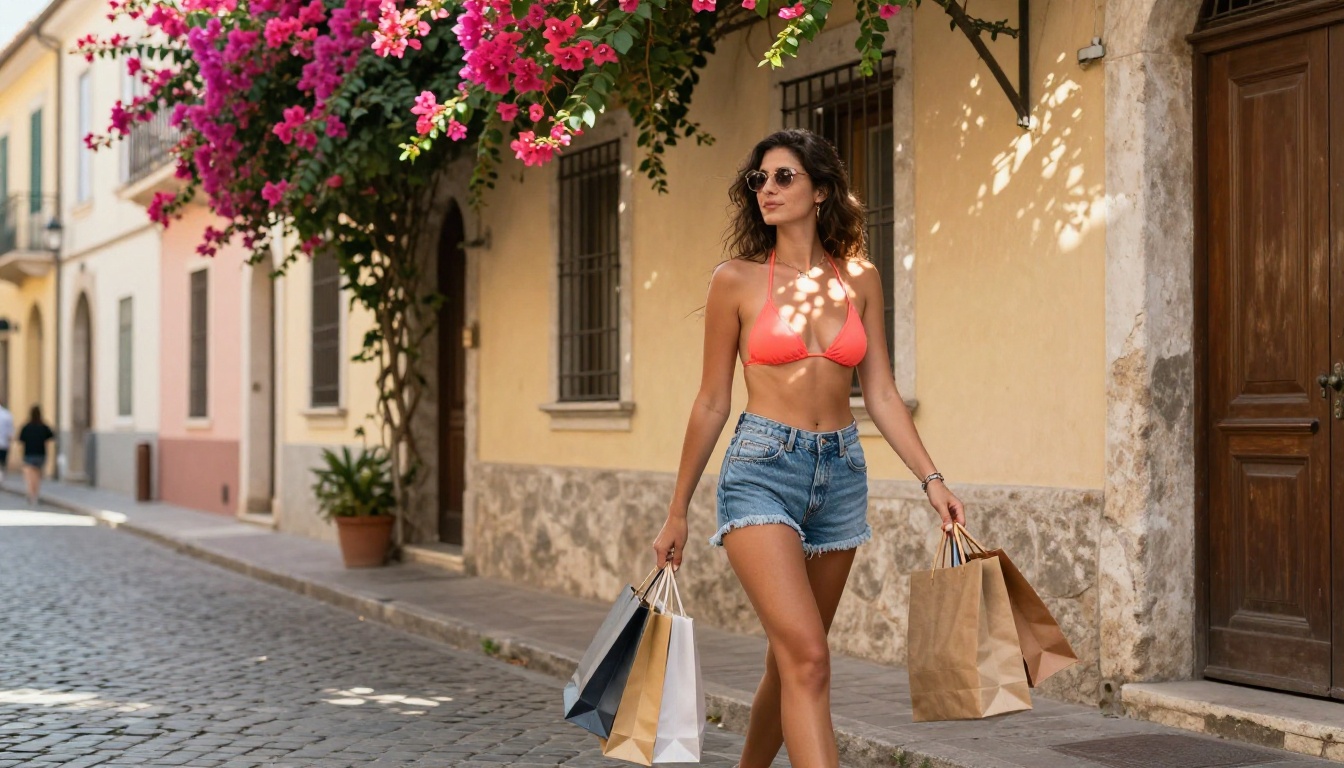
Before you open any tool, decide what type of content you're making. The most successful adult AI Reels on Instagram fall into a few reliable categories:
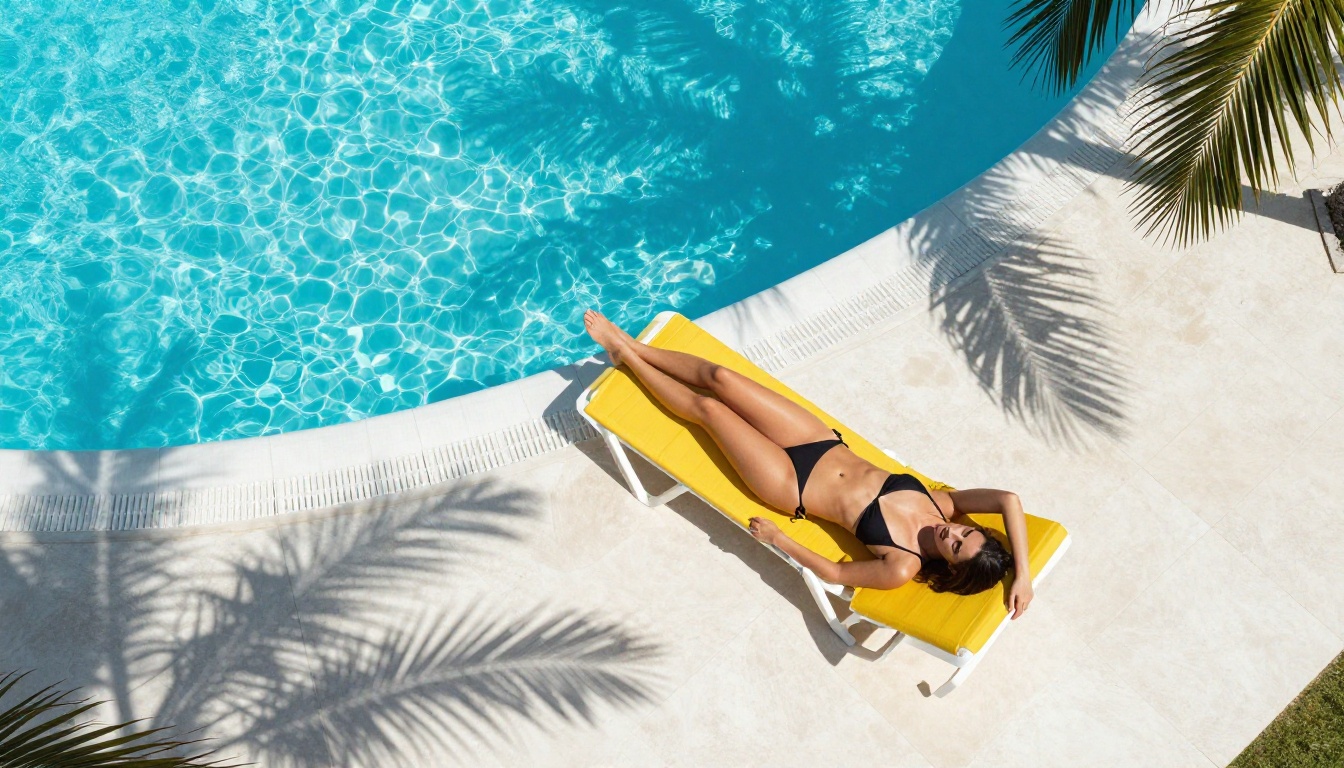
- Beach and poolside: Bikini content in tropical or resort settings
- Boudoir and intimate: Mirror shots, lingerie aesthetics, soft lighting
- Fashion and lifestyle: Athleisure, high-fashion editorial looks
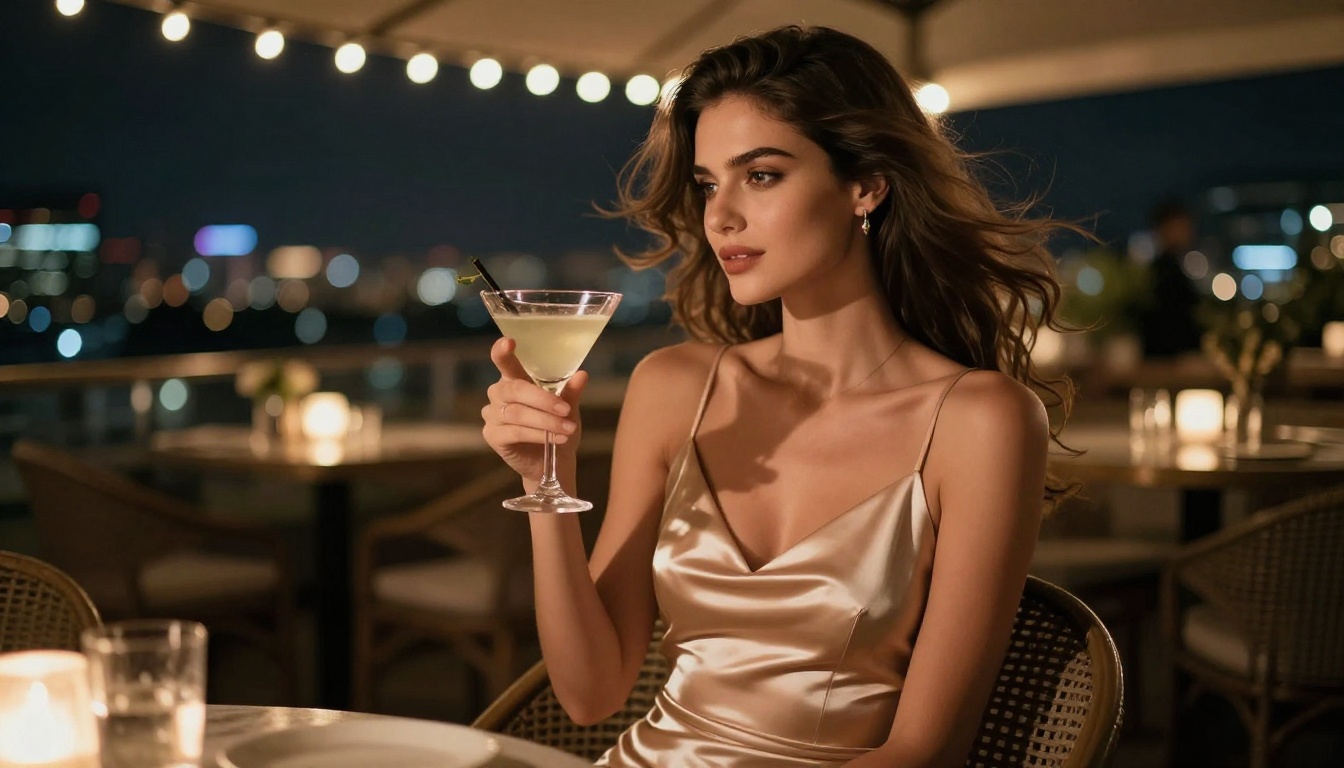
- Nightlife: Rooftop bars, evening looks, city backdrops
Pick one category per reel. Consistency within a single reel keeps watch time high.
💡 Visual tip: The best-performing adult AI Reels use a consistent color palette across all frames. Warm golden tones, muted neutrals, or soft pastels all work. Randomizing colors between shots kills the aesthetic.
Step 2: Generate the Source Images
Open Seedream 4.5 on PicassoIA and start generating. For a 15-30 second reel, you want between 8 and 15 source images, all featuring the same subject, setting, and lighting style.
Prompt consistency is what separates polished reels from random AI images stitched together. If your first image uses "golden hour beach, 85mm f/1.4" keep those same descriptors in every subsequent prompt. The cohesion is what makes the final reel look like professional photography.
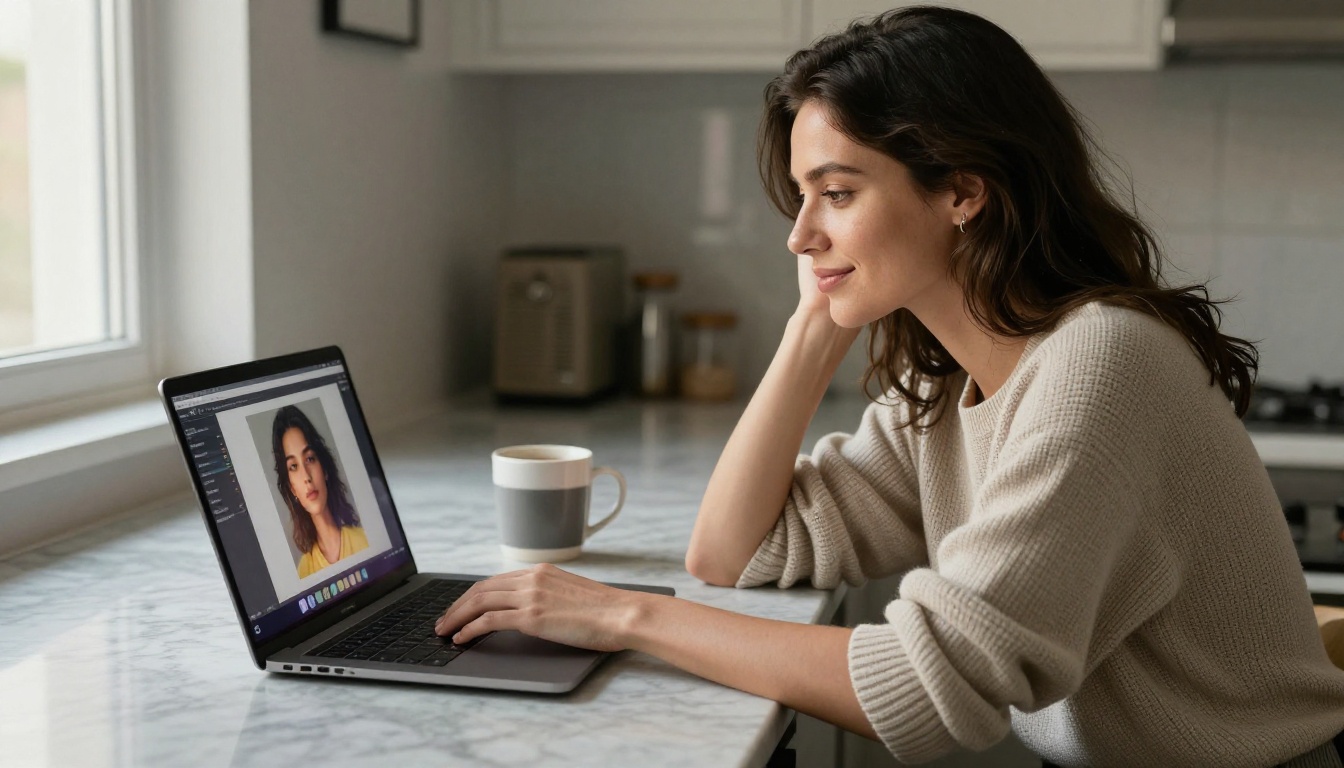
Step 3: Refine With Image Editor Pro
Take your best 8-10 images into PicassoIA Image Editor Pro. Use it to:
- Adjust poses or expressions
- Fix any artifacts or inconsistencies
- Generate slight variations for smoother reel transitions
- Batch-produce multiple angles of the same scene
Since generations are unlimited, run 20-30 iterations on a single image until it's exactly right.
Prompt Writing That Actually Works
Most people generate mediocre AI images because they write mediocre prompts. This is where the skill gap is, and where you can separate yourself from other creators.
Six Parts of a Strong Prompt
A winning prompt has six components:
- Subject and pose: Who she is, what she's doing, how she's positioned
- Environment: Where she is, with specific setting details
- Lighting: Direction, quality, color temperature of the light
- Camera specs: Lens, aperture, shooting distance
- Texture details: Skin, fabric, surface materials
- Style modifiers: Film stock, era, photography style
The more specific each component, the more photorealistic and consistent your outputs will be.
Prompts That Convert
For beach content:
"Stunning woman in white designer bikini standing on white sand beach at golden hour, long dark hair flowing, volumetric amber light from the left, Sony A7IV 85mm f/1.4, visible skin pores and fabric texture, Kodak Portra 400 film grain, photorealistic RAW 8K"
For pool content:
"Beautiful woman in red bikini at luxury infinity pool at dusk, water droplets on tanned skin, low-angle shot from pool level, 50mm f/1.8, city lights bokeh background, Kodak Portra 400, RAW 8K"
For intimate/boudoir content:
"Woman in white lace bodysuit standing before vanity mirror in marble hotel bathroom, Hollywood bulb backlight, rear view showing reflection, 35mm f/2.8, warm and cool light interplay, ultra-detailed fabric and skin, Kodak Portra 400"
💡 Rule of thumb: If your prompt doesn't specify a camera lens and lighting direction, you're leaving realism on the table. Add those two elements and your outputs will immediately look more photographic.
Once you have your images, converting them to video is what makes the Reel format work. PicassoIA offers several video models that support adult content.
Image-to-Video Options
Wan 2.2 I2V Fast is the go-to for turning static adult AI images into smooth video clips. It animates images with natural motion, handling subtle movement that makes AI content feel alive: hair shifting, water rippling, fabric moving.
PicassoIA Video gives you unlimited video generation from text prompts at up to 720p, 5 seconds per clip. No limits means you experiment freely and find what works.
P-Video goes up to 1080p at 24 or 48fps, accepts text, image, or audio as input, and has its safety filter disabled by default. Use draft mode for instant low-res previews before committing to a full render.
Grok Imagine Video generates clips up to 15 seconds from text, images, or existing video. No watermarks, 720p or 480p output, ideal for longer-format Reels.
LTX 2.3 Pro is the premium option, outputting up to 4K at 50fps with retake and extend editing. If you're building client-ready adult content or premium subscriber material, this is the tool.
Assembling the Final Reel
Having great images is only half the job. The edit and presentation determine whether people watch to the end or scroll past.
Editing Apps That Work
You don't need desktop software. These mobile apps handle AI content Reels well:
- CapCut: Free, built-in trending templates, automatic beat-sync for music
- InShot: Simple transitions, easy aspect ratio control for 9:16
- Adobe Express: More polish, better text overlays for on-screen copy
- Splice: Clean cuts, professional transitions
For adult AI Reels, keep transitions minimal. Cut on beat with the music. Flashy transitions distract from the visuals, which is the opposite of what you want when the visual is the product.
Hooks, Captions, and Audio
The first 2 seconds determine if people stay or go. Start with your strongest image or the most visually striking moment. Don't save the best for last.
Captions that work for adult AI content:
- "POV: You just found the AI that creates these" (curiosity)
- "This is 100% AI generated" (shock and disbelief)
- "The model that Instagram creators are using" (social proof)
For audio: trending sounds pull organic reach. Check the Instagram audio tab weekly for what's trending. Match your content's energy to the song: upbeat for beach content, sultry and slow for intimate content.
What Works and What Gets Flagged
Instagram allows adult-adjacent content but draws clear lines. Knowing where those lines are keeps your account healthy.
Instagram's Content Boundaries
Instagram's official guidelines allow:
- Bikini and swimwear photography
- Glamour and beauty photography
- Artistic implied nudity when non-explicit
- Lingerie and boudoir aesthetics
They remove:
- Explicit nudity with visible genitalia
- Fully exposed female nipples outside artistic contexts
- Sexually explicit acts
AI-generated content follows the same rules as photography. The platform doesn't apply a special filter for AI images.
How to Stay in the Clear
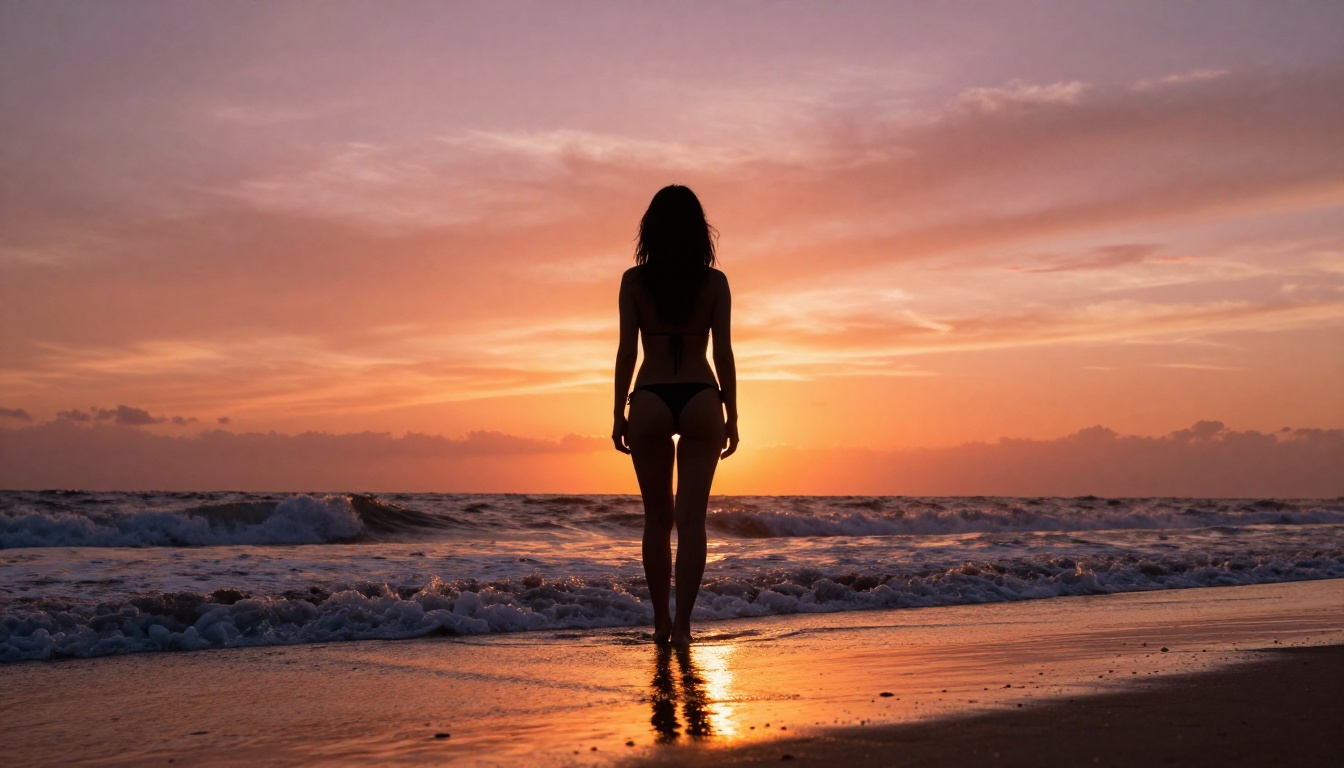
The practical approach is simple: suggest, don't show. A rear view in a white bikini is safe. The same pose with explicit exposure is not. The viewer's imagination does the work better than explicit content anyway, and your account stays up.
💡 Account protection: Keep your first 3-4 posts in any new account relatively conservative. Establish the account as a fashion, lifestyle, or beauty page before posting your more daring content. Accounts with solid interaction history get more latitude from the algorithm.
Avoid explicit words in captions or hashtags. Let the visual carry the message. Hashtags like #bikini, #beach, #glamour, #beauty, and #model are safe and discoverable.
Growing Your Adult AI Creator Account
The technical side is the easier part. Consistency and positioning are what actually grow accounts.
Posting Frequency That Works
Data on adult aesthetic content on Instagram suggests 5-7 Reels per week as the sweet spot for growth. That sounds like a lot until you realize that with AI generation, you can produce that volume in a single afternoon session.
A realistic weekly workflow:
| Day | Task |
|---|
| Monday | Generate 30-40 source images with Seedream 4.5 |
| Tuesday | Refine and batch-edit with Image Editor Pro |
| Wednesday | Convert best images to short video clips |
| Thursday | Edit Reels, add music and captions |
| Friday-Sunday | Schedule posts, 1-2 per day |
With PicassoIA's unlimited generation models, Monday's session costs you nothing extra on an Elite or Infinite plan.
Monetization Once You Have Reach
Once an account hits 10k+ followers, several income streams open up:
- Instagram subscriptions: Paywall exclusive content directly on the platform
- Link in bio: Point followers to premium platforms like OnlyFans, Fansly, or Patreon
- Brand deals: Adult-friendly brands pay well for creator integrations
- Digital products: Prompt packs, preset packs, AI workflow tutorials
The content creation cost with AI tools is essentially zero beyond the subscription. That makes margins on monetization extremely high compared to real-photography creators.
The Full PicassoIA Lineup for Adult Creators
Every model mentioned in this article is available from a single platform. Here's the full lineup:
- Seedream 4.5 ⭐ — The best all-around NSFW model. Accepts adult content, supports image editing, ultra-realistic results in under 3 seconds. (Its successor, Seedream 5 Lite, does not allow NSFW.)
- PicassoIA Image Editor Pro — Unlimited generations on Elite/Infinite plans. 1,000+ images free vs. ~$100 on models like Nano Banana 2. Under 1 second per image. Free trial, no credit card needed.
- Qwen Image 2 — Open-source model for detailed, realistic image creation and editing.
- Grok Imagine Image — Converts any photo to a bikini look with realistic output.
- Recraft V4 — Very realistic text-to-image results without content filters.
- P-Image — NSFW text-to-image generation in under 1 second.
- Wan 2.2 Image — Highly realistic image generation without content filters.
- Wan 2.2 I2V Fast — Animate static images into smooth video clips.
- PicassoIA Video — Unlimited text-to-video at up to 720p, 5 seconds per clip.
- P-Video — Up to 1080p, safety filter off by default, draft mode for fast previews.
- Grok Imagine Video — Clips up to 15 seconds, no watermarks, accepts text or images.
- LTX 2.3 Pro — Highest quality at up to 4K/50fps, with retake and extend editing.
PicassoIA doesn't restrict your creative vision. Browse the full catalog of adult-capable models at picassoia.com/en/all-models.
Start Creating Your First Reel Today
The barrier to entry for adult AI content on Instagram is low. The tools exist, they're affordable, and they produce results that would have required a professional photo shoot just two years ago. What separates successful creators isn't access to the tools: it's the willingness to start and iterate.
Pick one concept. Open Seedream 4.5 on PicassoIA. Write a detailed prompt using the framework from this article. Generate 10-15 images. Turn them into a reel. Post it.
That first reel won't be perfect. The fifth one will be significantly better. By the time you've posted twenty, you'll have a feel for what your audience responds to and a workflow that lets you produce content quickly.
The creators building followings of 100k+ in this space aren't more talented than you. They started earlier and stayed consistent. Today is a good day to start.
👉 Try all models free at picassoia.com/en/all-models.


