Seedance 2.0 is not a minor upgrade. When ByteDance shipped this model, they fundamentally changed what's possible for adult AI video generation. Fluid motion, native audio synthesis, precise character consistency across frames. This is the generation that makes everything before it look like a rough draft. If you've been waiting for AI video to feel real, this is the moment to stop waiting.
This article walks through the full workflow for how to make adult videos with Seedance 2.0 style motion, from understanding the model's core strengths to writing motion-rich prompts and getting the settings right. Every step is practical, specific, and built for results.
What Seedance 2.0 Actually Does
Before writing a single prompt, it helps to understand what makes Seedance 2.0 different. Most text-to-video models treat motion as an afterthought. They generate a plausible static frame and then try to make it wiggle convincingly. The result is often subtle, almost unnoticeable movement that doesn't live up to the prompt.
Seedance 2.0 was built with motion as the primary output. The model was trained on massive amounts of video data specifically curated for natural human movement, cinematic camera work, and physically accurate physics. The difference shows immediately in the output.
Native Audio Changes Everything
The built-in audio generation in Seedance 2.0 is not a bolt-on feature. The model synthesizes ambient sounds, music beds, and environmental audio that synchronizes naturally with the visual motion. For adult content creation, this means your scene feels complete without needing post-production audio work.
A slow, intimate bedroom scene can breathe with soft ambient sound. An outdoor setting picks up wind, birds, or distant traffic. The audio follows the motion logic of the scene rather than being applied generically over the top.
Motion Quality vs. Competitors
Here's how Seedance 2.0 stacks up against other leading models on the platform:
For sensual, slow-motion adult content specifically, Seedance 2.0 outperforms every other option in this list. The character stays consistent through complex movement, which is the number one problem with other models.
Before You Start

Creating adult videos with AI is a workflow, not a single click. The people who get the best results treat it like a creative production process with distinct phases: concept, prompt, generation, evaluation, and refinement. Jumping straight to generation without a clear concept is how you end up burning credits on output that doesn't match your vision.
Setting the Right Expectations
Seedance 2.0 is genuinely impressive, but it has real constraints:
- Duration: Most outputs run 5 to 10 seconds per generation. For longer scenes, chain multiple generations together.
- Prompt sensitivity: Small prompt changes produce dramatically different outputs. This is a feature, not a bug, once you internalize it.
- Character consistency: The model is excellent at maintaining a character across a single clip. Across multiple separate generations, use the image-to-video path with a reference image for best results.
- Explicit content: The model, as available on PicassoIA, generates suggestive and sensual content at high quality. Prompts focused on aesthetics, atmosphere, and motion produce the strongest results.
What You Actually Need
- A PicassoIA account with credits
- A clear concept for your scene (setting, character description, motion type)
- A reference image if you want consistent character appearance across clips
- A solid prompt structure (detailed in the sections below)
How to Use Seedance 2.0 on PicassoIA
PicassoIA gives you direct access to Seedance 2.0 without any setup, API keys, or local compute requirements. Here's the exact process.
Step 1: Access the Model
Go directly to the Seedance 2.0 page on PicassoIA. You'll see the model interface with text prompt input and optional image upload. For faster iterations before committing to the full model, Seedance 2.0 Fast uses the same motion architecture at reduced compute cost. It's the right choice when you're still refining your prompt.
Step 2: Write Your Motion Prompt
This is where most people lose time. A good Seedance 2.0 prompt for adult content has four layers:
- Character description: Physical appearance, clothing or state of dress, expression
- Motion description: What is moving, how it's moving, the speed and rhythm
- Environment: Setting, time of day, lighting quality
- Camera: Shot type, movement, lens feel
A weak prompt: "beautiful woman in bed, sensual movement"
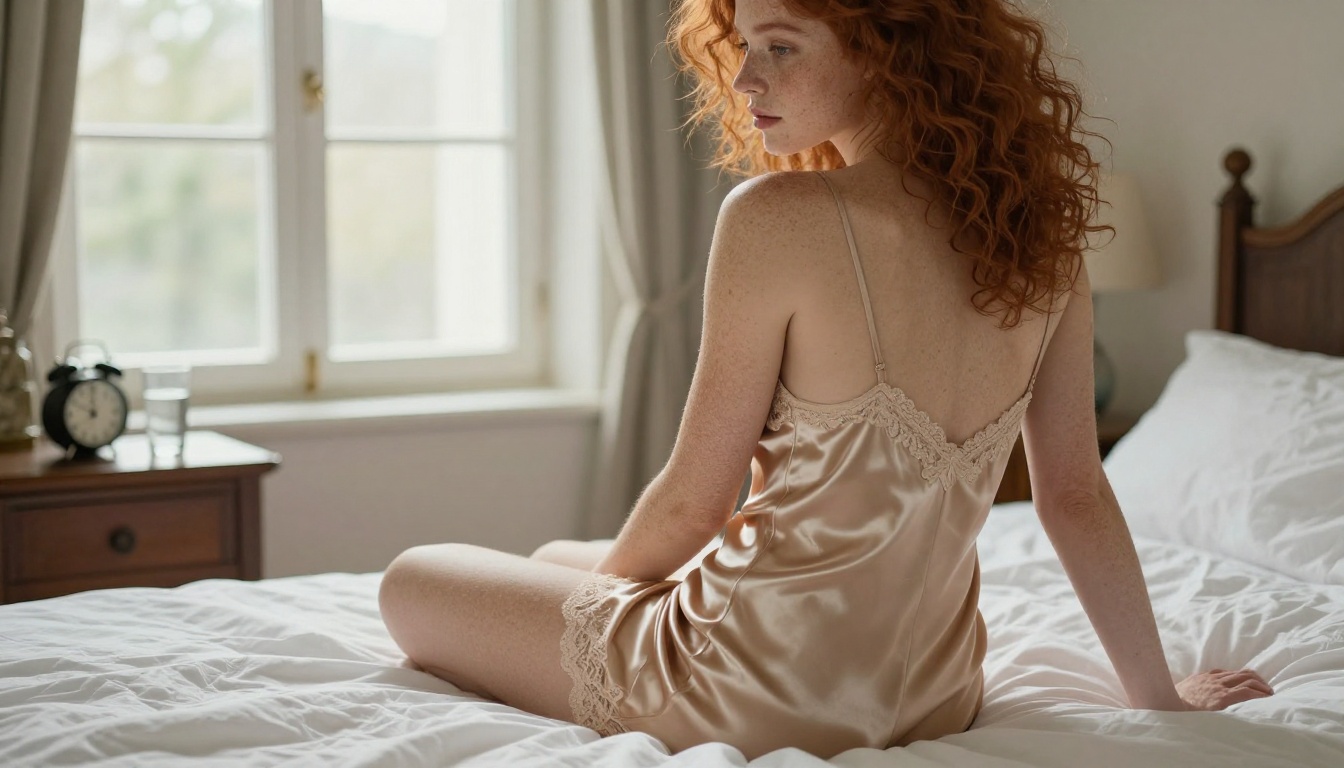
A strong prompt: "Young woman with long auburn hair wearing ivory satin slip, seated at the edge of a sunlit bed, slowly turning her head toward camera as morning light catches her bare shoulder, camera slowly pushing in from medium shot to close-up, warm diffused window light, cinematic, photorealistic"
The second prompt gives the model actual motion vectors to work with. It knows what direction to move the camera, what part of the scene to emphasize, and what the lighting should do over time.
Step 3: Configure Parameters
💡 Tip: For sensual, slow-paced adult content, lower motion intensity settings produce more elegant results. High motion settings work better for dynamic, active sequences.
Parameters to configure:
- Duration: Start with 5 seconds for concept validation, extend to 10 for final output
- Aspect Ratio: 16:9 for cinematic horizontal format, 9:16 for social vertical format
- Motion Intensity: 40-60% for slow, intimate motion. 70-90% for active movement sequences
- Audio: Enable for final output. Disable during iteration to speed up generation time
- Seed: Lock the seed once you find a generation you like, then make small prompt adjustments to refine details
Step 4: Generate and Iterate
First generation is rarely the final cut. The professional workflow:
- Generate at lower motion intensity first
- Evaluate: Is the character consistent? Is the motion natural?
- If the motion is stiff, add more kinetic descriptors to your prompt ("slowly swaying," "subtle weight shift," "hair gently moving")
- If the lighting feels flat, add specific light source descriptions ("warm afternoon sun from the left window," "soft fill light from below")
- Lock what's working and iterate on what isn't
Writing Prompts That Work
The single biggest factor in Seedance 2.0 output quality is prompt quality. Not model settings, not luck, not even credit count. The prompt drives everything. This section breaks down the structure and gives you tested templates.
Motion-First Prompt Structure
Seedance 2.0 responds to motion verbs more than any other model currently available. Words like "gently swaying," "slowly turning," "softly rising," "gracefully arching" give the model kinetic direction. Compare:
Static-language prompt: "Woman in elegant dress standing by window"
Motion-language prompt: "Woman in elegant dress standing by window, fabric softly swaying as she turns slowly toward camera, hair falling over one shoulder, hands lightly tracing the windowsill"
The second version generates a fundamentally different video. The model knows what to animate because you've described the animation itself.
5 Prompt Templates That Convert
These templates are organized by scene type. Each can be customized with your own character description and setting.
Template 1: Intimate Interior
"[Character description], seated on [surface] in [setting], slowly shifting weight and turning toward camera, [fabric] softly moving with her breath, warm [light source] from [direction], camera gently drifting from [shot type] to [shot type], photorealistic, cinematic"
Template 2: Outdoor Golden Hour
"[Character description] standing on [outdoor surface] at golden hour, [fabric or hair] catching the warm backlight, turning to look over shoulder toward camera, subtle [motion: sway/stretch/reach], lens flare soft in frame, wide to medium camera pull, photorealistic"
Template 3: Water Scene
"[Character description] in [swimwear or natural state] near [water type], water droplets on skin in sharp focus, hair wet and heavy against shoulders, slow walk toward camera with confident motion, natural afternoon sun creating specular highlights on wet skin, photorealistic"
Template 4: Studio / Boudoir
"[Character description] in [intimate setting], reclining or seated, slowly turning and shifting position with natural weight distribution, [fabric] creating realistic creases and folds, professional [light setup] with [light quality], close-up to medium shot range, photorealistic"
Template 5: Character Reveal
"Camera slowly panning to reveal [character description] from behind, slowly turning toward camera with [expression], [clothing] catching available light, movement deliberate and aware of camera, [setting and background], photorealistic, wide to medium shot"

Seedance 2.0 vs. Other Motion Models
If you're serious about adult AI video production, you'll use more than one model. Different scenes call for different tools. Here's when to reach for each option.
When Seedance 2.0 Wins
- Slow, intimate movement: The fluid motion architecture handles subtle body movement better than anything else currently available
- Character-driven scenes: When the person in the frame needs to feel real and present throughout the clip
- Native audio integration: You want the scene to sound right without additional editing
- Cinematic quality output: High visual fidelity is non-negotiable for your use case
Kling V3 Motion Control lets you transfer motion patterns from reference videos directly to your characters. If you have a specific movement sequence you want replicated, this model gives you that precise control. The motion fidelity is excellent for pose-driven content where accuracy matters.
Wan 2.2 Animate Animation applies motion presets to still images. If you've generated a perfect still image and want to animate it without writing a full motion prompt from scratch, this is the faster path. The character replacement variant, Wan 2.2 Animate Replace, swaps the character in a reference video while keeping the original motion, which is powerful for adult content workflows.
When you need combined text and image inputs with maximum prompt flexibility, Kling V3 Omni Video handles multi-modal input well. It's a strong choice for scenes that require both a reference image and detailed text direction simultaneously.
Common Mistakes and Fixes
Even with good prompts, certain patterns produce consistently poor output. Knowing what goes wrong and why saves significant time.
Stiff, Robotic Movement
The problem: The character moves in short, mechanical bursts rather than fluid, natural motion.
Why it happens: The prompt lacks motion continuity. Single-action descriptions produce single-action movements with no transition between states.
The fix: Chain motion actions with temporal connectives. Instead of "woman turns toward camera," write "woman slowly begins to turn toward camera, weight shifting naturally from right foot to left as her gaze moves to find the lens." The extra physical detail gives the model more motion data to synthesize.
💡 Tip: Words like "gradually," "slowly," "gently," and "softly" act as motion pacing controllers in Seedance 2.0. They tell the model to spread the action across the full clip duration rather than completing it in the first second.
Inconsistent Character Appearance
The problem: The character's face, hair, or clothing changes noticeably between frames.
Why it happens: Insufficient character anchoring in the prompt. The model doesn't have enough reference points to lock the character design across frames.
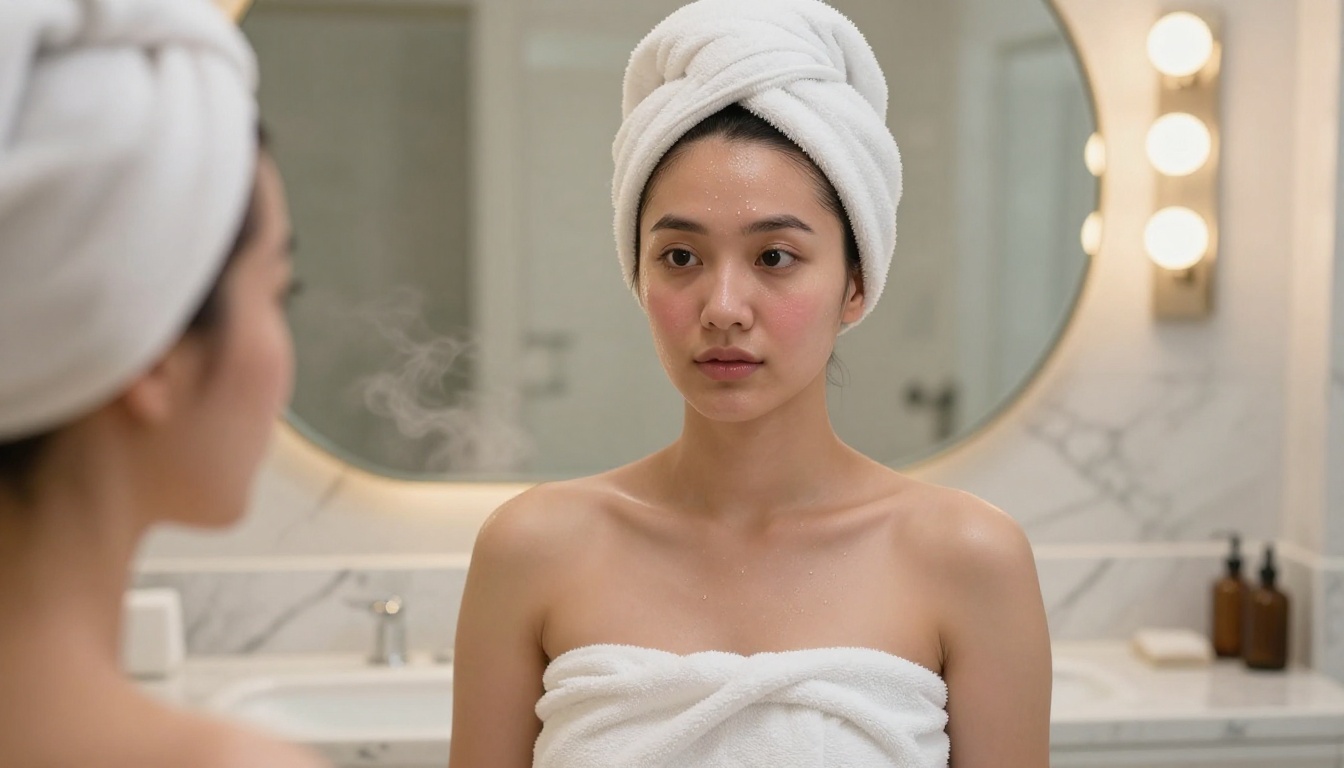
The fix: Use the image-to-video workflow. Generate a still image with your desired character using one of PicassoIA's text-to-image models, then use that image as the reference input for Seedance 2.0. The model treats the input image as the ground truth for character appearance throughout the clip.
Bad Lighting and Atmosphere
The problem: The video looks flat, overlit, or lacks the intimate atmosphere you're aiming for.
Why it happens: Generic lighting descriptions like "good lighting" or "nice light" don't give the model enough direction. The model defaults to neutral, balanced illumination.
The fix: Be specific about light source, quality, direction, and color temperature. Compare:
- Bad: "good lighting"
- Better: "warm soft lighting"
- Best: "single candle warm light from the left casting deep amber shadows across bare skin, soft fill from a distant window on the right, low-key intimate atmosphere"
The third version tells the model exactly what to do with light. The output will be qualitatively different.
What Else You Can Do With PicassoIA
The video is only part of the workflow. PicassoIA's suite of tools spans every step of adult content production from concept to final asset.
Image Foundation: Before generating video, create your reference character images with PicassoIA's 91+ text-to-image models. A strong reference image fed into Seedance 2.0 produces dramatically more consistent character output than a text-only prompt.
Face Swap AI: PicassoIA's Face Swap feature lets you apply a specific face to any generated character. This is particularly useful for maintaining a consistent performer identity across multiple clip generations.
Super Resolution: After generating your video clips, run them through Super Resolution to upscale and sharpen the output. This is especially valuable when the original generation shows compression artifacts or softness in fine details.
Video Restoration: The video restoration tools on PicassoIA can stabilize, sharpen, and clean up generated video to near-broadcast quality. Use this on your best clips before final export.
Background Removal: For compositing workflows where you want to place your generated character into a different environment, the background removal tool extracts the subject cleanly and accurately.
Lipsync: PicassoIA's lipsync models can sync realistic lip movement to any audio track, adding an additional layer of realism to scenes that include vocal or spoken elements.
Start Generating Now

Seedance 2.0 is available right now on PicassoIA, and the difference between reading about it and actually generating is one click.
The fastest way to see what the model can do: take Template 1 from the prompt section above, fill in your character description and setting, and run it at medium motion intensity. You'll have a 5-second clip in under two minutes. From there, the iteration process teaches you more than any article can.
Seedance 2.0 handles the technical complexity so you can focus entirely on the creative decisions. Seedance 2.0 Fast is there when you want to burn through iterations quickly before committing to the full model. And the full suite of complementary tools, from face swap to video restoration to lipsync, is all accessible from the same platform without switching tabs or dealing with external services.
The only thing between you and professional-quality adult AI video is the first prompt. Write it, generate it, and see what's actually possible.


