You wrote the script. You built the shot list. You have a location locked. The only thing standing between you and a finished short film is a cast, and finding actors willing to commit to a zero-budget indie project is its own full-time job. That gap is closing fast, because the tools to make AI actors for your short film have crossed a real production threshold: they now output results that hold up on a festival-sized screen.
This is not about replacing human artistry. It is about removing the single biggest bottleneck for independent filmmakers: access to talent. The workflow described here takes you from a blank character brief to an animated, lip-synced AI performer who can carry dialogue scenes, react to other characters, and inhabit locations you have not even filmed in yet.
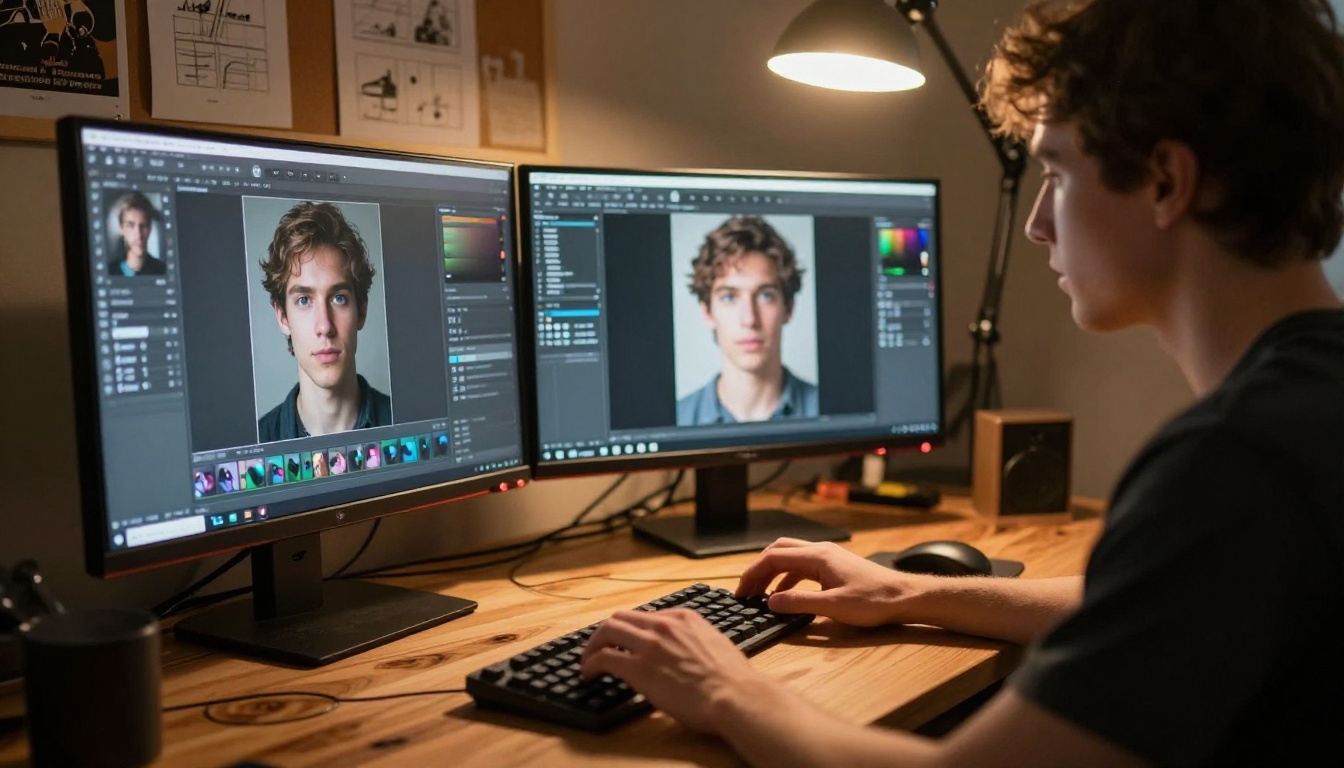
What Makes an AI Actor Work on Screen
Not every AI-generated face reads as human under cinematographic scrutiny. There is a specific quality stack that separates a convincing AI performer from one that breaks the spell the moment an audience sees it.
Photorealism vs. the uncanny valley
The uncanny valley is real, and it is unforgiving in cinematic contexts. Audiences will accept grain, soft focus, or an imperfect cut. They will not accept a face that reads as "almost human." That particular quality triggers an immediate, involuntary rejection that no editing rhythm can fix.
The difference between a believable AI actor and an obvious one comes down to micro-details: the wetness of a cornea, the way individual pores catch directional light, the slight asymmetry that every real face carries. When generating your actor's face, these are the specific elements worth prompting for:
- Skin texture: Pores, fine lines, subtle redness around the nose bridge
- Eye detail: Catchlights, visible iris striations, natural corneal moisture
- Asymmetry: Real faces are not symmetrical; prompt for this deliberately
- Hair: Individual strands catching backlight, not a single unified mass
💡 Tip: Describe lighting in your generation prompt with the same specificity you would give a gaffer. "Soft Rembrandt from camera-left with a warm fill on the right cheek" produces a face that already belongs inside a scene.
The 3-layer stack every AI actor needs
A finished AI actor is not a single file. It is three components working together:
Miss any one of these layers and the illusion collapses. A beautiful still face that never moves is not an actor. An animated face with no lipsync breaks every dialogue scene. All three layers need to be present before you have something cuttable in a real film.
Step 1 - Create Your Character's Face
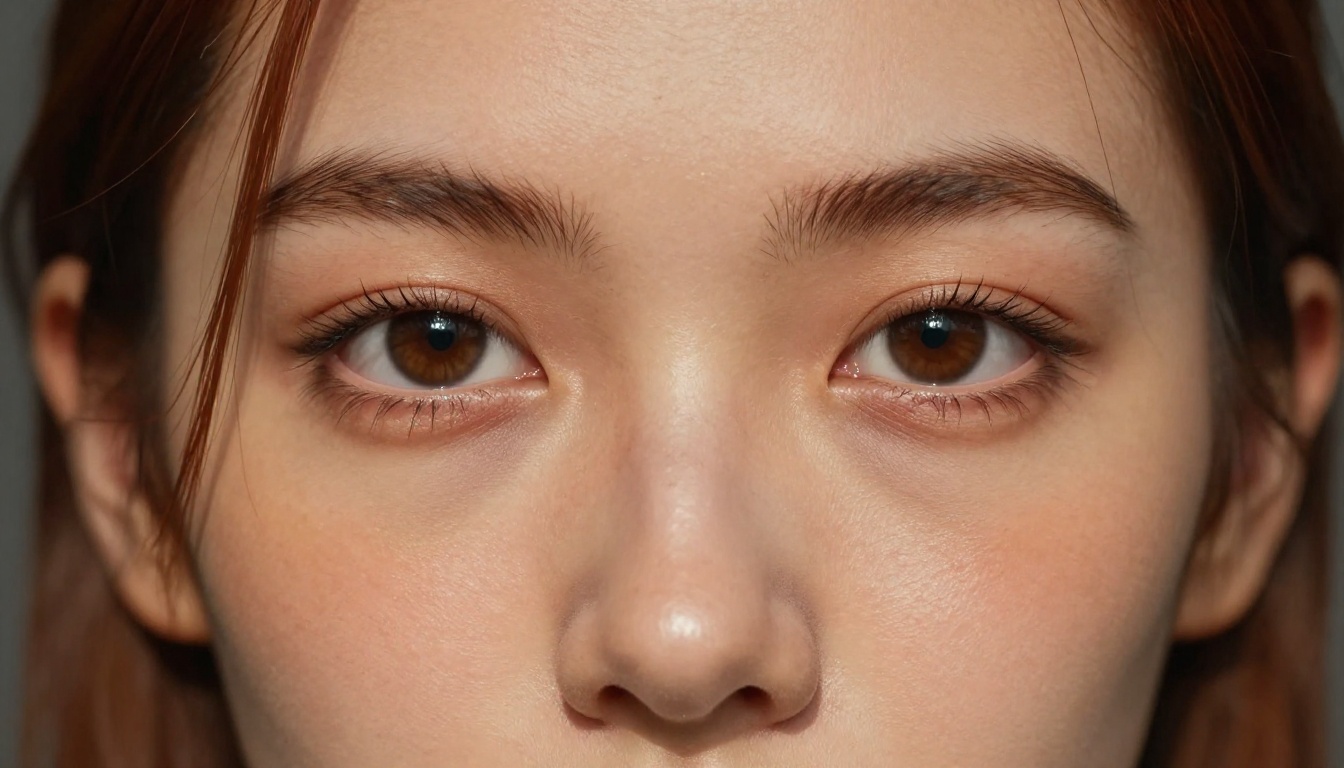
Your first task is generating a photorealistic portrait that will become the visual foundation of your AI actor. This image needs to hold up in close-up, medium, and wide compositions, which requires genuine detail baked in from the start.
Prompting for a believable human
The difference between a portrait that reads as a real person and one that looks generated is almost entirely in prompt specificity. Vague inputs produce vague outputs.
Weak: "A middle-aged man with brown hair"
Strong: "A 44-year-old man with salt-and-pepper close-cropped beard, angular jaw, hazel eyes with visible iris striations and natural corneal wetness, warm honey-toned skin with slight sun damage across the nose bridge, shot at 85mm f/1.8 in soft north-facing window light from camera-left, Kodak Portra 400 film grain"
The second prompt produces a specific human being. The first produces a placeholder. With over 91 text-to-image models on the platform, you can iterate quickly through variations until you find the face that fits your character.
Consistency across shots
The hardest problem in AI actor production is not generating one good face. It is generating the same face across multiple shots and scenes. A character whose nose shifts shape between scene one and scene three breaks narrative continuity in a way audiences notice immediately, even if they cannot name exactly what is wrong.
These practices maintain identity consistency across a full production:
- Save your seed number from every successful generation
- Keep your prompt architecture identical between shots, changing only the lighting and angle descriptions
- Build a character sheet: Generate front, 3/4, and side profile views before shooting any scenes
Step 2 - Animate Your AI Actor
Still images do not make films. This step converts your static portrait into a performer who moves, gestures, and reacts on screen.
How to Use Kling Avatar v2 on PicassoIA
Kling Avatar v2 is one of the most capable tools for bringing a generated face into cinematic motion. It handles close-up facial performance with a level of detail that holds up through the editing process. Here is the step-by-step process:
- Open Kling Avatar v2 on PicassoIA
- Upload your character portrait as the reference image
- Write a motion prompt: Describe the action in plain language, for example: "character turns slowly toward camera, subtle smile, eyebrows raising slightly"
- Set duration: 5-second clips cut into scenes more cleanly than 10-second ones
- Generate and review: Check that facial identity is preserved and the movement reads as natural
- Iterate: Adjust the prompt to increase or reduce motion intensity as needed
💡 Tip: Shorter, focused motion prompts produce more controlled results. "She nods slowly" outperforms "she nods while also looking down and then back up and then sighing." Keep each generation anchored to one action.
Settings worth trying:
- Lower motion intensity for close-up dialogue shots (subtle movement is far more believable)
- 5-second duration for scene inserts, 8-10 seconds for extended reaction shots
- Portrait cropped tight to the face animates more cleanly than a full-body reference image
DreamActor M2.0 and motion transfer
DreamActor M2.0 allows motion transfer from a reference video directly onto your AI character. Film yourself walking, gesturing, or sitting down, then apply that captured motion to your generated actor.
This approach dramatically widens what your AI performer can do physically, without requiring any dedicated motion capture setup. Your phone camera and a clear space to perform the movement is everything you need.
Wan 2.7 R2V for full-body animation
Wan 2.7 R2V takes any still subject and animates it into motion using a text prompt to direct the action. Upload your character portrait, describe the movement you want, and the model generates a clip of your specific character performing it.
It handles scene-level physical movements well: a character walking into frame, sitting down at a table, or reaching across a counter. These connective tissue shots are exactly what make a film feel spatially coherent and continuous.
Step 3 - Give Your Actor a Voice
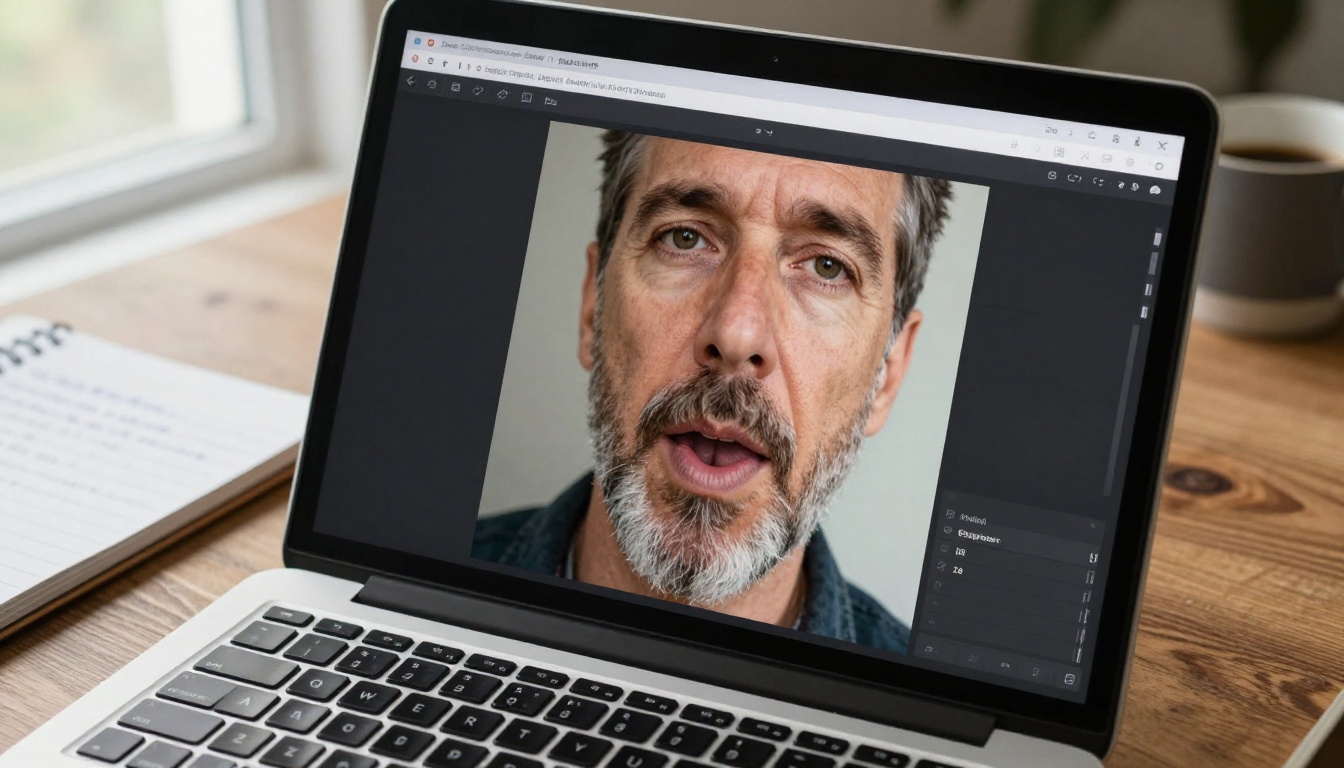
Animation without performance is movement without meaning. This step adds the final layer that converts an animated figure into a character: synchronized dialogue.
Lipsync that actually looks real
The gap between "almost convincing" and "fully convincing" in AI acting usually comes down to lipsync quality. Bad lipsync is immediately apparent. The mouth shape is wrong, timing drifts, or the expression fails to match the emotional register of what is being said.
PicassoIA's lipsync library addresses this at a technical level. The remaining challenge is deploying the right tool for each specific task:
| Model | Best For | Link |
|---|
| Omni Human 1.5 | Photo to full talking-head video | Open |
| Lipsync 2 Pro | Precision sync for existing video clips | Open |
| Kling Lip Sync | Fast sync with cinematic output quality | Open |
| Fabric 1.0 | Make a static photo speak | Open |
| React 1 | Emotional expression and realistic sync | Open |
Omni Human 1.5 for photo-to-talking video
Omni Human 1.5 by ByteDance is the most direct path from a portrait to a speaking character. Upload a single photograph, attach an audio recording of the dialogue, and the model outputs a video of that character speaking those lines with accurate lipsync, natural head movement, and facial expressions matched to the emotional tone of the audio.
The workflow in four steps:
- Upload your AI actor's portrait
- Provide a clean audio recording of the scripted dialogue
- Set the output duration to match the audio length
- Generate and review for identity consistency and lipsync accuracy
💡 Tip: Record all dialogue in a dry acoustic space before any generation work begins. Even a closet with hanging clothes acting as sound absorption produces audio dramatically better suited to lipsync than an open room with reverb. Clean audio means accurate phoneme data, which means accurate lip movement.
How to Build a Scene Without Real Actors
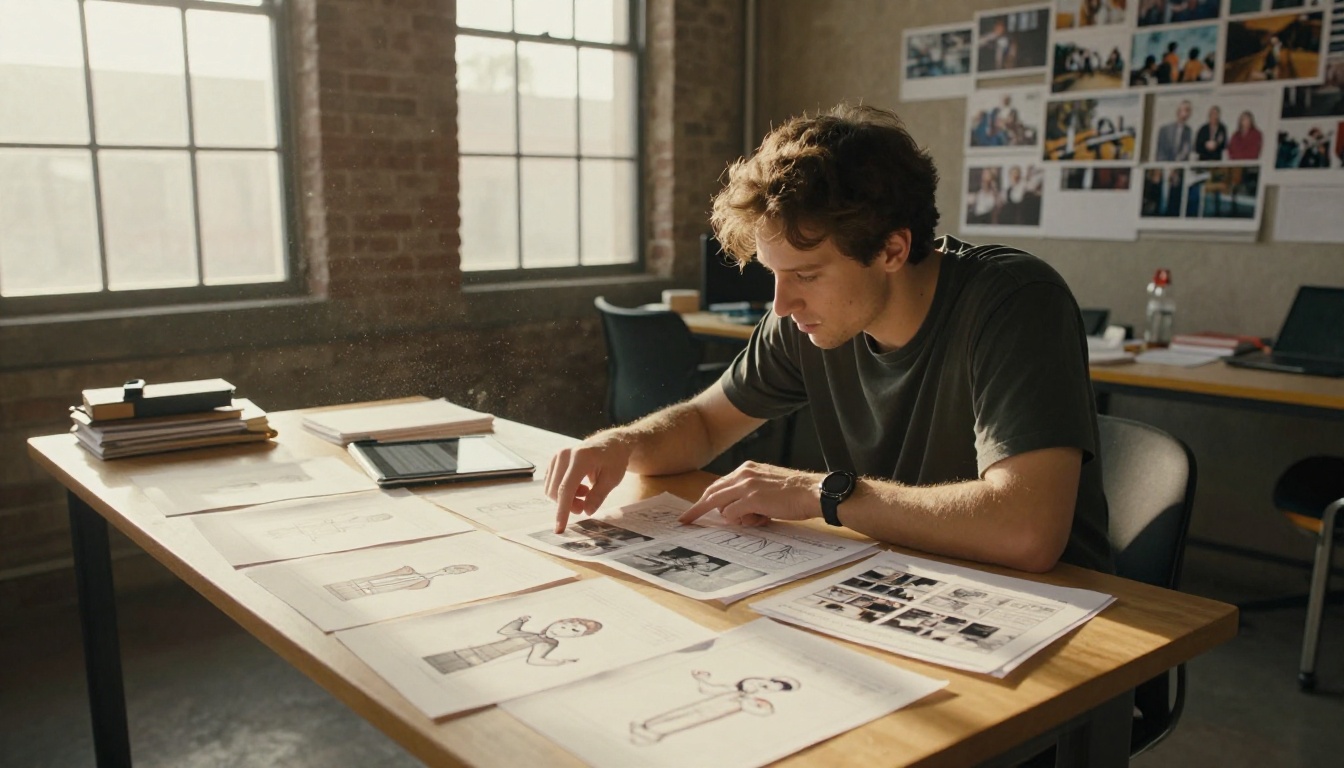
Individual AI performances do not automatically assemble into scenes. Scenes require spatial logic, cutting rhythm, and the illusion that multiple characters occupy the same physical space at the same time.
Placing AI actors in environments
The most efficient approach is generating your environments and your characters separately, then compositing. Film the empty location with your real camera. Generate your AI actors against a neutral background. Combine them in post-production.
This separation provides concrete advantages:
- Lighting control: Match your actor's generated lighting to the real location independently, without re-generating either element
- Scale flexibility: Re-use a single actor generation across multiple environments
- Reshooting without re-casting: Change the background without touching the character at all
For generating characters directly inside environments from the start, Kling v3 Motion Control lets you specify both character and setting in the same generation, with camera movement control that builds proper cinematic language into the clip from the first frame.
Camera angles that sell the illusion
Certain shot compositions make AI actors more convincing. Others expose artifacts immediately.
Shots that work well:
- Close-ups where only the face fills the frame
- Over-the-shoulder compositions where the AI character faces away or is partially obscured by the foreground
- Medium shots with controlled, minimal gestural movement
- Wide establishing shots where facial detail is not being closely scrutinized
Shots to approach with care:
- Full-body wide shots requiring natural waist-down movement
- Two-shots with a real human actor sharing the exact same frame
- Handheld shots with erratic movement applied directly to AI-generated faces
3 Common Mistakes in AI Actor Films
Most AI actor experiments fail for the same three reasons. Knowing them in advance saves hours of wasted iteration and frustration.
Inconsistent facial identity
This is the most common failure mode. You generate a strong face for scene one. By scene three, the prompt is similar but the character looks like a different person. Without a locked seed and an identical prompt architecture, each generation produces a variation rather than a consistent individual.
Fix: Build your character profile document before generating any scene footage. Lock the seed. Write out every element of the generation prompt in full. Treat your character sheet with the same discipline as a conventional production bible.
Ignoring audio quality
AI lipsync tools are only as accurate as the audio they receive. Dialogue recorded on a phone in a reverberant room, with background noise or uneven levels, will produce poor sync results regardless of which model you use.
Fix: Record all dialogue lines in a controlled acoustic environment before any generation work begins. The audio quality decision is made long before you open any AI tool.
Over-relying on a single model
No single AI model performs every task at the highest level. The strongest AI actor pipelines combine multiple tools: one for portrait generation, another for animation, a third for lipsync, and potentially a fourth for character replacement in existing footage.
Wan 2.2 Animate Replace opens a different workflow entirely: film a stand-in person performing the scene, then replace them in post-production with your AI character. This produces significantly more natural body mechanics than text-prompted movement alone, because the physical reference originates from a real human performance.
What AI Films Are Getting Made Right Now
The AI short film space is moving faster than most filmmakers realize. Films with entirely AI-generated casts have already screened at niche festival circuits, and the technical bar for what reads as "acceptable" has dropped substantially over the past eighteen months.
Short films at festivals
The independent film community has varying positions on AI actors. Some festivals require disclosure of AI-generated cast. Others have accepted AI performances when the overall craft level is high enough that the technology becomes secondary to the story.
The pattern that emerges from films receiving positive reception is consistent: the writing and directing are strong enough that audiences notice the storytelling before they notice the technical construction. No amount of production quality rescues a weak script, and no amount of AI artifact forgives poor narrative choices.
The tools pros actually use
Professional productions using AI actors are not always open about their specific pipeline, but the tools converge around a recognizable set across the productions that do discuss their process:
The outputs from this combination rival what was considered acceptable visual effects in commercial television just a few years ago.
3 AI Actor Models Worth Trying First
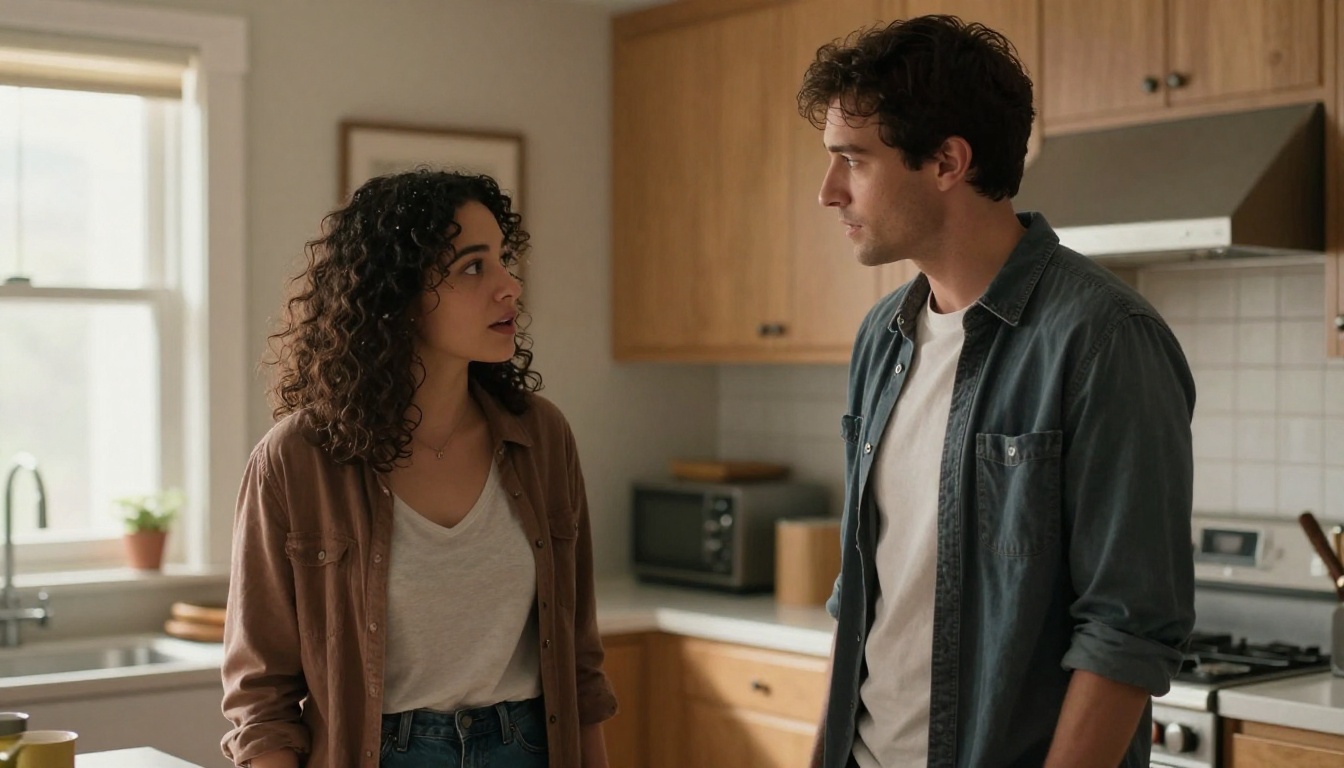
If you are new to this production workflow, these three models represent the clearest on-ramp to a working result:
1. Kling Avatar v2
The most cinematic output for animating a single face. It handles close-up performance better than almost any other tool in this category, making it the right starting point for dialogue-heavy scenes and emotional reaction shots.
2. Omni Human 1.5
The fastest path from a portrait photograph to a speaking character on screen. Upload a photo, attach an audio file, receive a synchronized talking-head video in minutes.
3. DreamActor M2.0
The best choice for scenes requiring physical movement beyond facial animation. The motion transfer approach produces significantly more natural body mechanics than text-prompted movement because the physical reference originates from a real human performance that you control.
💡 Tip: Run all three tools on the same character portrait before starting production. Seeing how your specific generated face responds to each model tells you immediately which tool suits which scene type in your script.
Build Your Cast Today
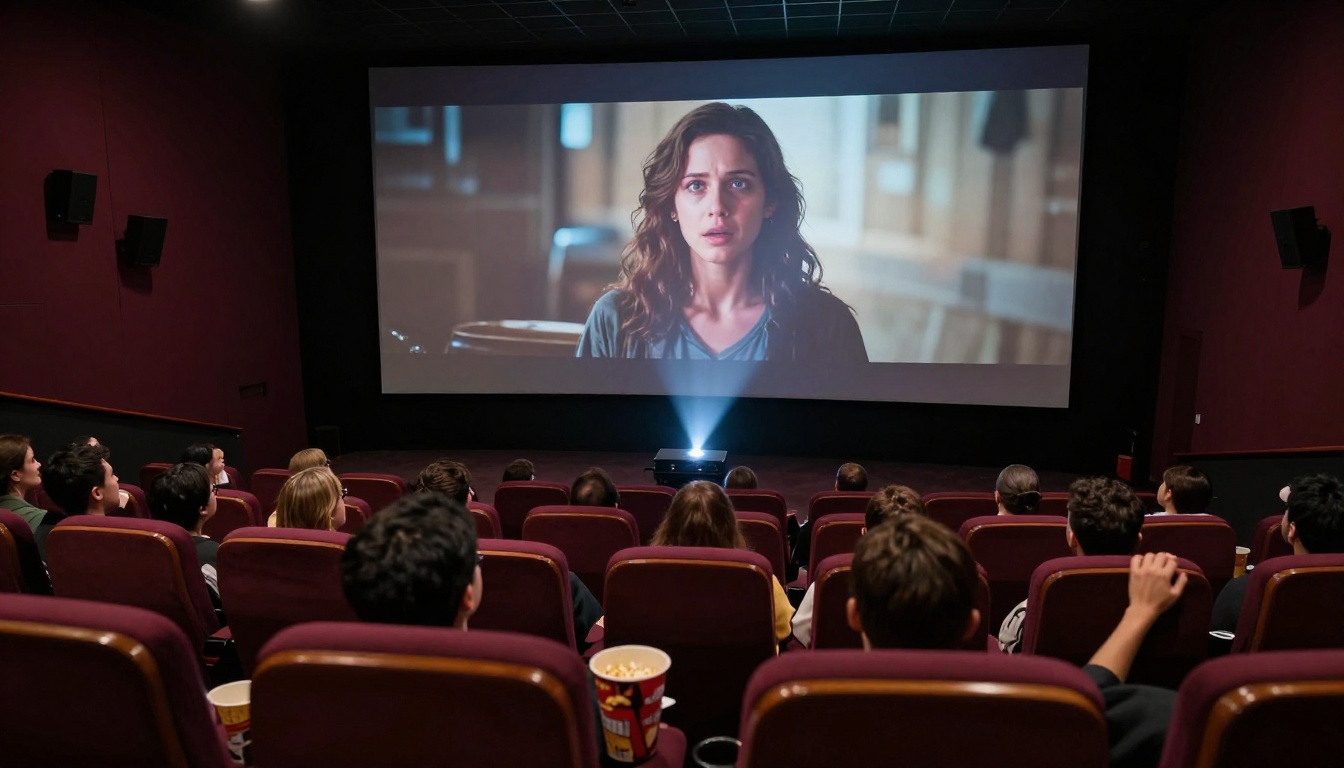
The gap between "I want to make a short film" and "I have a finished short film with a cast" has never been smaller. The tools now available in PicassoIA's collection put a full casting and performance pipeline inside a browser tab. You can create a character this afternoon, animate them tomorrow, add dialogue by the end of the week, and have a cuttable scene ready within a single production sprint.
The craft bottleneck now sits exactly where it belongs: in the writing, the directing, and the editing. Not in the casting call that no one responded to.
Start with your first character. Build one face that fits your script. Animate a single line of dialogue. See how far one afternoon of production takes you, and then decide what your film needs next. PicassoIA's AI tools are ready when you are.


