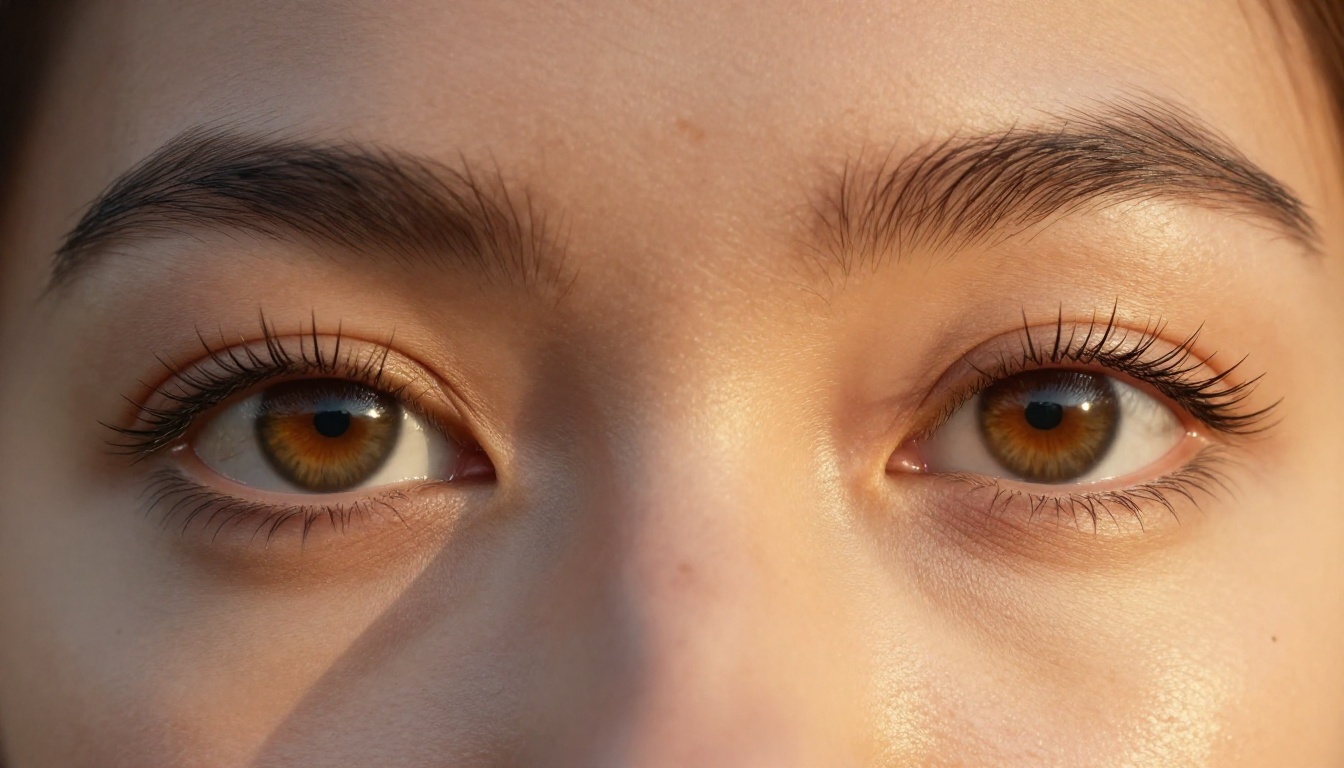
Getting a professional headshot used to mean hiring a photographer, renting studio time, and spending real money on results you might not even like. AI headshot generators changed that. The problem is, most people don't know how to use them properly, and they end up with images that look obviously artificial: plastic skin, uncanny valley eyes, or lighting that no real studio would ever produce. This article covers exactly how to make AI headshots that look pro, from picking the right model to fixing the most common mistakes that kill realism.
Why AI Headshots Fail (and What Pro Ones Do Differently)
The gap between a good AI headshot and a bad one isn't random. It comes down to a small set of variables that most users ignore. When you see an AI headshot that looks fake, it's almost always one of these:
- Over-smoothed skin: The model tried too hard to "fix" the face and erased all natural texture
- Symmetric eyes: Real faces are asymmetric. Perfectly mirrored eyes read as artificial immediately
- Wrong light direction: Studio photographers position lights deliberately. Flat frontal lighting produces passport-photo results, not professional portraits
- Generic backgrounds: A plain white wall looks like a photo booth. A well-chosen neutral backdrop or blurred environmental context signals quality
Pro headshots share a specific look: soft directional light that creates subtle shadow modeling on the face, a background that implies context without competing for attention, skin that looks real with pores and slight texture, and eyes that catch light with authentic reflections.
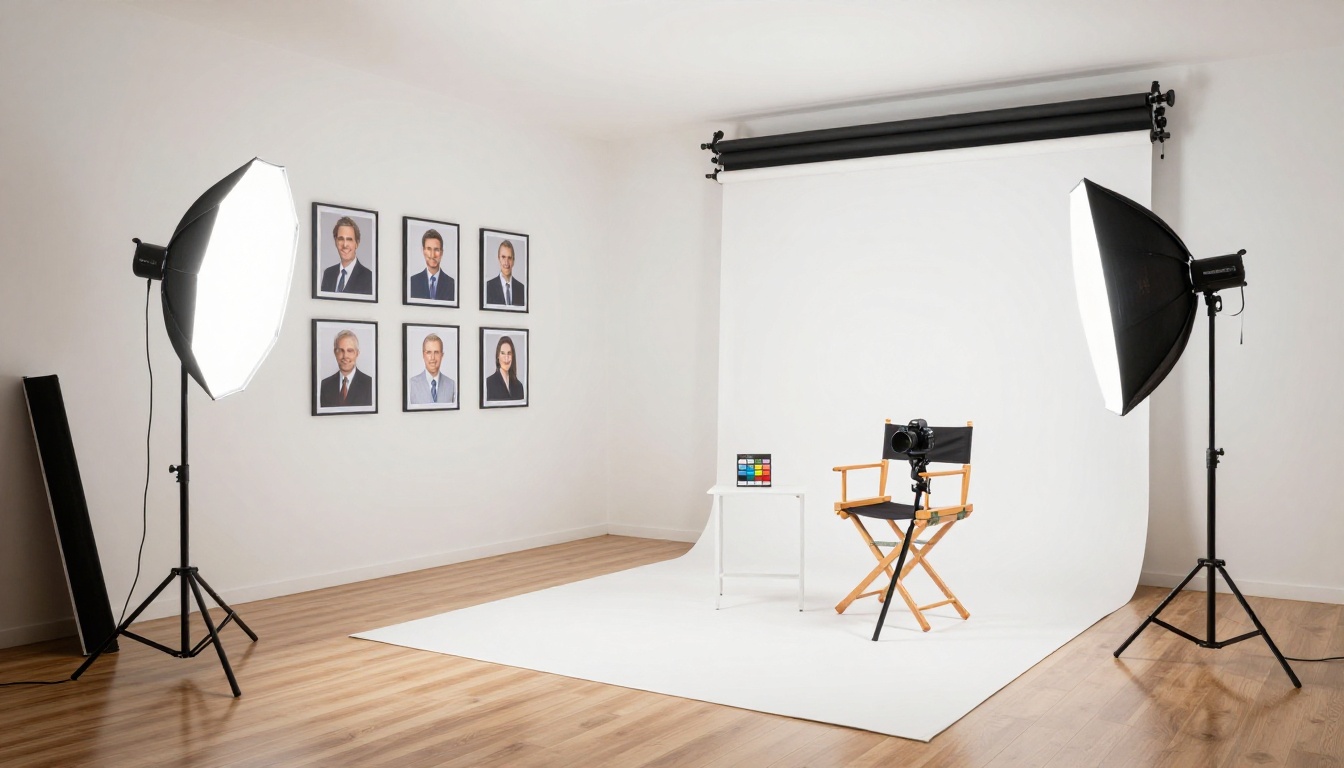
What hiring managers actually notice
Research on professional profile photos is consistent: people form impressions within 100 milliseconds of seeing a face. For LinkedIn profiles, headshots affect connection acceptance rates, recruiter outreach, and perceived credibility before a single word gets read.
What signals "professional" to a viewer isn't expensive equipment. It's three things: even, flattering light on the face, a clean focused expression, and a background that doesn't distract. AI can do all three, when used correctly.
The difference a good AI model makes
Not every AI image generator is built for portrait work. General-purpose text-to-image models often prioritize visual novelty over anatomical accuracy. Portrait-tuned models are trained specifically to reproduce realistic face geometry, natural skin appearance, and accurate lighting responses on human subjects.
The result is the difference between a headshot that makes someone ask "was that AI?" and one they save immediately for their LinkedIn profile.
The 4 Elements Every Pro Headshot Shares
Lighting that does the work
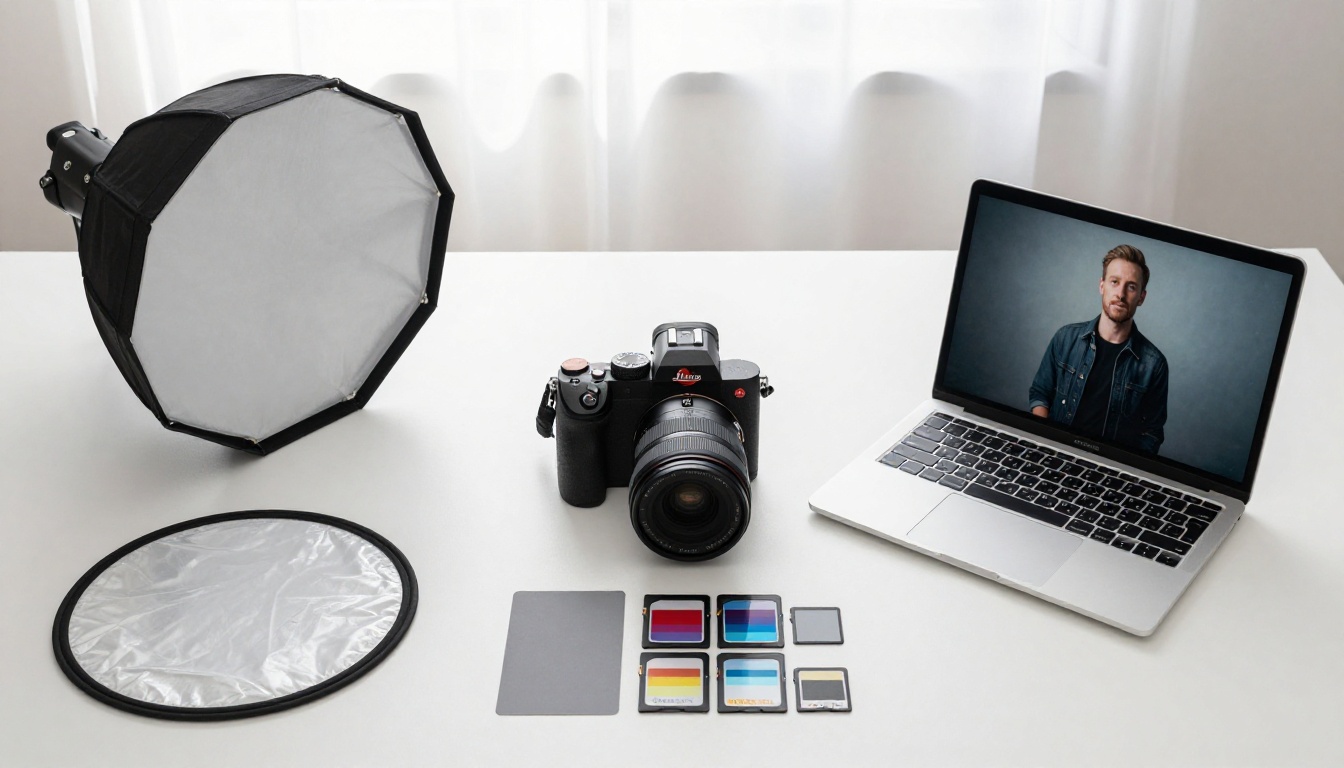
Lighting is the single biggest factor in perceived photo quality, and it's the one most people never think about when writing AI prompts. Flat frontal light is easy and forgiving, but it produces flat, dimensionless faces. Professional portrait photographers use light placed at roughly 45 degrees to the side and slightly above eye level. This creates what photographers call "shadow modeling": subtle gradients that give the face three-dimensional depth.
When writing prompts for AI headshots, always specify the light direction and quality. Terms like "large softbox at 45 degrees from upper left," "diffused window light from right side," or "Rembrandt lighting with triangle highlight on left cheek" produce dramatically better results than just asking for "good lighting."
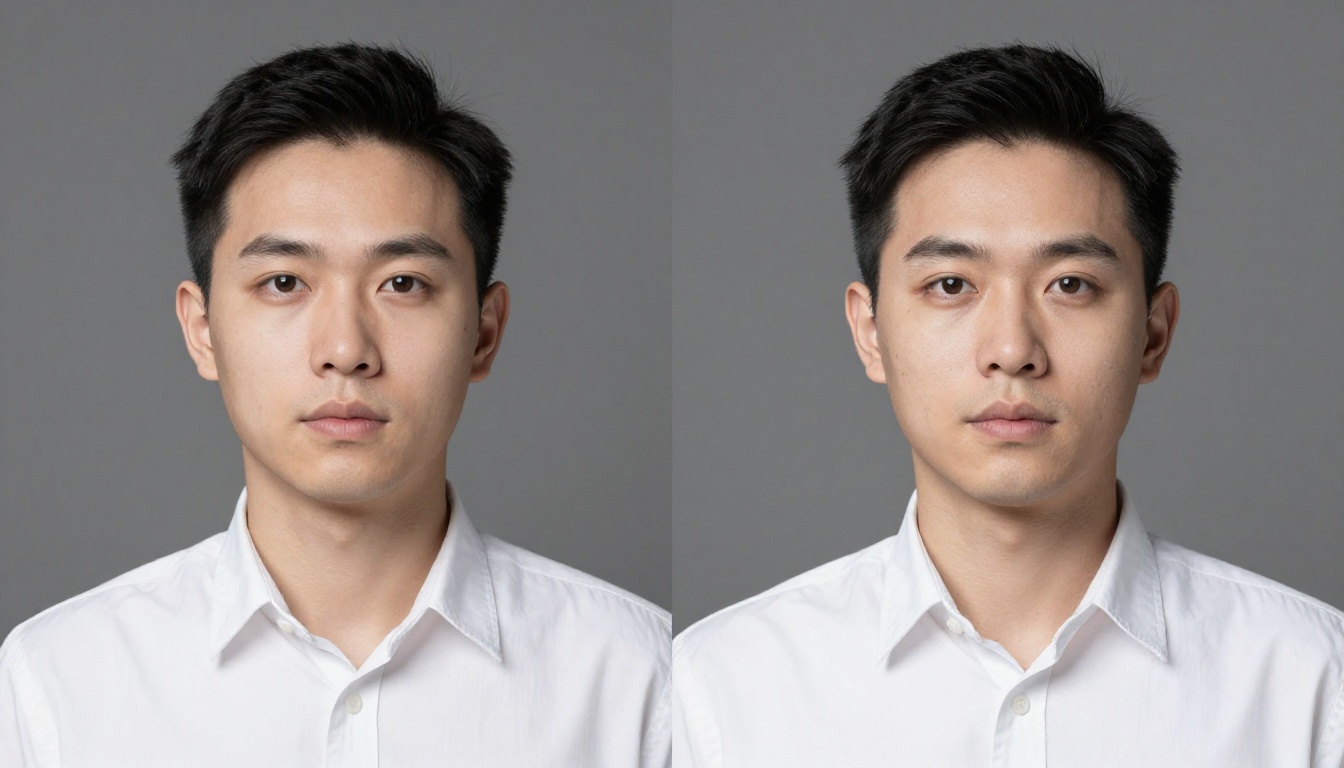
Background that communicates, not competes
The background of a headshot carries meaning. A pure white seamless backdrop says "I paid for a studio." A blurred modern office environment says "I work in a serious place." An outdoor location with defocused greenery says "approachable."
What backgrounds do not work: walls with visible textures or patterns, colored backgrounds that clash with skin tones, and anything visually busy that pulls attention away from the face.
When prompting for AI headshots, describe backgrounds in terms of what they suggest rather than what they contain. "Neutral warm beige seamless paper backdrop" is better than "background." "Blurred modern office with soft bokeh" is better than "office background."
Resolution and sharpness where it counts
A professional headshot is sharp precisely where it needs to be, and soft everywhere else. The eyes must be in perfect focus, the skin should show detail, and the background should fall away smoothly. This is optical physics in real cameras: a wide aperture on a medium-length lens creates this effect naturally.
When prompting AI models, include lens and aperture specifications. "85mm f/1.8" or "105mm f/2.8" in your prompt trains the model to simulate the specific depth-of-field characteristic of professional portrait lenses. The difference is visible and immediate.
Skin texture that reads as real
This is where AI headshots most commonly fail. The natural tendency of many image models is to smooth skin to a degree that looks obviously synthetic. Real human skin has pores, slight texture variations, occasional subtle blemishes, and light sebum catch-points on the nose and forehead.
A prompt that says "natural skin texture with visible pores, authentic human imperfections, zero airbrushing" will produce dramatically more believable results than one that doesn't address skin at all.
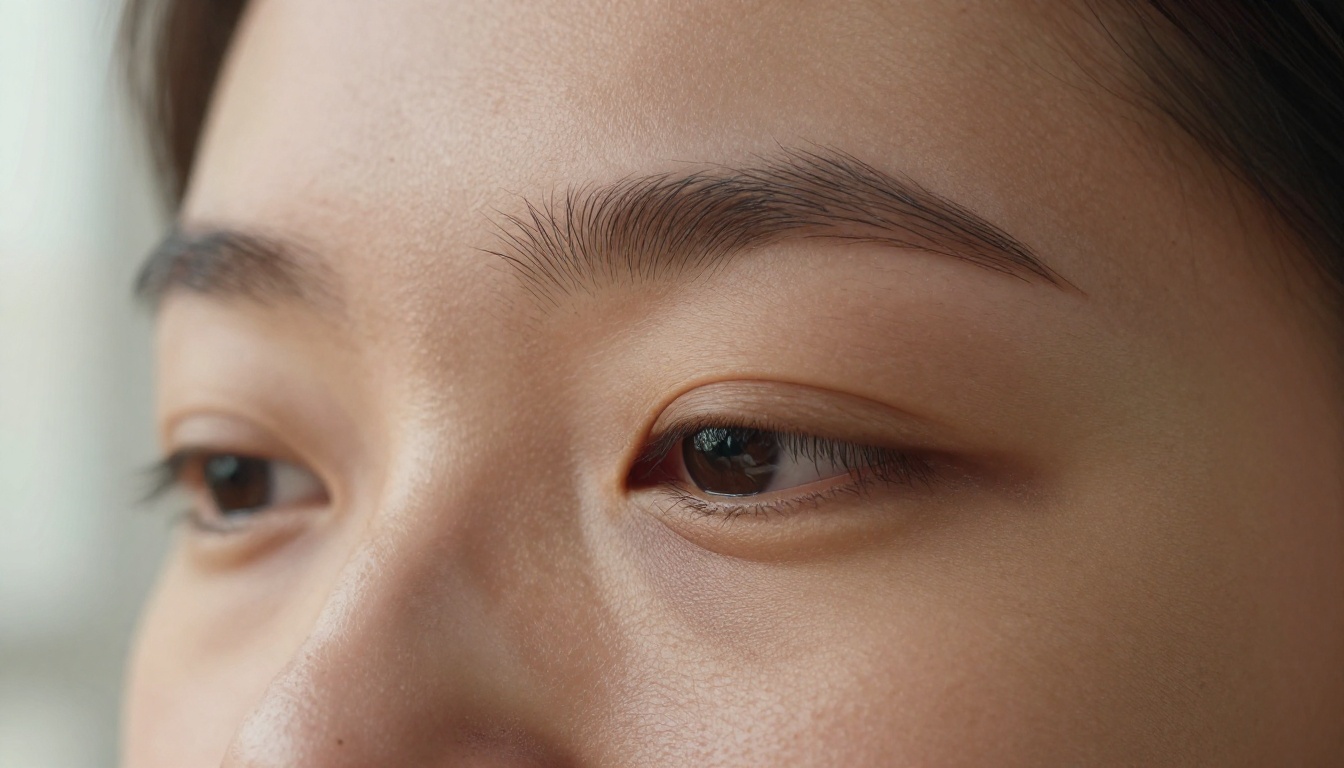
Best AI Models for Headshots on PicassoIA
PicassoIA provides access to over 90 text-to-image models, making it one of the most comprehensive AI generation platforms available. For headshot work specifically, a few models stand out.
P Image: the photorealism workhorse
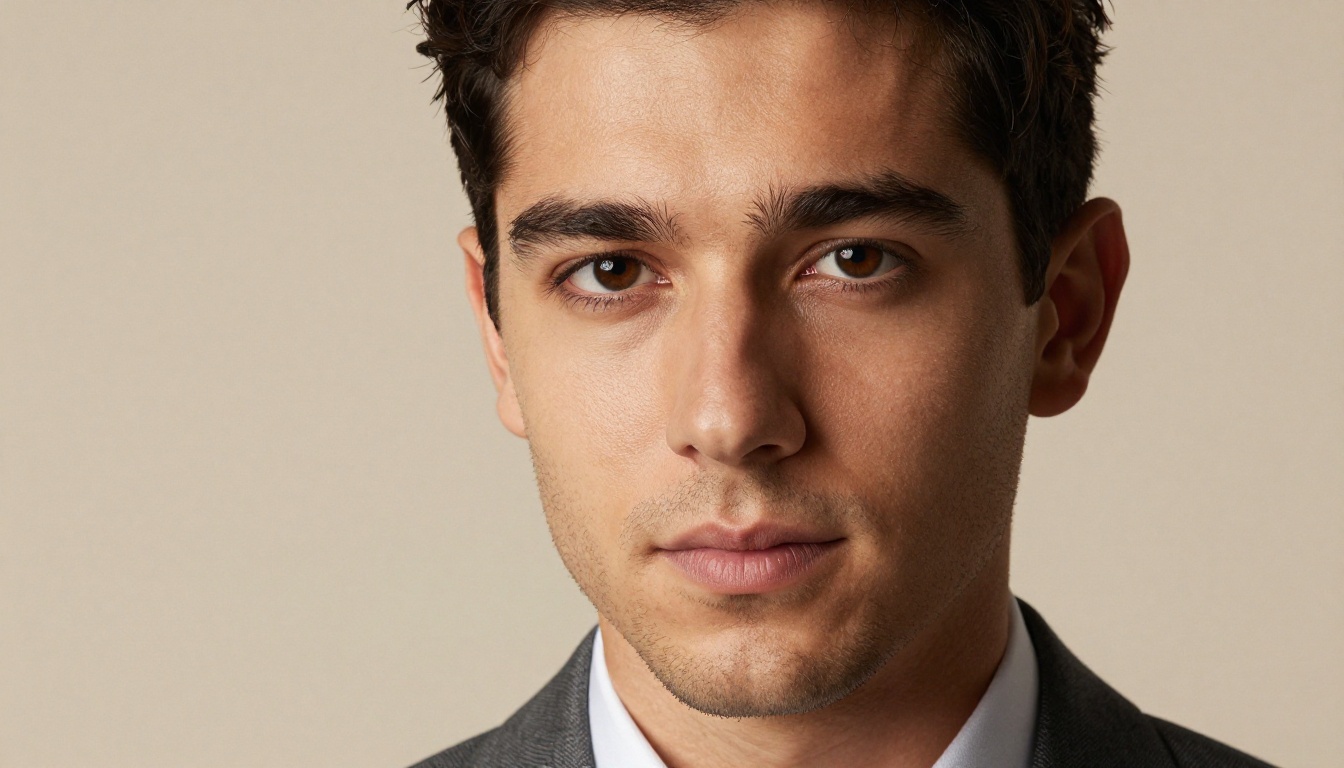
The P Image model by Prunaai is optimized for photorealistic output with strong attention to human anatomy and face quality. It consistently produces results that hold up to close inspection: accurate eye geometry, natural skin response to light, and no uncanny-valley artifacts. For professional headshots, this is the starting point most users should reach for first.
💡 Tip: P Image responds particularly well to camera-specific prompts. Specifying "Sony A7R IV with 85mm portrait lens" will produce noticeably different and better results than a generic request.
When to try other models
PicassoIA's text-to-image collection includes 91 models across different specializations. Some are tuned for extreme photorealism, others for specific lighting conditions or demographics. If you're not getting the specific look you want from P Image, the full text-to-image model collection is worth browsing. Models like Flux and SDXL-based variants can produce distinct aesthetic differences that may better match your target use case.
How to Get Pro Results: Step by Step
Step 1: Write a prompt that specifies technical details
Most people write AI prompts like they're describing a painting: "professional headshot of a woman in a suit." This produces mediocre results because it gives the model no technical direction.
Write your prompts like a photographer briefing an assistant:
- Subject: Age range, general description, expression, attire
- Light: Direction, quality, modifier such as softbox or window, color temperature
- Camera: Body and lens specification, aperture
- Background: What it is and how it's rendered, sharp or blurred, bokeh quality
- Skin: Explicitly request natural texture and authentic detail
- Film stock: Adding "Kodak Portra 400" or "Fujifilm Provia" shifts the color science toward analog warmth
A full working prompt looks like this:
"Professional woman, confident expression, navy blazer, large softbox from upper left at 45 degrees, gentle shadow modeling on right cheek, catchlights at 10 o'clock, Canon EOS R5 with 85mm f/1.4 lens, shallow depth of field, blurred neutral gray office background with soft bokeh, natural skin texture with visible pores, Kodak Portra 800 color grading, RAW 8K photography, --ar 16:9 --style raw"
Step 2: Generate multiple variations
AI generation has a randomness component. The first output may be excellent or may miss the mark. Generate 3-5 variations of your prompt before settling on a final. Most AI headshot platforms, including PicassoIA, allow rapid generation so this process takes seconds.
Look for: correctly positioned catchlights in both eyes, natural facial asymmetry, skin that doesn't look like porcelain, and a background that doesn't fight the subject for attention.
Step 3: Choose the right background approach
Two approaches work well for professional headshots:
| Approach | Best For | Background Description |
|---|
| Clean studio | Corporate, formal roles | Neutral gray or warm beige seamless paper |
| Environmental | Creative, tech, informal | Blurred office, plants, or architectural elements |
| Natural light | Approachable, personal brand | Window light, blurred outdoor greenery |
The studio approach is safe and universally appropriate. The environmental approach communicates more about the subject's context and often feels more human.
Step 4: Post-process with upscaling
Even high-quality AI-generated headshots benefit from super-resolution upscaling, particularly when you need the image at print size for company directories, speaking event programs, or publication use.

3 Common Problems (and How to Fix Them)
Problem 1: Skin looks plastic or over-smoothed
This is the most common AI headshot failure. The model has applied aggressive smoothing that removes all skin texture and produces a result that reads as synthetic at a glance.
Fix: Add explicit instructions for natural skin. Try: "natural skin texture, visible pores, authentic human imperfections, zero airbrushing, photorealistic skin detail." Also try increasing the realism specification: "RAW photograph, no post-processing, documentary photography style."
Problem 2: Eyes that look wrong
The eyes are where the uncanny valley shows up most dramatically. Off-axis irises, inconsistent catchlights, or pupils that don't match the described lighting condition all register as "off" to viewers even if they can't articulate why.
Fix: Specify catchlight position explicitly: "catchlights at 10 o'clock position in both irises." Add "clear iris detail with natural reflections, authentic pupil dilation." If you're using a specific lighting setup, make sure the catchlight position is physically consistent with where the light is described.
Problem 3: Background that doesn't look right
A background that's too perfectly smooth, has visible AI texture artifacts, or doesn't match the lighting implied by the foreground breaks the realism of even a well-generated face.
Fix: Describe backgrounds in terms of their photographic rendering rather than their content. "Smooth creamy bokeh background with no detail" rather than "white background." The Bria Remove Background tool on PicassoIA can also cut out the subject and let you place them on a different background entirely, which is a practical solution when generation produces good face quality but poor background quality.
When to Upscale Your AI Headshot
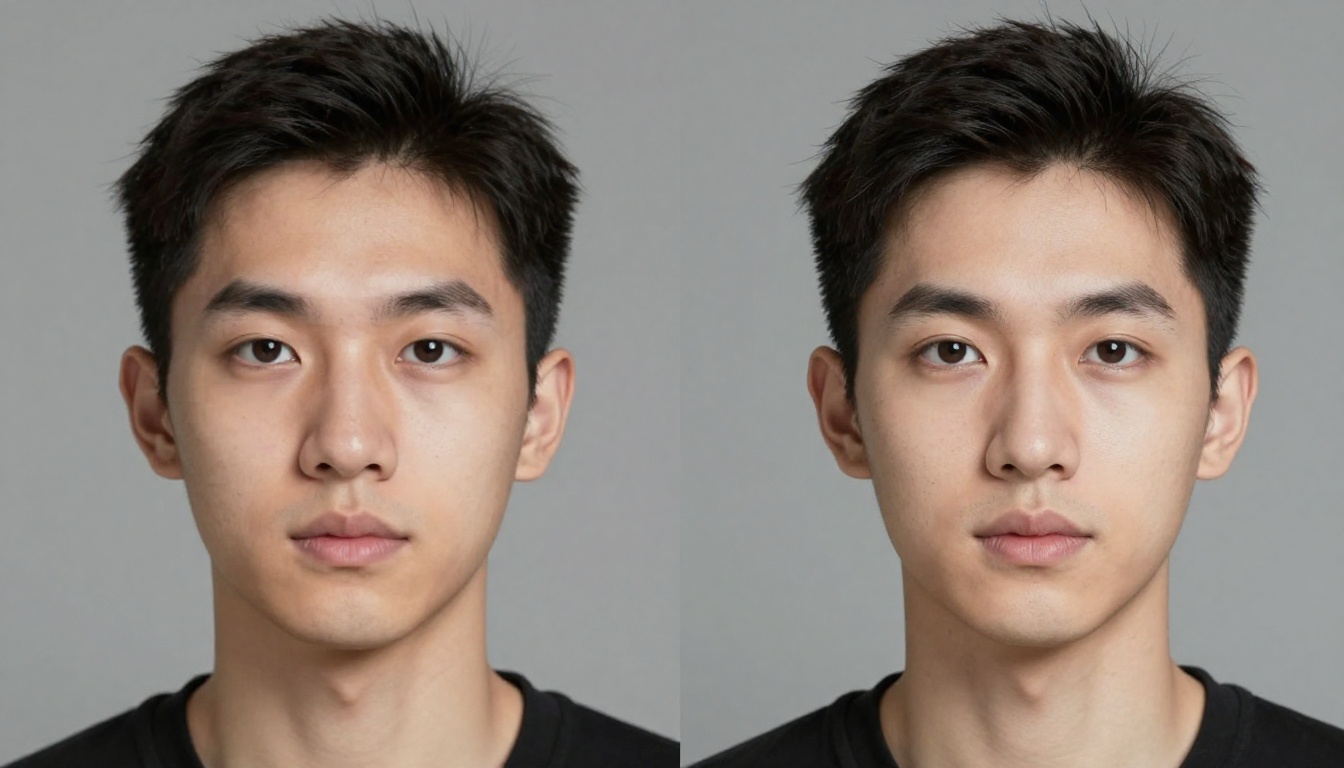
Standard AI image generation at 1024x1024 pixels is fine for digital use: LinkedIn, company websites, email signatures. The moment you need the image at larger sizes, the pixel count becomes a limiting factor.
Signs you need to upscale
- Printing the headshot larger than 4x6 inches
- Using it in a presentation or slide deck displayed on a large screen
- Submission to a media directory, speaker bio, or publication that requires high-resolution files
- Cropping into a small area of the original image to correct framing
Which upscaler to use
PicassoIA offers several super-resolution tools with different strengths:
For headshots specifically, Crystal Upscaler is worth trying first, since it's tuned for portrait work and preserves facial detail without over-sharpening edges.
💡 Tip: Always upscale the original generated image, not a compressed export. The more information the upscaler starts with, the better the result.
Real-World Uses That Actually Work
LinkedIn and professional profiles
This is the highest-impact use case for AI headshot generation. LinkedIn explicitly recommends professional headshots, and data consistently shows profiles with high-quality photos receive more views and connection requests. An AI-generated headshot that looks professional does the same job as a studio photo, at a fraction of the cost and time.
LinkedIn photo specs: square crop at 400x400 pixels minimum, clean background, face taking up 60-70% of the frame, neutral or warm expression that reads as approachable.
Company directories and team pages
Corporate team pages require consistent visual standards across a group of people who may have been photographed in different places and at different times. AI headshot generation provides a way to create a consistent aesthetic across an entire team, using the same lighting setup, background, and color grading for every person.
This solves a real operational problem: a team of 30 people might have 30 different photo styles accumulated over years. AI generation can standardize all of them in an afternoon.
Personal branding and content
Speakers, consultants, and content creators need professional images across multiple platforms and in different contexts. A single studio session produces one set of photos. AI headshot generation can produce a library of images at different angles, expressions, and settings, all at professional quality.
Presentation materials
Headshots appear in slide decks, proposals, speaker bios, press releases, and company presentations. High-resolution, professionally lit portraits elevate the perceived quality of all these materials. An AI-generated headshot at 4x upscaled resolution looks identical to a studio portrait in these contexts.
Start Creating on PicassoIA
Everything covered in this article is available on PicassoIA, without needing a camera, a studio, or a photographer.
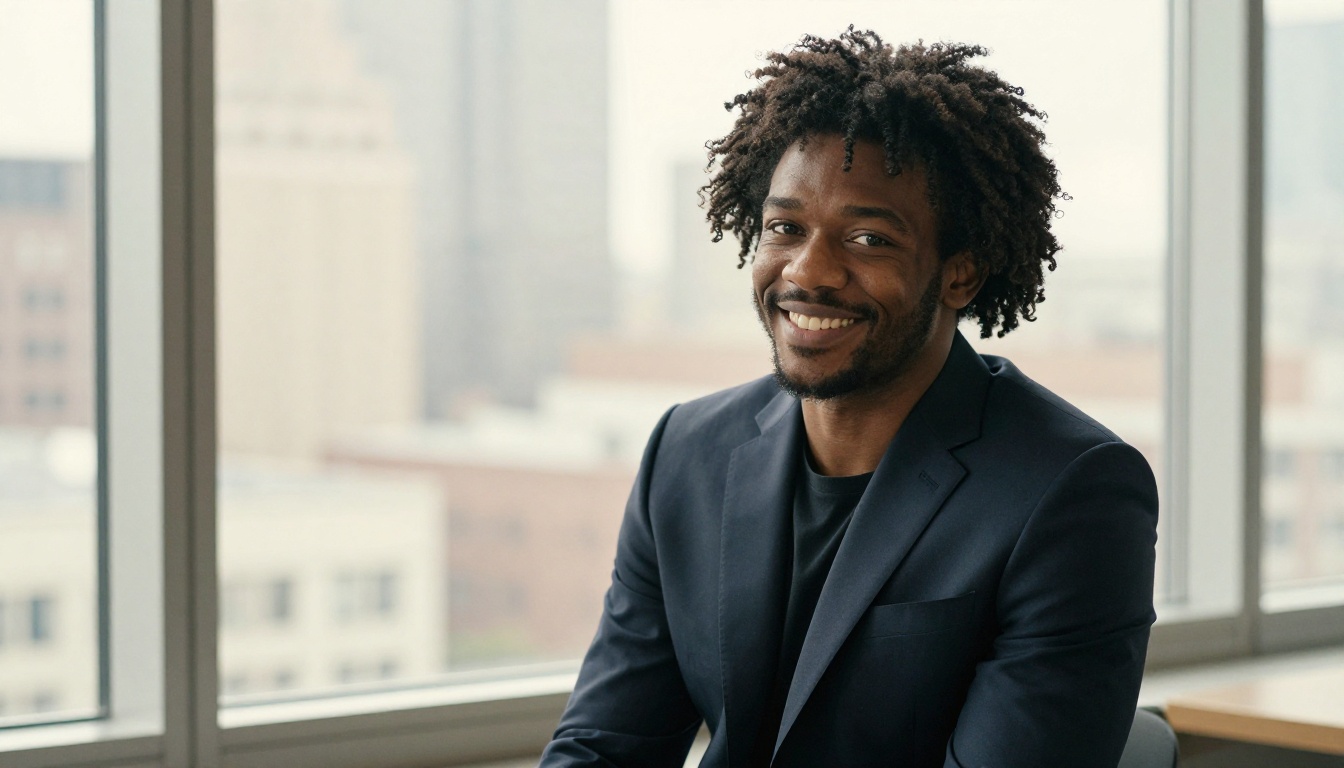
The P Image model is where to start for photorealistic headshot generation. Once you have a result you're satisfied with, run it through Crystal Upscaler to bring it to print resolution, and use Bria Remove Background if you want to swap the background for something cleaner.
The full suite of 91 text-to-image models is available at picassoia.com/en/all-models. If one model isn't giving you the look you want, another one in the collection almost certainly will. Portrait photography is no longer reserved for people with expensive equipment and studio access.
💡 Ready to try it? Open PicassoIA and paste one of the detailed prompts from this article. Adjust the attire and expression description to match your situation, and run a few variations. Most users have a headshot worth using within 10 minutes of their first attempt.