Most bloggers know their posts need images. But knowing that and actually having a library of high-quality, on-brand visuals ready are two completely different things. Stock photos feel generic. Original photography is expensive and time-consuming. Hiring a designer for every article is not realistic for most creators. That gap is exactly where AI image generation has stepped in, and it has done so in a way that is genuinely worth paying attention to.
This article walks you through everything you need to produce professional-grade AI images for your blog: from picking the right model, to writing prompts that actually work, to building a repeatable workflow that scales with your content production.

Why Blog Images Shape Reader Behavior
The numbers behind visual content
Before getting into the how, it is worth knowing what is actually at stake. Research consistently shows that articles with relevant images receive significantly more views than text-only posts. But that statistic misses a subtler truth: the quality of those images matters just as much as their presence.
A blurry stock photo of a woman smiling at a laptop does not hold attention. A crisp, contextually relevant image that feels tailored to your topic does. Readers make a judgment call within seconds about whether a post looks worth reading, and images play a significant role in that snap decision.
What low-quality images signal to your audience:
- The content was assembled quickly without care
- The author does not value presentation
- The information may not be trustworthy
What strong, relevant images signal:
- Effort and intentionality
- Professionalism and authority
- A reading experience worth investing time in
The real problem with stock photography
Stock photo platforms have their place, but for bloggers publishing frequently, they create a specific frustration: the best images for your topic are either locked behind expensive subscriptions, or so overused that readers have already seen them on a dozen other sites.
AI-generated images solve both problems simultaneously. You produce exactly what you need, it is original to you, and it costs a fraction of any stock subscription. The visual is built to specification from a text description you write, which means it actually matches your content instead of approximating it.
What AI Image Generation Actually Does
From words to pixels
AI image models are trained on enormous datasets of photographs and text descriptions. When you type a prompt like "a cup of coffee on a rustic wooden table, morning light, 85mm lens, photorealistic," the model maps your words to visual patterns it has absorbed from its training and assembles an image that reflects those patterns.
The results, especially from the most capable models, are genuinely difficult to distinguish from real photography. Models like Flux Pro, Imagen 4 Ultra, and Flux 1.1 Pro Ultra produce images that hold up as professional photography in virtually any blog context.
Photorealistic vs. artistic models
Not every AI image model produces photorealistic results. Some are tuned for illustration, anime, pixel art, or abstract styles. For most bloggers, you want models built specifically for photorealistic output. The core distinction is straightforward:
| Style | Best For | Example Models |
|---|
| Photorealistic | Blog headers, product shots, lifestyle | Flux Pro, Imagen 4, SDXL |
| Artistic/Stylized | Creative blogs, illustrated content | Proteus, Kandinsky 2.2 |
| Text-rendering | Infographics, social cards, mockups | Ideogram v3, Recraft v4 |
For a blog context, photorealistic is almost always the right call. Readers trust photography. They are familiar with it. And it integrates naturally with written content without drawing attention to itself as something artificially made.

Choosing the Right AI Image Model
Top models for blog-ready images
The model you choose determines everything: resolution, how well it follows your prompt, lighting quality, and how photorealistic the final output looks. Here are the top options worth knowing:
Flux Pro is the go-to for high-detail, instruction-following photorealistic imagery. It handles complex prompts with multiple elements cleanly and produces images with remarkable sharpness and natural lighting behavior. Most bloggers who want a single reliable workhorse start here.
Flux 1.1 Pro Ultra takes this further with 4-megapixel output, making it ideal for hero images that need to hold up at large display sizes. When your blog article loads on a wide-screen monitor, this model's images do not lose detail.
Imagen 4 from Google produces richly lit, naturalistic images with excellent skin tones and outdoor lighting. Travel, lifestyle, and wellness bloggers consistently get warm, inviting results from this model that feel more editorial than synthetic.
Imagen 4 Ultra adds fine detail at higher resolution, holding up when images are displayed prominently in full-width layouts.
Stable Diffusion 3.5 Large remains a reliable choice for bloggers who need consistent results across many different subject types. It handles portraits, architecture, food, and product photography with a clean, grounded style.
Flux Schnell is the speed-optimized version of the Flux family. When you need to generate many images quickly, this model delivers. Output quality is sufficient for in-article body images, though you would not use it for a hero shot that needs to impress on first sight.
Ideogram v3 Quality is specifically strong when your images need readable text embedded in them, such as mockups, cover slides, or social graphics that you embed inside your articles.
GPT Image 1.5 from OpenAI offers excellent instruction-following and transparency support, useful when you need precise compositional control over what appears in the image and where.
When fast models are the right call
Not every image in your article needs to be a masterpiece. Hero images deserve the high-end models. Images used mid-article to break up text, illustrate a sub-point, or add visual variety can be generated with faster models without any reader noticing the difference.
The smart approach: use Flux Schnell or Imagen 4 Fast for body images, and reserve Flux 1.1 Pro Ultra for your article's hero image and any visuals that appear prominently above the fold.

Writing Prompts That Actually Produce Results
The anatomy of a strong image prompt
The single biggest factor determining whether your AI images look generic or publication-ready is prompt quality. Most people type something vague and wonder why the results are mediocre. A well-crafted prompt is essentially a photography brief. Think of it as a director's note to a cinematographer.
A high-quality image prompt has these components:
- Subject: Who or what is in the image, with specifics (age, appearance, clothing, action)
- Environment: Where is the scene set, with details that anchor it visually
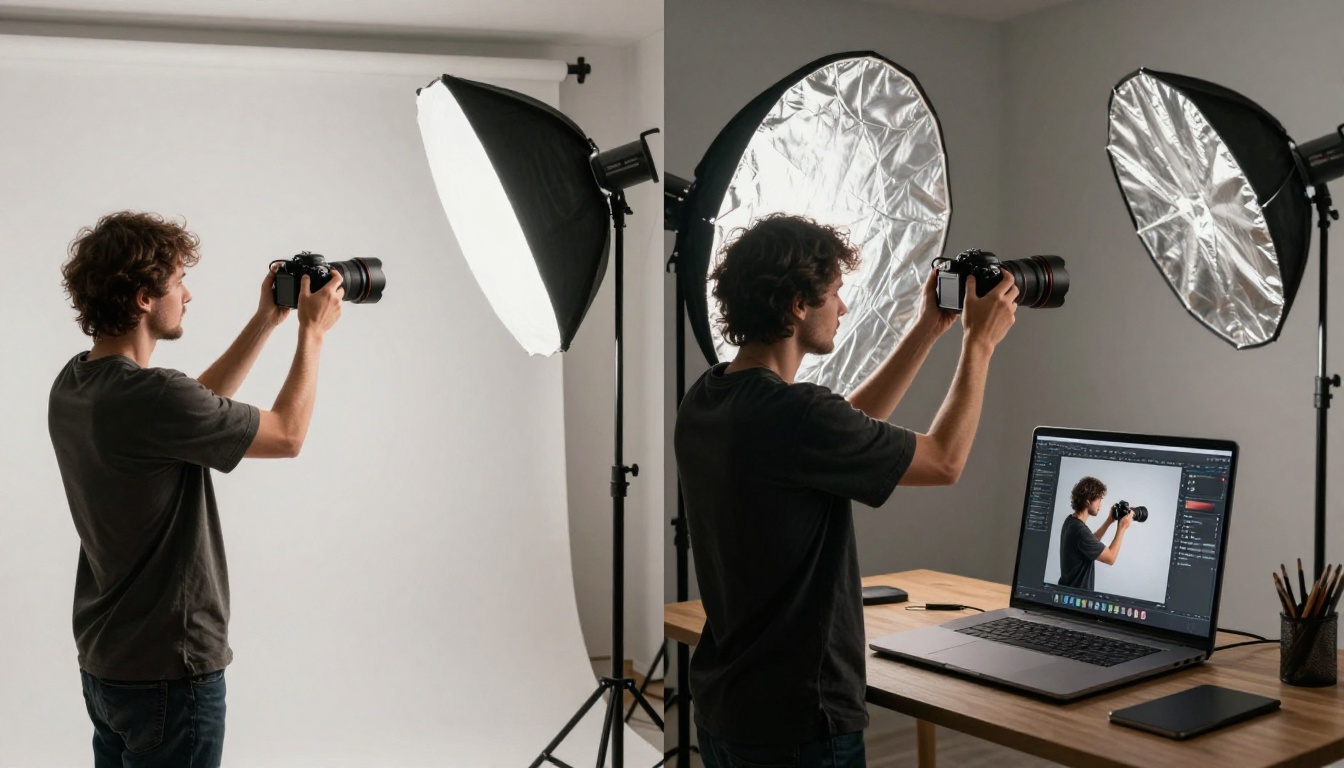
- Lighting: Direction, quality, and color temperature (morning golden light, overcast diffused, single softbox from left)
- Camera angle and lens: Eye-level, aerial, close-up, 85mm f/1.8, 24mm wide-angle
- Texture and atmosphere: Materials, surfaces, mood, film grain
- Technical quality indicators: 8K, RAW photography, Kodak Portra 400 film emulation, photorealistic
Tip: The more specific you are about how the image should look, the better the output will match your vision. A 60-word prompt consistently outperforms a 10-word prompt.
Common mistakes bloggers make with prompts
Vague subject descriptions. "A woman using a laptop" produces something forgettable. "A mid-30s woman with dark braided hair in a cream linen shirt sitting at a pale oak desk near a rain-streaked window, working on a laptop, late afternoon diffused light, 50mm lens, film grain" produces something publishable.
Forgetting lighting. Lighting is what separates a snapshot from a photograph. Always specify the type and direction: morning golden light, overcast flat light, volumetric rays from the left, rim lighting, soft window diffusion.
No camera angle or lens. Aerial, low-angle, eye-level, close-up, three-quarter view: these change how an image reads entirely. Add them every time.
Skipping quality modifiers. Adding "RAW 8K photography, Kodak Portra 400 film grain, photorealistic, cinematic color grade" consistently pushes results from adequate to impressive.
Prompt templates by blog niche
Food Blog:
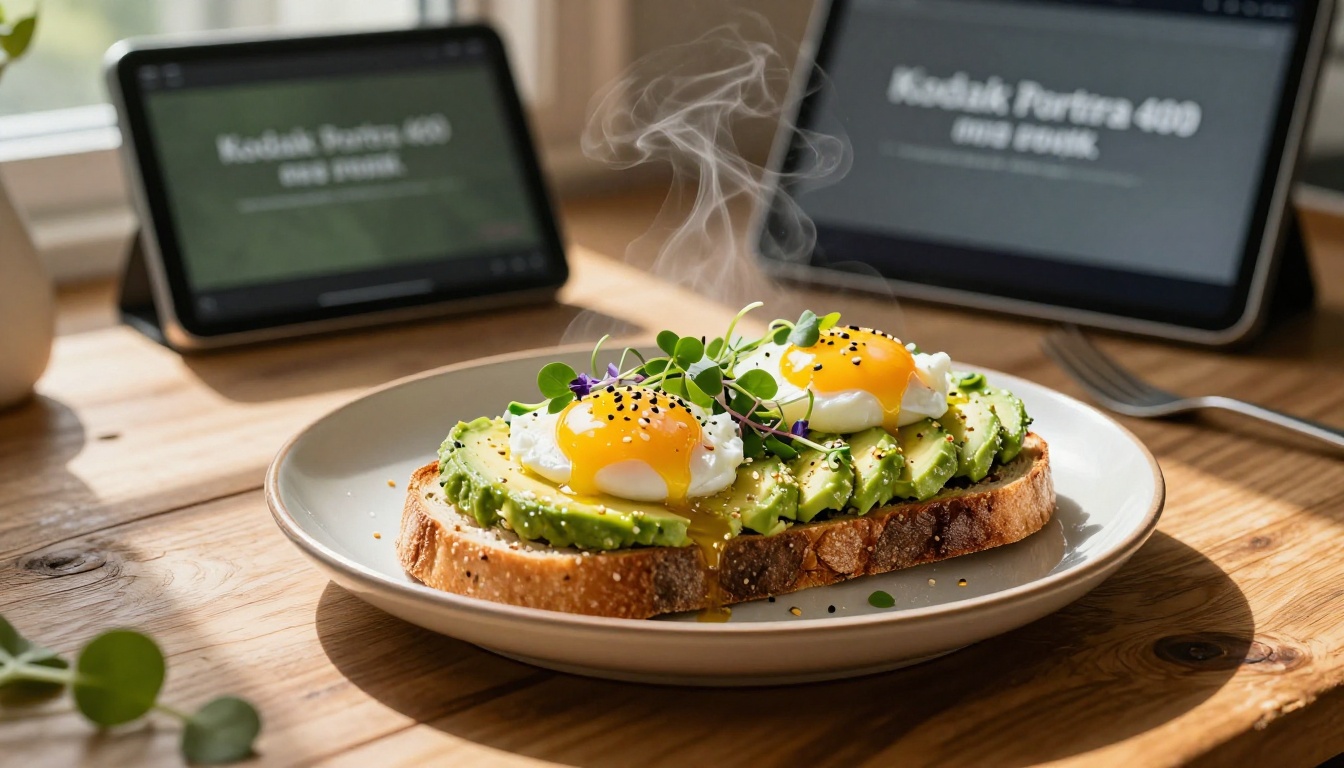
"[Dish name] on a [surface] in [location], [garnish details], side lighting from [direction], 85mm macro lens, f/2.8, steam visible, dewy fresh ingredients, Kodak Portra 400, RAW 8K photography"
Travel Blog:
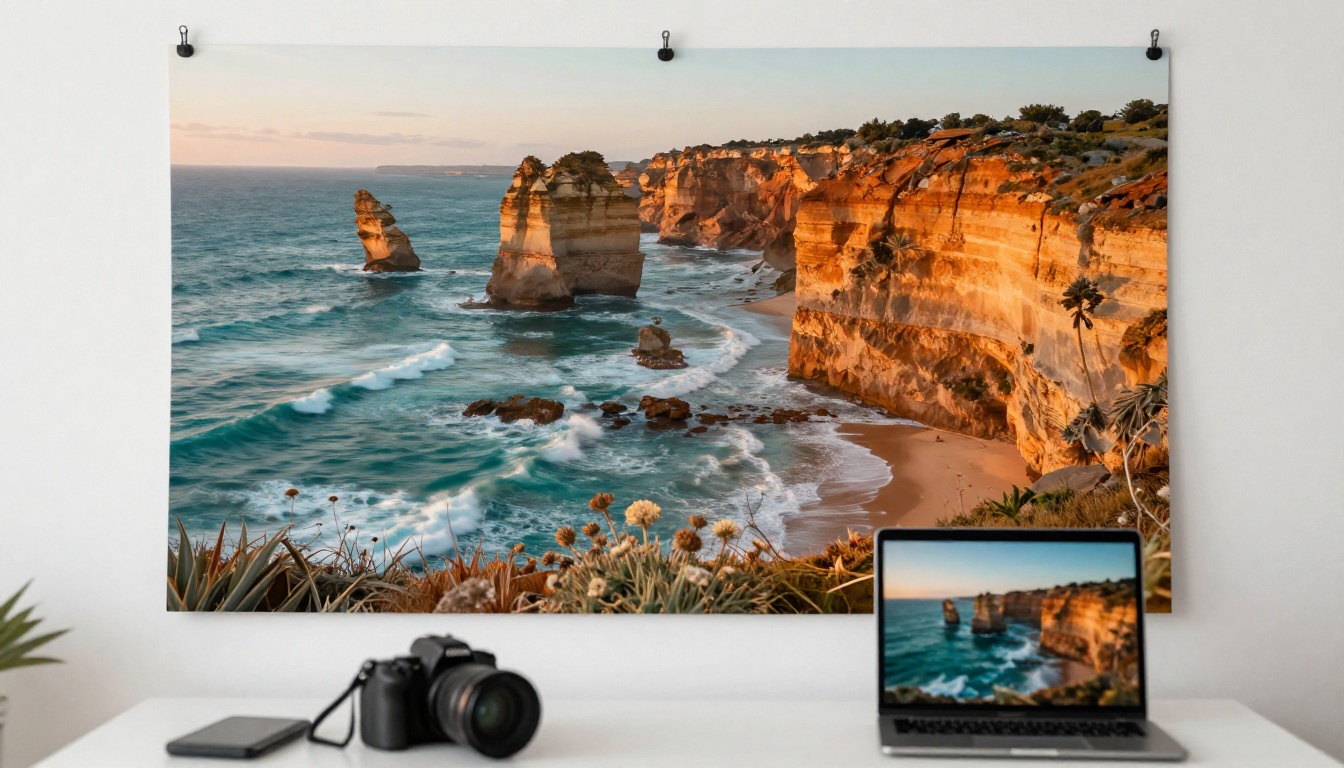
"Photorealistic landscape of [location] at [time of day], [weather conditions], [foreground elements], shot from [angle] at 24mm wide lens, volumetric light rays, warm tones, film grain, RAW 8K"
Lifestyle/Wellness Blog:
"[Person description] in [setting], [activity], [clothing description], [light source and direction], 50mm lens, natural skin tones, no harsh shadows, documentary realism, film grain, RAW 8K"
Tech Blog:
"[Device/product] on [surface], [surrounding objects for context], [lighting setup], front-facing shot at 35mm, anti-glare finish on screen, cool silver and warm wood tones, RAW 8K photography"

Step-by-Step: Creating Blog Images on PicassoIA
How to use Flux Pro on PicassoIA
Flux Pro is one of the most capable text-to-image models available, and you can access it directly through PicassoIA without downloading or installing anything.
Step 1: Open the model page. Go to Flux Pro on PicassoIA. You will find a text input field for your prompt and settings for aspect ratio and generation options.
Step 2: Write your prompt. Use the structure covered above. For a blog hero image, aim for 60 to 100 words in your prompt, covering subject, environment, lighting, angle, and quality markers.
Step 3: Set your aspect ratio. For blog hero images, select 16:9. For square social media exports, select 1:1. For portrait-oriented formats like Pinterest, select 9:16.
Step 4: Run the generation. Click generate and wait for the output. Generation typically takes 5 to 20 seconds depending on the model and server load.
Step 5: Evaluate and refine. If the result is close but not quite right, adjust your prompt. Shift the lighting description, add a texture detail, or change the camera angle. Regenerate until you have an image worth publishing.
Step 6: Download and place. Download the full-resolution file and add it to your blog as you would any photograph.
Tip: For consistent branding across your blog, settle on 2 to 3 prompt "signatures": recurring lighting styles, color palettes, or settings that you carry across all your blog images. This creates visual cohesion without extra effort.
Using Flux 2 Pro for image-based generation
If you have a reference photo and want to generate a variation or a complementary scene, Flux 2 Pro accepts both text prompts and input images. This is useful when you have a real photo of your product or workspace and want to generate supporting AI images that match that aesthetic rather than starting from scratch.
Using Flux 2 Dev for creative control
Flux 2 Dev offers a strong balance between quality and flexibility, supporting both text-only and image-guided generation. It is particularly strong for bloggers who want fine control over composition while maintaining photorealistic output.
Fitting AI Images Into Your Publishing Workflow
Batch-generating before you write
The most efficient approach is not to generate images after writing each individual article. It is to build a library of versatile images before writing begins.
Spend one session generating 20 to 30 images across your core topics, using different angles, lighting scenarios, and subject types. Store them in labeled folders by category. When you sit down to write, your images are already ready to drop in.
This approach separates image production from writing, so neither task slows the other down. It also forces you to think visually about your content topics before writing begins, which often improves the articles themselves.
Organizing your AI image library
Without organization, your AI image library becomes a dumping ground of numbered files with no context. A simple system prevents this:
- Folder structure:
/blog-images/[topic]/[YYYY-MM]/
- File naming:
topic-descriptor-date.jpg (e.g., food-avocado-toast-2026-04.jpg)
- Alt text tracking: A spreadsheet with filename, alt text draft, and which article each image was used in
This setup takes 10 minutes to build and saves hours of searching later.

Pairing AI images with real photography
AI images work best as part of a mixed visual strategy, not as a wholesale replacement for all original photography. Real photos carry authenticity that AI cannot replicate.
Use AI images for:
- Generic scene-setting (workspaces, landscapes, food props, conceptual scenes)
- Illustrating abstract or hypothetical topics
- Hero images when you do not have a real photo that fits
- Mid-article body images between text sections
Use real photography for:
- Author photos and personal brand shots
- Specific product photography where accuracy matters
- Client work and case study documentation
- Anything where the specificity of a real moment matters
The two approaches complement each other. Real photos ground your blog in authenticity. AI images fill the gaps with publication-quality visuals that would otherwise require a full photo shoot.
Making AI Images Work Harder for SEO
File names and alt text
Search engines cannot see images. They read the file name, the alt text, and the surrounding text to figure out what an image represents. Most bloggers ignore this and leave files named with meaningless strings of numbers. That is a missed opportunity every single time.
Rename your files with descriptive, relevant names: ai-image-generation-blog-workflow.jpg beats image-1776478474097.jpg in every way.
Write descriptive alt text that accurately describes what is in the image and relates it to the article's topic: "blogger using AI image generation platform to produce photorealistic visuals for a travel article" is far more useful than "image" or an empty alt attribute.
Compress without quality loss. Large image files slow your page down, which hurts rankings directly through Core Web Vitals. Tools like Squoosh or TinyPNG reduce file size without visible degradation.
Image sizing and Core Web Vitals
Google's Core Web Vitals tie page experience to search performance. Images are one of the most common causes of slow Largest Contentful Paint (LCP) scores.
A few rules that make a real difference:
- Always specify
width and height attributes on your image tags to prevent layout shift (CLS)
- Use modern formats like WebP where your CMS supports it
- Lazy-load images below the fold so they do not block initial page render
- Keep hero images under 200KB after compression
Why generic prompts hurt you
Here is something most bloggers do not think about: if you and a thousand other bloggers use the same basic prompt for the same topic, the AI produces visually similar results. While technically unique at the pixel level, the visual language becomes indistinguishable across sites.
The same way a distinct writing voice separates you in search results, a distinct visual style does the same. Develop your own prompt signatures. Reference specific lighting conditions, specific settings, specific props. Make your images recognizable as yours, not interchangeable with any other blog in your niche.
Beyond Generation: Editing and Improving Existing Images
Rewriting parts of an image with text
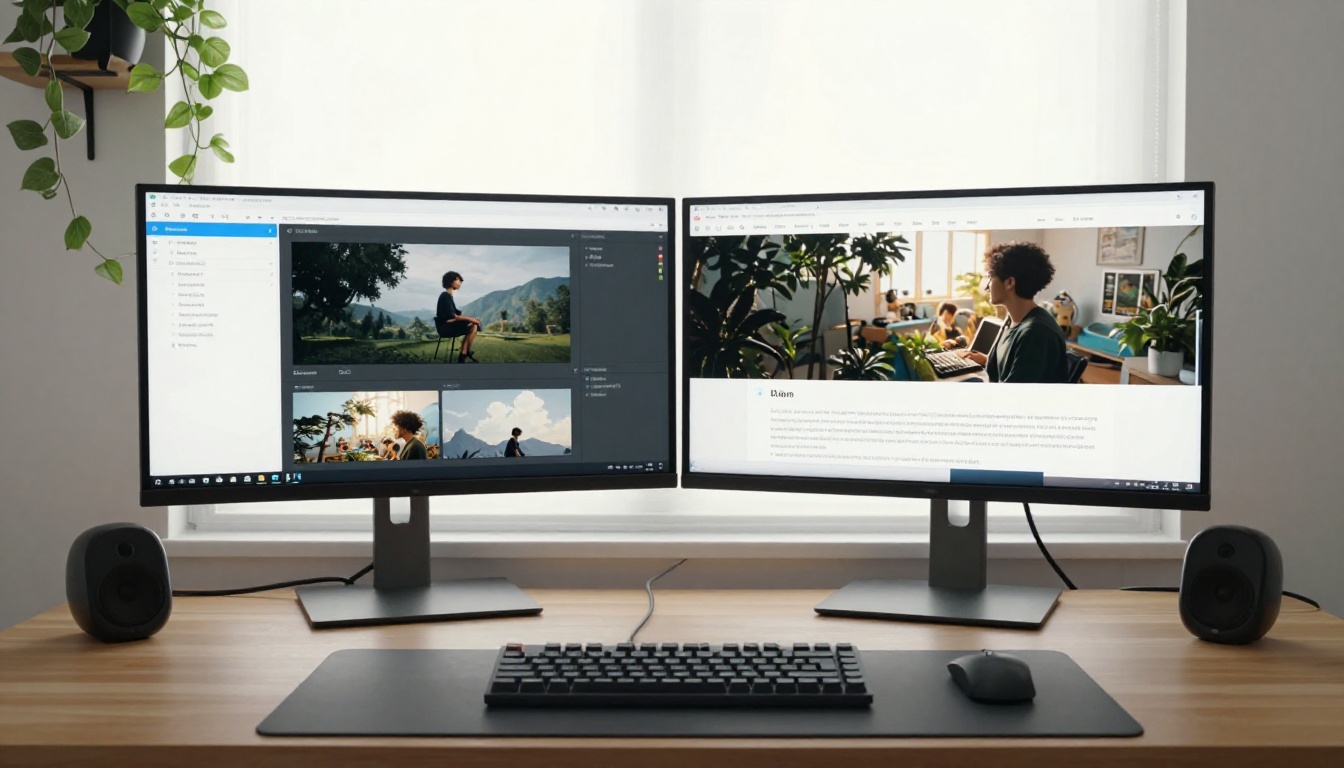
Beyond generating from scratch, AI tools can now edit existing photos in ways that used to require Photoshop expertise. Flux Kontext Pro lets you rewrite elements of an existing image using a text description: change the background behind a product shot, adjust the clothing on a subject, or alter the lighting in a photo you already have. This is a practical capability for bloggers who have decent photos that need one specific thing changed.
Flux Kontext Max takes this further, offering more detailed control over image rewriting with higher fidelity results.
Background removal for cleaner graphics
When you need a subject isolated on a transparent background for comparison graphics, call-to-action elements, or embedded illustrations, background removal AI handles this in seconds. PicassoIA includes dedicated background removal models in its collection that handle complex edges like hair, foliage, and semi-transparent fabric cleanly.
Super-resolution for older blog images
If you have posts with older, lower-resolution images that still drive traffic, you do not need to reshoot everything. Super-resolution models can upscale images 2x to 4x while adding realistic texture and detail, effectively rescuing outdated visuals and bringing them up to current display standards.
3 Common Mistakes Worth Avoiding
Relying on one model for everything
Different models have different strengths. Flux Pro excels at instruction-following detail. Imagen 4 handles natural outdoor light beautifully. Stable Diffusion 3.5 Large produces consistent, clean results across diverse subjects. Using only one model limits what you can produce. Rotating across 2 to 3 models based on the subject type produces noticeably better results with no additional effort.
Not testing before committing to a visual style
Run 5 to 10 test generations before settling on a visual direction for your blog. A prompt approach that sounds great in theory may not produce the warmth or mood you imagined. Testing is cheap. Changing your entire visual style after 50 posts is not.
Ignoring the non-image elements
AI image quality is only one part of what makes a visual blog post work. Copy that is tightly integrated with imagery, proper alt text, fast page loading, and correct image sizing all contribute to how those images actually perform, both with readers and in search. A technically perfect image served slowly and without alt text is still a missed opportunity.
Start Producing Your Own Images
The fastest way to see what AI image generation can do for your blog is to run a few prompts yourself. Start with something specific to your niche, add detailed lighting and a camera angle, and compare the results to what you would have settled for from a stock photo site.
PicassoIA gives you access to over 90 text-to-image models in one place, from the speed of Flux Schnell to the resolution ceiling of Flux 1.1 Pro Ultra. You can test Imagen 4 for lifestyle and travel photography, Stable Diffusion 3.5 Large for product and architectural subjects, or Ideogram v3 Quality when your images need embedded text rendered cleanly. If you need to edit an existing photo rather than generate from scratch, Flux Kontext Pro and Flux 2 Flex cover that use case without switching platforms.
Your blog's visual quality is no longer limited by your budget or your camera. It is limited only by how specifically you can describe what you want to see. Pick a model, write a detailed prompt, and generate your first image. The results will make the case for themselves.


