The format that now rules every feed is vertical. Not because landscape went anywhere, it's just that no one watches it the same way anymore. YouTube Shorts, TikTok, Instagram Reels: all of it defaults to 9:16, all of it plays on a phone held upright, and all of it rewards creators who move fast.
The problem is that creating even a 30-second vertical video used to take hours. Filming, importing, cutting, adding music, exporting, re-sizing. Now AI video generators have collapsed that workflow into minutes. You write a prompt, pick a model, and get a ready-to-upload vertical clip. No camera. No tripod. No editing app.
This article breaks down exactly how to do that, which AI video generators work best for Shorts, and how to write prompts that actually produce results worth posting.
Why Vertical Video Dominates Right Now
The 9:16 Format Is Now the Default
The smartphone didn't just change how people consume content, it changed what "normal" looks like on screen. For years, 16:9 was the universal standard because TVs and computer monitors are wide. But phones are tall. And the moment short-form video platforms made vertical the default, the entire content creation industry had to follow.
YouTube Shorts now serves over 70 billion views per day. TikTok crossed 1 billion active users. Instagram Reels is the format's fastest-growing placement. Every major platform has built its recommendation algorithm around 9:16 content, which means horizontal videos are being deprioritized before they even have a chance.
If you are creating content that doesn't fit the vertical format, you are starting with a structural disadvantage.
What AI Changes About the Workflow
The traditional barrier to vertical video wasn't creativity, it was production. Filming requires equipment, lighting, and a subject. Editing requires time, software skills, and consistency. Even with a decent phone, most people produce inconsistent content because the production overhead is too high to sustain.
AI video generators remove most of that overhead. Instead of setting up a shot, you describe it. Instead of editing footage, you receive a finished clip. Instead of spending an afternoon on one post, you can generate five or ten variations in an hour and schedule them across the week.
The output quality has also crossed a threshold. Models like Kling v3 Video, Veo 3.1, and Hailuo 2.3 produce footage that can hold attention on a Shorts feed. Motion is smooth, lighting is realistic, and the visual fidelity is high enough that viewers don't immediately clock it as AI.
What You Need Before You Start
Your Prompt Is Your Script
In traditional video production, you'd write a script, then shoot it, then edit. With AI video generation, the prompt is the script and the shot list and the visual direction, all at once. The prompt tells the model what to show, how to frame it, what the mood is, and how things should move.
A weak prompt produces generic output. A specific prompt produces something you can actually post.
Here's the difference:
Weak: "A woman walking in a city"
Strong: "A confident woman in her late twenties, olive skin, red coat, walking down a busy rain-slicked New York sidewalk at night, neon reflections on wet pavement, slow-motion, vertical 9:16 frame, cinematic lighting, shallow depth of field"
The second version tells the AI about framing, lighting, mood, movement speed, and visual style. The first version gives it nothing to work with.
💡 Tip: Always specify "vertical format", "9:16 aspect ratio", or "portrait orientation" in your prompt when working with models that support it. Some models default to 16:9 if you don't specify.
Aspect Ratio Matters More Than You Think
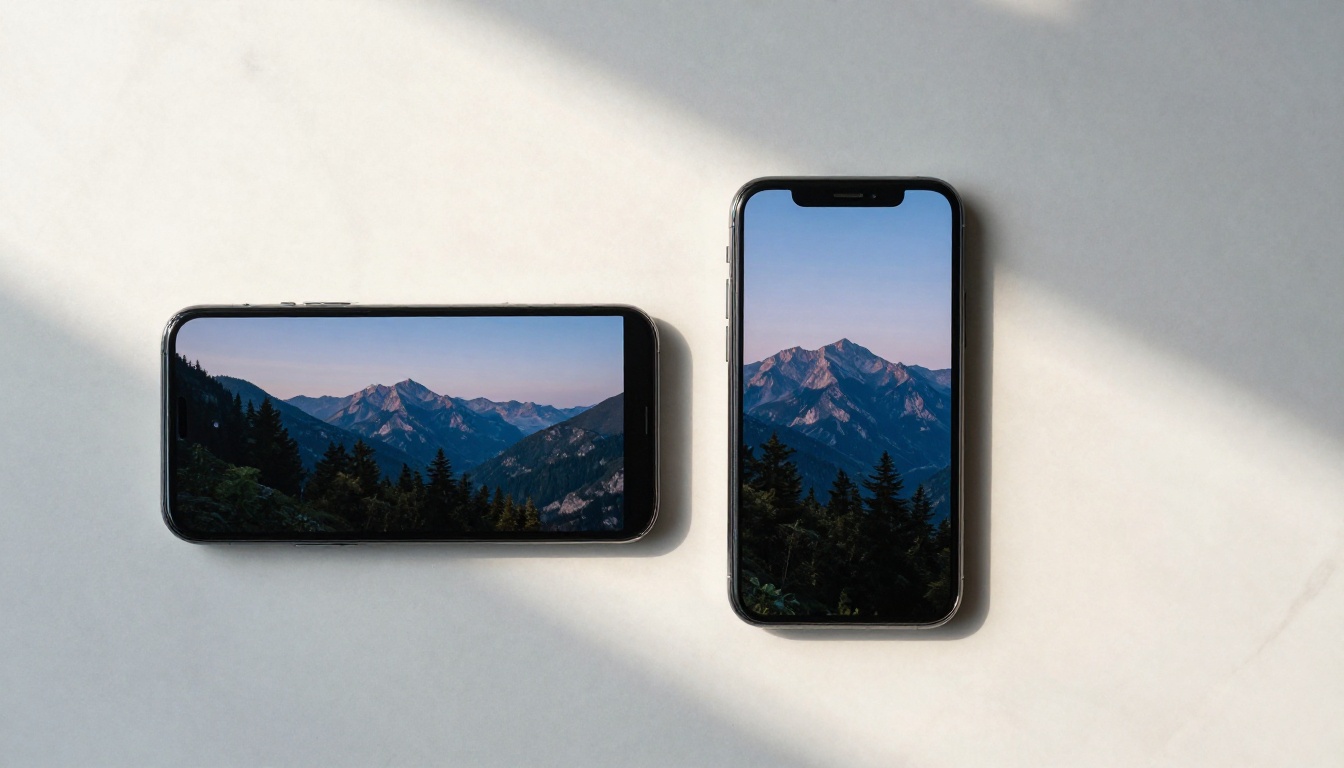
Not all AI video generators support 9:16 output natively. Some only produce 16:9 clips, which means you'd have to crop or letterbox the result for Shorts. That often leads to the main subject getting cut off or the composition breaking.
Before selecting a model, check whether it supports portrait output. Kling v2.6, Pixverse v5, and Seedance 1 Pro all offer 9:16 output, which makes them strong choices for Shorts production.
Best AI Models for Vertical Videos
The AI video landscape has dozens of models, and they are not all equal when it comes to producing Shorts-ready content. Here is where the top options stand right now.
Kling v3 Video: Top Pick for Shorts
Kling v3 Video is currently the most reliable model for creating polished short-form vertical content. It produces cinematic output, handles motion well, and supports 9:16 natively. The motion consistency is particularly strong, meaning objects and people move fluidly instead of drifting or morphing the way older models do.
For Shorts use cases, its 5-10 second clip generation fits perfectly. A Shorts video is typically 15-60 seconds, and you can chain multiple generations together to hit your target length.
| Feature | Rating |
|---|
| Visual quality | Excellent |
| Motion consistency | Excellent |
| Vertical support | Native 9:16 |
| Speed | Fast |
| Best for | Cinematic Shorts, narrative clips |
Veo 3.1 for Cinematic Realism
Google's Veo 3.1 is in a different category when it comes to photorealism. The footage it produces is genuinely difficult to distinguish from real-world camera work, especially for outdoor and nature scenes. It also supports native audio generation, meaning the AI creates ambient sound that matches the visual.
For Shorts content that needs to feel real, travel scenes, product reveals, nature clips, Veo 3.1 is the best option available. The tradeoff is generation time: it takes longer than faster models like Wan 2.5 T2V Fast. If you want the same level of cinematic quality with audio in a slightly earlier version, Veo 3 is also a strong choice.
Pixverse v5 for Speed
When you need volume, when you're producing 10 Shorts a week and need fast turnaround, Pixverse v5 is the right tool. Generation times are short, and the visual output is still competitive. It handles dynamic scenes well, action shots, fast cuts, movement-heavy content.
It won't match Kling v3 Video or Veo 3.1 on raw visual fidelity, but for social media output that needs to move fast, it's a strong choice.
Wan 2.6 T2V for Open Use
Wan 2.6 T2V is one of the most capable open-access models available. For creators who want to experiment extensively, it produces HD quality output and handles a wide range of scene types. Pair it with Wan 2.6 I2V if you want to animate a specific image you've already generated, a workflow that works well for Shorts with a consistent visual style.

How to Make a Vertical Video on PicassoIA
PicassoIA gives you access to all of the models above in one place, without needing separate accounts or API keys. Here's the exact process.
Step 1: Choose Your Model
Go to the text-to-video collection and select the model that fits your goal. For Shorts, Kling v3 Video or Kling v2.6 are the most consistent starting points. If you want maximum photorealism, choose Veo 3.1.
Step 2: Write a Strong Prompt
Use this structure as a foundation:
[Subject + Action] + [Environment/Setting] + [Lighting Conditions] + [Camera Movement] + [Mood/Atmosphere] + [Aspect Ratio: 9:16]
Example: "A young woman standing on a rooftop at golden hour, city skyline behind her, slow upward tilt camera movement, soft warm backlight, cinematic mood, vertical 9:16 format"
Keep your prompt between 40-80 words. Too short gives the model too much freedom. Too long and conflicting instructions start to undermine the output.
💡 Tip: Add specific camera movements to your prompt. "Slow push-in", "upward tilt", "orbiting shot", "handheld dolly" all produce different results and make your Shorts feel more dynamic and intentional.
Step 3: Set the Aspect Ratio to 9:16
In the model settings, look for the aspect ratio option and select 9:16 or portrait. Some models label it as "vertical" or "mobile". This ensures the output is already formatted for direct upload to Shorts, no cropping required.
Step 4: Generate and Download
Run the generation. Most models take between 30 seconds and 3 minutes depending on the model and clip length. Review the output and check for:
- Correct framing (subject isn't cut off at edges)
- Smooth motion (no sudden jumps or morphing artifacts)
- Consistent lighting across the clip duration
If any of those are off, adjust your prompt and regenerate. Iterate quickly. The goal is to find a prompt formula that produces reliable output for your content style, then scale from there.

Prompt Writing for Vertical Videos
Getting consistent, high-quality output from AI video models comes down to prompt writing. Here's what actually moves the needle.
What a Good Vertical Prompt Looks Like
The biggest mistake is writing a prompt that describes a scene without considering how it's framed. Vertical video has different compositional rules than horizontal. The frame is tall and narrow. Subject placement matters differently. Action that moves up or down plays better than action that moves side to side.
Build your prompts around vertical-friendly scenarios:
- Top to bottom reveals: waterfall, a person standing tall, a city building
- Close-up portraits: face, upper body, one person centered in frame
- Vertical landscapes: cliffs, forests with tall trees, staircases, elevator shots
- Bottom-up angles: looking up at a building, looking up at a person from below
Avoid wide, panoramic scenes. They look wrong in vertical format because the most interesting part of the composition ends up at the edges where the frame cuts them off.
Camera Moves That Work for Shorts
These camera instructions consistently produce strong results in AI vertical video generation:
| Camera Move | Best Use Case |
|---|
| Slow push-in | Dramatic reveals, emotional moments |
| Upward tilt | Tall subjects, revealing scale |
| Low angle look-up | Portraits, power shots |
| Handheld subtle shake | Street scenes, authenticity |
| Orbit around subject | Product shots, character reveals |
| Static hold | Dialogue moments, nature scenes |
When using Kling v3 Motion Control, you can specify camera motion even more precisely, controlling the trajectory of the virtual camera frame by frame.

Real Use Cases for AI Shorts
Product Showcases
AI vertical video is particularly strong for product content. You can generate a clip showing a product in an aspirational environment without owning the product, renting a studio, or hiring a photographer. Fashion, cosmetics, food, tech accessories, all of these categories produce strong AI Shorts content.
For product videos, models that handle image-to-video generation work well. Start with a product image you already have, then animate it using Wan 2.6 I2V or Kling v2.6. The result is a short video clip showing the product in a moving scene, significantly more engaging than a static image post.
Travel Content Without Traveling
Some of the best performing AI Shorts are travel content. Viewers watch it compulsively because the visuals are aspirational. AI video generators like Veo 3.1 produce travel footage that is indistinguishable from real camera work at typical viewing resolution.
You can produce an entire vertical travel series around any destination without booking a flight. The key is writing geographically specific prompts. "A winding cobblestone alley in Lisbon at dusk, golden light, bougainvillea spilling over whitewashed walls" produces far more authentic output than "a European street".
Story-Based Shorts
Narrative short clips, quick 15-30 second micro-stories, perform exceptionally well on Shorts because they create a completion loop. Viewers watch to the end to see what happens. AI video models handle short narrative moments well when you set up the scene clearly in your prompt.
For multi-clip narrative content, generate each "scene" separately and assemble them in a simple mobile editor. You don't need a full editing suite to chain five 5-second AI clips into a 25-second Short.
3 Common Mistakes to Avoid
Ignoring the Safe Zone
Vertical video platforms overlay UI elements on top of your content. YouTube Shorts displays the title, description, like/comment buttons, and channel name over the video frame. If your key subject or important action is near the bottom or right edge of the frame, it'll be partially covered by the platform UI.
Keep your main subject centered in the frame, particularly between 20% and 80% of the vertical height. Avoid placing critical elements at the very bottom of a vertical clip.
Too Much Motion, Too Little Story
AI video generators now handle motion well, but motion for its own sake doesn't keep viewers watching. A clip that just shows a camera panning through a beautiful environment has lower retention than a clip where something happens, even if the "something" is as simple as a person turning to look at the camera.
Before generating, ask: what is the viewer watching for? Give the clip a purpose even if it's a 10-second ambient scene.
Wrong Prompt Length
There's an optimal range for AI video prompts, roughly 40-80 words. Below 30 words, the model fills in too many blanks with generic defaults. Above 100 words, conflicting instructions start to produce unpredictable results where the model seems to partially ignore portions of the prompt.
Test your prompts in the 50-70 word range first. Once you have a format that works, expand or compress from there.

More Models Worth Exploring
Beyond the top picks above, a few other models produce strong results in specific contexts:
- Seedance 1.5 Pro: Excellent for lifestyle and fashion content. Handles human motion convincingly.
- LTX 2.3 Pro: 4K output for the highest resolution Shorts possible.
- Hailuo 2.3: Strong for cinematic scenes with a lot of environmental detail.
- Gen 4.5: Runway's model with precise motion control, solid for scripted narrative content.
- Ray: Fast generation, good for quick iteration when testing new prompt styles.
💡 Tip: Test the same prompt across 2-3 models and compare the results. Different models have different visual "personalities" and one prompt can produce dramatically different outputs depending on which model you use.
Your First AI Short Starts Here
The barrier to creating vertical video content for Shorts is now a good prompt and 3 minutes. There's no equipment to set up, no footage to import, no editing timeline to manage.
The creators getting the most out of this workflow are the ones who treat prompt writing like a skill worth developing. Every generation teaches you something about how the model interprets language, what visual details to specify, which camera moves work for which subjects.
Start with Kling v3 Video or Kling v2.6 for your first few Shorts. Write a specific, visual, 60-word prompt. Set it to 9:16. Generate. Watch what comes back and adjust from there.
Picasso IA has over 89 text-to-video models available in one place. You can test Veo 3.1, Pixverse v5, Wan 2.6 T2V, and every other model in this article without switching platforms or managing separate subscriptions. The entire AI vertical video production workflow, from prompt to finished clip, happens in one place.
The algorithm rewards consistent posting. AI video generation makes consistent posting achievable. That combination is how you build an audience on Shorts.