TikTok's algorithm doesn't care how many cameras you own. It cares about watch time, replays, and shares. And right now, AI-generated videos are hitting all three metrics at once because they look different, move differently, and land in niches where human-shot footage can't compete on speed or volume.
If you've been waiting for the right moment to start posting short-form AI video content, the moment is already here. The models have caught up. The workflow is faster than ever. And the creators posting three AI videos a day are quietly building audiences while everyone else is stuck waiting for the lighting to be perfect.
This is exactly how it works.
Why TikTok Is an AI Video Opportunity
The algorithm rewards consistency
TikTok's discovery engine runs on volume and retention. Post more often, get more distribution chances. That's the basic reality. The problem is that traditional video production caps your output. Shooting, editing, color grading, exporting, and reformatting for vertical takes hours per video.
AI video generation breaks that cap. A single 60-second prompt session can produce three to five clips ready for posting. The creators who figure out this workflow first have a real structural advantage in short-form video content creation.
What viewers actually respond to
Short-form video viewers on TikTok have trained their attention to filter out low-effort content fast. But they stop for the unusual. AI-generated footage, when done well, has a visual quality that stands out precisely because it doesn't look like someone's handheld iPhone recording. The colors are calibrated. The motion is deliberate. The composition is cinematic.
That contrast effect is something you can use intentionally. The automated video production workflow is not a shortcut to mediocrity. It is a direct line to visual consistency that most amateur creators never achieve.
The 3 Video Types That Work Best
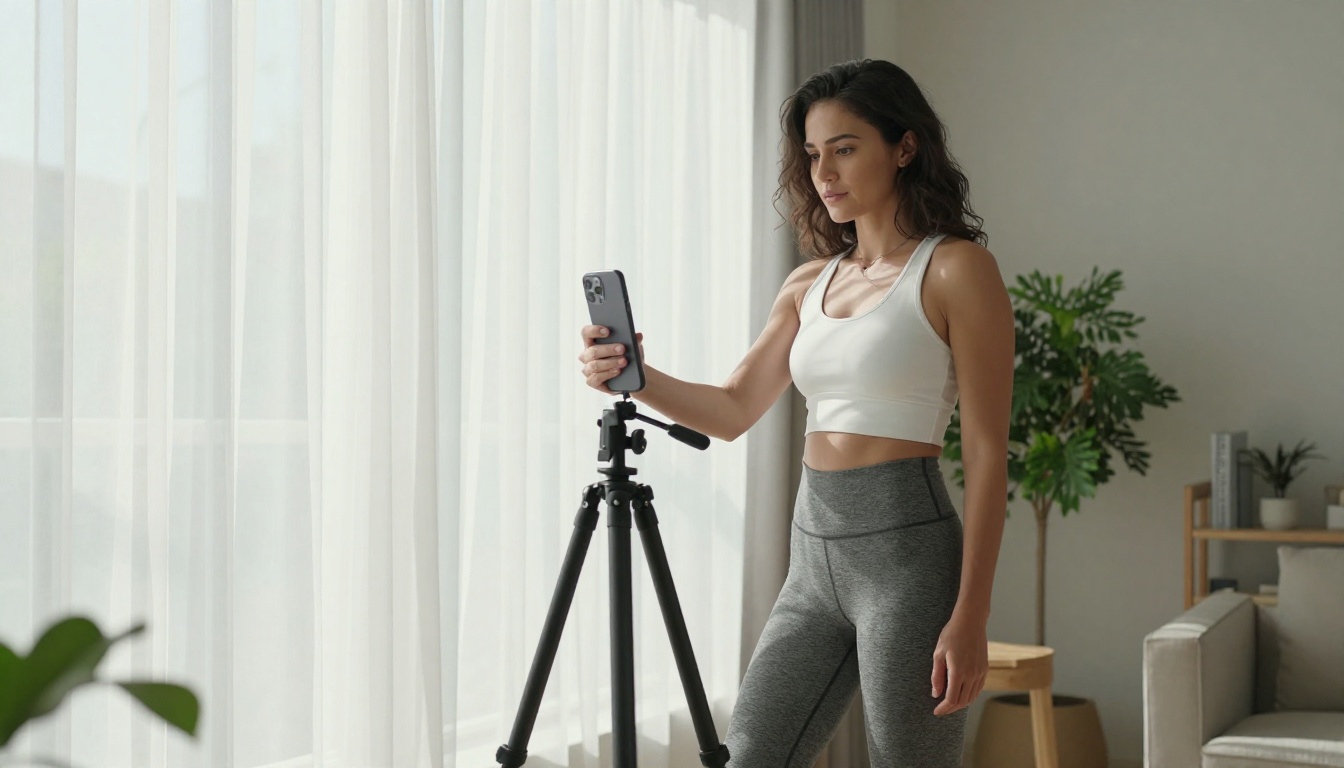
Text-to-video clips
The simplest workflow. You write a prompt describing a scene, the model generates a 5-to-10 second clip, you add captions and audio in TikTok's native editor, and you post. Models like Kling v2.6 and Wan 2.6 T2V are purpose-built for this: they take text descriptions and generate high-resolution footage with cinematic motion.
For TikTok specifically, descriptive environment prompts tend to perform well. Coastal scenes, urban time-lapses, abstract nature footage, product-in-context visuals. Anything that gives a sense of mood without requiring a human character to carry the narrative.
Photo animation videos
You upload a still image, and the AI model animates it into motion. This works particularly well for product content, travel photography, and portrait-style visuals. Wan 2.6 I2V and Hailuo 2.3 both excel at this, taking a flat photograph and generating plausible, natural motion across the frame.
The practical application: you can take a single product photo and produce five different animated versions in under 20 minutes. Each one can anchor a separate TikTok post across the week.
Faceless content creation
A growing category on TikTok is "faceless content," channels that build audiences without the creator appearing on camera. AI video fits this perfectly. Generate scenic footage, animate illustrations, or produce abstract visual loops, then add a voiceover with a text-to-speech model.
Seedance 2.0 generates audio alongside the video, meaning the clip and its ambient sound come out together. That is one fewer step in the production chain for high-volume social media video automation.
Choosing the Right AI Video Model
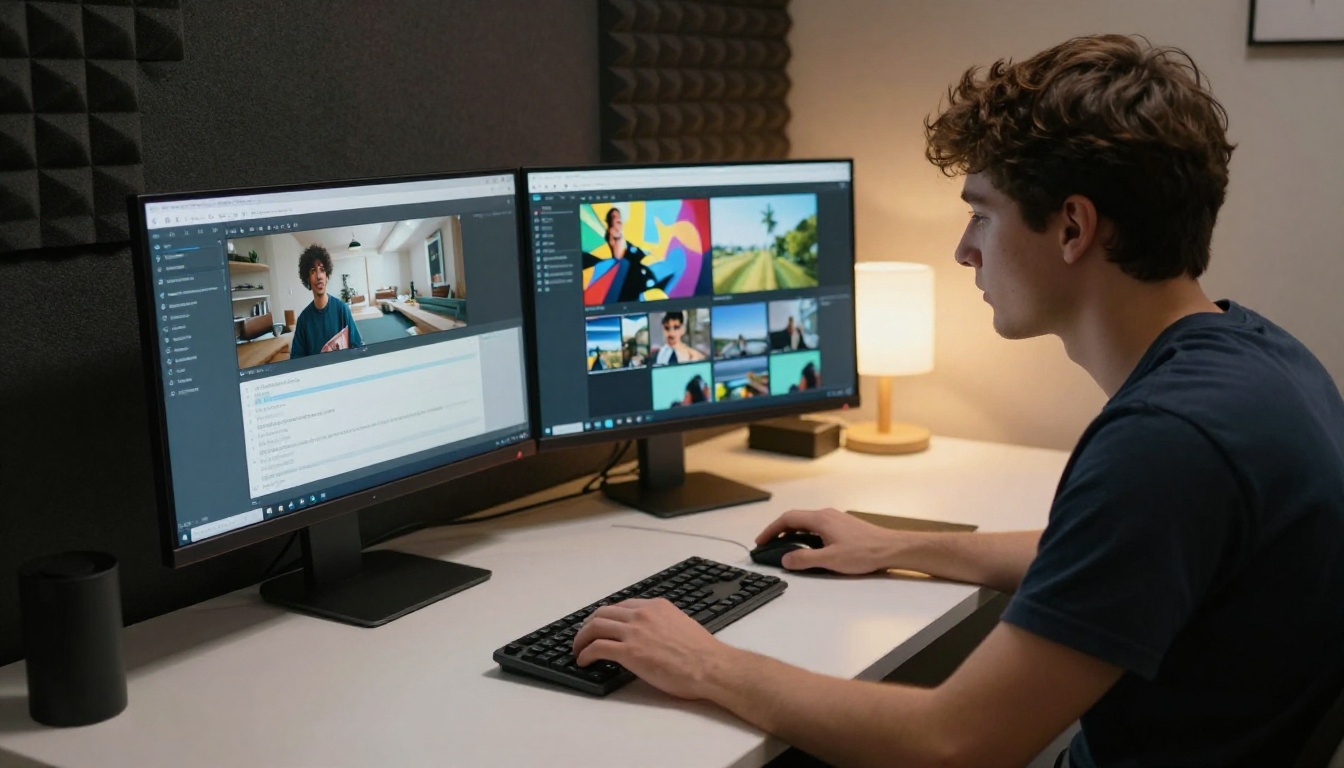
Not every model is equally suited to TikTok content. Here's how the main options compare for short-form social use.
Speed vs. quality tradeoff
For high-volume TikTok posting, speed matters as much as resolution. A 720p clip posted today outperforms a 4K clip that takes two extra hours to generate. Ray by Luma and Wan 2.5 T2V Fast are built for throughput. If you are running a faceless account and posting daily, these are the workhorses.
For featured content or pillar posts where quality is the point, LTX 2.3 Pro and Kling v2.6 produce footage that genuinely looks broadcast-quality.
How to Use Kling v2.6 for TikTok
Kling v2.6 is currently one of the strongest performers for short-form content. It handles both text-to-video and image-to-video inputs, produces 1080p output, and consistently generates plausible cinematic camera motion without the jittery artifacts that plagued earlier models.
Step 1: Set duration and aspect ratio first
Before writing the prompt, set the clip duration to 5 or 10 seconds and the output to 9:16 aspect ratio. This is the vertical format TikTok uses natively. Getting the aspect ratio right at generation time means zero cropping or reformatting later.
Step 2: Write a scene-first prompt
The prompt structure that works best in Kling v2.6 puts the scene description first, then adds motion, then lighting. A working example:
"Slow-motion close-up of coffee being poured into a glass cup on a white marble counter, rich brown cream swirling through clear coffee, warm morning light from a window to the left, soft bokeh background, photorealistic, cinematic"
This produces a 5-second clip usable directly as a product teaser, lifestyle content, or ambiance reel for TikTok video content creation.
Step 3: Apply negative prompts
Kling v2.6 supports negative prompts. Standard negatives to include: "blurry, distorted hands, text, watermark, oversaturated, low quality." These additions significantly improve output consistency across multiple generations.
Step 4: Download and post
Download the MP4 output. TikTok's native editor accepts it directly. Add a trending audio track from TikTok's audio library, drop in three to four text captions, apply TikTok's built-in auto-caption feature, and post. The entire post-generation workflow takes four minutes.
Tip: Post within the first 30 minutes of the video being ready. TikTok's algorithm gives initial distribution boosts to freshly uploaded content, and the faster you post, the faster you learn what the algorithm surfaces.
Writing Prompts That Actually Work

The quality gap between a mediocre AI video and a great one comes almost entirely from the prompt. Most people write prompts that are too vague. The model fills in the gaps with average decisions, and average output follows.
The anatomy of a strong prompt
A strong text-to-video prompt has five components:
- Subject: What is in the frame and what is it doing?
- Environment: Where does the scene take place? What textures, colors, surfaces?
- Lighting: Where is light coming from? What color temperature?
- Camera behavior: Is it static, panning, zooming? What lens feel?
- Quality modifiers: Photorealistic, cinematic, 8K, film grain, etc.
Missing any of these components gives the model room to make generic choices.
10 prompt templates for TikTok content
These are ready-to-use starting points. Replace the bracketed sections with your niche specifics.
- "Slow pan across a [product] on a white marble surface, soft morning light from the left, shallow depth of field, photorealistic, cinematic"
- "Time-lapse of [city/location] from rooftop at sunset, golden hour light, long shadows, drone perspective, photorealistic"
- "Close-up of [food/beverage] being prepared, steam rising, warm kitchen light, shallow focus, cinematic 8K"
- "Person walking through [environment], camera tracking from behind, natural light, motion blur on surroundings"
- "Abstract nature footage: [specific natural element] in slow motion, volumetric light, photorealistic"
- "Overhead flat-lay of [objects], natural diffused light, slight camera drift, cinematic"
- "Silhouette of a person at [location] during golden hour, backlit, warm sky colors, minimal foreground detail"
- "Extreme close-up of [texture/material] with micro-detail, camera slowly pulling back, studio lighting"
- "Wide establishing shot of [scene], camera slowly pushing in, ambient atmosphere, photorealistic 8K"
- "Portrait of a [subject] in [environment], natural light, slight lens flare, film grain, cinematic 4K"
The Aspect Ratio Problem
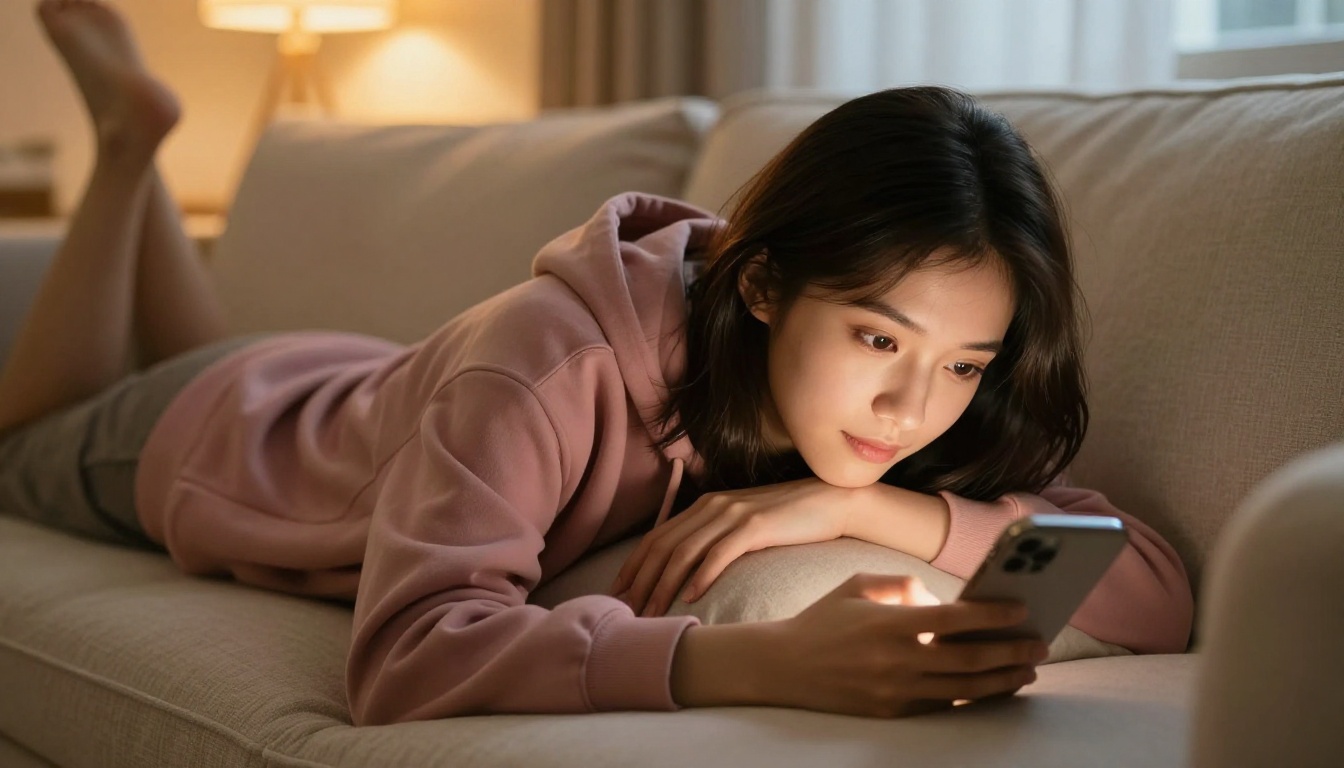
Most AI video models default to 16:9 landscape output. TikTok is 9:16 vertical. This is the single most common mistake new creators make with AI video content, and it costs them reach every time.
Generating natively vertical
Several models including Kling v2.6 and Pixverse v5 allow you to select 9:16 before generation. Always set this before running the prompt. A natively generated vertical video has full resolution at 9:16. A cropped horizontal video has at best 56% of the original resolution filling a smaller area.
When you have to crop
If you generate in 16:9 and need to crop for TikTok, use the "smart crop" feature in TikTok's native editor rather than cropping manually. It detects the main subject and centers the crop window around it automatically. Not ideal, but it preserves the main visual subject without manual repositioning.
The best workaround
Compose your prompts to center the subject: "subject centered in frame, minimal edge detail, vertical composition." This makes 16:9-to-9:16 cropping predictable and clean even when native vertical generation is not available on the specific model you're using.
5 Mistakes That Kill Your AI Videos

Mistake 1: Generating first, thinking second
Jumping straight into generation without planning the content strategy burns credits and time. Decide the niche, the hook, and the desired viewer emotion before opening the model. What should someone feel in the first two seconds of your clip?
Mistake 2: No audio strategy
A video without audio is invisible on TikTok. The algorithm actively deprioritizes muted content. Use TikTok's trending audio library for viral TikTok video production. For atmosphere-based AI videos, ambient sound loops work better than trending music. For narrative content, a voiceover generated with a text-to-speech model adds context without requiring you to appear on camera.
Mistake 3: Too much variety, too fast
New accounts should post in a tight niche for the first 30 posts. The algorithm builds a viewer profile for your content. If you post a travel clip, then a food clip, then a product clip, the algorithm can't categorize you and stops distributing broadly. Pick one niche and saturate it before branching out.
Mistake 4: Weak prompts blamed on models
Every time a clip looks bad, the reason is almost always the prompt, not the model. Before switching to a different AI video tool, rewrite the prompt with more specific environment, lighting, and camera detail. A 40-word prompt consistently outperforms a 10-word prompt across every model in the prompt-based video creation workflow.
Mistake 5: Inconsistent posting
The cruelest truth about TikTok is that one good video doesn't build a channel. Fifty average videos posted consistently does. AI video generation removes the production bottleneck. The advantage is only real if you use it to post regularly.
Building a Content Pipeline
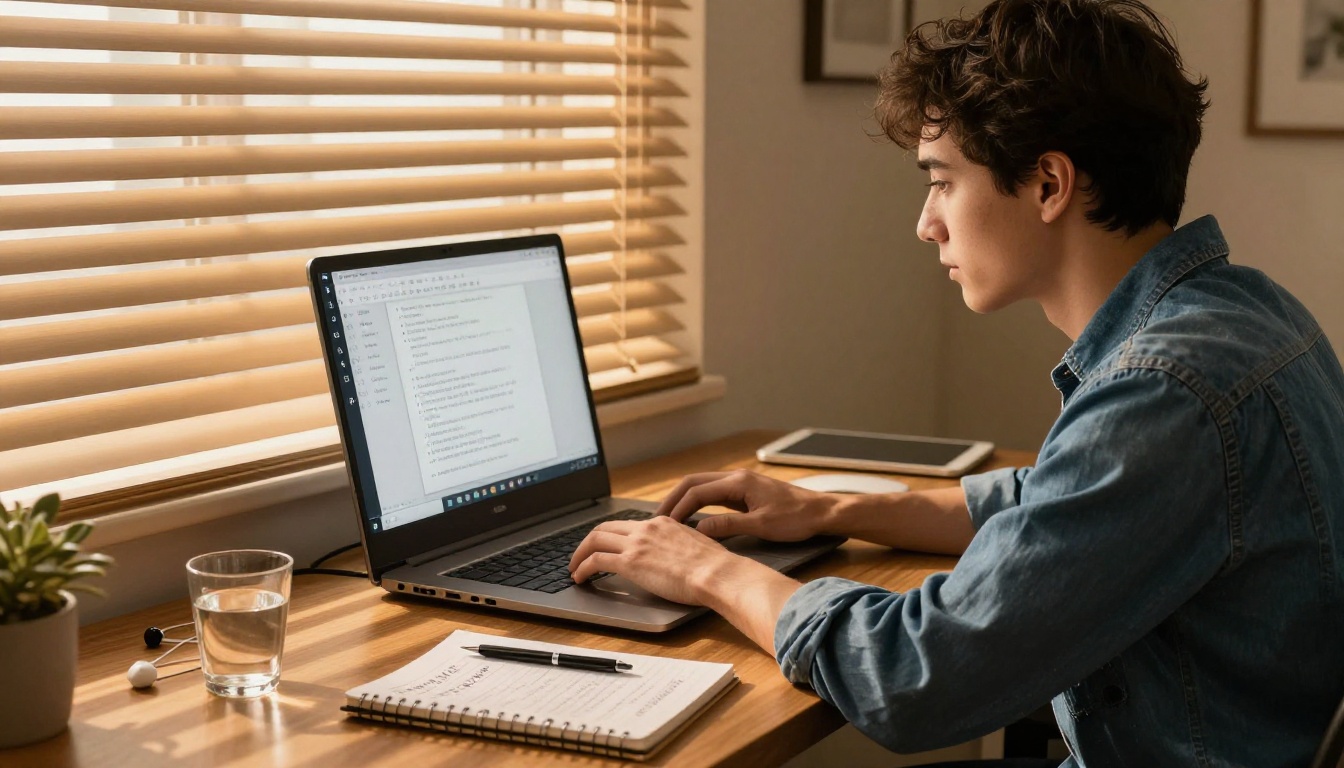
The creators getting the most out of AI video aren't generating one clip at a time. They're batching. Short-form video automation only scales when the workflow is repeatable.
A weekly batch workflow
Sunday (30 minutes):
Write 14 prompts for the week. Two per day. Group them by visual theme so your feed looks cohesive from the profile page.
Monday (60 minutes):
Run all 14 prompts through your preferred model. Download the outputs. Organize them into a folder labeled by posting date.
Daily (10 minutes):
Open TikTok's native editor. Add audio. Add captions. Post. Respond to early comments within the first hour.
That's a 90-minute weekly production cycle for 14 TikTok videos. The timeline compresses further when using Wan 2.5 T2V Fast or Ray by Luma for bulk generation with their faster processing speeds.
Repurposing across platforms
The same 9:16 clip that goes on TikTok can post directly to Instagram Reels and YouTube Shorts without additional editing. One generation session, three platforms, zero reformatting. This multiplies the return on every prompt you write.
Note: Instagram Reels performs best with audio trending on Instagram specifically, which sometimes differs from TikTok's trending audio. Pull separate audio tracks from each platform's native library for the best distribution on each.
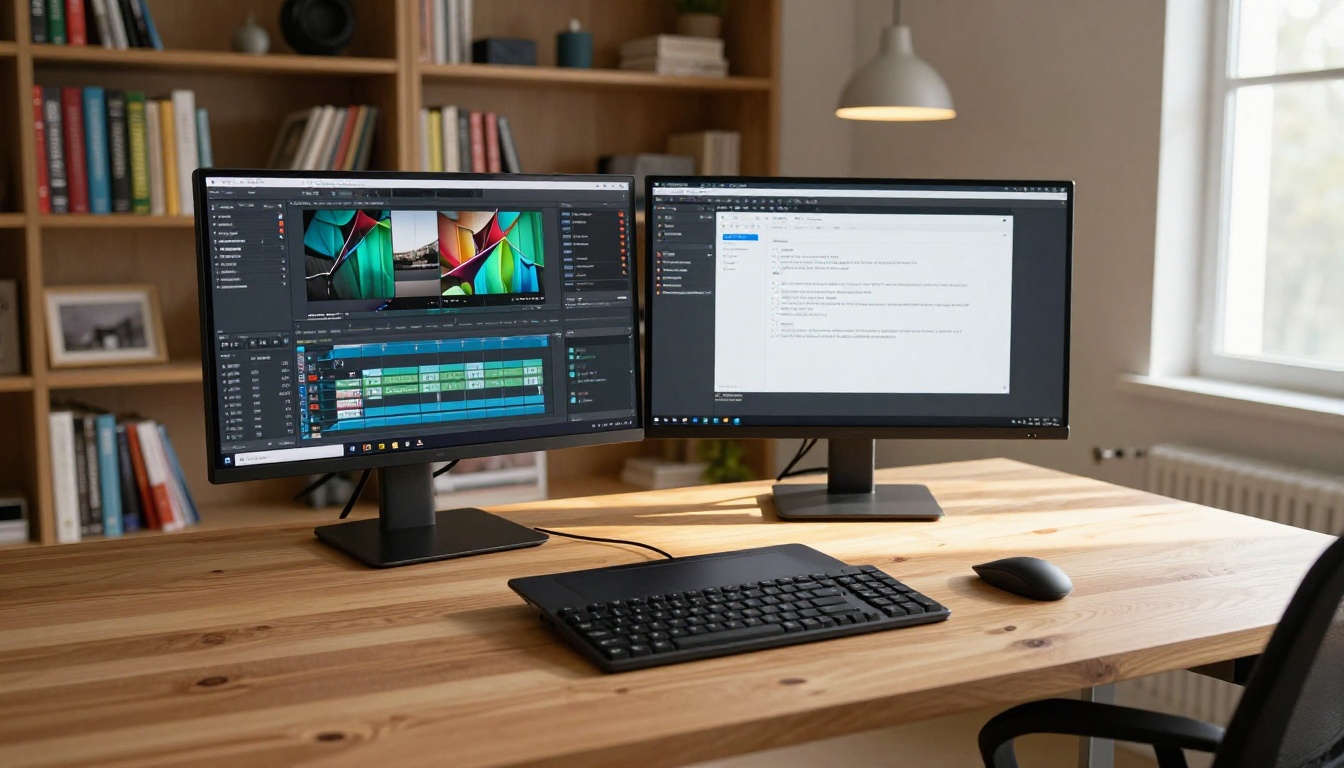
Beyond the video generation models, a full production stack for AI-assisted TikTok content includes several supporting tools that reduce friction at different stages of the workflow.
Text-to-speech for voiceovers
Rather than recording your own voice, text-to-speech models let you type a script and generate a natural-sounding voiceover. This is standard practice for faceless content channels. The audio exports as an MP3 that drops directly onto the video timeline in TikTok's editor.
Super resolution for upscaling
If you're working with footage from faster models at lower resolutions, a super-resolution tool can upscale the output before posting. This matters most for detailed close-up footage where pixel quality is visible on larger screens.
Background removal for product effects
For product or subject isolation, background removal creates clean cutouts from still images. Animate the cutout with an image-to-video model for a polished floating-subject effect that drives high watch time on product review and demonstration content.
A note on audio-native models
Veo 3 and Seedance 2.0 both produce video with native audio already embedded. For TikTok content where ambient sound is part of the experience, starting with an audio-native clip reduces post-production by one step. The sound design is baked in at generation time.
Start Creating Right Now
The production barrier for short-form video content is effectively zero. You don't need equipment, editing software, or video experience. You need a clear prompt, the right model, and a posting schedule you can actually maintain.
The creators who will win on TikTok in the next 12 months are the ones who treat AI video generation as a production system rather than a novelty. That means batch workflows, consistent niches, and prompt iteration based on what actually performs in the feed.
Pick one model. Write your first 10 prompts. Post the output this week. The algorithm rewards action over perfection, and the models available today have already cleared the quality bar for scroll-stopping short-form content.
Every model referenced in this article is available directly on PicassoIA. There is no software to install and no API setup required. Open the model, write the prompt, and generate. Your first AI TikTok video is closer than you think.


