Generate videosLarge Language ModelsLipsync videos
How to Make Cinematic Motion with Seedance 2.0 Mini
A practical breakdown of how to produce cinematic-quality AI videos using Seedance 2.0 Mini: from structuring motion prompts to controlling camera movement, choosing between T2V and I2V modes, and getting native synchronized audio in every generated clip.
Getting truly cinematic motion out of an AI video model used to take hours of trial and error. With Seedance 2.0 Mini, Bytedance changed that equation. The model is built for fast, coherent motion with native audio output baked into every clip, and it runs directly on PicassoIA without queue delays or external API setup.
This is not a feature list padded with speculation. It's a direct breakdown of how the model processes motion prompts, what actually separates cinematic output from generic output, and exactly how to run the full workflow on PicassoIA from first prompt to final clip.
What Seedance 2.0 Mini Actually Does
Most AI video models treat motion as an afterthought. They produce a mostly static scene with some surface-level wobble and call it video generation. Seedance 2.0 Mini was built with cinematic motion as a primary output objective. Camera movements, subject actions, and environmental dynamics all receive dedicated model attention during the generation pass, not as a post-process bolted on after the frames are created.
The "Mini" in the name refers to the compute footprint per generation, not to quality ceiling. The model produces 5-second clips at up to 720p with motion coherence that routinely outperforms larger models that aren't specifically optimized for temporal consistency.
Native Audio in Every Clip
One of the most practically significant capabilities of Seedance 2.0 Mini is synchronized ambient audio generated in the same pass as the video. The model synthesizes environmental sound that matches the visual scene without requiring a separate audio generation step.
A coastal aerial shot produces wave sounds. A city street scene generates subtle traffic ambience. A forest walking clip includes wind through trees and soft footsteps on dry leaves. This is not post-processed audio layering: it emerges from the same generation process that produces the video frames, which is why the sync quality is native rather than approximated.
For content teams who previously ran video generation, sound design, and audio layering as three separate tools in sequence, this single-output workflow collapses significant post-production time.
The Iteration Speed Advantage
Seedance 2.0 Mini generates a 5-second clip considerably faster than its sibling Seedance 2.0. The full model targets 10-second clips at higher resolution, which makes it the right choice for final-delivery output. The Mini is optimized for the iteration loop: you can generate 8 to 10 clips in the time the full model takes to produce 2 to 3.
This speed matters more than it appears to at first. Cinematic motion in AI video is almost never perfect on the first attempt. The way you word a camera movement, the implied starting position of a subject, the light direction you specify: all of these variables affect how motion develops across 5 seconds. The faster the generation cycle, the more variations you can evaluate before identifying the one worth using.
How Cinematic Motion Actually Works
Before writing prompts, it helps to understand what Seedance 2.0 Mini is doing when it interprets motion instructions.
The model processes your text description and, in image-to-video mode, a starting frame. It then generates a sequence of frames where motion is modeled across two distinct layers: subject motion (what moves within the scene) and camera motion (how the virtual camera moves relative to the scene). When both layers receive clear, specific instructions in your prompt, the output has the quality cinematographers call motivated camera movement, where every camera gesture feels like a deliberate creative choice rather than random drift.
Subject Motion vs Camera Motion
These are the two fundamental axes you're always controlling in your prompts.
Subject motion describes what a character, object, or environmental element is doing: running, standing up, turning to look at something, wind moving through hair, water flowing, smoke rising, flames flickering.
Camera motion describes how the viewpoint moves: slow dolly forward, gentle tilt up, orbital pan around a subject, aerial descent, handheld float with slight sway.
💡 The most common mistake in AI video prompting is addressing only subject motion and leaving camera motion undefined. Undefined camera motion defaults to a slightly drifting locked shot, which reads as amateur rather than intentional. Always specify both axes in your prompt.
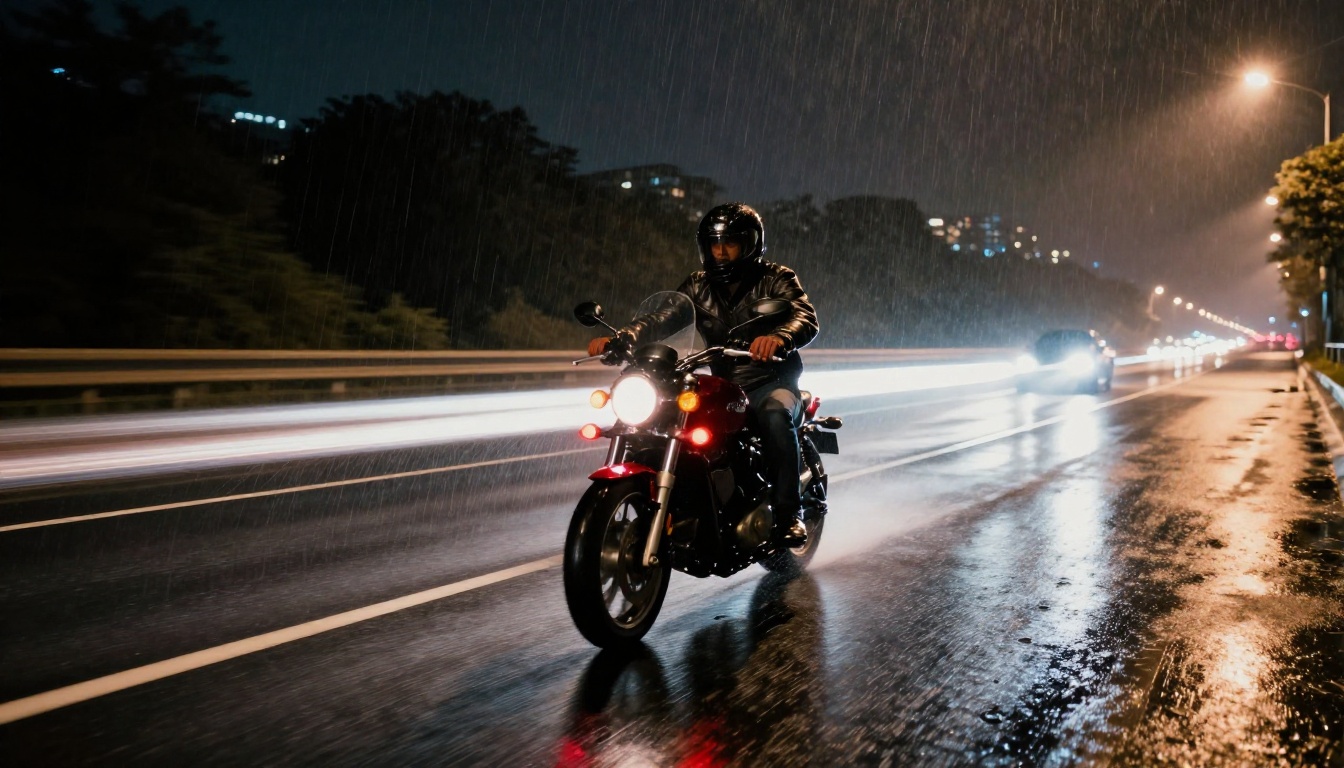
A prompt that says "a woman walks through a rain-soaked street" generates a static locked shot of a walking figure. A prompt that says "a woman walks toward the camera through a rain-soaked street, camera slowly dollying backward to maintain distance, evening streetlight from directly above" generates footage that looks like it belongs in a film.
The Role of Prompt Specificity
The model responds proportionally to the detail in your motion descriptions. Vague prompts produce average results. Specific, sequential descriptions of what happens across 5 seconds produce dramatically better temporal coherence and motion quality.
Think of your prompt as a shot description you'd hand a cinematographer: it should answer what the camera is doing, where the subject is positioned in frame, what's happening in the environment, and where the light is coming from and at what quality.
LSI keywords that consistently signal cinematic quality to the model include: slow dolly, rack focus, depth of field, volumetric light, natural lens distortion, chromatic film grain, motivated camera movement, practical light sources, shallow focus pull, temporal coherence, fluid motion trajectory.
How to Use Seedance 2.0 Mini on PicassoIA
Seedance 2.0 Mini runs directly on PicassoIA. Here is the exact workflow.
Step 1 - Structure Your Prompt
Navigate to the Seedance 2.0 Mini model page. In the text field, write your prompt using this layered structure:
"A young man in a dark wool coat stands at the edge of a foggy forest clearing. He slowly turns and begins walking into the trees. Camera gently dollies forward, following at a fixed distance of 6 meters. Morning volumetric light streams through gaps in the canopy from the upper left. Breath visible as a small vapor cloud in cold air. Ambient forest sounds with distant bird calls."
This hits every layer: subject position, subject action, camera motion, lighting source and direction, atmosphere, and audio context.
Step 2 - Choose T2V or I2V Mode
Seedance 2.0 Mini supports both text-to-video (T2V) and image-to-video (I2V) modes.
Text-to-video: The model generates the visual scene entirely from your prompt. Faster to set up but requires more detailed prompting to control first-frame composition.
Image-to-video: You supply a starting frame and the model animates from that exact composition. This separates the compositional problem (handled by image generation) from the motion problem (handled by video generation).
💡 For highest cinematic quality, image-to-video is generally the better path. Generate your starting frame with a high-fidelity image model, then bring it into Seedance 2.0 Mini for animation. This two-step workflow gives you precise control over the visual quality of the first frame while the model focuses entirely on producing coherent motion.
Step 3 - Evaluate and Refine
After each generation, assess three things:
Motion coherence: Does the subject move naturally without morphing, flickering, or losing structural integrity across frames?
Camera intent: Does the camera move with a clear direction or drift randomly?
Audio match: Does the generated audio correspond to the visual environment?
If any of these fall short, isolate the relevant section of your prompt and rewrite it with more specific language. Seedance 2.0 Mini's iteration speed makes it practical to run 6 to 8 variations in a single session before settling on a final clip.
Prompt Formulas That Produce Cinematic Results
These three structures consistently produce cinematic output with Seedance 2.0 Mini across a wide range of subject matter.
The Slow Dolly Formula
Best for: Establishing shots, emotional reveals, product showcases.
Structure: [Static subject at specific distance] → [Camera slowly dollies toward / pulls back] → [Single-direction lighting] → [Environmental atmosphere]
Example: "A single ceramic coffee cup sits on a rough wooden farmhouse table. Camera slowly dollies in from 3 meters, stopping when the cup fills two-thirds of the frame. Warm morning window light enters from the right, creating sharp shadow edges across the wood grain texture. Ambient farmhouse quiet with distant outdoor birdsong."
The Aerial Drift Formula
Best for: Location establishing shots, travel content, scale-revealing compositions.
Structure: [Aerial view of location at specific height] → [Camera drifts in one direction or descends] → [Time-of-day lighting] → [Environmental motion below]
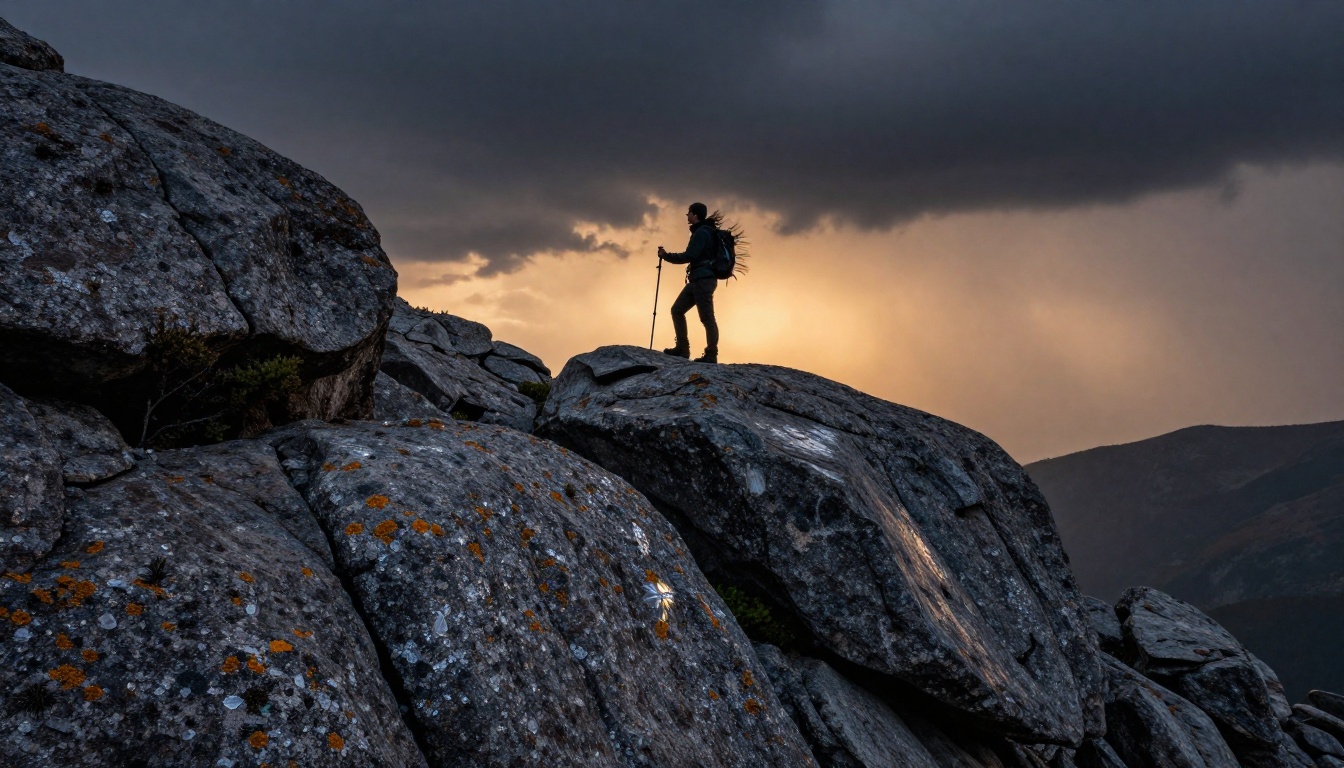
Example: "Aerial view at 200 meters altitude of a winding river through an autumn forest with leaves in full red and gold. Camera drifts slowly northward at constant altitude. Early afternoon sunlight from the south creates long tree shadows across the water surface. Wind visibly moving the leaf canopy below."
The Portrait Walk Formula
Best for: Character-focused content, fashion, narrative storytelling.
Structure: [Subject walking direction relative to camera] → [Camera tracks, dollies, or holds static] → [Practical light sources named and positioned] → [Environment and audio context]
Example: "A woman in a tailored charcoal coat walks confidently toward the camera on a rain-wet cobblestone street. Camera holds completely static. Warm streetlights from directly above create amber pools on the wet stone. She passes the camera on the right, face briefly catching the overhead light before she exits frame left. Ambient light rain and distant traffic hum."
Comparing Seedance 2.0 Mini to Other Models
Understanding where Seedance 2.0 Mini sits relative to the broader model ecosystem on PicassoIA helps you reach for the right tool on each project.
The Mini variant is not a lower-quality version of Seedance 2.0. They serve different stages in the production process. Use the Mini for rapid prompt iteration and concept validation. When you've found a prompt structure that produces the motion quality you want, bring it to the full Seedance 2.0 for a longer, higher-resolution final clip with more temporal depth.
This two-stage workflow (iterate on Mini, finalize on full model) consistently produces better results than attempting to perfect prompts directly on the larger model, and it uses fewer generation resources per iteration cycle.
When to Reach for Kling or Ray Instead
Kling v3 Video handles complex character animation with more reliability than the Mini, particularly for scenes involving detailed hand and face movements or multiple interacting subjects. Its motion control system is well-suited for multi-element compositions.
Ray 3.2 is the better choice for HDR landscape and nature cinematography, where the high-dynamic-range color pipeline handles scenes with extreme contrast (bright sky against dark forest, candlelight in a dark interior) with more precision than most text-to-video models.
The practical decision point: if your output needs native audio baked in and iteration speed is the priority, Seedance 2.0 Mini is where you start.
Vocabulary That Elevates Output Quality
Specific cinematic terms carry outsized weight in how Seedance 2.0 Mini interprets your motion intent. Including 4 to 6 of these per prompt, distributed across the subject, camera, and atmosphere sections, consistently raises output quality above baseline results.
Camera movement vocabulary: slow dolly in, tracking shot, gentle pan left, subtle push, orbital rotation, aerial descent, handheld float, crane reveal, static locked shot, whip pan.
Lighting descriptors: volumetric morning light from upper left, practical source from window right, motivated rim light, soft overcast diffusion, golden hour from the west, blue hour street ambience, single-source tungsten warmth.
Atmosphere and texture: visible film grain, atmospheric haze, breath vapor in cold air, rain-wet surface reflections, lens flare from direct source, chromatic fringing at edges.
5-second clips are the native format for TikTok, Instagram Reels, and YouTube Shorts. Seedance 2.0 Mini produces exactly this length with no trimming required, and the built-in audio means each clip arrives ready to post with ambient sound matched to the visual scene. For brand content teams, this removes two post-production steps (trim to platform length, add sound design) before a clip can even be reviewed internally.
Product Demonstrations
The slow dolly formula produces clean, professional product reveal shots that would otherwise require a physical camera setup, a lighting kit, and time on a physical set. A product placed on a clean surface with a specific lighting description and a dolly-in instruction generates a polished 5-second reveal clip with dimensional motion and depth.
The critical parameter for product shots: keep the camera movement axis exactly centered on the product. Use the phrase "camera dollies directly forward on the central axis, product remains centered throughout the clip" to prevent the model from drifting the product off-center mid-clip.
Atmospheric B-Roll
Travel creators, documentary filmmakers, and editorial content teams all need atmospheric footage that establishes mood and location without requiring a physical shoot. The aerial drift and portrait walk formulas both produce B-roll quality footage that previously required either a drone operator or a location crew.
The native audio generation adds particular practical value here: an aerial forest clip with wind-through-trees ambience is a complete, usable B-roll piece the moment it finishes generating. No further sound work required.
Extending What You Create
Seedance 2.0 Mini doesn't operate in isolation. PicassoIA's video model ecosystem lets you build on what you generate.
After producing a 5-second cinematic clip, consider these extensions:
Seedance 2.5 when you need up to 10 seconds at the same Seedance motion quality with a higher resolution ceiling, available as a direct step up from the Mini.
Wan 2.7 T2V for generating longer atmospheric sequences at 1080p when you need more temporal depth than 5 seconds provides.
LTX 2 Pro for 4K output when a clip needs to be delivered at resolutions above what the Mini produces.
Seedance 1 Pro for reference to the earlier generation's motion style when replicating a specific aesthetic from earlier Bytedance model training data.
Kling v3 Motion Control when precise character animation control over specific body parts is required in a follow-up shot.
Start Generating on PicassoIA
The fastest way to build practical intuition for cinematic motion prompting is to run the three formulas above back-to-back and compare outputs directly. Start with the slow dolly formula on a simple object. Move to the aerial drift formula on a landscape description. Then attempt the portrait walk formula with a specific character and environment.
Within 15 to 20 generations, clear patterns emerge: certain prompt structures consistently produce smooth camera arcs, others introduce motion blur in unintended places, and the vocabulary that correlates with the best motion quality becomes obvious from the results themselves.
Cinematic motion in AI video is not a matter of luck or raw compute. It's a prompting practice built on specific, layered descriptions of what moves, how the camera moves, and what the light is doing. Seedance 2.0 Mini on PicassoIA gives you a model fast enough to iterate that practice into a reliable, repeatable skill in a single afternoon session.