Guided meditations have a specific acoustic quality that makes them work: a slow pace, a voice that signals safety, and a tone that never rushes. For years, producing that kind of audio meant hiring a voice actor or recording yourself in a quiet room with professional gear. Now, AI text-to-speech models can generate narration that sounds calm, clear, and intentional, using nothing more than a typed script. This article walks you through the entire process: writing a script that converts well, picking the right AI voice model, and producing a finished audio file you can actually share.
Why Voice Quality Changes Everything
The meditation audio space is more demanding than most TTS applications. Listeners are often lying down with their eyes closed, which means they have zero visual context to compensate for audio that feels off. A robotic inflection, an unnatural pause, or a slightly too-fast pace can pull someone out of a relaxed state immediately.
What the Brain Responds To
Research on relaxation audio consistently points to a few vocal cues that trigger a calm physiological response: low pitch, slow speech rate (around 90-110 words per minute), consistent volume, and minimal sharp consonants. Modern AI voice models, particularly those trained on large expressive datasets, can reproduce these qualities with surprising accuracy.
Why AI Narration Holds Up
The most common objection is naturalness. Can an AI actually sound warm? As of 2025, yes, for most listeners, especially in a context where they are already primed for relaxation. The real factor is choosing a model with emotional range and then writing a script that matches the voice's strengths: short sentences, deliberate structure, and pacing cues built directly into the text.
Write Your Script Before Anything Else
No amount of voice quality will save a poorly written script. Before opening any AI tool, you need text that is suited to spoken, slow-paced delivery.
The 3-Part Structure That Works
Every effective guided meditation follows the same arc, regardless of length:
- Arrival: Orient the listener to their body and immediate environment. "Sit or lie down comfortably. Let your eyes close gently."
- Deepening: Move them inward. Focus on breath, bodily sensation, or a simple visualization.
- Return: Bring them back gently and with intention. "When you're ready, begin to move your fingers and toes."
A 10-minute meditation requires roughly 900-1,000 words at a 90-word-per-minute narration pace. A 20-minute session needs approximately 1,800-2,000 words.
Script Elements That Improve AI Delivery
💡 Add explicit pacing cues directly in your script using ellipses (...) or line breaks between sentences. Many TTS models interpret these as natural pauses, which dramatically improves the meditative feel of the output.
Write shorter sentences. AI models handle short declarative sentences more naturally than long, clause-heavy constructions. "Breathe in slowly. Hold for a moment. Release." reads far better than a single compound clause with three subordinate phrases.
Avoid sibilance clusters. Strings of "s" sounds create a faint hiss in some voice models. Rewrite any phrase where you notice multiple adjacent "s" words.
Stay in second person. "You" keeps the listener connected. Passive constructions and third-person language create psychological distance that works against the meditative state you are trying to build.

Choosing the Right AI Voice Model
With a solid script ready, the most important decision is which voice model to use. Options differ significantly in tone, emotional range, language support, and output quality.
A Practical Comparison
Not every high-quality TTS model suits meditation. Some optimize for clarity and speed, ideal for podcasts but mismatched for relaxation content. Here is how the main options compare for this specific use case:
For most meditation projects, ElevenLabs V3 is the natural starting point. It produces narration with genuine emotional warmth rather than flat recitation, which matters enormously when someone is trying to relax into a session.
Multilingual Options for Wider Reach
If your audience spans multiple languages, Gemini 3.1 Flash TTS covers 70+ languages with natural-sounding output. ElevenLabs V2 Multilingual offers 30+ languages with the same expressive quality the ElevenLabs family is known for. Minimax Speech 2.8 Turbo is the practical choice when producing multiple language versions of the same session at speed.
How to Use ElevenLabs V3
PicassoIA gives you direct access to ElevenLabs V3 without any API setup or subscription management. Here is the full process from text to finished audio file.
Step 1: Open the Model
Visit the ElevenLabs V3 page on PicassoIA. You will find a clean input interface with a text field and a voice selection panel.
Step 2: Choose Your Voice
For meditation content, look for voices with descriptors like "calm," "warm," "soft," or "soothing" in the voice library. Avoid voices labeled "energetic" or "confident," as these are tuned for entirely different content types. If you are producing a sleep meditation specifically, choose the lowest-pitched option available.
💡 Pitch is one of the strongest predictors of perceived calmness in voice audio. A lower-pitched voice will feel more settling to listeners, almost regardless of the specific script content.
Step 3: Paste Your Script
Paste the script directly into the text field. If the platform allows speed adjustment, reduce the default speaking rate by 10-15%. That single change can take a competent AI voice and make it feel genuinely meditative rather than just slightly slow.
Step 4: Generate in Sections
Rather than submitting the full script at once, process it in 2-3 paragraph chunks and listen after each one. If a passage sounds rushed or unnatural, try adding "..." between clauses, breaking the sentence in two, or rewriting it. This approach saves you from regenerating the entire session over one awkward phrase.
Voice Cloning with Your Own Voice
There is a strong case for using your own voice in meditation content, especially if you are building a personal wellness brand or teaching a consistent student base. AI voice cloning lets you record a short reference clip and use it to narrate any script in your own voice, without sitting in a recording setup for hours.
How the Cloning Process Works
You provide a clean audio sample, typically 1-5 minutes of yourself speaking clearly, and the model analyzes your vocal profile: pitch range, timbre, natural rhythm, and speech cadence. It then applies those characteristics to any new text you submit.
Resemble AI Chatterbox Pro is built specifically for expressive cloning with fine-grained emotion control, which makes it well-suited to meditation content where emotional register matters. Minimax Voice Cloning lets you scale a cloned voice across multiple languages while maintaining your vocal identity. Qwen3 TTS supports full voice design from scratch, useful when you want a distinct AI persona without using your real voice.
Getting a Good Reference Recording
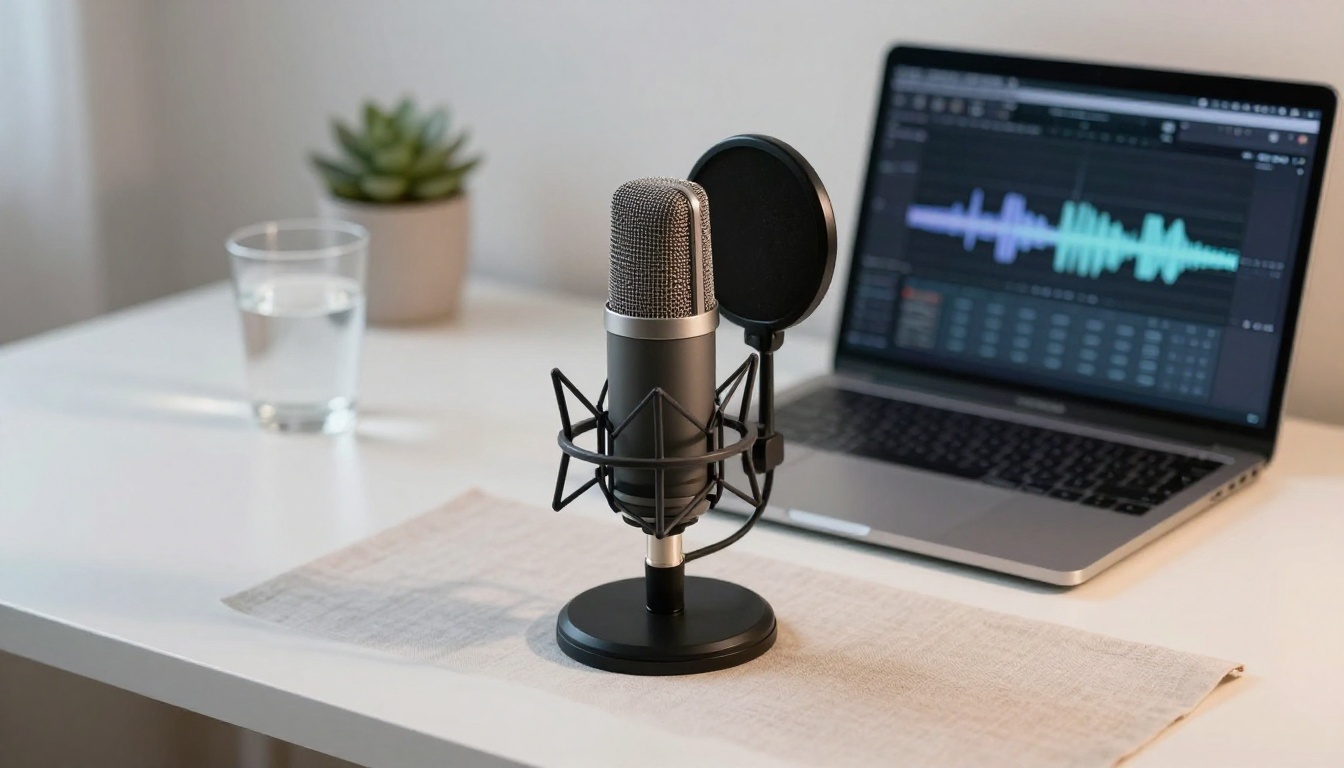
Record in the same quiet environment you would use for a real meditation session. Read slowly and clearly. Avoid ambient noise, hard surfaces that create reverb, or emotional peaks in the reference material. The model clones your neutral voice and applies emotional processing on top of that foundation.
💡 Record 2-3 reference clips in slightly different registers: very calm, warm and inviting, and slightly warmer still. Test each as a reference sample. The best cloning results often come from a "warm and deliberate" reading, not a flat neutral one.
Putting the Audio Together
With your AI-generated audio file ready, a few simple steps take it from raw output to something worth publishing.
Post-Processing Without a Studio
You do not need expensive software. Free tools like Audacity handle everything a meditation audio file requires:
- Normalize volume to around -16 LUFS, the standard for podcast and streaming platforms
- Add 1-2 seconds of silence at the start and end of the file
- Apply a gentle low-pass filter if the voice sounds too sharp or bright at higher frequencies
- Consider light room reverb (under 10% wet signal) to create a sense of acoustic space without muddying the narration
Where to Publish Your Sessions
| Platform | Audience Type | Format |
|---|
| Spotify (via Buzzsprout) | Broad, discovery-driven | MP3, 128kbps+ |
| Insight Timer | Dedicated meditators | MP3 |
| YouTube | Visual learners, search traffic | MP4 with still image |
| Your own website | Owned, returning audience | MP3 or streaming embed |
For YouTube, pair your audio with a single static visual and export it as a video file. This expands your reach through search without any additional production work.
4 Mistakes That Ruin Good Audio
Wrong Voice for the Content Type
A body scan meditation needs a different voice than a morning affirmation session. Body scans work best with very slow, low-pitched, almost monotone delivery. Morning affirmations can handle a slightly brighter, warmer register. Match the voice to the function of the session, not just personal preference.
Generating Without Listening First
Process the first 2-3 paragraphs, listen carefully, and adjust before generating the remaining text. One small error in voice selection at the start means regenerating everything. A 5-minute test saves 20 minutes of rework.
Skipping Breathing Cues in the Script
A meditation script without explicit breathing instructions often produces AI narration that sounds like a slow podcast. Write "Breathe in... and breathe out..." as actual words in the script. The AI narrates it, and it lands exactly as intended.
Skipping the Final Listen-Through
Always listen to the full file from start to finish before publishing. AI voices occasionally produce odd artifacts on specific word combinations, and you will only catch them during a full playthrough. This step takes 10-20 minutes and prevents publishing something with a jarring mid-session glitch.
Turbo vs. HD: Which to Use
For rapid production, ElevenLabs Flash v2.5 and ElevenLabs Turbo v2.5 generate audio in seconds across 32 languages, with output quality that holds up well for most meditation content. Minimax Speech 2.8 Turbo and Resemble AI Chatterbox Turbo are similarly fast for high-volume production.
For archival-quality output intended for headphone listening or premium apps, Minimax Speech 2.8 HD and Minimax Speech 2.6 HD produce studio-grade audio that stands up to critical listening at high volume. The Inworld TTS 1.5 Max and Inworld TTS 1.5 Mini models are worth testing if you need lightweight, fast output across 15 languages with consistent quality.

Try It Yourself
The gap between a first attempt and something genuinely shareable is smaller than most people expect. Start with a 5-7 minute session: write a simple breathing meditation, paste it into ElevenLabs V3 on PicassoIA, pick the calmest voice in the library, and listen to what comes back. Adjust the pacing, regenerate the sections that feel off, and you will have a working meditation audio file in under 30 minutes.
PicassoIA puts more than 20 text-to-speech models in one place, including Minimax Speech 2.8 HD, Gemini 3.1 Flash TTS, Resemble AI Chatterbox Pro, and Qwen3 TTS, so you can test voices side-by-side before committing to a final output. Whether you are producing a single personal session or building a library of multilingual wellness content, the tools are ready when you are.


