AI images are generating real income for photographers, designers, and side-hustlers who never touched a camera. The market for visual content is enormous, platforms are actively buying, and the production cost with modern AI tools is near zero. Here is what actually works in 2027.
The AI Image Economy Is Bigger Than You Think
Stock photography agencies processed over 500 million image downloads last year. Marketing teams spend billions on product photography. Brands outsource visual content creation because they cannot afford full-time photographers for every campaign. AI images slot directly into all of these demand channels.
The shift happened fast. In 2022, AI images were a novelty. By 2024, they were a professional tool. In 2025, buyers on major stock sites do not care whether an image was shot with a DSLR or generated with a prompt. They care about quality, resolution, and whether it fits their brief.
What Buyers Actually Pay For
The images that sell are not the most creative ones. They are the most useful ones. Buyers consistently look for:
- Consistent quality at scale - a stock buyer wants 50 usable landscape images, not one perfect shot
- Clean commercial licensing - buyers need clarity that they can use the image without copyright issues
- High resolution - print buyers need 8K or upscaled images for large-format output
- Specific niches - generic sunsets are oversupplied; industrial workers, diverse professional portraits, and niche lifestyle scenes sell far better
Where the Money Flows in 2025
| Revenue Stream | Avg Earning Per Sale | Volume Potential |
|---|
| Stock photo license | $0.25 - $80 | High (passive) |
| Print on demand | $3 - $25 margin | Medium (evergreen) |
| Client project | $150 - $5,000 | Low volume, high value |
| Product photography | $200 - $2,000 per set | Scalable |
| AI image packs (Etsy) | $5 - $35 per pack | Very high volume |
The sweet spot is combining passive income (stock, print on demand) with active income (client work) so your revenue compounds over time.
Sell on Stock Photo Sites
Stock photography is the most accessible entry point. You generate images, upload them, and earn royalties every time a buyer downloads. No client calls, no deadlines, no revisions.
Which Platforms Accept AI Images
Acceptance policies vary by platform:
- Adobe Stock: Accepts AI images with disclosure in metadata
- Shutterstock: Accepts AI images, requires clear labeling
- Depositphotos: Open to AI-generated content with proper disclosure
- Alamy: Accepts with AI origin declared at upload
- Pond5: Growing acceptance with proper tagging
💡 Always disclose AI generation. It protects you legally, keeps accounts in good standing, and most platforms now require it in their terms of service.
What Sells Best on Stock Sites
The highest-demand categories include:
- Business and workplace scenes - diverse teams, remote work setups, presentations
- Health and wellness - yoga, nutrition, fitness, mental health imagery
- Technology close-ups - hands on keyboards, smartphones, data visualization
- Nature with commercial license - forests, coastlines, seasonal landscapes
- Food photography - styled dishes, ingredients, restaurant scenes
Batch your production. Generate 30 to 50 variations on a single theme rather than 30 unrelated images. Buyers who like your style often purchase multiple images in a single session.
Pricing Your Work
Most stock platforms set pricing algorithmically. Your job is volume and quality, not price negotiation. A portfolio of 500 quality images earning $0.30 average per download, with 100 downloads per month, generates $1,500 monthly. At 2,000 images, that scales proportionally.
Print on Demand: Passive Income Without Inventory
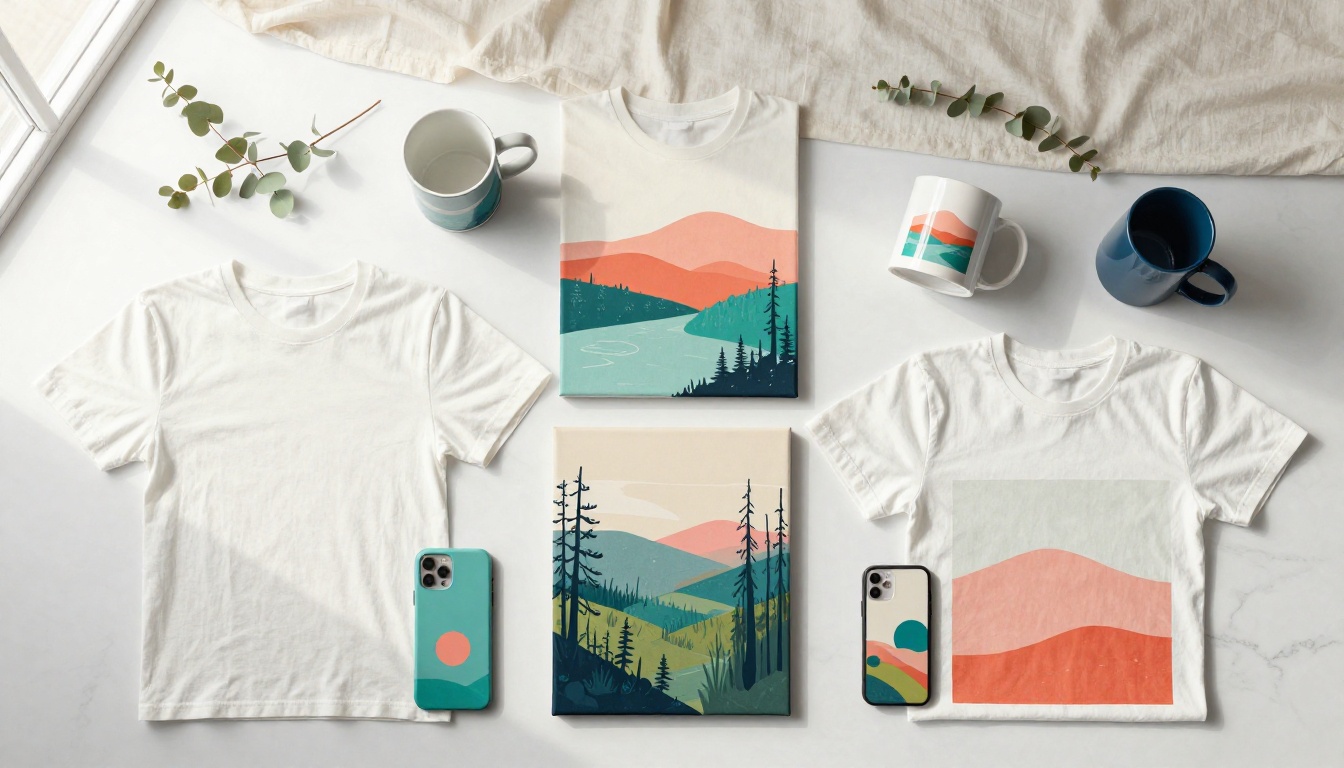
Print on demand lets you sell physical products featuring your AI images without holding stock or managing shipping. Platforms like Redbubble, Society6, Printify, and Merch by Amazon handle printing and fulfillment automatically when a customer buys.
Niches That Convert
Not all art sells on print on demand. The niches that consistently generate purchases:
- Wilderness and national park imagery - canvas prints, phone cases, throw pillows
- Motivational photography - landscapes with implied emotional weight (mountains, sunrises)
- Pet and animal portraits - buyers are emotionally invested and purchase as gifts
- Abstract photorealistic textures - popular for home decor as backgrounds and accent pieces
- City and architecture scenes - travel-adjacent buyers, high seasonal demand
💡 The most profitable print on demand sellers focus on 2 to 3 niches deeply rather than trying to cover everything. Build a recognizable visual identity within your chosen niche.
Realistic Earnings Expectations
A single well-positioned design on Redbubble earns between $3 and $8 per sale. With 200 active designs and modest organic traffic, 50 sales per month is achievable within a year of consistent uploads. That is $150 to $400 per month from products you created once. Upload more designs, earn more without extra time invested.
Client Work: Faster Money, Bigger Projects
Selling to clients is the fastest way to make significant income from AI images. Businesses need visual content constantly, most do not want to pay traditional photography rates, and they are actively looking for faster alternatives.
Who Pays for AI Images
- Small e-commerce brands needing product lifestyle shots without studio costs
- Real estate agencies wanting interior mood imagery for listings
- Social media managers who need weekly content at scale
- Restaurants and food brands needing styled food photography on a budget
- Marketing agencies outsourcing visual content production for their own clients
Building a Portfolio That Wins Clients
Your portfolio does not need to be large. It needs to be specific. If you want restaurant clients, show 10 stunning food photography images. If you want e-commerce clients, show 10 polished product mockups. Clients hire specialists, not generalists.
Packaging Your Services
Simple service packages convert better than custom quotes for every inquiry:
| Package | What Is Included | Price Range |
|---|
| Starter | 10 AI images, commercial license | $150 - $300 |
| Brand Pack | 30 images, 3 style variations each | $500 - $900 |
| Campaign | 60 images, 3 concepts, revisions included | $1,200 - $2,500 |
Offer a commercial license with every package. Clients are paying for the right to use the images in their business, not just the raw file.
Product Photography with AI
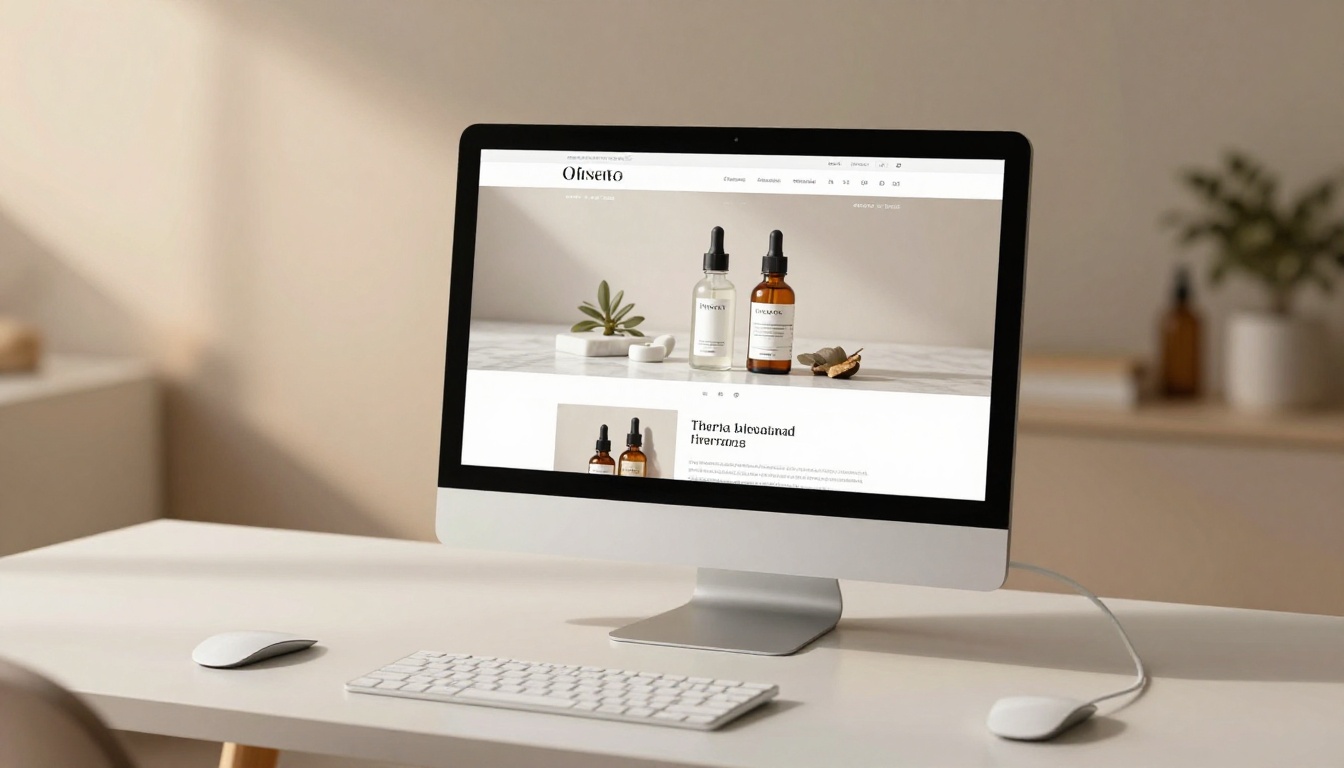
One of the highest-value applications of AI images is product photography. Traditional product photography for an e-commerce store costs $50 to $200 per product. AI product photography delivers comparable results at a fraction of the cost, and brands are adopting it fast.
Why Brands Switch to AI Product Shots
Traditional product photography has hard constraints: studio booking, model hiring, prop procurement, lighting setup, post-processing. A single shoot for 10 SKUs can cost $2,000 and take two weeks. AI generates 10 high-quality lifestyle images for a product in under an hour.
The quality gap that existed two years ago has closed. With proper prompting and upscaling, AI product images now pass review on major retail platforms including Amazon, Etsy, and Shopify storefronts.
Delivering Premium Mockups
The workflow for professional AI product photography:
- Get a high-resolution image of the product or a reference shot from the client
- Generate lifestyle context scenes matching the brand aesthetic
- Use inpainting or object replacement to place the product naturally in the scene
- Upscale the output to 4K or 8K for print and large-display use
- Deliver with a commercial license and organized file naming
Models like PicassoIA Image Editor Pro and Qwen Image Edit Plus are particularly strong for this workflow, allowing you to composite product elements into photorealistic scenes with natural results.
Upscale and Resell: The Quality Multiplier
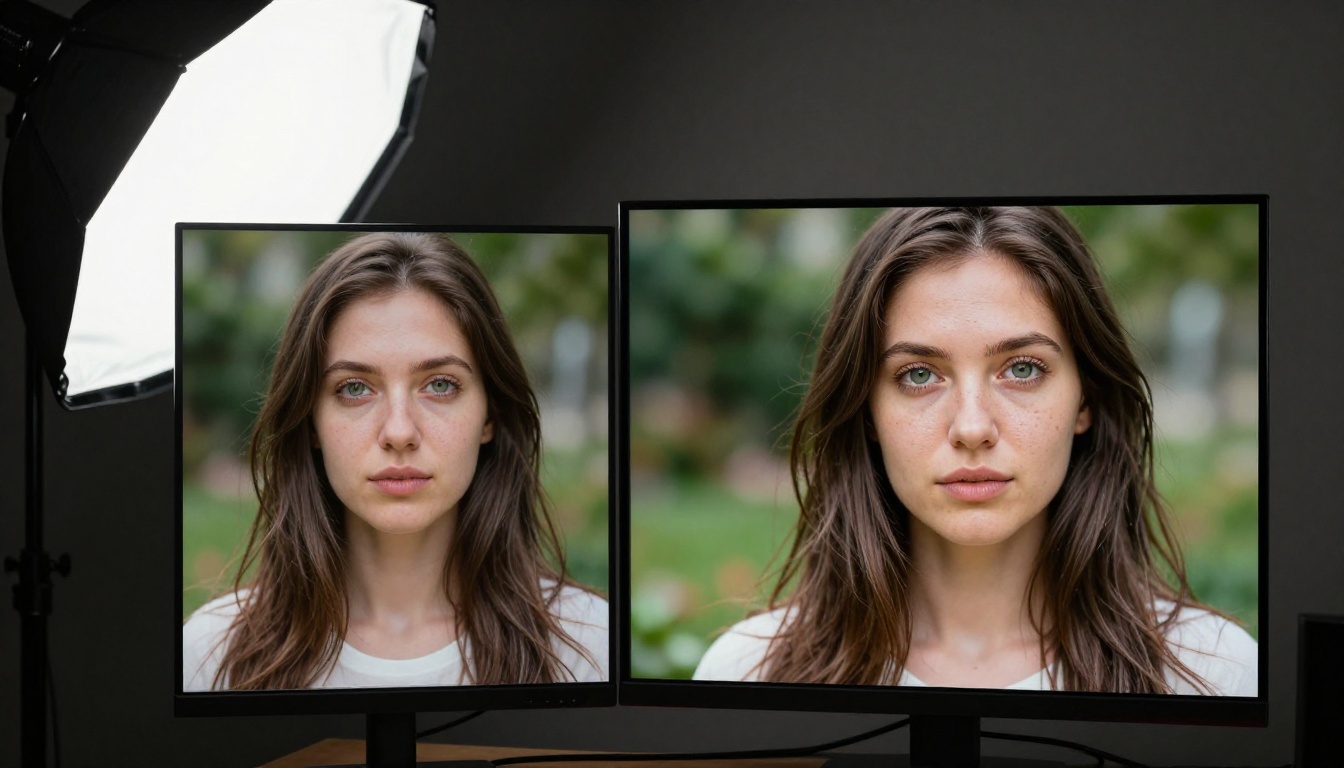
Resolution is money. An image at 1080p might sell for $1 on a stock site. The same image at 8K with crisp detail sells for $15 to $80 on premium platforms and qualifies for large-format printing and commercial advertising use.
Why Upscaling Matters for Premium Sales
Print buyers, magazine editors, and advertising agencies have hard minimum resolution requirements. A 512x512 AI image does not qualify for most commercial uses. Upscaled to 4096x2304 with detail enhancement, the same image enters a completely different pricing tier.
The technique is straightforward: generate a strong base image, then run it through an AI upscaler that adds realistic detail rather than just stretching pixels.
Tools That Do the Heavy Lifting
PicassoIA has a dedicated super-resolution category with professional-grade upscalers:
- Clarity Pro Upscaler: photorealistic enhancement with fine detail recovery, excellent for portraits and landscapes
- Real ESRGAN: fast 4x upscaling with strong texture preservation at every pixel
- Crystal Upscaler: specialized for portrait enhancement, sharpens skin and hair detail precisely
- Image Upscale by Topaz Labs: industry standard, up to 6x with exceptional quality, the top choice for commercial output
- Google Upscaler: 4x upscaling with clean artifact handling
For product images heading to print, P Image Upscale delivers professional output in under a second, making it the most efficient choice for batch upscaling client deliverables.
💡 For images you plan to sell at premium prices: always run a generation model first, then an upscaler. The two-step process consistently outperforms single-step high-resolution generation in terms of texture and micro-detail quality.
Also use Bria Remove Background to produce clean cut-outs for product images before compositing. Clean backgrounds add commercial value and are required by most e-commerce platforms as a standard deliverable.
Building a Consistent Visual Brand
Whether you sell on stock sites or to direct clients, consistency pays. Buyers who purchase one image from a recognizable style come back for more.
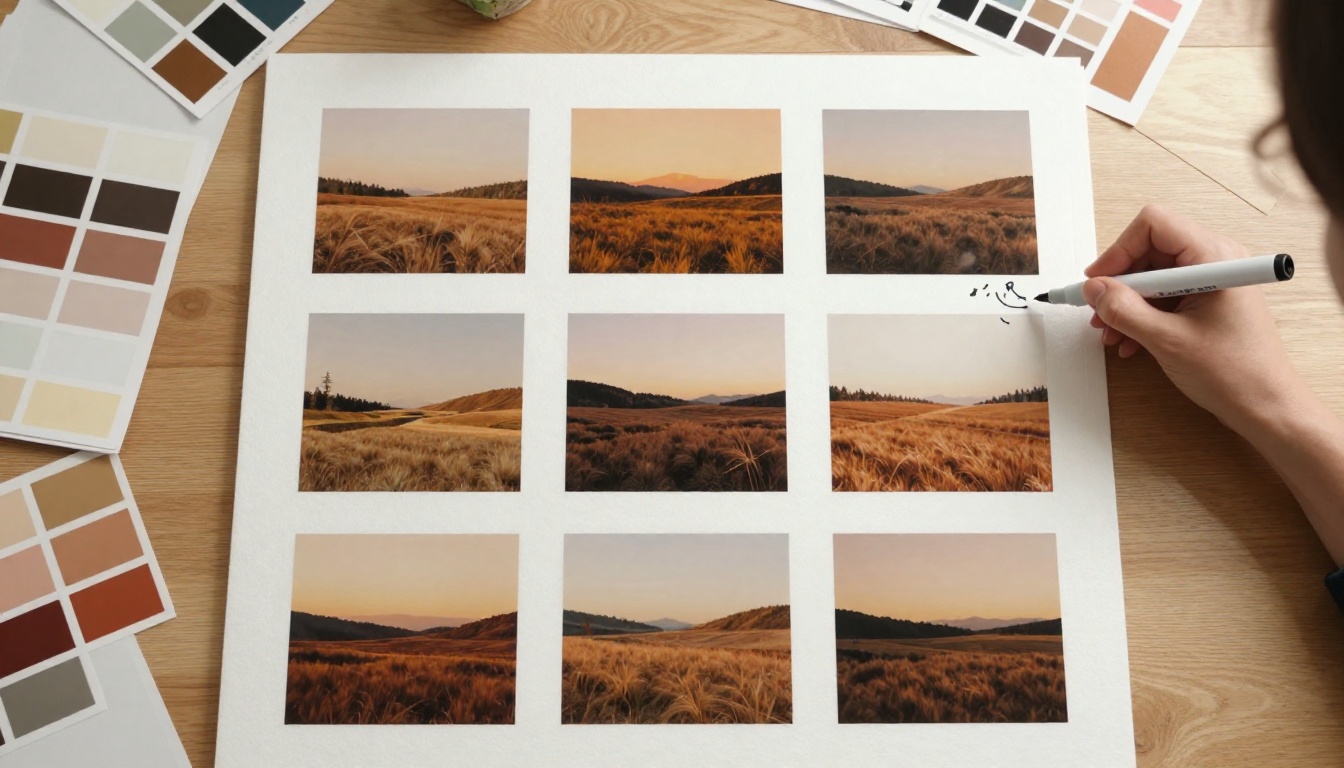
Define your palette, lighting signature, and subject matter before you begin production. Create a style reference sheet with 5 to 10 images that define the aesthetic. Every new image you generate should match this reference. A cohesive portfolio is far more valuable than a random collection, both on stock sites and in client presentations.
How to Use PicassoIA to Generate Income
PicassoIA gives you access to over 90 text-to-image models, super-resolution tools, background removal, image editing, and more from a single platform. For someone building an AI image business, this is the practical production hub.
The Right Model for Each Use Case
Choosing the right generation model matters:
- Stock photos with broad commercial appeal: Seedream 4.5 generates photorealistic results with excellent skin tones and natural lighting handling
- Complex product and lifestyle imagery: GPT Image 2 handles multi-element scene compositions and follows prompt detail with high fidelity
- Artistic landscapes and nature photography: Wan 2.7 Image Pro produces cinema-quality natural scenes with atmospheric depth
- Versatile photorealistic outputs across categories: Hunyuan Image 2.1 offers rich micro-detail with consistent professional quality
- Style variations and image remixing: Flux Redux Dev lets you generate on-brand variations from a reference image
Write Prompts with Commercial Intent
Do not write "a beautiful mountain." Write "a wide mountain valley at golden hour with a lone hiker in the foreground, photorealistic RAW 8K, Kodak Portra 400, 24mm wide angle f/5.6, atmospheric haze in mid-distance, warm amber and deep shadow contrast."
The more specific the prompt, the more commercially viable the output. Prompts that describe lighting direction, camera angle, film stock, and subject behavior produce images that look like professional photography, not AI experiments.
Step-by-Step: From Prompt to Sale-Ready Image
- Generate the base image using your chosen model on PicassoIA
- Select the best output from 3 to 5 variations
- Upscale using Clarity Pro Upscaler or Image Upscale by Topaz Labs
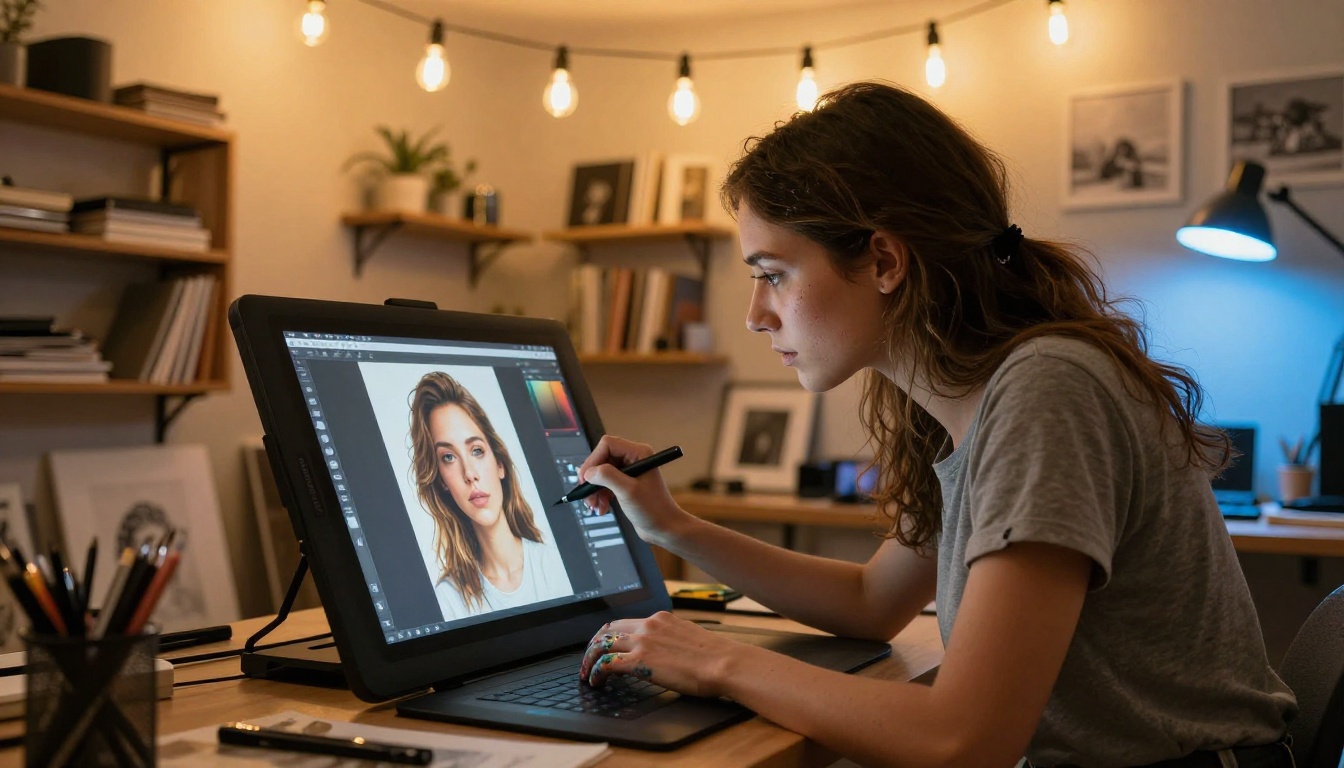
- Edit with PicassoIA Image Editor Pro for inpainting, compositing, or color correction
- Remove background with Bria Remove Background if delivering product cut-outs
- Export and upload to your chosen platform with proper AI disclosure metadata
Batch for volume. Generate 20 variations on each prompt. Select the best 5. Upscale those 5. Upload. Repeat across multiple themes and niches every week.
Building an Income Stack
The most sustainable AI image businesses layer multiple revenue streams:
| Revenue Layer | Time to First Income | Monthly Ceiling |
|---|
| Stock photos | 2 to 4 weeks | $500 to $5,000+ |
| Print on demand | 4 to 8 weeks | $200 to $2,000+ |
| Client projects | 1 to 2 weeks | Unlimited |
| Product photography | 1 to 2 weeks | $2,000 to $10,000 |
| Digital image packs (Etsy) | 1 to 3 weeks | $100 to $3,000 |
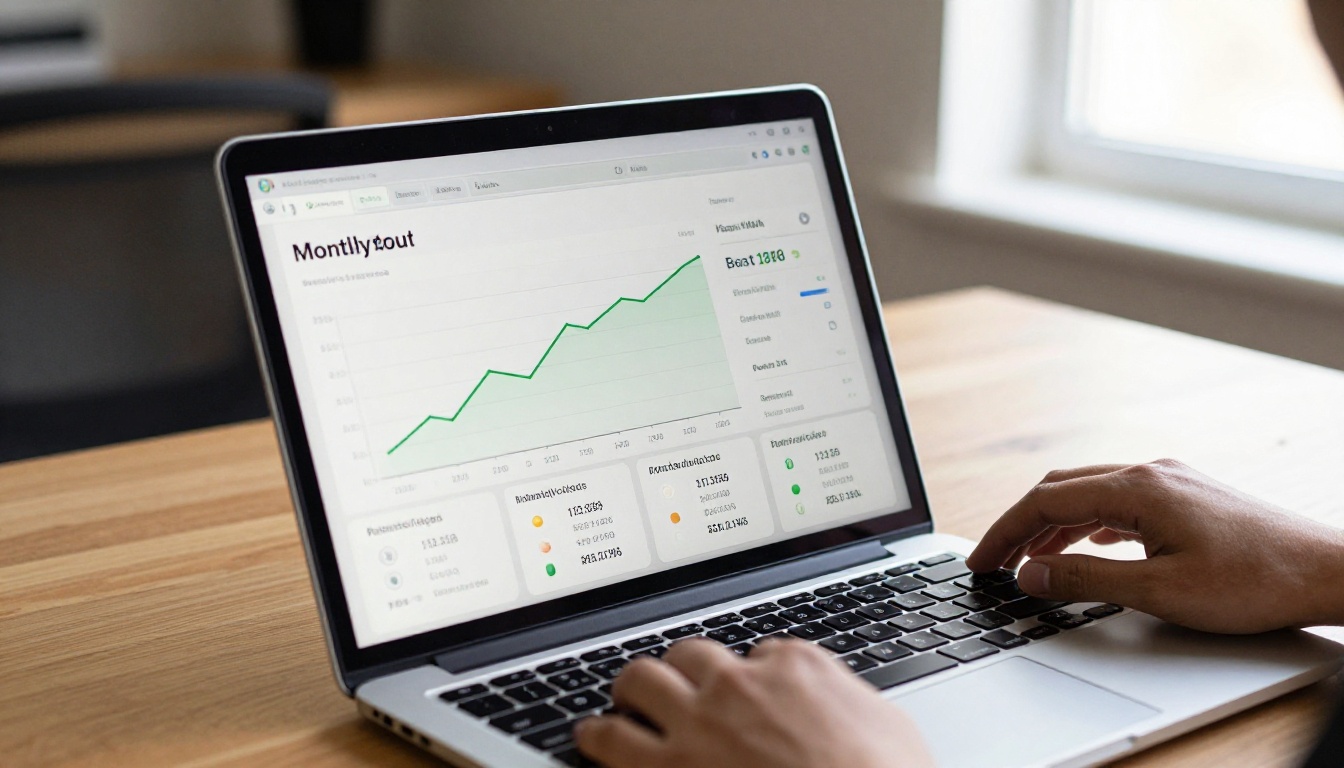
No one reaches the ceiling immediately. But with consistent production over six months, a combination of stock and print on demand alone can reach a meaningful part-time income level, and client work can be added to accelerate growth from day one.
Start Generating and Selling Today
The gap between wanting to make money with AI images and actually doing it is almost entirely an action gap. The tools exist. The marketplaces are open. Buyers are purchasing AI-generated content right now, on every major platform, for commercial projects of every scale.
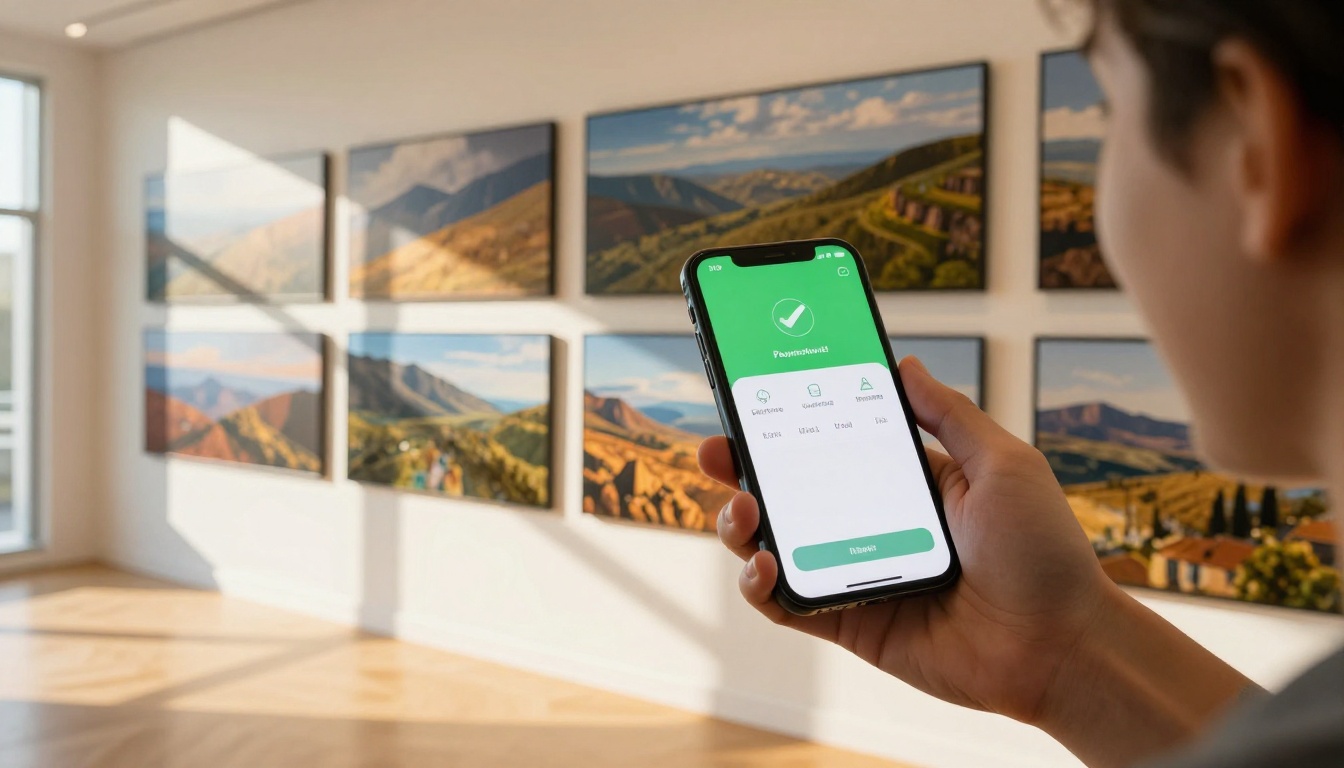
Start with one income stream. If you have a design eye, begin with print on demand. If you have a business development background, go straight to client work. If you want pure passive income, stock photography is the long game worth playing.
Every image you generate and upload is a revenue asset that works for you indefinitely. A landscape image uploaded today might sell 400 times over the next three years.
PicassoIA gives you access to every tool in this workflow: generation with Seedream 4.5, GPT Image 2, and Flux Redux Dev; upscaling with Topaz Image Upscale and Crystal Upscaler; and editing with PicassoIA Image Editor Pro.
Pick a niche, generate your first 10 images, and get them listed somewhere this week. That is the entire starting requirement. Everything else you will figure out as you go.


