How to Make NSFW AI Videos Look Cinematic (Every Time)
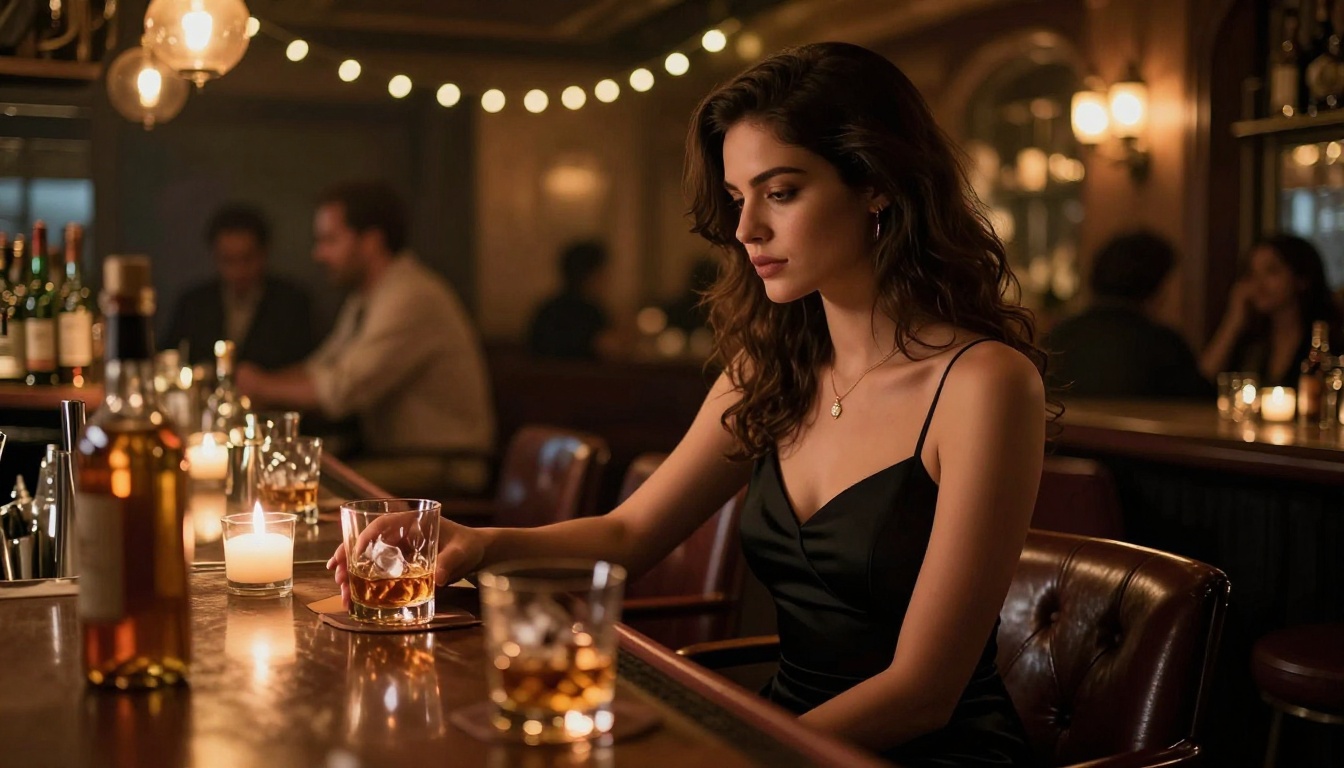
Most AI-generated videos look overlit, generic, and flat. With deliberate prompt writing, smart model selection, and intentional lighting and camera language, your NSFW AI videos can rival professional productions. Here is exactly how to close that quality gap, one decision at a time.
Most AI-generated NSFW videos share the same problem. They are bright, flat, static, and forgettable. The subject is centered, the light is uniform, the motion is stiff, and the whole thing looks like a screen test rather than a film frame. But here is what most creators overlook: the gap between generic AI output and genuinely cinematic footage is almost entirely in the prompt, the model, and the framing decisions you make before you hit generate.
This article breaks down exactly what separates forgettable clips from visually stunning ones, and how to replicate those results consistently with the right models and prompt strategies.
Why Most AI Videos Look Bad
There is a reason the majority of NSFW AI content looks identical. Most creators use the same three-word prompts, the same default settings, and the same popular models at their stock configurations. The output reflects those choices directly.
The Flat Light Problem
The single biggest visual tell of amateur AI video is unidirectional or ambient light that hits everything equally. Real cinematography is about what you do not light as much as what you do. Shadows create depth. Shadows create mood. Shadows tell you where the light source is, and that believability is what tricks the eye into reading an image as photographic.
When you describe a scene as "in a bedroom" without specifying light source, direction, quality, and color temperature, the model defaults to generic ambience. The fix is simple: specify every lighting detail in your prompt.
Wrong Model, Wrong Output
Not every text-to-video model is built for the same aesthetic. Some prioritize motion fluency. Others excel at detail preservation. A model optimized for fast, stylized output will rarely produce the slow, textured, film-like quality that makes a video feel cinematic. Choosing the right model for your intent is half the battle.
Picking the Right Model for Cinematic Results
The platform has dozens of capable text-to-video models. For NSFW content with a cinematic goal, a shortlist of three categories matters most: realism-first, motion-quality, and narrative depth.
Kling v3 for Realism
Kling v3 is currently one of the strongest options for photorealistic output with consistent subject coherence across frames. It handles fine detail well, particularly skin texture and fabric movement, which are the two things that most quickly betray a video as artificial. Kling v3 Omni adds greater flexibility with image input, letting you lock a specific visual starting point before animating.
Feature
Kling v3
Kling v3 Omni
Input type
Text
Text + Image
Skin detail
Excellent
Excellent
Motion quality
High
High
Best for
Pure text prompts
Image-to-video workflows
Wan 2.6 for Motion Quality
The Wan series from Wan Video is known for exceptionally fluid motion with low artifact rates. Wan 2.6 T2V handles complex motion descriptions well, and Wan 2.6 I2V is ideal when you have a reference image you want animated. For NSFW cinematic content, Wan 2.6 is particularly strong for slow, moody movements like a camera slowly pulling back, fabric falling, or hair moving gently in a breeze.
Veo 3, Sora 2, and Gen-4.5 for Narrative Feel
For clips that need to feel like they belong in a real film, three models stand out:
Veo 3 by Google handles environmental coherence and atmospheric depth exceptionally well.
Sora 2 from OpenAI produces strong physical realism with believable camera simulation.
Gen-4.5 by Runway is the choice when you want camera movement to feel intentional and cinematic rather than arbitrary.
Writing Prompts That Actually Work
A cinematic AI video prompt reads like a cinematographer's shot description, not a content brief. The difference is specificity across four dimensions: subject, light, camera, and atmosphere.
Describe Light, Not Just Action
This is the highest-leverage change you can make. Compare these two prompts:
Weak: "a woman in a bedroom, dim lighting"
Strong: "a woman seated on the edge of a bed, single practical lamp at 9 o'clock position casting Rembrandt light pattern, warm tungsten 3200K, deep shadow on right side of face, slight rim light catching her shoulder from a background window, camera static at chest height, 85mm lens"
The second prompt gives the model a precise lighting scenario to reconstruct. It also references a real lighting technique (Rembrandt) that these models have been trained on at scale.
Tip: Reference real cinematographers or films when describing mood. Phrases like "Roger Deakins color palette," "Wong Kar-wai neon reflections," or "Barry Jenkins close-up framing" signal aesthetic intent that many models respond to meaningfully.
Camera Movement as Part of the Prompt
Static framing is the default. It is also frequently what makes AI video feel inert. Describing camera movement explicitly changes the entire feel of the clip.
Effective camera movement phrases for cinematic output:
"slow push-in toward subject, dolly movement"
"handheld subtle drift, barely perceptible camera shake"
Models trained on internet-scale video data have absorbed film vocabulary. Using it correctly triggers that knowledge. Below are the most reliable terms to include:
Technique
What to Write in Prompt
Film grain
"Kodak Portra 400 grain, visible in shadows"
Depth isolation
"85mm f/1.4, extreme bokeh background"
Color grade
"teal and orange grade, lifted blacks"
Atmospheric haze
"volumetric light, soft haze, morning diffusion"
Practical lighting
"practical lamp as only light source"
Cinematic Lighting Formulas
You do not need to invent new lighting setups. Real cinematography recycles a handful of proven configurations. These translate well into AI video prompts because they are well-documented and widely referenced in training data.
The Golden Hour Setup
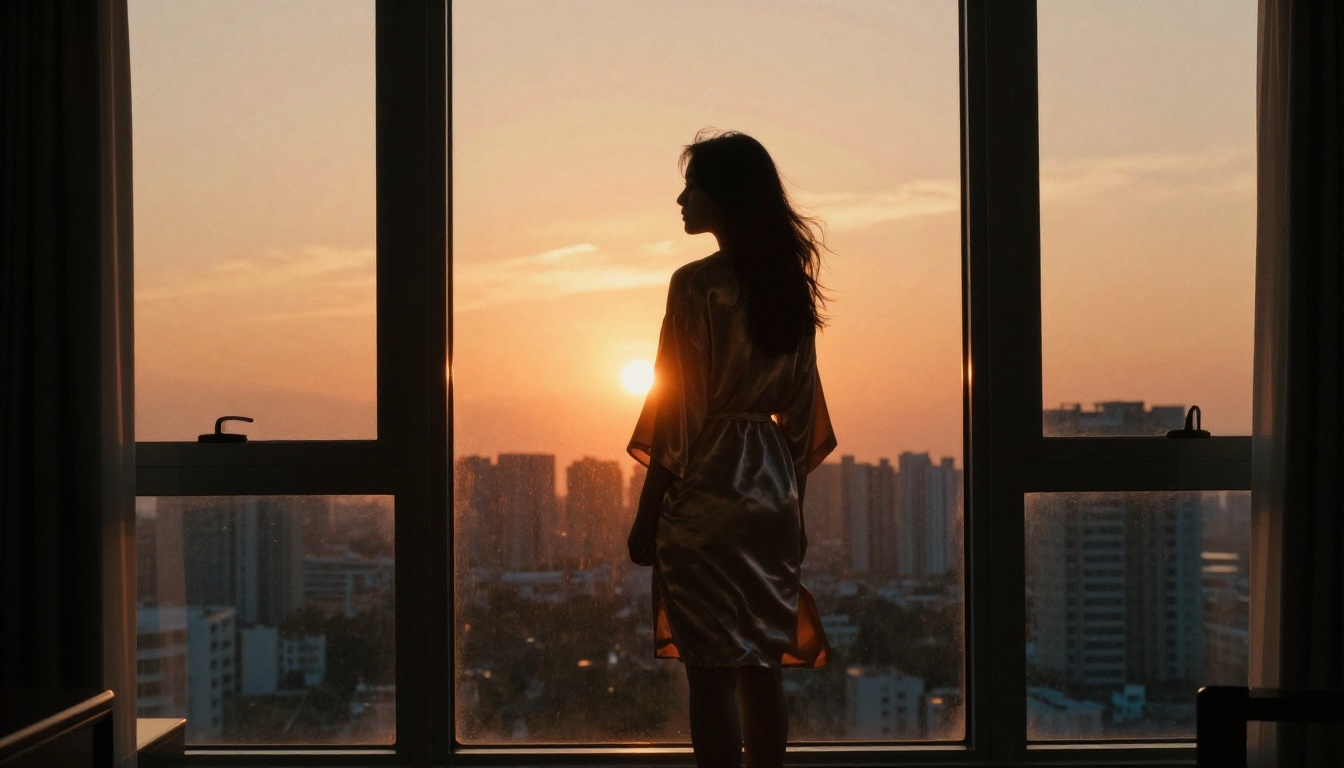
Golden hour (roughly the 30 minutes after sunrise or before sunset) is the most forgiving, most cinematic natural light available. In AI video prompts, describe it with:
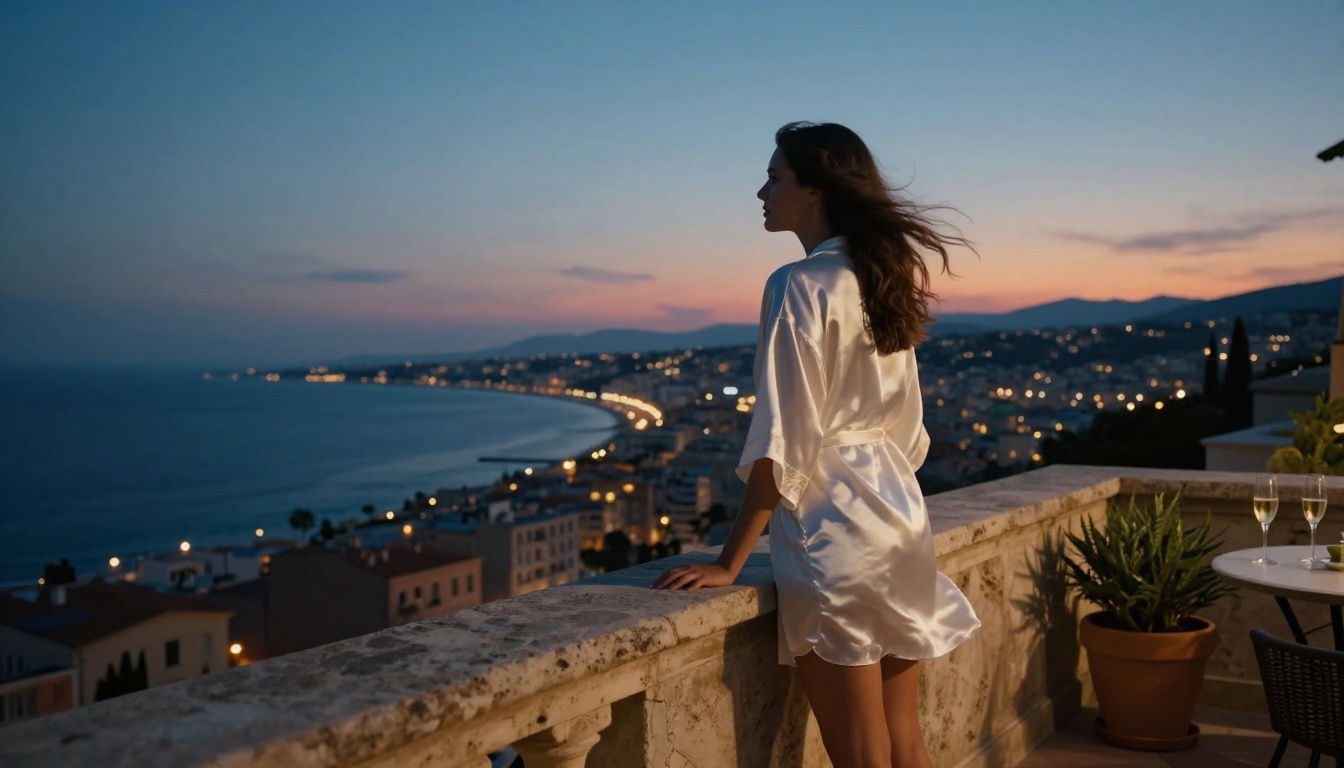
"warm backlight from large window at sunset, approximately 2700K, long shadows extending toward camera, rim light catching edge of subject, interior slightly darker than exterior"
This prompt pattern works particularly well with Hailuo 2.3 and Seedance 1.5 Pro, both of which handle high-contrast exterior/interior setups with strong dynamic range.
Rembrandt Lighting in AI Prompts
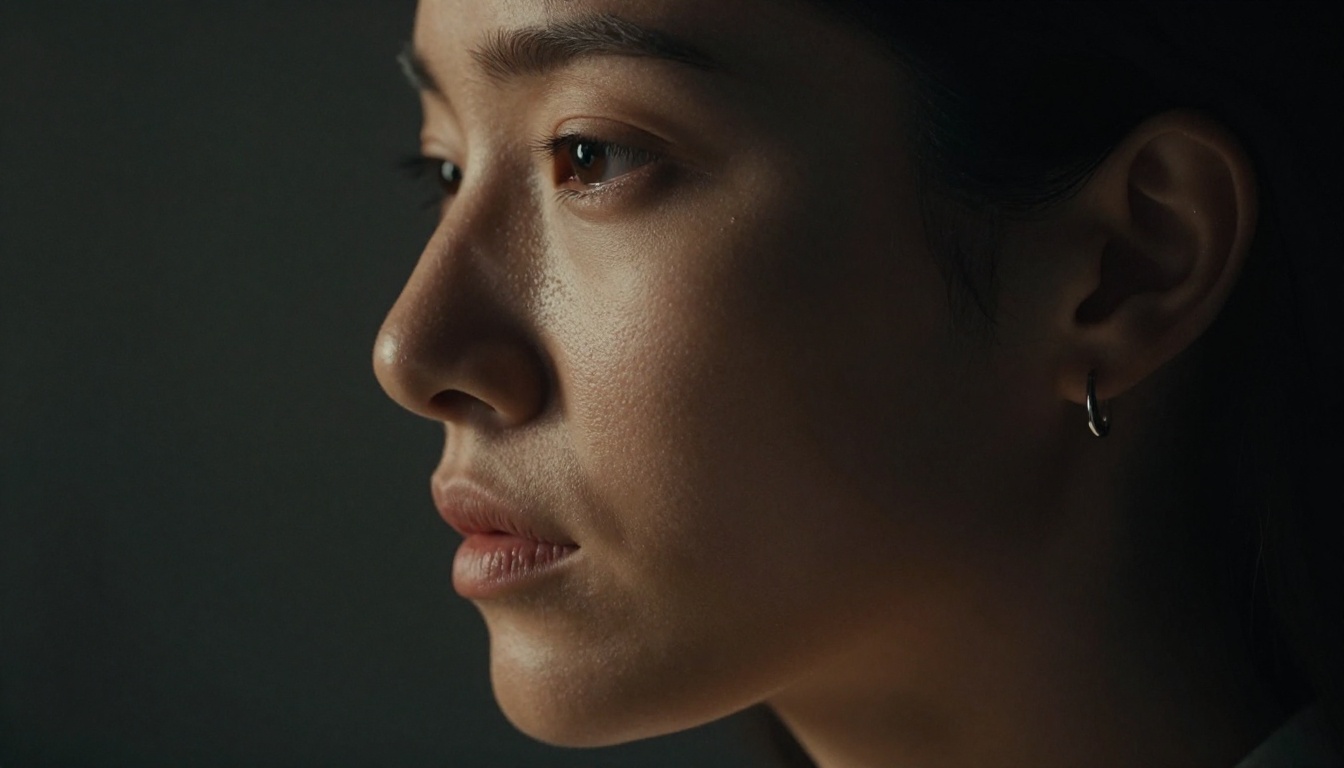
Rembrandt lighting places one light source at approximately 45 degrees to the side and slightly above the subject, creating a characteristic triangle of light on the shadow-side cheek. For AI video:
"single sidelight at 45 degrees left, warm practical lamp, Rembrandt pattern with shadow triangle on right cheek, background in darkness, slight ambient fill from opposite wall"
This setup is high-contrast and immediately reads as deliberate and professional. It is one of the fastest ways to elevate a flat NSFW scene into something visually sophisticated.
Using Shadows Intentionally
Rule: In cinematic lighting, shadows are as important as highlights. Never describe a fully lit scene unless the intent is harsh, dramatic interrogation-style lighting.
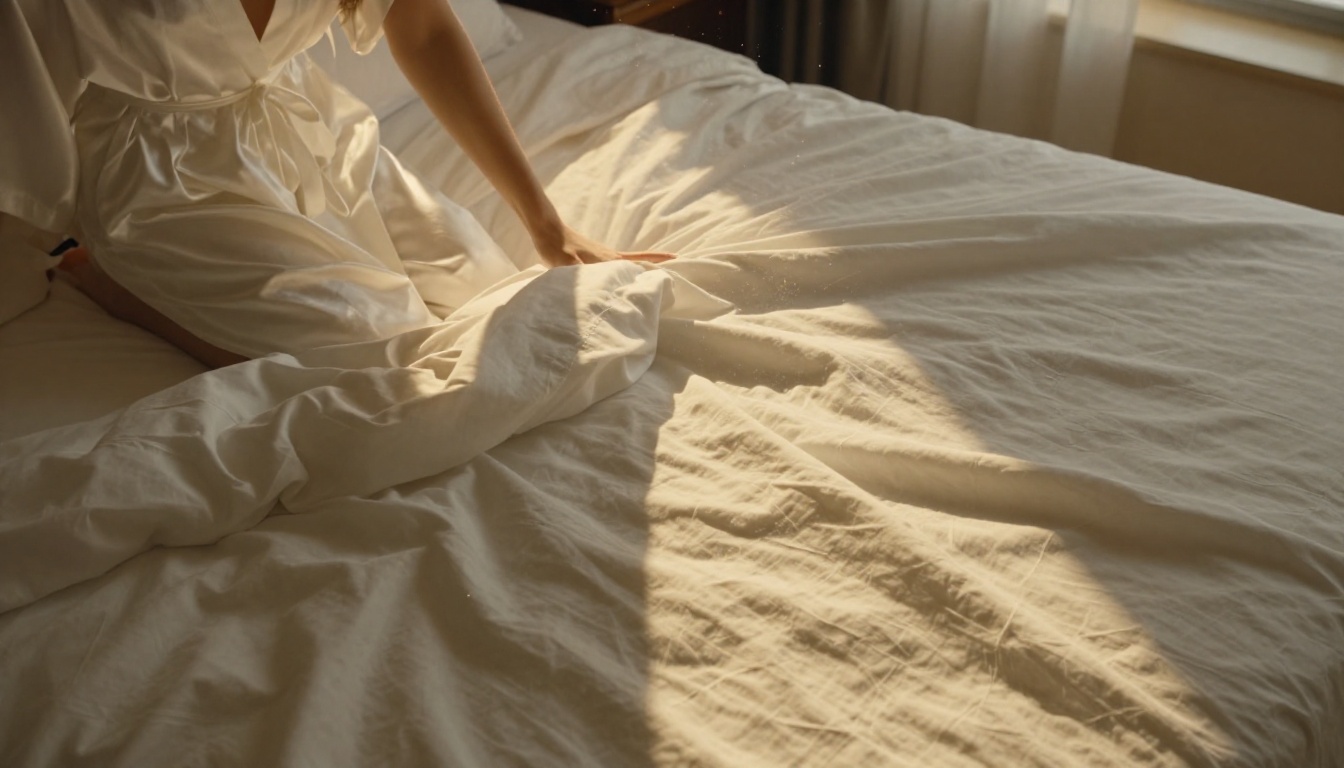
Describe what is in shadow as much as what is lit. Phrases like "left side of face in deep shadow, only a rim light catching the jaw" or "body partially obscured by window shadow falling diagonally across the scene" signal cinematic intent far more clearly than simply asking for "moody lighting."
How to Use Kling v3 on PicassoIA
Since the topic of making NSFW AI videos cinematic is directly supported by Kling v3, here is a step-by-step approach for getting the best results on PicassoIA.
Step 2. Write your prompt using the four-dimension structure: Subject + Light Source + Camera + Atmosphere. Keep prompts between 60 and 100 words for best coherence.
Step 3. Set duration to 5 seconds for initial tests. Longer clips amplify both successes and failures, so validate your prompt at short length first.
Step 4. For NSFW cinematic content, set aspect ratio to 16:9. Widescreen format instantly signals cinematic intent and the models respond to it compositionally.
Step 5. Use the negative prompt field to exclude common AI artifacts. Suggested terms: "overlit, flat light, centered framing, blurry, animation, cartoon, CGI, plastic skin"
Step 6. Review the output and iterate on the lighting description first, then camera angle, then motion.
Parameter Tips for Cinematic Output
Shorter prompts beat longer ones when the lighting and camera angle are already specified. Noise in the prompt creates visual noise in the output.
Seed locking: Once you find a frame that looks right, note the seed number and lock it to iterate from that starting point without losing the base aesthetic.
First frames matter most: For Wan 2.6 I2V, generating a high-quality still with a detailed prompt first and then animating it consistently produces better cinematic results than pure text-to-video for composed, static-start scenes.
Tip:LTX-2.3 Pro supports audio-synchronized video generation, meaning you can add ambient sound or music cues that match the mood and pace of your cinematic clip. This is underused and significantly elevates perceived production quality.
Color and Texture in Your Prompts
Color grading is what gives a film its emotional fingerprint. The teal-orange grade of a Hollywood action film, the warm desaturated palette of an arthouse drama, the cool blue of a noir thriller. These are all learnable prompt patterns.
Film Stock References That Work
Different film stocks have distinct characteristics that models recognize and reproduce:
Film Stock
Characteristic
Best For
Kodak Portra 400
Warm skin tones, fine grain
Intimate, sensual scenes
Kodak Tri-X
High contrast, coarse grain
Dramatic, noir, moody
Fujifilm Pro 400H
Cool tones, pastel shadows
Bright, soft, romantic
Fujifilm Velvia
Saturated, vivid colors
Outdoor, golden hour
Cinestill 800T
Halation around highlights
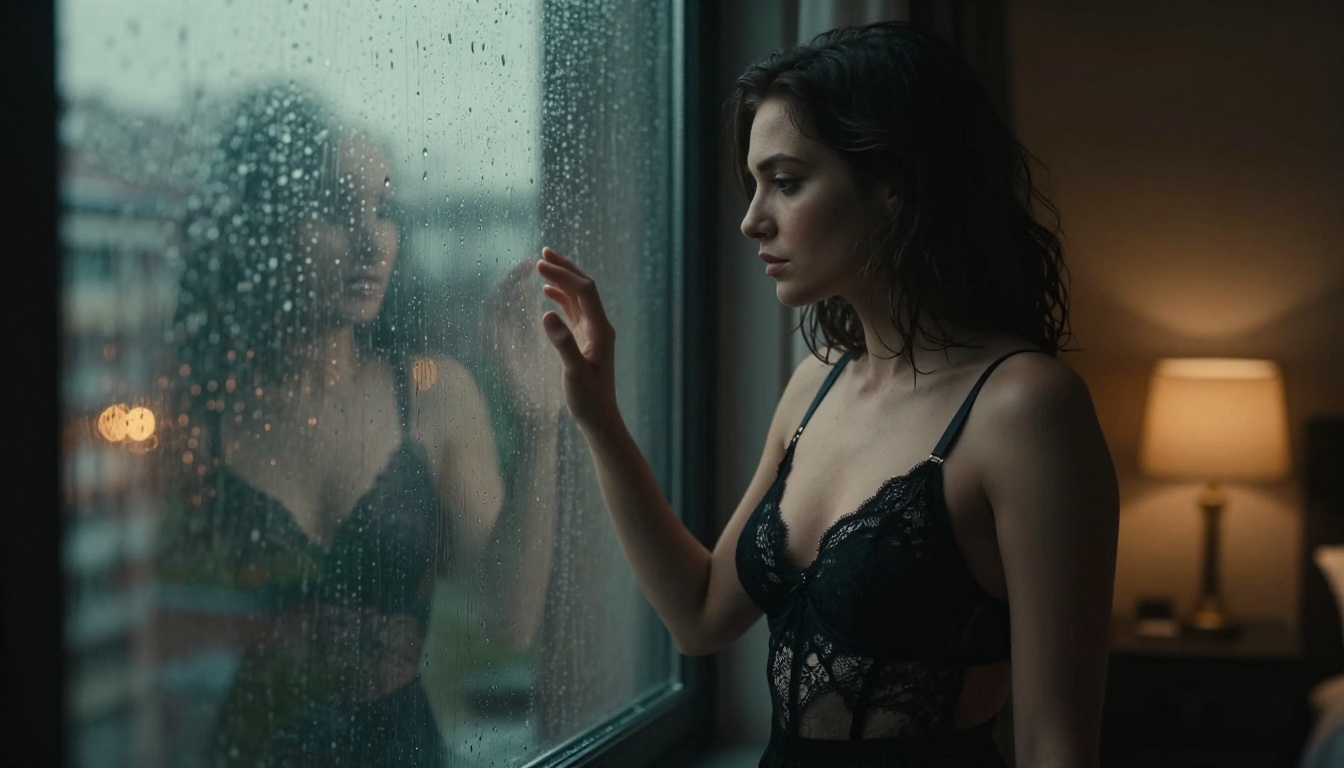
Nighttime, practical lights
For NSFW cinematic content, Kodak Portra 400 and Cinestill 800T are the two most reliable references. Portra gives you warm, flattering skin with natural grain. Cinestill 800T delivers that iconic nighttime halation effect around practical light sources.
Skin Texture and Surface Detail
This is where many prompts fail. Generic AI output produces smooth, plastic-looking skin because nothing in the prompt asked for organic texture. Fix this with:
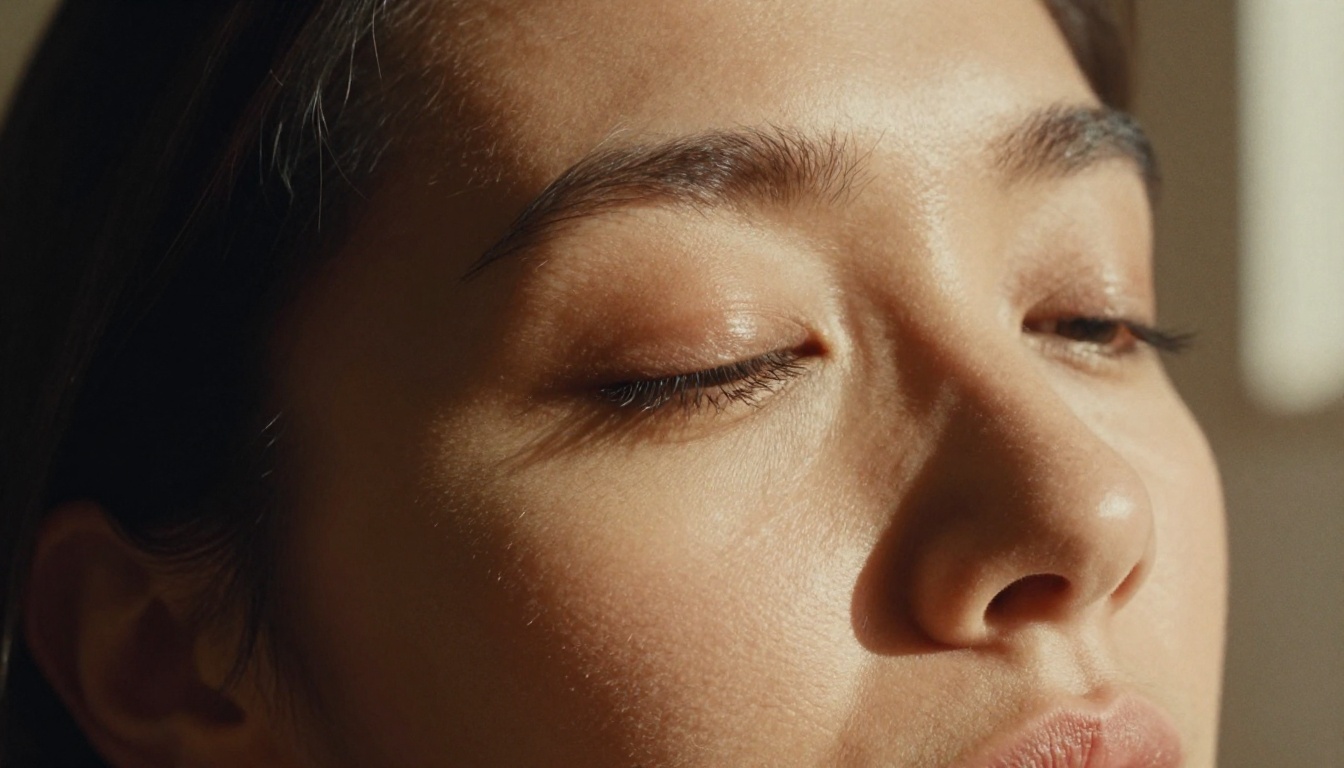
"skin with visible natural micro-texture, fine pores, subtle down hair catching sidelight, no retouching, natural skin imperfections, organic surface quality"
The difference in output is significant. Models like PixVerse v5.6 and P-Video respond well to texture specifications in the prompt and consistently produce more photorealistic skin than models left at default settings.
Motion and Composition Rules
Even the best lighting and color grade falls apart without good composition and intentional motion. Cinematic framing is not accidental.
Rule of Thirds in Video Prompts
Center framing is the default for AI video and it reads as static and amateurish. Break it with explicit positioning language:
"subject positioned at left third of frame, negative space on right"
or
"low angle, subject at bottom third, environment dominant in upper frame"
Kling v3 Omni and Veo 3 both handle compositional framing instructions reliably. Describing foreground elements also helps: "foreground glass blurred in frame-left, subject sharp at middle distance" creates immediate depth and visual interest.
Slow Motion and Frame Rate Control
Cinematic slow motion is one of the most effective tools for adding perceived production value. In prompts, use:
"slow motion, approximately 50% speed, natural motion blur, fabric movement emphasized"
For models that support explicit frame rate settings, 24fps is the cinematic standard that immediately differentiates output from video or webcam aesthetics. Both Seedance 1.5 Pro and Hailuo 2.3 allow explicit frame rate selection in their parameters.
The Prompt Template That Changes Everything
Below is a structure you can adapt directly. This format consistently produces cinematic results across multiple models:
[Subject: pose, clothing, body position] in [specific environment: room type, time of day, weather]. [Primary light source: direction, color temperature, quality]. [Secondary or fill light if any]. [Camera: angle, lens, aperture]. [Motion if any]. [Atmosphere: grain, haze, color temperature]. [Film reference if desired].
Example filled template:
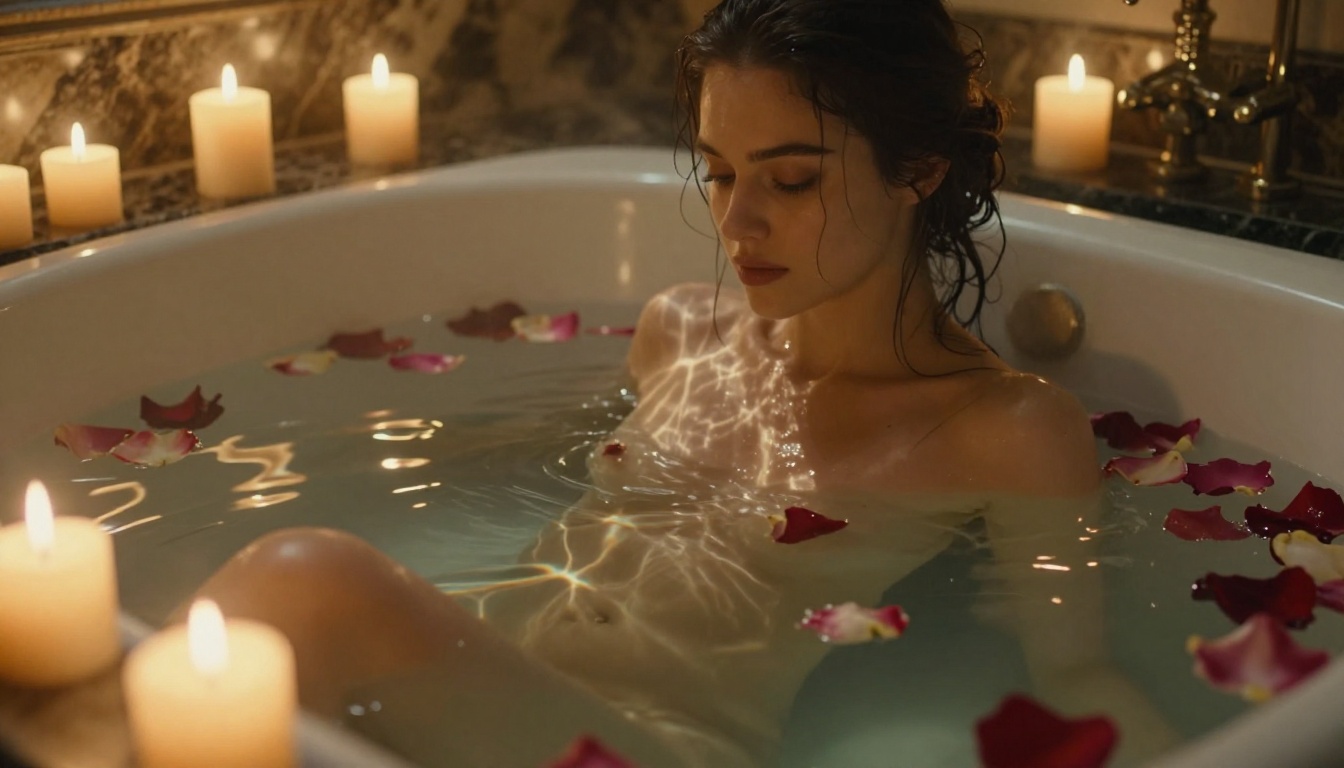
"A woman in a white silk robe seated at the edge of a bathtub, one hand trailing in the water, in a candlelit marble bathroom at night. Twenty small candles on the tub ledge as sole light source, warm amber at 1800K, creating caustic light patterns on skin and porcelain. No fill light, deep shadows in corners. Camera at slightly elevated angle, 85mm equivalent, f/1.8. Subtle camera drift left, handheld feel. Authentic Kodak Portra 400 film grain, warm highlights, deep lifted shadows. Cinematic, photorealistic, RAW photography aesthetic."
This level of specificity removes ambiguity and gives the model a clear visual target. The result will not look like AI video. It will look like a frame from a film.
Pro move: Run the same prompt on Kling v3, Wan 2.6 T2V, and Gen-4.5 simultaneously and compare outputs. Each model will interpret the same prompt differently, and one will almost always be the clear winner for your specific visual intent. This three-model test takes minutes and saves hours of single-model iteration.
Create Your First Cinematic Clip Now
Every technique in this article is directly applicable with the models on PicassoIA right now. The platform has over 87 text-to-video models, and the ones referenced here represent the best current options for each cinematic goal.
Stop writing two-sentence prompts and wondering why the output looks generic. Pick one lighting formula from this article. Apply the four-dimension prompt structure. Choose a model matched to your aesthetic goal. The difference between AI-looking and cinematic is almost entirely in these decisions, and you can start making them on your very next generation.