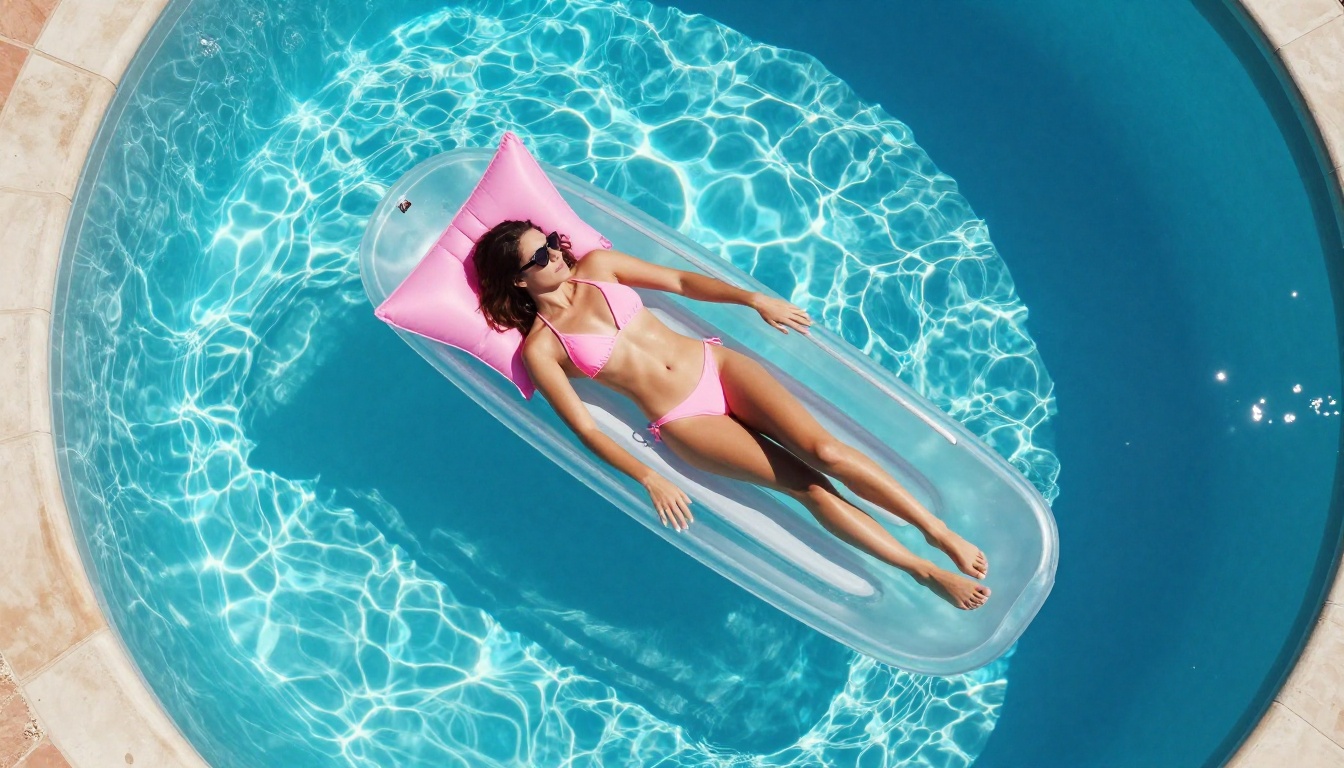
How to Make NSFW Art with Nano Banana Pro: Step-by-Step
Creating NSFW art with Nano Banana Pro is straightforward when you know which platform and settings to use. This article shows you exactly how to set up your workflow, write prompts that produce realistic adult content, which models outperform Nano Banana Pro for speed and quality, and how to get unlimited generations at no extra cost per image.
If you want to create NSFW art with AI and you've heard about Nano Banana 2 on PicassoIA, you're in the right place. This article breaks down exactly how to use it, what prompt structures produce the best realistic adult content, and which models outperform it when you need speed, unlimited output, or sharper anatomical detail. Whether you're a digital artist experimenting with uncensored AI image generation or a creator building an adult content workflow, the information here will save you hours of trial and error.
What Nano Banana Pro Actually Does
Nano Banana 2 is Google's image editing and fusion model, available on PicassoIA in the text-to-image category. Its primary strength is fusing two images together or editing an existing photo based on a text prompt, rather than pure text-to-image generation from scratch. Many users search for "Nano Banana Pro" referring to the professional use of this model for adult content creation, and PicassoIA is the platform that hosts it without content restrictions.
For NSFW art specifically, that means you can:
Take an existing photo and reinterpret it in a more suggestive or explicit artistic style
Fuse two reference images with a descriptive prompt to create composite scenes
Apply specific edits to clothing, body representation, or environmental details
Swap outfits with realistic fabric simulation and natural skin rendering
💡 Nano Banana 2 works best as an image editor, not a from-scratch generator. If you're starting with just a text prompt and no reference image, you'll get better results with Seedream 4.5 or Qwen Image 2.
What It Handles Well
Image fusion: Blending two photographic inputs with a descriptive text overlay
Clothing state edits: Swapping outfits or adjusting coverage with realistic fabric physics
Lighting reinterpretation: Altering the mood and atmosphere of an existing image
Body and environment edits: Targeted changes to specific areas without regenerating the entire image
Where It Falls Short
Per-generation cost adds up quickly: 1,000 images on Nano Banana 2 costs approximately $100
Slower than specialized NSFW image generators like P-Image, which generates in under 1 second
Not ideal for complex text-to-image prompts that require strong model conditioning from scratch
Requires a good reference image to produce the best results
How to Use Nano Banana 2 on PicassoIA
You access Nano Banana 2 directly at PicassoIA with any plan. Here's the exact workflow for NSFW art generation:
Step 1: Upload Your Reference Image
Navigate to the model page and upload a base image. This becomes the starting point for the edit. For NSFW outputs, choose a photo with clear subject composition, good natural lighting, and minimal background clutter. The cleaner the input, the more precise the edit will be.
Good reference images for NSFW art:
Portrait photos with clear skin tones and natural lighting
Fashion photos where you want to change or remove clothing
Swimwear or athletic photography that you want to reinterpret
Any photorealistic image with a clearly defined human subject
Step 2: Write a Targeted Edit Prompt
Your prompt tells the model what to change. Structure it like this:
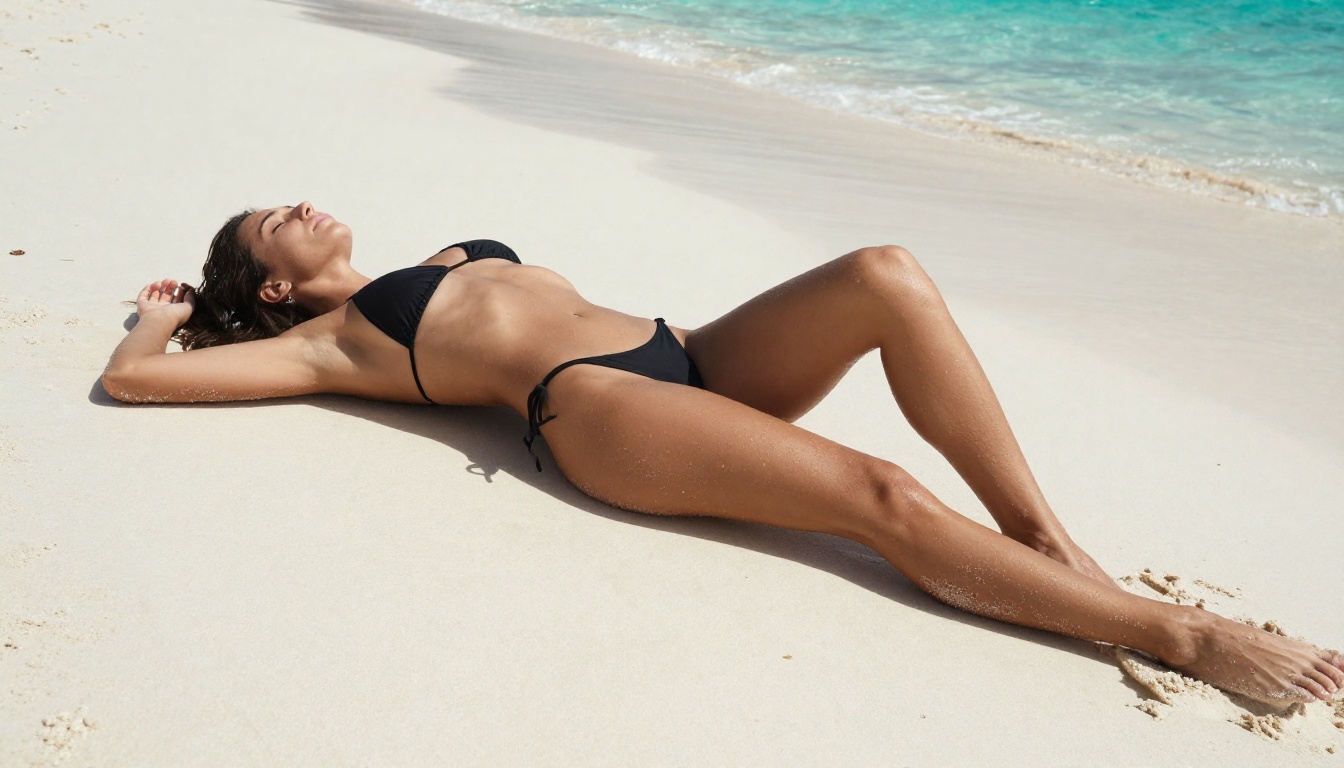
"A woman in a minimal white string bikini, warm golden hour light from the left, photorealistic skin texture with natural highlights, tropical beach setting, 8K detail, editorial photography"
The more specific your clothing and lighting description, the more accurate the edit. Vague prompts like "make it NSFW" produce inconsistent results. Detailed prompts that describe the exact desired state are far more reliable.
Step 3: Iterate Strategically
Nano Banana 2 gives you a direct edit result. If the output isn't quite right, change one variable at a time: prompt wording, lighting description, or the reference image crop. Changing multiple variables simultaneously makes it impossible to know what improved or degraded the result.
💡 Iteration tip: Feed the output of one generation back as the input image for the next. Each iteration layer sharpens realism and gives you finer control over the final result.
Step 4: Download and Upscale
Once you have a result you're happy with, download it and run it through PicassoIA's super resolution tools for 2x or 4x upscaling. This adds skin detail and fabric texture that the base model can't produce at standard resolution.
Prompt Writing That Gets Real Results
The difference between a mediocre NSFW image and a stunning photorealistic one comes down almost entirely to prompt structure. Here's the anatomy of prompts that consistently produce high-quality adult content across all the top models on PicassoIA.
The Core Prompt Formula
[Exact subject description] + [clothing or body state] + [environment detail] + [lighting direction and quality] + [camera angle and lens] + [texture and atmosphere markers]
Every element pulls its weight. Remove the lighting direction and the image looks flat. Remove the lens specification and you lose photorealism. Remove the texture markers and skin looks plastic.
5 Prompts to Try Right Now
#
Prompt
Best Model
1
"Woman in string bikini at poolside, golden hour light from left, skin texture visible on shoulders, 85mm f/1.4, Kodak Portra 400 grain"
Vague subject descriptions: "Attractive woman" produces generic results. Specify clothing, body position, and precise setting.
Missing lighting direction: Without a named light source and direction, models default to flat, uninspiring lighting.
No lens information: Adding "85mm f/1.8" or "35mm f/2.8" explicitly signals photorealism to the model.
Overloading the prompt: More than 7-8 key descriptors causes the model to deprioritize some of them. Be selective.
Skipping texture terms: Words like "Kodak Portra 400 film grain", "natural skin texture", or "visible fabric weave" are what separate AI art from photography.
LSI Keywords That Improve Relevance
When writing NSFW AI art prompts, these terms consistently improve output quality: uncensored AI image, photorealistic adult content, NSFW stable diffusion, AI nude art generator, adult AI image creation, realistic body generation, high detail skin render, intimate editorial photography. These work both in prompts and in the article's semantic structure.
Why Seedream 4.5 is the Smarter Choice
If speed and output quality are your priorities, Seedream 4.5 is the model to use. It accepts adult content, supports image editing, and generates results in under 3 seconds, which is exceptional for the level of realism it produces. Most users who switch from Nano Banana 2 to Seedream 4.5 don't go back.
Seedream 4.5 also handles image editing (not just text-to-image), so you get the same image fusion capability as Nano Banana 2 without sacrificing speed or realism. It's a strict upgrade for the majority of NSFW workflows.
💡 Critical note: The successor Seedream 5 Lite does not support NSFW content. If you see it recommended for adult art anywhere, that information is wrong. Stick with Seedream 4.5.
If you're generating at volume, PicassoIA Image Editor Pro operates in a completely different category from Nano Banana 2. It's an image-to-image model with unlimited generations included in Elite and Infinite plans. No per-image cost. No credit limits. Just generate.
The Cost Math
Volume
Nano Banana 2 Cost
PicassoIA Image Editor Pro
100 images
~$10
Included in plan
500 images
~$50
Included in plan
1,000 images
~$100
Included in plan
5,000 images
~$500
Included in plan
For creators who iterate heavily, the unlimited model removes the entire mental overhead of thinking about per-generation cost. You can run 50 variations of a single prompt, find the best one, and throw the rest away without any financial consequence.
Write an edit prompt describing the desired NSFW content state with specific clothing, lighting, and texture details
Generate and iterate without limits until you have the exact result you want
It also includes a free 3-generation trial with no credit card required, which is enough to validate the quality before committing to a plan. Results land in under 1 second, so you can run through an entire iteration session in minutes rather than hours.
12 Best NSFW Models on PicassoIA
Here's the complete ranked list of models on PicassoIA that support adult content without content filters:
Unlike mainstream AI platforms that block adult content at the prompt level or add watermarks to outputs, PicassoIA gives creators full creative control with uncensored, high-performance models across both image and video categories.
Upscaling and Finishing Your NSFW Art
Once you have a base image you're satisfied with, upscaling adds the detail that separates amateur AI art from work that looks professionally produced. Skin texture, fabric weave, and hair strand detail are all significantly enhanced by a proper upscaling pass.
Super Resolution on PicassoIA
PicassoIA's super resolution tools let you upscale any AI-generated image by 2x to 4x without introducing blurriness or artifacts. For NSFW content, upscaling is especially valuable because skin texture and fabric detail at full resolution require very precise model conditioning. Running your image through a super resolution pass after the initial generation adds that layer of tactile, photographic realism.
Upload it to a super resolution model (available in PicassoIA's super-resolution category)
Choose 2x for faster processing or 4x for maximum skin and fabric detail
The 4x upscale is worth it for any image you intend to publish or share. The difference is visible at a glance.
Visual Effects That Add Atmosphere
PicassoIA's effects library includes over 500 video effects and a range of image processing tools. For finishing NSFW art, the most useful are:
Lighting overlays: Apply golden hour, studio key light, or candlelight effects post-generation
Skin retouching passes: Smooth minor generation inconsistencies without affecting the overall composition
Background replacement via inpainting: Swap a generic AI background for a specific environment without regenerating the subject
💡 Inpainting (fixing or replacing specific image regions) is available directly in PicassoIA Image Editor Pro. If a generation produces a perfect subject but a poor background, use inpainting to fix only the background without touching the subject. This saves you from regenerating an excellent result just because one part is wrong.
NSFW Prompt Templates by Style
Different artistic styles require different prompt structures. Here are ready-to-use templates for the most common NSFW art styles, tested across the top models on PicassoIA.
Glamour Photography Template
[Subject] in [specific clothing item], [environment], [directional light] from [left/right/above],
skin texture visible on [area], [lens spec], Kodak Portra 400 film grain, photorealistic, 8K
Boudoir Photography Template
[Subject] in [lingerie style] on [surface type], [warm/soft] [light type] from [direction],
[fabric texture] detail, shallow depth of field, [lens spec], intimate atmosphere, natural skin tones
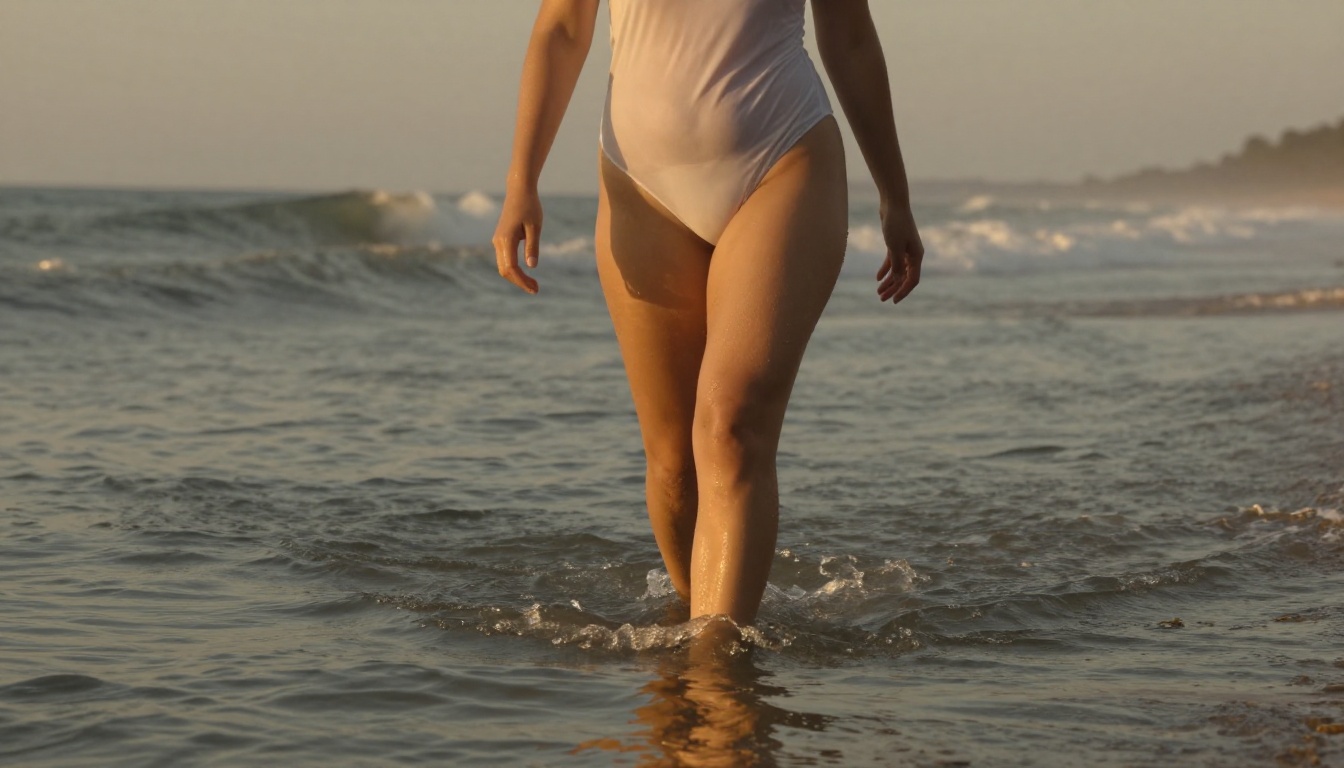
Outdoor and Beach Template
[Subject] in [swimwear] at [specific location and time], [time of day] sun from [direction],
[skin/fabric] glistening with [sweat/water], [aerial/low-angle] shot, [lens spec], natural film grain
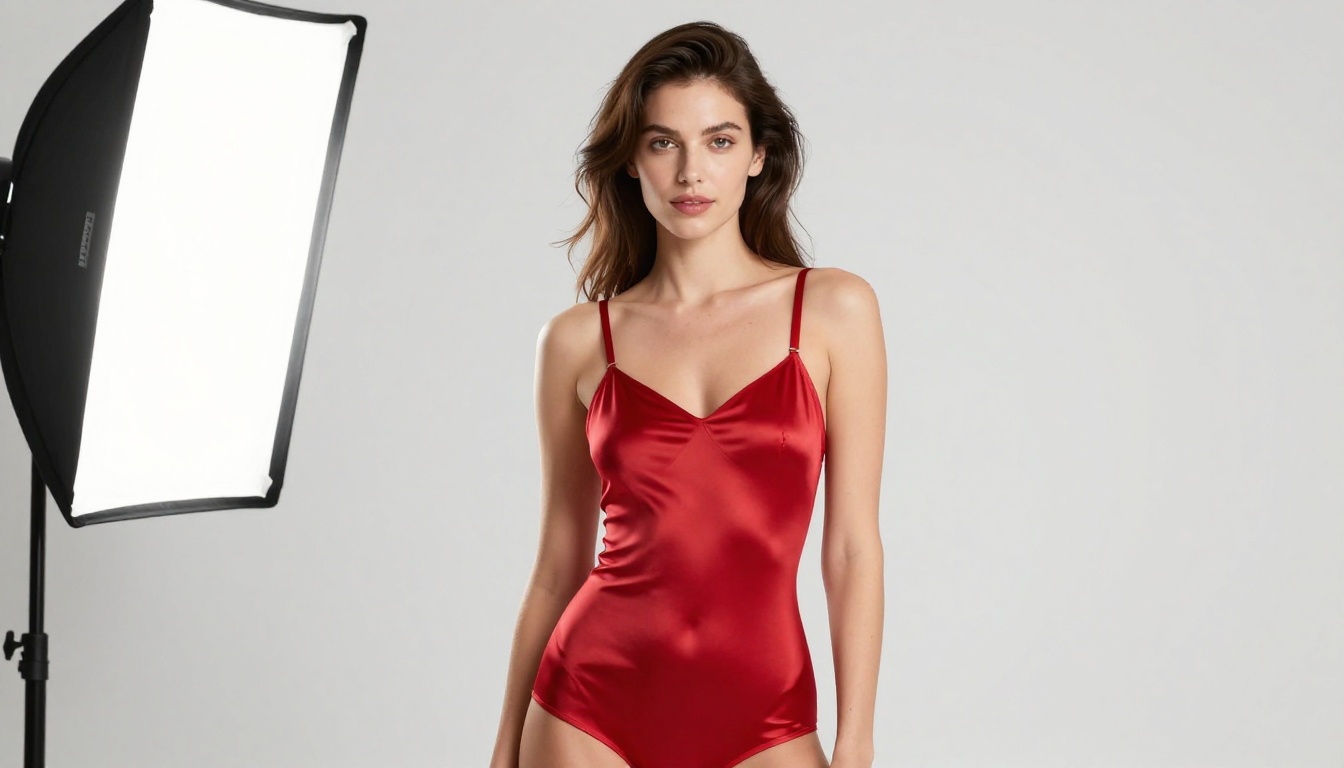
Fashion Editorial Template
[Subject] in [specific garment description], [neutral/white/dark] backdrop, [studio/outdoor]
[lighting setup description], hair [style], bare [shoulder/neck/back], [lens spec], editorial composition
Each template works reliably with Seedream 4.5, PicassoIA Image Editor Pro, and Qwen Image 2. Run the same prompt across multiple models and compare the outputs to find which model handles your specific subject style best.
If you're working with two reference images that you want to blend, Nano Banana 2 is genuinely good at that specific task. For single-image NSFW edits at scale, PicassoIA Image Editor Pro is faster and far more cost-effective. For starting from a text prompt with no reference image at all, Seedream 4.5 is the clear choice.
Start Creating Your Own NSFW Art Now
The fastest path to your first quality NSFW AI image is to visit PicassoIA and use Seedream 4.5 with one of the prompt templates above. It accepts adult content, generates in under 3 seconds, and costs less per image than most alternatives on the market.
If you want truly unlimited output at no extra cost per generation, PicassoIA Image Editor Pro is the tool to try first. Three free generations, no credit card, results in under a second. At that speed, you can test 10 different prompt variations in less than 10 seconds and find exactly what works for your style.
For creators who work with video, P-Video and Grok Imagine Video both support NSFW content without safety filters. LTX 2.3 Pro takes it further with up to 4K/50fps output and retake editing for precise clip control.
The most realistic NSFW AI art available today comes from models that combine photorealistic training data with zero content restrictions. PicassoIA hosts both categories on one platform. Pick your model, write a specific prompt with the templates above, and see what you get with the first generation.