If you have spent any time with Seedance 2.0 lately, you already know the gap. The outputs look different. Skin moves correctly. Fabric drapes instead of warping. Motion follows physics. And when you compare that to what most people are producing with default settings on any other model, the difference is not subtle. It is the entire reason people keep sharing Seedance clips and calling them indistinguishable from real footage. The question everyone is actually asking is simple: how do you get there? This article breaks down exactly what makes that level of realism happen and how you can replicate it for NSFW content without spending weeks figuring it out by trial and error.
What Makes Seedance 2.0 Different
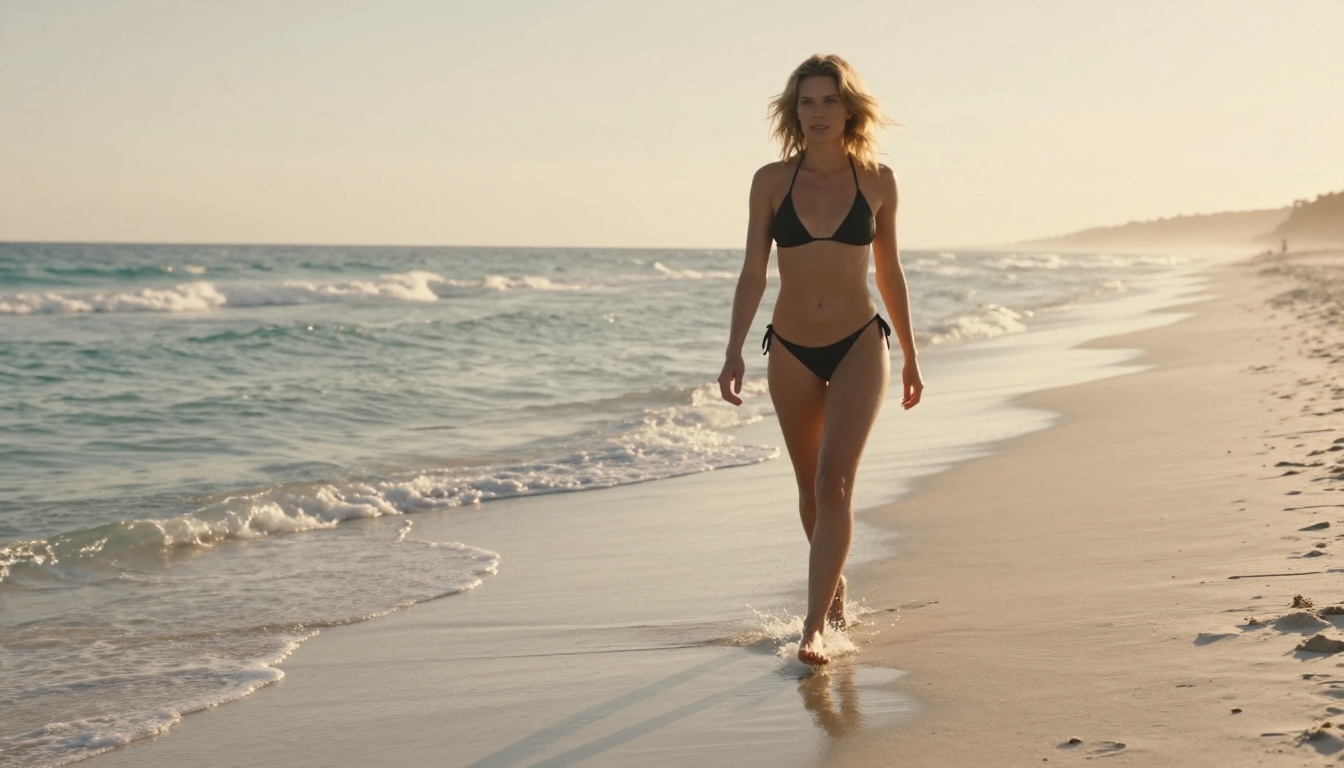
Most AI video models fail at realism in one of three places: motion physics, surface detail, or temporal consistency. Seedance 2.0 addresses all three simultaneously, which is why the outputs feel like footage rather than generation.
Motion Physics That Actually Hold Up
The single biggest tell in AI video is secondary motion. Hair, loose fabric, water, and small objects should all move in response to primary motion, not independently or not at all. Seedance 2.0 handles secondary motion at a level that was previously only possible with cinematic pipeline tools. When a character turns their head, hair follows through with appropriate lag and weight. When a body leans forward, clothing responds to gravity and body pressure. This is not just a prompt-level result. It is baked into the model's architecture.
For NSFW content specifically, this matters enormously. The uncanny valley in AI video is almost always triggered by unnatural body motion or fabric behavior. Seedance 2.0 narrows that valley significantly.
Skin, Fabric, and Light Fidelity
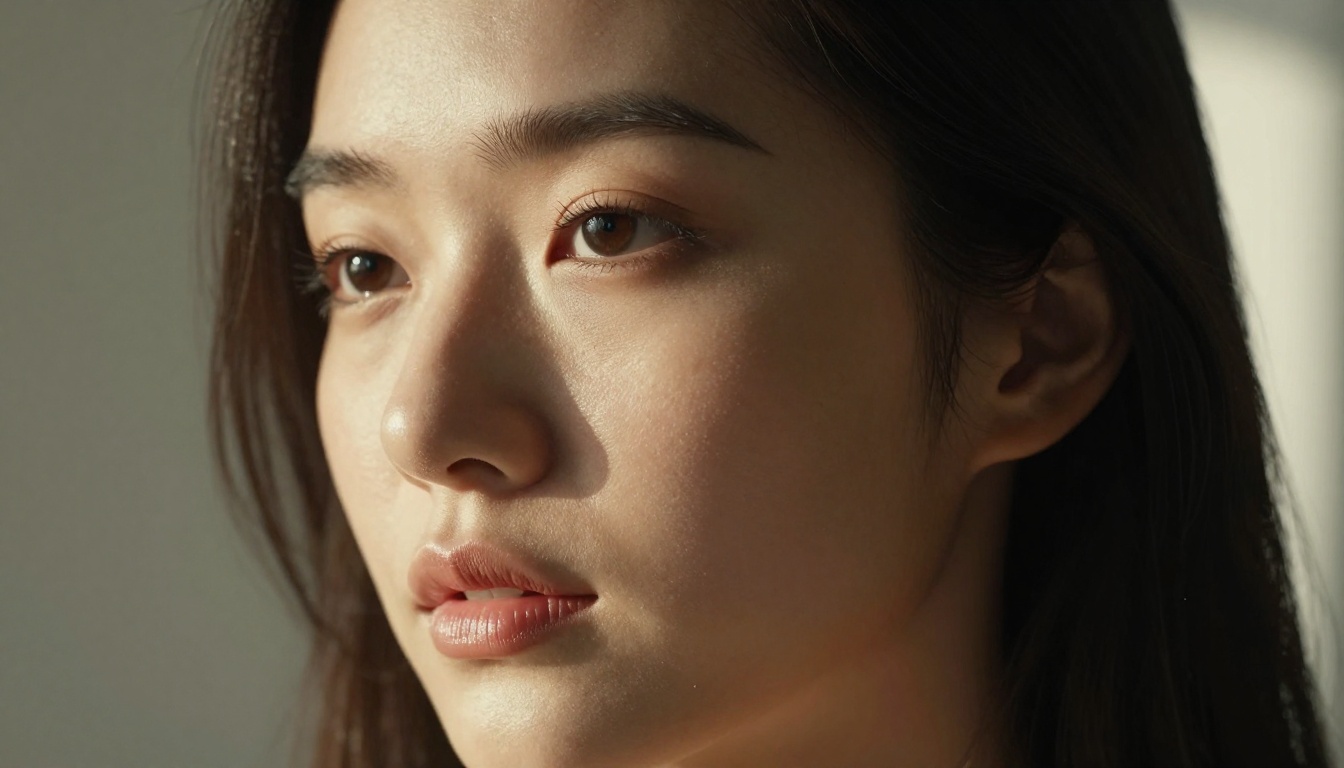
Surface fidelity in video is harder than in images because you need frame-to-frame consistency. Skin has to look like skin across every frame, not drift between different textures depending on movement. Seedance 2.0 maintains pore-level skin detail through motion in a way that holds up under scrutiny. Fabric weaves stay consistent. Lighting reflections on skin behave according to actual physics, not a hallucinated approximation.
For NSFW video specifically, you want to describe these surfaces explicitly in your prompt. Do not let the model guess. The more precise you are about skin tone, fabric texture, and lighting direction, the more control you retain over the final result.
Native Audio Changes Everything
Seedance 2.0 generates synchronized audio natively, including ambient sound and breath patterns that match on-screen motion. This adds a layer of realism that purely visual models cannot compete with. For NSFW content, atmospheric audio, the sound of a location, subtle environmental cues, makes the experience feel grounded and complete in a way that silent video simply cannot.
💡 Pro tip: When you write your prompt, include a brief audio description at the end. Something like "soft ocean ambience, distant waves" or "quiet room, slow breathing" will influence what the model generates in the audio layer.
How to Use Seedance 2.0 on PicassoIA
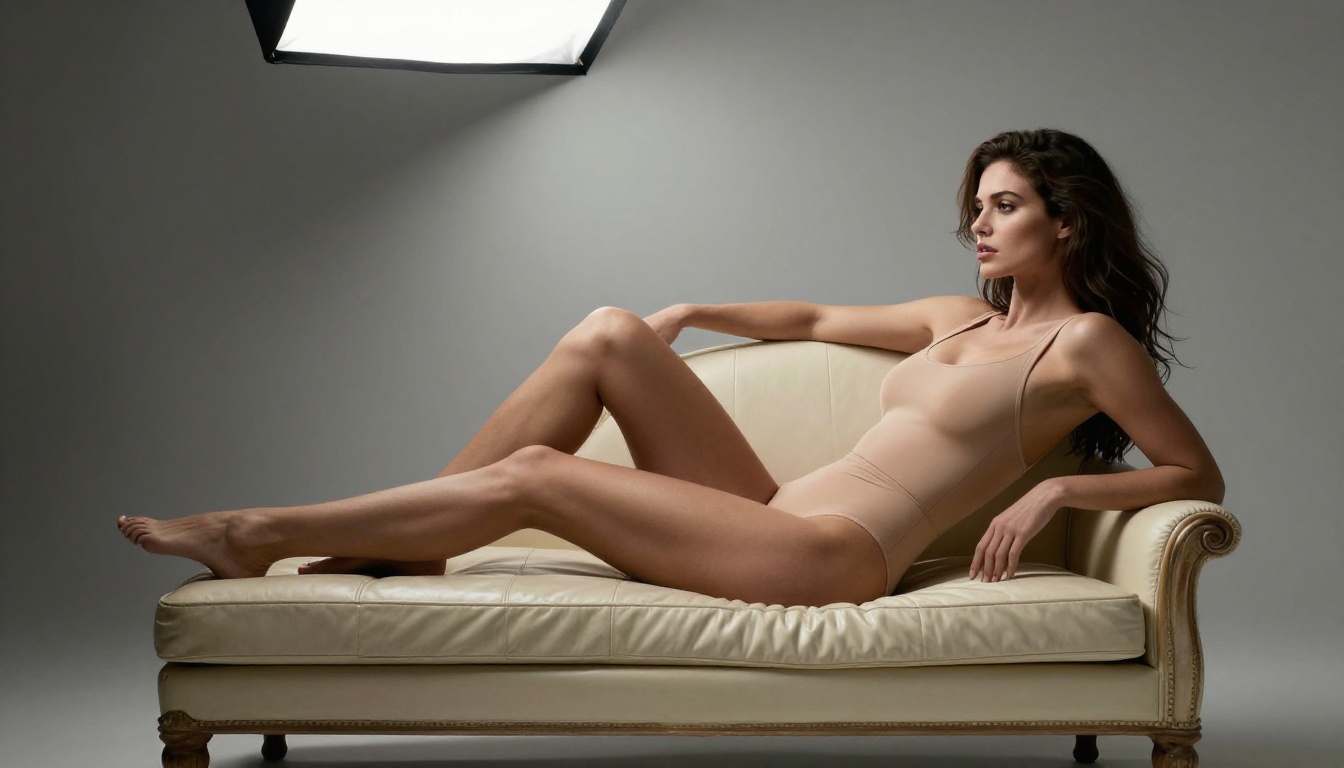
Seedance 2.0 is available directly on PicassoIA with no setup required. You do not need API access, local installation, or any technical background. Here is the exact workflow that consistently produces the best results.
Step 1: Write a Scene, Not a Request
The most common mistake beginners make is writing a request instead of a scene description. "A woman in a bikini on a beach" is a request. A scene looks like this:
"A woman with sun-bronzed skin and long dark wet hair standing at the shoreline at dusk, wearing a white string bikini, warm copper light hitting her from the left, gentle waves washing over her bare feet, her body turning slowly toward the camera, hair catching a coastal breeze"
See the difference? You are not telling the model what to create. You are describing what already exists. The model performs better when it is filling in a described scene rather than interpreting a creative brief.
Step 2: Duration and Motion Settings
Seedance 2.0 supports up to 10-second clips with text-to-video, and longer clips with image-to-video input. For NSFW content, shorter clips with focused motion descriptions outperform longer clips with vague motion descriptions every time.
Recommended settings for maximum realism:
- Duration: 5 to 8 seconds for focused shots
- Motion intensity: Keep it at medium unless you specifically want high-energy movement
- Aspect ratio: 16:9 for horizontal scenes, 9:16 for intimate close-up content
- Audio: Enable native audio generation for ambient environmental sound
Step 3: Use Image-to-Video for Better Control
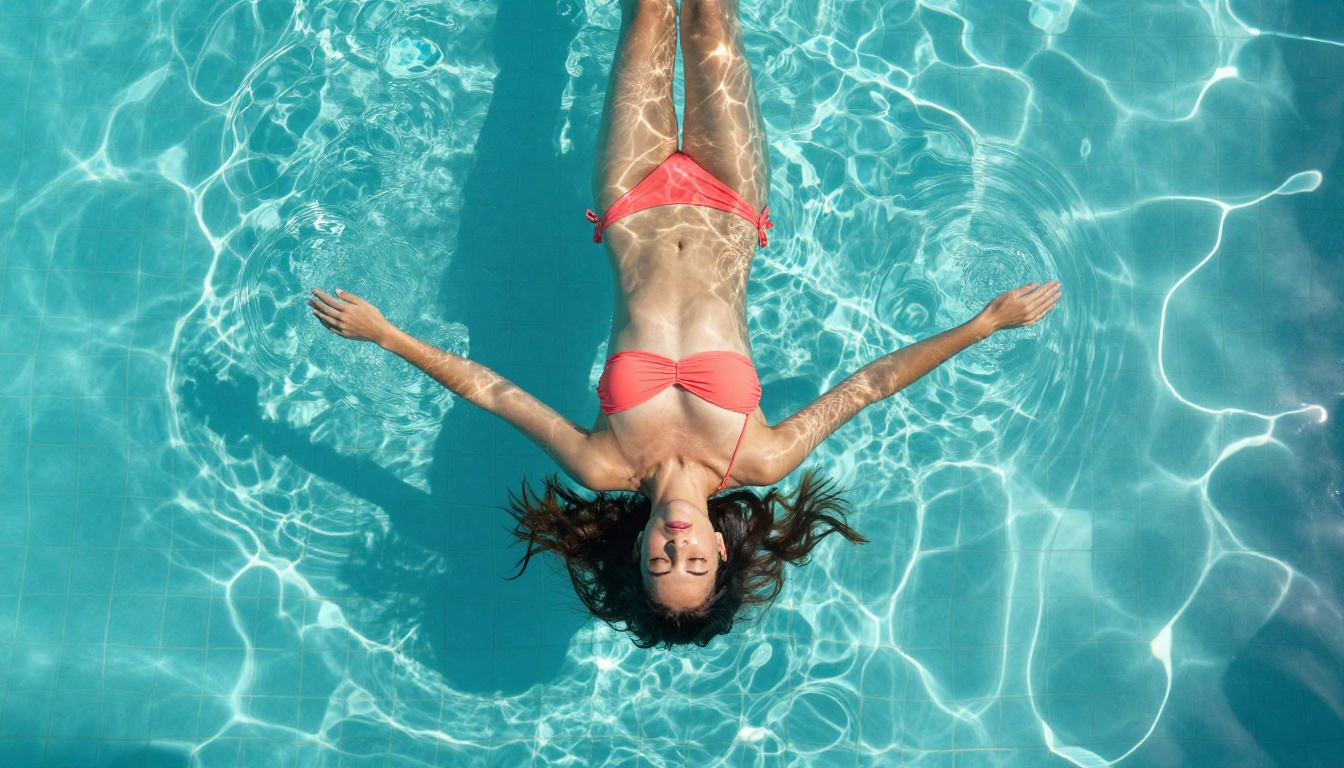
If you want precise control over the character's appearance, starting with an image gives you a huge advantage. Generate a photorealistic reference image first using PicassoIA's text-to-image tools, then feed it into Seedance 2.0 as your starting frame. The model will animate from that exact visual baseline, preserving face structure, skin tone, and outfit details far more reliably than pure text-to-video generation.
This two-step workflow is how professionals consistently produce realistic NSFW video. One precise image, then one precise animation.

Prompt quality is the single biggest variable you control. Even the best model will produce mediocre output from a vague prompt. Here is the exact formula that works for NSFW video across every major model.
The Three Layers Every Prompt Needs
Layer 1: Subject and State
Who is in the frame, what do they look like physically, what are they wearing, and what is their emotional state or energy. Be specific about skin tone, hair, body language, and clothing texture.
Layer 2: Environment and Light
Where is the scene happening, and how is it lit. Natural light beats artificial every time for realism. Specify the time of day, direction of light source, and quality of light (soft vs. hard, warm vs. cool).
Layer 3: Motion and Camera
What is moving, how is it moving, and how is the camera framing it. Is the camera static or does it push in slowly? Is the subject moving toward or away from camera? Is the motion subtle or deliberate?
Example prompt using all three layers:
"A woman with long auburn hair and warm golden skin lying on white sand, wearing a coral bikini, eyes closed, sunlight from directly above at midday creating sharp shadows beneath her chin and collarbones, a light warm breeze moving her hair slowly across her face, camera low angle looking up her body from feet to head, slow push forward over 5 seconds, soft ambient ocean sound"
Words That Immediately Degrade Quality
Certain words train the model toward stylized or unrealistic outputs. Remove these from your NSFW prompts immediately:
- "Render" or "3D" - pushes toward CGI aesthetics
- "Beautiful" or "pretty" alone - too abstract, gets ignored or misinterpreted
- "Anime" or "drawn" - obvious, but shows up in beginners' prompts more than you'd think
- "Hyper" as a prefix - "hyperrealistic" is counterproductively vague
- "Perfect" - the model does not have a definition for this and defaults to generic
Instead of "perfect skin," say "pore-level skin texture, natural blemishes, subtle shadows beneath the eyes."
Negative Prompts You Should Always Use
Not every platform exposes a negative prompt field, but when it is available, use it. For NSFW realism, these negatives consistently improve output quality:
cartoon, illustration, cgi, 3d render, anime, painting, digital artoverexposed, washed out, flat lighting, studio backgrounddeformed hands, extra fingers, blurry face, morphing skintext, watermark, logo, border, frame
💡 Copy-paste ready: cartoon, illustration, cgi, 3d render, anime, overexposed, deformed hands, blurry face, text, watermark, morphing skin
Top Alternative Models Worth Testing

Seedance 2.0 is not the only option for realistic NSFW video. Depending on your specific scene, some of these alternatives may actually outperform it.
Kling v3 for Body Motion
Kling v3 is the best competing model for full-body motion realism. Where Seedance 2.0 excels at close-to-mid shots, Kling v3 handles full-body walking, dancing, and posture transitions with remarkable accuracy. If your NSFW video concept involves significant character movement across space rather than stationary or subtle motion, Kling v3 frequently produces cleaner results.
Kling v3 Motion Control adds a reference motion layer, letting you transfer movement patterns from reference clips onto your generated character. This is powerful for creating specific poses or movement sequences without having to describe motion purely through text.
Wan 2.6 for Scene Consistency
Wan 2.6 T2V and Wan 2.6 I2V are particularly strong at maintaining scene consistency across the entire clip duration. If your scene involves complex backgrounds or specific environments like a beach, hotel room, or pool area, Wan 2.6 tends to hold those environments stable without the background drift that affects some other models.
For image-to-video specifically, Wan 2.6 I2V is one of the most reliable options for intimate NSFW scenes where preserving the character from a reference image is critical.
PixVerse v5.6 for Cinematic Style
PixVerse v5.6 produces the most cinematically graded output of any current model. If you want your NSFW video to feel like it was shot on film, with organic color grading, grain texture, and depth-of-field rendering, PixVerse v5.6 delivers that aesthetic more naturally than competitors. The trade-off is slightly less physical accuracy in secondary motion compared to Seedance 2.0.
Hailuo 2.3 for Speed
Hailuo 2.3 from Minimax is the fastest option for rapid iteration. When you are testing prompt variations to find the right formula before committing to a full generation, running quick tests through Hailuo 2.3 Fast saves significant time. Quality is close to Seedance 2.0 for static-light scenes, making it a strong option when you need volume rather than the absolute ceiling.
5 Realism Mistakes Nobody Mentions

These are not the obvious mistakes. Everyone knows vague prompts are bad. These are the subtle errors that keep your output in the uncanny valley even after you have fixed the basics.
1. Describing the subject's emotion instead of their body language
"She feels seductive" tells the model nothing. "She holds eye contact with the camera, lips slightly parted, shoulders relaxed and dropped" tells it everything. Describe physical expression, not emotional states.
2. Ignoring the background entirely
A character rendered on a white void immediately reads as AI-generated. Even a simple one-sentence background description (blurred hotel room, golden hour beach) grounds the scene and adds enormous realism.
3. Requesting too many things in one prompt
If you want a close-up of a face, do not also describe a full-body pose, complex environment, and dramatic camera movement in the same prompt. Pick one focal point and describe it with maximum detail. Run separate generations for different shots.
4. Using the same seed for every variation
Different seeds produce different interpretations of the same prompt. If your first result is close but not quite right, change the seed before editing the prompt. You may find the prompt was fine and the seed was the issue.
5. Generating at low resolution and trying to upscale
Upscaling AI video introduces artifacts that break the realism of even excellent generations. Generate at the native resolution the model supports and use PicassoIA's AI video enhancement tools only if needed, not as a default step.
Comparing Models Side by Side

Here is a direct comparison of the top models available on PicassoIA for NSFW video realism:
| Model | Skin Realism | Motion Physics | Scene Stability | Native Audio | Best For |
|---|
| Seedance 2.0 | ★★★★★ | ★★★★★ | ★★★★☆ | Yes | All-round realism |
| Kling v3 | ★★★★☆ | ★★★★★ | ★★★★☆ | No | Full-body motion |
| Wan 2.6 I2V | ★★★★☆ | ★★★★☆ | ★★★★★ | No | Scene consistency |
| PixVerse v5.6 | ★★★★☆ | ★★★★☆ | ★★★★☆ | No | Cinematic grade |
| Hailuo 2.3 | ★★★★☆ | ★★★☆☆ | ★★★★☆ | No | Speed and iteration |
| LTX-2.3 Pro | ★★★★☆ | ★★★★☆ | ★★★★☆ | Yes | Audio-driven scenes |
For pure NSFW realism, Seedance 2.0 wins the overall category. But the right model depends on your specific shot. Use this table to match the model to the scene rather than defaulting to one tool for everything.
💡 Workflow tip: Use Seedance 2.0 Fast for rapid iteration and prompt testing, then switch to the standard Seedance 2.0 for final production renders.
Start Creating Your Own Videos Now
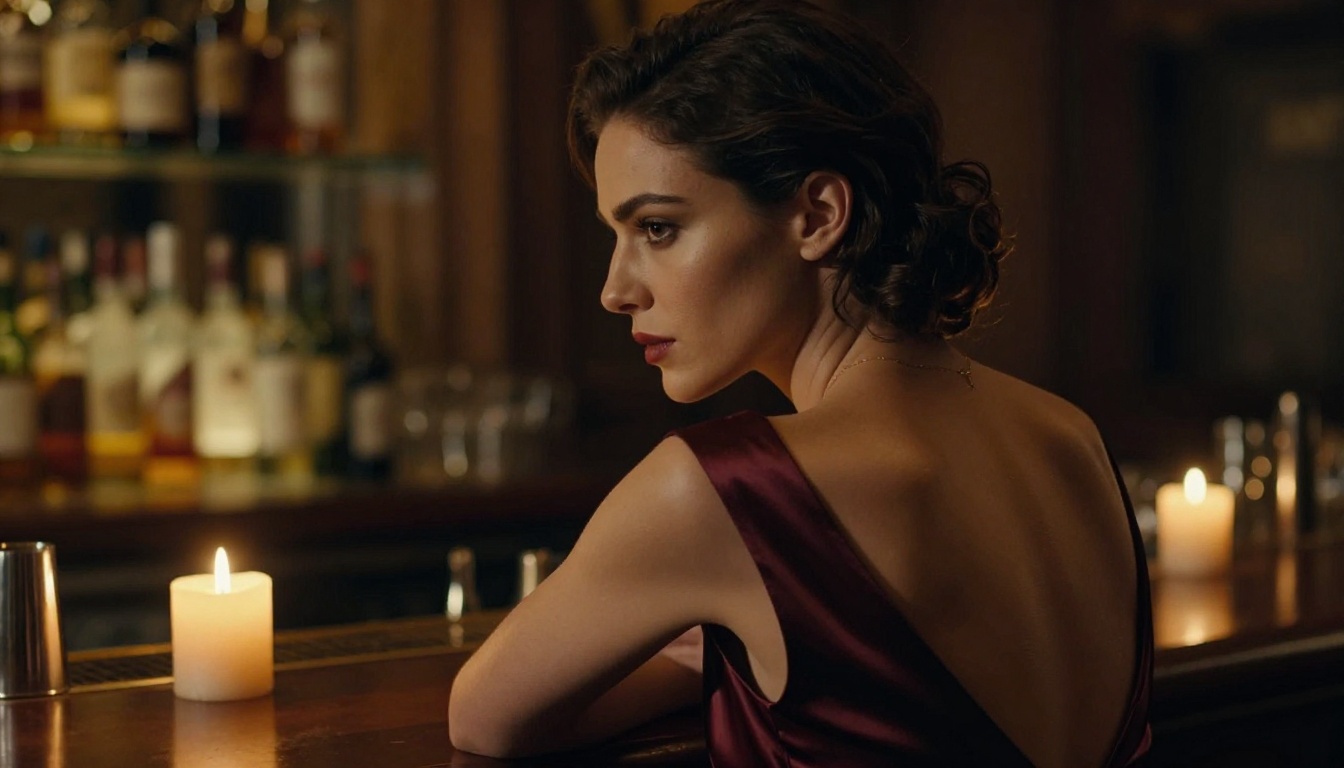
The gap between "obviously AI" and "indistinguishable from real" comes down to three things: model selection, prompt precision, and understanding what realism actually means at a technical level. Seedance 2.0 sets the current standard because it solves all three challenges simultaneously at the model architecture level. Your job is to meet it halfway with well-structured prompts and the right workflow.
Everything covered here is available to try directly on PicassoIA without any technical setup. The platform gives you access to Seedance 2.0, Kling v3, Wan 2.6, PixVerse v5.6, and Hailuo 2.3 all in one place. Start with the three-layer prompt formula, pick your model based on the scene type, and run a few short generations at 5 seconds to calibrate before committing to longer clips.
The realism you have been seeing in those viral Seedance clips is not magic. It is method. Now you have the method.


