Talking avatars used to be something you'd see in a sci-fi movie. Today, you can take a single photo of yourself or anyone else, add an audio clip, and get back a video where that person is speaking, blinking, and moving their mouth in perfect sync with the sound. The technology behind this has matured fast, and the results are often indistinguishable from a real video recording.
If you want to create talking avatar videos without complicated software or any video editing experience, this is exactly the breakdown you need.

What a Talking Avatar Really Is
More than just animation
A talking avatar is not a cartoon character or an illustrated face moving on screen. In the AI context, it refers to a photorealistic video generated from a still image, where the subject in the photo appears to speak, react, and express emotions naturally, driven by an audio input.
The output is a short video clip where a real human face in a photograph comes to life. The mouth moves in sync with the words. The eyes blink. The head subtly shifts. It reads as a real recording to most viewers on first watch.
Why they look so real now
The jump in quality happened because of neural rendering and diffusion-based face animation models. Earlier tools used basic mesh warping, which made mouths look rubbery and unnatural. Modern models trained on millions of hours of video footage have precisely mapped how the muscles around the mouth, jaw, and cheeks move together when a person speaks.
They also account for lighting consistency, making sure the illumination on the generated face matches the lighting in the source photo. This is what stops the result from looking like a pasted-on animation.
The Two Core Technologies
Lipsync AI models
Lipsync models take an existing video or image and synchronize the lip movements to a provided audio track. You give it a face, you give it audio, and it rewrites the mouth region to match the speech.
This is different from full face animation because the model is focused specifically on the oral region: lips, teeth, jaw, and slight cheek movement. The rest of the face and body stays mostly static, or moves minimally. Great for talking head videos, customer testimonials, and social content.
Full face animation models
These models go further. Instead of just syncing lips, they animate the entire face and sometimes the upper body based on a driving signal, which can be another video, an audio clip, or motion control data. The result is a more dynamic, expressive avatar that feels alive beyond just the mouth area.
The tradeoff is that full animation models require more precise input and are sometimes slower to process, but the output looks significantly more human when done well.
4 Models That Actually Work
Not every AI model for talking avatars delivers consistent results. These are the ones that have proven reliable for quality output.
Omni Human by ByteDance
Omni Human is one of the most impressive talking avatar models available. Built by the team at ByteDance, it animates a photo into a full talking video with natural head movements, blinking, and highly accurate lip sync. It handles a wide range of photo types and produces results that hold up even at full resolution.
It works especially well for portrait-style photos where the face is clearly visible and well-lit. The output retains the texture and feel of the original photo rather than plastering a synthetic-looking overlay on top.
Avatar IV by HeyGen
Avatar IV is built specifically for creating talking avatar videos from photos. HeyGen has been one of the leading platforms in AI video avatars, and Avatar IV is their most polished model. It produces smooth, natural-looking speech animations with good expressiveness in the face beyond just the mouth.
It is particularly strong for professional use cases: presentations, explainer videos, and corporate communications where you need a speaker that looks credible and composed.
Kling Avatar v2
Kling Avatar v2 takes a photo and animates the face into a speaking video, with strong attention to natural head motion and body language. The Kling models from Kwaivgi have been known for their cinematic quality, and Avatar v2 brings that same production value to the talking avatar space.
It handles different ethnicities, skin tones, and lighting conditions particularly well, making it versatile for diverse use cases.
Lipsync 2 Pro
Lipsync 2 Pro by Sync is the precision tool in this category. Rather than generating full face animation, it focuses on delivering frame-perfect lip synchronization between any video and any audio. If you already have a video of a person speaking and want to replace the audio with different words, Lipsync 2 Pro handles that cleanly without visible artifacts.
It is also available in a standard version: Lipsync 2, which works well for most use cases at a lower processing cost.
How to Use Omni Human on PicassoIA
PicassoIA gives you direct access to Omni Human without any API setup or technical configuration. Here is the exact process from start to finish.
Step 1: Prepare your photo
Choose a clear, front-facing portrait photo. The face should be well-lit, with no heavy shadows across the mouth or eyes. JPG or PNG formats both work. The higher the resolution, the better the output.
Step 2: Prepare your audio
Record or export your audio as an MP3 or WAV file. Speak clearly with minimal background noise. The model works best with audio that has clean silence between words rather than continuous ambient noise.
Step 3: Open the model on PicassoIA
Go to Omni Human on PicassoIA. You will see the upload interface directly in your browser.
Step 4: Upload your inputs
Upload your portrait photo in the image field and your audio file in the audio field. No additional configuration is required for basic use.
Step 5: Generate and download
Click generate. Processing typically takes between 30 seconds and 2 minutes depending on audio length. Once complete, preview the video directly in the browser and download it in MP4 format.
💡 Tip: If the lip sync looks slightly off, try trimming any long silent gaps at the beginning of your audio file before uploading. Omni Human performs more accurately when the speech starts within the first second.
Getting Sharp Results Every Time
What makes a good input photo
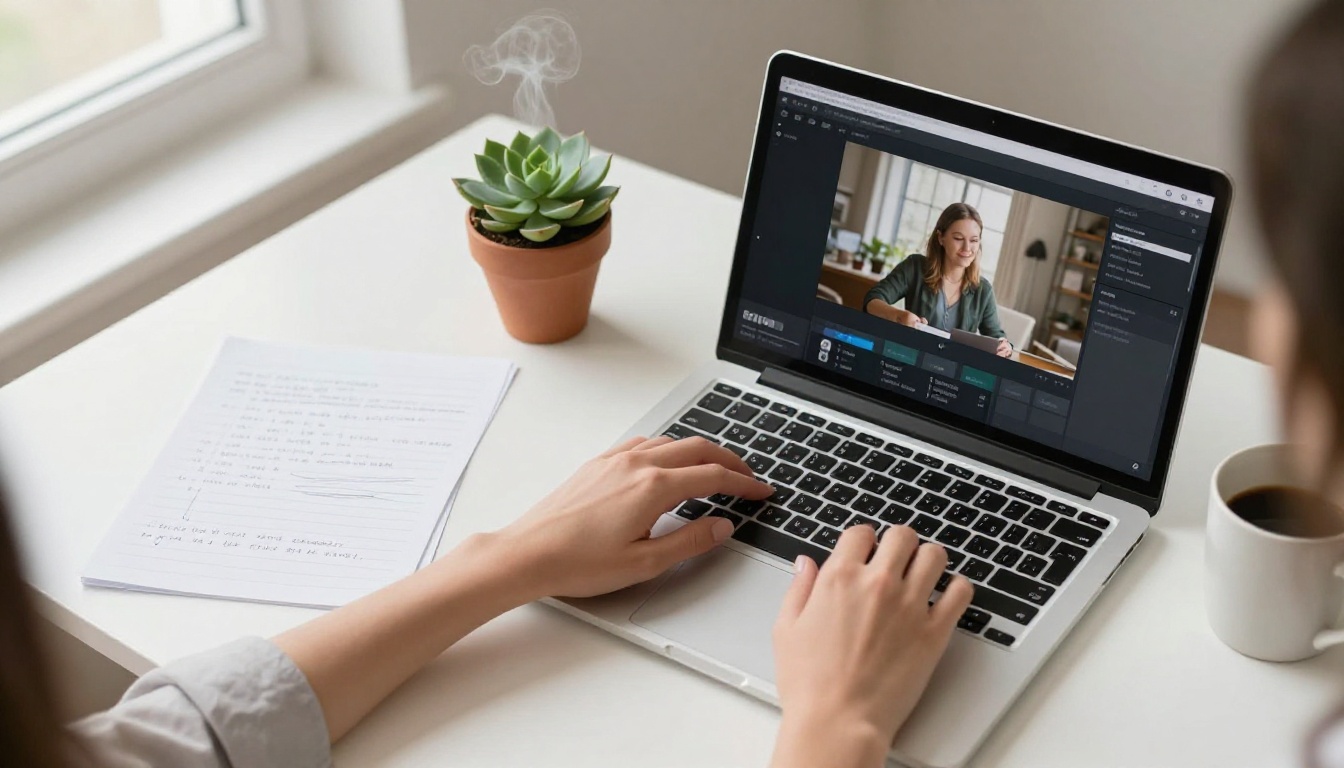
The quality of your output depends heavily on the quality of your input. Here is what to look for in a source photo:
| Factor | What to Do |
|---|
| Face angle | Front-facing, slight turn acceptable |
| Lighting | Even, no harsh shadows on mouth |
| Resolution | Minimum 512x512px, higher is better |
| Expression | Neutral or slight smile, mouth closed |
| Background | Simple or blurred preferred |
| Occlusion | No hair, hands, or objects covering the mouth |
A clean portrait photo from a well-lit indoor environment almost always produces better results than a candid outdoor shot with complex lighting.
Audio quality matters more than you think
The audio you feed the model is the driving signal for the entire lip animation. Poor audio leads to poor lip sync. A few things that make a significant difference:
- No background music: Music frequency overlaps with voice and confuses the model's speech detection
- Consistent volume: Avoid whispering followed by loud sections, keep your delivery even
- Clear consonants: Hard sounds like P, B, M, and F are the ones most visible in lip movement. Articulate them clearly
- Sample rate: 44.1kHz or 48kHz WAV files produce more accurate results than compressed MP3
💡 Tip: If you do not have an audio recording, you can generate one using a Text to Speech model on PicassoIA. Type your script, generate a natural-sounding voice, and feed that directly into the lipsync model. The combination produces fully AI-generated talking avatars with zero recording required.
Text to Speech for your audio
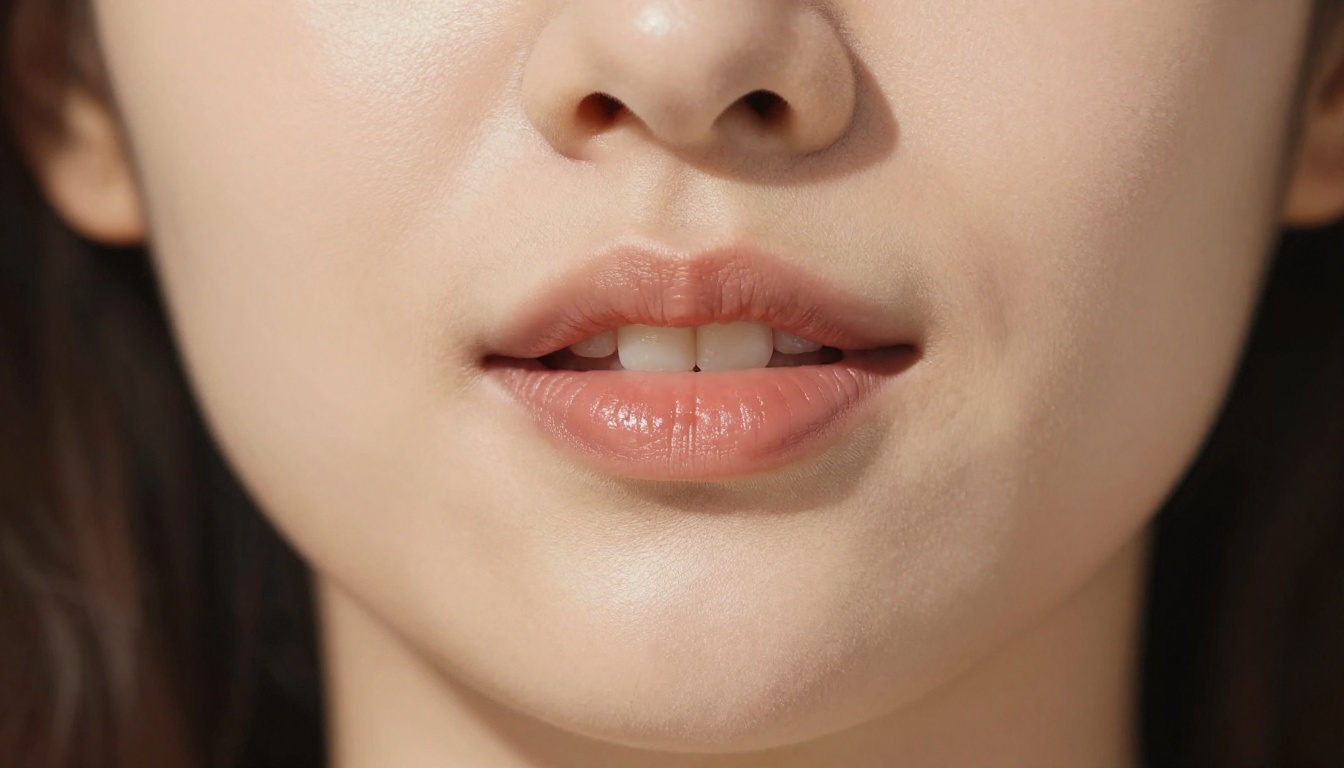
You do not need a microphone to make a talking avatar. PicassoIA's Text to Speech models let you type a script and export natural-sounding voice audio instantly. The voice clips generated are clean, properly formatted audio files that feed directly into any lipsync model.
This workflow is fully automated: write script, generate voice, upload photo, generate avatar. Four steps from text to a finished talking video.
AI image generation for avatar faces
If you want to create an entirely fictional avatar rather than animating a real person's photo, you can use one of PicassoIA's text to image models to generate a photorealistic portrait first, then animate it.
This is a popular approach for creating:
- Brand mascots: A consistent face for your content that is not a real person
- Fictional speakers: Characters for educational or narrative content
- Diverse representation: Generate faces across different ethnicities, ages, and styles
Because PicassoIA's image models output photorealistic faces at high resolution, they work as direct inputs into the lipsync and avatar animation models without any post-processing needed.

Who Uses Talking Avatars
Talking avatar technology has moved well past novelty. Here are the real-world use cases where it is making the most impact right now.
| Industry | Use Case |
|---|
| Marketing | Product explainer videos with a spokesperson |
| E-learning | Instructor avatars for online courses |
| Social Media | Talking content without on-camera recording |
| Customer Service | AI avatar for FAQ and support videos |
| Language Learning | Multilingual avatars from one photo |
| HR & Training | Internal training videos at scale |
| Entertainment | Character narration and storytelling |
The most common reason people start using talking avatars is simple: they want to create video content but are not comfortable on camera. A talking avatar solves that completely. You write the script, generate the voice, pick a face, and the video creates itself.
Other users are already on camera but want to scale content production without recording every video. A talking avatar built from their own photo means they can publish daily videos without sitting in front of a camera daily.
Also Worth Knowing: Other Lipsync Options
Beyond Omni Human, PicassoIA has several other lipsync models worth knowing about depending on your specific need.
Fabric 1.0 by VEED is built for making photos talk, with a strong emphasis on short-form video content. It works quickly and produces results that are well-suited for social media clips.
Kling Lip Sync from Kwaivgi syncs mouth movements to any audio in existing videos, making it useful when you already have video footage but want to change what is being said.
React 1 by Sync adds realistic lipsync to any video and includes subtle facial micro-expressions that react to the emotional tone of the audio, which is one of the most impressive capabilities in this space.
Pixverse Lipsync is a fast option for quick lipsync tasks where speed matters more than fine detail, making it a good choice for bulk content production.
💡 Tip: For the most natural-looking results, match the speaking style of your audio to the expression in your source photo. A neutral expression in the photo works with any audio tone. An already-smiling photo can look slightly unnatural when paired with serious or flat delivery.
Try It Yourself on PicassoIA
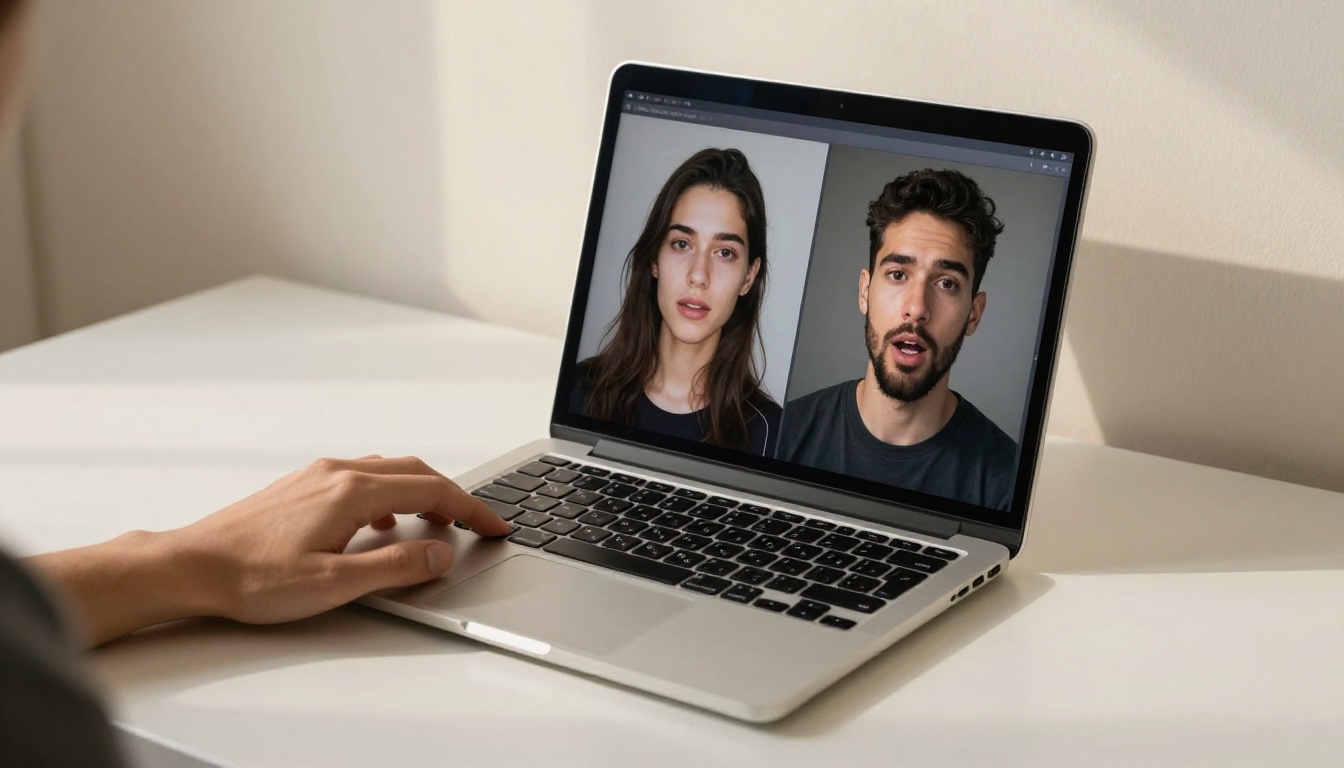
The best way to see what talking avatars can do is to build one. Pick a photo, write a short script, generate audio from it using a text to speech model, and run it through Omni Human or Avatar IV.
The first time you see a still photo talking back to you in your own voice, it clicks. The technology that used to require a team of animators and weeks of work now takes a few minutes and a browser tab.
PicassoIA has all of the tools you need in one place: face generation, voice generation, lipsync, and avatar animation. You do not need to stitch together five different platforms or manage API keys.
Start with one photo. One script. One click. The talking avatar does the rest.


