TikTok has a short attention span problem, and Veo 3.1 is one of the few AI video models that actually solves it. Google's flagship text-to-video model produces 1080p clips with native synchronized audio, cinematic motion, and enough photorealistic detail to stop a thumb mid-scroll. If you've been wondering how to make TikTok videos with Veo 3.1, the process is more straightforward than you think, and the results are genuinely competitive with professionally shot footage.
What Veo 3.1 Actually Does
Veo 3.1 is Google DeepMind's most capable text-to-video model as of mid-2025. It generates videos at 1080p resolution with native synchronized audio embedded directly into the output. That means you're not stitching together silent clips and adding music afterward. The model interprets ambient sounds, dialogue cues, and environmental audio from your prompt and synthesizes them into the video itself.
For TikTok specifically, this is a significant shift. The platform rewards content that feels immediate and real. Videos with off-sync or low-quality audio get buried in the algorithm. Veo 3.1's native audio gives AI-generated content the same polished feel as professionally shot footage, without any post-production audio work.
Native Audio in Every Video
The audio generation in Veo 3.1 is not an afterthought. Write a prompt describing ocean waves and the model outputs the sound of water, foam hitting sand, and the ambient breeze. Describe a busy coffee shop morning rush and you'll hear cups clinking, background chatter, and an espresso machine hissing. This happens automatically from the text prompt alone.
For TikTok creators, it cuts post-production time dramatically. You're not searching for royalty-free tracks or manually syncing sound effects. The output is ready to upload in minutes.
💡 Pro tip: Include specific audio cues in your prompt. Instead of "a woman walking on a city street," write "a woman in heels clicking on wet cobblestone at dusk, distant traffic hum, light rain." The model responds to sonic detail just as strongly as visual description.
1080p Output for TikTok
TikTok's recommendation algorithm favors high-resolution uploads. Blurry or low-bitrate videos don't perform well regardless of content quality. Veo 3.1 outputs at 1080p natively, which means your content uploads clean, plays crisp on all device sizes, and retains quality after TikTok's re-compression pipeline.
The faster variant, Veo 3.1 Fast, also outputs at 1080p with reduced generation time. If you're producing content at volume, the speed difference matters considerably. Veo 3.1 Lite operates at a lighter compute profile with native audio still included, making it the most accessible entry point in the Veo 3.1 family.
Prompts That Work for TikTok
Prompt writing is where most people go wrong with AI video. They write scene descriptions when they should be writing motion descriptions. Veo 3.1 responds to action, camera movement, and time-based events, not static compositions.

What Goes Into a Strong Prompt
Think chronologically. Describe what happens from second one to second five of your clip:
- Who or what is in the shot (subject, appearance, clothing, expression)
- What the subject is doing (the motion, not just the pose)
- Where the camera is (low angle, extreme close-up, slow dolly-in, gentle pan left)
- What the audio environment sounds like (ambient noise, specific sounds, music or silence)
Weak prompt: "A woman in a café drinking coffee."
Strong prompt: "A woman in her 30s sits alone at a marble café table, lifting a cappuccino slowly with both hands. Camera dollies gently toward her face over 4 seconds. Morning sunlight cuts through the window onto the table surface. Background murmur of other customers, a spoon clinking against ceramic, soft piano playing from a corner speaker."
The difference in output quality between these two prompts is substantial.
9:16 Vertical Format for TikTok
TikTok is a vertical-first platform. Every Veo 3.1 video you intend to post needs to be in 9:16 aspect ratio. When generating through PicassoIA, set the aspect ratio to 9:16 before generating. Posting a 16:9 landscape video will get letterboxed by TikTok, which looks unprofessional and tanks retention rates.
💡 Tip: Specify "vertical video, portrait orientation, phone-screen framing" in your prompt. This signals to the model that the composition should respect vertical safe zones and keep subjects centered in the frame throughout the clip.
Hook in the First 3 Seconds
TikTok's algorithm evaluates watch time aggressively. If viewers swipe away in the first two seconds, the algorithm stops distributing your video entirely. Your first frame needs to earn attention before anything else.
In your Veo 3.1 prompt, describe a compelling opening moment with action already happening:
- A dramatic close-up that cuts to a wider reveal
- Motion already in progress from frame one (not a static establishing shot)
- An unexpected or visually arresting element in the opening second
"Opens with an extreme close-up of a knife slicing through a perfectly ripe mango, juice spraying in slow motion, then pulls back to reveal a colorful beach picnic spread" works far better than "a woman having a picnic on the beach."
How to Use Veo 3.1 on PicassoIA
PicassoIA gives you direct access to Veo 3.1 without needing API credentials, waitlists, or technical configuration. The workflow is three steps.
Step 1: Write Your Prompt
Go to the Veo 3.1 model page on PicassoIA. The text input field accepts detailed prompts up to several hundred characters. Write your full cinematic description including:
- Subject and motion sequence
- Camera angle and movement type
- Audio environment details
- Lighting conditions and color temperature
Don't hold back on specificity. Veo 3.1 is built to process rich contextual descriptions, and the extra detail consistently produces significantly better output.
Step 2: Set Aspect Ratio and Resolution
Before generating:
- Set aspect ratio to 9:16 for TikTok vertical format
- Resolution defaults to 1080p (leave this as-is)
- Audio generation is enabled by default
If you're generating content for YouTube Shorts or Instagram Reels, the same 9:16 setting applies. For standard YouTube uploads, switch to 16:9 instead.
Step 3: Download and Post
Once generated, download the MP4 directly from PicassoIA. The file includes the synchronized audio track embedded in the video file. Upload to TikTok's draft editor, add your captions and hashtags, and post. No additional editing software is required unless you want to add text overlays or transitions using TikTok's native editor.
💡 Speed workflow: Generate 5-10 variations of the same concept in a single session, download all files, then batch-schedule them across a week. Consistent posting volume beats sporadic high-effort output when it comes to TikTok's distribution algorithm.
Veo 3.1 vs Other AI Video Models
There are now well over 100 text-to-video models available. Knowing when to use Veo 3.1 versus the alternatives saves both time and generation credits.
Quick Comparison
| Model | Resolution | Native Audio | Best For |
|---|
| Veo 3.1 | 1080p | Yes | Cinematic TikTok, narrative content |
| Veo 3.1 Fast | 1080p | Yes | High-volume content production |
| Seedance 2.0 | 1080p | Yes | Fast output, social-ready clips |
| Kling v2.6 | Cinematic | No | Visual quality, voiceover-first content |
| Sora 2 | HD | No | Long-form narrative video |
| Pixverse v6 | 1080p | Yes | Effects-heavy, stylized content |
Veo 3.1 vs Seedance 2.0
Seedance 2.0 from ByteDance is one of the strongest alternatives to Veo 3.1 for social media content. It produces fast, high-quality clips with audio and a slightly more vibrant, commercially polished visual style. Veo 3.1 tends toward more cinematic realism. For lifestyle and beauty TikTok content, either performs well. For documentary-style or narrative-driven videos, Veo 3.1 is the stronger choice.
Veo 3.1 vs Kling v2.6
Kling v2.6 delivers exceptional visual quality but does not include native audio. If you're creating content where you'll add your own voiceover, a music track, or custom sound design in post-production, Kling v2.6's visual fidelity is worth considering. For content that needs to be ready-to-post directly from generation without audio work, Veo 3.1 wins on convenience alone.
Veo 3.1 vs Sora 2
Sora 2 produces longer, more complex cinematic sequences and is excellent for high-budget creative projects. It's slower and heavier for the quick-turn social media content TikTok demands. Veo 3.1 is faster, includes audio, and is purpose-built for shorter-form output that maps naturally to TikTok's preferred clip lengths.
Different TikTok content categories need different prompt strategies. Here's how to adapt Veo 3.1 prompts for the highest-performing formats on the platform.

Lifestyle and Beauty Videos
This category dominates TikTok and responds to sensory-rich, intimate prompts. The winning formula: a relatable subject in an aspirational setting doing something satisfying or visually beautiful.
Sample prompt: "A woman in her late twenties with wavy hair sits by an open window in a bright apartment, applying tinted moisturizer with her fingertips in slow circular motions. Morning light from the left. Camera sits at eye level, slow push in over 5 seconds. Birds outside, distant street sounds, no music."
Focus on texture, light, and intimacy. Close-ups of skin, hands, products, and expressions generate the highest watch time in this category.
Food and Travel Videos
Both categories rely on sensory immediacy. Your prompts need to make the viewer feel physically present in the scene.
Food sample: "Overhead shot of a wooden board with sliced sourdough bread being spread with golden honey from a dripping spoon. The honey thread stretches and pools slowly. Warm natural kitchen light. Visible wood grain texture. Sound of the spoon tapping the jar edge, a faint sizzle in the background."
Travel sample: "A woman in a wide-brimmed hat steps off a narrow cobblestone street into a sun-bright piazza in southern Italy. She turns to face the camera, shielding her eyes, smiling wide. Ambient piazza sounds: fountain water, distant scooter passing, children laughing somewhere off-frame."
Trending TikTok Formats
Three formats consistently rank well with AI-generated content:
- POV videos: Write from a first-person camera perspective. "POV: You're sitting in the back of a vintage convertible on a rural Italian road. Cypress trees pass on both sides. Warm golden hour light hits the road ahead. Wind noise, engine hum, soft radio music."
- Slow reveal clips: Start tightly framed on one element, pull back to reveal the full scene in the last two seconds. Describe this explicitly in the prompt as a camera motion.
- Day-in-the-life clips: Short slices of daily routine, each one a separate Veo 3.1 generation. String 5-7 clips together in TikTok's editor for a cohesive multi-scene video.
Common Mistakes to Avoid
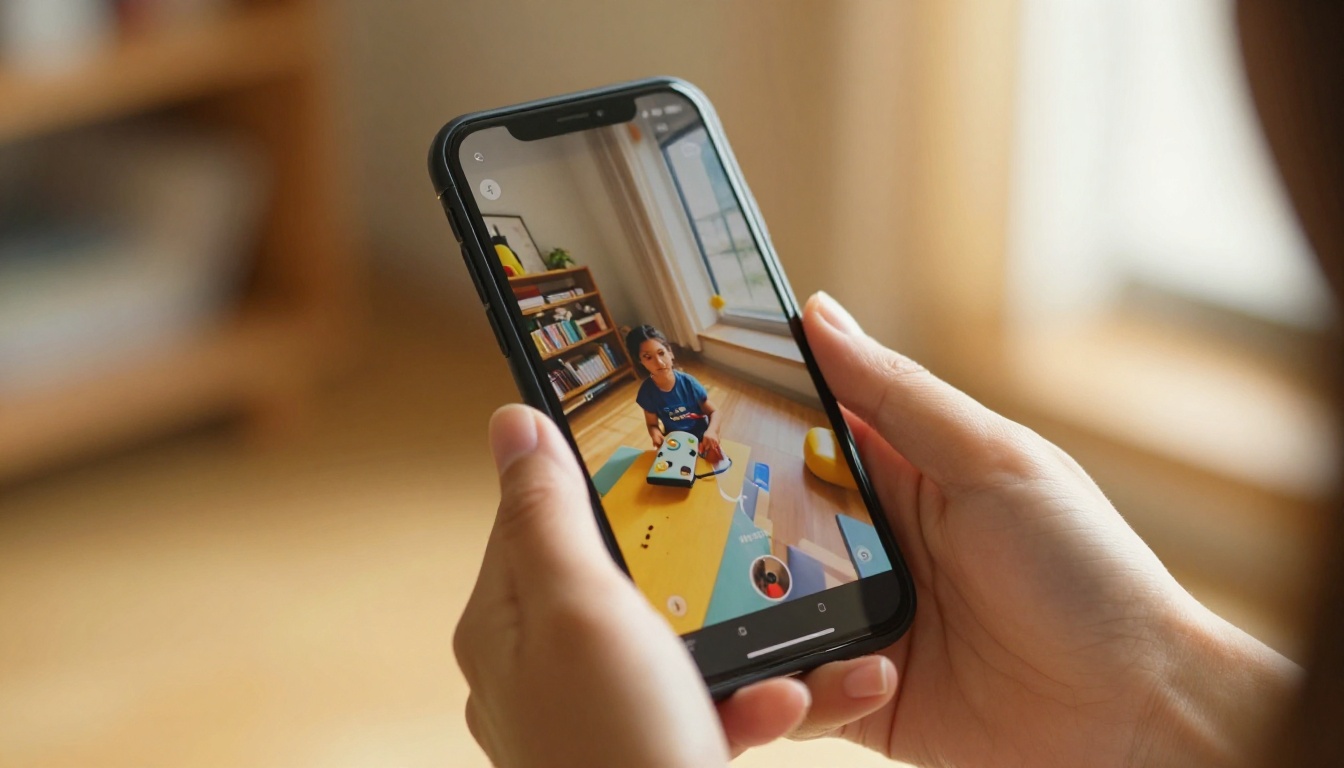
Most failed AI video attempts for TikTok share the same recurring errors. Avoiding them puts your output above the majority of what's currently being posted.
Vague Prompts Kill Quality
The single biggest mistake is under-specifying the prompt. "A sunset on the beach" gives the model almost nothing to work with. The output will be generic and unmemorable. "A wide low-angle shot across wet sand at dusk, the orange horizon reflecting in shallow water, a lone silhouette walking away from camera toward the light, distant wave sounds, wind" gives the model a precise visual and audio brief.
Every element you leave undefined, the model fills in randomly. Specificity is your primary form of creative control.
Wrong Aspect Ratio Problems
Generating in 16:9 and trying to crop to 9:16 post-generation loses significant visual information and degrades output quality. Always set the correct aspect ratio at generation time. There is no lossless way to convert a landscape video to portrait after the fact without cropping out important content.
Ignoring Audio Cues
Creators who don't describe the audio environment in their prompt get generic ambient noise that may not match the visual scene. A beach scene without explicit audio description might output road noise. A kitchen scene might get inconsistent or mismatched sound effects. Spend as much prompt effort on sound description as on visuals.
Posting Without Checking the First Frame
Veo 3.1 doesn't always open on the most compelling moment. Watch the full clip before posting. TikTok displays the first frame as the thumbnail in feeds and on your profile. If the opening shot is dark, blurry, or low-energy, regenerate with adjusted prompt timing or use TikTok's thumbnail selector to choose a better frame.
More AI Video Models Worth Using
Veo 3.1 is the flagship choice for TikTok content, but PicassoIA's library of over 100 text-to-video models gives you precise options for every specific content need.
When to Use LTX 2.3 Pro
LTX 2.3 Pro generates 4K video output from text. If you're creating content that will be repurposed for YouTube or displayed on large screens beyond TikTok, the 4K output gives you more flexibility for cropping, color grading, and reframing without quality loss. It's also faster than expected for a model operating at that resolution.
Pixverse v6 for Effects
Pixverse v6 includes native audio and excels at stylized, effects-heavy content. Think dramatic weather events, product reveals with high-energy visual effects, or stylized color-graded scenes. For TikTok content that relies on spectacle and visual drama over naturalism, Pixverse v6 is a better fit than Veo 3.1's cinematic realism.
Wan 2.7 for High Volume
Wan 2.7 T2V outputs at 1080p and is designed for high-throughput generation. When you need many videos quickly at consistent quality and native audio is not a hard requirement, Wan 2.7 handles volume generation efficiently without long queue times.
Hailuo 02 for Speed
Hailuo 02 by MiniMax generates 1080p AI video with audio at fast generation speed. For creators who need daily content and can't wait on slower model queues, Hailuo 02 provides solid output quality without extended wait times.
PicassoIA Video for Free Testing
The PicassoIA Video model offers unlimited free text-to-video generation. It's the fastest way to test prompts, iterate on ideas, and understand what visual concepts work before committing credits to Veo 3.1 runs. Use it for concept drafts and rapid iteration.
AI-Powered Editing After Generation
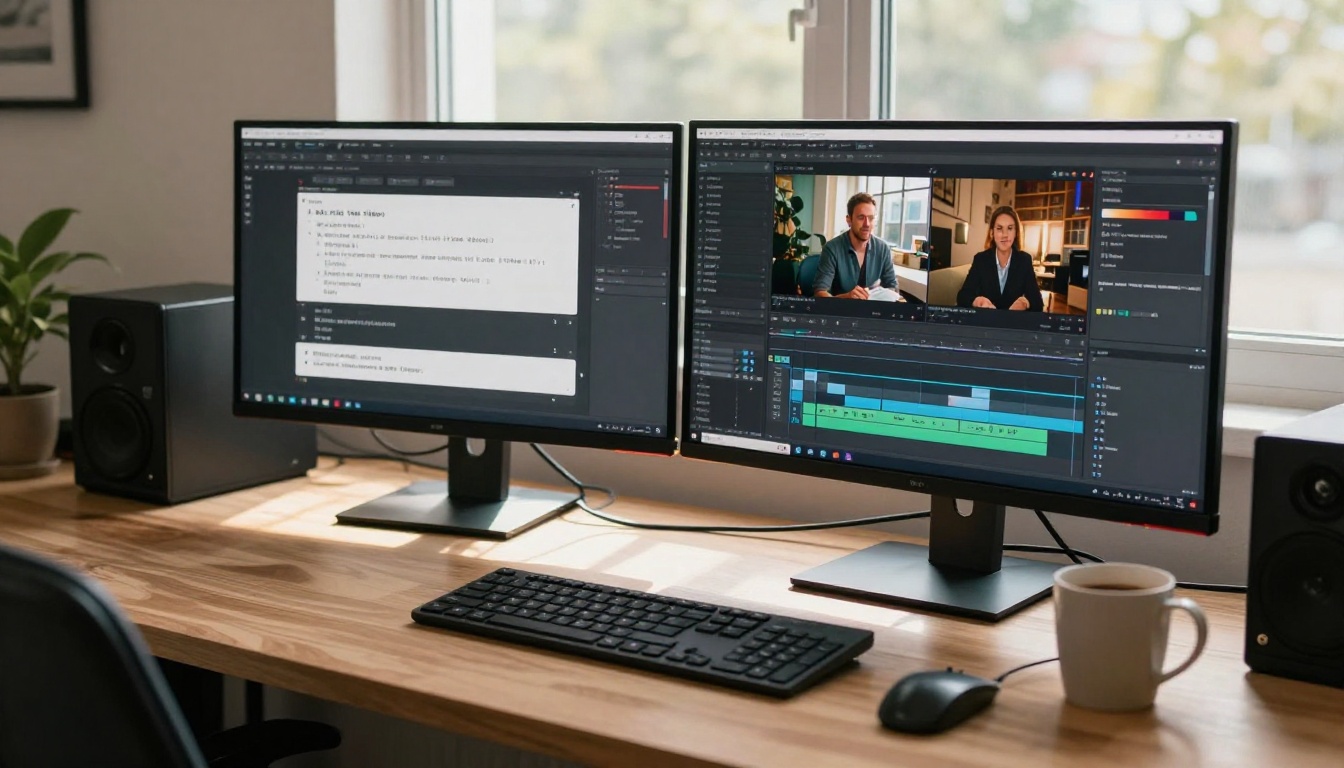
Generating the clip is step one. PicassoIA's video editing and quality tools let you push the output further without leaving the platform or opening separate editing software.
Video Quality Tools: After generating with Veo 3.1, run the clip through PicassoIA's AI video quality tools to upscale, stabilize, or restore clarity if needed. Useful when a clip has minor motion blur or compression artifacts from the generation process.
Effects Library: PicassoIA includes 500+ video effects. Apply color grades, atmospheric overlays, or motion transitions to Veo 3.1 output to differentiate your content visually from other AI-generated videos on the platform.
Lipsync: If you want to add a speaking character to your TikTok, generate a portrait video with Veo 3.1, record or synthesize your audio script, and run it through PicassoIA's lipsync tool to sync the character's mouth movements to any audio track realistically.
Try It Right Now
The barrier to producing AI-generated TikTok content with Veo 3.1 is lower than it has ever been. You don't need a camera, a crew, editing software, location scouting, or stock footage licenses.

What you need is a clear prompt and an understanding of what makes TikTok content hold attention. Specificity in your description, 9:16 aspect ratio set from the start, a compelling opening motion, and rich audio cues are the four variables that determine your output quality more than anything else.
PicassoIA puts Veo 3.1, Veo 3.1 Fast, Veo 3, Veo 3 Fast, and over 100 other text-to-video models in one place, accessible without any technical configuration. Write a prompt, set your aspect ratio to 9:16, and your first AI TikTok video is minutes away.
The fastest way to figure out what works for your specific niche is to generate 10 videos this week. Not one, not three. Ten. The volume teaches you which prompt structures produce results and which concepts resonate with your audience. Start at picassoia.com/en/all-models and pick the model that fits your first concept best.


