Most AI portrait tools are built to say no. You type a prompt, hit generate, and get a content policy error instead of an image. This wastes time and kills creative flow. If you want uncensored AI portraits fast, the answer is choosing the right platform with the right models — ones that skip the content filtering entirely and return results in seconds.
Why Mainstream AI Tools Block Your Portraits
The Filter Problem
Most commercial AI image generators route every prompt through a content moderation layer before generation begins. Words like "bikini," "intimate," "bare shoulder," or even "form-fitting dress" can trigger a refusal, depending on the platform's sensitivity settings. These systems are built for corporate use cases, and that caution actively works against creators in glamour, fashion, artistic nudity, or adult content categories.
The result is a frustrating loop: you spend more time rewriting prompts to avoid filters than you spend actually creating. And even when a prompt slips through, output is often softened, cropped, or deliberately degraded compared to what you described.
Common blocking patterns across mainstream platforms:
- Automatic refusal of common fashion and swimwear terms
- Output quality reduction when NSFW content is detected but not fully blocked
- Account flagging after repeated borderline requests
- No way to adjust or disable filters regardless of your use case
Why Speed Matters for Portrait Work
Iteration is everything when generating portraits. Finding the right lighting, expression, pose, and composition usually takes 20-30 variations before you land on the image you actually want. If every generation takes 30-60 seconds and half of them are blocked, your creative session grinds to a halt quickly.
Fast models that also skip content filtering are rare. That specific combination — speed plus creative freedom — is what separates a professional-grade uncensored AI tool from a frustrating workaround.
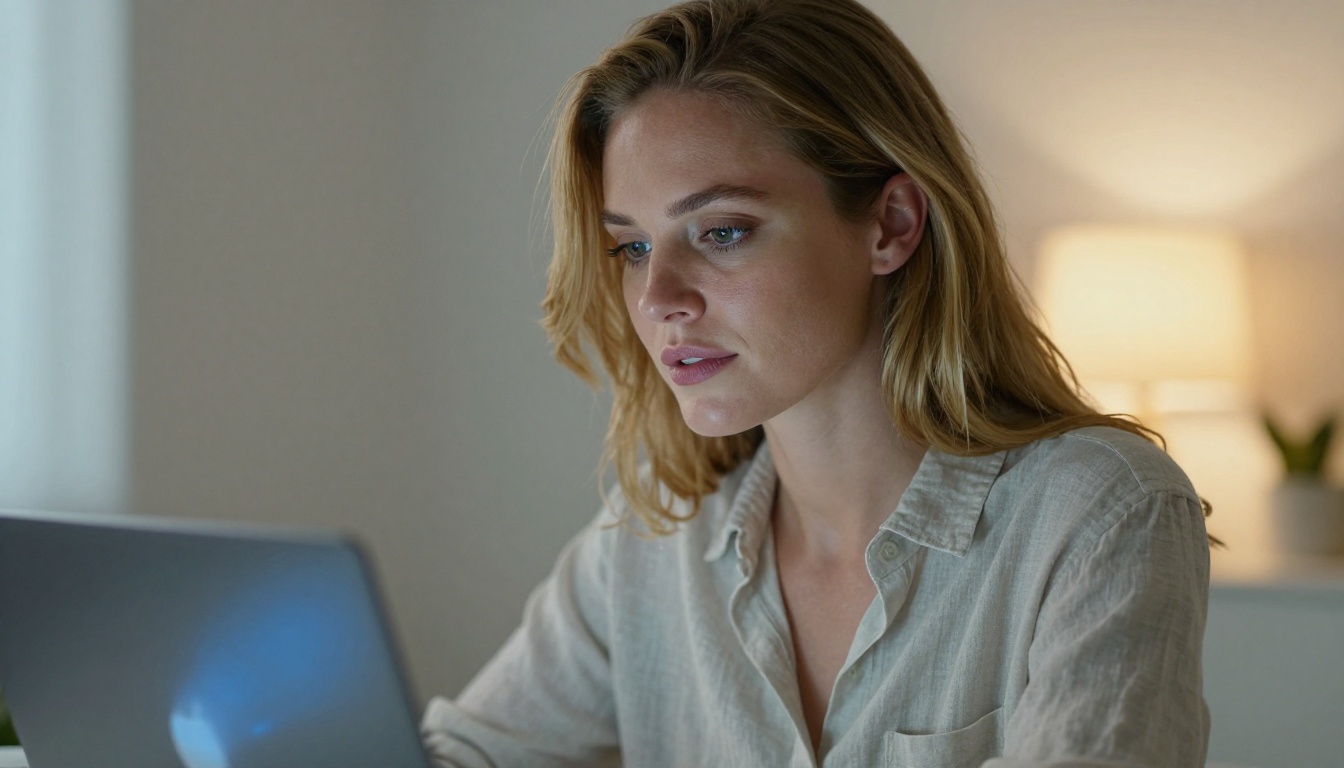
The Best Models for Uncensored AI Portraits
PicassoIA brings together over 90 text-to-image models in one platform. Among them, several accept adult content and generate at speeds that make rapid iteration genuinely viable. Here is the full breakdown, ordered by overall performance for portrait work.
1. Seedream 4.5: The Top Pick
Seedream 4.5 is the strongest all-around choice for uncensored AI portrait creation. It accepts NSFW prompts without content filtering, supports both text-to-image and image editing workflows, and generates results in under 3 seconds. The realism output consistently reads as photography rather than AI art.
For portrait work specifically, Seedream 4.5 excels at:
- Skin texture rendering: pores, natural blemishes, and skin tone variation appear organically
- Lighting response: it responds accurately to specific lighting instructions like "rim light from the left at 45 degrees" or "overcast diffused light"
- Expression accuracy: subtle emotional cues in the face translate reliably from prompt to output
- Clothing and fabric detail: silk, cotton, velvet, and lace render with believable texture and drape
💡 Important: Seedream 5 Lite, the newer model from the same developer, does not support NSFW content. For uncensored portrait work, always use Seedream 4.5 specifically.
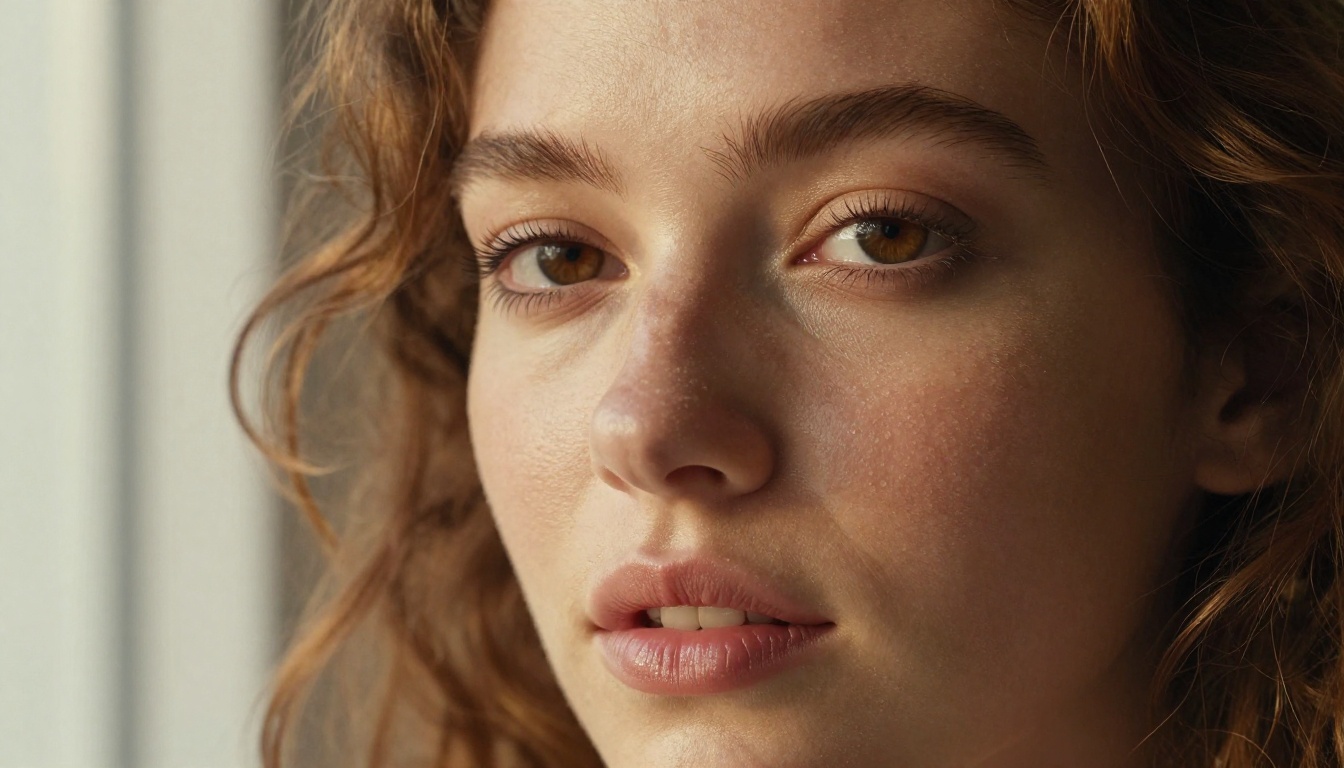
2. PicassoIA Image Editor Pro: Unlimited Output
PicassoIA Image Editor Pro is the second choice, and for high-volume creators it may be the most valuable model on the platform. This is an image-to-image (img2img) model: you supply a source image and direct its transformation through a prompt.
The defining advantage is unlimited generations on Elite and Infinite plans. To put that in concrete terms: generating 1,000 images on models like Nano Banana 2 costs roughly $100. On PicassoIA Image Editor Pro, those same 1,000 generations cost nothing extra — they are included in your subscription. Results return in under one second and accept NSFW content without restriction. A free trial of 3 generations is available with no credit card required.
Best use cases for Image Editor Pro:
- Transforming reference photos into styled AI portraits
- Iterating on poses and outfits without regenerating from scratch
- Batch generating variations of a single composition at scale
- Converting existing portrait photos to different clothing, lighting, or backgrounds
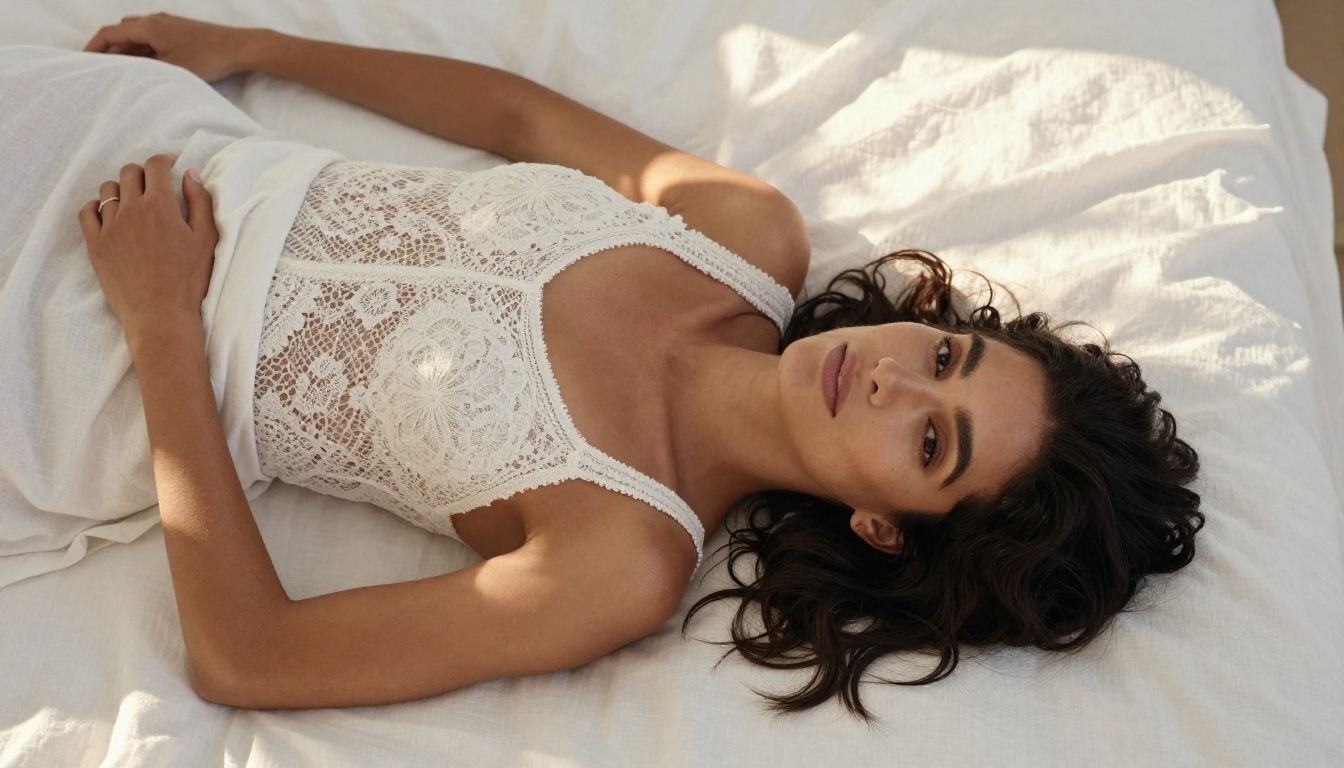
3. Qwen Image 2: Open Source Realism
Qwen Image 2 is an open-source text-to-image and image editing model that handles uncensored content effectively. Being open source means it operates without the proprietary safety layers that commercial models impose. The realism output is detailed, and it handles complex scene descriptions with environmental context and multiple elements well.
4. Grok Imagine Image: One-Click Style Conversions
Grok Imagine Image is built for image-to-image transformations. It is particularly effective at converting portrait photos into alternative outfits, including swimwear, in a realistic and seamless way. If you work with reference photography and need fast outfit or styling swaps, this is the most direct tool available for that specific workflow.
5. Recraft V4: Text-to-Image Realism
Recraft V4 is text-to-image only, but produces highly realistic output. For pure prompt-to-portrait generation without a reference image, it is a strong option in the uncensored category and handles detailed prompt descriptions with precision.
6. P-Image: Sub-Second Speed
P-Image (PrunaAI) generates results in under one second. It is the fastest model on the platform and fully supports NSFW text-to-image generation. If speed is the absolute priority above all else, P-Image is the answer. Output quality is solid for rapid iteration, though Seedream 4.5 and Recraft V4 produce more refined final results when quality is the priority.
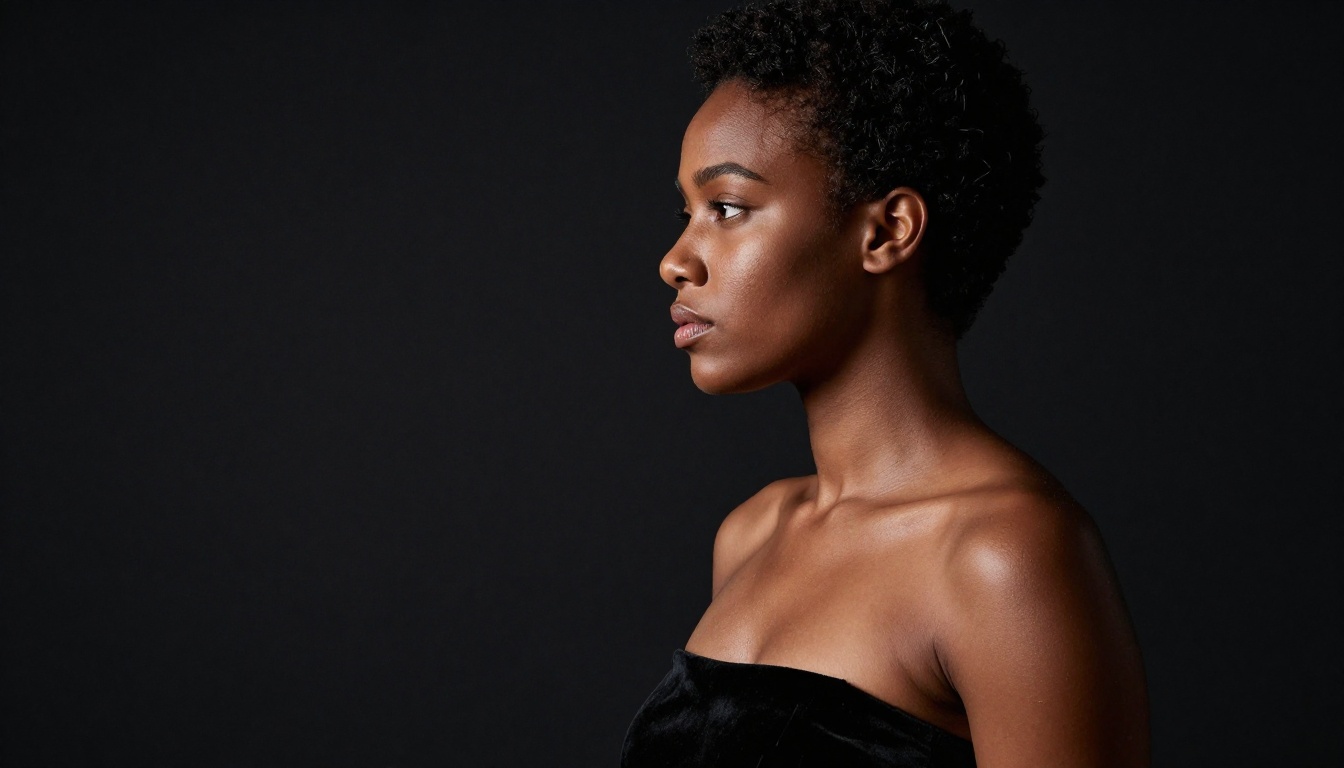
7. Wan 2.2 Image: Detailed Scene Portraits
Wan 2.2 Image (PrunaAI) generates highly realistic portraits from detailed text descriptions without content filtering. It handles complex, scene-rich prompts particularly well — when you are describing a full environment around the subject with specific atmospheric details, this model interprets those descriptions accurately.
Model Comparison at a Glance
| Model | Speed | NSFW | Type | Best For |
|---|
| Seedream 4.5 | Under 3s | Yes | Text + Edit | All-around uncensored portrait work |
| Image Editor Pro | Under 1s | Yes | Image-to-Image | Unlimited volume, reference transformations |
| Qwen Image 2 | Fast | Yes | Text + Edit | Open source, detailed scene accuracy |
| Grok Imagine Image | Fast | Yes | Image-to-Image | Outfit and style conversions |
| Recraft V4 | Medium | Yes | Text-to-Image | High-realism from text prompts |
| P-Image | Under 1s | Yes | Text-to-Image | Maximum speed iteration |
| Wan 2.2 Image | Fast | Yes | Text-to-Image | Complex scene-based portraits |
How to Use Seedream 4.5 on PicassoIA
Seedream 4.5 is the recommended starting point for most uncensored portrait workflows. Here is a step-by-step process from first access to your first high-quality output.
Step 1: Access the Model
Go directly to Seedream 4.5 on PicassoIA. The interface shows the prompt input field, aspect ratio selector, seed control, and prompt upsampling toggle. No additional configuration is needed beyond signing into your account.
Step 2: Build Your Portrait Prompt
Prompt quality determines output quality more than any other factor. The most effective Seedream 4.5 portrait prompts follow this structure:
[Subject + physical description] + [clothing or styling] + [environment or background] + [lighting direction and quality] + [camera lens and specs] + [texture and film detail]
A prompt that performs consistently well:
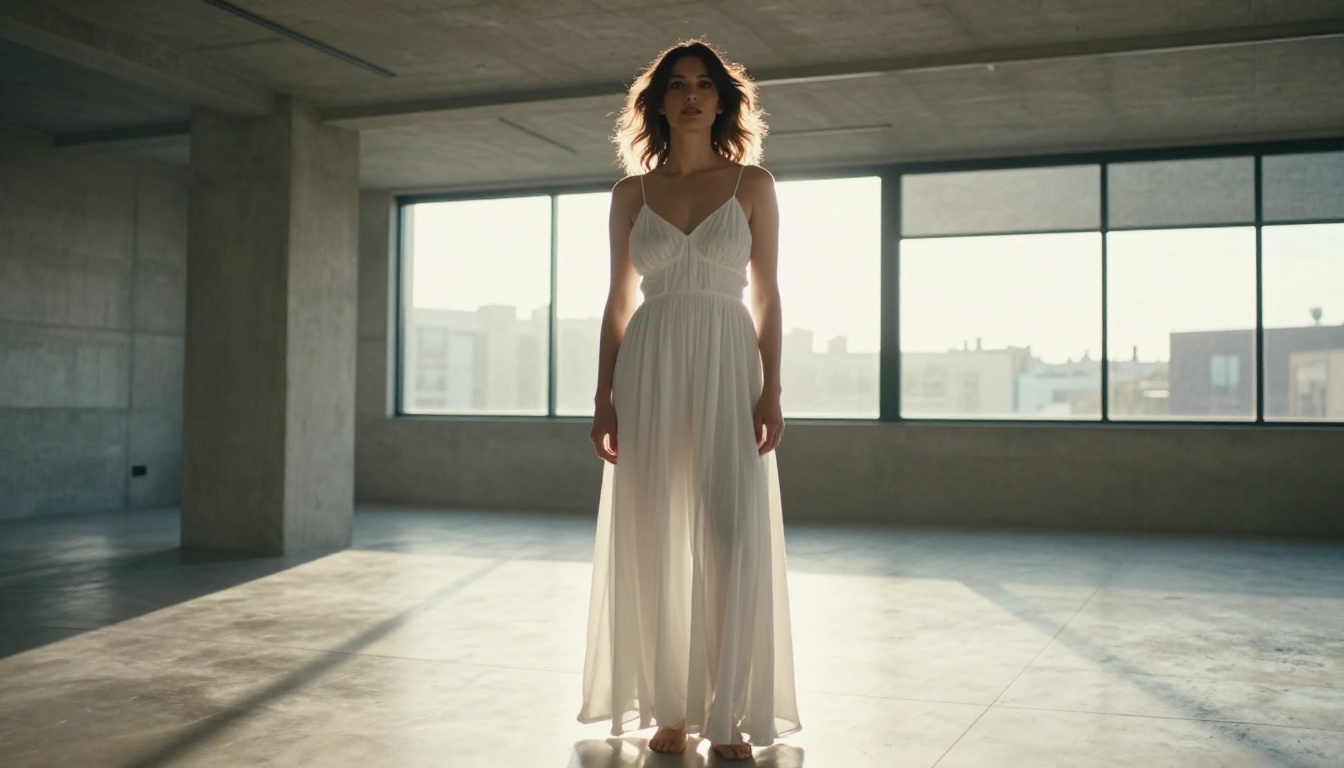
"Photorealistic portrait of a woman with warm olive skin and dark wavy hair, wearing a deep burgundy silk slip dress, seated in a sunlit modern apartment, volumetric morning light from the left window casting soft shadows across her collarbone, 85mm f/1.4 lens, Kodak Portra 400 film grain, natural dewy skin texture, confident relaxed expression, RAW 8K"
Always include these elements:
- Specific lens specs (85mm f/1.4, 50mm f/2.0, 105mm macro)
- Light direction and quality (volumetric, overcast, rim, from the left)
- Skin detail cues (pores, texture, dewy, oily, freckles)
- Environment context with specific details
- Film stock reference (Kodak Portra 400, Fuji Pro 400H)
- Resolution anchor (RAW 8K)
Step 3: Configure the Settings
- Aspect Ratio: 9:16 works best for standalone portrait frames; 16:9 for editorial or environmental scenes
- Prompt Upsampling: Enable this when your prompt is under 50 words — it expands and adds detail automatically
- Seed: Set a specific seed number to reproduce a composition you like while varying other elements
Step 4: Iterate at Speed
At under 3 seconds per generation, you can run 20 or more variations in a single minute. Start with your base prompt, then vary one element at a time:
- Swap the lighting direction
- Change the clothing description
- Adjust the background or environment
- Modify the emotional expression keywords
- Shift the lens focal length for a different compositional feel
Prompts That Actually Work
Effective prompting for uncensored AI portraits is a distinct skill. Here are tested approaches across different portrait categories.
For Glamour and Swimwear Portraits
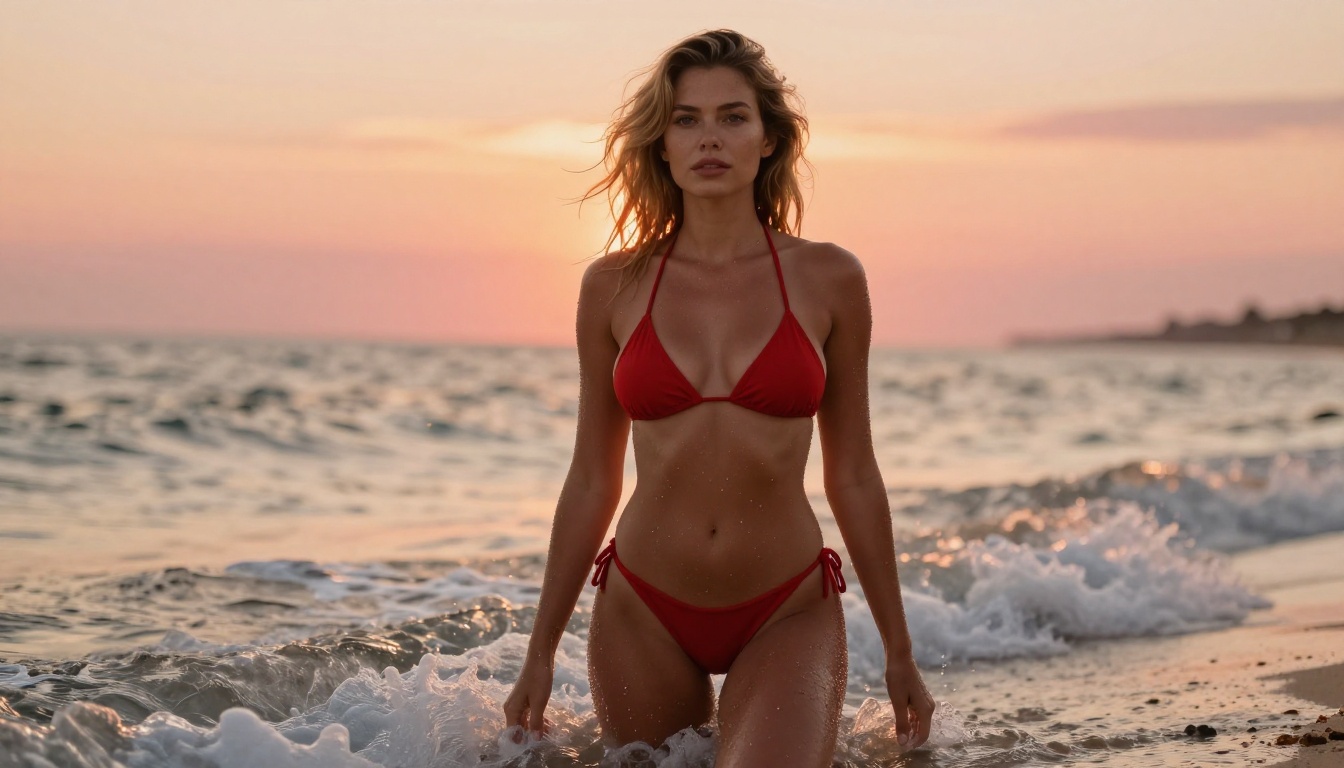
"Photorealistic beach portrait of a woman with bronzed sun-kissed skin and wavy blonde hair in a red bikini, standing at the ocean's edge at golden hour, waves at feet creating white seafoam, warm orange-pink sunset sky, 70-200mm telephoto lens compressing background into bokeh, individual salt water droplets on skin, sea breeze in hair, relaxed confident pose, Kodak Portra 400, RAW 8K photography"
Core principles for this category:
- Name the environment specifically and with physical detail (beach, not just "outdoors")
- Include the light source and its color temperature (golden hour orange, blue-hour twilight)
- Mention fabric, material, or clothing construction (silk, lace, cotton, velvet)
- Use film stock references to signal photorealism over AI-art aesthetics
For Fashion Editorial Portraits
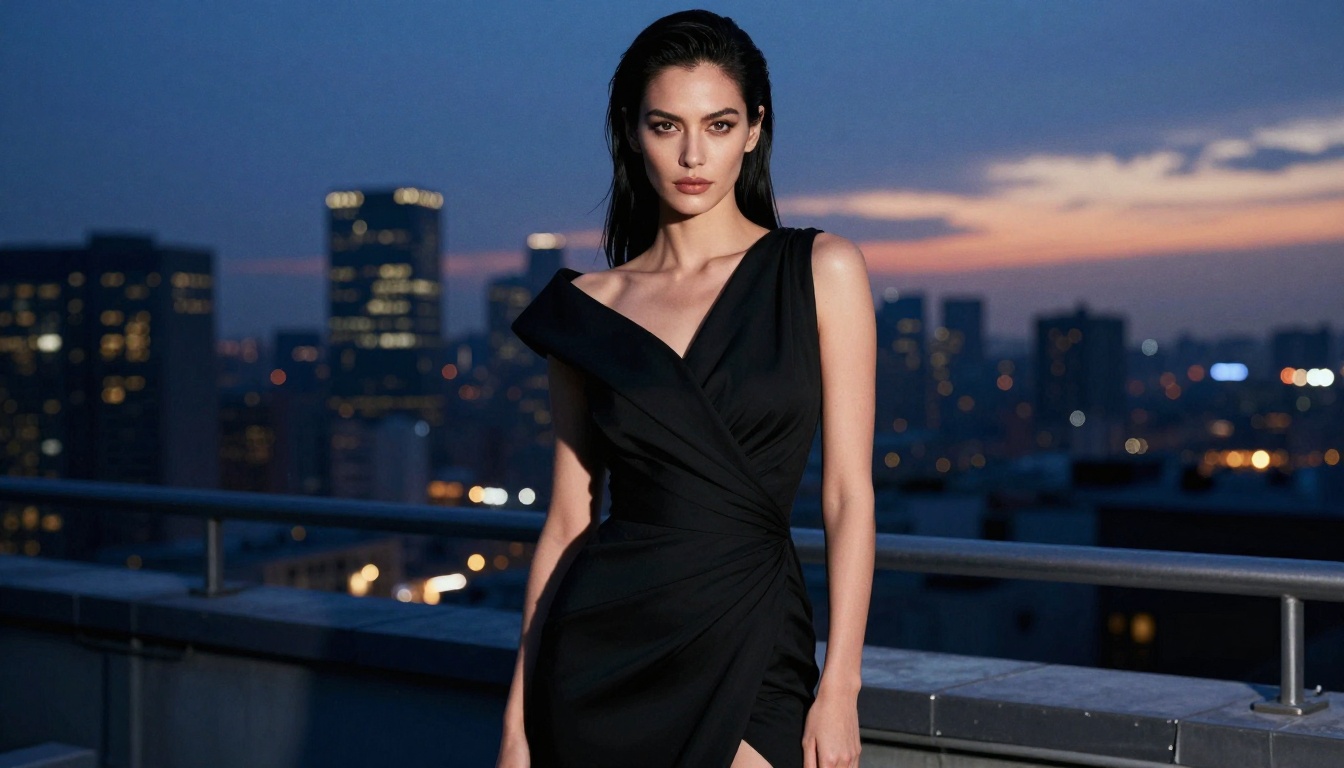
"Side-profile dramatic studio portrait of a woman with smooth dark skin and sculpted features, single rim light from the right creating sharp definition along jawline and collarbone, strapless black velvet top, pure black background, 85mm f/1.4 lens, natural skin oil sheen and texture, strong shadow contrast, cinematic film portraiture quality, RAW 8K"
What not to do:
- Avoid vague descriptors like "beautiful" or "attractive" — use specific physical features instead
- Do not write unspecified lighting ("nice lighting" tells the model nothing; "volumetric morning light from the upper left" produces a specific result)
- Avoid multi-subject scenes in complex interactions — single-subject portraits generate more accurately and consistently
For Intimate and Atmospheric Portraits
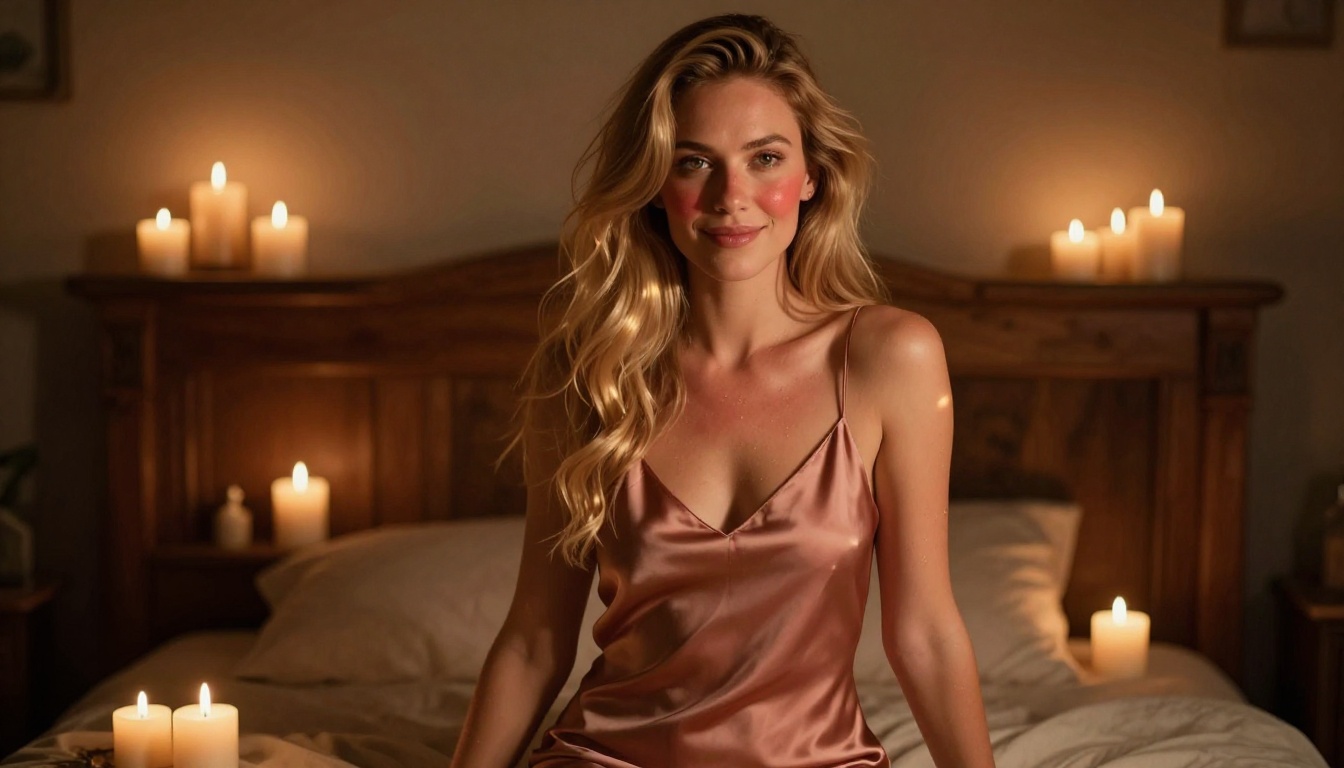
"Candlelit intimate portrait of a woman with strawberry-blonde hair and warm peach skin, sitting in a bohemian bedroom surrounded by flickering candles, dusty rose silk slip dress, warm amber candlelight creating dancing highlights on skin and hair, 50mm f/1.4 soft bokeh of candle points, natural rosiness in cheeks, genuine soft smile, Kodak Portra 400, RAW 8K"
Getting Higher Quality From Any Model
The Upscaling Step
Once you have a portrait you are satisfied with at base resolution, run it through a super-resolution model to scale it up for print, high-detail viewing, or professional delivery. PicassoIA's super-resolution models can upscale images 2x to 4x while preserving and sharpening skin detail, hair texture, and fabric quality that can appear soft at lower resolutions.
Using Image Editor Pro for Refinement
Even if you generate your initial portrait with Seedream 4.5, you can then feed that result into PicassoIA Image Editor Pro to make targeted changes: adjust the expression, update the clothing, add lighting, or swap the background. The under-1-second response time makes this refinement step fast enough to feel like real-time editing.
Precision With Inpainting
For targeted control over specific areas of a portrait, inpainting tools let you select and regenerate only the section you want to change. This means keeping a great facial expression while fixing something about the background, updating clothing without redoing the full composition, or correcting a hand or arm position without restarting the entire generation.
Beyond Still Images: Video From Your Portraits
For creators who need motion from their portrait work, PicassoIA extends beyond still image generation.
Animated portraits: Wan 2.2 I2v Fast converts static portrait images into animated video clips with smooth, natural motion — turning a still glamour shot into a moving scene.
Text-to-video generation: PicassoIA Video generates video directly from text prompts at up to 720p, 5 seconds per clip, with unlimited video generation on Elite and Infinite plans.
High-resolution video: P-Video (PrunaAI) outputs up to 1080p with the safety filter disabled by default. Text, image, and audio inputs are all supported. Draft mode delivers an instant low-resolution preview before committing to the final render.
Longer clips: Grok Imagine Video generates clips up to 15 seconds with no watermarks, from text, images, or existing video clips.
Professional 4K output: LTX 2.3 Pro is the highest-fidelity option at up to 4K and 50fps, with retake and extend editing for precise multi-segment control.
Searching for uncensored AI portrait tools usually means bouncing between different apps, each with separate interfaces, payment systems, and inconsistent quality. PicassoIA consolidates that workflow. Over 90 text-to-image models, video generation, upscaling, background removal, and image editing are all available in one place.
The models that support adult content work without the content policy friction that makes most other platforms difficult to use for anything outside the most conservative creative categories. The speed numbers are real: Seedream 4.5 at under 3 seconds and P-Image at under 1 second keep creative sessions in flow rather than waiting on renders. And PicassoIA Image Editor Pro's unlimited generation model changes the economics of portrait work at scale — high volume output without high variable cost.
💡 Quick recap of the top picks: Seedream 4.5 for all-around uncensored portrait generation. Image Editor Pro for unlimited volume and image-to-image transformations. P-Image when raw speed matters most.
Start Creating Your Portraits Now
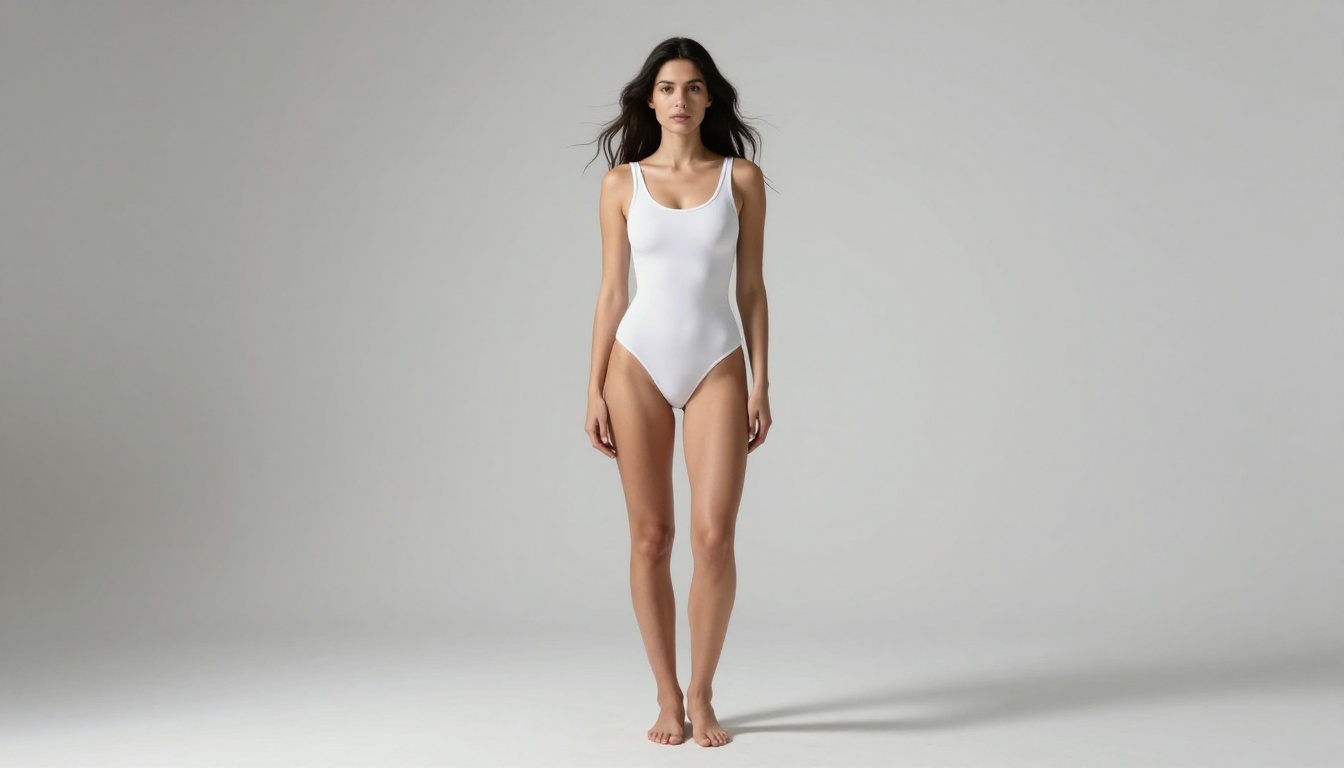
The tools are ready and the process is straightforward. Start with Seedream 4.5 for text-to-image portrait generation — use the prompt structure above, enable prompt upsampling, and let the under-3-second generation speed do the work. For reference-based work or high-volume output, move to PicassoIA Image Editor Pro where unlimited generations are included in your plan.
The free trial on Image Editor Pro requires no credit card, so you can test the workflow today without any commitment. For the complete catalog of uncensored AI models spanning image generation, video, audio, upscaling, and more, the full lineup is at picassoia.com/en/all-models.


