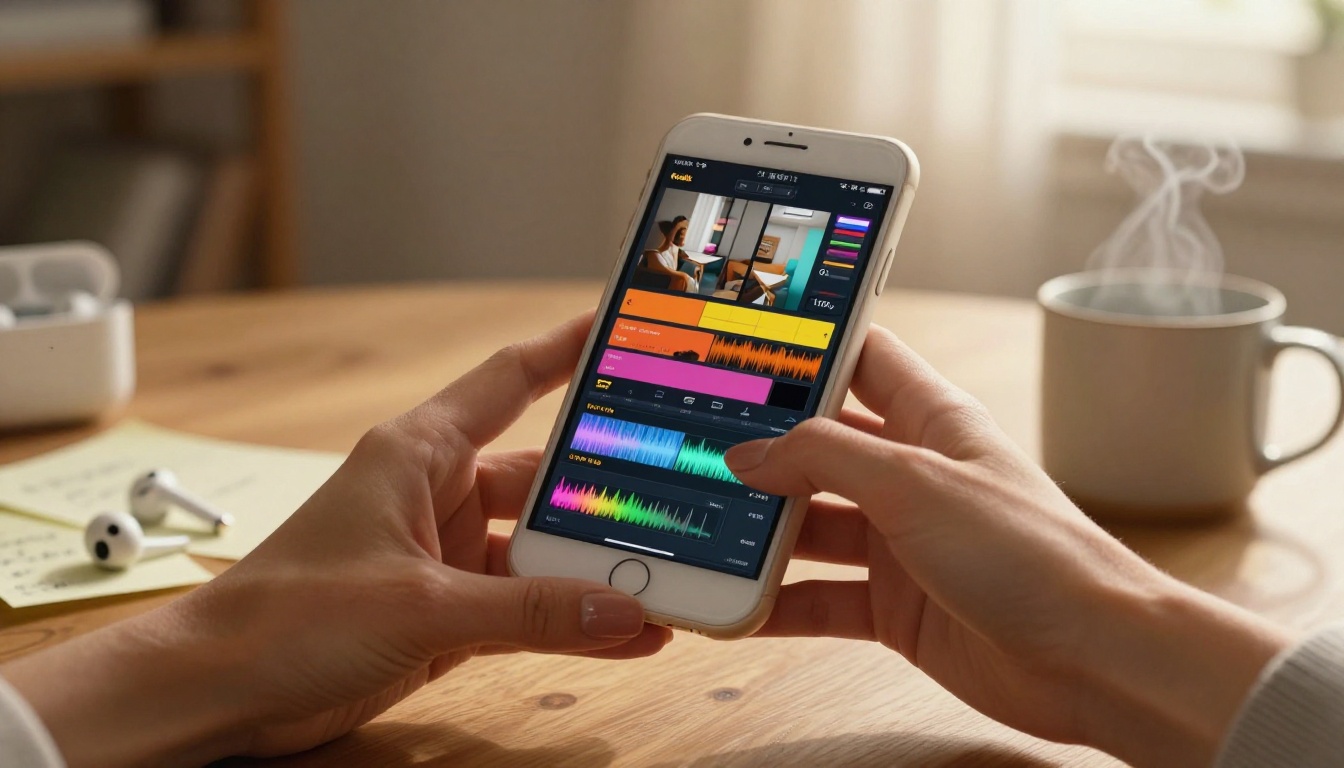
How to Make Viral Reels with Seedance 2.0 in Minutes
Seedance 2.0 is rewriting what it takes to make viral short-form video content. This article covers the full workflow, from writing prompts that produce cinematic AI clips to editing strategies, caption placement, sound selection, and the three reel formats that consistently go viral in 2027.
Short-form video has completely rewritten the rules of social media. What used to take a full production crew, editing software subscriptions, and hours of work can now happen in minutes, with results that look better than anything shot on a professional set. That shift started with better phones. It accelerated with better apps. But the real inflection point is happening right now with AI video generation, and Seedance 2.0 is at the center of it.
This article breaks down exactly how to make viral reels with Seedance 2.0, from the initial prompt to the final share, including the workflow that separates average creators from the ones blowing up every week.
Why Short-Form Video Took Over Everything
The numbers tell the story plainly. Instagram Reels gets over 200 billion views per day. TikTok users spend an average of 95 minutes daily on the app. YouTube Shorts crossed 70 billion views per day. And the content being watched? It is mostly 15 to 60 seconds.
What makes a reel viral is not what most people think. It is not a massive following. It is not even great camera gear. The platforms reward watch time, shares, and replays. That is it. Which means the single most important thing you can do is produce content that makes people watch until the last frame, then send it to their friends.
AI-generated video clips solve a specific problem that most creators face: consistency. Posting once a week is fine. Posting five times per week, with quality visuals, compelling motion, and varied content angles, is nearly impossible without automation or a big team. That is where Seedance 2.0 changes everything.
The Algorithm Wants Originality
Every major short-form platform runs on a discovery-first model. You do not need existing followers to go viral. You need a video that new people watch, finish, and share. The algorithms push fresh creators every day. What they suppress is recycled content and static images dressed up as video.
Motion Is the Differentiator
The human eye locks onto motion before anything else. A talking head video competes with every other talking head video. A clip with dynamic camera movement, cinematic motion blur, or unexpected visual storytelling stands out in the first frame. This is exactly what AI video tools like Seedance 2.0 are built to produce at scale.
What Seedance 2.0 Actually Does
Seedance 2.0 is a text-to-video and image-to-video AI model built by ByteDance. It produces short video clips from written prompts or reference images, with a strong emphasis on realistic motion, natural physics, and coherent scene continuity.
What sets it apart from earlier models is how it handles motion quality. Previous-generation AI video tools often produced footage with floating objects, jittery movement, or character faces that morphed unpredictably. Seedance 2.0 addressed these issues with a new motion consistency architecture that keeps subjects, lighting, and background coherent across every frame.
Core Capabilities
Feature
What It Does
Text-to-Video
Generates a clip from a written description
Image-to-Video
Animates a static image with natural movement
Motion Control
Specifies camera direction, zoom, pan speed
Resolution Output
Up to 1080p, optimized for vertical 9:16
Clip Length
4 to 10 seconds per generation
Style Flexibility
Cinematic, documentary, lifestyle, abstract
The model works best with specific, concrete prompts. Vague inputs produce mediocre results. Detailed prompts, specifying subject, motion, setting, lighting, and mood, produce stunning outputs.
Seedance vs. Other AI Video Models
Seedance 2.0: Best motion quality, strong subject consistency, natural physics
Kling v3 Video: Strong cinematic output, good for longer clips
LTX-2.3 Pro: Fast generation, ideal for rapid iteration
For short vertical reels specifically, Seedance 2.0 output at 9:16 ratio is among the best available in 2027.
Before You Hit Generate
The biggest mistake new creators make with AI video is jumping straight into generation without a content strategy. Five minutes of planning here saves hours of wasted generations.
Define Your Content Category
Reels that go viral almost always belong to one of these categories:
Before and After (transformations, reveals, contrasts)
Storytelling (emotional arcs under 30 seconds)
Pick one. AI-generated clips need a content frame to land correctly with an audience.
Map Your Hook to Your First Frame
The first 0.3 seconds either earn the view or lose it. Your hook needs to be in the visual before any text or audio. This means the first frame of your Seedance clip needs to be the most compelling moment, not the setup.
💡 Reverse-engineer your prompt. Start with what the final frame looks like, then write a prompt that builds toward it with motion.
Aspect Ratio Is Not Optional
Instagram Reels, TikTok, and YouTube Shorts all prioritize 9:16 vertical video. Any other ratio and you are fighting the algorithm before you even start. When generating with Seedance 2.0, always specify vertical output or crop to 9:16 before posting.
How to Use Seedance on PicassoIA
Seedance 1.5 Pro is available directly on PicassoIA, no API keys needed, no local setup required. Here is the exact workflow.
Step 1: Access the Model
Go to Seedance 1.5 Pro on PicassoIA. You will see the text-to-video input panel on the left and a preview area on the right.
If you want faster generation with slightly lighter output, Seedance 1 Pro Fast is the version to use for rapid iteration. For lightweight testing and experimenting with new prompt ideas, Seedance 1 Lite runs the fastest of the three.
Strong prompt: "A young woman in a white linen dress walking slowly along a golden sand beach at sunset, warm orange backlight creating a glowing rim around her silhouette, camera tracking slowly from left to right, shallow depth of field, soft ocean mist in the background, calm and cinematic atmosphere"
The difference in output quality between these two inputs is enormous.
Duration: 5 seconds is the sweet spot for reel hooks
Aspect Ratio: Set to 9:16 for vertical output
Motion Intensity: Start at medium, increase if the scene feels static
Seed: Save a seed number if you get a great generation and want variations
Step 4: Generate and Evaluate
Run the generation. Watch the full clip before deciding. Ask these three questions:
Does the first frame stop a scroll?
Is the motion smooth and natural?
Does the scene feel coherent from start to finish?
If yes to all three: keep it. If no to any: refine the prompt and regenerate.
💡 Small changes produce big differences. Adding "cinematic lighting, golden hour, volumetric haze" to any prompt immediately elevates the visual output.
Step 5: Download and Edit
Download the MP4. From here you have two options: post it raw, or drop it into a mobile editor like CapCut, InShot, or the native editing tools in Instagram and TikTok for captions, sound, and cuts.
Writing Prompts That Produce Reel-Worthy Clips
Prompt writing is a skill. These patterns consistently produce high-performing outputs with Seedance 2.0.
The Motion-First Prompt
Lead with the movement, not the subject.
"Camera slowly pulls back to reveal a crowded Tokyo street at night, neon signs reflecting on wet pavement, a lone figure in the center standing still while the crowd moves in blurred slow motion around them"
The Emotional Atmosphere Prompt
Lead with the feeling you want the viewer to have.
"Warm golden afternoon light filters through tall apartment windows onto a woman reading on a worn leather sofa, dust particles floating visibly in the light beams, a gentle breeze moves sheer white curtains, quiet and peaceful atmosphere"
The Transformation Prompt
Perfect for before and after reels.
"Time-lapse of a city street corner shifting from rainy grey morning to bright blue noon to warm amber sunset to purple neon night, smooth transitions, continuous wide angle view, each phase lasting 2 seconds"
Prompt Parameters Worth Knowing
Parameter
Effect
"cinematic depth of field"
Blurs background, focuses subject
"handheld camera slight shake"
Adds authentic documentary feel
"smooth dolly push in"
Adds drama to static scenes
"overhead drone shot"
Aerial view, strong visual impact
"slow motion 120fps"
Emphasizes motion details
"volumetric fog"
Adds atmosphere and depth
Editing Your AI Clips for Maximum Impact
Generating a great clip is step one. How you edit it determines whether it goes viral or goes unnoticed.
Sound Is 50% of the Reel
Most people optimize their visuals and ignore their audio. Sound works on the viewer's nervous system before they consciously process it. Always add one of the following:
A trending audio track from the platform built-in library (this alone boosts reach significantly)
An original voiceover if the content is educational
Silence with strong captions if the visual is powerful enough to carry itself
Caption Placement
Captions are no longer optional. Over 85% of social media video is watched without sound on first view. Captions need to be:
Large enough to read at a glance
Positioned in the middle third of the screen (safe zone across all platforms)
Short per frame (maximum 5 to 6 words per caption slide)
The 3-1 Cut Pattern
For reels built from multiple clips, this rhythm converts best:
Fast cut, fast cut, fast cut (three quick beats, 0.5s each)
Hold on the payoff shot (1.5 to 2s)
Repeat
This pattern mimics the natural rhythm of music and keeps the brain engaged without creating fatigue.
Color Grading for the Feed
AI-generated video from Seedance 2.0 comes out with fairly neutral color grading. On Instagram and TikTok, warm tones and high contrast perform better organically. A quick LUT applied in CapCut or a fast Lightroom Mobile edit before export takes 30 seconds and increases visual performance meaningfully.
3 Types of Reels That Go Viral
These are not theoretical. These are the formats performing consistently across platforms in 2027.
Type 1: The Cinematic B-Roll Reel
No talking. No on-camera face. Just stunning AI-generated cinematic footage stitched together over a trending audio track. These go viral because they are visually satisfying and require zero personal exposure.
Formula: 6 to 10 AI clips, 2 to 3 seconds each, warm cinematic grade, trending sound
Type 2: The Story Reel
A three-act story told in 30 seconds. Setup, problem, resolution. AI clips provide the visual backdrop while a voiceover or captions carry the narrative. These work extremely well for lifestyle, travel, and educational niches.
Formula: 3 AI scenes (each 7 to 10 seconds), voiceover narration, strong opening line in text
Type 3: The Transformation Reel
Before, during, and after. This structure works in every niche because it satisfies the brain's pattern-completion instinct. AI video makes before and after reels incredibly easy to produce without filming anything yourself.
Formula: Generate a "before" scene, transition, "after" scene. Add text overlay with the transformation concept.
What Makes a Reel Stop the Scroll
Every successful reel shares three characteristics that have nothing to do with the niche or the creator.
Contrast in the First Frame
Human vision is wired to notice contrast. High contrast between subject and background, between colors, between expectations and reality. Your first frame needs contrast. Generate prompts with a bold subject against a contrasting background.
Unexpectedness
The brain stops scrolling when something does not match its prediction. The first frame of a reel that looks slightly unusual, slightly unexpected, slightly off from the norm earns the pause. Then the content earns the full view.
A Reason to Keep Watching
The best reels create a question in the viewer's mind within the first 2 seconds. They do not answer it until the final frames. This keeps watch time high, which tells the algorithm the content is worth distributing.
💡 Write your hooks as open-ended questions. Create visual questions in the first frame. Let the footage raise them. Let the ending answer them.
The Thumbnail Problem
On Instagram, the thumbnail appears in the Explore grid before anyone plays the video. On TikTok, creators now manually set thumbnails for the browse view. On YouTube Shorts, the first frame is the thumbnail by default.
AI-generated clips from Seedance 2.0 often produce stunning first frames. But check before posting. If the first frame is dark, blurry, or compositionally weak, trim the clip to start on a stronger frame.
Post, Analyze, Iterate Fast
The final step most people skip: using the data. Every platform gives creators free performance analytics. The numbers to watch are not followers or likes.
Watch Time Percentage is the single most important metric. If people watch less than 50% of your reel on average, the problem is in the first 3 seconds. If they watch 80% but do not share, the ending needs work.
Share Rate is the viral coefficient. One share brings multiple new viewers who would not have found you otherwise. Reels designed to make people want to show someone else grow exponentially faster than reels designed to get likes.
Saves indicate content with long-term value. Educational and how-to content gets saved heavily. Saved content continues surfacing in recommendation feeds for weeks after posting.
Post consistently. The algorithm rewards creators who show up on a predictable schedule. Three reels per week is a sustainable cadence. Use Seedance 2.0 to generate a batch on one day and schedule the rest of the week from there.
Try It Right Now
The workflow is real, the technology is here, and the barrier to entry is zero. Go to Seedance 1.5 Pro on PicassoIA, write your first prompt using the motion-first structure from this article, and generate your first clip. You do not need a camera. You do not need editing experience. You do not need a team.
If you want to experiment further, PicassoIA has Kling v3 Video for longer cinematic clips, Veo 3 for ultra-realistic scenes, and LTX-2.3 Pro when you need fast iteration at scale. The platform offers over 87 video generation models, all accessible from the same interface, no local setup required.
Pick a niche. Write three prompts. Generate three clips. Post. Then do it again tomorrow.