There is a moment when you type a message to an AI companion and the reply comes back in a voice so flat, so lifeless, that the entire illusion collapses. It does not matter how clever the words are or how creative the character design is. The wrong voice ruins everything. If you have ever wondered how to make your AI companion sound flirty, the answer is not magic. It is a specific combination of the right text-to-speech model, the right prompt structure, and the right phrasing passed to a large language model that actually understands personality. This article walks through every layer of that process, from picking the voice model to scripting the dialogue to pairing it all with a visual persona that makes the whole experience feel real.

Why Most AI Voices Fall Flat
The Monotone Problem
The vast majority of AI voices were built for productivity. They were trained to read instructions, narrate tutorials, and announce calendar reminders. That is a completely different job than sounding warm, playful, and subtly alluring. When you run that same voice through a flirty script, it delivers the words correctly but the emotional subtext is missing entirely. The prosody is wrong. The pauses are in the wrong places. The pitch stays flat when it should lift. The breath timing is robotic when it should feel alive.
This is not a problem of intelligence. It is a problem of training data and model selection. Most free TTS tools were never optimized for emotional range. They were optimized for clarity and speed. If you want a voice that sounds like it is actually enjoying the conversation, you need a model built for expressive speech synthesis, and you need to tell it exactly what emotional register you want.
What Flirty Actually Means in Audio
Before picking a model, it helps to be specific about what you are actually after. "Flirty" in audio terms means several things happening at once:
- Slightly slower pace than neutral speech, with deliberate micro-pauses before punchlines or suggestive words
- Upward inflections at the end of statements that would normally fall, creating a questioning, teasing quality
- Soft breathiness in the mid-range frequencies, suggesting proximity and intimacy
- Warm lower-register tones that feel physically close rather than broadcast-distant
- Genuine-sounding laughter cues or vocal fry on certain phrases to break the formality
None of these are mysterious. They are acoustic properties. And the right TTS model will give you control over all of them, either through direct parameter settings or through descriptive prompting.
The TTS Models That Actually Deliver

Not every TTS model on the market is worth your time for this use case. Here are the ones that consistently perform for expressive, flirty voice synthesis, all available directly on PicassoIA.
ElevenLabs v3
ElevenLabs v3 is the current gold standard for emotionally expressive speech. What sets it apart is how it handles prosody. You can inject emotion markers directly into the text input, and the model respects them. Phrases like <excited> or <whisper> actually shift the delivery in ways that feel natural rather than clipped. For flirty AI companion voices, v3's ability to handle whispering, light laughter, and drawn-out syllables makes it the first tool to reach for.
The voice library is deep. There are pre-built voices with warmth profiles already dialed in, and the voice design tool lets you push the breathiness, age, and accent to precise positions. Start with a voice in the 22-28 age range, female or androgynous, and push breathiness to around 60-70. Combine that with a slow speaking rate of 0.85x and you are already most of the way there before you write a single word.
MiniMax Speech 2.8 HD
MiniMax Speech 2.8 HD takes a different approach. It is built around studio-quality audio fidelity rather than real-time speed, which means the rendered output sounds closer to a professionally recorded voice actor than a synthesized voice. For companion applications where users listen through headphones or good speakers, that fidelity difference is immediately noticeable.
MiniMax's emotional control is baked into the voice selection rather than exposed as raw parameters. The voices designed for "intimate" or "conversational" use cases handle low-register warmth particularly well. Pair it with natural, short sentences and the output has a quality that makes users lean slightly forward when they hear it.
Resemble AI Chatterbox
Resemble AI Chatterbox is a strong option when you want to clone a specific voice or create a highly custom persona. The emotion control slider is one of the most intuitive in the industry. You can push exaggeration to match the mood of each line individually rather than applying a blanket tone to the entire output. For a conversation that moves from teasing to sincere to playful, that per-line flexibility is genuinely valuable.
💡 Tip: Use Chatterbox to clone a custom voice, then run every line through the emotion slider individually. Set teasing lines to 0.65 exaggeration and sincere moments to 0.3. The contrast itself sounds like personality.
Qwen3 TTS for Multilingual Warmth
If your companion app targets audiences beyond English, Qwen3 TTS deserves serious attention. It supports voice cloning and voice design across a wide range of languages with strong prosodic fidelity per language. Flirtatious phrasing in Spanish, French, or Portuguese has different rhythmic requirements than English, and Qwen3 handles those nuances better than most models that were built English-first and then extended.
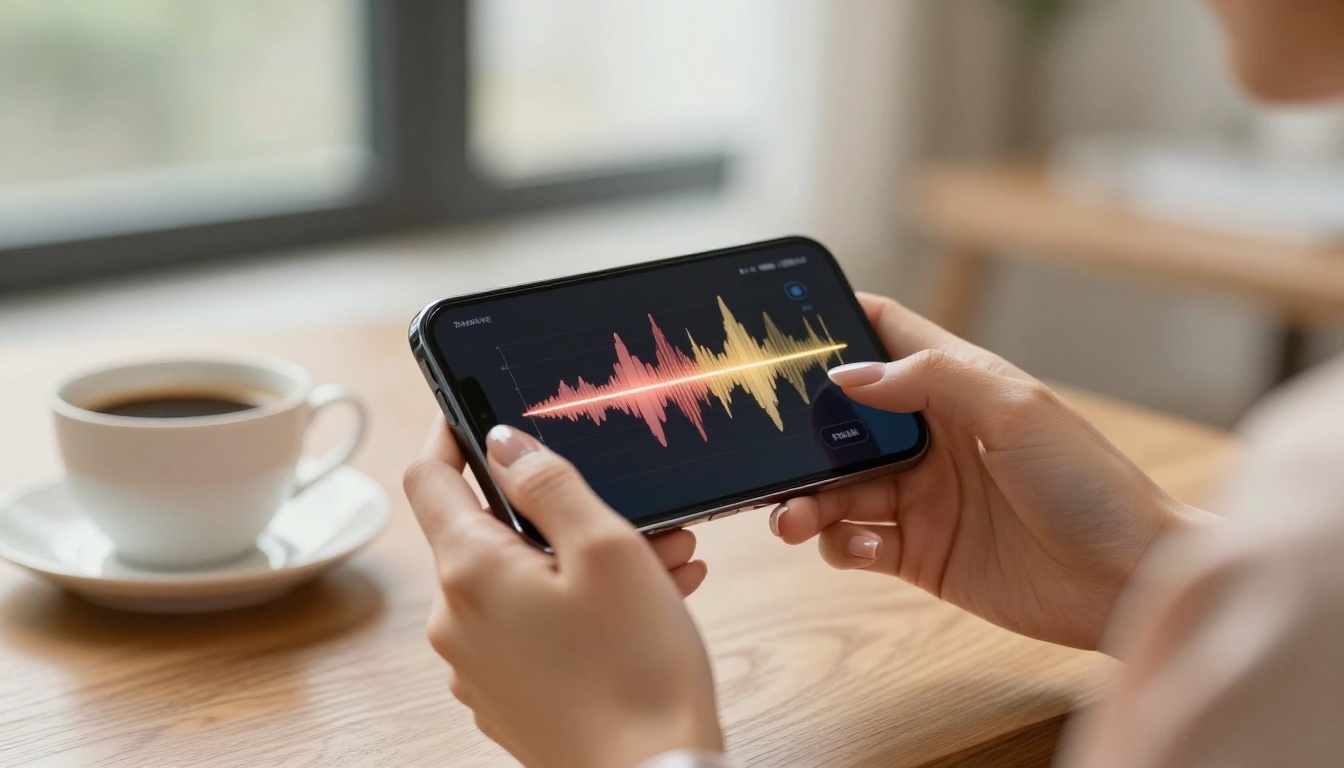
Quick Comparison
Crafting the Perfect Flirty Voice Prompt
Tone Descriptors That Work
Most TTS models accept some form of textual description about how the output should sound. The problem is that vague descriptors produce vague results. "Sound flirty" does not tell the model anything useful. Specificity is what gets results.
Descriptors that consistently shift output toward warmth and playfulness:
- "Soft, intimate, close-mic warmth. Slightly slower than conversational pace. Light breathiness on stressed syllables."
- "Voice of a confident woman who finds the conversation genuinely amusing. Slight smile audible in the delivery."
- "Playful, not performative. Teasing without being aggressive. Comfortable with silence."
Compare that to just writing "flirty voice" and you will hear the difference immediately. The model is mapping your language onto acoustic properties it learned during training. Give it rich language and it has more to work with.
Pacing and Pausing
Pausing is probably the single most underused tool in AI voice design. In real human speech, flirtatious delivery almost always involves a beat of silence before the payoff of a sentence, a held moment that creates a tiny bit of anticipation. Most AI voices skip these pauses entirely because they were trained to minimize dead air.
You can force pauses in most TTS systems by inserting punctuation: a comma where grammatically unnecessary, an ellipsis mid-phrase, or explicit SSML pause tags if the model supports them. Test the difference between:
"I was thinking about you."
versus
"I was thinking... about you."
The second line sounds completely different when rendered. The pause does the flirting. The words barely need to.
What to Avoid
Some things kill the effect regardless of model quality:
- Long, complex sentences. Flirty dialogue is short, punchy, and playful. Sentences over 15 words lose the intimacy.
- Technical vocabulary. Nothing breaks the spell faster than a warm voice saying "per your earlier inquiry."
- Monotone questions. Questions should carry upward inflection, but they have to be written to invite it. "Are you busy tonight?" lands differently than "What are you doing tonight?"
- Over-punctuation. Too many commas create choppy delivery. Let sentences breathe.
Using LLMs to Script the Right Dialogue
GPT-5 and the Art of Playful Banter
The voice is only as good as the words it is saying. This is where large language models become essential. GPT-5 is currently one of the best models available for generating witty, situationally aware dialogue that does not sound like it was written by a committee. When you give it a character brief and a specific emotional register, it writes lines that actually land.
A strong system prompt for GPT-5 in a flirty companion context looks like this:
"You are [character name], a warm and confident companion who speaks in short, playful sentences. You use light teasing, genuine curiosity about the other person, and occasional wit. You never sound formal or clinical. Every response is between 1 and 3 sentences. You occasionally leave things slightly unfinished, as if there is more to say."
The "occasionally leave things slightly unfinished" instruction is important. It creates verbal cues that the TTS model renders as rising inflection, which is exactly the acoustic property you want.
Claude Sonnet 5 for Personality Depth
Claude Sonnet 5 is particularly good at maintaining character consistency across a long conversation. Where GPT-5 excels at sharp individual lines, Claude Sonnet 5 tends to build a more coherent personality over time. For companion apps where users return repeatedly, that consistency matters. The character should remember its own tone and not drift toward neutral helpfulness mode after a few exchanges.
Claude also handles nuance in emotional register better than most models. You can brief it to be warm without being eager, teasing without being dismissive, and it will hold that balance more reliably than a model that tends toward extremes.
💡 Tip: Use Gemini 3.5 Flash for rapid prototyping of dialogue variants. Its speed lets you test 10 different phrasings of the same moment in seconds. Once you find the version that sounds right on paper, run it through ElevenLabs v3 for the final audio render.

How to Use ElevenLabs v3 on PicassoIA
Step-by-Step Setup
Getting a flirty voice running on ElevenLabs v3 through PicassoIA takes about five minutes once you know the steps.
- Open the model page. Go to the ElevenLabs v3 page on PicassoIA and select "Try it."
- Choose or design your voice. In the voice selection panel, filter by "warm" or "conversational." Pick a voice in the lower-to-mid age range. Avoid voices labeled "professional" or "authoritative."
- Set the speaking rate. Drop it to 0.82-0.88. This alone makes a significant difference in perceived intimacy.
- Paste your script. Write in short sentences. Use ellipses for pauses. Avoid subordinate clauses.
- Inject emotion markers where needed. Wrap phrases you want delivered with extra warmth in
<warm> tags if the model supports it in the current interface.
- Generate and review. Listen with headphones. Pay attention to whether the pauses land naturally and whether the pitch moves at the end of teasing lines.
- Iterate on the script first. If something sounds wrong, the script is usually the problem, not the model.
Parameter Tips
- Stability at 55-65%: Lower stability introduces natural variation between takes. Too low and it becomes inconsistent. Too high and it sounds robotic.
- Similarity boost at 70-80%: Keeps the voice anchored to the source but allows emotional range.
- Style exaggeration at 20-35%: Enough to push the delivery toward expressive without tipping into theatrical.
Combining Voice with a Visual Persona
Generate a Matching Image
A flirty voice paired with a generic or mismatched avatar immediately weakens the experience. The visual and audio need to feel like they come from the same person. This is where PicassoIA's image generation capability becomes part of the workflow rather than a separate tool.
Generate the companion's visual portrait using a detailed prompt that matches the voice you have designed. If the voice is warm, soft, and subtly playful, the image should reflect that. Natural lighting, relaxed posture, a slight smile rather than a full grin, eye contact that feels present rather than blank. The same principles that make a voice feel intimate apply to the visual: specificity, naturalness, and emotional clarity.
Once you have a portrait you are happy with, it becomes the reference image for the companion's identity across every interaction. Consistency between voice and appearance is what makes a companion feel like a coherent person rather than a random set of AI outputs.
Full Companion Experience
The full stack for a compelling AI companion looks like this:

3 Common Mistakes People Make
Rushing the Speed
The instinct when building a companion voice is to keep the speaking rate at default or even push it slightly faster so responses feel snappy. This is exactly wrong for a flirty persona. Speed reads as efficiency. Slowness reads as intention. Every extra half-second a voice takes before completing a sentence adds weight to the words that came before it. Slow it down, especially on the lines that are supposed to land.
Ignoring Sentence Structure
The TTS model renders what you give it. A sentence like "I was actually looking forward to talking to you today" is grammatically fine but acoustically flat. There is nowhere for the voice to do anything interesting. Rewrite it as "I was looking forward to this" and suddenly the brevity does the work. The implied continuation, the trailing off, the space at the end. Structure the text to leave room for the voice to breathe.
Wrong Voice Model for the Content
Using Inworld Realtime TTS 2 or ElevenLabs Flash v2.5 for intimate dialogue is a mismatch. Those models were optimized for speed and low latency in real-time game characters and virtual assistants. They trade emotional fidelity for response time. If you are not building a real-time application where latency is a hard constraint, there is no reason to sacrifice quality. Use the studio-quality models. MiniMax Speech 2.8 HD and ElevenLabs v3 are the right tools for this job.
💡 Remember: The goal is not to generate the fastest voice. It is to generate the most convincing one.
Voice Cloning for a Truly Unique Persona
One thing that separates a memorable AI companion from a generic one is having a voice that belongs to nobody else. Voice cloning changes everything about that. Instead of picking from a library of shared voices, you can design or record a source voice and clone it permanently to your companion's identity.
Resemble AI Chatterbox Pro and MiniMax Voice Cloning both support high-quality voice cloning with minimal source audio. A 30-60 second clean recording is enough for a usable clone. The result is a voice that users will start to recognize and associate specifically with your companion character, which builds the kind of continuity that makes companion apps genuinely engaging over time.
For cloning a custom voice, the recording quality of the source audio matters more than its length. A 30-second clip recorded in a quiet room with a decent microphone will produce a far better clone than 3 minutes of audio with background noise or compression artifacts. Get the source clean and the model does the rest.
PlayHT Play Dialog is worth trying if you want to simulate a two-sided conversation with natural dialogue. It is built specifically for dialogue generation, which means the back-and-forth pacing and turn-taking feel more authentic than manually stitching together individual TTS clips.
Build Your Own Flirty AI Companion on PicassoIA
Everything described in this article is available in one place. PicassoIA brings together all the text-to-speech models, large language models, and image generation tools you need to build a complete companion experience without juggling five different platforms.

Start with a voice. Pick ElevenLabs v3 or MiniMax Speech 2.8 HD and spend 20 minutes experimenting with different voice profiles and a short test script. You will immediately hear which voices have the tonal warmth you are after. Then take a few lines to Claude Sonnet 5 and ask it to rewrite them in a more playful, intimate register. Listen to the difference.
Once you have a working voice and a working dialogue style, generate a portrait image that matches. Use PicassoIA's image generation with a detailed, naturalistic prompt, and you have the foundation of a companion that feels like a real, coherent person.
The whole process, from a blank project to a companion that sounds genuinely flirty, takes a single afternoon. The tools are all there. Browse the full model catalog at picassoia.com/en/all-models and start with whatever feels most interesting to you. The voice is where the magic actually lives, and now you know exactly how to build it.


