How to Make Your AI Girlfriend Look Like Your Type
Stop generating random-looking AI women and start creating exactly the type you're attracted to. This breakdown covers precise prompting strategies, the best uncensored models for realistic results, and how to refine and iterate until the image actually looks right.
You already know what you're attracted to. The problem is getting AI to understand it.
Most people type something like "beautiful woman, brown hair" and wonder why every result looks the same: generic, vague, forgettable. Getting an AI to produce a woman who actually matches your specific taste takes more than a few adjectives. It takes a system.
This article breaks down how to describe your ideal type precisely, which models on PicassoIA give you the most realistic and uncensored results, and how to iterate until the image actually looks the way you want it to.
Why AI Results Look Generic by Default
The Vague Prompt Problem
When you give an AI a short, vague prompt, it defaults to its training data average. "Pretty woman" produces whatever the model thinks most people consider conventionally attractive. That's nobody's specific type.
AI image models work by interpreting tokens in your prompt and weighting them against billions of training images. The more specific and weighted your tokens, the more precisely the model can zero in on your vision. The vaguer your tokens, the more the model guesses.
💡 Think of it this way: a prompt is not a caption. It's a specification sheet. The more detailed the spec, the more accurate the output.
The Generic Face Problem
Standard text-to-image tools also have a "face averaging" tendency. They produce faces that statistically satisfy the most users, not the face that satisfies you specifically. Overcoming this requires intentional, layered descriptive prompting.
What to Describe for a Perfect Match
Face Features That Matter Most
Face shape and specific features are the primary identifiers. You need to be explicit about each one.
Full and defined, thin and sharp, naturally pouty, asymmetric, bow-shaped upper lip
Jawline and face shape:
Soft oval, sharp angular, heart-shaped, square, round with soft chin
Skin:
Tone: warm olive, cool porcelain, medium tan, dark mahogany, golden brown
Texture: freckled, clear and smooth, subtle texture, sun-kissed
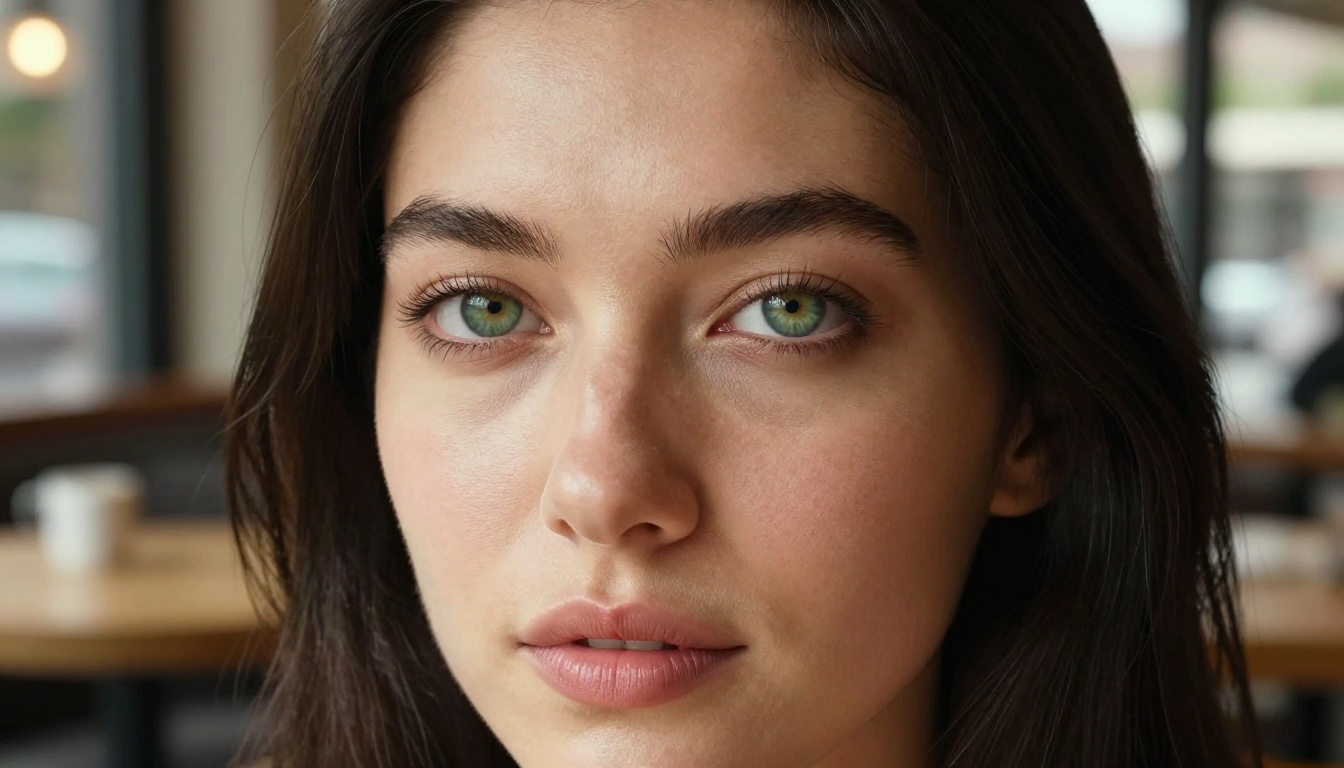
The more you layer these, the more individualized the output becomes. "She has ice blue wide-set eyes, a slightly upturned nose, full lips with a defined cupid's bow, and a soft heart-shaped face with a delicate chin" is infinitely more precise than "pretty face."
Body Type and Proportions
Body type is one of the most mishandled elements in AI girlfriend prompts. People either ignore it or use loaded terms the model does not interpret precisely.
What You Want
What to Say in the Prompt
Slim build
"slender frame, narrow waist, lean arms"
Athletic
"athletic build, toned arms, defined waist, strong thighs"
Curvy
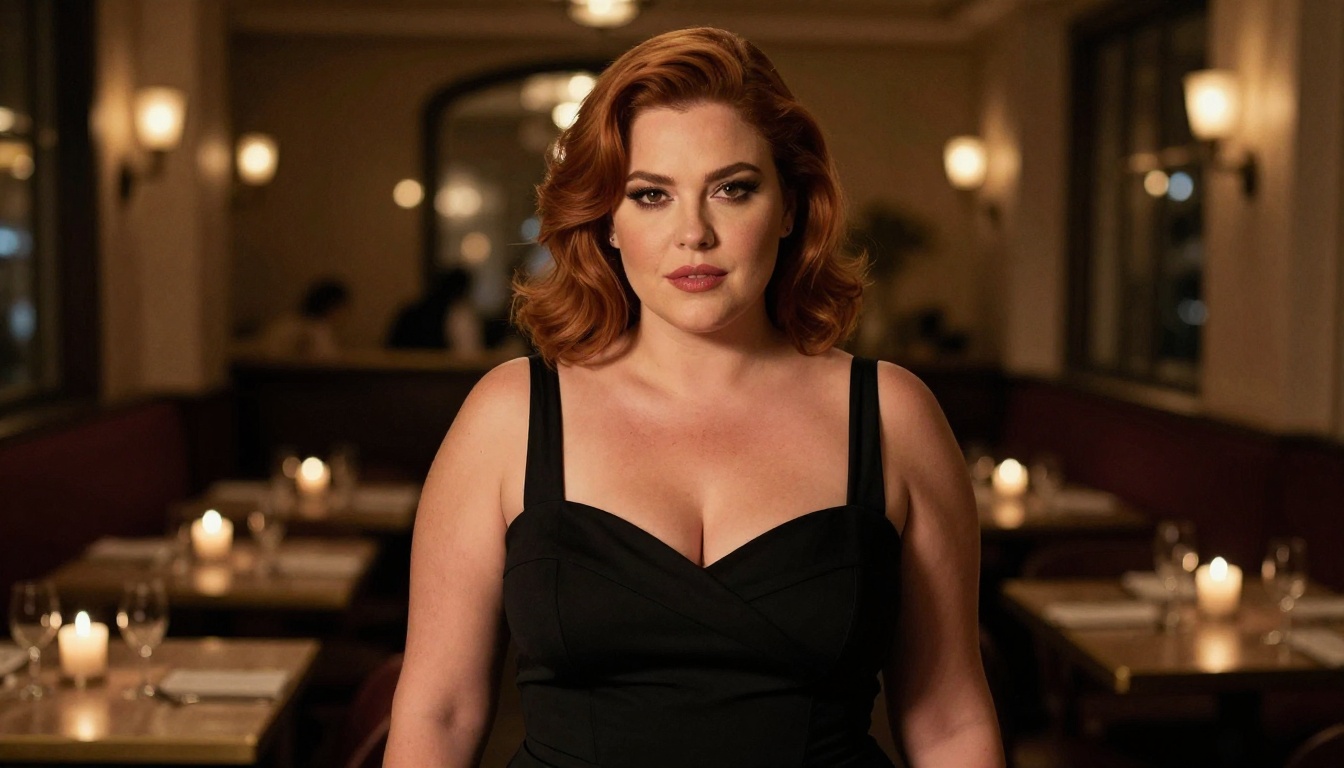
"hourglass figure, full hips, narrow waist, curvaceous"
Petite
"petite 5ft frame, small shoulders, delicate proportions"
Tall and lean
"tall lean figure, long legs, narrow hips, long neck"
Be specific about proportions because "curvy" means very different things to different people and to different models. Describe the relationship between features, not just a label.
Style, Vibe, and Setting
The setting and clothing you choose dramatically affect whether the image feels like your type or just a random portrait.
Hair style and color:
"Jet black straight hair past the collarbone"
"Loose auburn waves, slightly tousled"
"Short platinum pixie cut"
"Dark coily natural hair, voluminous"
Clothing and context:
"White linen sundress on a European rooftop"
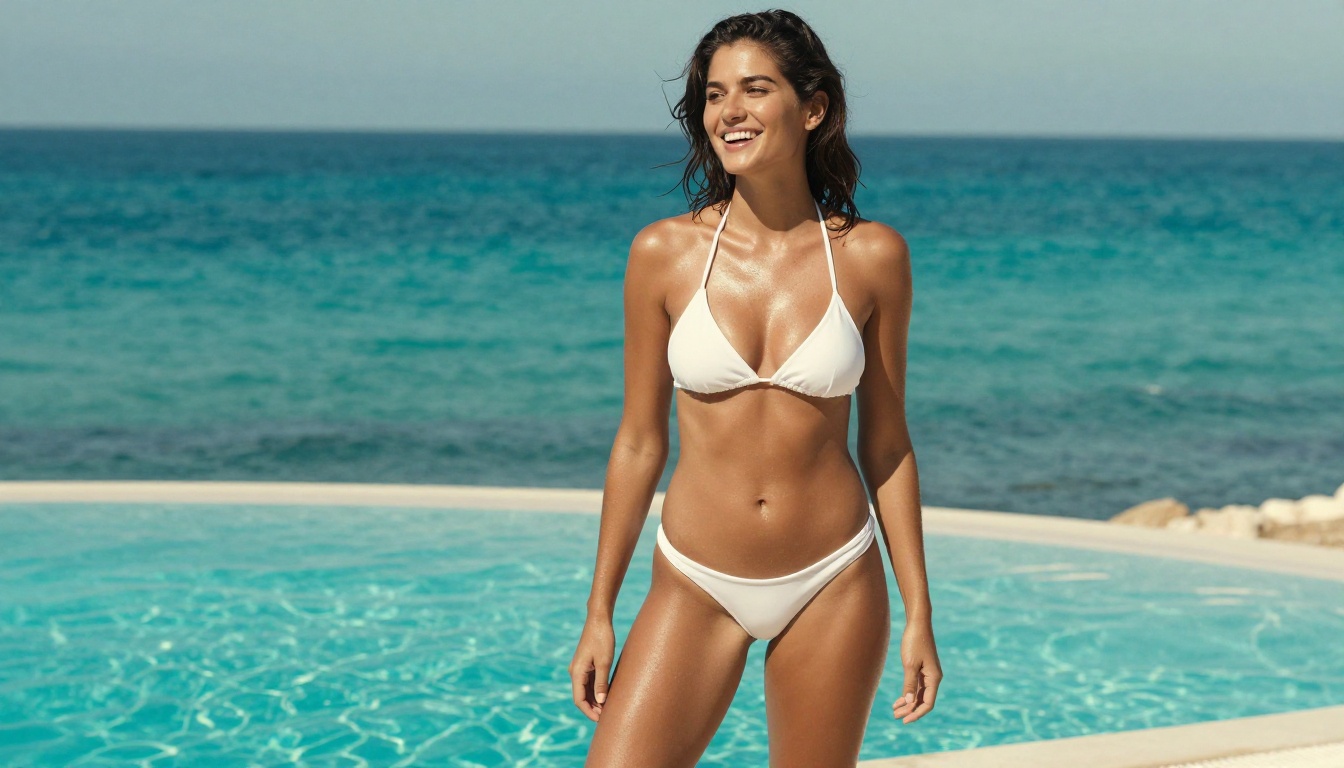
"Minimal white bikini by a turquoise pool"
"Fitted blazer, no shirt underneath, confident posture"
"Oversized knit sweater, cozy apartment morning"
Ethnicity and background:
State it directly. Models respond well to specific descriptors: "Southeast Asian woman," "Colombian woman," "Eastern European woman," "West African woman." This sets bone structure, skin tone, and facial feature expectations more accurately than trying to describe each feature independently.
💡 Pro tip: Combine ethnicity with a specific region for even more accuracy. "Japanese woman from Tokyo" and "Southeast Asian woman from the Philippines" produce noticeably different results.
Best Models for Realistic AI Girlfriends
Not all AI image models are created equal when it comes to realistic, uncensored portraits. Here is what actually works.
Seedream 4.5 Is the Top Pick
Seedream 4.5 is the most recommended model for this kind of work. It accepts adult-oriented content without filters, produces ultra-realistic skin texture and facial detail, and generates images in under 3 seconds. It also supports image editing, so you can take an output you mostly like and adjust specific elements without starting over.
One important note: Seedream 4.5's newer sibling, Seedream 5 Lite, does not support NSFW content. Stick with 4.5 for uncensored results.
PicassoIA Image Editor Pro for Unlimited Iterations
PicassoIA Image Editor Pro is the best tool for refinement. It's an image-to-image model, meaning you feed it an existing image and guide it toward what you want. The biggest advantage is unlimited generations on Elite and Infinite plans. If you want to tweak the same image 200 times to get the nose right, you can. That same volume would cost around $100 on token-based models. Here it's included in your subscription.
Results come back in under a second and it includes a 3-generation free trial without requiring a credit card.
The Full Model Lineup
Here's every model on PicassoIA that handles realistic NSFW content well, ranked:
A high-performing AI girlfriend prompt has four layers. Stack all four every time:
Subject description (who she is: ethnicity, age, build, hair, eyes, face)
Clothing and pose (what she's wearing, how she's positioned)
Setting and lighting (where she is, time of day, light direction)
Technical photography specs (camera, lens, style)
The technical photography specs are what most people skip. They're what separates a realistic photo-quality output from a generic AI-looking image. Always end your prompt with something like: 85mm f/1.8 lens, Kodak Portra 400 film grain, RAW 8K photography, photorealistic --ar 16:9 --style raw
Prompt Examples That Actually Work
Example 1: The natural girl next door
Young Mexican-American woman, 23, warm olive skin, dark brown eyes with a slight upward tilt, full lips, natural minimal makeup, loose dark hair past her shoulders. Wearing a plain white tank top, sitting on a fire escape in golden afternoon light from the left. 85mm f/1.8, Kodak Portra 400, RAW 8K, photorealistic --ar 16:9 --style raw
Example 2: The confident city professional
British woman, early 30s, sharp angular jawline, cool grey-green eyes, natural blonde hair pulled back loosely, minimal makeup. Fitted charcoal blazer, no shirt underneath, confident relaxed posture leaning against a floor-to-ceiling office window overlooking a city at dusk. 50mm f/2.4, dramatic window backlight, Kodak Portra 400, RAW 8K --ar 16:9 --style raw
Example 3: The beach vacation type
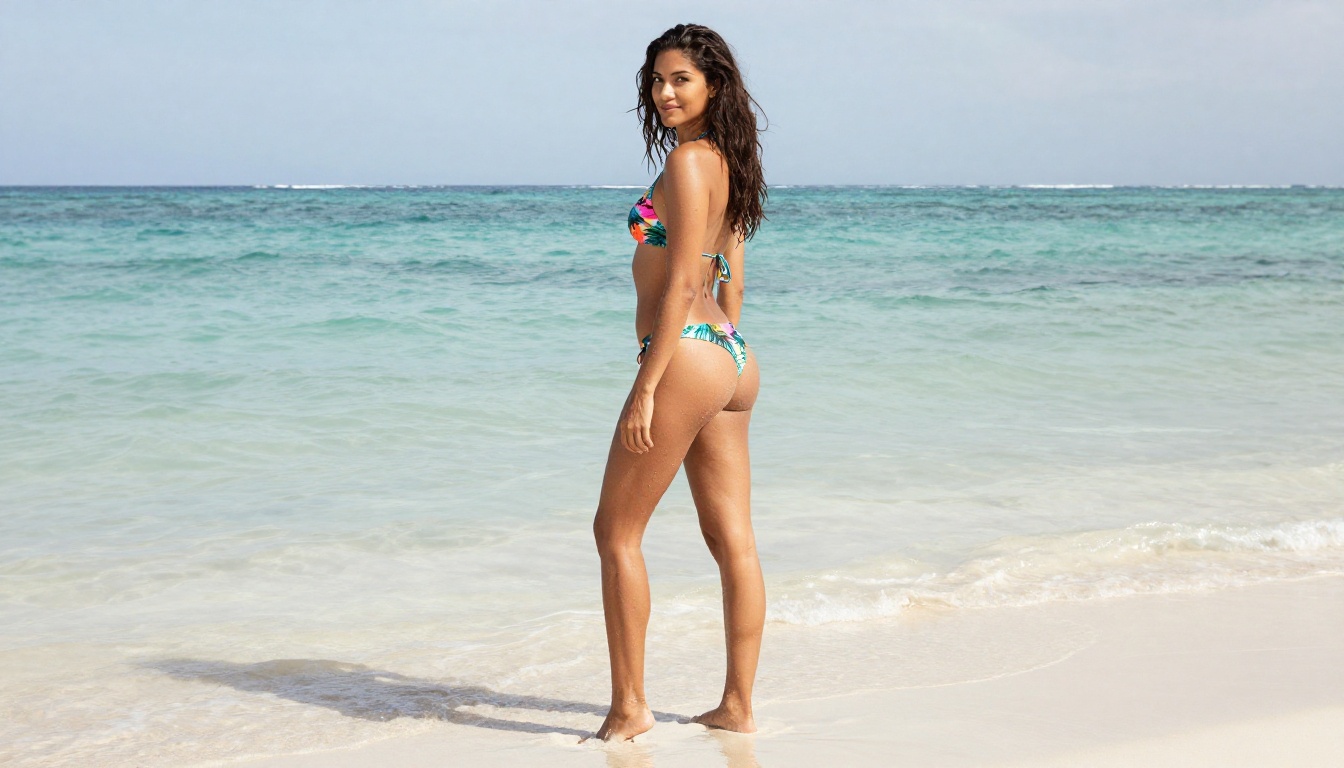
Brazilian woman, mid-twenties, warm golden-brown skin, long dark wavy hair, brown almond eyes, full natural lips, slightly tousled. Colorful bikini, standing ankle-deep in clear turquoise water, looking back over her shoulder. Shot from low angle, midday overhead sun with water reflections. 50mm f/2.8, RAW 8K, photorealistic --ar 16:9 --style raw
Common Mistakes to Avoid
Over-stacking adjectives without direction: "Beautiful stunning gorgeous amazing woman" adds nothing. Pick one angle and be precise about what makes it specific.
Ignoring lighting: Lighting changes everything about how realistic a portrait looks. Always specify it.
Using absolute negatives without alternatives: "No ugly features" doesn't help. Describe what you DO want.
Forgetting the camera spec: Without it, the model defaults to a more digital, less photographic feel.
Refining Until She Looks Right
Using Image Editing for Adjustments
Getting the right look rarely happens on the first generation. The real workflow is: generate a base image, identify what's almost right, and use image editing to adjust.
PicassoIA Image Editor Pro is built for this. You upload your output, describe the change you want ("make her eyes lighter," "adjust the hair color to dark auburn," "change the background to a beach"), and it applies the change in under a second. Because it's unlimited on subscription plans, you can iterate as many times as needed without watching your credits disappear.
Qwen Image 2 is another excellent option for open-ended editing. It's open-source and handles complex instruction-following well, meaning you can give it detailed multi-step edit instructions and it will interpret them accurately.
Grok Imagine Image is the best choice for one specific task: realistic outfit changes, particularly converting casual clothing to bikini format. If you have an image you like but want to see her in a different outfit context, Grok handles this realistically without degrading the face.
Iterating on Results
Effective iteration follows a pattern:
Generate a base image from your full detailed prompt
Rate it: which features are right, which are wrong
Adjust only the wrong elements in your prompt or editing instruction
Re-generate or edit
Repeat until the face and body match what you're imagining
The most important rule: change only one variable at a time. If you change the lighting, outfit, hair, and ethnicity descriptor all at once, you cannot tell which change fixed or broke what. Isolate variables.
💡 Seed locking: Many models including Seedream 4.5 support seed numbers. Once you find an output you like, note the seed and use it as your base. Minor prompt variations with the same seed give you the same person in a different context.
Build a Consistent Look Across Images
Face Consistency Tips
One of the hardest problems in AI portrait generation is getting the same face across multiple images. Here are the most reliable approaches:
Use a seed with small prompt variations. Same seed, same base description, change only the setting or clothing. The face and general structure stay consistent.
Use image-to-image with the best face. Generate 10 base images, pick the one face you like most, then run that image through PicassoIA Image Editor Pro or Qwen Image 2 with new scene descriptions. The face transfers to the new context.
Describe the face in identical language every time. Copy-paste the face description section exactly between prompts, varying only the scene elements.
Style Consistency
Beyond face, keeping a consistent visual style across a set of images requires consistent technical parameters. Pick one lighting style (golden hour, soft studio, midday sun, candlelight) and one lens spec (85mm portrait, 50mm natural, 35mm environmental) and use them across the whole set. This creates a coherent series that looks like it was photographed in a real session.
Consistent film grain settings help too. "Kodak Portra 400 film grain" every time gives all your images the same organic texture. Pair it with "RAW 8K photography" and "--style raw" and you get a consistent photographic look across the entire series.
AI Beauty Has No Default Bias
One overlooked benefit of AI girlfriend generation is that the models have no built-in preference for any particular standard of beauty. Every ethnicity, body type, face structure, and age range is equally achievable with the same output quality.
The tools don't have a preferred default. That's entirely up to you to specify, which is the whole point. You get exactly what you describe, nothing more, nothing less.
P-Image and Wan 2.2 Image are both fast, uncensored text-to-image options that handle diverse beauty types with high fidelity. If you want to experiment with different types quickly without deep iteration, these are the right starting points.
💡 Every model listed here operates without the restrictive content filters that block most mainstream AI tools. PicassoIA gives creators full control over their output, which is precisely what makes it effective for personalized AI girlfriend creation.
Start Generating Her Now
The only way to get better at this is to run actual generations and see what your prompts produce. Theory only gets you so far. The gap between "I know what I want" and "I know how to describe it to an AI" closes with practice.
Start with one image. Use the full four-layer prompt structure: subject, clothing and pose, setting and lighting, camera specs. Run it through Seedream 4.5. Note what's right and what isn't. Edit with PicassoIA Image Editor Pro until you're satisfied. Then build out the series with consistent parameters.
The full lineup of uncensored, realistic AI image models is available at picassoia.com/en/all-models. Start there, pick your model, and describe her exactly as you see her in your head.