Most AI waifus online share the same face. Slightly different hair colors, slightly different outfits, but the same default expressions, the same generic proportions, the same forgettable energy that screams "I typed 'anime girl beautiful' and hit generate." If that's what you've been getting, the problem isn't the model. It's the approach. A truly personalized AI waifu is the product of intentional choices at every layer: the image model you pick, the precision of your visual prompts, the LLM you use to build her personality, and the voice you give her. This article walks through all of it.
Why Most AI Waifus Look the Same
The AI image generation space is flooded with results that could belong to anyone. Spend ten minutes on any AI art community and you'll notice a pattern: thousands of characters with suspiciously similar features. The same soft lighting. The same three expression types. The same proportions.
The Copy-Paste Prompt Problem
Short, vague prompts produce average results. "Cute anime girl with pink hair" will always generate something recognizable but never something yours. The models are trained to satisfy the mean, so if your prompt is average, the output regresses toward the mean. Specificity is the only way out.
The other issue is model choice. Many creators stick with whatever comes up first on a search, without considering whether that model even allows the full range of creative expression they want. If you want a character that pushes into suggestive or glamour territory, you need a model that doesn't silently water down your prompts.
What Actually Makes Her Yours
Personalization in AI waifu creation operates at four distinct levels:
- Visual identity: The specific combination of physical features, hair color and texture, eye shape, skin tone, body type, and facial structure that makes her recognizable across generations.
- Style and wardrobe: The clothes she wears, the settings she appears in, and how those reflect her personality.
- Personality and dialogue: How she talks, what she cares about, her quirks, her history.
- Voice: The sound of her actual speech, with its own pacing, warmth, and character.
Most people only work on the first layer. That's why their results never feel complete.
The Models That Actually Deliver
Not every AI image model is built for the kind of creative freedom a waifu creator needs. Some quietly enforce content filters that flatten your prompts. Others are fast but shallow. Here's what to actually use.
Seedream 4.5 for Unrestricted Realism
Seedream 4.5 is the top recommendation for anyone creating waifu content that veers into suggestive or glamour territory. It accepts NSFW prompts, supports image editing, and generates ultra-realistic results in under 3 seconds. The level of detail it produces in skin, hair, and fabric is genuinely impressive, and the image editing feature means you can refine the same character across multiple iterations without starting from scratch.
💡 Important: The newer Seedream 5 Lite does not support NSFW content. For unrestricted creative work, stick with Seedream 4.5.

PicassoIA Image Editor Pro for Unlimited Iterations
PicassoIA Image Editor Pro is an img2img model with one massive practical advantage: unlimited generations included in Elite and Infinite plans. If you're refining a character across dozens of iterations to get the expression, angle, and outfit exactly right, this removes the cost ceiling entirely. Compare that to models where generating 1,000 images could cost around $100. Here, that's free. It also accepts NSFW content and returns results in under a second, making it ideal for rapid iteration.
A 3-generation free trial is available without a credit card.
More Options Worth Using
Beyond those two top picks, several other models on PicassoIA deserve attention:
💡 Use Flux Dev LoRA or SDXL ControlNet LoRA when you want precise control over your character's pose, outfit, and composition for non-explicit style work. These are powerful tools for building a consistent visual identity.

Building Her Visual Identity From Scratch
Having the right model is only half the equation. The prompt engineering behind your character determines whether she's generic or genuinely distinct.
Hair, Eyes, and Skin Specifics
Generic prompts produce generic results. The difference between "blue eyes" and "pale cerulean irises with a faint gold ring around the pupil and visible catchlights from a soft window at ten o'clock" is the difference between a placeholder and a character.
Here's a framework for building out each visual element:
Hair:
- Color: Be specific. Not "dark hair" but "deep espresso brown with faint reddish warmth in direct sunlight, fine individual strands visible."
- Length and texture: "Shoulder-length with natural waves, slightly mussed, a single loose strand falling across the forehead."
- Weight and movement: "Heavy-looking, pulled slightly to one side by gravity."
Eyes:
- Iris color with variation: "Warm amber with darker brown flecks near the pupil."
- Shape: "Slightly almond-shaped, upper lid with a subtle fold, lower lash line barely curved."
- Expression: "Soft direct gaze, slight narrowing at the outer corners, a hint of warmth in the brow."
Skin:
- Tone with undertone: "Warm ivory with peachy undertones, slight rosiness at the cheeks."
- Texture: "Natural skin pores visible at close range, very subtle fine hair on the temple."
- Lighting interaction: "Catches warm side light with a slight natural sheen on the nose bridge and upper cheekbones."

Outfits That Reflect Her Character
Clothing is personality made visible. A character who wears structured blazers and tailored trousers is communicating something very different from one who wears loose knitwear and bare feet. Think about the following:
- Formality level: Casual, smart-casual, formal, athletic, loungewear.
- Color palette: Stick to 2 or 3 core colors to create visual cohesion across generations.
- Fabric specificity: "Soft ribbed cotton" reads differently from "sheer silk" reads differently from "worn denim."
- Fit cues: "Slightly oversized on the shoulders" or "fitted through the waist, flares gently below the hip."
If your character appears in a suggestive context, outfits still carry that same character-building weight. A confident character in a fitted sundress at golden hour feels different from one in a bikini on a beach, even if both images are similarly attractive. The context and styling choices make her feel like a person rather than a prop.
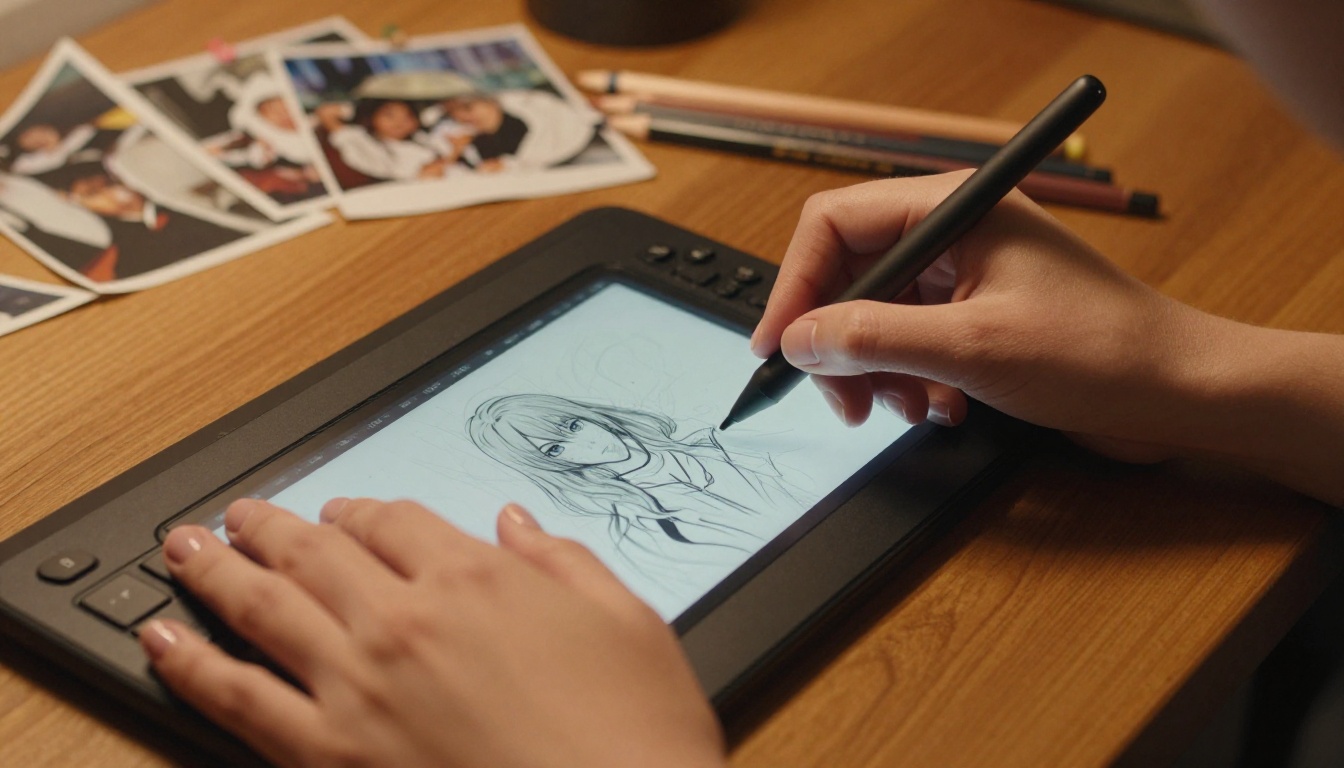
Writing Prompts That Hold Across Generations
The goal of a strong character prompt is consistency. You want to generate her across different scenes, angles, and lighting conditions and have her remain recognizable.
A reliable approach is to build a "character anchor block": a dense, specific description of her core features that you prepend to every prompt, followed by the scene-specific details.
Example anchor block:
"A young woman with deep espresso hair with reddish warmth, loose shoulder-length waves, pale cerulean irises with gold rings near the pupil, warm ivory skin with peachy undertones, softly defined facial structure, slight rosiness on the cheeks, natural lip shape, approachable and confident expression."
Then you add the scene: "standing on a rooftop at golden hour, wearing a fitted black blazer, looking slightly off-camera."
This separation of character identity from scene context is what keeps your waifu recognizable across dozens of generations.
Shaping Her Personality with LLMs
A waifu without personality is just a pretty image. If you want her to feel real in conversation, you need to build her character intentionally using a large language model.

Writing Her Character Sheet
Before you write a single roleplay prompt, write her character sheet. This is a document you feed to an LLM as a system prompt, establishing who she is before the conversation begins. A good character sheet covers:
- Full name and any nicknames
- Age and background: Where she grew up, what she does, what shaped her.
- Core personality traits: 3 to 5 specific words with short explanations. Not "kind" but "quietly attentive: she notices when someone is struggling before they say anything."
- Speech patterns: Formal or casual? Does she use humor? Does she ask lots of questions or mostly offer statements? Does she have any verbal habits?
- What she cares about: Her interests, passions, opinions. Make these specific enough to generate real conversation.
- What she dislikes: Conflict, specific behaviors, topics that make her uncomfortable.
- How she expresses affection: Does she tease? Give thoughtful gifts? Use physical closeness or words?
The more specific your character sheet, the more consistently any LLM will portray her.
Best Models for Immersive Roleplay
Not all LLMs handle character roleplay equally. Some break character constantly to add disclaimers. Others have enough context length and instruction-following capability to maintain a persona across long conversations.
Top picks available on PicassoIA:
- GPT 5: Excellent instruction following and long context, rarely breaks character when given a well-written system prompt.
- Claude 4 Sonnet: Strong nuanced dialogue, excels at subtle emotional characterization and consistent voice.
- Deepseek R1: Open-source reasoning model, very capable for character building and story consistency with detailed character sheets.
- Gemini 3 Flash: Fast and capable, good for rapid-iteration roleplay sessions.
- Kimi K2 Instruct: Built for tool use and long-context tasks, surprisingly capable at maintaining complex character personas.

Keeping Her Response Style Consistent
The biggest issue people run into with LLM-based characters is drift: over the course of a long conversation, the character starts responding more like a generic helpful AI and less like the specific person you designed. A few approaches work well:
- Keep the system prompt dense. Sparse system prompts get overwhelmed by conversation context. Spend 400 to 600 words establishing her.
- Include negative examples. Tell the model explicitly what she would NOT say. "She never uses filler phrases like 'certainly' or 'of course.' She doesn't volunteer information she wasn't asked about."
- Reinforce at critical moments. If a conversation runs long, re-inject core personality notes in a hidden system message or user prompt.
- Use temperature deliberately. Higher temperature gives her more spontaneity. Lower temperature keeps her more consistent. Find the balance that matches her character.
Giving Her a Real Voice
If you want her presence to extend beyond text and images, giving her a voice turns a concept into something that genuinely feels alive. The text-to-speech models available on PicassoIA make this achievable without any recording setup.
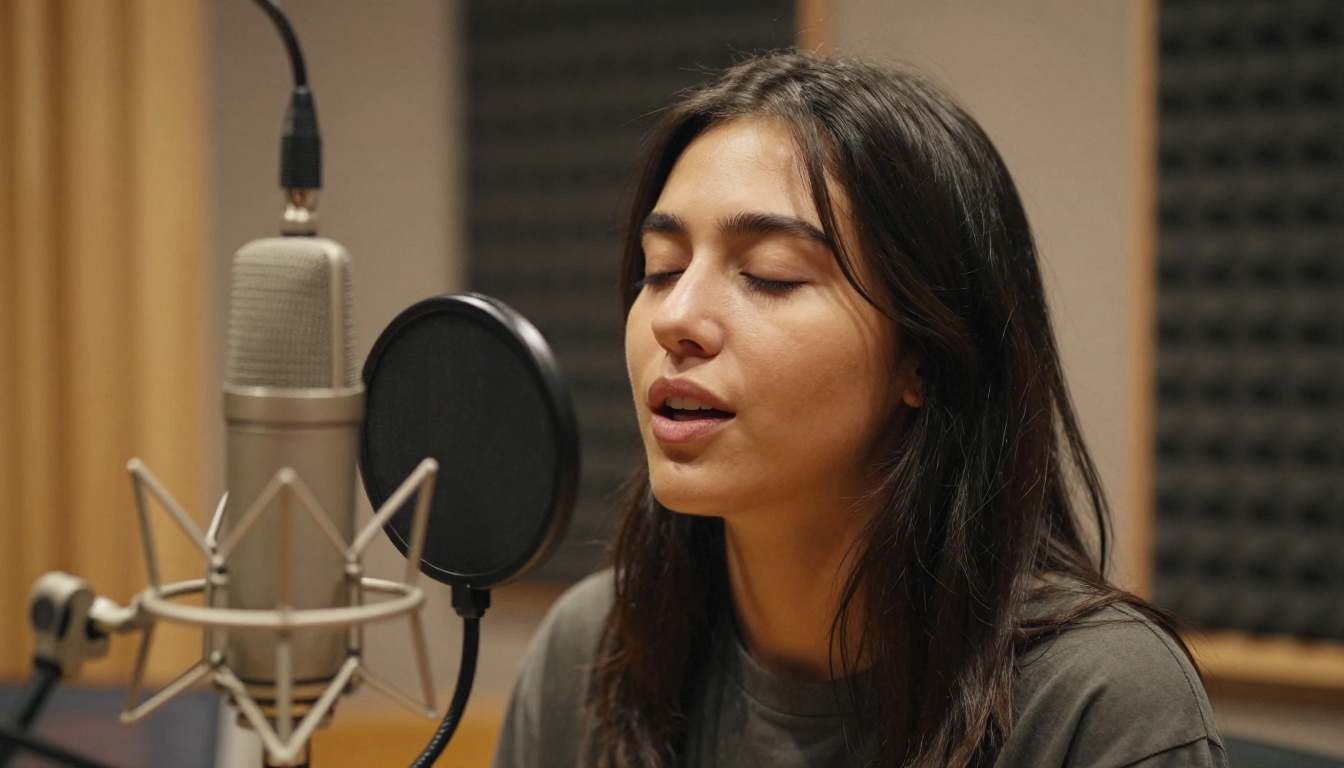
Choosing the Right TTS Model
Different models have different strengths in terms of voice quality, language support, and how natural they sound in emotional or intimate speech.
Speech 2.8 HD from MiniMax is the strongest general-purpose option for character voice work. It delivers studio-quality output with a natural dynamic range that handles both casual conversation and more emotionally charged dialogue without sounding flat.
💡 Write dialogue lines as your character would actually say them, not as formal text. Include natural pauses with commas, emphasize words with capitalization, and break long sentences apart. TTS models perform significantly better with text that's already written the way a person speaks.
Voice Cloning for a Truly Custom Sound
If you have a specific voice in mind, Minimax Voice Cloning lets you capture that sound from a sample and apply it to any text you write for your character. Qwen3 TTS also allows you to design and clone custom voices with fine-grained control.
The result is a character whose voice is as specific and consistent as her face. Every line she speaks sounds like her, not like a generic text-to-speech system.
How to Do All of This on PicassoIA
PicassoIA brings every tool in this workflow into a single platform: image generation, image editing, LLMs, and text-to-speech, all without needing to juggle five different services.

Step-by-Step on PicassoIA
- Build your character sheet using any LLM on the platform, such as GPT 5 or Claude 4 Sonnet.
- Generate her visual identity starting with Seedream 4.5 using your full character anchor block. Run 5 to 10 variations to find the best base image.
- Refine with Image Editor Pro. Once you have a strong base, use PicassoIA Image Editor Pro to iterate on details: adjust outfit, lighting, pose, and expression without losing her core identity. The unlimited generation structure means you can run hundreds of refinements at no extra cost.
- Generate scene variants using your anchor block plus scene-specific prompts. Rooftop, beach, bedroom, forest, studio. Build a gallery that establishes her in different contexts.
- Write her voice using Speech 2.8 HD for general output or Voice Cloning if you want a fully custom sound.
- Run live conversations through your chosen LLM with her character sheet as the system prompt.
The Full NSFW Model Lineup
For creators who want unrestricted creative freedom, PicassoIA offers the most capable lineup of uncensored AI models available on a single platform:
- Seedream 4.5 ⭐: Top recommendation. Accepts adult content, supports editing, generates realistic results in under 3 seconds.
- PicassoIA Image Editor Pro: Unlimited generations for Elite/Infinite subscribers. 1,000 images at no extra cost, results in under a second, free 3-generation trial.
- Qwen Image 2: Open-source, edits or creates any image with detailed realism.
- Grok Imagine Image: Realistic image-to-image transforms, including bikini format conversion.
- Recraft V4: Very realistic text-to-image output.
- P-Image: NSFW text-to-image generation in under 1 second.
- Wan 2.2 Image: Highly realistic generations without content filters.
💡 Browse the full catalog of AI models, including every image, video, and audio tool in one place, at picassoia.com/en/all-models.
She's Waiting for You to Build Her
The difference between a generic AI character and one that feels genuinely yours comes down to intention. Treat every layer as a design decision: the exact shape of her eyes, the weight of her hair, the cadence of her speech, the LLM persona that makes her feel present in conversation. None of this is complicated. It's just deliberate.
Start on PicassoIA with Seedream 4.5 for the visual foundation, build out her world with Image Editor Pro for unlimited iteration, shape her voice with Speech 2.8 HD, and bring her to life in conversation with GPT 5 or Claude 4 Sonnet. All of it lives in one platform, and the full model catalog, including every tool mentioned in this article, is at picassoia.com/en/all-models.