Most free AI girlfriend apps promise a lot and deliver a chatbot that feels like a FAQ page with a personality filter slapped on top. You deserve better than that. Whether you want stimulating conversation, realistic custom photos, or an experience that actually adapts to your preferences, the app you pick determines everything. This article breaks down exactly what to look for, which features matter in practice, and how to create the kind of visual companion no single packaged app gives you out of the box.

What Makes an AI Girlfriend App Worth Using
Conversation That Doesn't Sound Like a Script
The single biggest differentiator between a forgettable app and one you actually return to is the LLM behind the chat. A weak model produces responses that hedge every sentence and repeat itself every few messages. A strong model tracks context across a long conversation, adapts to your tone, and responds with something that actually surprises you.
You can test this in the first five minutes. Send a casual message, then reference something from two exchanges back. If the response ignores that context or summarizes it robotically, move on.
💡 Quick test: Ask the AI something offbeat and ambiguous. A well-tuned model gives a specific, opinionated response. A weak one deflects with a generic, non-committal answer every time.
Image Generation That Actually Delivers
A free AI girlfriend app that can only generate vague, plastic-looking headshots is not the same as one powered by a real image generation engine. What you want is a model that handles skin texture, lighting, and facial consistency across multiple prompts.
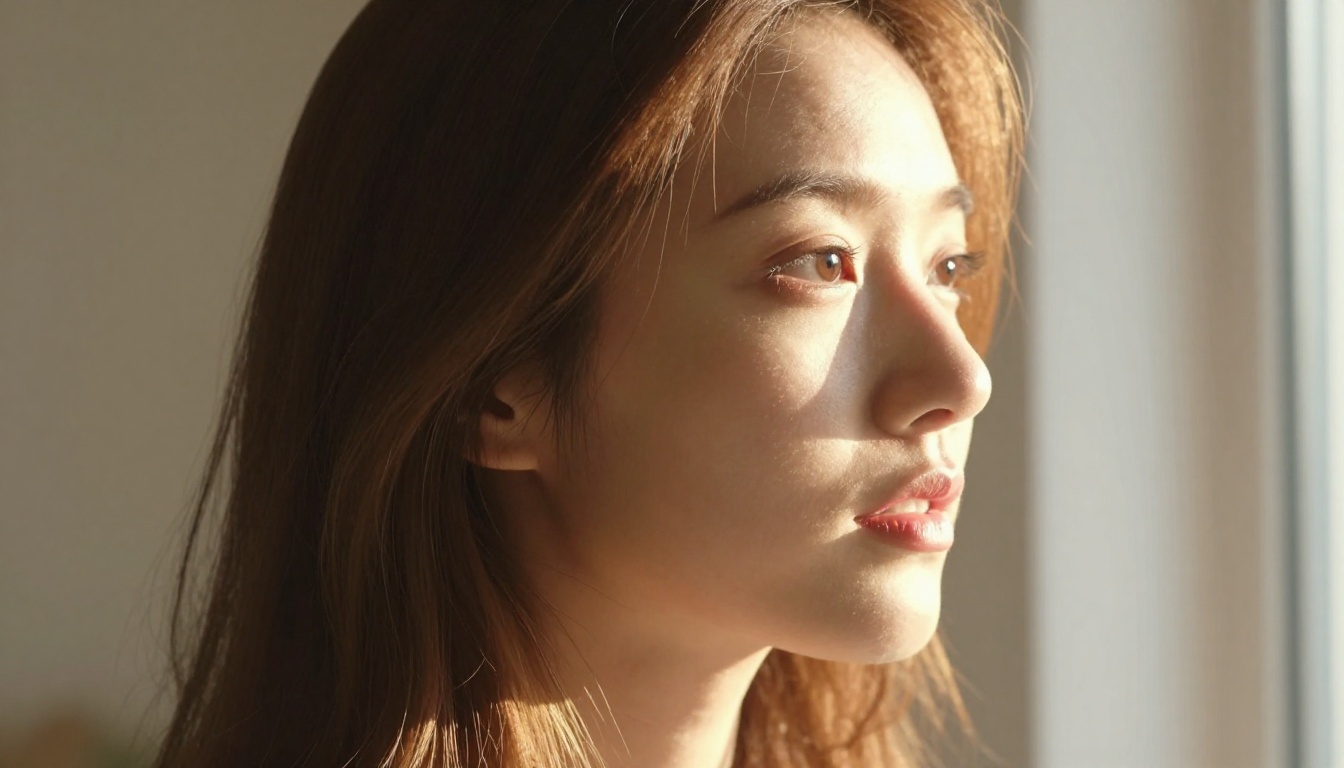
Apps that integrate high-quality text-to-image models produce noticeably sharper, more realistic results. The resolution, the way shadows fall across a face, the texture of clothing: all of this comes from the underlying image model, not from the app's branding or marketing copy.
The Technical Stack You Should Care About
Most apps will not tell you which model powers the conversation. But clues are everywhere. If the chat feels genuinely contextual and emotionally aware, it is likely running on something close to GPT 5, Claude 4 Sonnet, or Gemini 3.5 Flash. If responses feel flat and repetitive, you are probably talking to a much smaller, less capable model that cuts costs at your expense.
Free vs. Paid: The Real Difference
What "Free" Usually Means in Practice
Free plans almost always come with conversation limits. You might get 30 messages per day, or a paywall after the first few images, or both. Some apps lock the most interesting personality modes or the better image styles behind a subscription that costs more than most people expect.
That said, free tiers have gotten genuinely useful in the last year. The underlying models have gotten cheaper to run, which means some platforms now offer meaningful daily free access. The question is whether the limits match how you actually use the product.
When the Free Tier Is Good Enough
If you check in for 10 to 15 minutes a day and mostly want casual conversation, most free tiers cover that. Where free falls short is image generation. Most apps give you 3 to 5 images per day on the free plan, which is not enough if custom visuals are a core part of the experience you want.
The smarter approach: Use the app for conversation, and use a standalone image generation platform to create the visuals you actually want. This combination gives you more control over both sides of the experience without paying for a single bundle that compromises on one of them.
The 5 Features That Actually Matter
Not everything on an app's feature list is worth reading. These five determine the real quality of the experience you will have.
1. Uncensored Chat Options
Standard safety filters exist for liability reasons, not because they improve your experience. A good platform gives you the option to adjust sensitivity settings. Look for apps that distinguish between aggressive content and mature conversation, and that let you opt into more open chat without jumping through unnecessary hoops. The best ones handle this with a simple toggle.
2. Custom Photo Generation
The difference between a static avatar and a prompt-driven image generator is massive. Apps that let you type what you want to see, then actually generate it on demand, give you a fundamentally different product. Check whether the app uses a real text-to-image model or just cycles through pre-made templates with minor variations.
3. Personality and Memory
Memory is what separates a real companion from a generic chatbot. The best apps store details about your preferences, things you have discussed, and how you like to be talked to. When an AI references something from a week ago without being prompted, that is the closest thing to genuine continuity these platforms currently offer.
What to look for:
- Does the AI remember your name and preferences between sessions?
- Can you set a backstory or define a relationship dynamic from the start?
- Does the personality stay consistent, or does it drift toward bland after a few messages?
4. Multi-modal Capabilities
Some of the best free options now combine chat with voice and images in a single interface. You can send a message, receive a voice response, and ask for a photo all within the same conversation thread. If visual and audio experiences matter to you, multi-modal support is not a nice-to-have feature — it is a requirement.
5. Privacy and Data Handling
This matters more than most people realize. Your conversations with an AI companion are personal. Some apps store them indefinitely on third-party servers. Others sell anonymized data. Before you invest time in any platform, read the privacy policy specifically for these points:
- How long are conversations stored after you log out?
- Can you request deletion of all your data?
- Are conversations used to train models you have no visibility into?
💡 Red flag: Any app that does not let you delete your account and all associated conversation data is not respecting your privacy.
How LLMs Power the Experience
The Models Behind the Best AI Companions
The chat quality you experience in any AI girlfriend app is almost entirely determined by the LLM running the conversation. The best apps are transparent about this. Here is what each tier looks like in practice.
| LLM | Conversation Quality | Best For |
|---|
| GPT 5 | Exceptional context, natural tone | Deep conversations, roleplay |
| Claude 4 Sonnet | Nuanced, emotionally aware | Thoughtful, layered dialogue |
| Gemini 3.5 Flash | Fast, multimodal | Quick chats, image and text combined |
| Deepseek R1 | Strong reasoning, creative depth | Roleplay, scenario-building |
| Llama 4 Maverick Instruct | Open-source, flexible | Privacy-focused setups |
Open-Source Models Are Closing the Gap
The distance between closed-source and open-source LLMs has narrowed significantly. Models like Llama 4 Maverick Instruct and Deepseek v3.1 now produce conversations that are hard to distinguish from the top closed models in casual, conversational use. For apps that prioritize privacy or want self-hosted options, open-source LLMs are a legitimate and increasingly capable choice.
Generating Your AI Companion's Look
Why Seedream 4.5 Is the Go-To for This
When it comes to generating photorealistic portraits of a consistent character, Seedream 4.5 is the current standard for this type of content. It produces images at 2K and 4K resolution with natural skin texture, accurate lighting behavior, and consistent facial structure across different prompts. It accepts up to 14 reference images, so you can upload a result you like and generate variations that stay true to the same face and style.
For mature content, Seedream 4.5 includes a safety checker toggle that, when disabled, relaxes moderation to block only illegal content. This gives you creative control over suggestive, artistic, and glamour imagery without the aggressive filtering that ruins most free app experiences.
Seedream 4.5 at a glance:
- Output resolution: 2K or 4K (up to 4096px)
- Accepts up to 14 reference images for image-to-image input
- Batch mode generates up to 15 images in one run
- No watermarks on downloaded files
For editing and refining those generated images, the PicassoIA Image Editor Pro gives you unlimited generations to inpaint, outpaint, and adjust details without starting over from scratch — ideal for iterating on a character's look until every detail is exactly right.
How to Use Seedream 4.5 on PicassoIA
PicassoIA gives you access to Seedream 4.5 with no API setup, no coding, and no subscription required to start. Here is the exact process:
- Open the Seedream 4.5 model page
- Write a detailed prompt: include your character's appearance, lighting direction, clothing, pose, and background
- Select 4K for the highest resolution output
- Choose your aspect ratio: 16:9 for landscape scenes, 9:16 for portrait close-ups
- To create consistent variations, upload your first output as a reference image and refine the prompt
- For mature content, disable the safety checker (applies only to your current session)
- Download the finished image with no watermark, no branding, ready to use
💡 Prompt tip: Describe lighting direction and camera lens in your prompt. Phrases like "warm volumetric light from the left, 85mm f/1.4 depth of field, Kodak Portra 400 grain" produce measurably more realistic skin and atmosphere than a basic description.

Flux 1.1 Pro for Speed and Variety
When you want fast generation with sharp prompt adherence across different styles and compositions, Flux 1.1 Pro is the right complement to Seedream 4.5. It reads multi-element prompts accurately, handles unusual compositions without distortion, and produces clean results without extra post-processing. It is also available on PicassoIA with no installation.
Use Seedream 4.5 when you need maximum resolution and photo realism. Use Flux 1.1 Pro when you want faster iteration or want to test different creative directions before committing to a high-resolution render.
Privacy Red Flags to Watch For
What These Apps Do With Your Chats
Most AI companion apps are transparent about storing conversations to improve their models. That is standard practice. What is not standard is selling that data to advertisers or retaining it after you close your account.
Before you share anything personal in a companion app, ask:
- Is the app based in a jurisdiction with strong data protection laws?
- Does it offer encryption for stored conversations?
- Can you export or permanently delete your conversation history at any time?

Account Requirements and Anonymity
Some of the most privacy-respecting options require only an email address to get started. Avoid apps that demand a phone number, push notification access, or location data without a clear functional reason. These permissions go well beyond what a chat and image app actually needs to operate.
Safer habits for anyone using these apps:
- Use a dedicated email address that is not tied to your identity
- Avoid signing in with Google or Apple if the app stores personal relationship data
- Review app permissions on your device before the first launch, not after
5 Free AI Girlfriend Apps at a Glance
Here is a direct comparison of the most-discussed free options based on publicly available information as of late 2025.
| App | Free Messages | Image Gen | Chat Model Tier | Uncensored Option | Data Deletion |
|---|
| Replika | ~30/day | Limited presets | Mid-range | Paid only | Partial |
| Character.ai | Unlimited | Not available | Strong | No | Trains on chats |
| Candy.ai | ~20/day | 5 images/day | Good | Paid tier only | Available |
| DreamGF | ~10/day | 10 images/day | Mid-range | Limited | Standard |
| PicassoIA | Model-dependent | Unlimited | Top-tier LLMs | Yes | Session-based |
💡 Plan details change frequently. Always check each platform's current pricing page before signing up.

When No Single App Is Good Enough
The honest reality is that most free AI girlfriend apps are constrained by their message limits, image quality ceilings, or both at once. The better approach for anyone who wants a genuinely high-quality experience is to separate the conversation and visual functions.
For conversation: Use a platform that gives you direct access to frontier-tier LLMs. GPT 5, Claude 4 Sonnet, and Gemini 3.5 Flash are all available on PicassoIA and can be prompted to take on any personality or relationship dynamic with no special setup.
For visuals: Seedream 4.5 on PicassoIA gives you unlimited 4K portrait generation with safety controls you actually manage. You can build a consistent character appearance across dozens of images, adjust the look with reference photos, and produce full-scene imagery that no pre-packaged app comes close to matching.
This split approach beats any single free app on the market because you are not accepting someone else's limits. Top-tier conversation from a frontier LLM, top-tier visuals from a dedicated image model, both on the same platform.
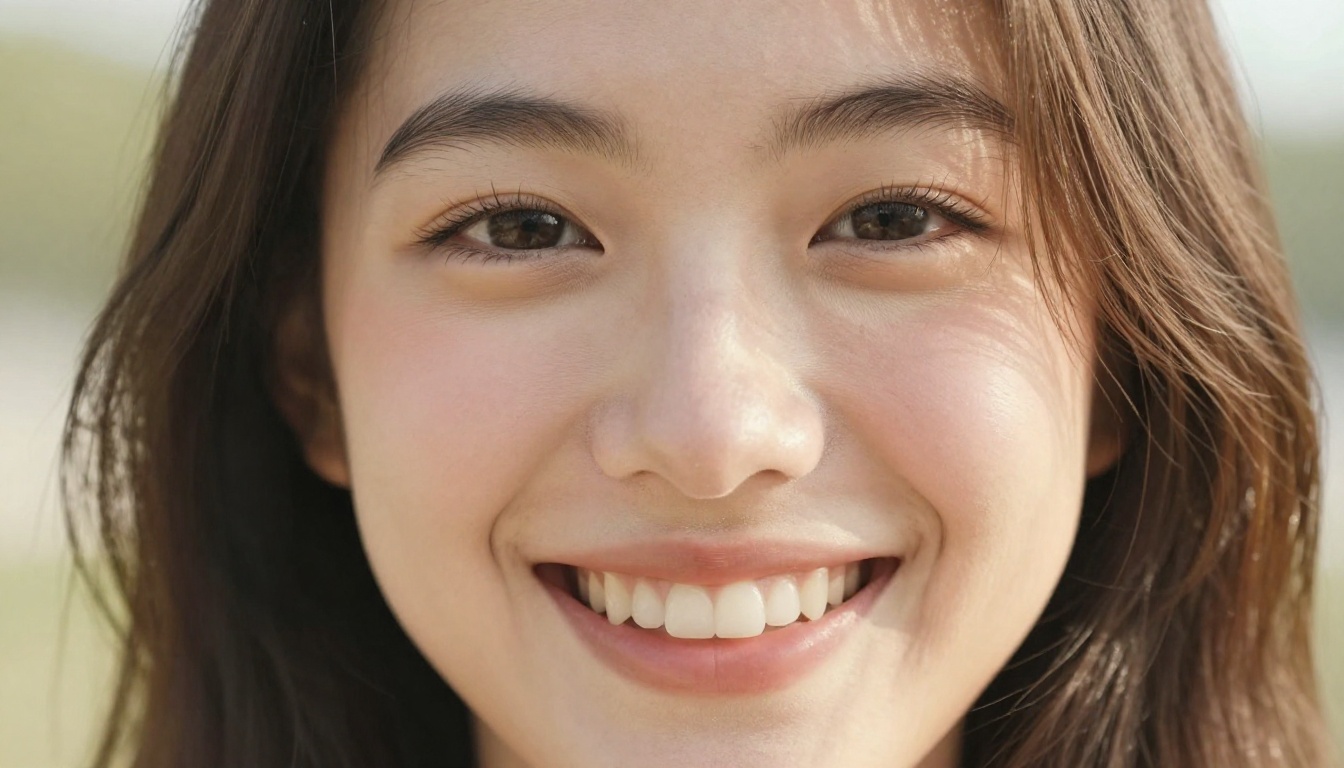
Create Your Own AI Companion on PicassoIA
If reading this has made you think about what your ideal AI companion would actually look and sound like, that is the right instinct. PicassoIA gives you the tools to create it yourself, right now, without paying for a subscription.
Start with Seedream 4.5 to build the visuals: describe the look in detail, adjust the lighting, generate multiple versions until you find a face and style that feel right. Then open any of the frontier LLMs at picassoia.com/en/all-models and set the context for the kind of conversation you want.
No templates, no daily message limits, no image caps. The tools are there. The only variable is the prompt you write.


