Whether you want soft glamour shots, suggestive boudoir scenes, or artistically tasteful intimacy, the quality of your output lives and dies by what you type. Most people write three words and wonder why the result looks like a stock photo reject. The difference between a stunning AI-generated adult art piece and a blurry mess is not the model, it is the prompt. This article breaks down exactly how to write prompts that work, which models on PicassoIA handle this type of content reliably, and what to avoid when the output does not match what you had in mind.
Why Most AI Art Prompts Fall Flat
Generative AI does not read minds. When you type "beautiful woman in lingerie" you are giving the model almost zero information to work with. It does not know the lighting, the room, the angle, the mood, the fabric texture, or the camera lens. So it guesses, and the result is generic.
The AI fills in every gap you leave with the most statistically average version of that concept from its training data. Average lighting. Average pose. Average composition. The moment you start filling those gaps yourself, with specific words that describe the exact scene in your head, the output quality jumps considerably.
The Vague Prompt Problem
Here is what vague versus specific looks like side by side:
| Vague Prompt | What the AI Fills In |
|---|
| "Woman in lingerie" | Generic stock pose, flat lighting, studio white background |
| "Woman in silk robe by window, morning light, 85mm" | Specific scene, natural directional light, realistic depth |
| "Couple in bed" | Awkward framing, ambiguous positioning, no atmosphere |
| "Couple on cream linen sheets, golden afternoon light through curtains" | Warm, intimate, editorial quality composition |
The vague prompt is not wrong. It is incomplete. Every word you add is another constraint that narrows the model toward exactly the image you want.
The Anatomy of a Good Adult Art Prompt
A strong adult AI art prompt has six layers. You do not need all six every time, but knowing what each layer does lets you add or remove them intentionally.
- Subject: Who is in the image, described physically and emotionally
- Pose and Action: What they are doing, how their body is positioned
- Environment: The location, room, outdoor setting, props
- Lighting: Direction, quality, color temperature, source
- Camera: Lens, angle, distance, depth of field
- Style and Film: Photographic style, film stock, grain, color grading
Stack these in a single paragraph and separate them with commas. Do not write them as a list inside the prompt itself. Models process prose-style prompts better than bulleted lists.
Start with the Subject
Lead with the most important visual element. For adult AI art, this is almost always the person or people. Describe them before anything else.
Strong subject opening: "A woman in her late twenties with sun-kissed olive skin and dark wavy hair..."
Weak subject opening: "Beautiful woman..."
Physical attributes that genuinely affect the image: skin tone, hair length and texture, body type proportions, posture, and expression. Emotional state, whether confident, relaxed, or playful, also changes the face and posture in the generated output.
Add the Scene and Environment
The environment is not background decoration. It sets the mood, the lighting quality, and the believability of the image. Specific locations produce better results than generic ones.
Generic: "bedroom"
Specific: "French countryside bedroom with stone walls, white linen sheets, a wooden beam ceiling, and afternoon light through half-open shutters"
The more real it sounds, the more real it looks.
Lighting Words That Change Everything
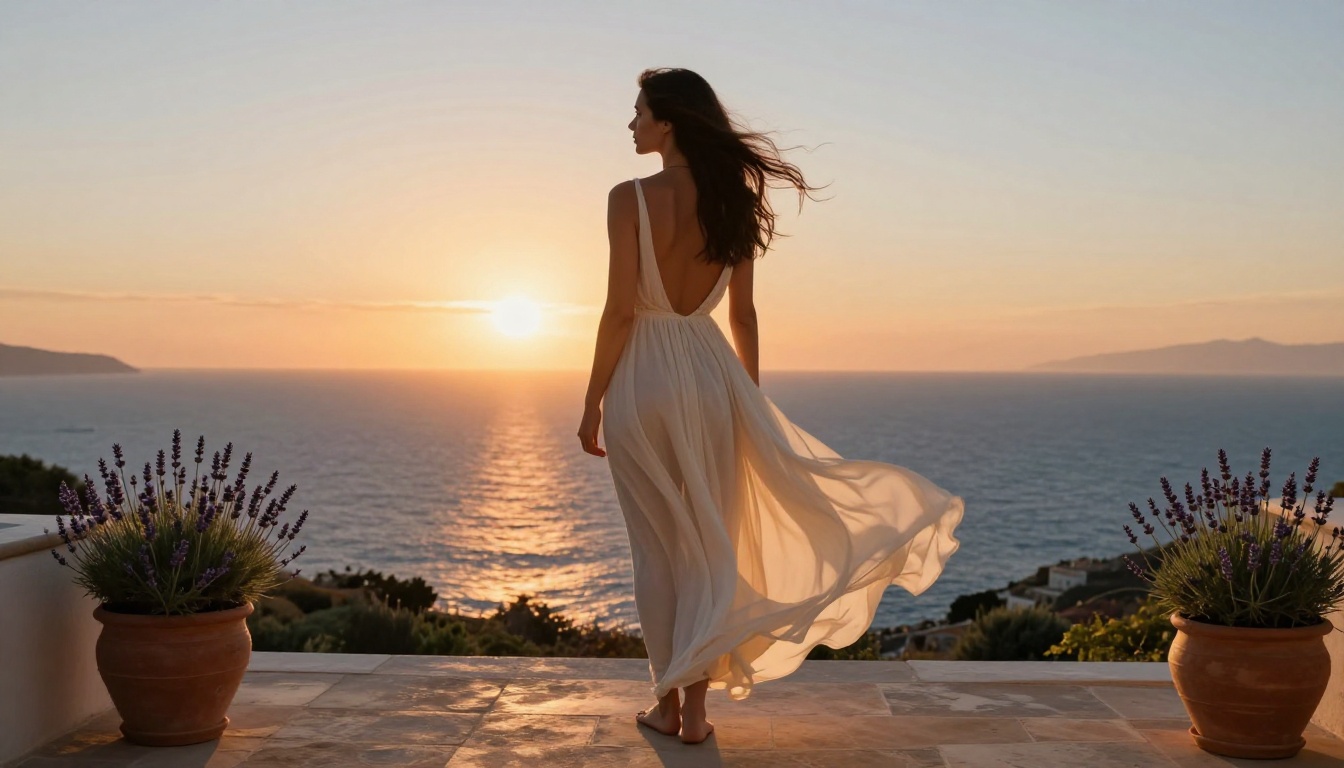
Lighting is the single biggest lever you have over the final image. These words produce reliably different results:
| Lighting Term | Visual Effect |
|---|
golden hour | Warm amber tones, long soft shadows, romantic feel |
Rembrandt lighting | Dramatic triangle highlight on cheek, cinematic depth |
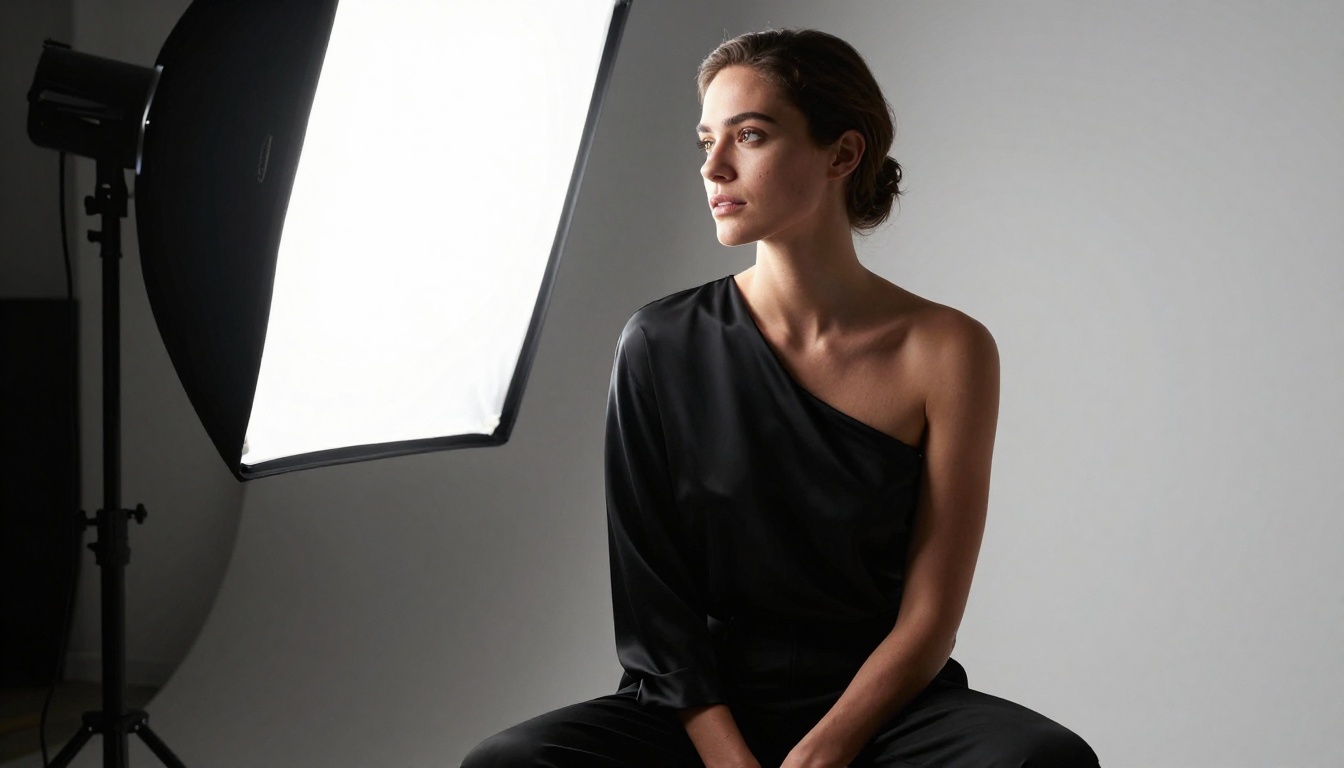
soft box from left | Even, controlled, studio-quality |
backlit, rim light | Silhouette edge, ethereal glow |
candlelight | Warm, intimate, flickering amber |
morning window light | Soft diffused, blue-white tones, calm mood |
chiaroscuro | High contrast, deep shadows, fine art |
overcast natural light | Even, no harsh shadows, skin-flattering |
Always specify a light source direction (from left, from above, from behind) and a quality (soft, hard, diffused, directional). Two words. They matter more than almost anything else in your prompt.
Character Description That Works
Specificity Beats Adjectives
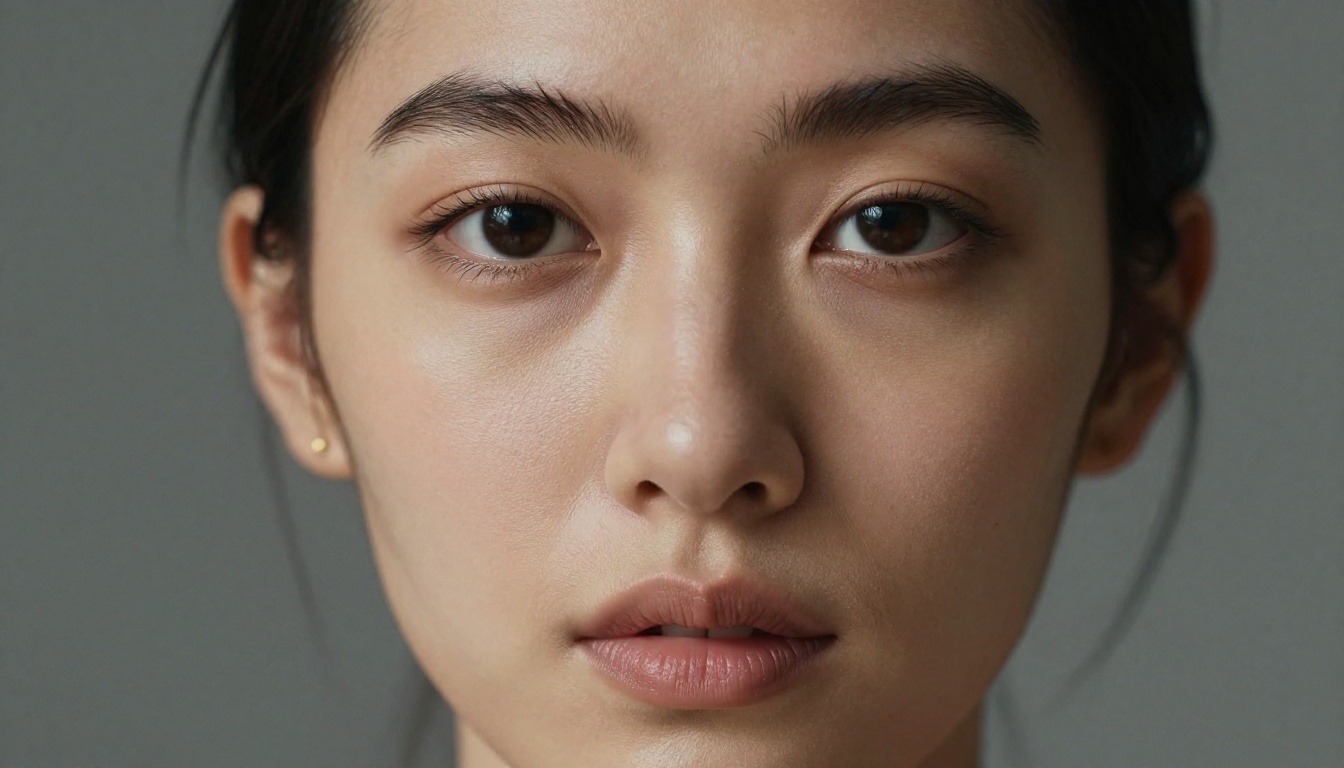
"Beautiful" tells the model almost nothing. "High cheekbones, full lips, dark arched brows, warm olive complexion" tells it exactly what to render.
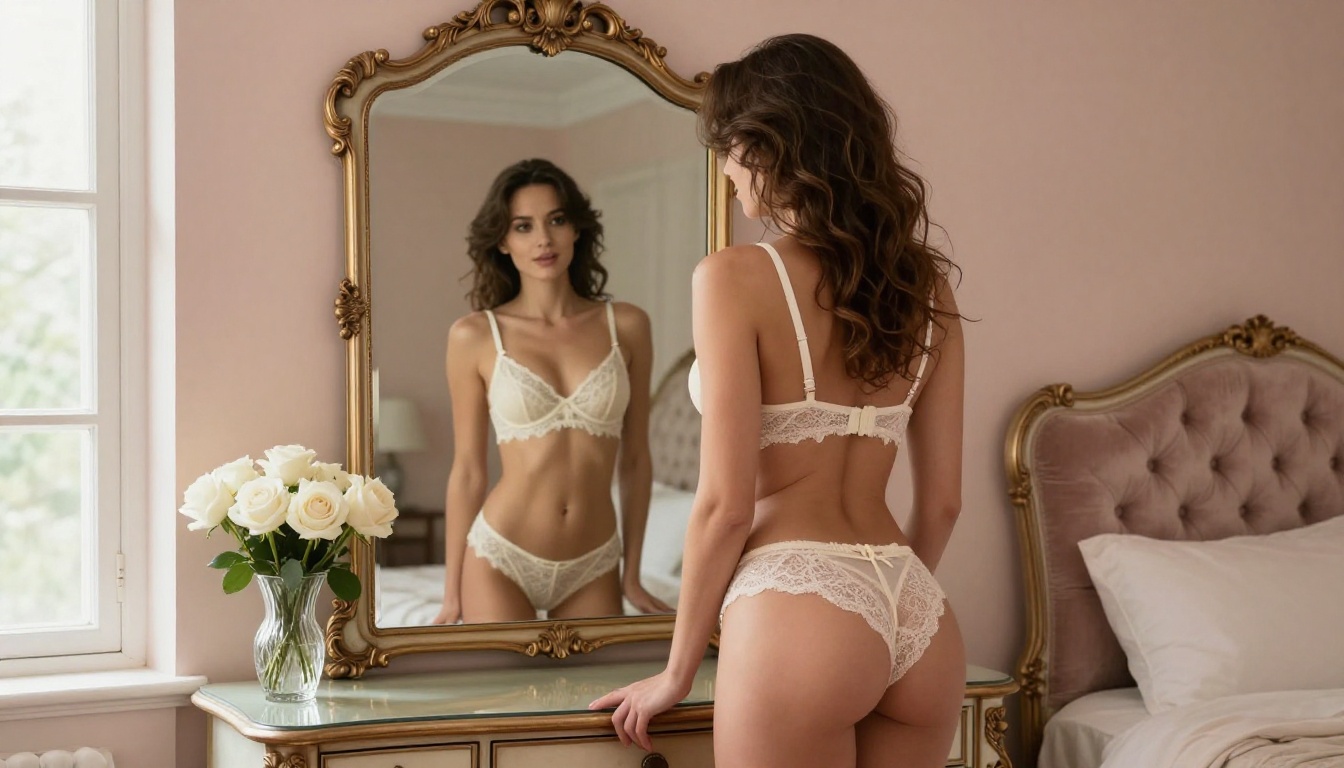
The same principle applies to clothing. "Lingerie" is vague. "Ivory lace bralette with thin shoulder straps, high-waisted matching briefs, delicate scalloped trim along the neckline" is a specific garment the model can visualize.
Elements that add specificity to character prompts:
- Skin texture: "warm olive skin with subtle pores, natural glow"
- Hair: "loose waves, dark brown, few strands across collarbone"
- Expression: "relaxed, parted lips, downcast gaze"
- Posture: "arched back, weight shifted to left hip, one arm resting above head"
- Clothing material: "silk, lace, sheer chiffon, velvet, cotton"
💡 Tip: Think like a casting director giving notes to a costume and lighting team. The more specific your direction, the less the model has to improvise.
Models That Deliver on PicassoIA
Not every text-to-image model handles adult and suggestive content equally. Some apply filters that soften or block intimate imagery entirely. Others render it beautifully at full quality. PicassoIA offers models that produce this content without the frustrating rejections you hit on other platforms.
Seedream 4.5 Leads for Adult Art
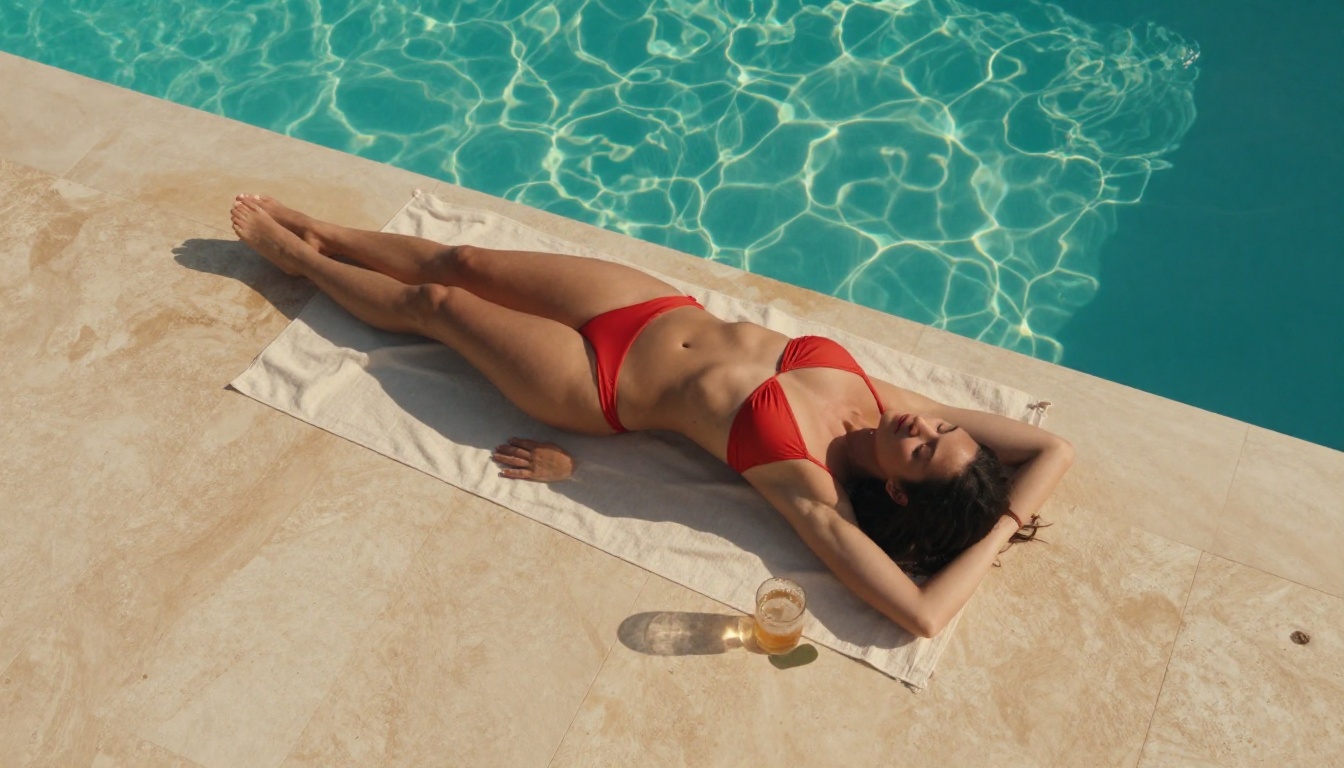
Seedream 4.5 is the first model you should reach for when prompting adult or suggestive content. It handles anatomy, skin texture, and intimate posing better than most alternatives currently available. The output at 4K resolution shows genuine photorealistic detail: realistic skin pores, natural fabric draping, and lighting that reads as genuine photography rather than digital art.
It processes long, detailed prompts well. This matters because detailed prompts are exactly what you need for adult art. Short vague prompts waste its capabilities. Give Seedream 4.5 specifics and it rewards you with images that look like they came from a professional shoot.
PicassoIA Image Editor Pro: Unlimited and Uncensored
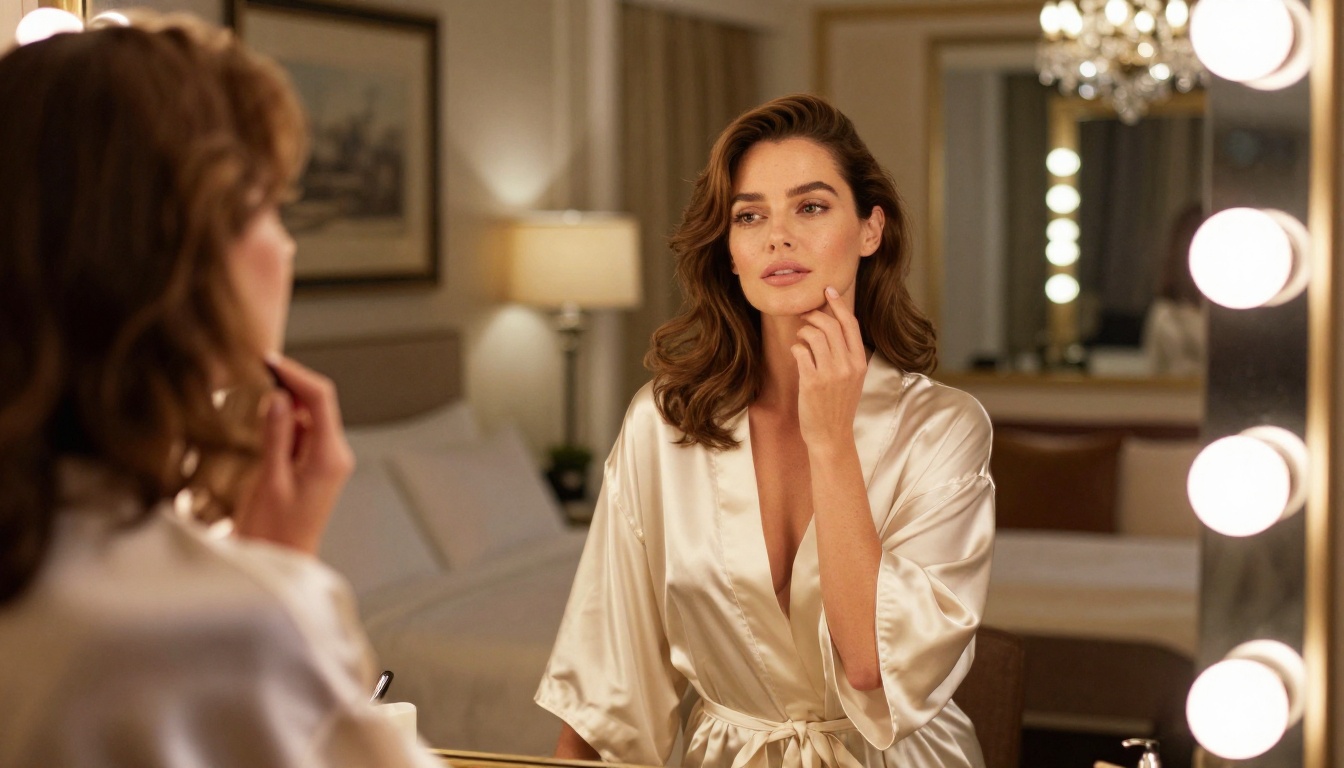
PicassoIA Image Editor Pro solves a problem that kills most adult AI art workflows: the generation limit.
Standard platforms cap your generations per day or month. You run out of credits at exactly the moment you are mid-iteration on a prompt that is almost perfect. PicassoIA Image Editor Pro removes that ceiling entirely with unlimited generations, meaning you can iterate as many times as you need to get the prompt exactly right. That freedom matters enormously when working on nuanced adult art where small prompt changes produce significantly different results.
It also handles editing and refinement. If you generate an image that is 90% right but the lighting is wrong, you can use inpainting to adjust just that area without regenerating the entire scene. This saves dozens of credits and keeps the elements of the image that are already working exactly where they are.
More Models Worth Knowing
Beyond the two leaders above, these models on PicassoIA produce strong results for sensual and artistic adult imagery:
- PicassoIA Image: The platform's own unlimited text-to-image model. Fast, reliable, and handles suggestive prompts without the over-filtering that plagues external platforms.
- Dreamina 3.1: Produces cinematic 4MP images with impressive depth of field. Particularly strong for outdoor and lifestyle adult photography prompts.
- Hunyuan Image 3: Excellent for sharp, high-detail images. Strong performance on skin texture and realistic fabric rendering.
- Wan 2.7 Image Pro: 4K output with high prompt adherence. Good for complex scenes with multiple elements and layered environments.
- Flux Kontext Fast: Built for rapid iteration. Use it when you need to test many prompt variations quickly before committing to a higher-resolution render.
💡 Tip: Do NOT use Seedream 5 Lite for NSFW or adult content. It applies content filters that block intimate imagery. Stick to Seedream 4.5 or the PicassoIA native models for this type of work.
How to Use Seedream 4.5 on PicassoIA
This walks through getting your first high-quality adult art image with Seedream 4.5 from scratch.
Step 1: Open the Model Page
Go to Seedream 4.5 on PicassoIA. You will see the prompt input field, the aspect ratio selector, and the output resolution options. Spend 30 seconds reviewing these settings before you type anything. The default settings are often not optimal for the type of image you want.
Step 2: Set the Aspect Ratio
For portrait or boudoir scenes, use 9:16 (vertical). For landscape or environmental scenes like outdoor settings or wide bedroom compositions, use 16:9. For centered editorial portraits, 4:3 works well. Choosing the right ratio before you prompt prevents the model from cropping or awkwardly filling the composition.
Step 3: Write a Layered Prompt
Use the six-layer structure. Here is a working example:
"A woman in her late twenties with warm olive skin and loose dark wavy hair, reclining on a cream velvet chaise lounge, wearing a sheer ivory silk slip. The room is a sunlit Parisian apartment with tall windows, white walls, and a marble side table with fresh peonies. Late afternoon golden light pours in from the left, creating long warm highlights across her skin. Shot on an 85mm lens at f/1.4, creamy bokeh background, natural film grain, Kodak Portra 400, photorealistic, 8K, no text, no watermarks."
Step 4: Iterate with Small Changes
Do not rewrite the entire prompt if the first output is close but not right. Change one element at a time:
- Output too dark: replace "afternoon light" with "bright morning light"
- Pose is wrong: add "arched back, one arm resting overhead"
- Clothing does not look right: add the material, "silk, visible sheen, realistic draping"
- Face looks generic: add "high cheekbones, full lips, dark brows, downcast gaze"
Step 5: Refine with Image Editor Pro
When Seedream 4.5 produces an image that is 85-90% perfect, switch to PicassoIA Image Editor Pro and use the inpainting tool to fix specific areas without regenerating the whole image. This is the fastest path to a production-ready result.
Prompt Templates That Actually Work
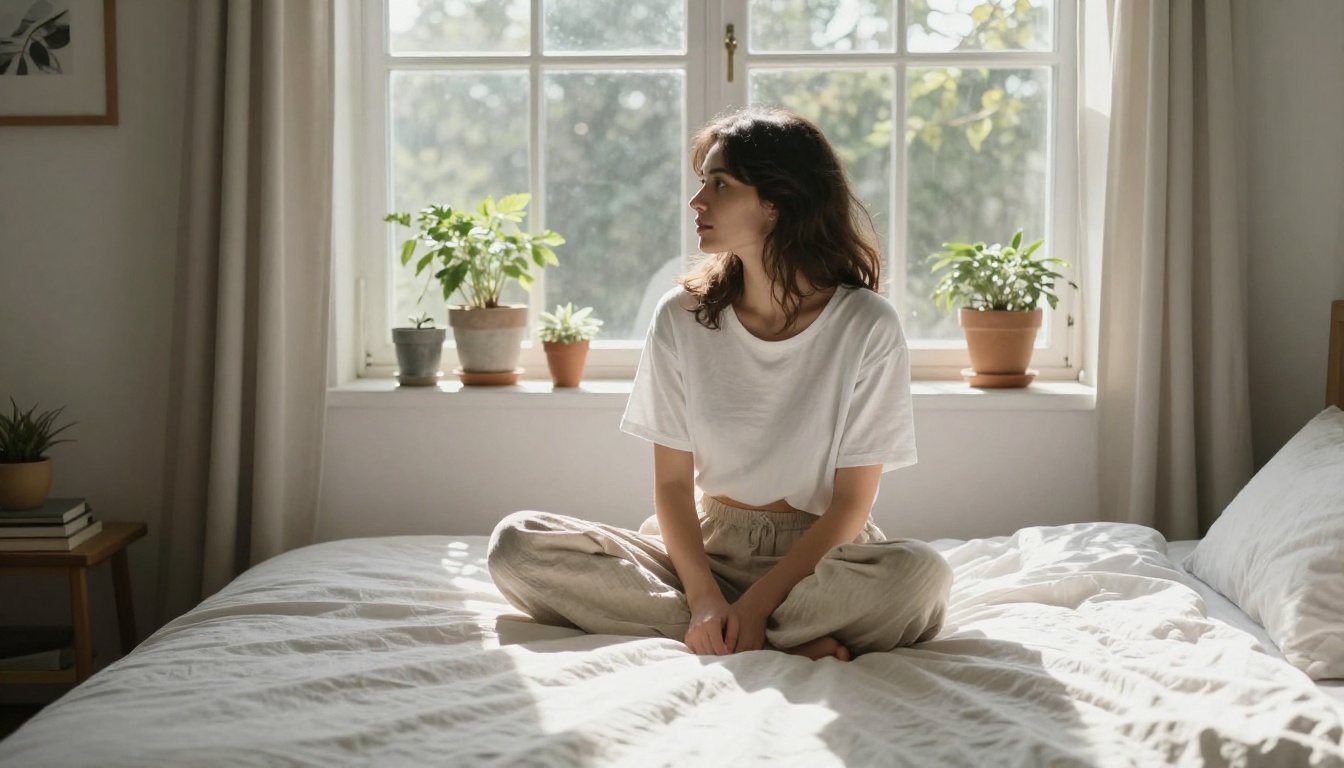
These are copy-paste starting points. Replace the bracketed elements with your specifics.
Boudoir and Lingerie:
"[Physical description of subject] wearing [specific garment with material], in [specific room with details], [lighting direction] from [source], [camera lens] at [aperture], [photographic style], Kodak Portra 400, photorealistic, 8K, no text."
Outdoor and Swimwear:
"[Physical description] in [garment], at [specific outdoor location at time of day], [light quality and direction], shot from [angle and distance], [lens and aperture], natural skin tone, film grain, photorealistic, high detail."
Fine Art and Artistic Nude:
"Artistic fine art photograph of [physical description], [pose and body position], [minimal setting with one or two elements], [dramatic lighting description], [black and white OR color grading], [lens], [film stock], tasteful, museum quality, no watermarks."
Editorial and Glamour:
"[Physical description] in [fashion garment], [interior or exterior setting], [editorial lighting setup], [camera specs], [color grading], fashion editorial photography, [film stock], 8K, photorealistic, no text."
💡 Pro move: Save prompts that work in a text file. When you find a combination of words that produces consistently good results, that prompt is a reusable asset. Small variations on a working prompt produce faster and better outputs than starting from scratch each time.
The most common prompt mistakes in this category:
- Adding contradictory lighting instructions ("soft natural light, harsh studio flash")
- Describing the desired emotional reaction instead of the actual scene ("make it sexy" vs. "sheer fabric, parted lips, low angle shot")
- Forgetting "no text, no watermarks" at the end of every prompt
- Using brand name references instead of visual descriptions
- Placing two different locations in one prompt instead of committing to one specific setting
Using AI to Write Better Prompts
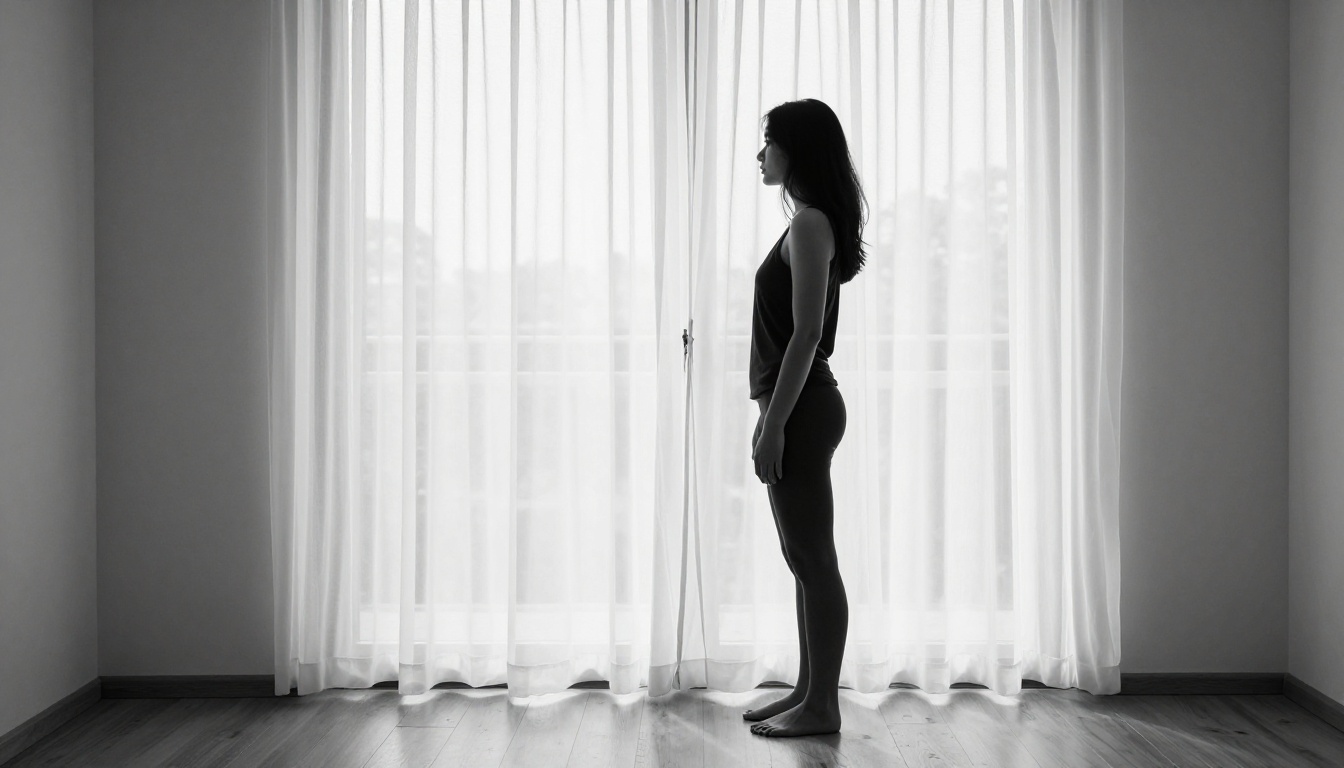
One of the most effective approaches in AI art is using a language model to write or refine your image prompts. This creates a two-step workflow where a text model handles the prompt and an image model handles the render.
Large language models on PicassoIA are strong at this task because they have internalized photography, lighting, and visual composition vocabulary. Here is the approach:
What to send to the language model:
"Write a detailed photorealistic image generation prompt for a suggestive boudoir photograph. Include specific lighting direction, camera lens, film stock, fabric details, and environment. 80 words maximum."
Models like Claude Sonnet 4.6 and GPT 5 produce excellent results with structured creative requests like this. DeepSeek R1 is worth trying when you want the model to reason through the image description step by step before writing the final prompt.
What to ask the language model to add when improving a weak prompt:
- Lighting direction and quality
- Camera angle and lens specifications
- Specific fabric descriptions for clothing
- Atmospheric and environmental details
- Film grain and color grading
- Pose and body language description
The language model does not generate the image. It writes the instruction set that tells the image model exactly what to render. Used well, this workflow cuts the number of iterations you need from fifteen to three.
Why certain words outperform others:
AI image models were trained on large volumes of real photography, cinema, and art. Words that belong to those domains, like "Rembrandt lighting," "Kodak Portra 400," "85mm f/1.4," and "editorial fashion," activate more precise representations in the model than generic words like "beautiful" or "sexy." You are speaking the model's native language when you use photography vocabulary. Prompt specificity is not about being verbose for its own sake. It is about using words that connect to rich visual representations the model has already internalized from its training data.
This is also why negative prompts matter. Adding "no text, no watermarks, no CGI, no cartoon, no digital art" at the end of every prompt actively excludes the most generic visual patterns the model defaults to, pushing it toward the photorealistic range you actually want.
Start Creating on PicassoIA Right Now
The gap between a weak AI adult art prompt and a stunning one is almost entirely in the specifics. You now have the vocabulary for lighting, the structure for character description, the template formats for different scene types, and the model recommendations that work without fighting content filters at every step.
Seedream 4.5 is your starting point. Build the prompt with the six-layer structure, iterate quickly with small focused changes, and refine the final image with PicassoIA Image Editor Pro when you are 90% of the way there. For rapid variation testing, Flux Kontext Fast lets you run many prompt versions in minutes without burning through a full generation budget.
If you want to see every model available for this type of work, the full library is at picassoia.com/en/all-models. There are over 200 text-to-image models on the platform, each with different strengths for different types of imagery. Pick one, write a detailed layered prompt, and see how far specificity takes you.