Generate imagesLarge Language ModelsVisual Effects
How to Prompt for Different Body Types in AI Art
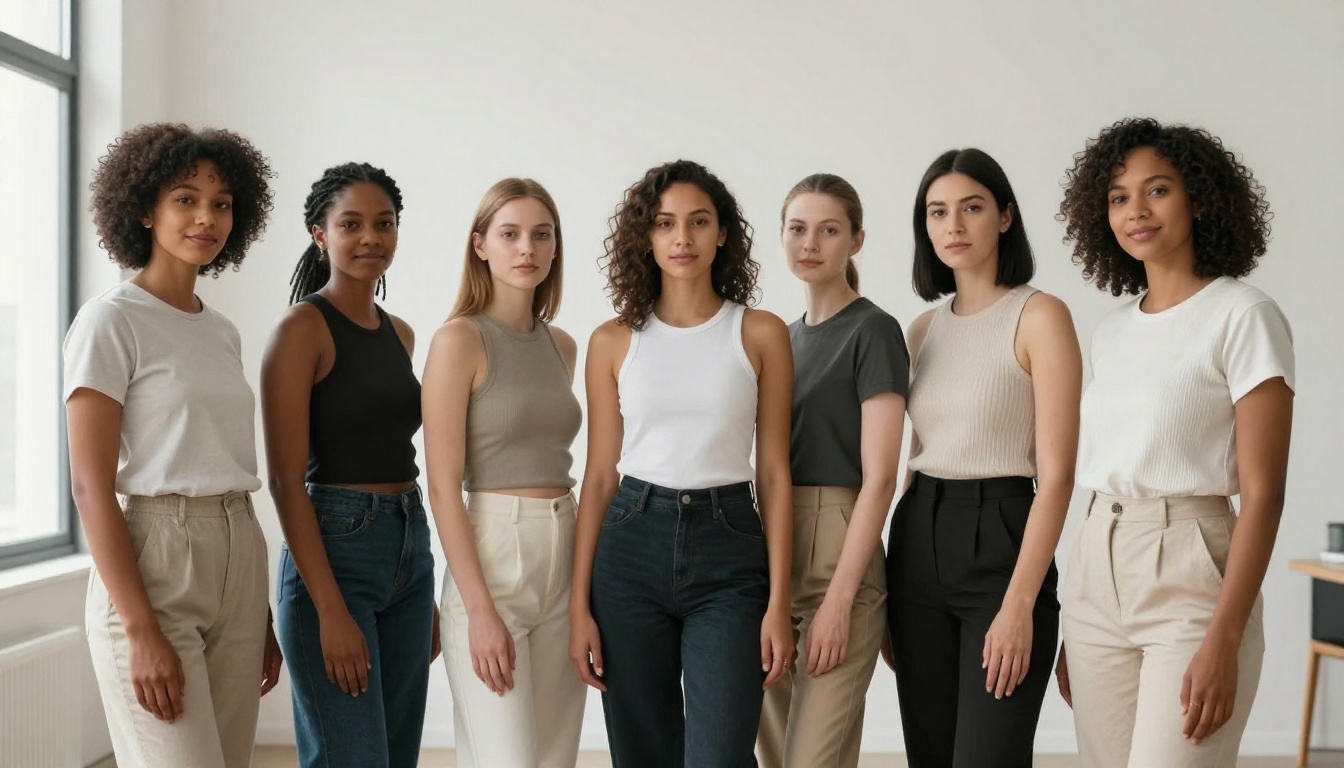
Getting AI to draw the right body type feels impossible until you know which words actually work. This article breaks down the specific prompt modifiers, body shape descriptors, and proportion keywords that produce accurate results across slim, curvy, plus-size, muscular, and athletic figures in photorealistic AI art.
Telling an AI to generate a "curvy woman" and receiving a completely average figure back is one of the most frustrating experiences in generative art. The same happens with "muscular man," "plus-size model," or "petite build." The model processed your prompt. It just reverted to statistical average.
The root issue isn't concept recognition — it's vocabulary specificity. AI image generators don't interpret body type descriptions the way a human artist would. They interpolate across training data distributions, and without precise anchoring terms, proportion modifiers, and contextual reinforcement, the output collapses to whatever physique dominated the training set.
This article breaks down exactly which words, structures, and stacking strategies produce accurate, consistent body type results across every major body category, with model recommendations and real prompt examples you can use right now on PicassoIA.
Why Body Type Prompts Keep Failing
Most people treat body type as a single-word instruction. "Curvy." "Muscular." "Petite." That works in conversation, but in AI prompting it is the equivalent of telling a GPS "somewhere north." Technically accurate, operationally useless.
How AI Reads Physical Descriptions
When a diffusion model processes a prompt containing body descriptors, it is not looking up a definition. It is activating a cluster of visual associations from training data. "Curvy" in training data was attached to thousands of images with wildly different body shapes, ranging from hourglass figures to slightly rounded shapes to full-figured bodies to some that would conventionally be described as average. The model averages those associations.
The fix is precision layering: you need multiple descriptors that together narrow the output distribution. One word creates ambiguity. Three to five specific, mutually reinforcing descriptors create a target.
The Default Bias Problem
Every model has a gravitational center — a default figure it returns when physical descriptors are weak or absent. For most text-to-image models trained on Western internet imagery, that center is a slim, conventionally proportioned figure between roughly 5'5" and 5'8". Any descriptor you use pushes away from this center, but without enough force, the model snaps back.
This is why "curvy" alone rarely works. You need descriptors that collectively exert enough distributional pull to move the output meaningfully away from the default. The strategies below address exactly that.
The Core Vocabulary You Actually Need
Before getting into specific body types, there is a set of modifier categories that applies across all of them. Think of these as the grammatical structure your body type descriptors plug into.
Words That Work vs Words That Don't
Vague (Rarely Works)
Specific (Works Reliably)
curvy
wide hips, full thighs, rounded belly
muscular
defined biceps, broad shoulders, visible muscle definition
petite
short stature, small frame, compact build, 5'1"
plus-size
full-figured, soft rounded abdomen, wide hip-to-waist ratio
The right column doesn't just describe a body type. It describes visible anatomy. AI models respond far better to anatomical specificity than categorical labels.
Proportion Anchors and Modifiers
Proportion anchors are terms that establish relative sizing between body regions. They create ratios rather than just labels:
"wide hip-to-waist ratio" — signals hourglass or pear shape
"narrow hip-to-shoulder ratio" — signals inverted triangle or rectangular
"soft, rounded midsection" — signals apple or plus-size
"long limbs relative to torso" — signals tall, ectomorphic builds
"compact torso with full lower body" — signals pear shape
Pair these with intensity modifiers: "slightly," "noticeably," "prominently," "dramatically." These control how far the model pushes toward your target. "Noticeably wide hips" hits differently than just "wide hips."
💡 Stacking order matters. Lead with the most specific anatomical descriptors, then add intensity modifiers, then add pose and camera context. Prompt structure: [Subject] with [anatomy descriptors], [intensity modifiers], [pose/context], [camera/lighting].
Slim and Slender Body Types
Slim body types are paradoxically hard to get right in AI art because they are close to the default. The model wants to output a slim figure anyway, which means your descriptors need to specify how slim. Otherwise the result reads as average.
slim but curved, narrow waist with proportionate hip flare, toned arms
lean figure with subtle hourglass silhouette, 24-inch waist
The phrase "lean frame without muscle definition" is critical if you want softness rather than athletic tone. Without it, many models default to adding subtle muscle definition to slim figures, which shifts the reading.
What to Avoid
Avoid "skinny" — it activates different, often problematic training associations. Avoid "thin" on its own — too vague. Never use "underweight" — most models have safety filters that either block it or produce distorted anatomy.
💡 Add "realistic proportions, anatomically accurate" to any slim figure prompt. This prevents the model from exaggerating slenderness into anatomically incorrect results.
Curvy and Full-Figured Prompts
This is where most AI art creators struggle most. "Curvy" in training data is one of the most inconsistently labeled concepts in generative art datasets. It can mean anything from a slight hip flare to a full plus-size figure. You need to be specific about which version of "curvy" you want.
Descriptors That Actually Register
For a classic hourglass curvy figure:
prominent hourglass figure, wide hips, full bust, narrow defined waist, rounded thighs
voluptuous with visible waist curve, hip-to-waist ratio 0.7, full upper and lower body
For a pear-shaped curvy figure:
pear-shaped body, wider lower body, full hips and thighs, narrower shoulders and bust
bottom-heavy build, wide hips, rounded full buttocks, proportionally smaller upper body
round abdomen, full arms, wide stance, substantial figure, size 14-16
💡 The phrase "visible waist definition" is your secret weapon for curvy prompts. It tells the model the waist should curve inward relative to hips and bust, which is the defining visual of a curvy silhouette.
Adding Weight Without Distortion
AI models sometimes distort anatomy when generating heavier figures — elongated limbs, misshapen hands, inconsistent proportions. To counteract this, add:
anatomically accurate, natural proportions, realistic body weight distribution, non-distorted limbs
This functions as a corrective constraint that reminds the model to maintain anatomical coherence even when generating figures outside its comfort zone.
Athletic and Muscular Builds
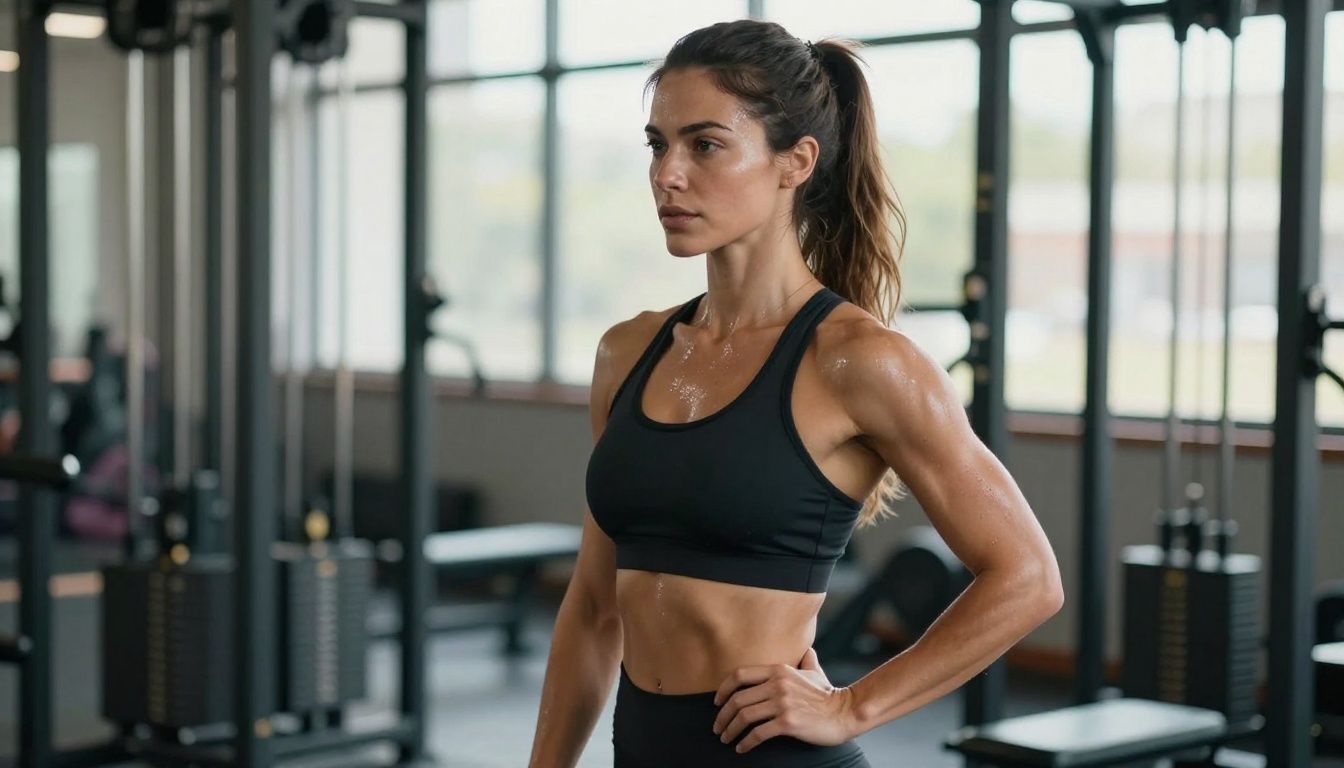
Athletic figures hit a specific problem: AI models conflate "athletic" with "slim but toned." True athletic builds with defined muscle mass, visible striations, and broad structures require a different approach.
Masculine Muscle Prompts
For a muscular male build:
bodybuilder physique, defined pectorals, broad shoulders, visible bicep and tricep definition, thick neck, V-taper torso
athletic muscular build, toned six-pack abs, wide back, muscular thighs and calves, 190 lbs of lean muscle
For moderate athletic:
fit male, lean muscle mass, defined but not bulky, athletic shoulders, flat abdomen
swimmer's build, long lean muscles, broad shoulders, narrow waist, visible muscle tone
The trick with muscular male prompts is listing individual muscle groups you want visible rather than saying "muscular" once. The more anatomy you specify, the more the model commits.
Female Athletic Builds
Female athletic builds are even harder because training data rarely represents them accurately. The default "athletic woman" in most models remains close to slim with minimal muscle. To break out of this:
female bodybuilder, defined shoulder muscles, muscular arms, visible abdominal definition, strong thighs, athletic and powerful
💡 Add "powerful athletic stance, confident posture" to reinforce the physical build through body language. Models learn posture cues from similar body types, so athletic posture reinforces athletic anatomy.
Petite and Plus-Size Prompts
Petite Figures Done Right
"Petite" is another term AI models handle inconsistently. In fashion, petite means short stature with proportionately compact features. In AI training data, it is often associated with general smallness without consistent height representation.
Use height anchoring for reliable results:
petite woman, 5'1" height, short stature, small compact frame, delicate features, proportionately short limbs
tiny frame, petite build, compact proportions, standing under 5'2", adult woman
The phrase "proportionately short limbs" is important because it tells the model the limbs should be short relative to the torso, not just that the overall figure is small — which could result in a regular-sized person shot from far away.
Plus-Size Without Stereotypes
Plus-size prompting often defaults to either inadequately represented or exaggerated results. The goal is accurate representation:
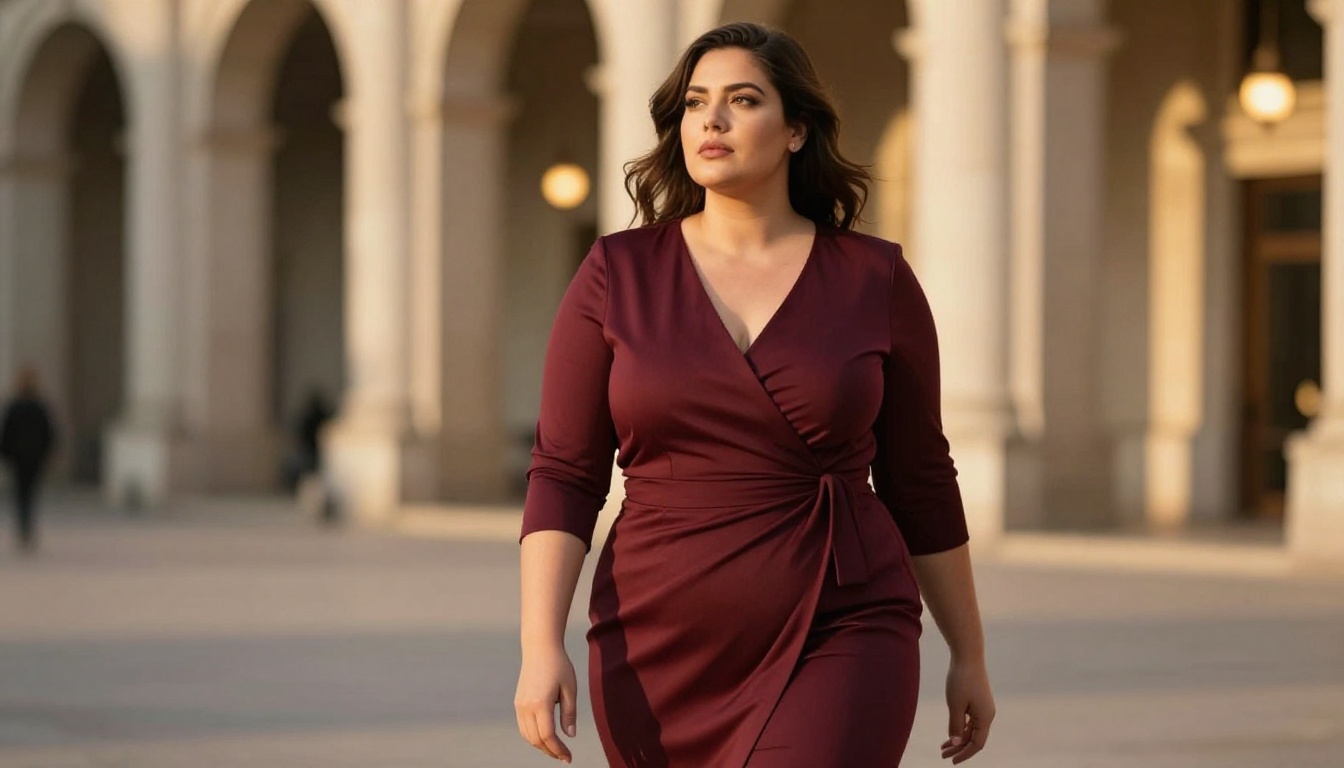
plus-size woman, size 18-20, full rounded figure, soft abdomen, thick thighs, full arms, natural body shape
full-figured, larger body, round belly, wide hips, full breasts, realistic body weight
The word "full-figured" used as a direct anatomical descriptor performs better in many models than vague category terms because it appears more consistently in training data labels alongside the visual features you want.
💡 Always add "confident expression, dignified posture" to plus-size prompts. This affects body language in a way that also influences how the model renders the physical form, pulling it toward editorial-style representations.
Best Models for Body Type Accuracy on PicassoIA
Not all text-to-image models handle body type prompts equally. Some have been trained on more diverse datasets. Some have stronger instruction-following for anatomical descriptors. Here is what works, available directly on PicassoIA:
Top Models for Realistic Body Types
Flux 1.1 Pro is the current benchmark for prompt adherence in photorealistic figure generation. Its instruction-following for complex anatomical descriptions is among the strongest available. When you write a 60-word body description, Flux 1.1 Pro reads most of it accurately.
Flux Kontext Pro adds context-aware editing on top of Flux's base strengths. Useful when you have a base figure and want to refine specific body regions through text-based editing.
Seedream 4 from ByteDance generates 4K images with excellent anatomical coherence. Its handling of proportion descriptors is notably more accurate than older SDXL-based models, particularly for female figure diversity.
Imagen 4 from Google handles body proportion language with high fidelity, particularly for full-body shots. The model produces photorealistic skin texture and natural body weight distribution with strong consistency.
P Image by Prunaai delivers results in under one second — excellent for rapid iteration when testing which body type descriptors work before committing to a final generation with a slower, higher-quality model.
Stable Diffusion 3.5 Large Turbo handles structural constraints well and produces consistent anatomy for athletic body types. Pair with SDXL ControlNet LoRA when you need pose control alongside body type descriptors.
Dreamshaper XL Turbo is a community favorite for figure photography with strong representation of diverse body types in its training data.
Portrait Series by Flux Kontext Apps specifically focuses on generating consistent figure series, making it ideal for creating multiple shots of the same body type across different angles and poses.
💡 For plus-size and curvy body types specifically: Flux 1.1 Pro and Seedream 4 consistently outperform older SDXL-based models. For athletic and muscular builds: Imagen 4 and Flux Kontext Pro have the strongest anatomical precision.
How to Use Body Type Prompts on PicassoIA
Step-by-Step on Any Model
Go to PicassoIA and select a model. Flux 1.1 Pro is the recommended starting point for body type work.
Set your subject base first. Start with: photorealistic portrait of a [age] woman/man, full body shot
Add your body type stack. Use 3-5 specific descriptors from the vocabulary table above. Example for curvy: prominent hourglass figure, wide hips, full bust, narrow defined waist, full thighs
Add an intensity modifier. "noticeably" or "prominently" before descriptors increases adherence significantly.
Add anatomical constraints. Always include: anatomically accurate, natural proportions, realistic body weight distribution
Add your photography style.photorealistic, RAW 8K, Kodak Portra 400, 85mm f/1.8, natural lighting
Iterate with P Image first. Use P Image — under 1 second per generation — to test your descriptor stack before switching to a higher-quality model for final output.
Prompt Template
[full body shot / waist-up shot] of a [age] [gender] with [body type descriptor 1], [body type descriptor 2], [body type descriptor 3], [proportion anchor], anatomically accurate, natural proportions, [pose/expression], [environment], [lighting], photorealistic, RAW 8K, [lens]
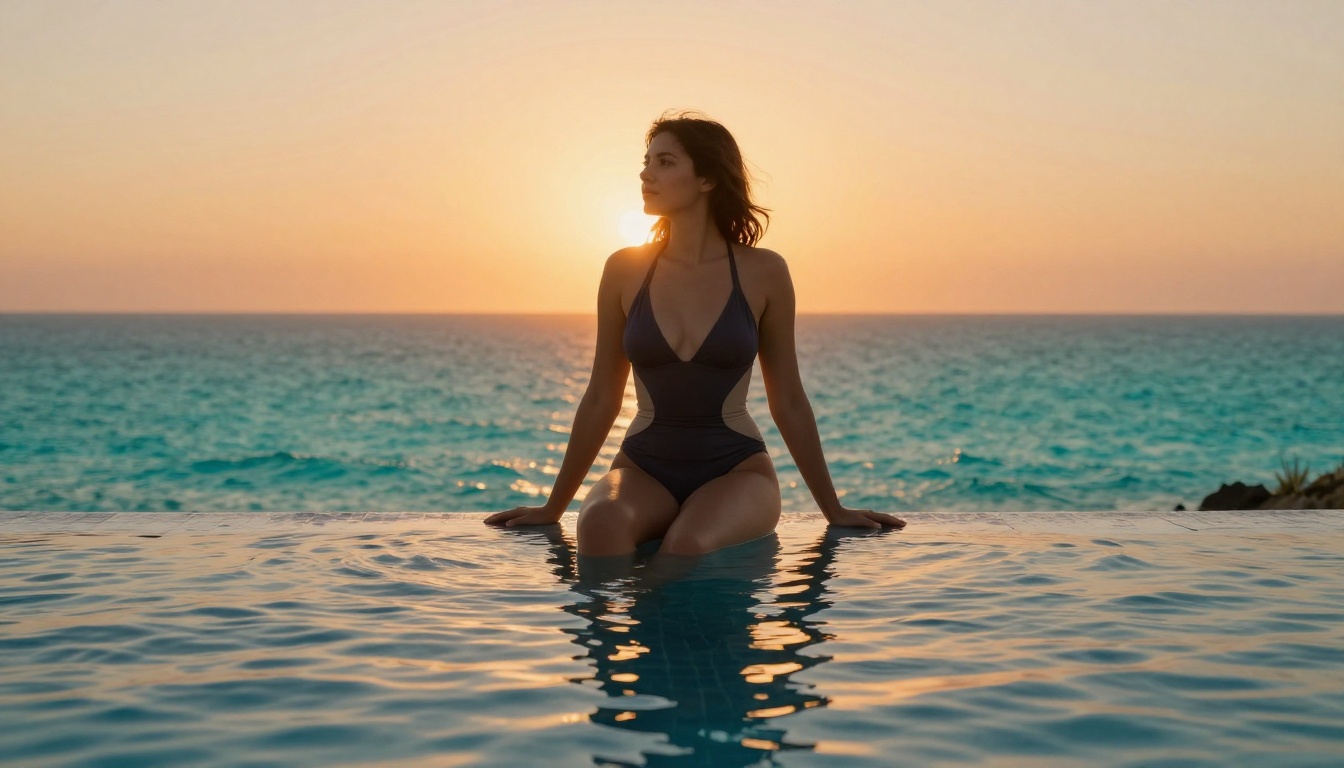
Example for plus-size editorial:Full body shot of a 30-year-old woman with soft rounded belly, wide full hips, full arms, thick thighs, size 18 figure, anatomically accurate, natural proportions, confident stance, editorial fashion setting, warm studio lighting, photorealistic, RAW 8K, 50mm f/2
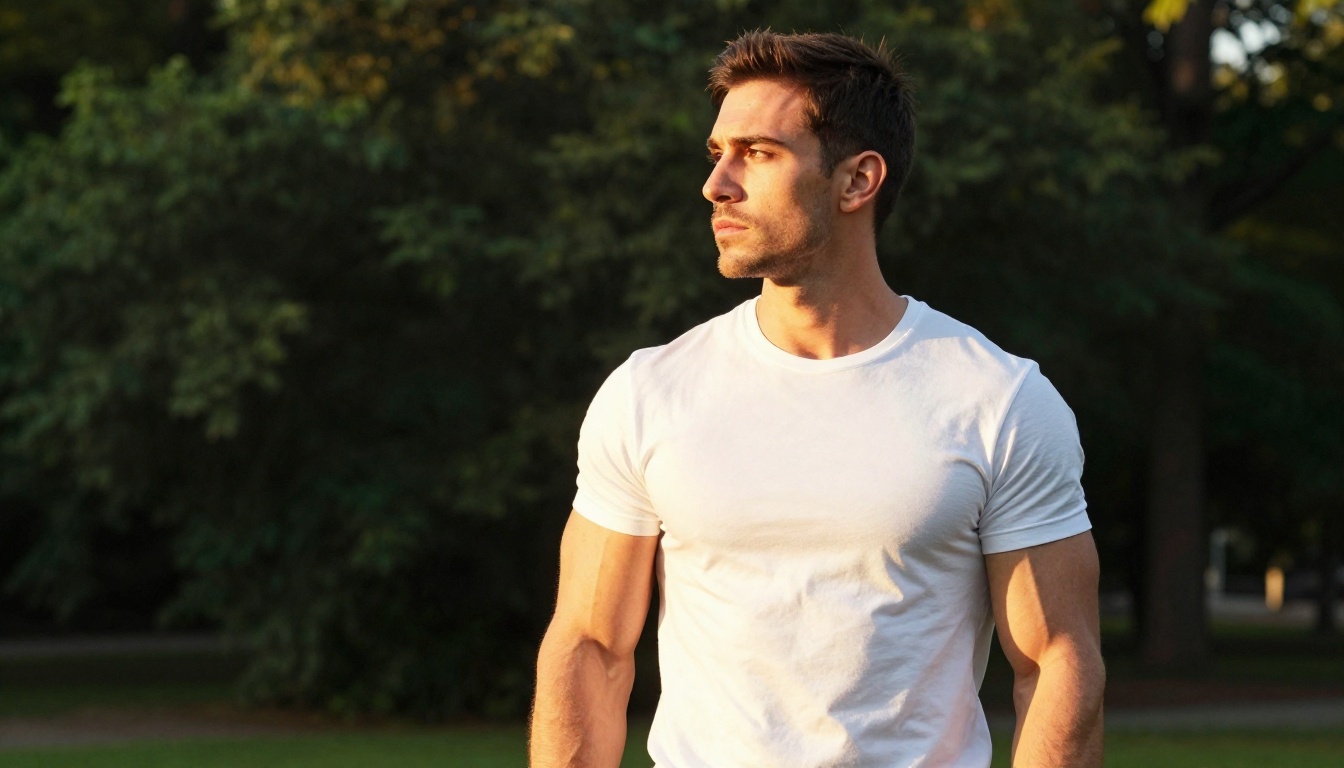
Example for athletic man:Waist-up shot of a 28-year-old man with defined pectorals, broad muscular shoulders, visible bicep definition, V-taper torso, muscular neck, lean muscle mass, anatomically accurate, outdoor golden hour, natural rim lighting, photorealistic, RAW 8K, 35mm f/1.8
Pro Tips That Change Everything
Camera and Lens as Body Language
The camera angle and framing you specify in your prompt affect body type perception significantly:
Low angle, full body shot — makes any figure appear more powerful and imposing
Eye-level, full body — gives the most neutral, accurate body type reading
High angle, three-quarter shot — can make figures appear smaller or more delicate
Wide lens (24-35mm), close distance — slightly exaggerates proportions near the edges (useful for curvy or muscular builds)
Telephoto (85mm+), further distance — compresses and normalizes proportions
This isn't a trick. It is photography. Real body type perception is heavily influenced by camera choice, and AI models have learned this from their training data.
Stacking Descriptors Without Conflicts
The most common prompt mistake with body types is descriptor conflict — using terms that push the model in contradictory directions. Common conflicts:
slim but plus-size (contradictory — pick one or bridge them)
muscular but petite (can work, but specify: petite muscular, compact athletic build)
curvy and athletic (works well: athletic curvy, toned hourglass figure, defined muscles with full curves)
When combining body type attributes, use bridging language: "with," "and proportionate," "but defined," "while maintaining."
Reinforcing with Context
Environment and clothing choices reinforce body type reads in AI outputs:
Petite: indoor settings where architectural scale provides height reference
Muscular: outdoor scenes where clothing fits tightly over described muscles
The model reads contextual cues alongside body descriptors. A muscular body description set in a gym context will produce more accurate results than the same description floating in an abstract studio.
The Descriptor Stack Reference
Keep this as your quick reference for any body type prompt:
Body Type
Core Descriptors
Intensity Modifier
Constraint
Slim/Slender
slender limbs, narrow hips, visible collarbones
noticeably lean
lean frame without muscle definition
Curvy
wide hips, full bust, narrow waist
prominently hourglass
visible waist definition
Full-figured
soft rounded belly, full thighs, wide hips
substantially full
anatomically accurate weight distribution
Athletic (F)
defined shoulders, toned arms, flat abdomen
visibly toned
lean athletic without bulk
Athletic (M)
defined pectorals, broad shoulders, visible biceps
prominently muscular
V-taper torso
Petite
compact frame, short stature, small build
noticeably petite
proportionately short limbs
Tall
long limbs, elongated torso, statuesque
dramatically tall
6-foot+ height reference
Start Creating Your Own
The difference between a body type prompt that fails and one that works comes down to specificity, stacking, and anatomical language. Stop using single-word labels. Start describing what you actually see: the ratio between hips and waist, the visibility of specific muscle groups, the relative length of limbs. AI models respond to what they were trained to see, and they were trained on anatomy, not categories.
Every model on PicassoIA handles these descriptors differently, which is exactly why the platform's library of 91+ text-to-image models is worth exploring. Start with Flux 1.1 Pro for precision, iterate with P Image for speed, and use Seedream 4 for 4K detail when you have landed on a prompt that works.
Your prompts are the only thing standing between your vision and the output. Now you have the vocabulary to close that gap.