Nano Banana Pro has transformed what's possible with AI image generation. This model doesn't just create pretty pictures—it can solve math problems, maintain character consistency across scenes, and even interpret code. Let's explore the techniques that unlock its full potential.
Nano Banana Pro launched recently and the AI community went absolutely wild. Within hours, creators were pushing this model to its limits and discovering capabilities nobody expected.
This isn't your typical image generator. Sure, it handles the basics like style transfer and text rendering, but that's barely scratching the surface. What really sets Nano Banana Pro apart is its ability to reason, understand context, and maintain consistency in ways previous models couldn't dream of.
Built-In Reasoning
The most mind-blowing feature? Nano Banana Pro can actually think through problems. Most image models just reconstruct visual information from what they see. They can't read text in an image and respond to it logically.
This model is different. There are clearly some reasoning layers working behind the scenes, acting as a bridge between what it sees and what it creates. It doesn't just see text—it understands and responds to it contextually.
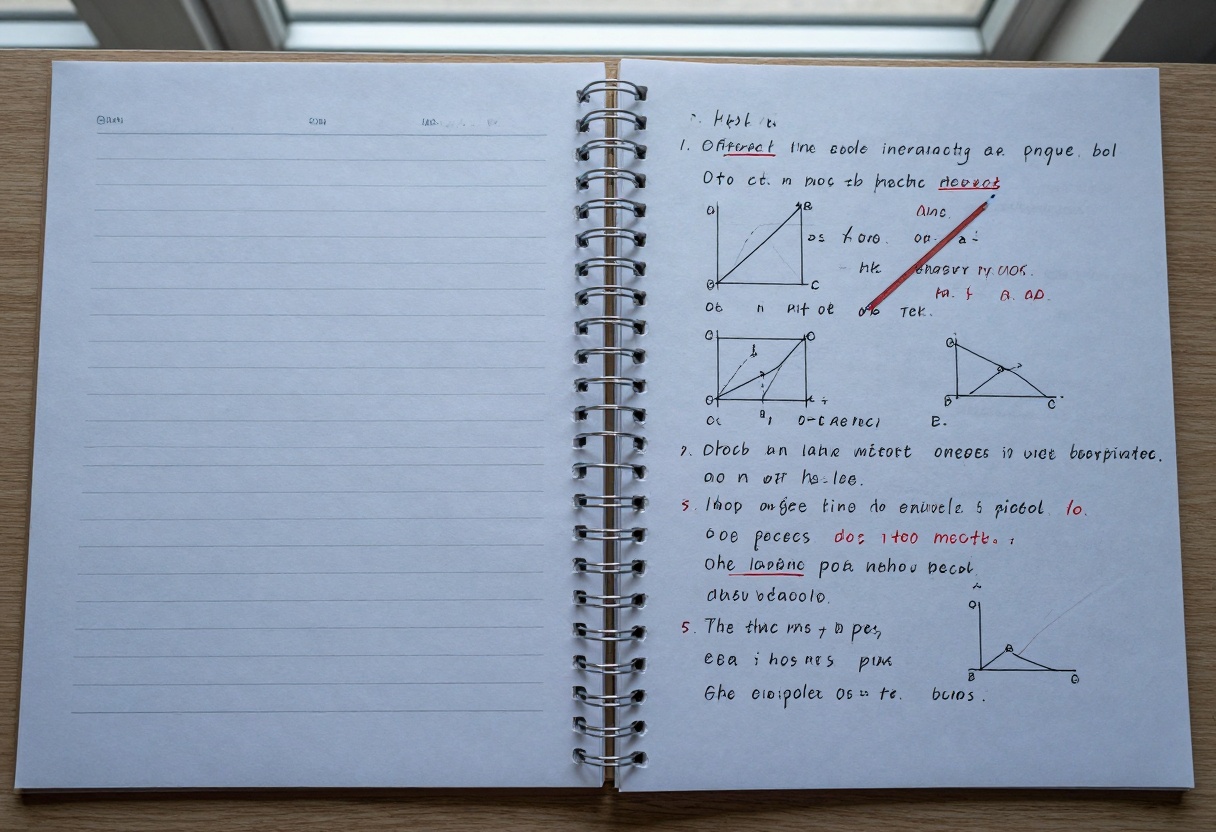
People have been feeding it homework problems and getting back correct answers with all the work shown. The model reads the questions, solves them, and even shows the mathematical steps in pencil.
Compression as an Art Form
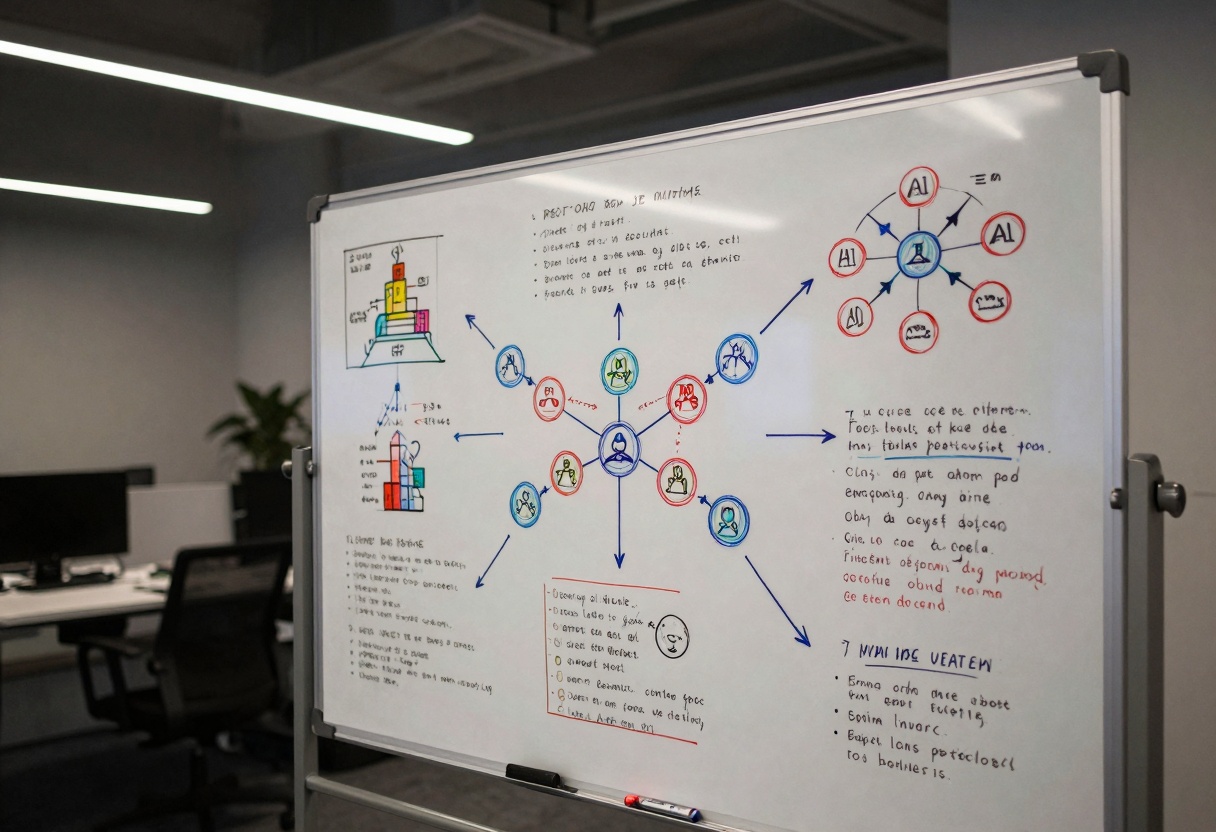
Creators discovered you can feed Nano Banana Pro entire research papers or long articles and it will create comprehensive visual summaries. Think of it as the ultimate compression algorithm—turning dozens of pages into a single, detailed whiteboard image that captures all the key points.
The results look like someone spent hours carefully organizing information on a whiteboard, complete with diagrams, arrows, and color-coded sections. But it happens in seconds.
This capability opens up interesting possibilities for education. Teachers can transform complex topics into visual learning materials. Students can summarize papers for quick reference. The model essentially creates infographics from raw information.
Code Visualization
Because Nano Banana Pro is connected to larger language models, it handles code remarkably well. Other image models tend to hallucinate when trying to render programming syntax, but this one interprets code and visualizes what it describes.
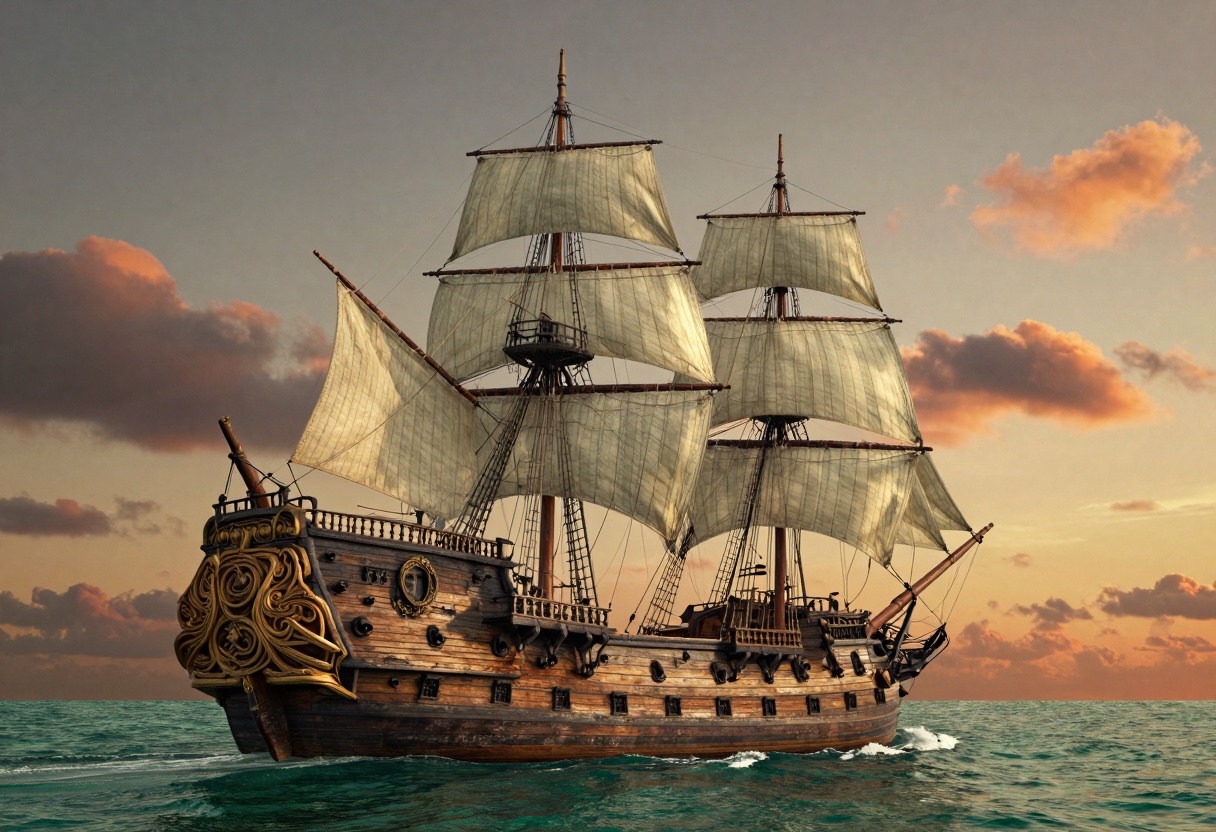
Give it React and WebGL shader code, and it will render the actual output—like a detailed 3D ship model complete with lighting and textures. The code interpretation is clean and accurate.
Text Rendering Excellence
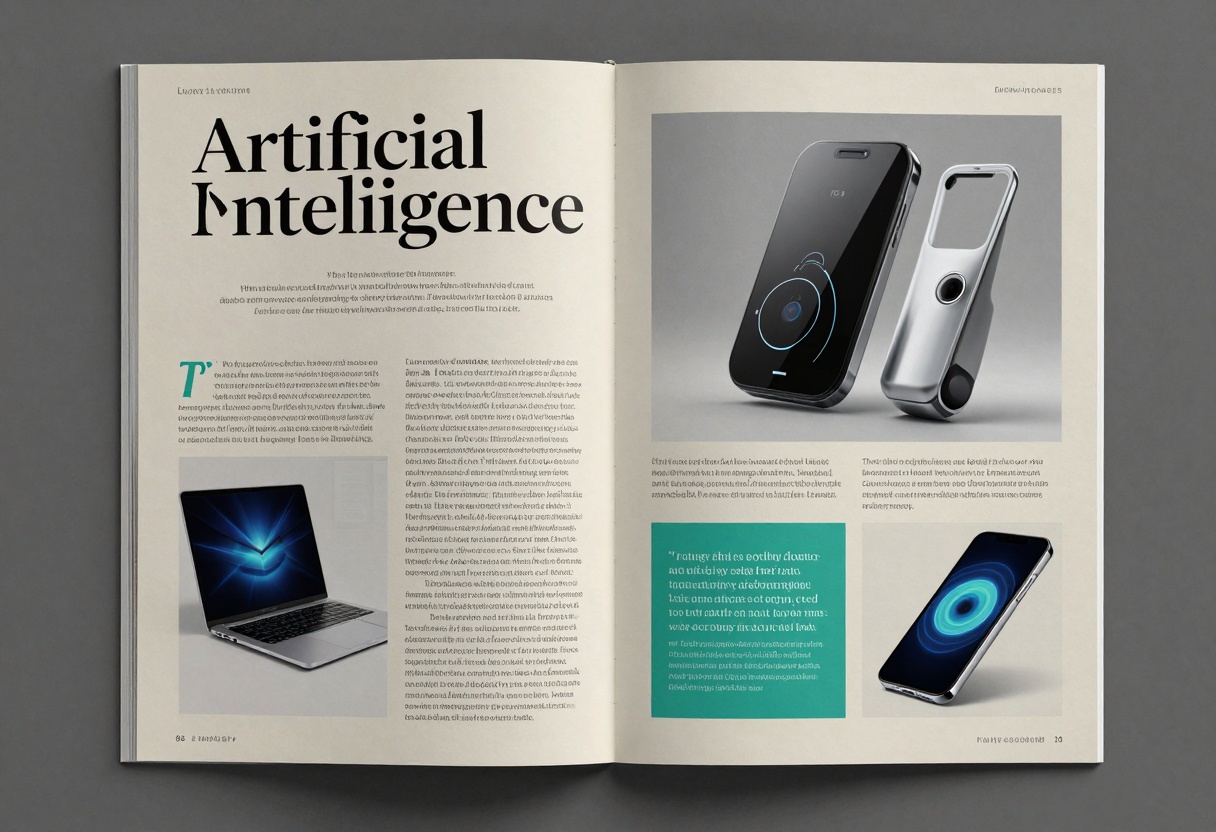
Text adherence might be Nano Banana Pro's strongest suit. You can input any piece of text and the model will reproduce it word for word without errors. This isn't just about short phrases—we're talking full paragraphs with perfect accuracy.
The truly impressive part is that text quality doesn't degrade when you apply different styles or designs. Most models make you choose between accurate text or creative visuals. This one gives you both.
Style Flexibility
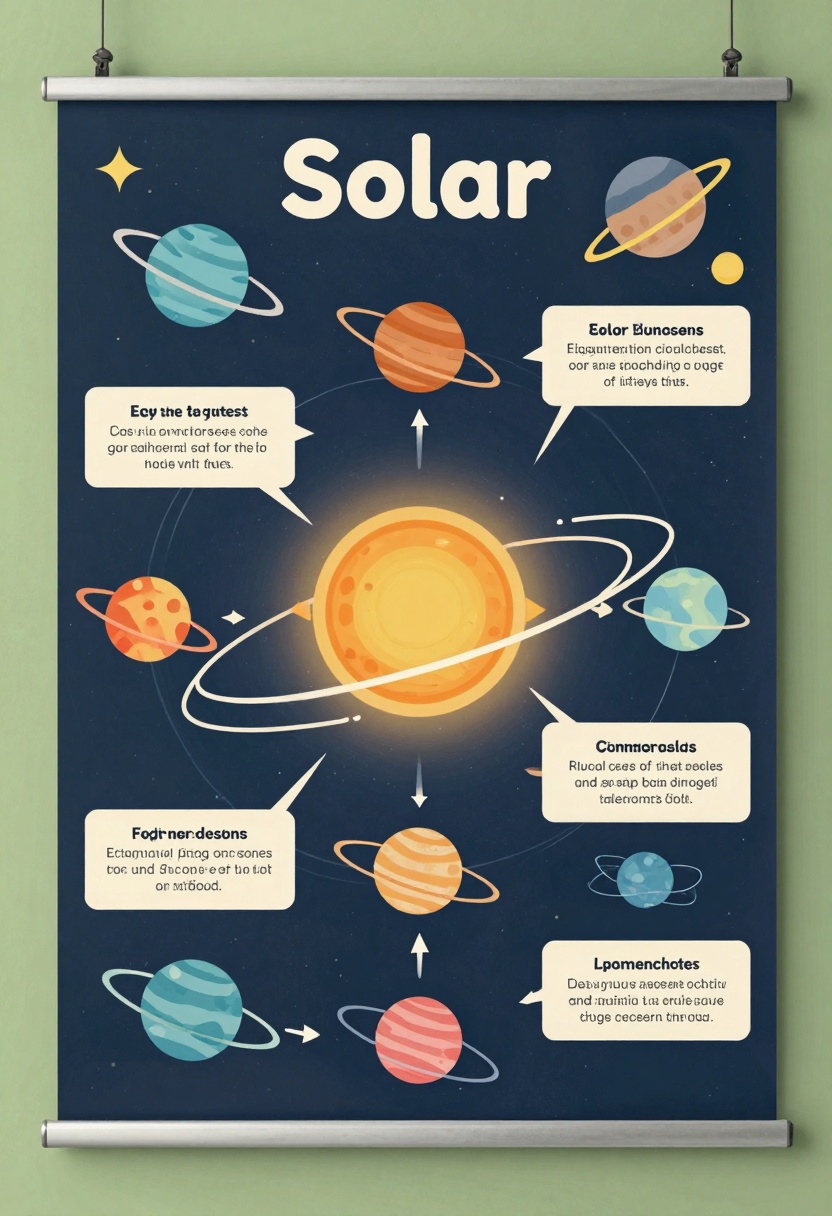
Take an infographic with dense technical information and apply any visual style you want. The text stays pixel-perfect while the design transforms completely. You could make a machine learning poster look vintage, futuristic, or minimalist—the information remains accurate regardless.
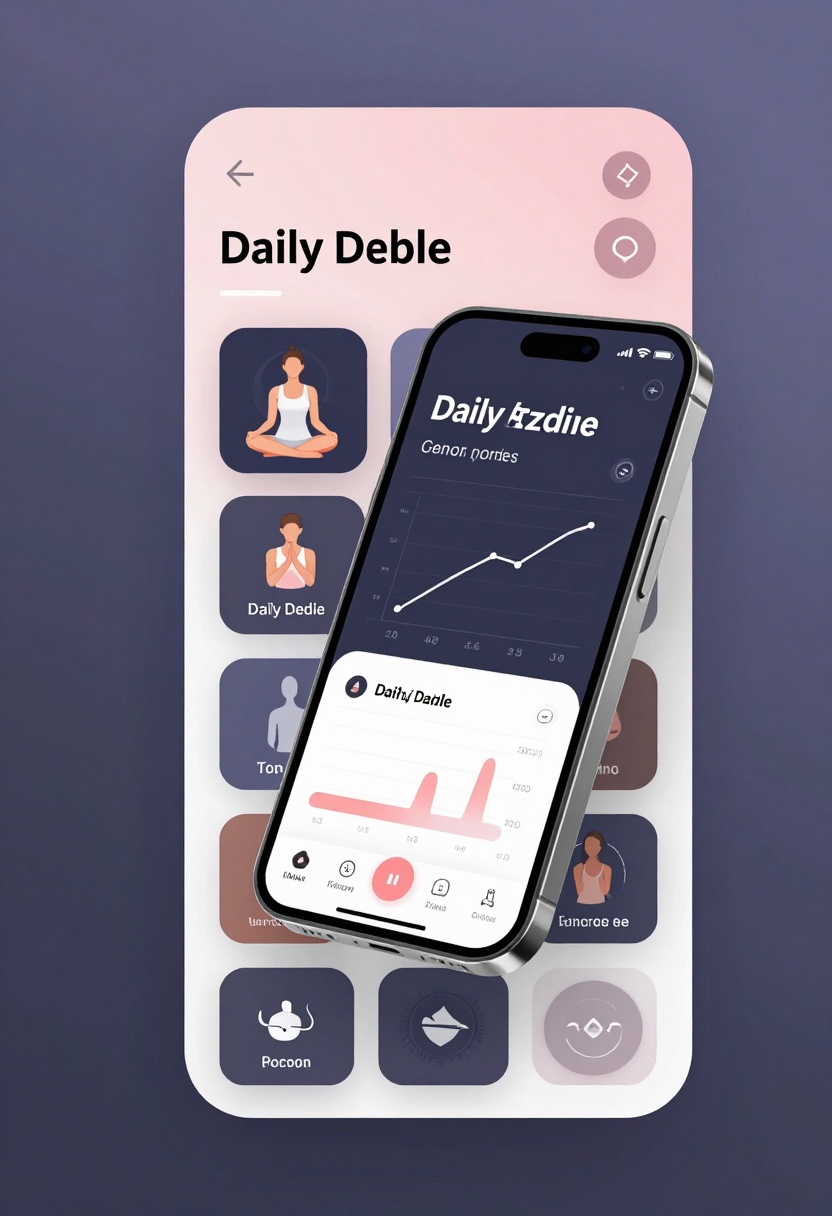
This makes Nano Banana Pro exceptional for designers who need to rapidly prototype and iterate. What used to take hours of careful layout work can now be generated and adjusted in minutes. Many creators are already using these outputs in production work.
The model handles non-English text just as well. Indonesian magazine covers? No problem. Japanese manufacturing diagrams? Rendered perfectly. The multilingual capability expands creative possibilities significantly.
Character Consistency
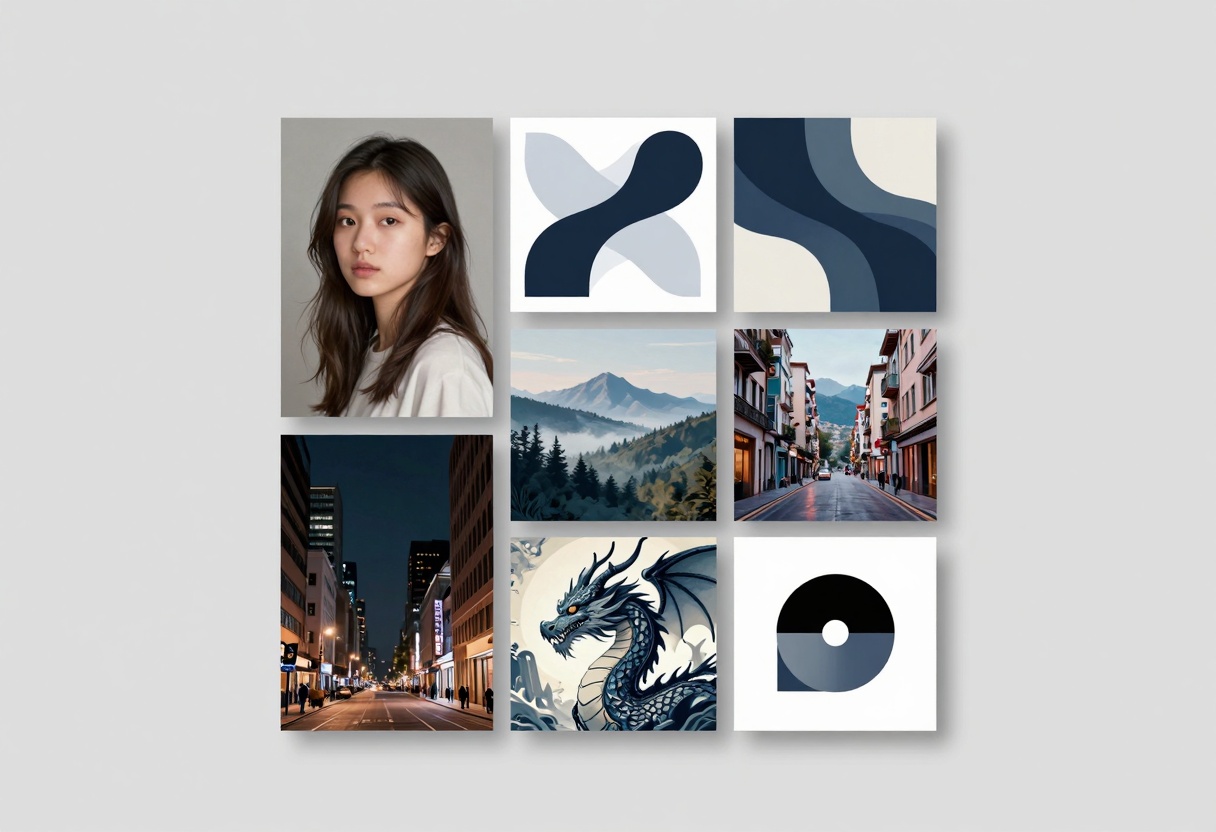
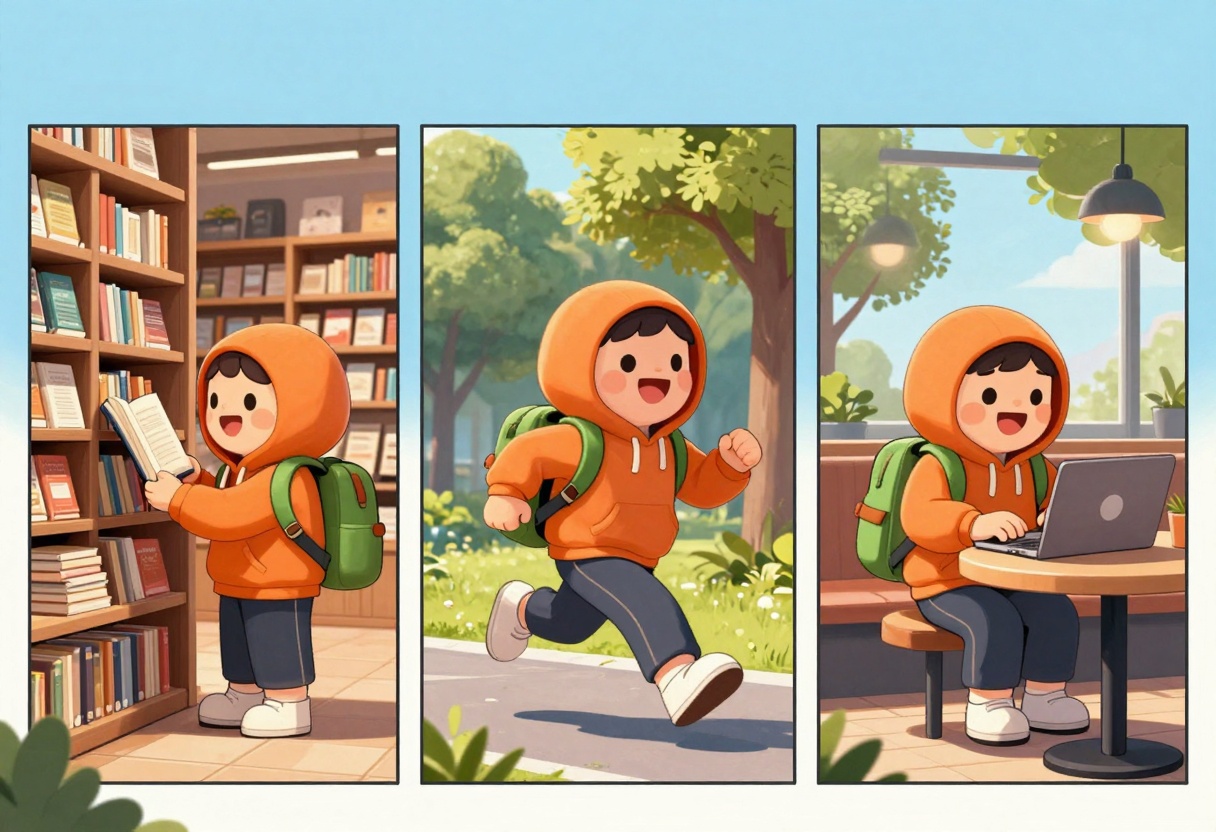
One of Nano Banana Pro's standout features is handling multiple reference images simultaneously. You can feed it up to 14 different images and it will maintain consistent character appearances across various scenes and contexts.
This is huge for storytelling and brand work. The same character can appear in different situations while keeping their distinctive features, clothing, and personality intact.
Object Composition
Multiple references also means you can combine different objects into cohesive images. Virtual try-on applications work remarkably well—the model naturally integrates products into scenes.
Creators have successfully combined 25+ items into single images. While accuracy improves with fewer objects, the sheer capability is impressive. This opens up possibilities for product photography, lifestyle shots, and composite designs.
Style Mixing
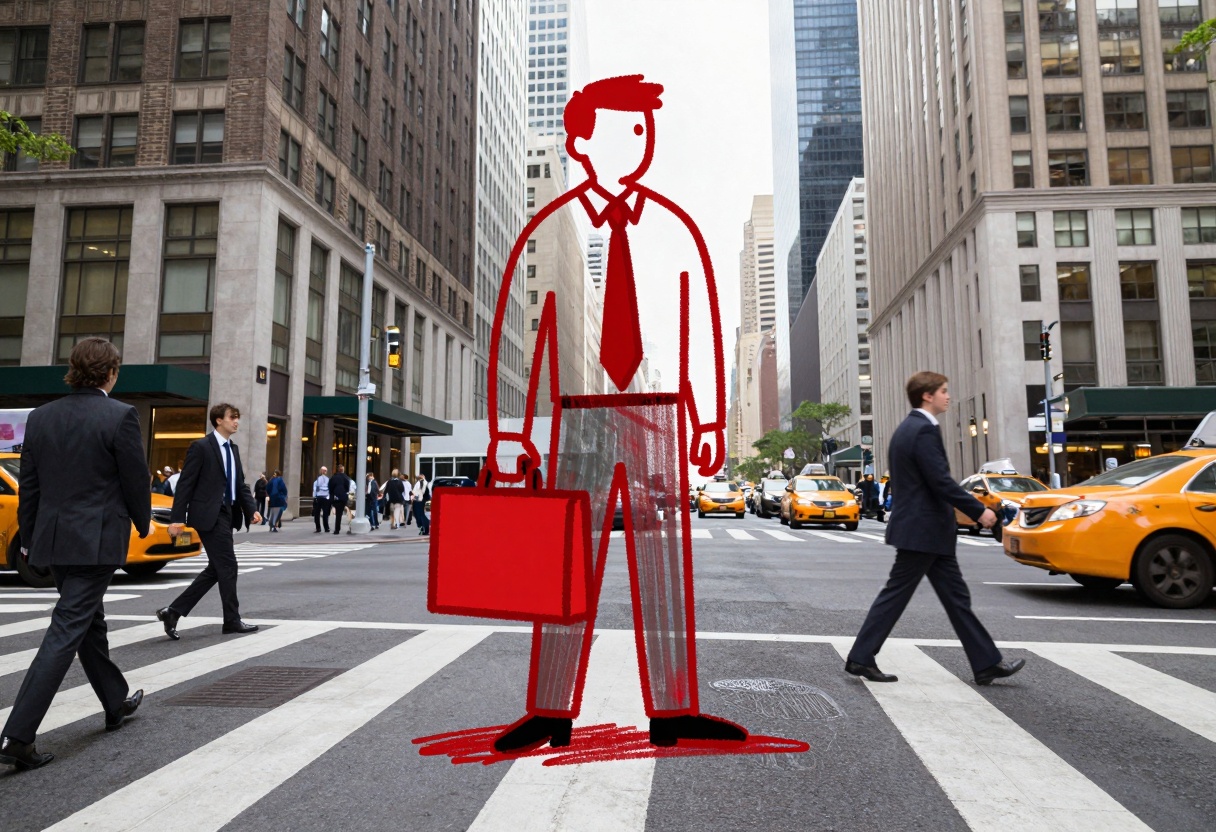
One particularly creative use case is taking characters and placing them out of context. You can have a simple line-drawn character maintain its sketch-like appearance while existing in a photorealistic environment.
The contrast creates striking visuals—a whiteboard stick figure walking through a real city street, or a hand-drawn character sitting in an actual cafe. The model respects both the 2D drawn style and the 3D realistic surroundings simultaneously.
With minimal prompting, characters persist across multiple generations. You can zoom in, change angles, or adjust framing while keeping the subject perfectly consistent. This makes Nano Banana Pro ideal for storyboarding and sequential art where continuity matters.
World Knowledge
Does Nano Banana Pro connect to the internet for real-time information? Testing revealed mixed results. The model has extensive built-in knowledge about the world, but it's not pulling live data.
Weather predictions for different cities were educated guesses rather than current conditions. Time-stamped photos of different locations showed the same date despite different time zones. For truly real-time information, you'd need to integrate search capabilities separately.
That said, the baked-in world knowledge is remarkable. Give it GPS coordinates and it can identify and visualize the corresponding landmarks. The model knows architectural styles, geographic features, and cultural contexts across the globe.
This knowledge base enables interesting applications. Education tools can generate location-specific content. Travel apps can create visualization from coordinates. Mapping services can transform data into intuitive visuals.
Using Nano Banana Pro on PicassoIA
Ready to try these techniques yourself? PicassoIA makes it simple to access Nano Banana Pro without any coding required.
Getting Started
Step 1: Navigate to the Model
Visit the Nano Banana Pro page on PicassoIA. You'll see the model interface with all available parameters.
Step 2: Write Your Prompt
The prompt is your primary control. Be specific and detailed about what you want to create:
A photorealistic image of a cozy coffee shop interior,
warm lighting, wooden tables, plants on shelves,
customers working on laptops, vintage posters on walls
Step 3: Add Reference Images (Optional)
You can upload up to 14 reference images. These help maintain character consistency or guide the visual style. Simply drag and drop your images into the interface.
Step 4: Adjust Advanced Settings
Parameter
Options
Purpose
Aspect Ratio
Match input, 1:1, 16:9, 9:16, 4:3, 3:4
Control output dimensions
Resolution
1K, 2K, 4K
Set image quality
Output Format
JPG, PNG
Choose file type
Safety Filter
Low, Medium, High
Content moderation level
Step 5: Generate
Click the generate button and wait for your result. Processing typically takes 10-30 seconds depending on complexity and resolution settings.
Tips for Better Results
Be Specific: Vague prompts like "a cat" give unpredictable results. Instead try "a fluffy orange tabby cat sitting on a windowsill, soft morning light, shallow depth of field."
Use Reference Images: When you need consistency across multiple generations, provide reference images. The model will maintain key features while varying the scene.
Experiment with Styles: Try adding style keywords like "vintage photograph," "digital illustration," "watercolor painting," or "architectural rendering" to guide the aesthetic.
Layer Your Prompts: For complex scenes, break down your description into layers: subject, environment, lighting, mood, technical details.
Test Different Resolutions: Start with 2K for quick iterations, then use 4K for final outputs when you're satisfied with the composition.
Community Creations
The AI community has been pushing Nano Banana Pro in fascinating directions. Creators are generating photorealistic product ads, transforming maps into satellite imagery, converting manga panels into full-color illustrations, and building entirely fake Instagram profiles that look completely authentic.
Interior designers are using it to quickly mock up room layouts. Marketers are creating ad variations in seconds. Educators are building visual teaching materials. The applications span nearly every creative field.
One particularly interesting use case came from urban planners using Nano Banana Pro to map informal settlements—complex areas that are notoriously difficult to document manually. What used to take hours or days can now be distilled into clear visual representations in minutes.
Key Takeaways
Nano Banana Pro represents a significant leap in what image generation models can do. The combination of logical reasoning, perfect text rendering, and character consistency makes it uniquely capable.
For prompting success, remember:
Be specific and detailed in your descriptions
Use reference images for consistency
Experiment with different styles and compositions
Take advantage of the text accuracy for infographics and designs
Leverage the reasoning capability for educational content
The model excels at tasks that require both creativity and precision. Whether you're solving homework problems, designing magazine layouts, or creating character-driven narratives, Nano Banana Pro handles it naturally.
Ready to start creating? Head over to PicassoIA and see what you can make with these techniques.