You have seen the ads. "100% uncensored AI art, no restrictions, generate anything." You click through, create an account, type your prompt, and get back a blurry watermarked image that looks nothing like what the platform promised. Or worse: a pop-up demanding a $29/month subscription before you can see your output at all. Fake uncensored AI generators have turned into one of the biggest scams in the AI space, and most people fall for them at least once. The good news is that spotting a fake takes less than five minutes once you know exactly what to look for. This article breaks down every red flag, every manipulation tactic these platforms use, and shows you which real, transparent tools actually deliver on the promise of unrestricted, high-quality generation.
What "Uncensored" Actually Means
Before diving into red flags, it helps to be precise about what uncensored AI generation actually is, because the term gets misused constantly, and that confusion is deliberate.
The Difference Between Filtered and Unrestricted
Every AI image model is trained on data and then shaped by a set of post-processing filters, or the lack of them. A censored model refuses certain prompts outright, often blocking entire categories of content before generation even begins. An unrestricted model does not impose those content-level blocks. Output quality, realism, and resolution are completely separate concerns from whether a model is censored.
Fake tools exploit this confusion deliberately. They claim to be uncensored while still applying heavy content filters behind the scenes, then point to any output at all as proof the tool works. The real question is not just "did it generate something?" The real question is: "Did it generate exactly what I asked for, at the quality I expected, without artificial blocks on legal content?"
Why It Matters for Creators

For character artists, adult content creators, glamour photographers, and fiction illustrators working with AI tools, content filters are a genuine productivity barrier. When a platform promises to remove those filters and does not follow through, it wastes your time and often your money. The creators most affected are exactly the people these platforms target with their advertising.
7 Red Flags That Reveal a Fake
These are the signals that, once you know them, you cannot unsee. Run through this checklist on any tool before you enter payment details.
1. Watermarks You Cannot Remove Without Paying
The most common tactic in the fake-uncensored playbook. You generate an image and a logo or text stamp covers 20 to 30 percent of it. To remove the watermark, you need to upgrade to a paid plan. This is not a reasonable free-tier limitation. It is a deliberate dark pattern designed to extract payment before the user can evaluate whether the actual product is worth anything.
Legitimate unrestricted generators give you the clean output upfront. No watermarks, because the quality speaks for itself and the platform does not need to hold your image hostage to force a conversion.
2. Results That Look Nothing Like Your Prompt
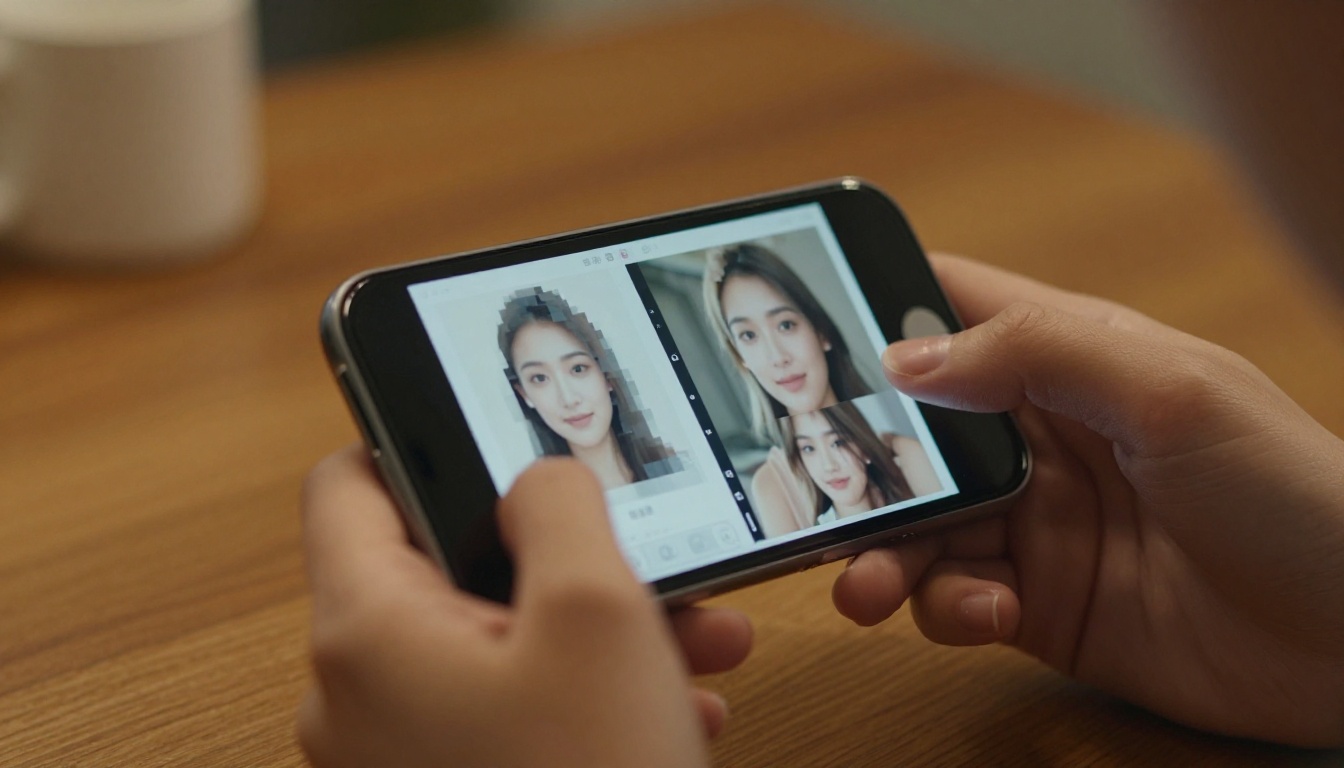
Submit a detailed, specific prompt to a fake tool and you will often get back something vague, generic, or completely unrelated to what you wrote. Real unrestricted models follow prompts with high fidelity. Fakes rely on cheap third-party API wrappers that silently rewrite your prompt before sending it to a backend model, stripping out anything that might trigger their own filters.
💡 Quick test: Submit a prompt with specific body language, lighting direction, and environment details. If the output ignores 60 percent or more of your description, the platform is rewriting your prompt before generation.
3. No Model Transparency
Legitimate AI platforms tell you exactly which model generated your image. When a site hides the underlying model and calls it their own "Ultra AI Engine" or "ProVision 3.0" with no further documentation, that is almost always a wrapper around a public model with a markup on top. Real models like Seedream 4.5, Flux Redux Dev, or Wan 2.7 Image Pro are named, versioned, and documented. You can look up their architecture, their training data approach, and community outputs.
No model name means no accountability, which means no trust.
4. Fake "Unlimited" Claims With Hard Caps

The homepage says "unlimited generations." The pricing page says "unlimited (Fair Use Policy applies)." The Fair Use Policy buries a 50-image-per-day hard cap on page four. This is not unlimited. The word unlimited should mean unlimited, not "a lot until we decide it is too much."
💡 Tip: Before paying, search the platform's terms of service for the phrases "fair use," "reasonable use," or "at our discretion." If you find any of those near the word "unlimited," the claim is false advertising.
5. Resolution Capped at Unusable Sizes
Fake tools generate 512x288 pixel images and call them HD. Real generation models, the ones powering legitimate platforms, output at 1024x576 minimum for standard tiers, with many models reaching 2K and 4K natively. If every free output looks tiny, soft, or heavily compressed, the platform is gatekeeping resolution as its primary monetization lever.
Download the output file and check the actual pixel dimensions. Anything below 768 pixels on the short side is not a genuine high-resolution output.
6. Content Still Gets Blocked Despite "Uncensored" Claims
You are on a platform that advertises itself as uncensored. You submit an artistic glamour prompt. The platform returns: "This content violates our community guidelines." If a tool bills itself as uncensored but still blocks legal suggestive content creation, it is simply lying in its marketing. The word uncensored in the name is a search traffic tactic, not a feature description.
7. No Output History or Persistent Download Access
Real platforms store your generation history, let you re-download outputs at any time, and give you organized access to your creations. Fake tools generate the image once, display it once, and if you forget to save it before closing the tab, it is gone. This forces re-generation, burning through your credits or free tier quota artificially. It is not a technical limitation. It is engineered churn.
How to Test Any AI Generator Yourself
You do not need to take any platform's marketing copy at face value. Here is a three-part test you can run in under ten minutes before committing to anything.
The Prompt Stress Test
Write a prompt with four specific elements:
- A specific number of subjects ("two women," not "women")
- A specific setting ("beach at sunset with tide pools," not "beach")
- A specific pose or action ("one sitting cross-legged, one standing with arms above head," not "relaxing")
- A specific lighting condition ("backlit by golden sunset from the right," not "natural light")
Count how many of those four elements appear accurately in the output. A 3/4 or 4/4 score means the model actually reads and applies your prompt. A 1/4 or 2/4 score means your prompt is being rewritten, simplified, or ignored entirely before generation.
Checking Real Output Resolution

Download the generated image file and open its properties in your operating system's file browser. Check the actual pixel dimensions, not what the platform displays on-screen (platforms can show images at any display size regardless of real resolution). Anything below 768px on the short side at standard generation is not a genuine high-quality output.
Reading the Fine Print
Before paying for anything, look for these four things explicitly stated on the pricing or FAQ page:
- Whether NSFW or adult content is permitted
- The specific model name or names powering the platform
- A clear, numeric generation limit (not vague "fair use" language)
- A refund or trial policy
If any of those four are missing or buried, assume the worst and move on.
What Real Uncensored Generators Actually Do
There is a meaningful difference between tools that simply remove content blocks and tools that are genuinely built for unrestricted creative work at professional quality.
Real Model Access Versus Wrappers
Platforms that give you genuine access display the actual model name in the interface. When you generate with Seedream 4.5, you are running Bytedance's Seedream 4.5 architecture. The provider is named, the version is pinned, and the output characteristics are documented by the community and the developer. You know what you are using and why it performs the way it does.
Wrappers call an API from some backend model (often a restricted public model), mark up the price by 300 to 600 percent, and slap a brand name on top. The user has no way to evaluate the underlying model because it is never disclosed. The platform needs to hide it because transparency would reveal there is nothing proprietary about what they built.
Where the Real Line Is
Many platforms that call themselves uncensored still do not permit fully explicit content. That is a legitimate business decision, as long as they say so clearly upfront. What matters is that restrictions are disclosed, not buried. Genuine platforms that permit adult-adjacent or NSFW content creation are explicit about it: they describe what categories are permitted, what is not, and what the enforcement process looks like.

How to Use Seedream 4.5 on PicassoIA
Seedream 4.5 is the first model to reach for when creating high-fidelity suggestive, glamour, or NSFW-adjacent content. Trained on a broad dataset and updated with strong prompt-following capability, it consistently delivers at 4K quality without the automatic content-censorship blocks that mainstream tools apply by default.
Step-by-Step
- Open Seedream 4.5 on PicassoIA
- Write your prompt with specific subject details, pose, setting, and lighting (aim for 50 to 80 words)
- Set your aspect ratio: 16:9 for cinematic widescreen, 1:1 for portrait or square work
- Click Generate and wait approximately 10 to 20 seconds
- Download the full-resolution output directly with no watermark and no upgrade prompt
Best Settings for Realistic Results
| Setting | Recommended Value | Why |
|---|
| Aspect Ratio | 16:9 or 1:1 | Matches the model's strongest training distribution |
| Prompt Length | 50 to 80 words | Enough detail without overloading the parser |
| Style Suffix | "photorealistic, 8K, film grain" | Anchors output to photography aesthetics |
| Negative Prompt | "cartoon, CGI, low resolution, blur, watermark" | Removes common failure modes |
💡 Pro tip: Seedream 4.5 responds especially well to lighting descriptions. Specifying the light source direction and color temperature ("warm amber backlight from the right at 45 degrees, volumetric morning light") produces noticeably sharper, more cinematic outputs than generic lighting descriptions.
5 Trusted Models That Actually Work
If Seedream 4.5 does not fit your specific use case, here are four additional models worth using for unrestricted or high-quality image work:

Important note on Seedream 5 Lite: For NSFW or adult-adjacent content, do not use Seedream 5 Lite. That model applies content restrictions by default. Stick to Seedream 4.5 for that use case.
Why Unlimited Matters More Than "Uncensored"
The word "uncensored" gets all the attention in AI generator marketing, but "unlimited" is often the more valuable feature in practice. Here is why.
Iteration speed is what separates professional AI creators from hobbyists. If you have 50 free generations per day, you cannot iterate fast enough to refine a complex piece. You hit your limit before you get the output right, and then you either pay or wait until midnight to continue. Unlimited generation changes the entire workflow: you can try 200 variations of a pose, a lighting setup, or a color palette until one is exactly right.
PicassoIA Image Editor Pro is built around exactly this kind of iterative workflow. Unlimited generations with full editing capabilities: inpainting to fix specific details, outpainting to expand the canvas in any direction, and object replacement to swap elements without regenerating the full composition from scratch.
💡 Consider this: A tool with 1,000 "uncensored" credits that run out in three days of active work is less useful than a tool with unlimited generation that you can use every single day without tracking a counter or rationing prompts.
The Wrapper Tax You Are Paying Without Knowing It
When you pay for a fake uncensored tool, you are typically paying a 300 to 600 percent markup on direct API access to a public model that you could access through a legitimate platform at a fraction of the cost. The markup funds nothing useful: not a better underlying model, not better infrastructure, not faster generation, not better support. You are paying for the marketing budget that got you to click in the first place, not for the product itself.
The Real Cost of Getting This Wrong
Using fake tools costs more than money. It costs time, and for anyone creating content professionally, time is the most expensive resource. Every hour spent generating blurry, watermarked, prompt-ignoring outputs is an hour not spent building something real. Every dollar paid for a tool that lies about its capabilities is a dollar that could fund a month of unlimited generation on a platform that actually works.
The creators who have switched to real, transparent platforms consistently report the same outcome: they produce more in a single day than they previously managed in a full week, simply because they are not spending that time fighting the tool to get what they asked for.

Start Creating Without the Scams
The fastest way to verify everything in this article is to run your own test right now. Go to picassoia.com/en/all-models and pick any model from the catalog. Enter a detailed prompt. Download the output. No watermark. No upgrade wall. No silent prompt rewriting.
Start with Seedream 4.5 for portrait and glamour work. Use PicassoIA Image for unlimited text-to-image generation without counting credits. Reach for PicassoIA Image Editor Pro when you need to iterate, refine, and edit the same image across multiple passes until it is exactly right. Try Ideogram v4 Quality for highly art-directed photorealistic portrait work, or Wan 2.7 Image Pro for cinematic 4K environmental scenes.
The difference between a fake and a real uncensored generator becomes obvious the moment you use both side by side. After that experience, you will not go back. The AI image generation space has genuinely capable, transparent tools built for serious creators. Now you know exactly how to find them.


