That video making the rounds on social media might not be real. Not even slightly. In the past two years, AI-generated video has crossed a threshold most people didn't see coming: the fakes are now convincing enough to fool trained journalists, law enforcement, and sometimes even the people who appear in them. But convincing doesn't mean flawless. Every synthetic video leaves traces, and once you know what to look for, you'll spot the cracks every time.
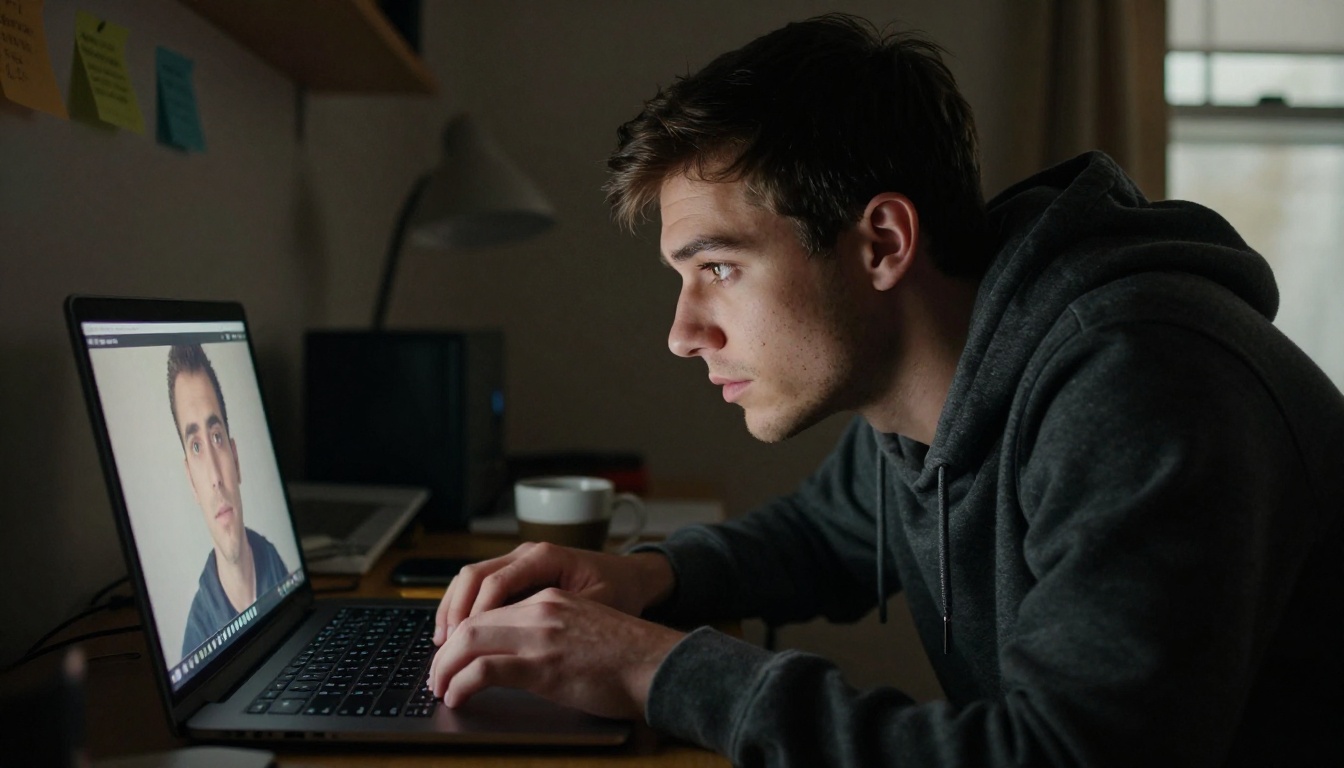
Why AI Videos Are So Hard to Spot Now
The gap between real footage and synthetic video has narrowed dramatically. Tools like Veo 3, Sora 2, and Kling v2.6 can produce video with native audio, realistic motion blur, and coherent scene continuity that would have required a Hollywood budget five years ago.
Models Are Trained on Billions of Real Frames
Modern text-to-video models are trained on massive datasets of real-world footage, which means they've absorbed the visual vocabulary of authenticity. They know how light scatters through a window. They know how clothing creases when someone sits down. The problem isn't that they get everything wrong — it's that they get almost everything right, which makes the remaining errors harder to see without knowing where to look.
The Uncanny Valley Has Shrunk
Early deepfakes had obvious tells: mismatched skin tones, frozen expressions, watercolor-blurred backgrounds. Those are largely gone. What remains are subtler, more systemic issues rooted in how these models generate motion over time.
💡 Key insight: AI video is generated with attention to spatial coherence, but it often struggles with temporal coherence — the consistency of fine details across multiple seconds of footage. That is where most fakes break down.
The Face: Almost Perfect, But Not Quite
The human face is the hardest thing to fake convincingly, and it remains where most AI videos break down under close scrutiny.
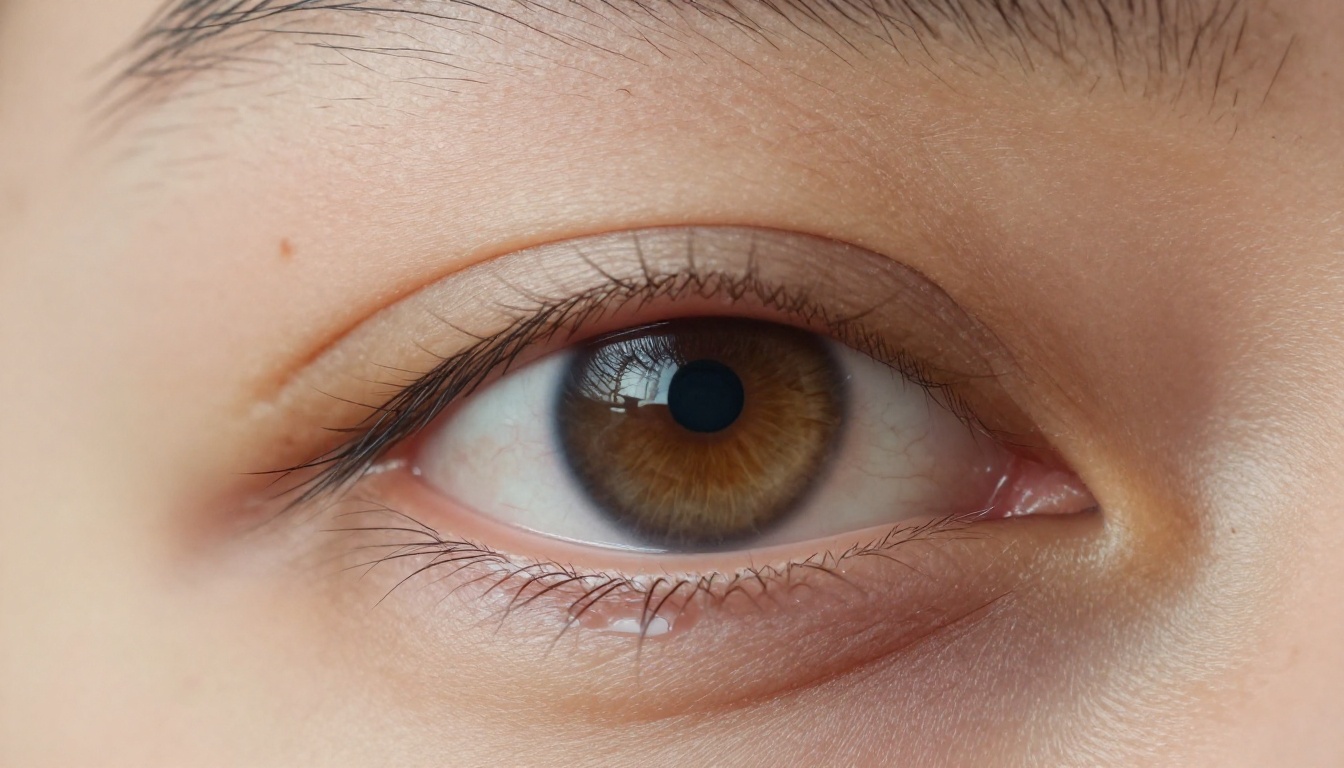
The Skin Texture Problem
Real human skin has thousands of micro-features: pores, fine hairs, asymmetric moles, capillaries, and subtle color variations from subsurface blood flow. AI models approximate this with procedural textures that often look slightly too smooth or slightly too regular.
When examining a face in a suspected AI video, look for:
- Pore consistency: Real skin has irregular pore patterns. AI skin often has uniform texture that repeats across the face.
- Hair-to-skin transition: Where does the hairline end and the skin begin? AI consistently struggles with this boundary.
- Facial asymmetry: Human faces are naturally asymmetric. Perfectly symmetric features are a significant red flag.
- Skin tone shifts: Does the tone stay exactly the same under different lighting angles? Real faces shift subtly as light moves.
Teeth and Mouth Interiors
One of the highest-value tells in any deepfake analysis. When a subject speaks, watch the inside of their mouth carefully. AI models frequently produce:
- Teeth that appear and disappear between frames
- Gum lines that shift position when they should stay fixed
- Tongues that move in physically impossible arcs
- Interior mouth shadows that ignore the actual light source direction
Facial Accessory Drift
Glasses, earrings, and piercings are notoriously difficult for AI to keep stable across frames. Watch for earrings that change shape between cuts, glasses frames that warp at the temples, or jewelry that seems to float slightly away from the skin rather than sitting on it.
Blinking: The Oldest Tell That Still Works
Blinking patterns remain one of the most reliable indicators of synthetic video, despite years of active research to correct the problem.
Natural vs. Synthetic Blink Rates
Humans blink 15 to 20 times per minute. Early deepfakes barely blinked at all. Modern models have corrected the rate, but in ways that are still detectable when you know what to watch for:
| Pattern | Real Human | AI-Generated |
|---|
| Blink rate | 15-20 per minute | Often 10-18 per minute |
| Blink duration | 150-400ms, variable | Often uniform at ~200ms |
| Eyelid symmetry | Lids move slightly independently | Both lids usually move identically |
| Involuntary micro-blinks | Present | Rare or absent entirely |
| Post-blink adjustment | Eyes often re-focus slightly | Eyes snap back to exact prior position |
Watch the Eyelashes During a Blink
This technique is extremely effective and requires no special tools. In real footage, individual eyelash hairs separate slightly, clump naturally, and create varying shadow patterns on the lower lid during each blink. In most AI-generated video, the lashes move as a single smooth unit with no individual hair behavior.
💡 Tip: Play the video at 0.25x speed and focus only on the moment the eyelid closes. If the lashes behave as one uniform curved shape with no fiber differentiation, treat it as a strong yellow flag.
Audio: When the Voice Doesn't Match the Face
Many people focus entirely on visuals when evaluating video authenticity. This is a mistake. Audio-visual synchronization is often where synthetic content falls apart most clearly.
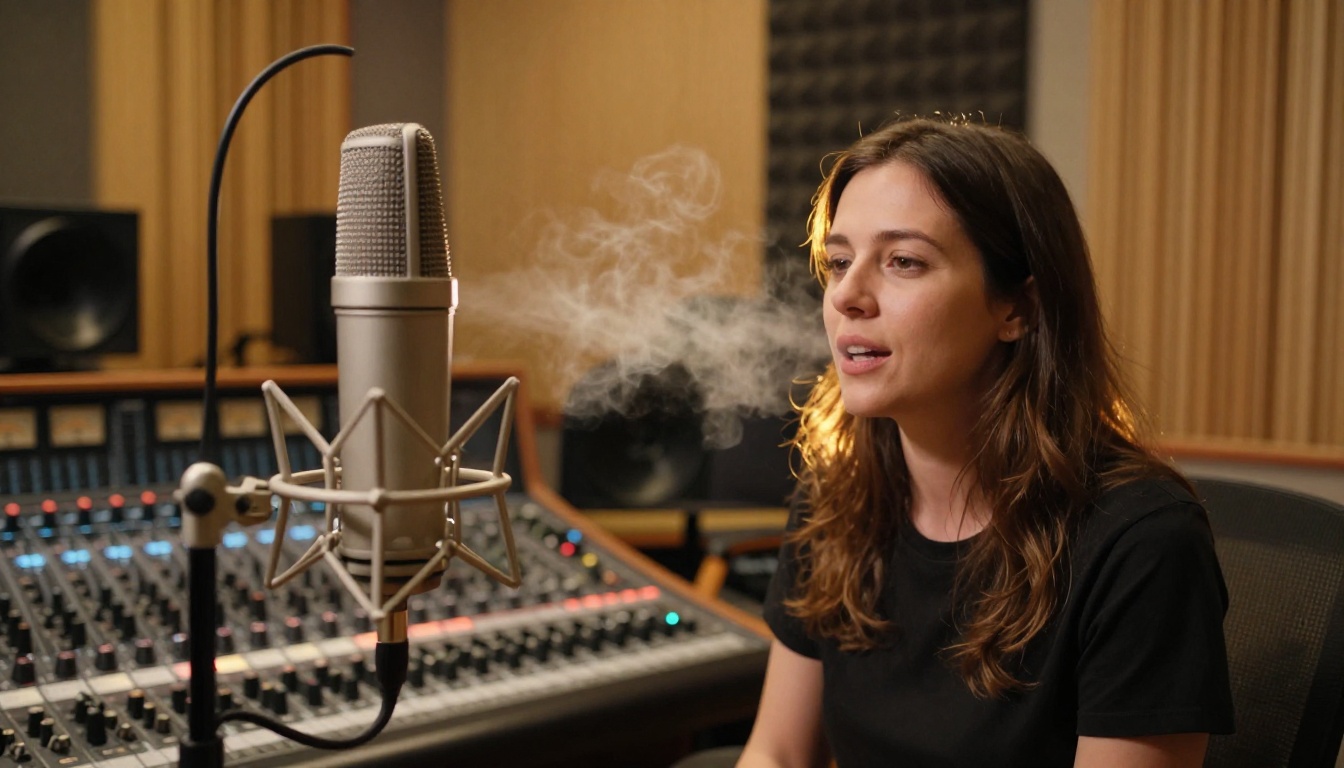
Lip Sync Drift
Even with dedicated lipsync tools, AI-generated speech frequently drifts out of sync in subtle ways. This is especially noticeable on specific phoneme types:
- Bilabial consonants (P, B, M sounds) that require both lips to close completely
- Fricatives (F, V sounds) that require the upper teeth against the lower lip
- Word endings where lip movement stops slightly before or after the audio cuts off
The Acoustic Environment Does Not Match the Visual Space
In real footage, the acoustic character of a space matches what you see on screen. A person filmed in a large tiled bathroom sounds different than someone in a carpeted bedroom. AI-generated video routinely applies a flat, clean audio profile that does not match the apparent environment. Listen for:
- Absence of natural room reverb or echo relative to the visible space
- Unnaturally clean speech with no ambient background noise
- Consistent audio volume regardless of the subject's distance from camera or head angle
Breathing Patterns and Cadence
Real speakers breathe. You can often hear it in audio, particularly before long sentences or between rapid phrases. AI-generated speech frequently lacks this entirely, producing a robotic cadence even when the voice quality itself is convincing. Sentences flow with metronomic regularity that sounds professional but reads as inhuman on close listening.
Background and Edge Artifacts
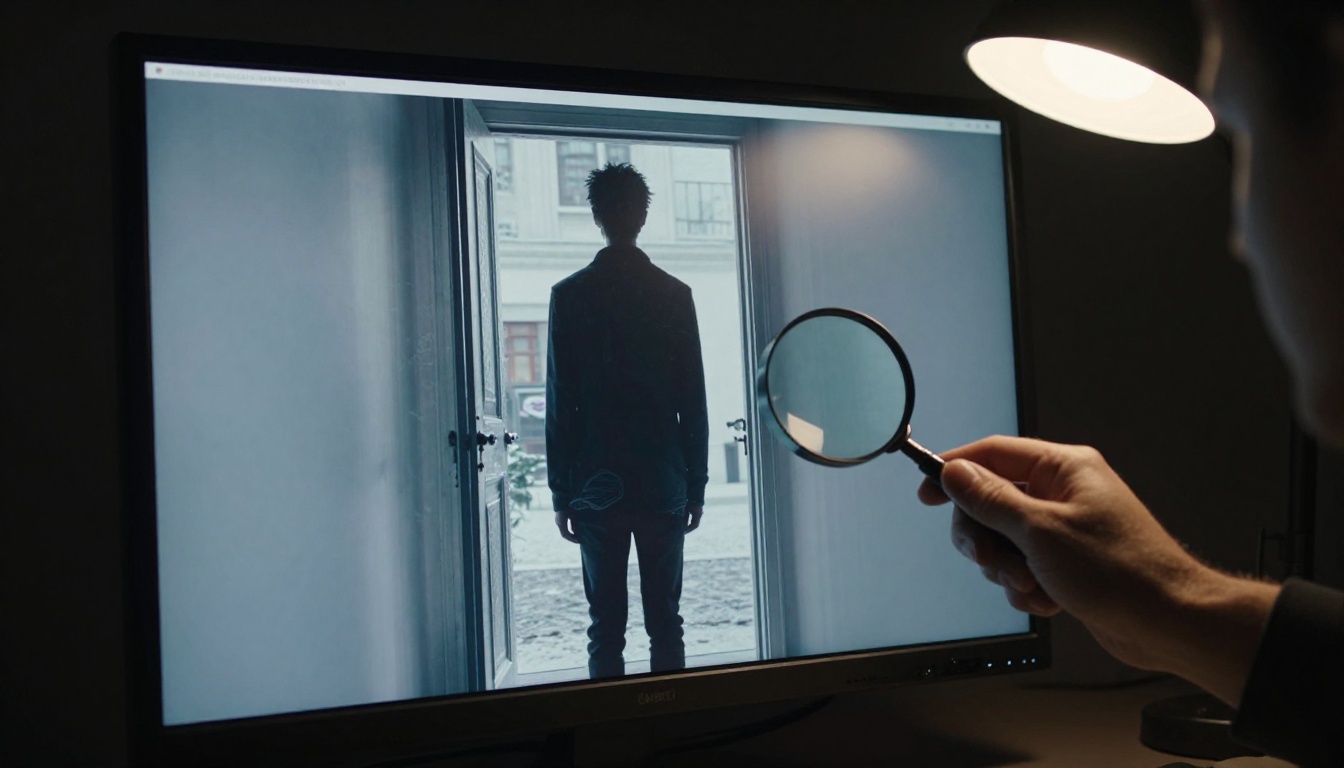
The background of an AI-generated video is often its weakest element, because the model must maintain spatial consistency over time while also handling complex motion in the foreground.
Edge Halos and Ghosting
Where a moving subject meets the background, AI video frequently produces visible artifacts:
- Soft halos: A slightly lighter or darker fringe around the subject's outline that pulses as they move
- Ghosting: Semi-transparent duplicates of the subject appearing at the edges, particularly during fast motion
- Boundary smearing: Hair or clothing edges blend into the background in ways that defy physics
Background Instability Over Time
Even in clips where the camera appears stationary, AI-generated backgrounds often subtly shift. Stepping through the video frame by frame reveals:
- Straight architectural edges (window frames, door frames, tile grout lines) that have a very slight wobble or curvature
- Background objects that change shape between frames
- Text on signs, posters, or screens that appears illegible, changes spelling, or uses nonsense letter sequences
Depth of Field That Matches No Real Lens
Real cameras with a given focal length and aperture produce a predictable depth of field. AI models often produce blur gradients that do not correspond to any physical lens behavior. The background might be simultaneously too blurred in one region and too sharp in an adjacent area within the same frame.
💡 Quick check: Find any text in the background of the video. Real cameras capture text accurately even when slightly out of focus. AI-generated backgrounds routinely produce garbled, fictional text strings that change between frames. This single check rules out a large percentage of synthetic content.
Comparing Versions Side by Side
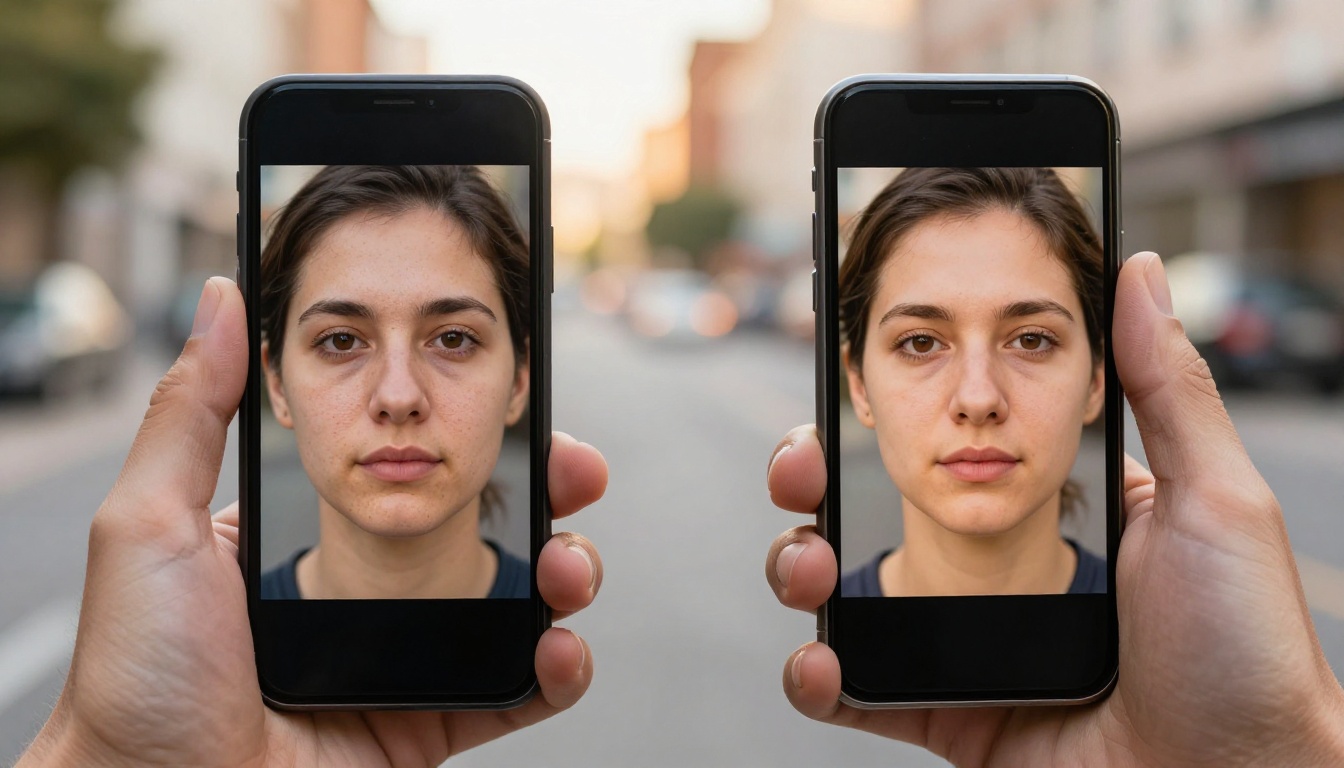
When you have access to both a suspected AI video and an original reference clip of the same person, side-by-side comparison is extremely revealing. The key areas to compare:
- Skin texture maps: Does the texture quality or character change between the two clips?
- Micro-expression timing: Are emotional responses timed naturally, or do they arrive a beat too late?
- Lighting response: When the lighting in the scene changes, does the subject's skin respond with realistic subsurface scattering, or does the tone stay flat?
- Vocal timbre: Does the voice quality have the same resonance and breathiness as confirmed authentic recordings?
How Modern AI Video Models Actually Work
Understanding how these tools generate video helps you know what they are likely to get wrong. Today's most capable text-to-video models, all available on Picasso IA, include:
- Veo 3 by Google: Generates video with native synchronized audio from text prompts, 1080p output
- Sora 2 by OpenAI: Produces HD video with strong temporal consistency across longer clips
- Kling v2.6 by Kuaishou: Delivers cinematic-quality text-to-video at 1080p with motion control
- Seedance 2.0 by ByteDance: Text-to-video generation with built-in audio synthesis
- Hailuo 02 by Minimax: 1080p AI video generation from text descriptions with fast inference
- Wan 2.7 T2V by Wan Video: Strong motion fidelity with 1080p output quality
- LTX 2 Pro by Lightricks: 4K video generation from text with high detail retention
- Pixverse v5 by Pixverse: 1080p AI video from text prompts with rapid generation speed
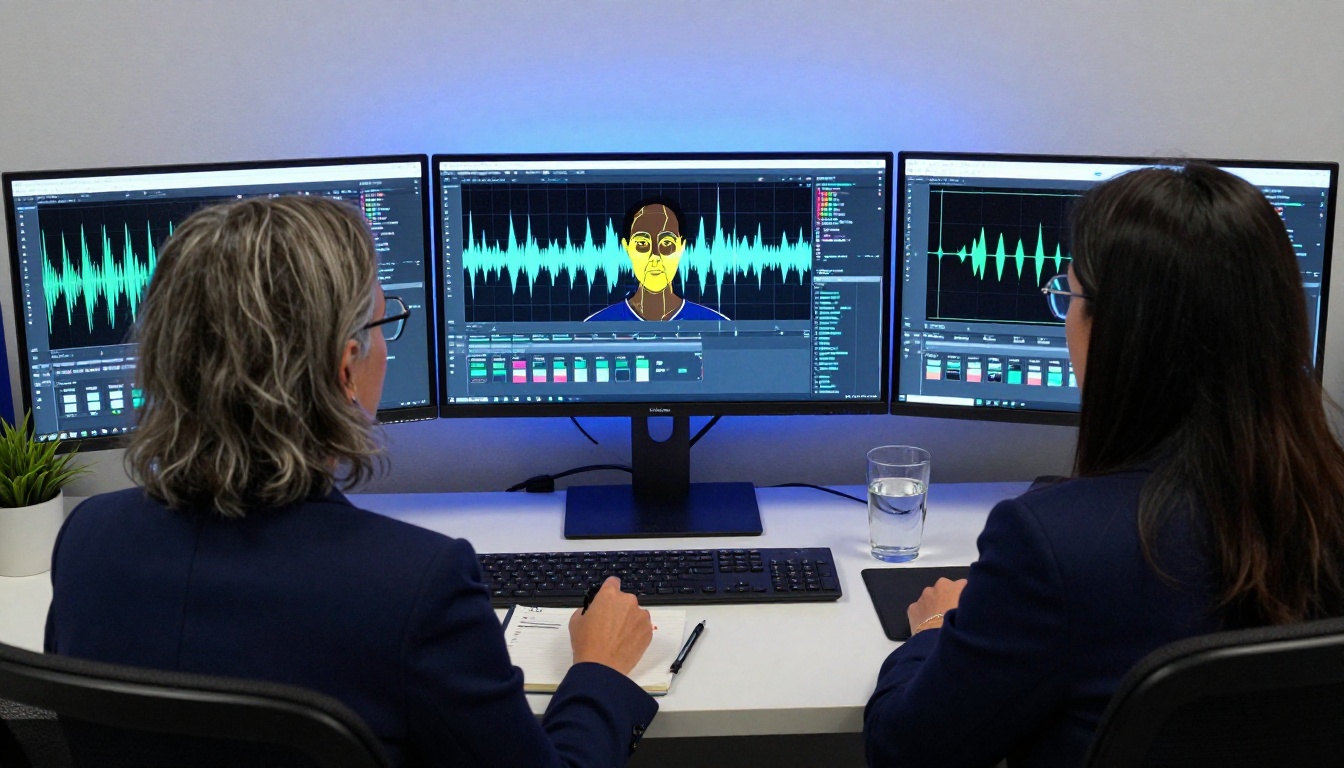
Diffusion Models and Their Temporal Weakness
Most modern video AI systems use diffusion-based architectures. They start with structured noise and gradually refine it into coherent video, frame by frame, guided by the text prompt and the preceding frames. This produces visually impressive individual frames but creates persistent challenges for maintaining fine-grained consistency over time:
- Fine details like ear shape, finger count, and background text are effectively re-decided at each frame rather than being locked in from the first
- The model balances between making each frame look good individually and matching adjacent frames, and this trade-off is precisely where artifacts appear
- Motion blur is synthesized rather than optically real, meaning it can appear in physically impossible directions relative to the motion
Why Hands Are Still a Reliable Tell
Despite massive improvements in every other area, AI video consistently struggles with hands and fingers. The correct number of fingers appears and disappears mid-clip. Joints bend in anatomically impossible directions. Fingernails change shape between frames. When you see hands in a video you're evaluating, always examine them carefully, especially in motion.

Visual inspection alone is not sufficient for high-stakes verification. Technical metadata analysis adds a second layer of confidence that operates independently of visual quality.
What to Check in File Metadata
Real video footage contains embedded metadata that synthetic content often lacks or incorrectly populates. Free tools like ExifTool or MediaInfo can reveal:
- Creation device: Real footage shows a specific camera model and firmware version. AI output typically shows a software renderer or no device information.
- Codec signatures: AI-generated video often uses codec signatures inconsistent with the supposed recording device or platform.
- GPS data: Real camera footage frequently embeds location coordinates. AI output never does.
- Creation timestamp vs. claimed event date: If a video supposedly shows a specific event on a specific date, the file creation timestamp should be consistent with that claim.
Reverse Video Search in Practice
Extracting still frames for reverse image search is one of the most accessible detection techniques available without specialized tools:
- Extract 3 to 5 frames from the video at key moments, especially close-ups of the face
- Upload each frame to Google Images or TinEye for reverse lookup
- Look for near-duplicate images appearing in different, unrelated contexts
- Check the earliest date the image appears online versus the video's publication date
Automated Detection Tools
Several platforms offer AI-based video authentication:
| Tool | Primary Method | Best For |
|---|
| Hive Moderation | Neural network classifier | General deepfake screening |
| Sensity | Temporal consistency analysis | Face-swap detection |
| Intel FakeCatcher | Blood flow signal analysis | Biological liveness verification |
| Microsoft Video Authenticator | Frame-level artifact detection | News media verification |
These tools are not infallible as they are trained on existing model outputs and can miss content from newer systems. But they add meaningful confidence when used alongside manual visual inspection rather than as a replacement for it.
When watching video content shared on social media, these warning signs have the highest predictive value:
- No verifiable original source attached to the video or its description
- The subject makes claims that are suspiciously convenient for a particular political or commercial narrative
- The clip is very short (under 15 seconds) with no surrounding context
- Only the face is shown with minimal body movement or environmental interaction
- Audio quality is noticeably cleaner than the video quality — or vice versa
- The video is heavily compressed, which hides artifacts that would otherwise be visible
💡 Compression hides tells: Video shared via messaging apps is often compressed at ratios that destroy the fine-detail artifacts that would otherwise betray synthetic origin. Always seek the highest-quality version available before making a judgment.
What Watching AI Video Teaches You

There is a counterintuitive shortcut for building fast detection instincts: generate AI videos yourself. When you have produced enough synthetic footage, you start to see the failure patterns from the inside. You notice which prompts produce more artifacts. You observe firsthand how models handle hair, hands, and background text. You develop an intuitive pattern recognition for the "AI look" that makes real-time detection faster and far more reliable than any checklist.
This is the actual value of hands-on experience with these tools. Skepticism without knowledge is just suspicion. Familiarity with how synthetic video is made creates the kind of calibrated perception that holds up under real-world conditions, when you have seconds rather than minutes to evaluate what you're watching.
Start Creating to Start Spotting
The fastest way to train your eye is to produce synthetic video yourself and compare it directly against real footage. Picasso IA brings together the world's most capable text-to-video models in one place, including Veo 3, Kling v2.6, Sora 2, and LTX 2 Pro, with no setup required.

Generate a clip of a face speaking, then slow it down to 0.25x speed and run through every item in this article. Check the blink. Check the teeth. Check the background text. Check the hands. Within a few experiments, your perception will be calibrated in a way that no amount of reading can replicate.
The same platform gives you access to image generators, face swap tools, lipsync models, and video enhancement features, so you can explore the full spectrum of synthetic media creation. That firsthand knowledge is the most powerful detection tool you can build, and it costs nothing but curiosity.
Spotting AI-generated video is not about paranoia. It is about maintaining the basic critical thinking that the current media environment demands from everyone who watches it. The tells are there. Now you know where to look.


