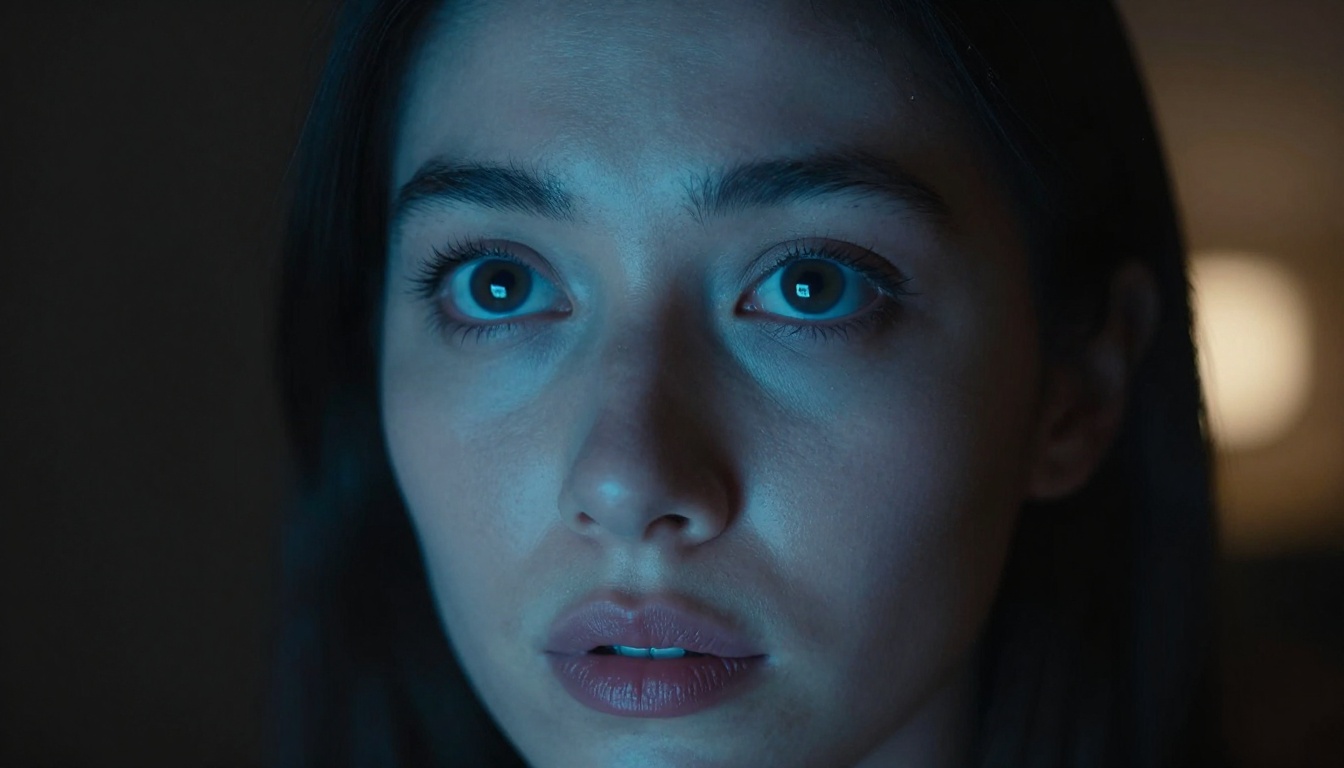
Making your first AI image is easier than you think — and with Nano Banana 2, it's also fast. This isn't one of those models that demands hours of prompt tuning or a background in machine learning. You open the tool, type what you want, hit generate, and get something genuinely impressive. This article is about how to do that well, from the very first attempt.
What Nano Banana 2 Actually Does
Nano Banana 2 is a text-to-image AI model built for speed and creative flexibility. It takes a written description — called a prompt — and converts it into a visual image within seconds. The "Nano" in the name isn't about capability; it refers to its architectural efficiency. It generates results significantly faster than heavier models while still producing images with strong visual coherence, accurate lighting interpretation, and precise subject rendering.
Where many models struggle is in the middle ground: decent enough to be usable, but not impressive enough to be useful. Nano Banana 2 skips that awkward zone. Even basic prompts tend to produce clean, well-composed results from the first attempt.
Why This Model Stands Out
The image generation landscape is crowded. There are dozens of models available right now, and new ones appear every few weeks. So what actually makes Nano Banana 2 worth your time?
Three things: speed, consistency, and accessibility.
| Feature | Nano Banana 2 | Typical Alternatives |
|---|
| Generation speed | Very fast (seconds) | Moderate to slow |
| Prompt sensitivity | High — follows descriptions closely | Variable |
| Good results on first try | Very often | Requires iteration |
| Accessible to beginners | Yes | Often requires experience |
| Fine-detail rendering | Strong | Depends on model |
Speed matters more than people expect. When you're trying to find the right image for a project, waiting 60 seconds per generation kills your creative momentum. Nano Banana 2 lets you try five variations in the time it takes other models to produce one.
What You Can Realistically Create
This model handles a wide range of subjects well. You can generate:
- Portraits — single subjects, couples, professional headshot-style images
- Landscapes — natural environments, cityscapes, architectural exteriors
- Still life and objects — product-style shots, textures, close-up details
- Mood pieces — atmospheric, abstract-leaning images driven by emotion or light
- Creative concepts — surreal scenarios that blend real elements in unusual ways
What it's not optimized for: dense text within images, complex multi-character scenes with precise spatial relationships, or highly stylized illustration work. For everything else, it delivers.
Before Your First Image
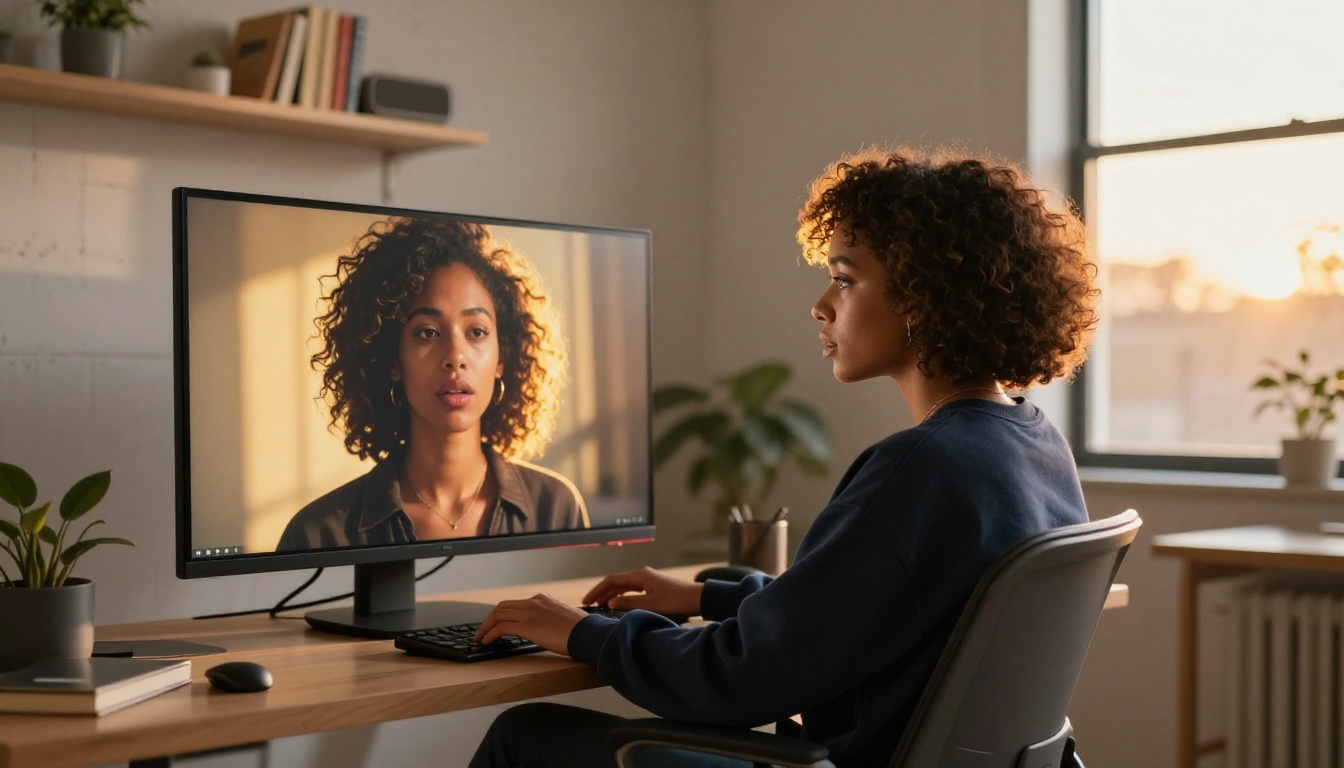
You don't need special hardware, an art degree, or even experience with other AI tools. What you do need is a clear idea of what you want to create — and a basic sense of how to describe it.
What You Actually Need
The only real requirements:
- An internet connection and access to an AI image platform that runs Nano Banana 2
- A concept — even "a photo of a dog on a beach at sunset" is enough to start
- 5 minutes — seriously, that's all it takes for a first run
That's it. No downloads, no local hardware requirements, no complex setup. The barrier to entry here is intentionally minimal.
💡 Tip: Don't try to write the perfect prompt on attempt one. Start simple, see what the model gives you, then add detail in the next version. Iteration beats perfectionism every time.
Setting Up Your Workspace
Where you generate matters less than how you generate, but a few small habits make a big difference:
- Keep a text file open alongside your image generator. Paste in prompts you like, note what worked, and build up a personal prompt library over time.
- Organize by project — if you're generating for a specific use case (social media content, a blog, a portfolio), keep those generations separate so you can compare and choose efficiently.
- Screenshot or save often — AI generation isn't perfectly reproducible even with the same prompt. When you get something you love, save it immediately.
Writing Prompts That Actually Work
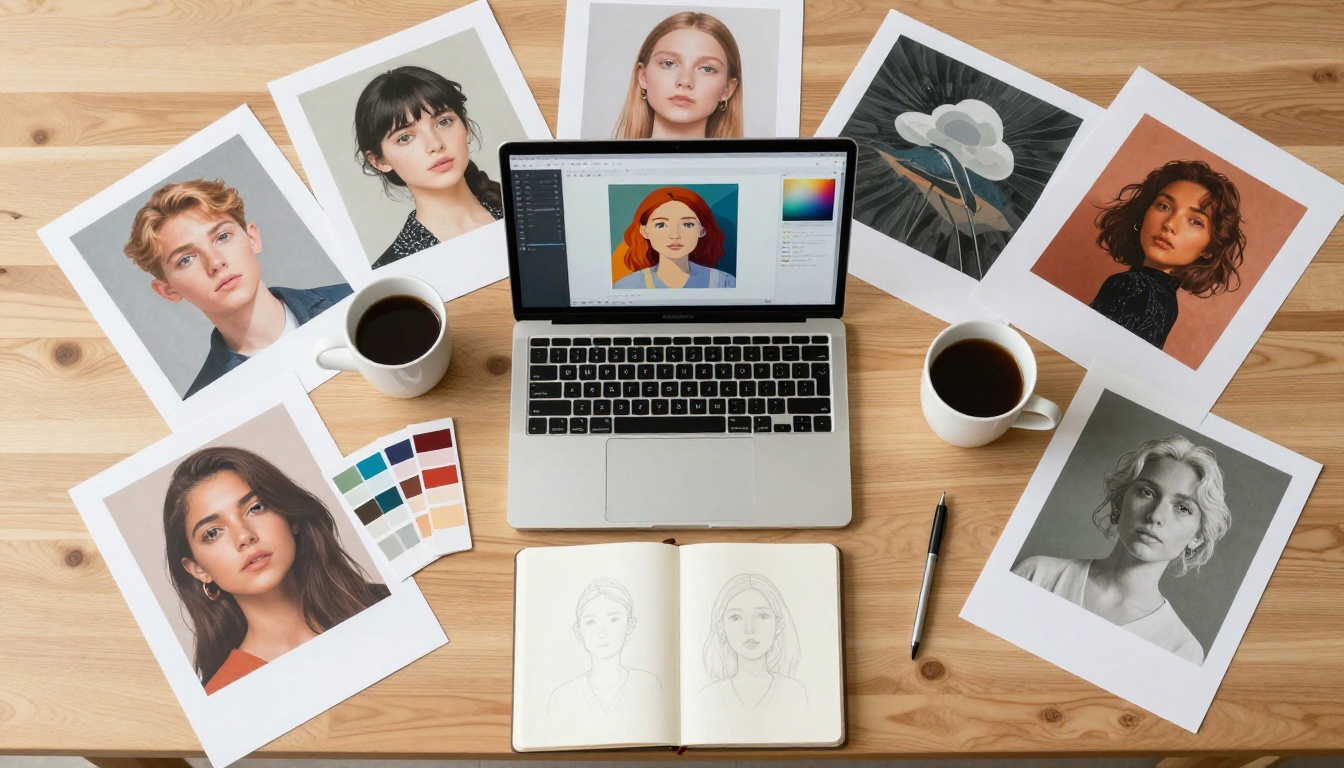
The single biggest factor in the quality of your results is prompt quality. Not model choice, not settings — the words you type. Getting this right turns Nano Banana 2 from a decent tool into a genuinely powerful creative partner.
The 4 Core Elements of a Strong Prompt
Every high-performing prompt tends to include four components:
1. Subject — What's in the image?
"A woman in her thirties sitting at a wooden desk..."
2. Environment — Where is it?
"...in a sunlit home office with large windows and warm oak floors..."
3. Lighting — How is it lit?
"...soft morning light from the left, casting warm golden shadows..."
4. Technical/Style — How should it look?
"...shot on 85mm f/1.8 lens, photorealistic, Kodak Portra 400, 8K"
Put those together and you get:
"A woman in her thirties sitting at a wooden desk in a sunlit home office with large windows and warm oak floors, soft morning light from the left casting golden shadows, shot on 85mm f/1.8 lens, photorealistic, Kodak Portra 400, 8K"
That prompt will produce dramatically better results than "woman at a desk."
Prompt Mistakes Beginners Make
These are the most common errors and how to fix them:
| Mistake | Why It Hurts | Fix |
|---|
| Too vague | Model makes arbitrary choices | Add subject, environment, and lighting |
| Contradicting styles | Model gets confused | Pick one clear visual direction |
| Stacking adjectives without purpose | Dilutes focus | Use intentional descriptors, not filler |
| Forgetting lighting | Flat, uninspiring images | Always specify light source and quality |
| Copying prompts blindly | Generic results | Adapt prompts to your specific vision |
One more thing beginners underestimate: sentence structure matters. Writing a prompt like a photography brief — specific, technical, concrete — produces far better results than writing it like a poem. The model responds to precision.
Styles You Can Create Right Now
Nano Banana 2 has strong performance across several distinct creative styles. Here's a breakdown of the three most popular — and how to approach each.
Portraits and People
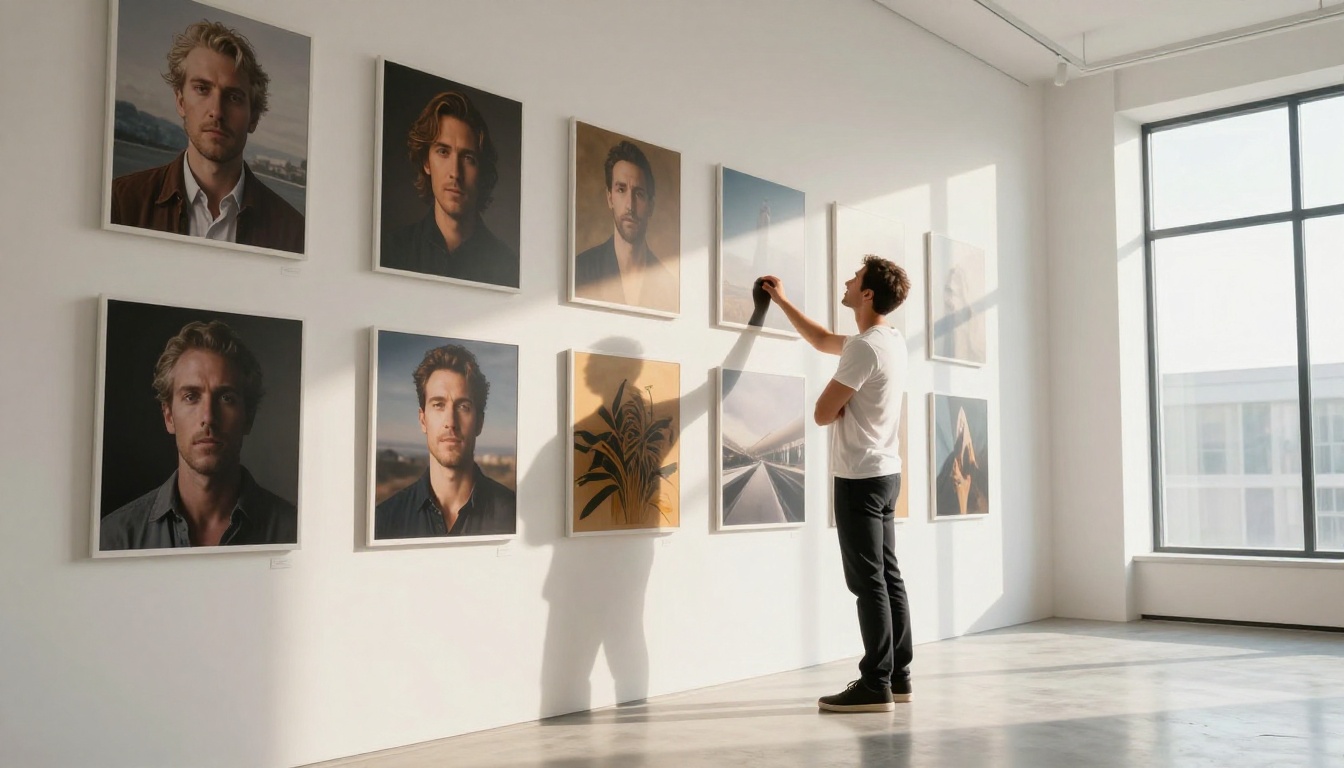
People are the most generated subject in AI art, and for good reason — a compelling portrait is immediately engaging. For best results with Nano Banana 2:
- Describe the specific age, expression, and posture of your subject
- Set the lighting type clearly — window light, golden hour, studio softbox, candlelight, etc.
- Specify a camera focal length — 85mm and 50mm tend to give the most natural-looking portraits
- Include skin texture cues — "visible pores," "natural skin texture," or "film grain" all help produce realistic rather than plastic-looking skin
Scenery and Landscapes
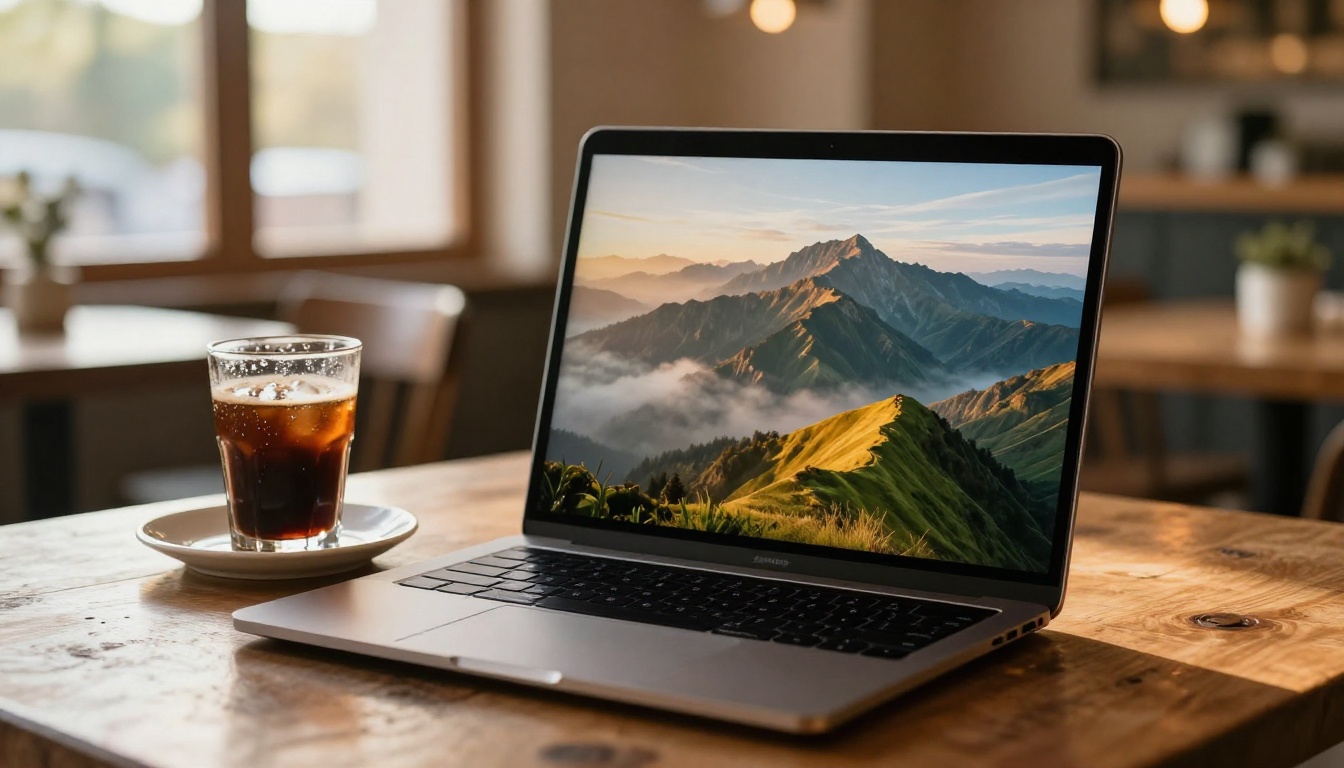
Landscapes reward specificity. "A mountain" gets you a generic result. "A rain-slicked granite peak at dawn with low cloud cover and a single beam of pale gold light breaking from the left" gets you something memorable.
Things that elevate landscape prompts:
- Weather and atmosphere — overcast, misty, golden hour, midday harsh light, after rain
- Foreground elements — give the viewer something to anchor to, like rocks, water, or vegetation in sharp focus
- Season — winter, late autumn, midsummer all change the color palette dramatically
- Time of day — this controls light quality more than any other single factor
💡 Pro move: Add "volumetric light" and "atmospheric haze" to any landscape prompt for instant depth and visual drama.
Abstract and Mood-Based Work
This is where many beginners feel lost — and where the most creative results hide. You don't have to describe a literal scene. You can describe a feeling, a color relationship, a moment in time.
Try prompts like:
- "The color of grief at 3am, dusty blue and bone white, long shadows on empty hallway floor, 50mm f/2 film grain"
- "The feeling of a first warm morning after a long winter, soft gold light through gauze curtains, dust particles floating, close-up texture"
- "Solitude that doesn't ache, pale yellow light, empty chair, worn wooden surface, Kodak Portra 400"
The model interprets emotional language through visual metaphor. The results are often surprising in the best possible way.
Getting Better Results Faster
Generating a single image and moving on is the slowest way to improve. The people who progress fastest with AI art share a few specific habits.
Iteration Is Your Biggest Tool
Every AI artist worth following has one thing in common: they generate a lot. Not randomly, but with intention. Each generation teaches you something about how the model interprets your language.
A good iteration workflow:
- Generate with a core prompt
- Look at the result — what worked? What didn't?
- Adjust one or two specific elements
- Generate again
- Repeat until you have what you want
This loop is far more valuable than hunting for the "perfect" prompt before you start.
💡 Reality check: Professional AI artists regularly go through 20–50 generations to land on one hero image. Don't judge your skill by your first result.
The Seed Number Trick
Every image generation has a "seed" — a random number that controls the randomness of the output. When you find a composition or style you like, locking the seed while adjusting other prompt elements lets you iterate within a controlled creative direction.
In practice: you find a pose or lighting setup you love in one image. You lock that seed and tweak the environment, clothing, or color palette. The result maintains the structure of the original while evolving in the direction you specify.
Not all platforms expose seed controls equally, but when available, this is one of the highest-leverage features for consistent, predictable quality.
Negative Prompts Worth Knowing
Most platforms let you specify what you don't want in the output. A few universally useful negative prompts:
blurry, out of focus — eliminates soft or unclear imagesplastic skin, airbrushed — prevents that over-smoothed AI portrait lookwatermark, text, signature — removes unwanted text artifactsoverexposed, blown highlights — controls harsh lighting issueslow resolution, pixelated — keeps output quality high
Sharing and Using Your AI Art
Creating great images is only half the value. Knowing what to do with them is where the real payoff starts.
What You Can Actually Do With It
AI-generated art from Nano Banana 2 can be used for:
- Social media content — consistently high-quality visuals at the pace social platforms demand
- Blog and editorial illustrations — custom images that match your article's exact mood and tone
- Personal portfolio — showcasing your prompt and aesthetic sense as a legitimate creative skill
- Product mockups and concepts — rapid visual prototyping before committing to production resources
- Prints and wall art — many platforms offer direct printing from AI-generated files
- Branding experiments — testing color palettes, visual directions, and brand moods quickly and cheaply
💡 Always check the terms of service of the platform you use. Most major platforms allow commercial use of generated images, but specifics vary — especially around training data disclosure.
Where to Post and Get Feedback
The AI art community is active, generous, and genuinely engaged. Good places to share and grow:
- Instagram and Pinterest — both platforms respond very well to visually strong content; AI art performs exceptionally in both feeds and boards
- Reddit communities — subreddits focused on AI art have detailed critique culture and enthusiastic members
- Discord servers — most major AI art tools maintain active communities with dedicated feedback channels
- Behance — increasingly used for AI art portfolios presented as professional creative work alongside traditional media
The fastest way to improve is to post publicly and read the comments. Criticism from other practitioners beats hours of solo trial and error every time.
10 Prompts to Try Right Now
These are ready-to-use, detailed prompts designed to perform well with Nano Banana 2. Copy them, run them, and modify to taste:
- "A 28-year-old woman reading a book in a sunlit Parisian cafe, golden afternoon light through tall windows, 85mm f/1.8, Kodak Portra 400, photorealistic 8K"
- "Empty mountain road in early autumn, morning mist rising from the valley, wet asphalt reflecting pale grey sky, 35mm f/8, sharp throughout, cinematic"
- "Close-up of a ceramic coffee mug on a worn wooden windowsill, rain droplets on the glass behind, warm interior bokeh, 100mm macro, Kodak Portra"
- "Man in his forties sitting on harbor steps at blue hour, fishing boats in background, cool desaturated light, pensive expression, 50mm f/2, film grain"
- "White sand beach at sunset, lone wooden beach chair, long shadows, saturated orange and pink sky, no people, 24mm f/11, ultra sharp"
- "Interior of an old bookshop, afternoon light through dusty windows illuminating floating particles, shelves dense with books, 28mm f/4, warm amber tones"
- "Close-up portrait of an older woman with silver hair and deep laugh lines, natural window light from left, genuine smile, 135mm f/2, photorealistic skin texture"
- "City intersection at night in light rain, reflections of neon signs on wet cobblestones, no people, 35mm f/5.6, long exposure blur on passing car lights"
- "Hands cupping a small wildflower bouquet, soft grass background in shallow focus, overcast natural light, 90mm macro, film grain, warm earthy tones"
- "Dense forest path in late October, saturated red and gold foliage above, damp dark earth below, single figure walking away in distance, 50mm f/2.8"
Each follows the four-element structure: subject, environment, lighting, technical spec. Start here, then push in your own direction.
Start Creating on PicassoIA Now
If you've read this far, you already have everything you need to produce your first image. You know the four-part prompt structure. You know how iteration works. You know which mistakes to avoid and which habits to build.
The only thing left is to actually do it.
PicassoIA gives you direct access to powerful AI image generation models in a clean, fast interface built for creative work. Whether you're generating portraits, landscapes, or abstract mood pieces, the platform puts the tools exactly where you need them — with no friction between your idea and the final image.
Your first image doesn't have to be perfect. It just has to be made. Start with one of the 10 prompts above, see what comes back, and iterate from there. Within a few sessions, you'll have developed your own visual instincts, your own prompt style, and a growing library of images that are genuinely yours.
That's how every AI artist you admire started — one prompt at a time.