Adult AI video generation has gone from a niche technical experiment to a fully accessible creative tool that anyone over 18 can try right now, in their browser, for free. The platforms have caught up to the demand. The models are faster, sharper, and less censored than they were even 12 months ago. If you've been curious about what AI can actually produce when the content filters are off, this is the right time to find out.
The good news is that the best free options aren't limited trials with three generations before a paywall. Several of the most capable platforms offer genuinely unlimited free access, no watermarks, no mandatory subscription, and no filters that quietly block your prompts. This article walks through exactly how to use them, which models to pick for which results, and the workflow that consistently produces the most realistic adult AI video content available today.
There's no shortage of AI video tools online. Most of them are useless for adult content. Before spending time on a platform that will silently sanitize your outputs, it helps to know exactly what you're evaluating.
The content policy problem
Mainstream AI video platforms almost universally apply safety filters to anything involving adult bodies, suggestive scenarios, or romantic content. You'll submit a prompt, wait for generation, and receive either a blank result or a completely different, clothed, sanitized version of what you asked for. This isn't a bug. It's deliberate policy designed to keep those platforms accessible to the widest possible audience.
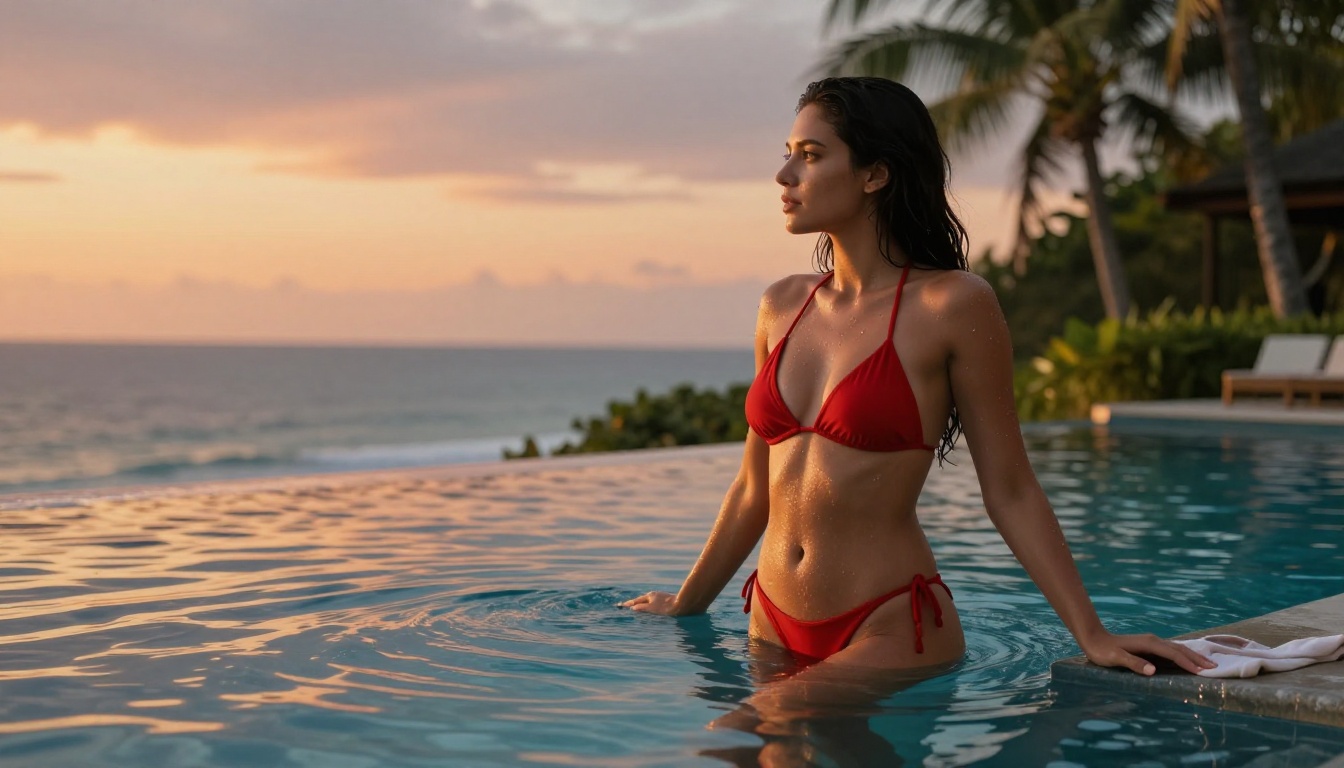
The tools worth your time work differently. They accept your prompt as written, generate from it directly, and return the output without substitution. The difference is immediately obvious: prompt a woman in a bikini and you get a woman in a bikini, with realistic proportions, natural lighting, and the specific pose you described.
Quality problems specific to adult content
Even on platforms with looser policies, model quality matters more for adult content than for other use cases. Anatomical accuracy, realistic skin texture, natural body proportions, and consistent identity across video frames are all noticeably more demanding requirements than generating a landscape or a car. The models listed in this article were selected specifically because they handle these requirements without the distortions and artifacts that make outputs look immediately AI-generated at close range.
Seedream 4.5: The Right Place to Start
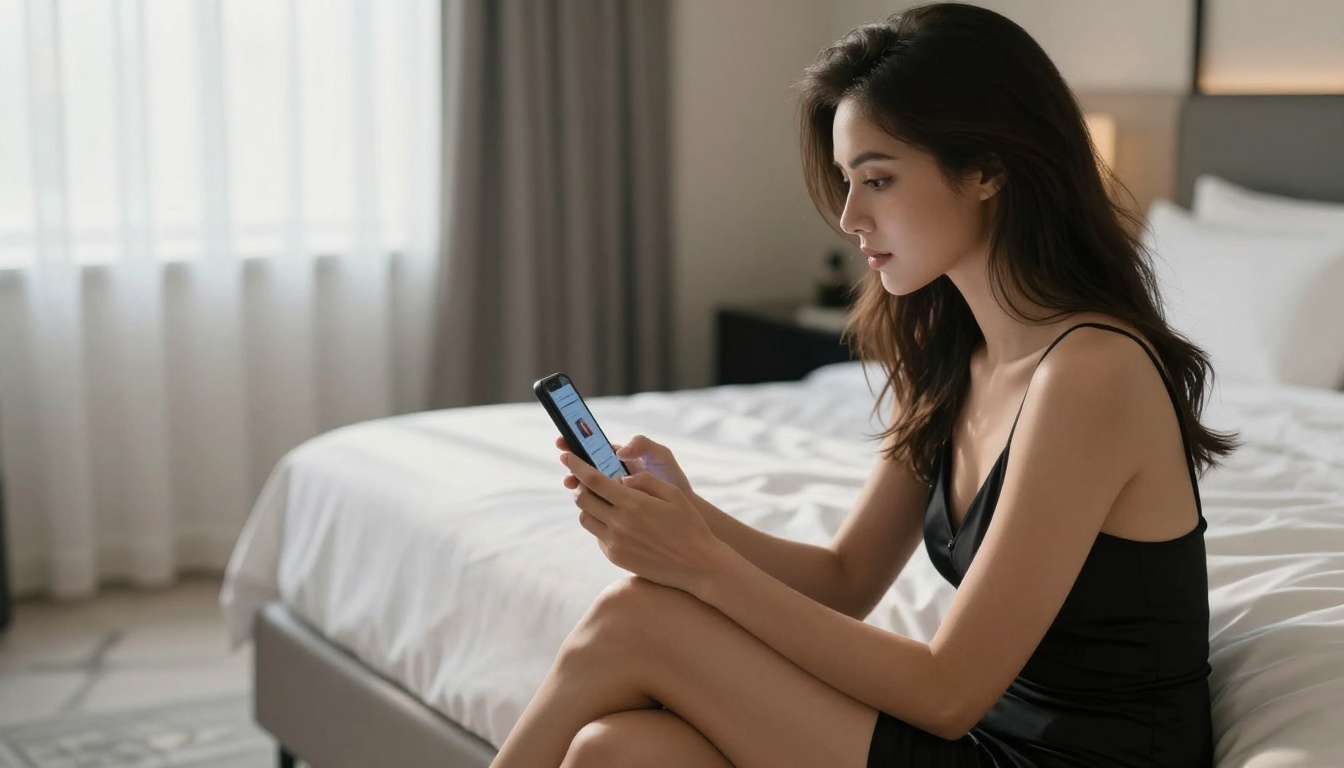
If you're building an adult AI video workflow, start with the image. Before any video generation happens, you need a source image that's photorealistic, properly lit, and anatomically accurate. Seedream 4.5 is the model that handles this better than anything else available free right now.
Seedream 4.5 generates native 4K images with a level of skin texture detail, lighting fidelity, and body proportions that hold up at full resolution. Older models produce plastic-looking skin and incorrect anatomy that becomes obvious the moment you zoom in. Seedream 4.5 was trained on a broader dataset and applies fewer output constraints, producing results that look more like photography than AI art.
Why it performs differently for NSFW content
Most image models that technically allow adult content still produce noticeably degraded results for it. The skin looks synthetic. Proportions drift. Facial features become generic. Seedream 4.5 doesn't have this problem. Adult content generations match the same photorealism quality as any other subject matter, which means you're working with a proper source image for animation rather than something that already looks artificial.
The 4K advantage for source images
Even if your final video output is 720p, generating your source image in 4K gives the video model more detail to work from. Fine skin texture, hair strands, and fabric detail that exist in a 4K source image carry over into animation in ways that a lower-resolution starting image won't allow. The video model can read and animate those details rather than inventing them.
💡 Starting prompt structure for Seedream 4.5: [subject description] + [outfit/appearance] + [pose and setting] + [lighting: direction, quality, source] + [camera: focal length, aperture, angle] + [style: RAW 8K, Kodak Portra 400, photorealistic]
From Still Image to Video: The Workflow
Text-to-video models produce inconsistent results for adult content because they generate the character fresh on every frame. Identity drift, where the subject's face or body changes noticeably between seconds, is a persistent problem in pure text-to-video workflows.
Image-to-video solves this. You provide a static source image as the first frame, and the model animates from that locked starting point. Your subject's face, body, and proportions stay consistent throughout the clip because they're anchored to the image you provided.
Setting up the source image
For smooth animation, your Seedream 4.5 source image should follow a few guidelines:
- Subject in the center to foreground of frame: Background complexity causes more artifacts than a simple or blurred background
- Single dominant light source: Models handle consistent lighting better than complex multi-light setups during animation
- Medium shot (waist-up or three-quarter body): Extreme close-ups and very wide shots both introduce more animation challenges
- Neutral or slow motion background: Busy backgrounds add artifacts. A simple wall, outdoor blur, or blurred bokeh background keeps attention on the subject
If your source image needs any adjustments after generation, PicassoIA Image Editor Pro lets you make targeted edits with inpainting before sending it to the video model.
Writing effective motion prompts
In image-to-video mode, your text prompt describes motion only. The model already knows what the scene and subject look like from the source image. Common mistake: re-describing the subject's appearance in the motion prompt. This competes with the image and causes identity drift.
Effective motion prompts:
- "She slowly turns her head toward the camera, her hair follows with a gentle sweep"
- "She leans forward slightly, her shoulders drop, she holds eye contact with the camera"
- "She shifts her weight to one side, glances down then back up"
Ineffective motion prompts:
- "A beautiful woman in a bikini standing at the pool turns her head" (re-describing the scene)
- "She dances energetically for 5 seconds with multiple fast movements" (too much for the time)
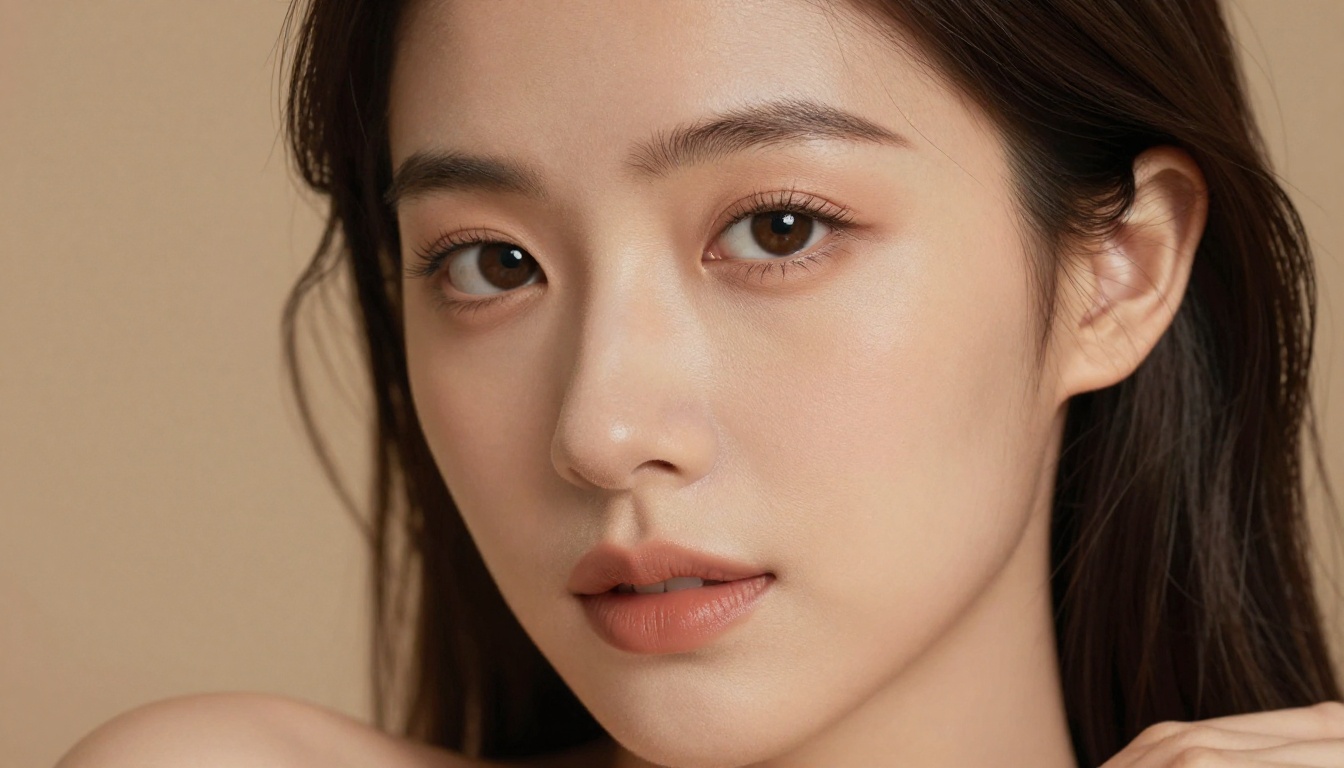
The Best Free Video Models for Adult Content
These are the platforms worth using right now. Each has been selected for content policy flexibility, output quality at the free tier, and generation reliability.
Seedance 2.5 Lite: free and unlimited
Seedance 2.5 Lite is the current benchmark for free adult AI video. It generates clips up to 10 seconds with no generation cap, no visible watermarks, and content policies that don't filter suggestive or adult material. The motion physics are solid: hair movement, fabric dynamics, and body motion render at a quality level that outperforms what paid models offered two years ago.
The free tier output sits below 1080p, but the quality at that resolution is more than sufficient for most use cases. For volume work, where you're iterating through multiple generations to find the right motion, the unlimited access policy makes this the obvious starting point.
If you need a step up in output quality, Seedance 2.5 adds full 1080p output and improved temporal consistency on the paid tier.
Best for: Rapid iteration, image-to-video of NSFW content, high-volume generation
PicassoIA Video: no limits at all
PicassoIA Video offers genuinely unlimited free generations, handles both text-to-video and image-to-video inputs, and doesn't require a paid plan for basic access. Generation times run 15-25 seconds per clip. For workflows where you're generating many variations of the same scene, the no-limit policy is the deciding factor.
Best for: Unlimited free access, flexible input types, no signup friction
Ray Flash 2 720p: fast and sharp
Ray Flash 2 720p from Luma delivers 720p output with above-average sharpness for its generation speed. The model handles close-range facial animation especially well, which matters for portrait-heavy adult content. The motion style trends cinematic, with camera-level smoothness that holds up under close inspection.
Best for: Portrait-oriented content, fast generation, sharp detail at 720p
Wan 3: cinematic quality at the top
Wan 3 sits at the top of the quality ranking among free video models. It generates cinematic-grade footage with physics simulation that handles fabric, hair, and skin at a level that genuinely doesn't look like AI on a casual viewing. For adult content that emphasizes aesthetics and visual quality over volume, Wan 3 produces the most photorealistic results available free.
The tradeoff is speed. Expect 45-90 seconds per generation on free tier access. When the visual result is the priority, that wait is worth it.
Best for: High-quality final outputs, cinematic aesthetics, visual realism
LTX 2.5 Fast: 4K at speed
LTX 2.5 Fast generates 4K video in seconds, making it the fastest high-resolution option available at the free tier. For content where resolution is the priority, nothing else comes close on speed.
Best for: 4K resolution output, fast turnaround
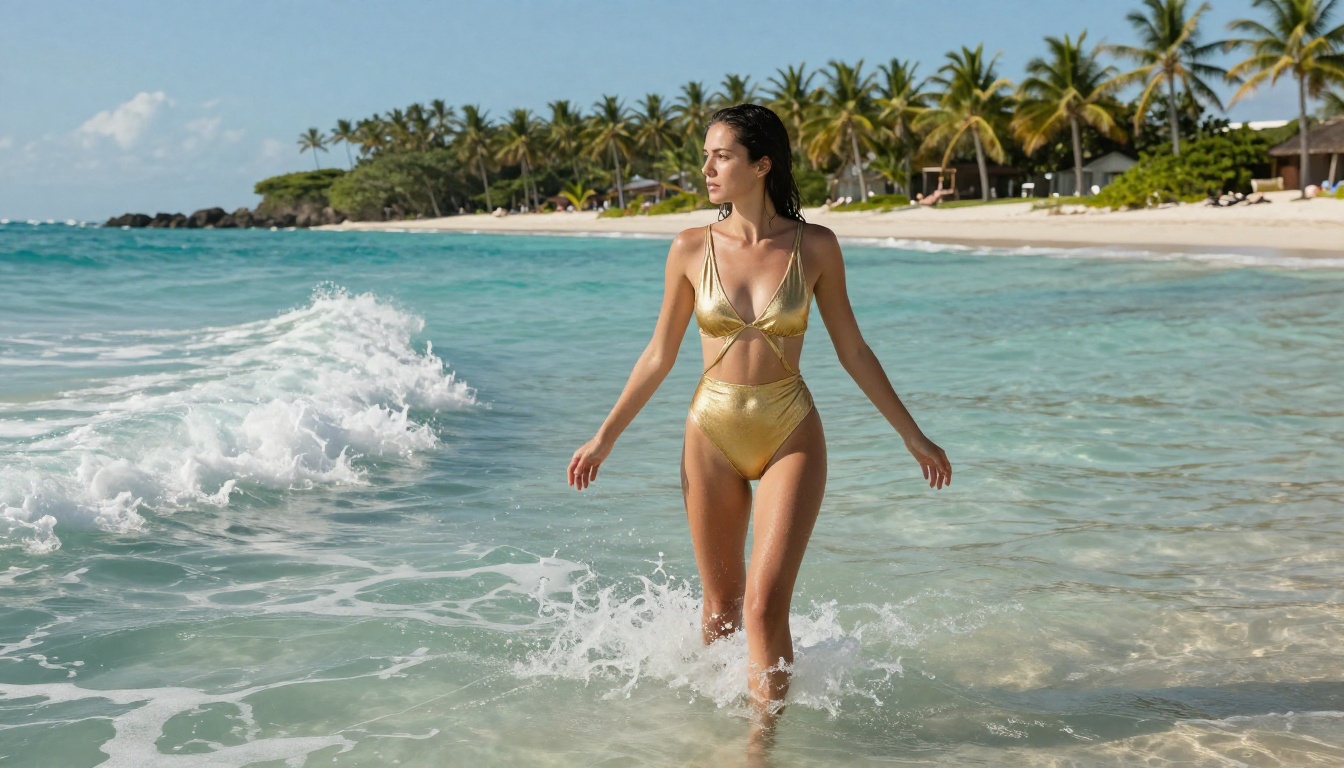
PicassoIA Image Editor Pro: Refine Before You Animate
Getting your source image exactly right before animation is worth the extra step. PicassoIA Image Editor Pro offers unlimited AI photo editing with no generation cap, specifically designed for iterative refinement. The unlimited generation policy means you can iterate until the image is exactly what the animation needs.
Inpainting for targeted corrections
The inpainting tool lets you select any region of an image and regenerate just that area. For adult content workflows, the most common use cases are:
- Pose corrections: An arm or hand in an awkward position can be selected and regenerated with a revised prompt
- Background cleanup: Distracting background elements that would create animation artifacts can be replaced with a simpler surface
- Lighting adjustments: If one side of the image has inconsistent lighting, inpainting that region with a corrected prompt brings it into line with the rest of the image
Outpainting to reframe your shot
Outpainting extends the canvas beyond the original image borders. If Seedream 4.5 generated a waist-up shot and you need full body for the animation, outpaint downward. The model fills the new canvas area in a style consistent with the original image, light, and subject.
This solves a common workflow problem: great source images that are framed slightly too tight for what the video model needs to animate smoothly.

How to Use Seedance 2.5 Lite: Step by Step
Here's the exact workflow from a blank browser tab to a finished adult AI video clip.
Step 1: Generate your source image
Open Seedream 4.5 on PicassoIA. Write a detailed prompt with subject, outfit, pose, lighting, and camera details. Set the output to 16:9 aspect ratio for video compatibility. Generate and save the image you want to animate.
Step 2: Optional: refine the image
If the output has any issues with pose, background, or lighting, open PicassoIA Image Editor Pro and use inpainting to fix specific areas. This step adds 2-3 minutes but can meaningfully improve video quality.
Step 3: Open Seedance 2.5 Lite
Navigate to Seedance 2.5 Lite. Select image-to-video mode. Upload your source image.
Step 4: Write your motion prompt
Describe only the motion, not the scene. Be specific: "She slowly raises her chin, holds eye contact with the camera, a slight smile forms. Her hair drifts gently to one side."
Step 5: Set clip length and generate
Choose 5-10 seconds. Click generate. Wait 20-45 seconds.
Step 6: Review and adjust
If motion looks mechanical or identity drifts, simplify your motion prompt. Adding "subtle" or "gentle" before actions consistently produces more controlled results.
💡 Common mistake: Writing a text-to-video prompt when using image-to-video. The model already has your scene from the source image. Your prompt only needs to describe the motion, not re-describe the setting.

5 Things That Consistently Improve Adult AI Videos
1. Specify physics explicitly. "Her hair moves in a gentle breeze" and "the fabric shifts as she turns" both trigger physics simulation. Without these cues, models default to minimal motion.
2. Keep backgrounds simple. Complex backgrounds during animation generate more artifacts than simple or blurred backgrounds. If your source image has a busy background, replace it using inpainting in PicassoIA Image Editor Pro before animating.
3. Use time-sequenced instructions. "Over 5 seconds, she slowly tilts her head from one side to the other, ending with a direct look at camera" gives the model a narrative arc to follow rather than a static description to hold.
4. Don't prompt appearance in image-to-video mode. The source image handles appearance. Appearance descriptions in your motion prompt create competition between image and text that results in identity drift.
5. Iterate in volume on Seedance 2.5 Lite first. Use the free unlimited model to test motion variations. Once you've found the motion you want, use Wan 3 or Seedance 2.5 for final quality output.

Every Model Worth Trying Right Now
For anything not listed here, the full catalog of 200+ models is available at picassoia.com/en/all-models.
Try It Right Now
The fastest way to see what adult AI video actually looks like is to generate one. The workflow described above, Seedream 4.5 for the source image and Seedance 2.5 Lite for animation, takes about 5 minutes from start to finished clip. Both tools are free, both run in the browser, and neither requires technical knowledge beyond writing a description.
Start with a single image prompt. Pick one subject, one setting, one lighting direction. Keep it specific. Then upload that image to Seedance 2.5 Lite and describe one simple motion. Watch what happens. The quality of what these models produce for free in 2027 is genuinely worth experiencing firsthand.
If you want to go further, PicassoIA's full model library has over 200 models across image generation, video, editing, and effects. Every model is accessible from a single account, and the combination of unlimited free generators alongside premium options gives you a complete adult content creation toolkit without mandatory subscriptions.
The tools are there. The content policies are there. The quality is there. The only thing left is trying it.