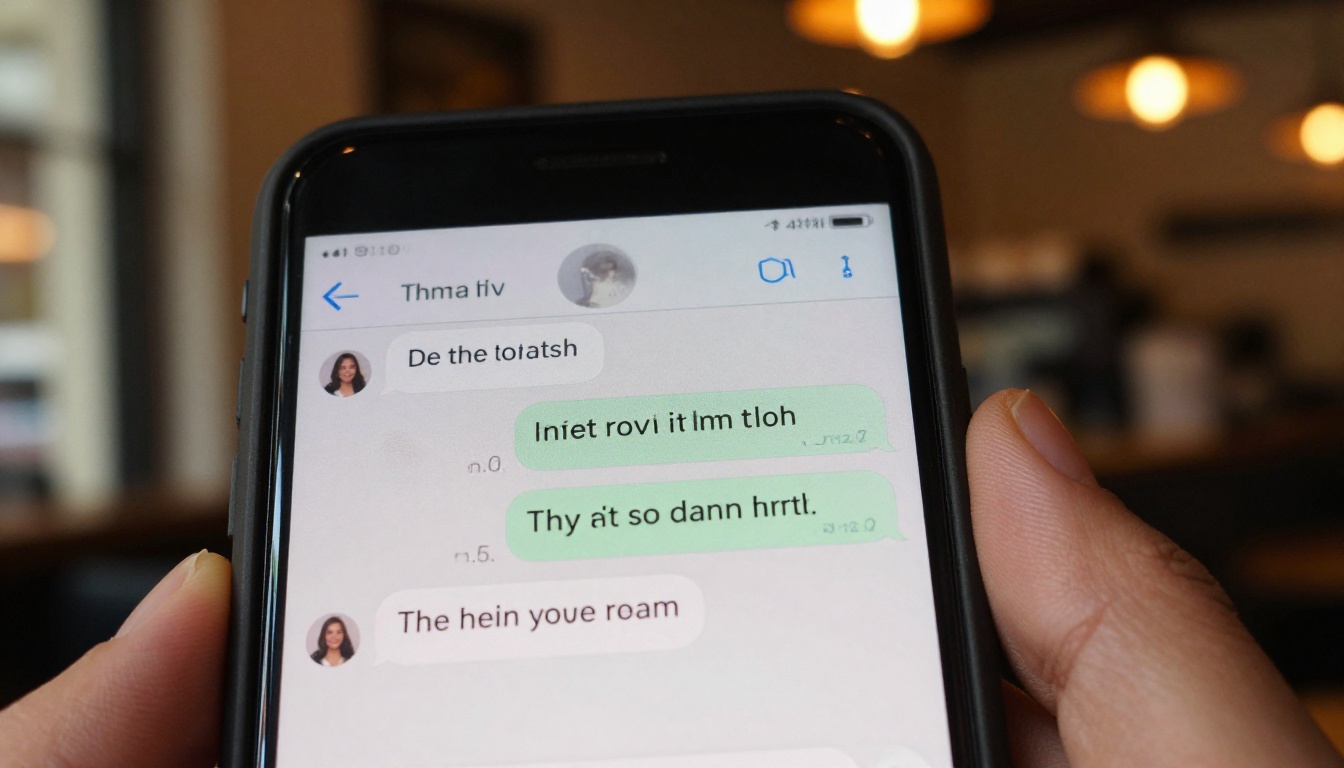
You have a chat log sitting in front of you. Maybe it's a customer service transcript, a podcast interview captured in a messaging app, a dialogue you wrote for a project, or just a hilarious exchange with a friend. Whatever it is, you want to hear it. Not read it. Hear it — with a real, human-sounding voice that nails the rhythm of natural conversation.
That used to mean booking studio time or hiring a voice actor. Today, you paste the text, pick a model, and hit generate. The output is a polished audio clip that sounds like it was recorded in a professional booth, ready to drop into a podcast, a social reel, or a product demo. This article walks you through exactly how to do it, which models to trust, and how to push the workflow even further with lipsync avatars and LLM-powered transcript cleanup.
Why Chat Text Works So Well for Speech AI
Chat writing already sounds like speech
Formal writing is built for the eye. Chat writing is built for the ear. Short sentences. Contractions. Fragments. Natural pauses baked right into the punctuation. When you feed chat text to a text-to-speech model, you are giving it exactly what it thrives on: conversational rhythm that maps cleanly onto spoken cadence.
Compare this to pasting a legal brief or an academic abstract. Those require heavy reformatting before TTS sounds natural. A chat log usually does not. The back-and-forth structure also gives TTS engines a clear cue when the speaker changes, especially if you use models that support multi-speaker synthesis.
💡 Tip: If your chat uses platform-specific shorthand (lol, tbh, imo), do a quick find-and-replace before synthesizing. Spell out the words you want the voice to say. "lol" will often be read aloud as "lol," which is not what you want.
What separates good TTS from robotic outputs
The gap between a robotic voice and a convincing one comes down to three things: prosody (how pitch rises and falls), pacing (natural hesitation and breath rhythm), and expressiveness (emotional coloring in stressed syllables). Older TTS systems failed on all three. Modern neural speech models pass on all three, often indistinguishably from a human speaker.
The other differentiator is latency. If you are building something real-time, like a voice assistant or a live dubbing pipeline, a model that takes four seconds to process each sentence is useless. You need sub-200ms streaming synthesis.
The TTS Models Worth Using Right Now
Studio-quality options
For anything where audio quality is the priority, two models stand above the rest.
MiniMax Speech 2.8 HD produces studio-grade output with a remarkably wide range of supported voices. The HD tier prioritizes fidelity: rich low-frequency warmth, crisp consonants, and no audible digital artifacts even on complex phoneme clusters. For longer chat transcripts being turned into podcast episodes or narrated explainers, this is the benchmark model.
ElevenLabs V3 is where raw quality meets expressive range. V3 reads emotional subtext in the text itself, adjusting pitch and energy accordingly. A message that ends with an exclamation mark sounds excited. A trailing ellipsis sounds hesitant. That level of contextual awareness is what makes chat transcripts sound alive rather than read aloud.
For emotional voice range with custom voice cloning, Resemble AI Chatterbox and its more powerful sibling Chatterbox Pro let you clone any voice from a short audio reference, then apply it to your entire chat transcript. The result is chat content delivered in a specific person's voice — useful for recreation of past conversations or character-driven audio content.
Real-time and speed-focused options
If latency matters, the calculus changes.
Inworld Realtime TTS 2 is optimized for streaming use cases, delivering natural-language voiceovers with sub-second first-word latency. If you are piping chat messages directly into audio output as part of an application, this is the model to reach for.
ElevenLabs Flash v2.5 hits the sweet spot between quality and speed, handling synthesis fast enough for interactive applications while retaining enough expressiveness for polished outputs. It is the practical default when you need results quickly without significantly sacrificing quality.
MiniMax Speech 2.8 Turbo offers the same MiniMax voice quality at faster processing times, making it useful for batch-converting large numbers of chat messages.
Resemble AI Chatterbox Turbo rounds out the speed tier, delivering fast turnaround with voice cloning capability intact.
Voice cloning and custom voices
Beyond preset voices, some workflows call for a specific person's voice.
MiniMax Voice Cloning lets you upload a reference clip and generate a custom voice profile that persists across all your generations. This is particularly powerful for brands that want consistent audio identity or for creators who want every video narrated in their own voice without recording everything manually.
Qwen3 TTS offers an interesting option: you can either clone an existing voice from a reference sample or design a voice from scratch by describing its characteristics. For chat content where you want a specific character voice that does not exist in any voice library, this gives you a creative path.
How to Use MiniMax Speech 2.8 HD on PicassoIA
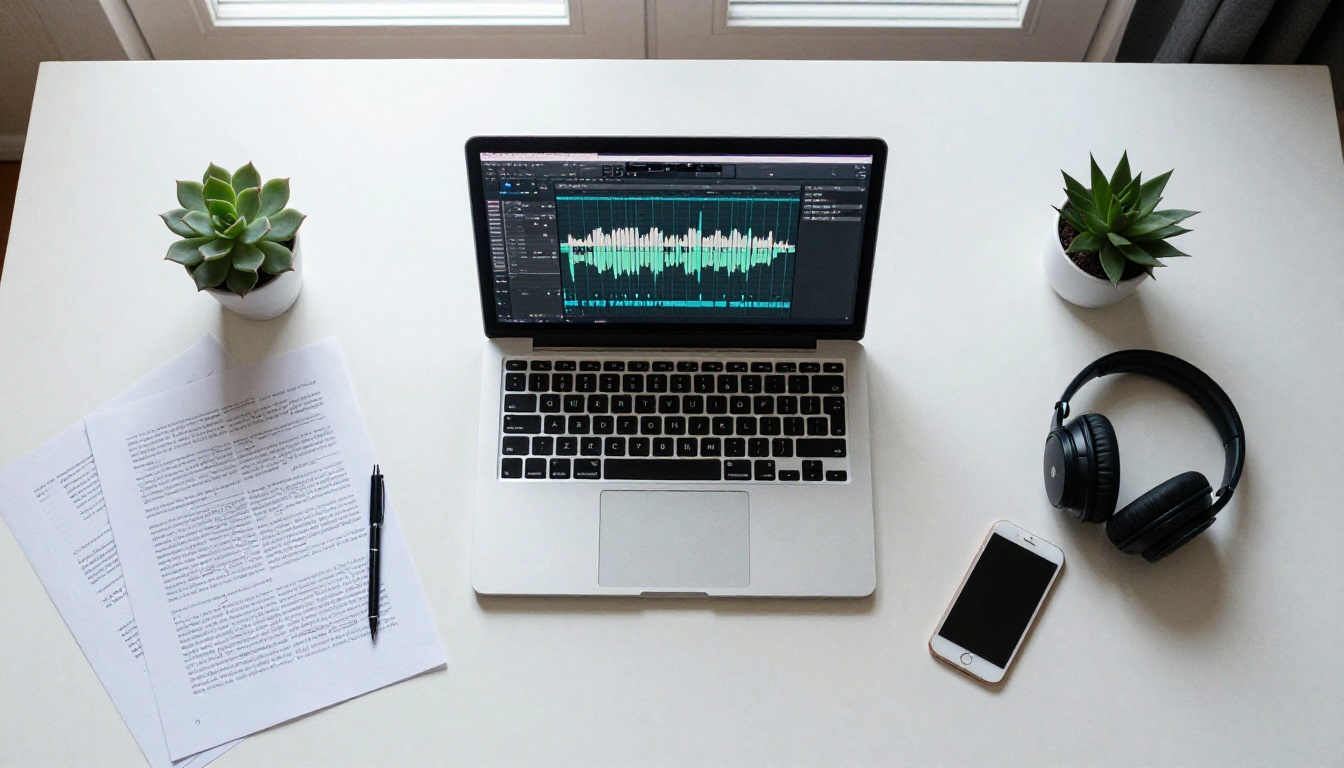
PicassoIA gives you direct access to every TTS model listed above without any API setup or billing integration on your end. You open the model page, paste text, and generate.
Setting up your first voice clip
- Go to MiniMax Speech 2.8 HD on PicassoIA.
- Paste your chat transcript into the text input field. If the conversation has multiple speakers, label each speaker on its own line:
Alex: Hey, did you see the report? followed by Sam: Not yet, just got back. This structure helps with pacing even if the model renders a single voice.
- Select a voice from the dropdown. For natural conversation, voices labeled as "conversational" or "storytelling" tend to outperform "news" or "formal" presets on chat-style text.
- Hit Generate. The model processes your text and returns a downloadable audio file, typically in MP3 or WAV.
Choosing the right voice and speed
Speed is an underrated parameter. Human conversation averages roughly 130 to 150 words per minute. Most TTS defaults are set around that range, but chat banter often benefits from pushing slightly faster to preserve energy. Monologues work better at slightly slower settings to allow comprehension.
💡 Tip: For chat transcripts that are being turned into video narration, reduce speech speed by about 10% below what sounds natural in isolation. Background music and visual cuts absorb attention, so slightly slower audio lands better on screen.
The pitch control in Speech 2.8 HD also deserves attention. A slight pitch drop (around minus 1 to minus 2 semitones) on any voice preset makes the output sound noticeably warmer and less synthetic, especially on longer sentences where default pitch can drift upward.
ElevenLabs V3 for Expressive Chat Voices
Cloning a voice from a short sample
ElevenLabs V3 accepts a voice reference sample as short as 30 seconds. Record yourself reading a few sentences, upload the clip, and V3 creates a voice profile. Every chat message you synthesize after that comes out in your own voice, at any length, without any additional recording.
This has obvious applications for content creators who want consistent audio branding. It also works for anyone recreating dialogue: write out a conversation, assign each participant a voice profile, and synthesize each side of the exchange separately before stitching them together in any audio editor.
Dialogue tags for emotional range
V3 responds to explicit emotional context in the input text. You can include stage-direction style annotations in square brackets or parentheses to steer the delivery:
[excited] I can't believe it worked![quiet, nervous] We need to talk about last night.[laughing] That is the worst idea I have ever heard.
These annotations are stripped from the audio output but they influence how the model reads the surrounding text. It is a simple technique that produces dramatically more natural-sounding dialogue synthesis, particularly for chat content where emotion is implicit in the original exchange but not always obvious to a statistical model.
For multilingual chat conversion, ElevenLabs v2 Multilingual and ElevenLabs Turbo v2.5 extend the same quality to over 30 languages, preserving accent authenticity rather than forcing non-native pronunciation patterns.

Turning Voice Clips Into Lipsync Videos
Why lipsync makes audio more shareable
An audio clip is a download. A lipsync video is content. The difference in engagement across social platforms is significant. A talking head delivering your chat transcript verbatim gets watched to the end. An audio file gets skipped.
Lipsync AI solves the hardest part: you do not need to record yourself on camera. You provide a single photo or a short base video clip, upload your synthesized audio, and the model generates a video where the face moves in perfect synchronization with the speech. The result looks recorded.
Best models for talking avatar creation
ByteDance Omni Human 1.5 is the current quality benchmark for photo-to-talking-video conversion. Feed it a still image and an audio file and it returns a video where natural head movement, blinking, and micro-expressions accompany the synthesized speech. The lip sync accuracy on conversational speech is exceptionally tight.
Sync Lipsync 2 Pro excels specifically at dubbing use cases: you have an existing video and you want to replace or add synchronized speech. For chat-to-video workflows where you are starting from an existing clip, this is the most precise option available.
HeyGen Lipsync Precision prioritizes accuracy on complex phoneme sequences. Where other models struggle with rapid speech or overlapping sibilants, Precision renders clean visible articulation.
Sync React 1 adds realistic lipsync to any video file with minimal setup, making it a strong all-around option for quick chat-to-talking-head conversion.
For a fully animated avatar approach, PrunaAI P Video Avatar and ByteDance Omni Human both create talking avatar videos from a single reference image, removing any dependency on existing video footage entirely.
💡 Workflow: Generate your chat audio with MiniMax Speech 2.8 HD, then feed it directly into Omni Human 1.5 with a portrait photo. The full pipeline from text chat to lipsync video takes under five minutes.
Chain an LLM Before You Synthesize
Clean up the chat transcript first
Raw chat text almost always has problems that hurt TTS output quality. Typos change phoneme patterns unpredictably. Emoji are either skipped or narrated literally as "fire emoji." Abbreviations produce inconsistent results. URLs get read aloud character by character.
Running your chat through a large language model first solves all of this automatically. You prompt the LLM to clean the text for text-to-speech synthesis: expand abbreviations, remove emoji, replace URLs with descriptive placeholders, fix typos, and add appropriate punctuation for spoken pacing.
GPT 5 handles this task with one clear instruction. Claude Sonnet 5 adds an additional layer of contextual reasoning: it can infer the emotional tone of an exchange and insert light formatting cues that improve TTS expressiveness. Gemini 3.5 Flash is the fastest option for high-volume preprocessing when you have dozens of chat logs to clean simultaneously.
For tasks requiring deep reasoning about structure, like reassigning dialogue lines that were incorrectly attributed or reconstructing fragmented mobile chat threads, Deepseek R1 provides step-by-step analytical processing that handles ambiguous cases reliably.
Automate the entire flow
The full pipeline looks like this:
- Input: Raw chat transcript (copy-paste from any platform)
- LLM step: Clean, expand, format for TTS readability
- TTS step: Synthesize with MiniMax Speech 2.8 HD or ElevenLabs V3
- Optional lipsync step: Feed audio into Omni Human 1.5 with a portrait image
- Output: Polished voice clip or talking-head video ready to publish
Each step runs in minutes. The entire pipeline from raw chat to publishable video can be completed in under fifteen minutes on a first attempt, and under five once you know your preferred model settings.
💡 Power move: If the chat involves multiple speakers, have the LLM output each speaker's lines separately into different text blocks. Synthesize each block with a different voice preset, then merge the clips in sequence. The result is a convincing two-voice dialogue recording from nothing but a text conversation.
5 Real Ways People Use This Right Now
These are not theoretical use cases. They are workflows people are running today.
Podcast from interview DMs: Journalists and content creators who conduct interviews over social DMs convert those exchanges into spoken episodes. The informal language in direct messages actually sounds more natural through TTS than polished press releases.
Customer service training: Support teams turn their best-performing ticket exchanges into narrated training content. New agents hear real conversation examples rather than reading them, which accelerates learning significantly.
Social video from chat: Reaction content, "here's what they actually said" videos, and reenacted exchange clips all start from chat text. The addition of a lipsync avatar turns a screenshot into a video post.
Multilingual content localization: Brands operating across multiple language markets take their original-language chat scripts through an LLM for translation, then synthesize each language version with a native-accent voice preset. The ElevenLabs Dubbing model extends this into video with automatic lip-matched dubbing across 90 languages.
Interactive voice demo: Product teams prototype voice interface conversations from design documents written in Slack threads or Notion comments. Synthesizing the prototype in Inworld Realtime TTS 2 gives stakeholders a real audio sense of the product before any engineering work begins.

Play Dialog and Gemini for Conversational Depth
Two models not yet mentioned are worth knowing specifically for their handling of dialogue structure.
PlayHT Play Dialog was designed from the ground up for multi-speaker dialogue generation. Rather than synthesizing each speaker's lines separately and stitching them, Play Dialog understands turn-taking and generates both voices in a single pass with natural conversational timing: the hesitation before a comeback, the slight overlap at a sentence boundary, the laughter that follows a punchline. For chat transcripts that are fundamentally dialogic, this model produces the most realistic two-voice output currently available.
Google Gemini 3.1 Flash TTS offers 30 distinct voices across 70 languages and integrates tightly with Gemini's language understanding. Because the same model family that processes and cleans your text can also synthesize it, there is less translation loss between the LLM cleanup step and the TTS output step. For production workflows running at scale, this tight integration reduces unexpected pronunciation errors significantly.
Grok Text to Speech handles casual conversational text with particularly strong results, likely because of Grok's underlying training on social media and informal written communication. For chat content that originated on Twitter, Reddit, or similar platforms, Grok TTS tends to read the intended tone more accurately than models trained primarily on formal corpora.
Start Creating Your Own Voice Clips
The barrier here is genuinely zero. No recording equipment. No voice acting experience. No audio engineering knowledge. You have text. AI has the rest.
The only decision is which output you want. A clean audio file for a podcast? Go directly to MiniMax Speech 2.8 HD or ElevenLabs V3. A two-voice dialogue with natural timing? Try Play Dialog. A talking-head video from a single photo? Combine any TTS model with Omni Human 1.5. Your own voice, cloned, narrating anything? MiniMax Voice Cloning or Chatterbox.
All of these models are available right now at picassoia.com/en/all-models. Pick a chat you have been meaning to do something with, paste it in, and hear it back in seconds. The first result almost always surprises people. The second one is exactly what they wanted.


