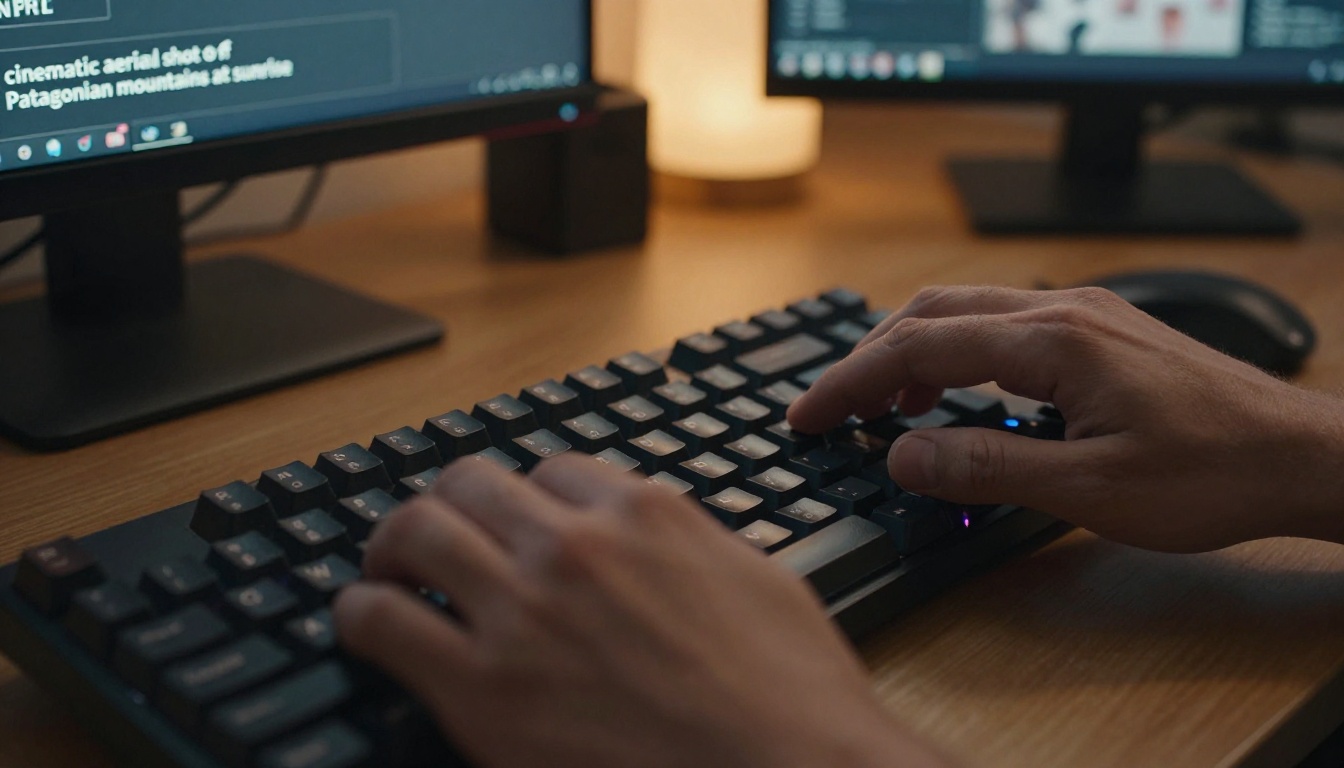
Type a text prompt. Hit generate. Get 4K. That is the premise of LTX 2.3 Pro, and after testing it extensively, the output consistently crosses the threshold from "AI-looking" into something you would genuinely consider putting in a professional production. The model, built by Lightricks and available on PicassoIA, represents a genuine shift in what text-to-video generation can deliver at the resolution end of the spectrum. This article walks through how the model works, how to prompt it effectively, where it stands against the competition, and who is actually getting real production value out of it today.
What LTX 2.3 Pro Actually Delivers
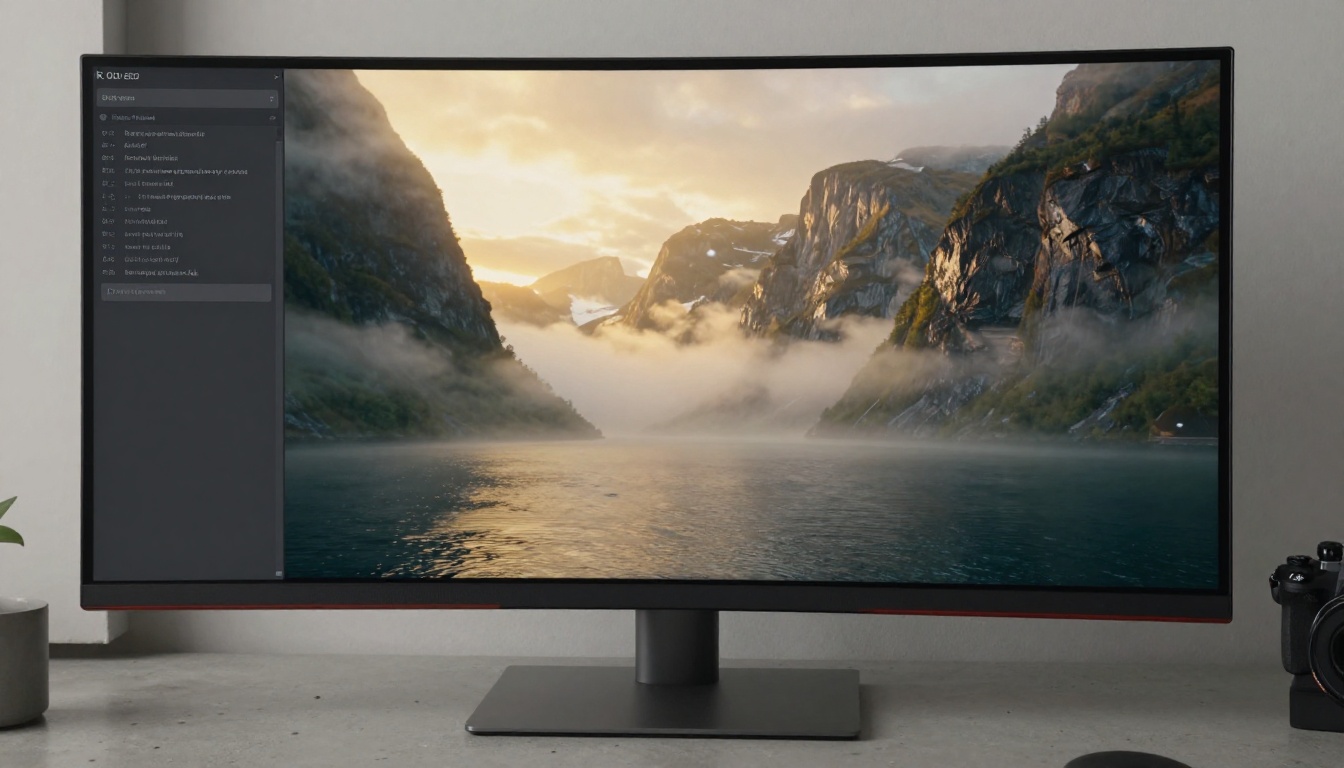
Most AI video models top out at 1080p, and even then, motion blur, warped anatomy, and flickering textures remind you immediately that the content is synthetic. LTX 2.3 Pro changes the arithmetic. It generates video at 4K resolution with noticeably stronger temporal consistency, meaning objects and surfaces hold their detail across frames instead of melting between them.
What makes this practically relevant is the use case it opens up. A 1080p clip is fine for social media. A 4K clip can go into a broadcast workflow, a commercial, a product demo, or a brand video without immediately signaling its AI origin. That is a different category of tool entirely.
The Resolution Gap Is Not Just About Pixels
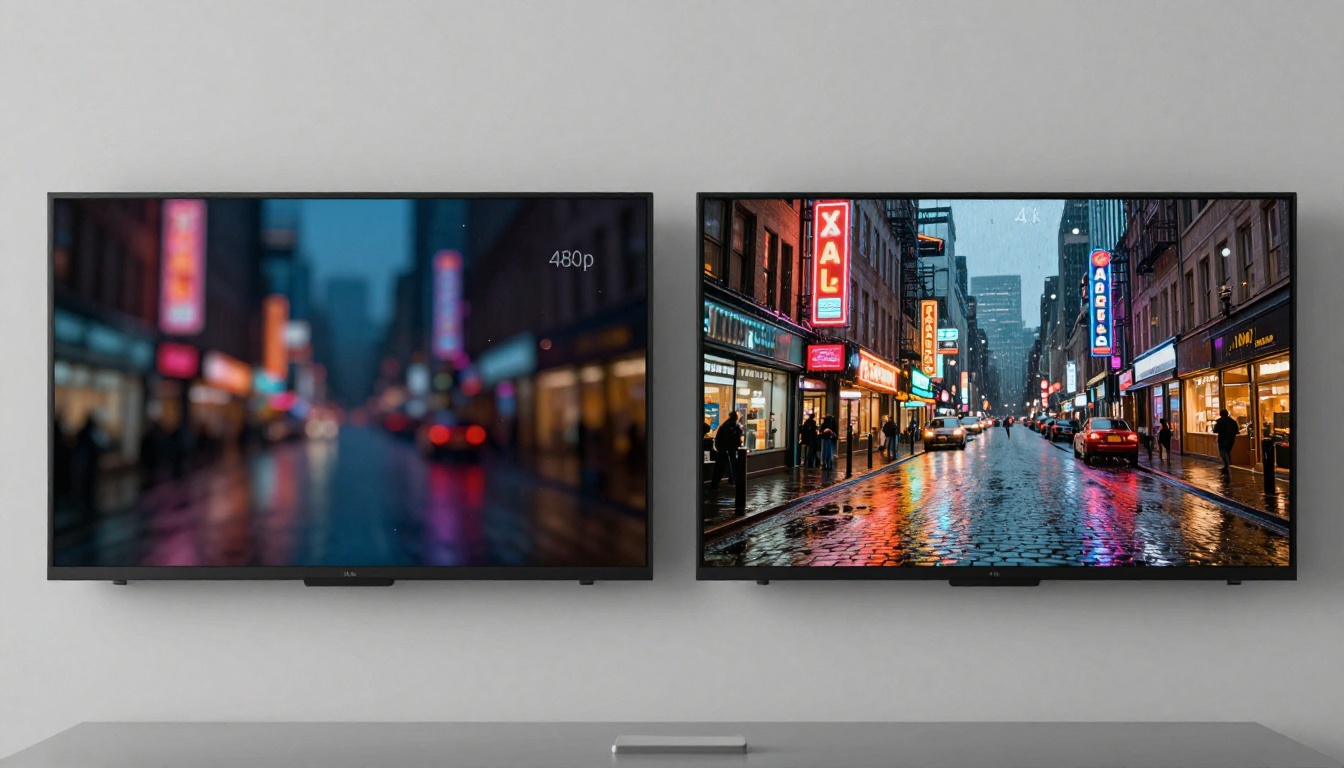
When most people hear "4K," they think of pixel count: 3840 x 2160 versus 1920 x 1080. That is the obvious part. The less obvious part is what higher resolution forces the model to do: fill in far more detail, maintain consistency across a much larger spatial field, and keep fine textures coherent frame-to-frame.
Low-resolution models can get away with approximate rendering. Fabric texture, skin pores, water surface micro-detail, the grain on wood paneling: these blur out at 720p or 1080p. At 4K, they have to be there, or the result looks unconvincing the moment anyone watches it on a modern screen. This is the challenge that separates a genuinely capable model from one that merely claims 4K support.
Speed Without the Trade-Off
The assumption has long been that higher resolution costs you speed. With LTX 2.3 Pro, that trade-off is significantly compressed. Generation times are fast relative to the output quality, particularly when compared to models like Sora 2 Pro that deliver high-quality output at considerably slower generation speed and higher cost per clip.
The companion model LTX 2.3 Fast pushes speed even further at a slight quality reduction, making it useful for rapid iteration and prompt testing before committing to a full Pro generation.
💡 Practical workflow tip: Use LTX 2.3 Fast for your first 5-10 iterations on a new prompt. Once the motion and composition feel right, switch to LTX 2.3 Pro for the final output. This approach cuts your generation costs significantly while preserving final output quality.
How the Model Works
Knowing how LTX 2.3 Pro processes your prompt makes a real difference in how you write prompts. You do not need to know the mathematics, but the conceptual model matters.
LTX Architecture in Plain Language
LTX 2.3 Pro is a diffusion transformer model, which means it starts with noise and progressively refines it into a coherent video sequence based on your text description. The critical thing about this class of models is that they process the entire video sequence simultaneously rather than frame-by-frame. That is the structural reason why LTX models tend to have better motion coherence and fewer of the jarring frame-to-frame jumps that older architectures produce.
The model was trained on a large corpus of high-resolution video with particular attention to cinematic content: natural scenes, human movement, architectural environments, and physical-world interactions like water, fire, and fabric. This training focus shows in the output. Prompts that lean into these categories tend to produce the strongest results.
Why 4K Demands Better Prompts
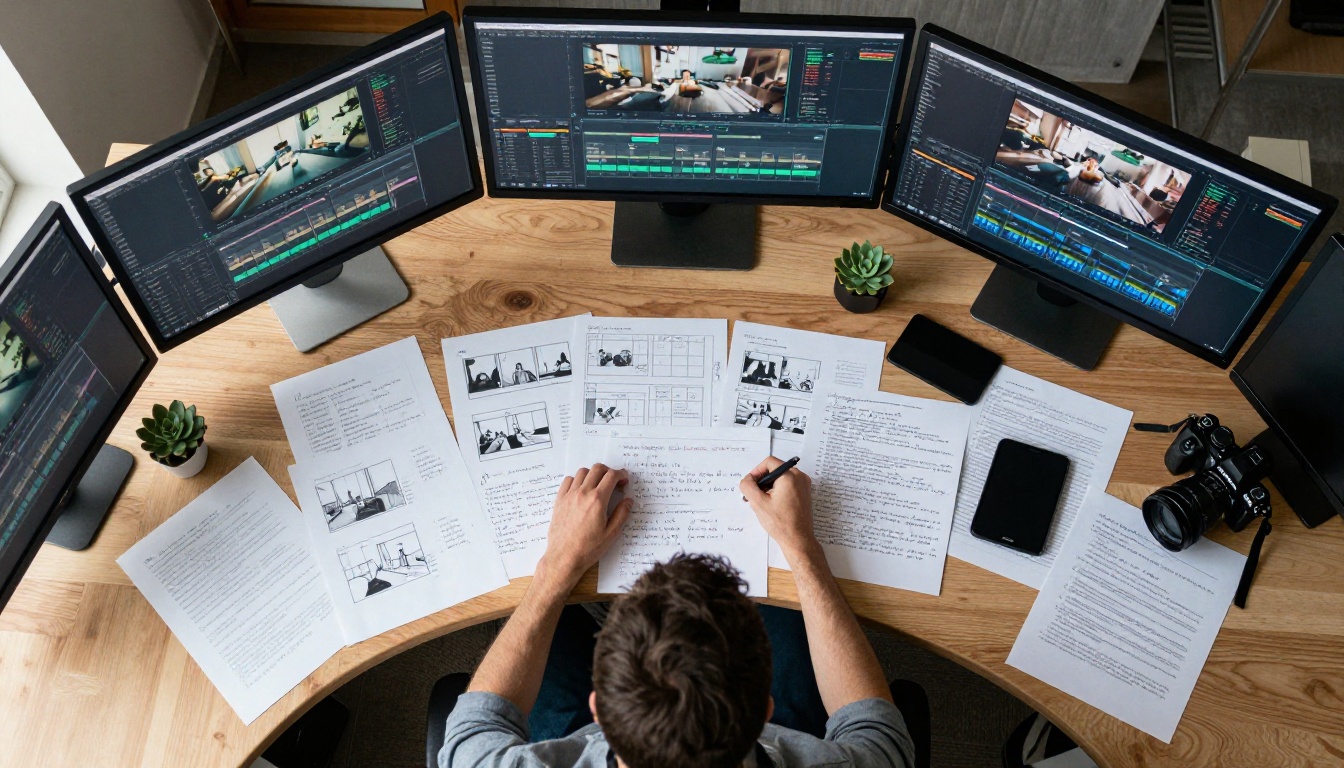
At lower resolutions, a vague prompt often produces passable output because the model does not have to commit to fine detail. At 4K, ambiguity in your prompt becomes ambiguity in the output, and that ambiguity shows up as texture inconsistency, strange lighting transitions, or subject detail that does not hold together across frames.
The practical implication is direct: your prompts need to do more work. Subject, motion, environment, lighting, and camera position all need to be specified. A three-word prompt that produces an acceptable 720p clip will often produce a technically excellent but compositionally wrong 4K clip, because the model has more capacity to fill in detail, but it has to guess what detail you wanted.
How to Use LTX 2.3 Pro on PicassoIA
LTX 2.3 Pro is available directly on PicassoIA, alongside the full Lightricks model family including LTX 2 Pro, LTX 2 Fast, and LTX 2 Distilled. The process is straightforward, but a few specific choices at each step significantly affect your output quality.
Step 1: Write a Precise Prompt

Before you open the interface, write your prompt in a text editor first. This matters because rushed prompts produce mediocre output, and the visual quality of 4K exposes mediocre prompting immediately.
A well-structured prompt for LTX 2.3 Pro follows this pattern:
[Subject + State/Pose] [Motion/Action] [Environment] [Lighting] [Camera Angle and Movement]
Example:
A woman in a linen dress walks slowly through a sun-drenched wheat field at late afternoon, golden side light from the left casting long shadows across the stalks, camera dollies in at waist height, shallow depth of field, 85mm, Kodak Portra 400 color
Every phrase in that prompt is doing work. Remove any one element and the output changes materially.
Step 2: Set Your Resolution and Duration
Once you have your prompt, navigate to LTX 2.3 Pro on PicassoIA. The main parameters to pay attention to:
| Parameter | Recommended Setting | Why |
|---|
| Resolution | 4K (3840x2160) | Maximum detail and downstream flexibility |
| Duration | 5 seconds | Optimal for coherent motion and fast generation |
| Aspect Ratio | 16:9 | Standard for most use cases |
| Steps | Default or higher | More steps yield sharper fine detail |
| Guidance Scale | 7-9 | Balances prompt adherence and visual quality |
💡 Note: If your first output has motion that feels too fast or jerky, reduce the amount of explicit motion language in your prompt and add "slow, smooth" before the camera movement description. LTX 2.3 Pro responds well to pacing cues.
Step 3: Download and Use Your Video
Generated videos are available for direct download in MP4 format. The 4K output is immediately usable in any professional NLE: DaVinci Resolve, Premiere Pro, Final Cut, Avid. No upscaling needed, no additional processing required. The model delivers native 4K, which means you retain full resolution headroom for color grading and any downstream format conversions.
Writing Prompts That Get Results
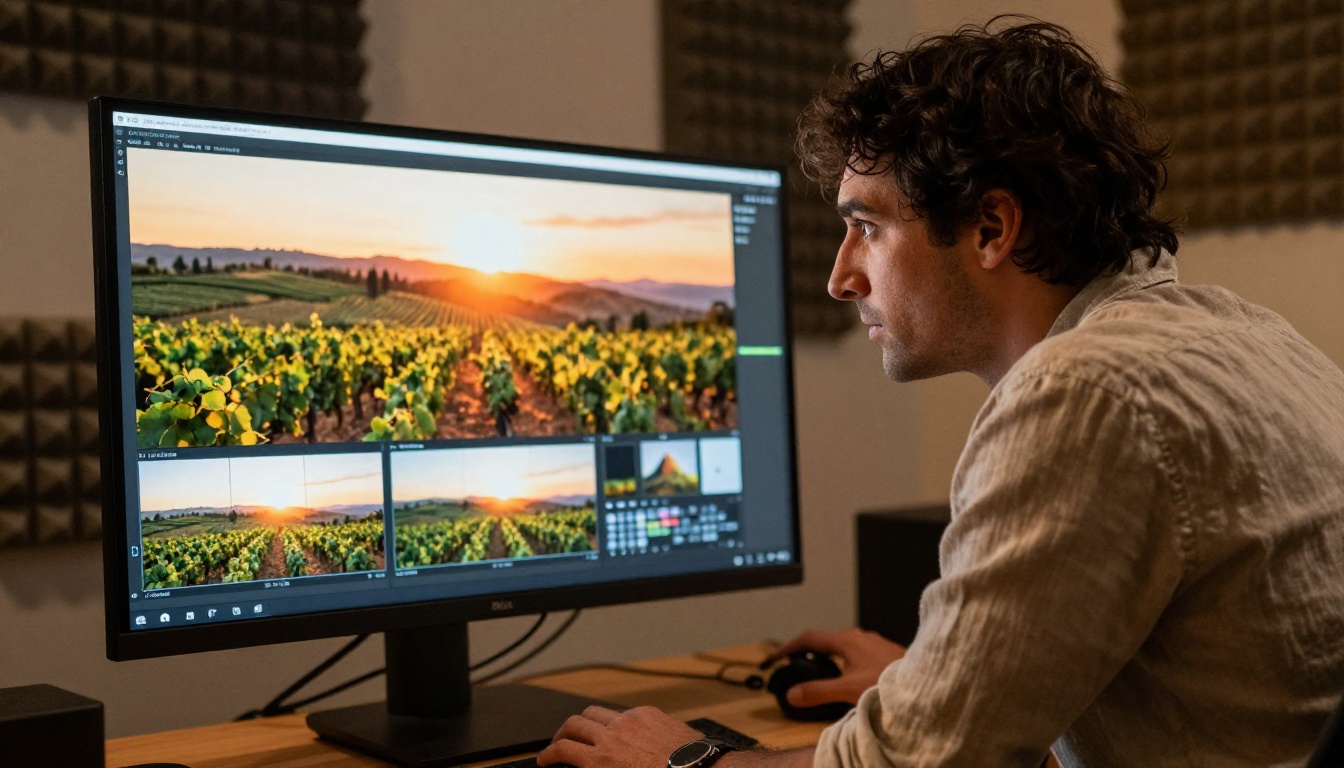
Prompt quality is the single highest-leverage variable in your workflow. The model is capable of extraordinary output. The question is always whether your prompt description is specific enough to access it.
Structure Every Prompt the Same Way
Do not reinvent the structure each time. Use a consistent template and iterate within it:
- Subject (who or what, what they look like, what they are doing)
- Environment (where, what surfaces, weather, time of day)
- Lighting (direction, quality, color temperature, source)
- Camera (angle, lens focal length, movement, depth of field)
- Style cues (film stock, era, aesthetic reference)
The model reads these in sequence. Subjects and environments that contradict each other produce confused output. Ground your prompt in one internally consistent reality and the model commits to it convincingly.
Lighting Descriptions That Work
Lighting is where amateur prompts lose the most quality. Vague lighting descriptions produce generic, flat output. Specific lighting descriptions produce cinematic output.
Weak: "good lighting"
Strong: "volumetric morning light from the upper left, hard shadows, slight haze, warm 3200K color temperature"
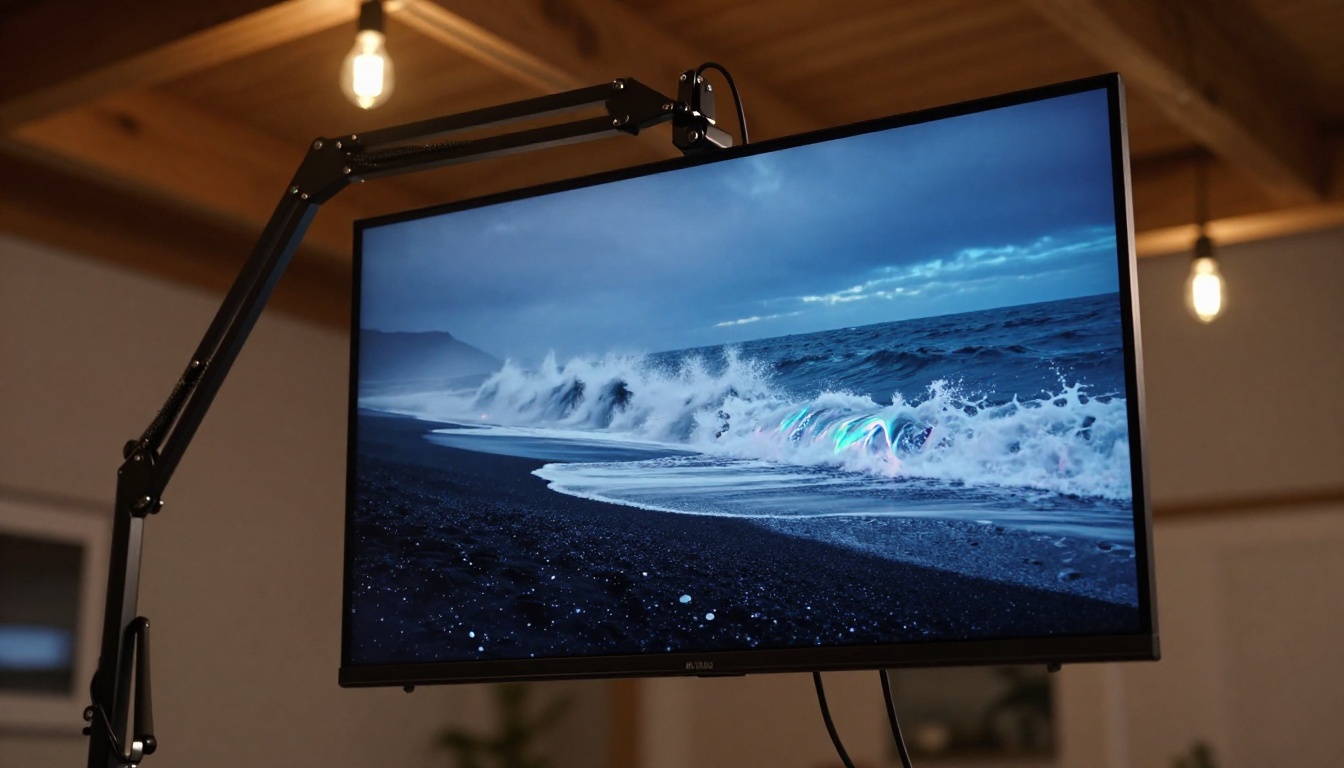
These lighting descriptions consistently produce strong output with LTX 2.3 Pro:
- "Overcast diffused light, even shadows, cool 6500K"
- "Golden hour backlighting with rim light on subject edges"
- "Low tungsten practicals, deep shadows, warm amber cast"
- "Blue hour ambient, soft gradients, no direct source"
- "Single hard source from 45 degrees camera right, strong shadows"
Camera Movement Language
LTX 2.3 Pro responds well to specific cinematographic language. Use these terms and the model consistently interprets them correctly:
- Dolly in / Dolly out: Smooth forward or backward camera movement
- Pan left / Pan right: Horizontal rotation on a fixed axis
- Tilt up / Tilt down: Vertical rotation on a fixed axis
- Tracking shot: Camera moves laterally while following a subject
- Handheld: Subtle organic camera movement suggesting a human operator
- Static: No camera movement, locked off
Combining two movements, such as "slow dolly in with slight upward tilt," produces compound motion that feels cinematic rather than mechanical. Keep combined movements to two at most. More than that and the model tends to produce unstable, competing motion between elements.
LTX 2.3 Pro vs. the Competition
The text-to-video space now has enough serious models that the choice between them is genuinely consequential. Here is where LTX 2.3 Pro sits relative to the main alternatives.
vs. LTX 2 Pro
The previous generation LTX 2 Pro is still a strong model, but the gap to 2.3 Pro is visible in two specific areas: fine texture consistency and subject detail retention at the edges of the frame. The 2.3 iteration shows particular improvement in maintaining coherent textures on fabric, skin, and foliage in peripheral areas where earlier versions would produce smearing artifacts over the course of the clip.
vs. Wan 2.7 T2V
Wan 2.7 T2V is a strong competitor at 1080p and excels particularly at following complex motion instructions across longer durations. For 4K output specifically, LTX 2.3 Pro currently leads on detail density and temporal consistency. Wan 2.7 has an edge in narrative motion complexity: multi-step actions within a single clip, subject interactions, and scenes with multiple moving elements.
vs. Sora 2 and Veo 3
Sora 2 Pro and Veo 3 both produce exceptional output, but at significantly higher generation cost and lower speed. For teams that need to iterate rapidly through many concept variations before committing to a final version, LTX 2.3 Pro's speed advantage is meaningful. The cost-per-clip ratio makes it viable to generate 20 variations where Sora 2 Pro might limit you to 3 or 4.
| Model | Max Resolution | Speed | Cost Efficiency | Motion Complexity |
|---|
| LTX 2.3 Pro | 4K | Fast | High | Strong |
| LTX 2 Pro | 4K | Fast | High | Good |
| Wan 2.7 T2V | 1080p | Medium | Medium | Excellent |
| Sora 2 Pro | 1080p | Slow | Low | Excellent |
| Veo 3 | 1080p | Slow | Low | Strong |
Who Is Actually Using This
Content Creators and YouTubers
The fastest-growing use case is B-roll replacement. Rather than filming location footage for a video essay, documentary-style channel, or product walkthrough, creators are generating cinematic B-roll clips from text descriptions. LTX 2.3 Pro's 4K output means the generated clips match the resolution of their main camera footage without needing AI upscaling afterward. The result is a workflow where a single creator can produce visually rich content without a production crew or a travel budget.
Brand and Marketing Teams
Short-form brand content, product launch videos, and social campaign assets are an obvious application. The ability to generate a 4K clip matching a specific visual brief in minutes, rather than commissioning a production crew, changes the economics of video marketing substantially. Seedance 2.5 is another strong option for longer clips with native audio, but for pure visual quality at 4K, LTX 2.3 Pro holds the lead on texture rendering and detail density.
Filmmakers in Pre-Production
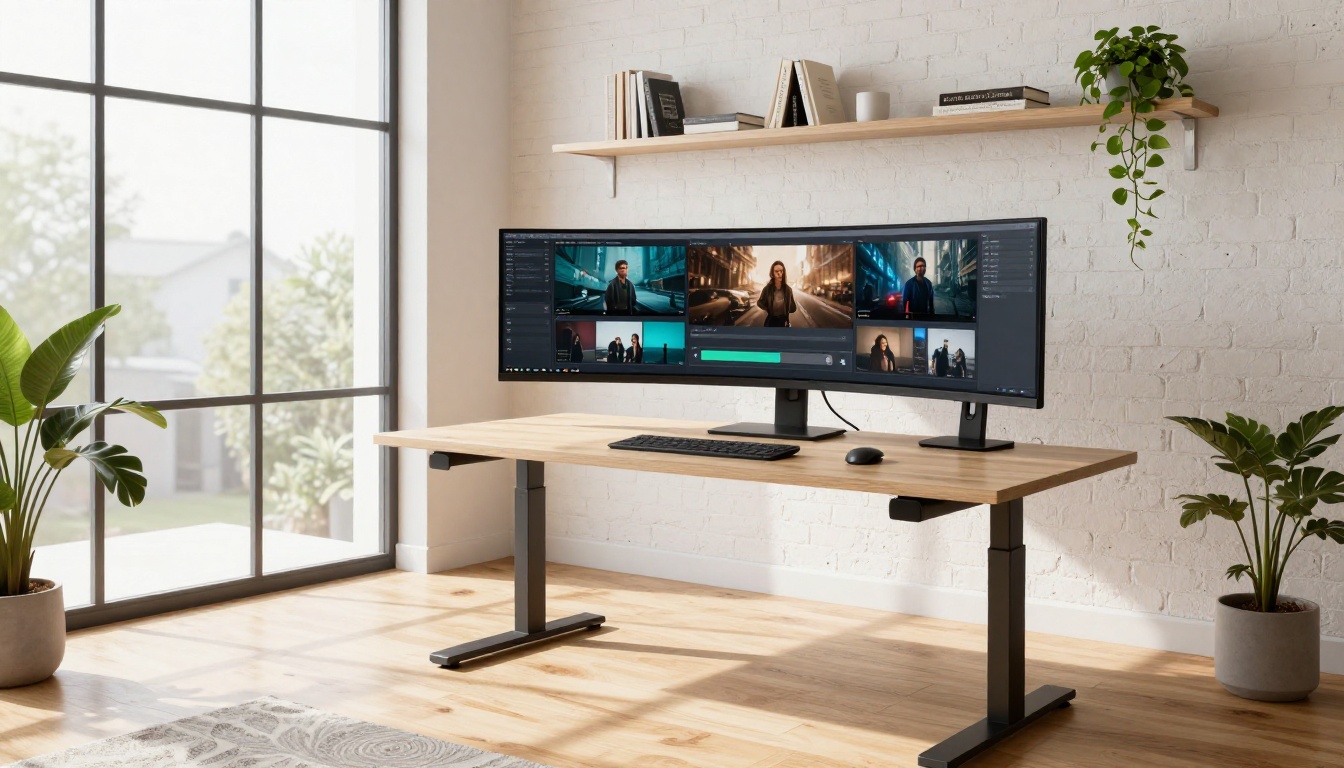
Directors and cinematographers are using LTX 2.3 Pro to prototype shot compositions before production. Rather than drawing storyboards, they generate video from the shot description they would give to a director of photography. This lets them test whether a specific lighting setup, camera angle, and subject position actually produces the visual result they intended before committing to a full shoot day. The cost savings compared to a traditional pre-production visualization shoot are substantial.
5 Mistakes That Kill Your Results
Even with a capable model, these errors consistently produce poor output:
-
Vague subject description: "A woman walks through a forest" gives the model too much to guess. "A woman in her 40s with curly auburn hair, wearing a dark green waxed cotton jacket, walks slowly through a pine forest" gives it the specificity to commit to a real visual.
-
Contradictory environment cues: "Indoor scene in a vast open landscape" creates spatial confusion. Keep interior and exterior cues internally consistent within a single prompt.
-
No lighting direction: Without a specified light source and direction, the model defaults to flat, uninteresting illumination. Always include at least one lighting cue with a clear directional reference.
-
Overloading motion instructions: Asking for three simultaneous camera movements and complex subject motion in five seconds is more than the model can coherently execute. Pick one camera movement. Keep subject motion simple and singular.
-
Ignoring the style cue slot: "Film grain, Kodak Portra 400" or "4K RAW, photorealistic" at the end of your prompt consistently improves the visual character of the output. These style anchors help the model prioritize photorealism over synthetic-looking rendering.
Start Creating
If you have read this far and have not yet generated a clip with LTX 2.3 Pro, open it now and run your first prompt. Start simple: one subject, clear lighting, one camera movement. Watch how the model interprets each element of your description. Then iterate.
The ceiling for what you can produce with this model is higher than most people expect, but it rises proportionally with the quality and specificity of your prompts. Every iteration teaches you something about how to write better descriptions, and that skill compounds across every video model you use, not just this one.
PicassoIA has the full Lightricks family in one place: from LTX Video, the original fast model, through LTX 2 Distilled and LTX 2.3 Fast for rapid iteration, all the way up to LTX 2.3 Pro for final-quality 4K output. Pick the right tool for the stage of your workflow, and the entire process from concept to deliverable becomes significantly faster than anything a traditional production pipeline can match.
The platform also gives you access to 87+ text-to-video models including Ray 3.2, Kling v2.6, and Veo 3.1, so once you have the prompting fundamentals solid with LTX 2.3 Pro, you have an entire suite of models to experiment with. Browse every available model at picassoia.com/en/all-models.


