Turning a sentence into a moving video used to require a production crew, specialized software, and weeks of post-production work. Today, you type a few words and wait about 30 seconds. That shift is real, and Wan 2.6 T2V is at the center of it. This is not a novelty. It is a practical tool that creators, marketers, and developers are using right now to produce video content at a fraction of the traditional cost and time.
What Wan 2.6 Actually Does
Wan 2.6 is the latest generation of the Wan series, a family of open-source video diffusion models developed by the Wan Video team. Unlike image generators that produce a single frame, Wan 2.6 generates coherent video sequences from text descriptions alone. It synthesizes motion, lighting shifts, and scene dynamics in a single pass, without any intermediate steps you need to manage.
The model operates on a diffusion backbone. It starts with pure noise and progressively refines frames toward a target that matches your text input. What separates it from earlier versions is not just resolution. It is how well the model maintains temporal consistency, meaning objects do not flicker, colors stay stable, and motion looks natural across every frame of the clip.

The Jump from 2.5 to 2.6
Wan 2.5 T2V was already a strong model. Wan 2.5 T2V Fast made it even more accessible for rapid iteration. Wan 2.6 takes that foundation and improves on three critical fronts:
- Temporal coherence: Motion stays smooth and consistent across longer clips without the jitter that affected earlier versions
- Prompt fidelity: The model follows complex, multi-clause text descriptions more accurately than its predecessors
- Detail retention: Fine textures, facial features, and environmental backgrounds hold their quality throughout the full clip duration
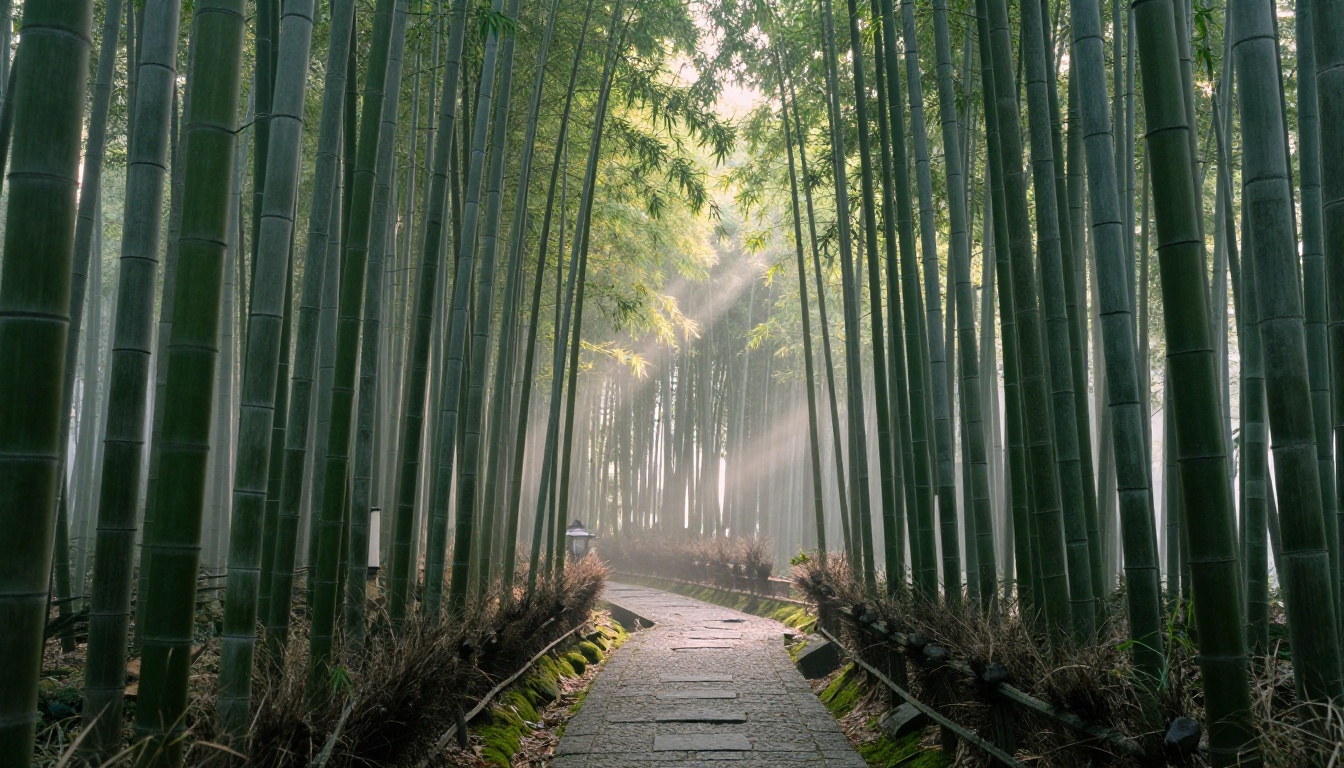
The upgrade is visible in side-by-side comparisons. A prompt describing a woman walking through a bamboo forest at dawn produces noticeably different results between versions. In 2.6, individual stalks sway realistically, the light shifts naturally with movement, and the morning mist behaves like actual mist rather than a static overlay.
Video Output Specs
| Spec | Wan 2.6 T2V |
|---|
| Max Resolution | 720p / 1080p |
| Output Length | 5 seconds default |
| Frame Rate | 16 fps |
| Input Type | Text prompt |
| I2V Variant | Yes (image + text) |
| Flash Variant | Yes (faster generation) |
Wan 2.6 vs The Competition
The text-to-video space is crowded. Veo 3 from Google produces excellent results with native audio generation. Sora 2 from OpenAI offers high resolution and strong narrative control. Kling v2.6 is particularly strong for cinematic motion. Hailuo 02 handles fast action sequences with notable stability.
Where does Wan 2.6 T2V fit in this landscape?
| Model | Primary Strength | Speed | Cost Range |
|---|
| Wan 2.6 T2V | High fidelity, open-source | Fast | Low |
| Kling v2.6 | Cinematic motion quality | Moderate | Medium |
| Veo 3 | Realism with native audio | Moderate | High |
| Sora 2 | Narrative and story scenes | Slower | High |
| Hailuo 02 | Fast action, dynamic motion | Fast | Medium |
| Pixverse v5 | Style variety, creative range | Fast | Low-Medium |
Wan 2.6 occupies the sweet spot for creators who want high visual quality without paying premium pricing per generation. Being open-source means it runs at significantly lower cost per clip than proprietary models. For anyone producing video content at volume, that difference adds up fast.
💡 Note: If budget is not a constraint and your video needs audio, Veo 3 is currently the strongest option with native sound generation. For high-quality visual output at scale, Wan 2.6 T2V is difficult to beat on value per generation.
How to Use Wan 2.6 T2V on PicassoIA
The Wan 2.6 T2V model is available directly in the text-to-video collection. No local installation required. No GPU setup. No API keys to configure. You open the page and generate immediately.

Step 1: Open the Model Page
Navigate to Wan 2.6 T2V. The interface loads with a large text input field at the top and generation parameters below it. Everything is visible in a single view with no tabs or hidden settings to hunt for.
Step 2: Write Your Text Prompt
This is the most critical step. Type a detailed description of the scene you want the model to produce. Specificity correlates directly with output quality. A prompt like "a woman walks through a forest" returns something generic. "A young woman in a white linen dress walks slowly through a dense bamboo forest at dawn, morning mist at knee height, soft dappled light through the canopy, tracking shot from behind" returns something worth publishing.
Step 3: Set Your Parameters
The interface gives you direct control over several generation settings:
- Aspect Ratio: 16:9 for horizontal video, 9:16 for vertical social formats, 1:1 for square output
- Duration: 5 seconds is the default. Longer clips require proportionally more generation time
- Guidance Scale: Higher values (7-12) anchor the output closer to your prompt. Lower values give the model more interpretive freedom
- Seed: Set a specific number to reproduce a result exactly. Leave it random when you want variation across multiple runs
Step 4: Generate and Review
Click generate. Most clips render in 30 to 90 seconds depending on server load. When the video finishes, you can preview it directly in the browser before downloading anything. If the result misses the mark, adjust one variable at a time: try a different seed first, then refine the prompt, then adjust the guidance scale.
💡 Tip: Camera direction language changes composition dramatically. Adding "low angle looking up," "aerial bird's eye view," or "extreme close-up" to any existing prompt produces a substantially different result without changing the scene itself.
Writing Prompts That Actually Work
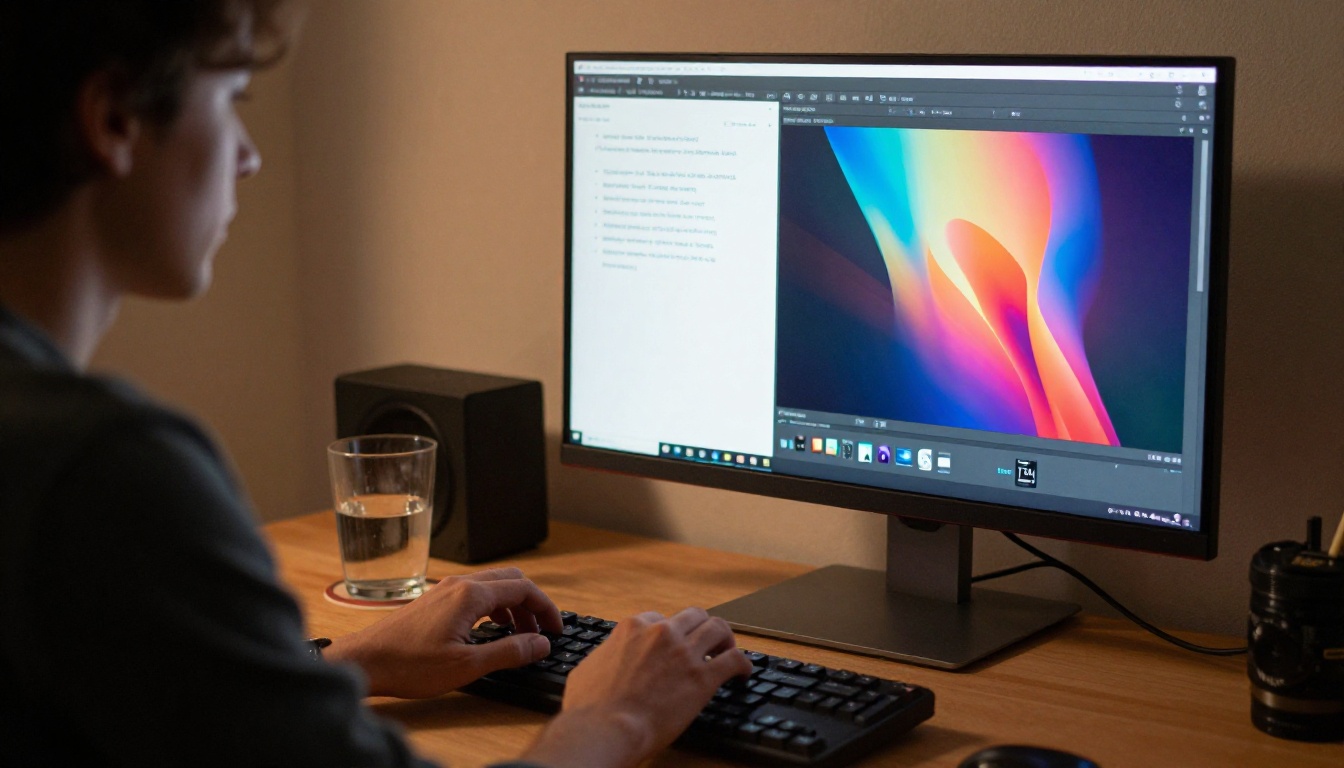
Text-to-video prompt writing is different from image generation. You are not describing a photograph. You are describing motion, atmosphere, and scene behavior over time. That distinction changes how you should structure every prompt you write.
Prompt Anatomy for Wan 2.6
A high-performing Wan 2.6 T2V prompt has four components working together:
- Subject: Who or what appears in the scene (a woman, a car, crashing ocean waves)
- Action: What is happening over time (walking slowly, accelerating on a wet road, breaking against coastal rocks)
- Environment: Where the scene takes place and the atmospheric conditions (bamboo forest at dawn, rain-soaked city street at night, open wheat field at golden hour)
- Camera: How the shot is framed and whether it moves (low angle, aerial, close-up on subject, slow tracking from behind)
Putting all four together: "A man in a dark wool coat walks along a rain-soaked cobblestone street in Paris at night, street lights reflecting in the puddles, camera slowly tracking from behind at a low angle, film grain, cinematic." That prompt gives the model everything it needs to produce a specific, usable result.
The 3 Things Wan 2.6 Does Best
- Natural environments: Forests, oceans, fields, and atmospheric skies with volumetric depth render consistently well
- Human motion at medium distance: A person walking, running, or turning within frame shows strong temporal coherence
- Cinematic lighting conditions: Golden hour, dawn mist, and dramatic side-lit compositions produce reliably high output quality
Common Prompt Mistakes
| Mistake | Why It Hurts | Fix |
|---|
| Too short ("a beach") | No motion cues, no camera direction | Add action verb and environmental detail |
| Multiple interacting subjects | Model struggles with two-person dynamics | Focus on one subject per prompt |
| Abstract concepts ("joy", "progress") | Wan 2.6 thinks in visuals, not ideas | Translate abstractions into physical action |
| Conflicting light sources | Creates inconsistent, unstable output | Choose one dominant light source per scene |
Wan 2.6 I2V: Starting from an Image
The text-only version is powerful on its own. But there is a companion model that opens a different set of possibilities: Wan 2.6 I2V.
I2V stands for Image-to-Video. You provide a starting image, add a text prompt describing the motion you want, and the model animates that specific image according to your instructions. The visual content, color palette, and style of the input image carry through into the video output. This makes it ideal for animating existing assets, product photos, or images generated with a separate text-to-image model.
There is also Wan 2.6 I2V Flash, which trades a small amount of quality for significantly faster generation times. That model is ideal for rapid iteration when you are testing different motion directions before committing to a final render pass.
When to Use I2V vs T2V
Use Wan 2.6 I2V when:
- You have a specific character, face, or product that needs to appear in the video
- You want the video to match an existing image, scene, or brand asset
- You have already generated an image and want to animate it
- You need precise control over the starting visual composition
Use Wan 2.6 T2V when:
- You do not have a source image
- You want the model to create the visual style from scratch based on your description
- You are generating content at scale without time to create individual source images first
5 Pro Tips for Better Results
1. Use camera movement language explicitly. Terms like "slow zoom in," "tracking shot," "pan left to reveal," and "dolly forward" give the model cinematic direction it actually uses. Wan 2.6 responds to this language consistently and predictably.
2. Add film style modifiers. Including "16mm film grain," "Kodak Portra color palette," or "cinematic shallow depth of field" shifts the visual aesthetic toward a photographic look that holds up well at full resolution.
3. Run multiple seeds on the same prompt. The same prompt with different seeds produces dramatically different compositions and motion paths. Generate the same prompt three or four times with random seeds and select the best output.
4. Keep your subject count to one. Wan 2.6 handles single subjects with natural movement much better than scenes with multiple interacting characters. For complex multi-person scenes, generate individual subjects separately and edit them together in post.
5. Match prompt complexity to clip duration. For a 5-second clip, describe a single continuous motion. Prompts that describe sequential events ("first the camera pans, then the subject turns, then the light shifts") often produce abrupt transitions rather than smooth motion through the full duration.
💡 Remember: The quality of your video output scales directly with the specificity and clarity of your text input. Vague prompts consistently return vague videos.
Other Models Worth Testing
Wan 2.6 T2V is an excellent starting point, but the text-to-video category has a broad range of options with different strengths worth knowing:

- LTX 2.3 Pro generates at 4K resolution, the right choice for commercial work where output quality is non-negotiable
- Kling v2.6 excels at cinematic motion with strong subject tracking across the full clip
- Wan 2.2 T2V Fast is the previous-generation option for faster, lighter testing before committing to a full Wan 2.6 render
- Pixverse v5 offers strong stylistic variety for creative and branded content
- Veo 3 remains the strongest available option when your video requires synchronized audio
Running the same prompt across two or three different models takes only minutes and gives you a concrete, side-by-side sense of which produces the best output for your specific content type. No benchmarks can replace that direct comparison.
Start Creating Right Now
The barrier to AI video generation is gone. You do not need to install software, configure a local environment, or rent GPU compute. Wan 2.6 T2V is ready to generate from the moment you open the model page.
Write a prompt. Set your parameters. Click generate.
If the first result is not what you wanted, change the seed and run it again. If it is close, refine the prompt with one additional detail. Most people find their first usable clip within three or four attempts. Each iteration costs almost nothing and takes under two minutes.
The fastest way to improve at text-to-video is to generate more video. Open Wan 2.6 T2V, write a prompt for something you would actually use, and see what comes back. That first output will tell you more about the model than any written description can.


