Discover how to create professional camera movements with WAN 2.6 AI video generation. Complete tutorial covering motion types, prompt frameworks, technical parameters, and hands-on PicassoIA workflow for cinematic video creation.
Creating videos with smooth, professional camera movements can transform ordinary footage into cinematic masterpieces. WAN 2.6 represents a breakthrough in AI-powered video generation, offering creators unprecedented control over motion and visual storytelling.
💡 Pro Tip: Cinematic motion isn't just about movement—it's about purposeful camera work that guides the viewer's eye and enhances emotional impact.
Why Cinematic Motion Matters
Video content with polished camera movement stands out in today's crowded digital landscape. Professional motion techniques:
Enhance storytelling by directing viewer attention
Increase engagement with dynamic, flowing visuals
Elevate production value without expensive equipment
Create emotional resonance through deliberate pacing
Improve viewer retention with visually compelling content
Understanding Cinematic Camera Movements
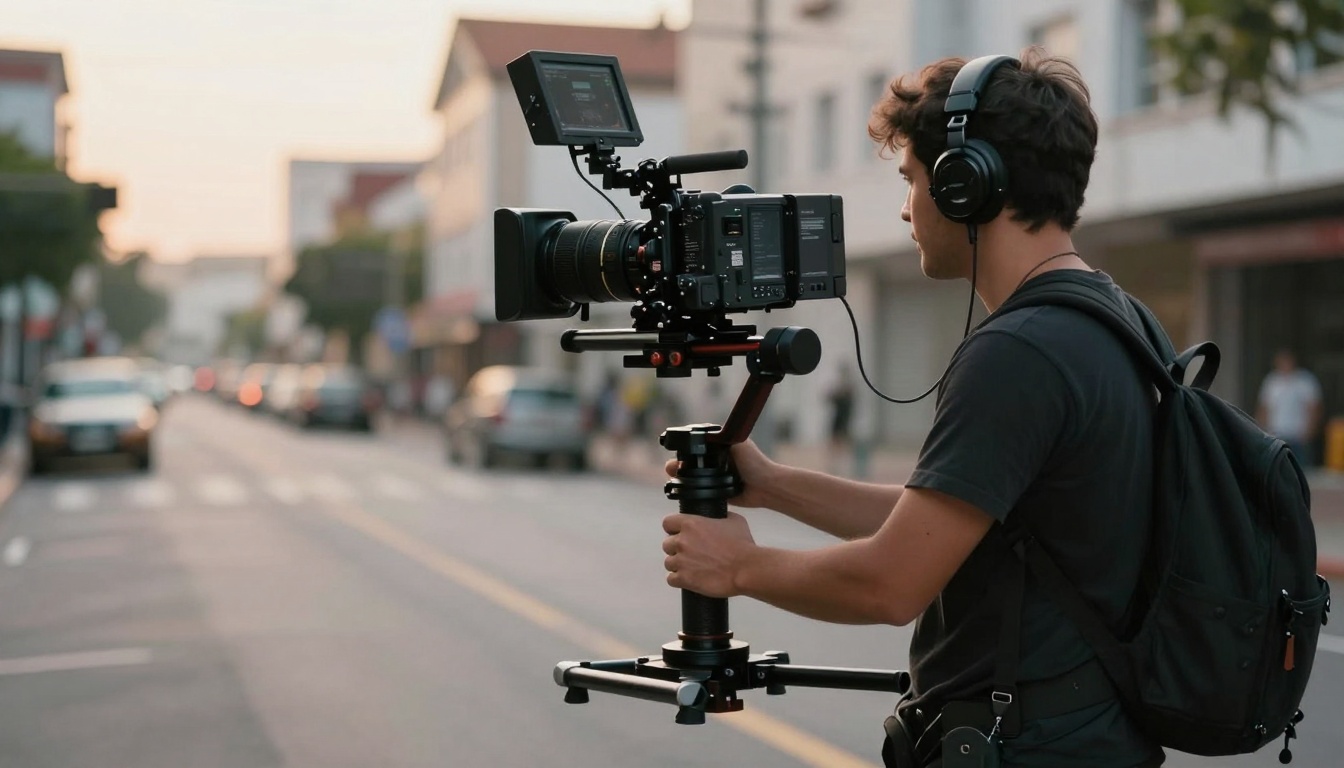
Camera movement in cinematography refers to the physical motion of the camera during shooting. Different techniques create different emotional effects and storytelling opportunities.
Traditional Camera Movement Types
Movement Type
Effect
Best Used For
Pan
Horizontal rotation
Revealing landscapes, following action
Tilt
Vertical rotation
Showing scale, dramatic reveals
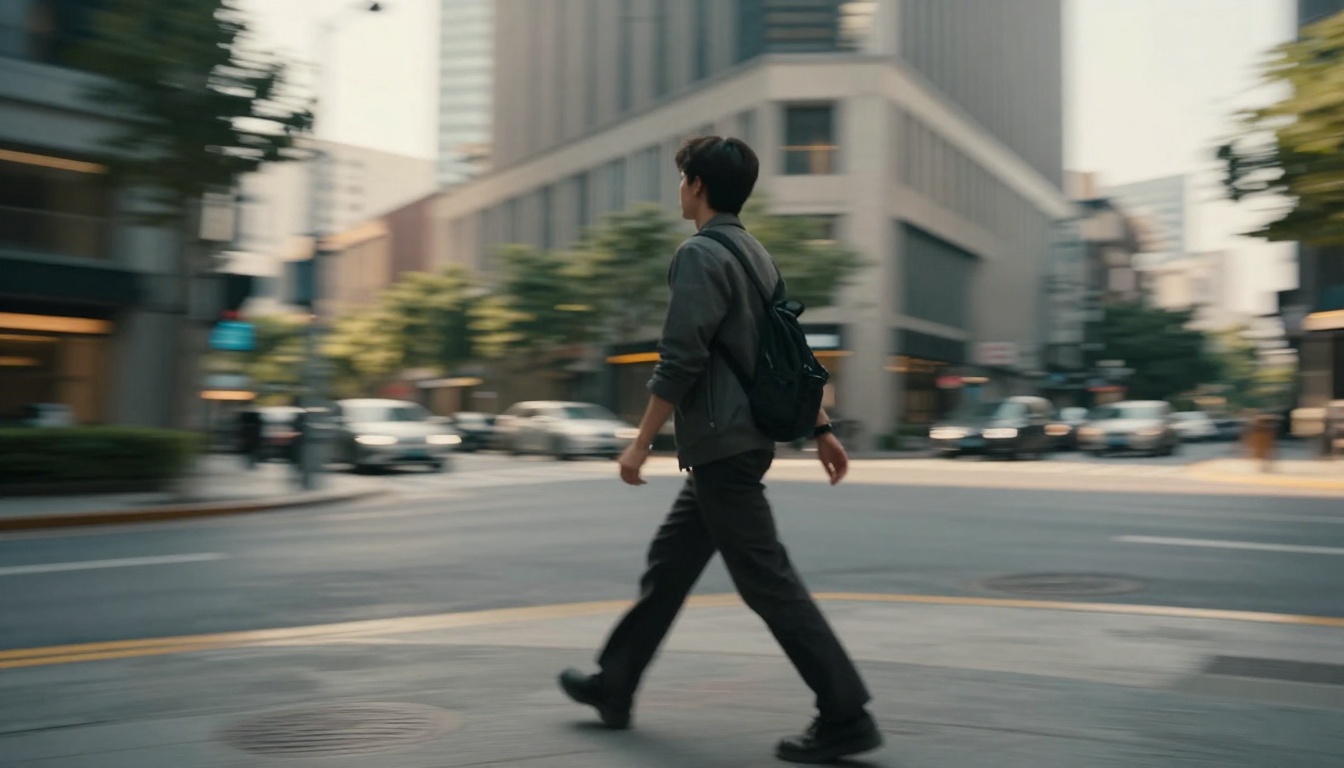
Tracking
Following subject
Creating intimacy, maintaining focus
Dolly
Moving closer/farther
Building tension, emotional shifts
Crane/Aerial
Elevated perspective
Establishing shots, grand reveals
These classic techniques form the foundation of visual storytelling. Modern AI tools like WAN 2.6 make these movements accessible to creators at any skill level.
⚠️ Important: Smooth motion requires more than just movement. Consistency, pacing, and purpose separate amateur footage from professional work.
The WAN 2.6 Advantage for Motion Control
WAN 2.6 brings professional-grade motion control to AI video generation. This latest iteration offers significant improvements over previous versions:
Key Motion Features
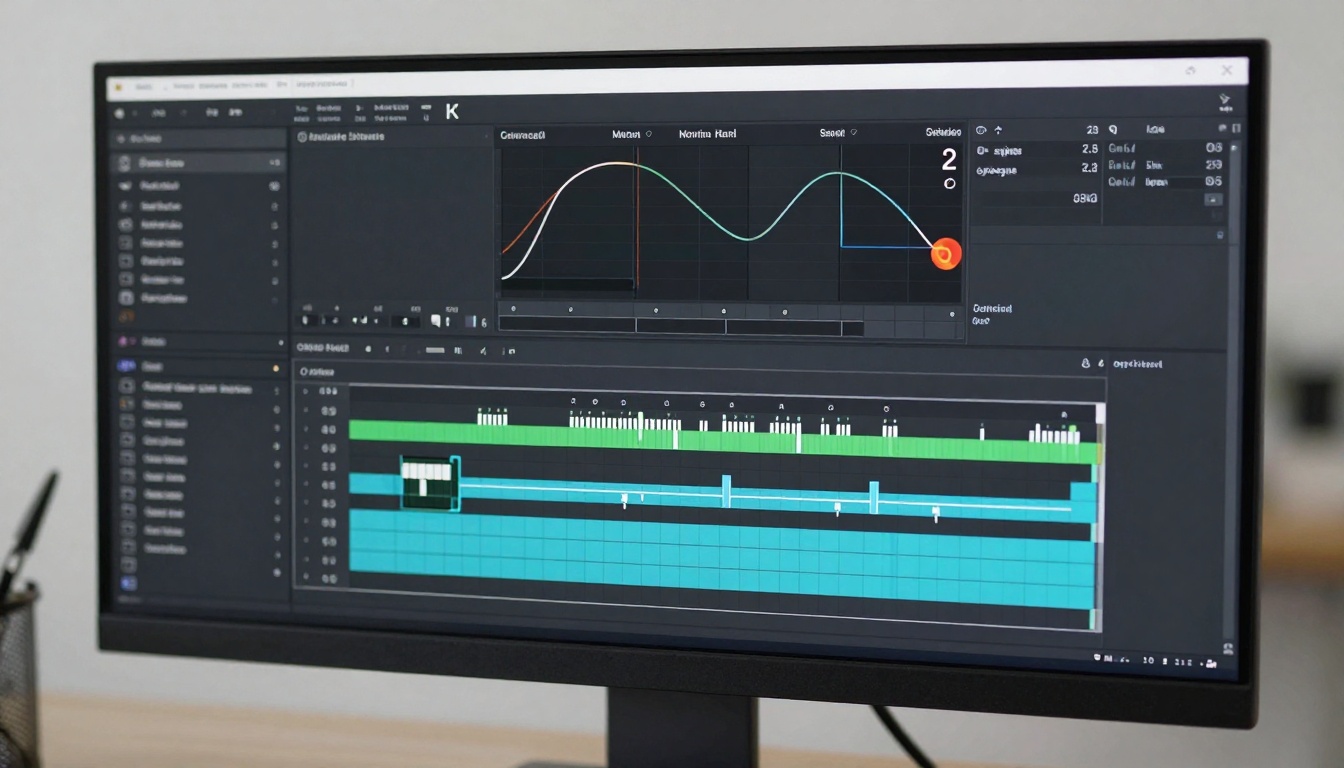
Intelligent path interpolation creates natural camera movements
Variable speed control for dramatic emphasis
Multi-axis motion combining pan, tilt, and zoom
Stabilization algorithms ensure smooth output
Context-aware transitions between different movement types
The model understands cinematography principles, automatically applying easing curves and natural acceleration to create footage that feels intentional rather than mechanical.
✨ Quick Win: Start with simple horizontal pans before attempting complex multi-axis movements. Master one motion type at a time.
Crafting Effective Motion Prompts
Writing prompts for cinematic motion requires specific, descriptive language. Prompt structure directly impacts the quality and style of generated movement.
Prompt Framework for Camera Movement
Your prompts should include these essential elements:
Movement type (pan, tilt, track, etc.)
Speed and pacing (slow, smooth, rapid)
Subject focus (what the camera follows or reveals)
Example prompt structure:
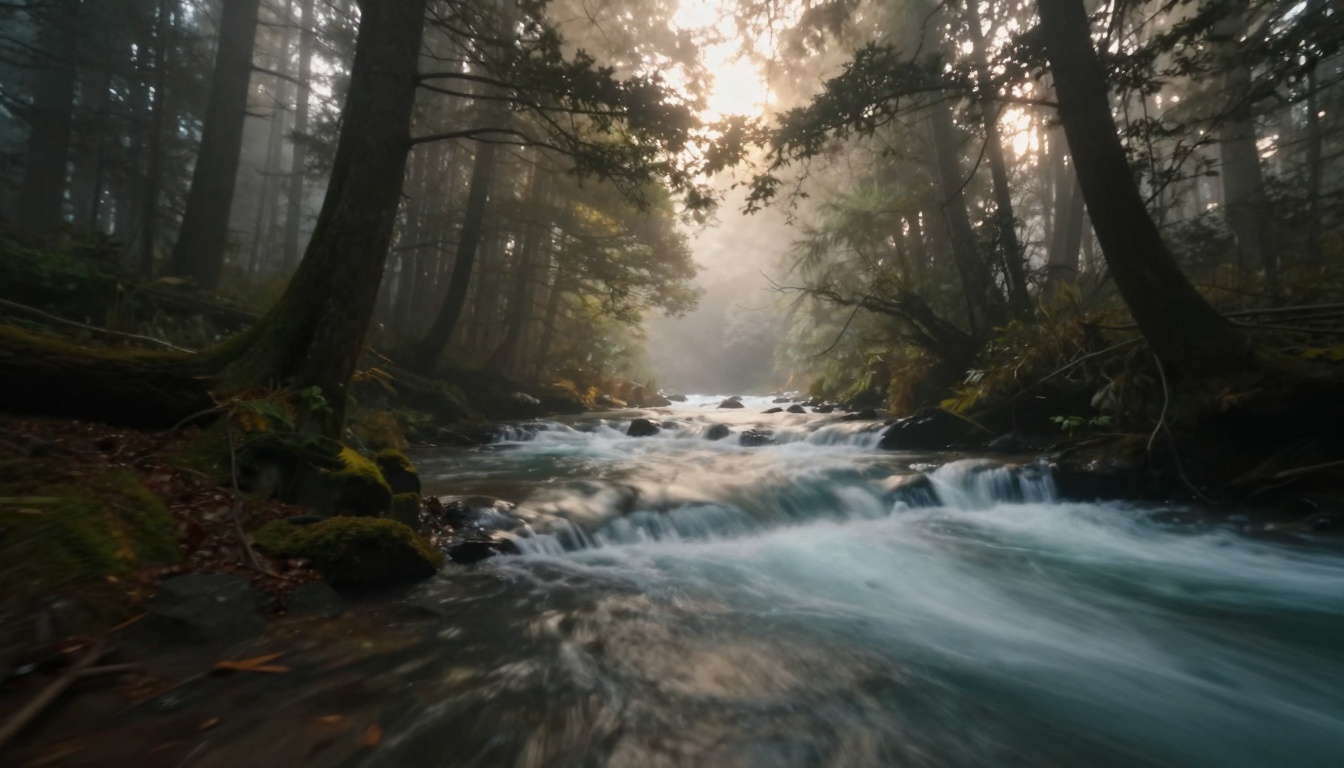
"Smooth forward tracking shot through misty forest, gentle camera glide between trees, soft morning light, peaceful and atmospheric, cinematic composition"
📌 Note: Specific motion descriptors like "glide," "sweep," or "drift" help WAN 2.6 understand the intended movement style.
Motion Prompt Best Practices
Do
Don't
Use motion verbs (glide, sweep, drift)
Use vague terms (nice, good)
Specify speed (slow, gradual, quick)
Assume default motion
Describe camera path clearly
Mix multiple complex movements
Include environmental context
Overload with unrelated details
Advanced Motion Techniques
Once you master basic camera movements, advanced techniques can elevate your videos from good to exceptional.
Combining Multiple Movements
Professional cinematographers rarely use single-axis motion. Compound movements create more dynamic, interesting footage:
Pan + Zoom: Reveals details while maintaining context
Tilt + Track: Follows vertical action with forward momentum
Orbit + Dolly: Creates dramatic circular reveals
Crane + Pan: Establishes location with sweeping overview
🎨 Creative Tip: The best camera movements serve the story. Every motion should have a narrative purpose.
Motion Speed and Timing
Pacing affects emotional impact as much as movement type. Different speeds create different feelings:
Fast motion (1.5x-2x): Energy, urgency, excitement
Variable speed: Builds tension through acceleration
WAN 2.6 excels at creating natural speed variations that feel cinematically appropriate rather than artificially altered.
⚠️ Important: Faster isn't always better. Some of the most impactful cinematic moments use extremely slow, deliberate camera movements.
Lighting and Motion Integration
Camera movement and lighting work together to create visual impact. Moving cameras interact with light sources in ways that enhance depth and dimension.
Motion Through Light
Consider how movement affects lighting in your scenes:
Side-lit pans create dramatic shadow transitions
Backlit tracking produces silhouette reveals
Top-lit crane shots emphasize scale and geography
Dynamic lighting changes during motion add complexity
💡 Pro Tip: Describe lighting changes in your prompts. "Camera pans from shadowed forest into bright clearing" tells WAN 2.6 to account for exposure transitions.
Storytelling Through Motion
Every camera movement tells a story. Intentional motion choices guide viewer emotions and attention.
Motion Psychology
Different movements create different psychological effects:
🚀 Performance Tip: Match motion direction to emotional beats. Move toward subjects during moments of connection, away during moments of loss.
Technical Considerations for Smooth Motion
Technical parameters in WAN 2.6 affect motion quality and style. Understanding these settings helps you achieve your creative vision.
Resolution and Frame Rate
Setting
Motion Impact
Best For
480p @ 24fps
Standard motion, smaller file
Quick previews, social media
720p @ 24fps
Smooth motion, good detail
Most professional projects
1080p @ 30fps
Very smooth, high detail
Premium content, commercials
Higher frame rates create smoother motion, especially for faster camera movements. 24fps remains the cinematic standard, while 30fps offers additional smoothness for action sequences.
📌 Note: File size increases significantly with higher resolutions. Balance quality needs with practical delivery requirements.
Aspect Ratio Choices
Aspect ratio affects how motion is perceived:
16:9 (Landscape): Traditional cinematic, wide camera movements
1:1 (Square): Balanced motion, social media optimization
Choose aspect ratio based on your distribution platform and the type of motion you want to emphasize.
How to Use WAN 2.5 on PicassoIA
Ready to create your own cinematic motion videos? WAN 2.5 on PicassoIA makes professional-quality video generation accessible to everyone.
💡 Pro Tip: WAN 2.5 represents the latest generation of motion-capable AI video technology, offering the features discussed as "WAN 2.6" throughout this article.
Step 1: Access the WAN 2.5 Model
Navigate to the WAN 2.5 Image-to-Video page on PicassoIA. This model specializes in converting static images into dynamic videos with cinematic camera movements.
What you'll see: A clean interface with image upload, prompt field, and parameter controls.
Step 2: Upload Your Source Image
Click the image upload area and select your starting frame. Image quality matters—higher resolution inputs generally produce better results.
⚠️ Important: Choose images with clear subjects and good composition. The AI builds camera movement around your image's visual elements.
Image requirements:
Format: JPG, PNG
Recommended resolution: 1024x1024 or higher
Clear subject focus
Good lighting and contrast
Step 3: Craft Your Motion Prompt
In the prompt field, describe your desired camera movement using specific terminology:
"Circular orbit around subject, 360-degree rotation, steady smooth motion"
✨ Quick Win: Include both motion type AND emotional tone for best results. "Energetic tracking shot" produces different results than "peaceful tracking shot."
Step 4: Configure Advanced Parameters
WAN 2.5 offers several parameters to fine-tune your output:
Enable Prompt Expansion: Leave this ON for enhanced results
The AI optimizes your prompt for better motion interpretation
📌 Note: Higher resolutions take longer to generate but provide noticeably better motion smoothness.
Step 5: Add Audio Synchronization (Optional)
One of WAN 2.5's unique features is audio synchronization. Upload an audio file (music or speech) and the generated camera movements will sync with audio beats and pacing.
Audio specifications:
Format: WAV or MP3
Length: 3-30 seconds
File size: Up to 15MB
🎨 Creative Tip: Sync dramatic camera movements with musical crescendos or emotional speech moments for maximum impact.
Step 6: Use Negative Prompts for Refinement
Negative prompts tell the AI what to avoid:
"no shaky motion, no abrupt cuts, no jerky movement"
"avoid static frames, no still camera"
"no blurry transitions, no artificial effects"
This feature helps you dial in exactly the motion style you want by eliminating unwanted characteristics.
Step 7: Generate Your Video
Click the Generate button to start processing. Generation time varies by resolution:
480p: ~30-60 seconds
720p: ~1-2 minutes
1080p: ~2-4 minutes
⚠️ Important: Don't close the browser tab during generation. You'll receive a notification when your video is ready.
Step 8: Download and Iterate
Once generation completes, preview your video directly in the browser. If the motion isn't quite right:
Adjust these elements:
Make prompts more specific about speed and direction
Try different duration settings
Experiment with resolution options
Add or modify negative prompts
Test with audio sync for rhythm-based motion
Common adjustments:
Too fast: Add "slow," "gentle," or "gradual" to prompt
Too static: Emphasize motion verbs like "glide," "sweep," "drift"
Wrong direction: Explicitly state camera path in prompt
Lacking smoothness: Use "cinematic," "fluid," "smooth" descriptors
🚀 Next Steps: Generate 2-3 variations with slightly different prompts to find the perfect motion style for your project.
Practical Motion Examples and Templates
Apply these proven prompt templates to create specific cinematic effects:
"Pan from [starting point] to reveal [end point], building anticipation, smooth horizontal motion, dramatic lighting transition, cinematic pacing"
Action Sequence Template
"Fast tracking shot following [subject], dynamic forward motion, energetic camera work, maintaining focus on action, high-energy cinematic style"
💡 Pro Tip: Save successful prompts in a document for future reference. Build your own library of motion templates.
Conclusion
Cinematic motion transforms good videos into memorable visual experiences. WAN 2.6 technology (available as WAN 2.5 on PicassoIA) puts professional camera movement capabilities in the hands of every creator.
Key takeaways:
Purposeful motion serves your story
Specific prompts produce better results
Technical parameters affect motion quality
Audio sync adds another dimension
Iteration leads to perfection
Start with simple pans and tracks, master those fundamentals, then expand into more complex multi-axis movements. The tools are powerful, but the artistry comes from understanding how motion affects emotion.
🚀 Next Steps: Choose one motion type to master this week. Generate five variations, analyze what works, and build on your successes. Professional cinematography is learned through practice and iteration.
The future of video creation combines human creativity with AI capability. WAN 2.5 on PicassoIA represents the current state of that convergence, offering creators unprecedented control over cinematic motion without expensive equipment or years of technical training.
Your visual stories deserve movement that matches their emotional impact. Start creating today.