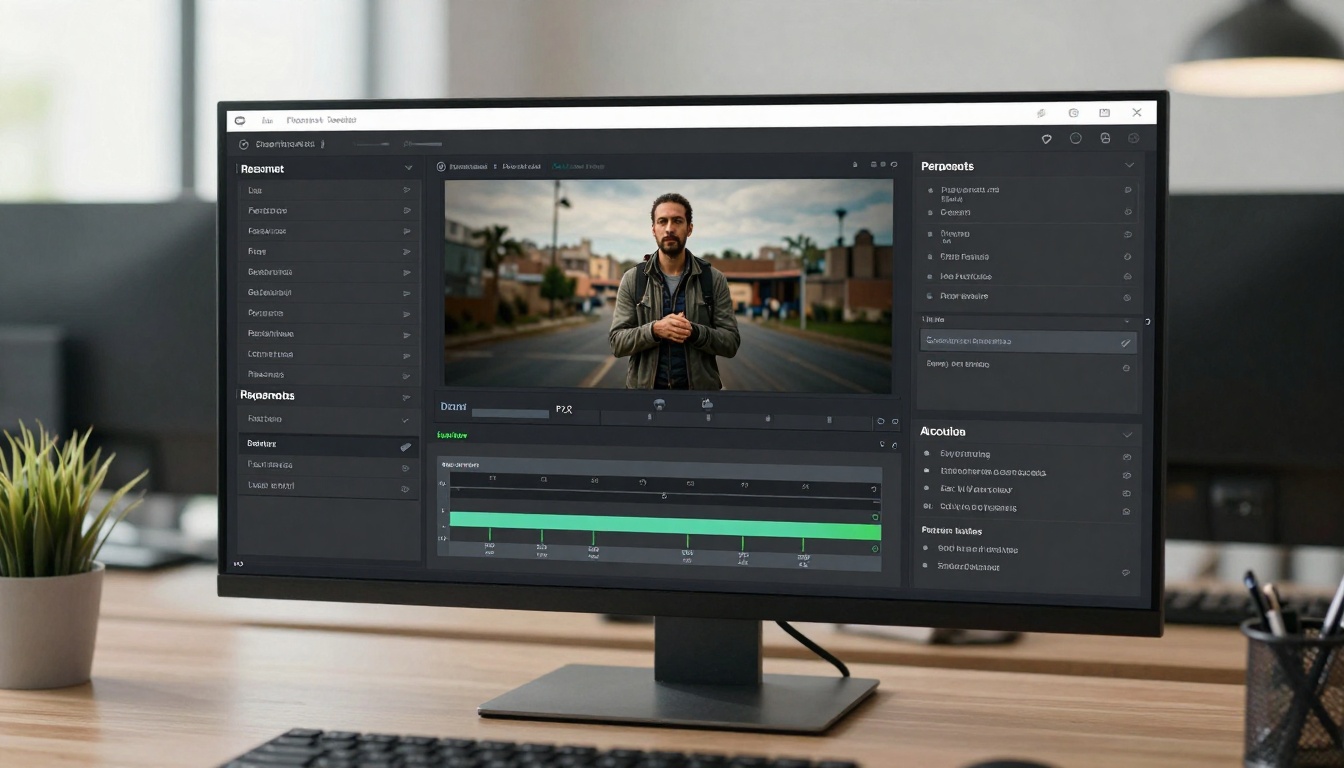
How to Unlock Cinematic Motion with Wan 2.6: Complete Guide to Professional AI Video Creation
Discover how Wan 2.6 revolutionizes AI video generation with 1080p cinematic quality, multi-shot storytelling, and precise audio synchronization. Learn practical techniques using PicassoIA's current Wan 2.5 model while exploring the advanced features coming with Wan 2.6. This comprehensive guide covers everything from basic video creation to professional cinematic techniques for filmmakers, marketers, and content creators.
Wan 2.6 represents a significant leap forward in AI video generation, specifically designed to deliver professional cinematic quality that was previously only achievable with expensive film production equipment. This latest version introduces capabilities that transform static images into dynamic, multi-shot narratives with studio-grade audio synchronization.
💡 Pro Tip: While Wan 2.6 offers advanced cinematic features, PicassoIA currently provides Wan 2.5 with excellent video generation capabilities. This article covers both the revolutionary features of Wan 2.6 and practical tutorials using PicassoIA's available models.
What Makes Wan 2.6 Different for Cinematic Creation
Traditional AI video generators often produce single-shot, static scenes with limited motion. Wan 2.6 breaks this pattern with several groundbreaking features:
Multi-Shot Storytelling Capability
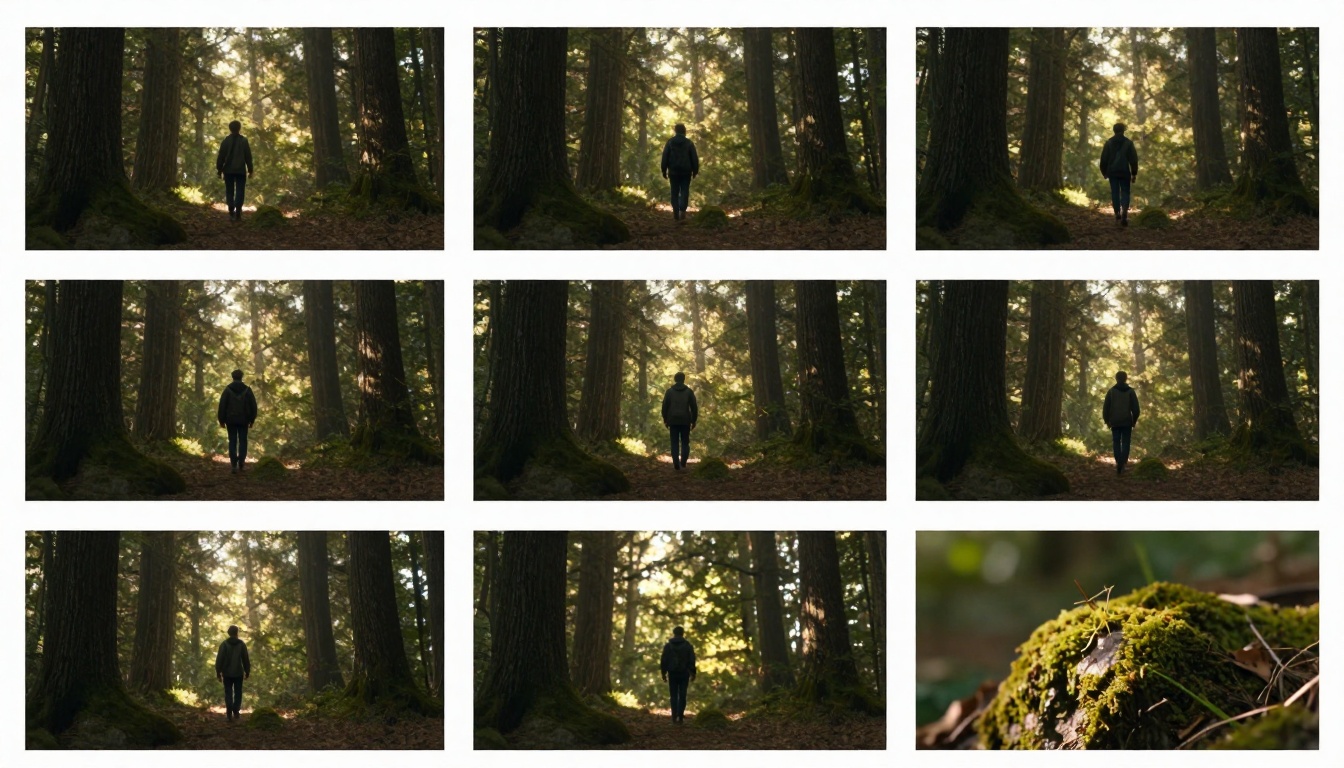
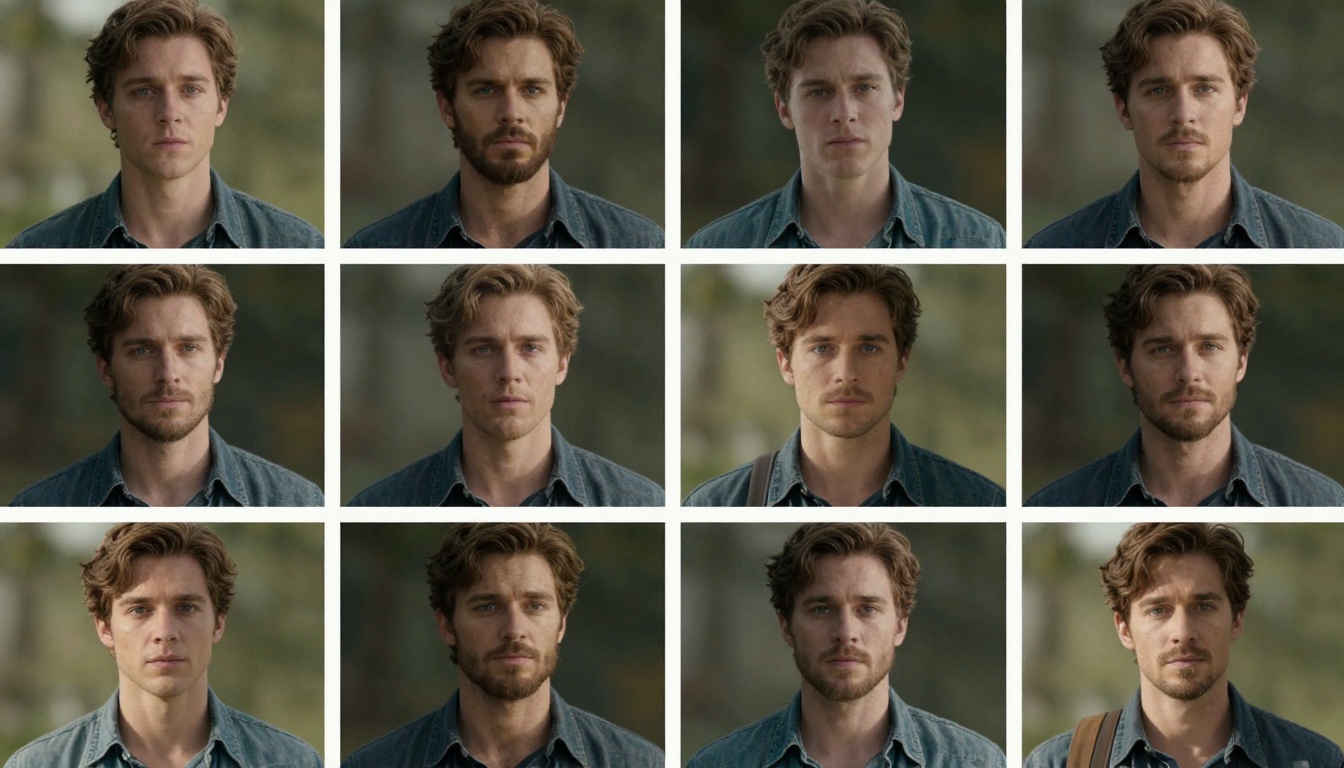
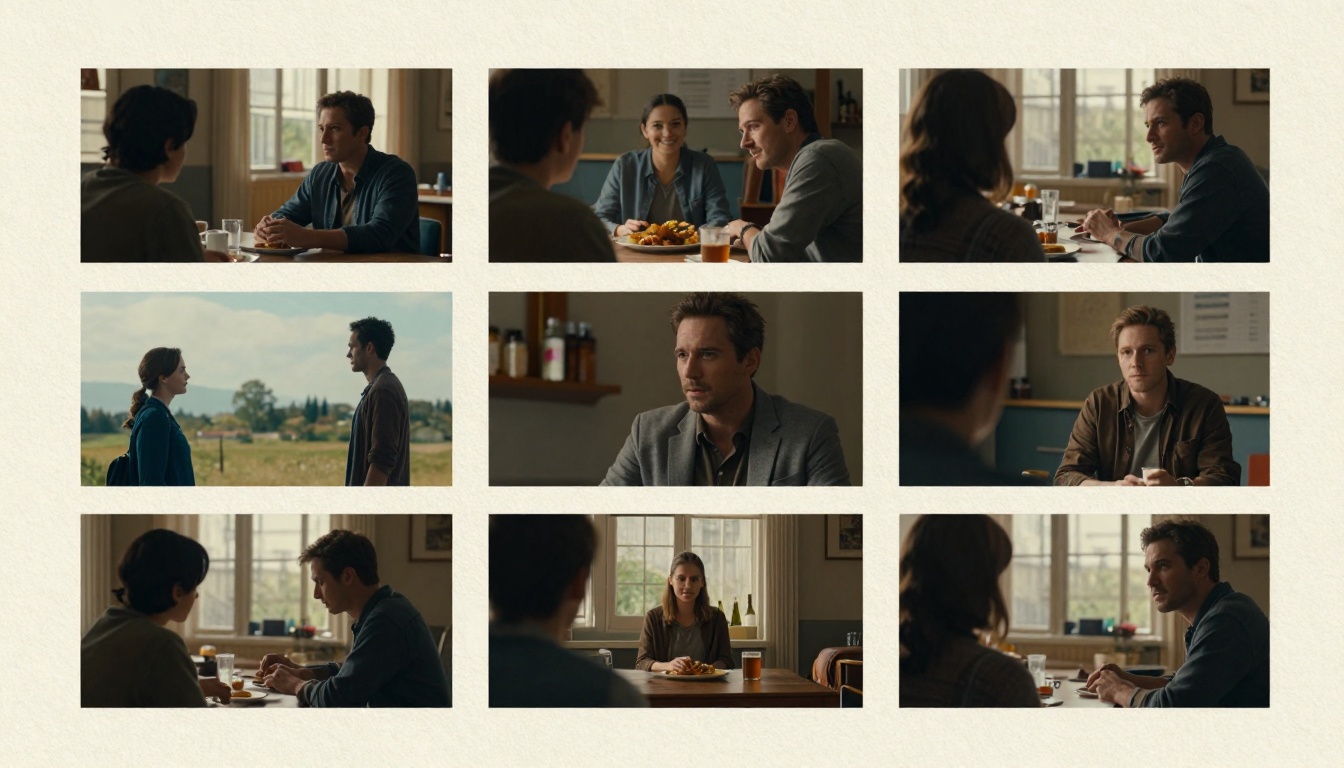
Unlike previous versions that generate individual scenes, Wan 2.6 can create complete multi-shot sequences maintaining character identity, lighting consistency, and visual continuity across different camera angles and movements.
Establishing shots that set the scene
Medium shots that show character interactions
Close-ups that capture emotional details
Tracking shots that follow movement naturally
Professional 1080p Resolution
The jump from 480p to full HD 1080p dramatically improves video quality for professional applications:
Resolution
Best Use Case
File Size
Generation Time
1080p (Wan 2.6)
Professional films, marketing, presentations
15-25 MB
30-45 seconds
720p (Wan 2.5)
Social media, educational content
8-12 MB
20-30 seconds
480p (Wan 2.2)
Quick prototypes, storyboards
3-6 MB
10-15 seconds
⚠️ Important: Wan 2.6's 1080p output requires more processing time and may have higher generation costs compared to lower resolutions. Always consider your specific needs before choosing resolution settings.
Native Audio-Visual Synchronization
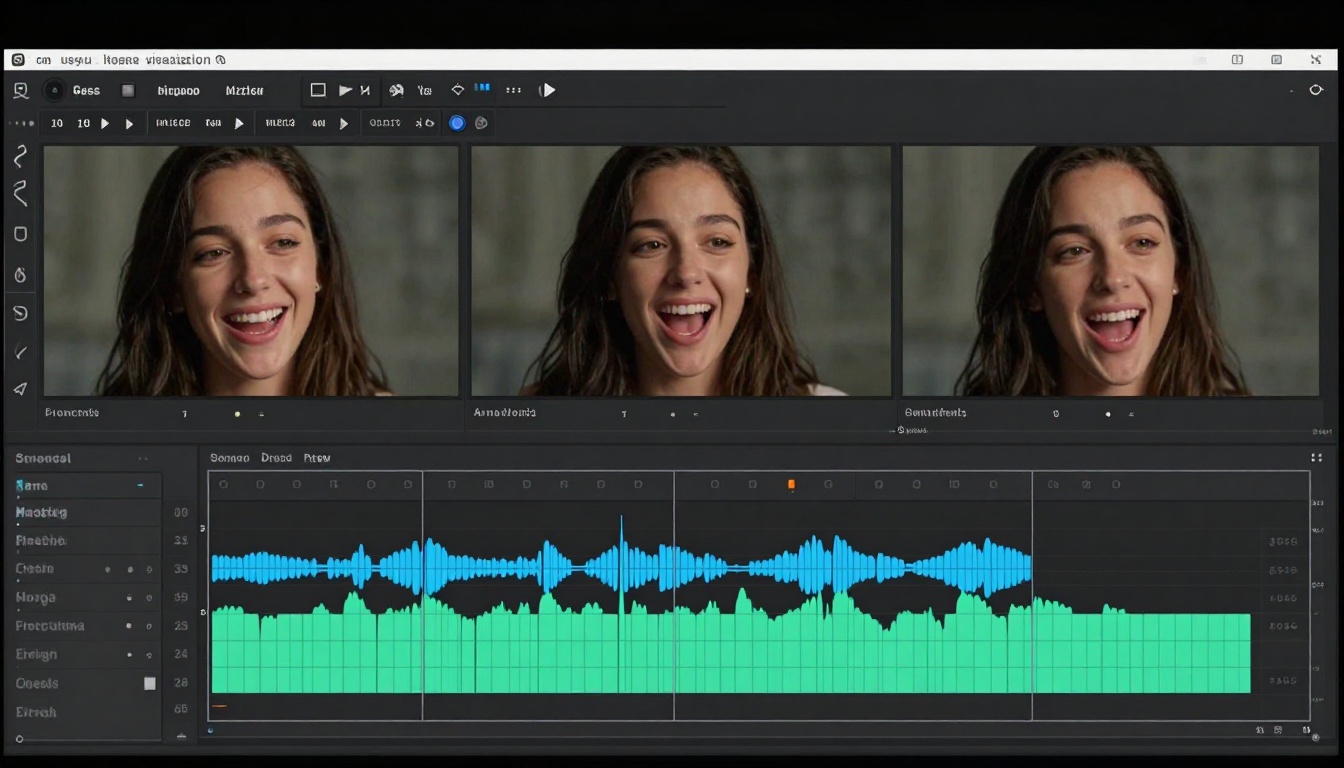
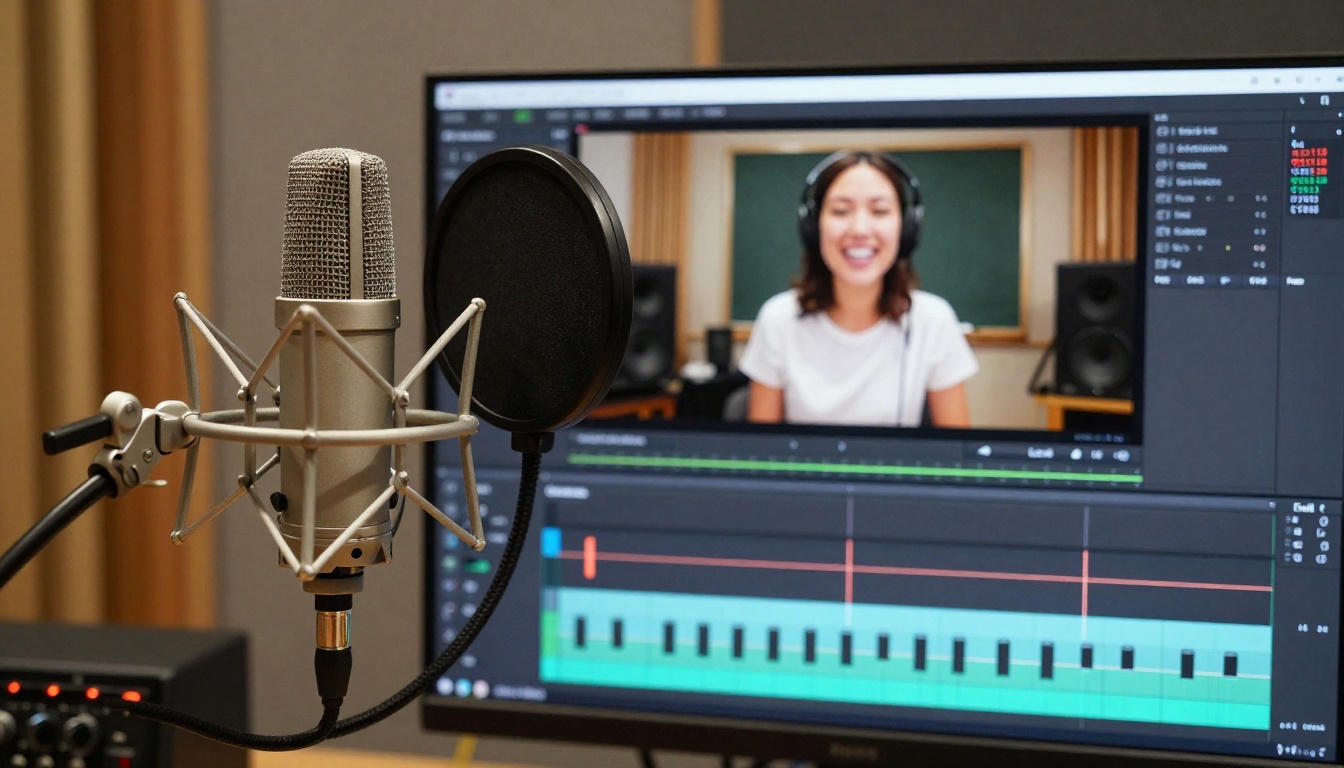
Wan 2.6 introduces built-in audio generation that synchronizes perfectly with visual content:
Precise lip-sync for character dialogue
Background music that matches scene mood
Sound effects timed to visual events
Voiceover integration with proper pacing
Key Cinematic Motion Features Explained
Camera Movement Techniques
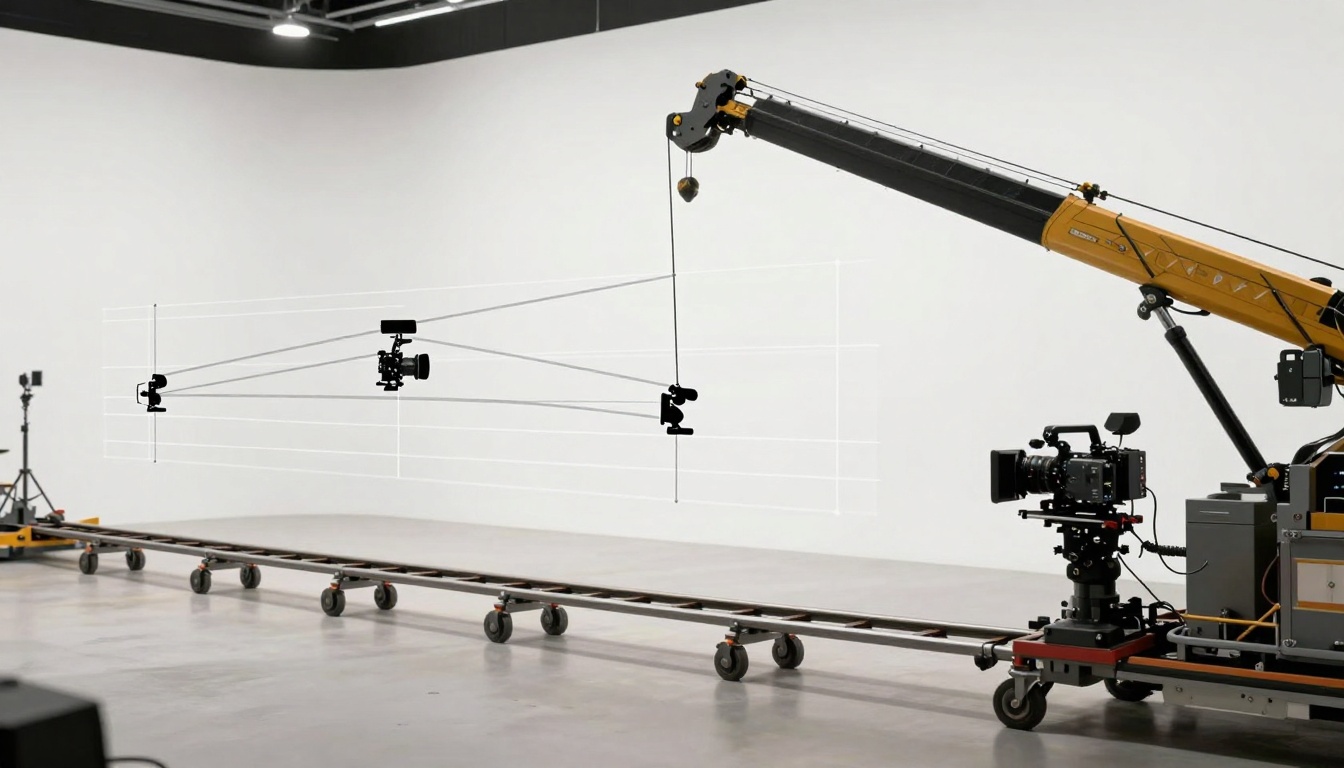
Professional filmmakers use specific camera movements to create emotional impact. Wan 2.6 can simulate these techniques:
Dolly Tracking: Smooth horizontal movement that follows subjects naturally Crane Shots: Vertical movement creating dramatic scale Panning: Horizontal rotation establishing location Zoom In/Out: Focusing attention on specific details
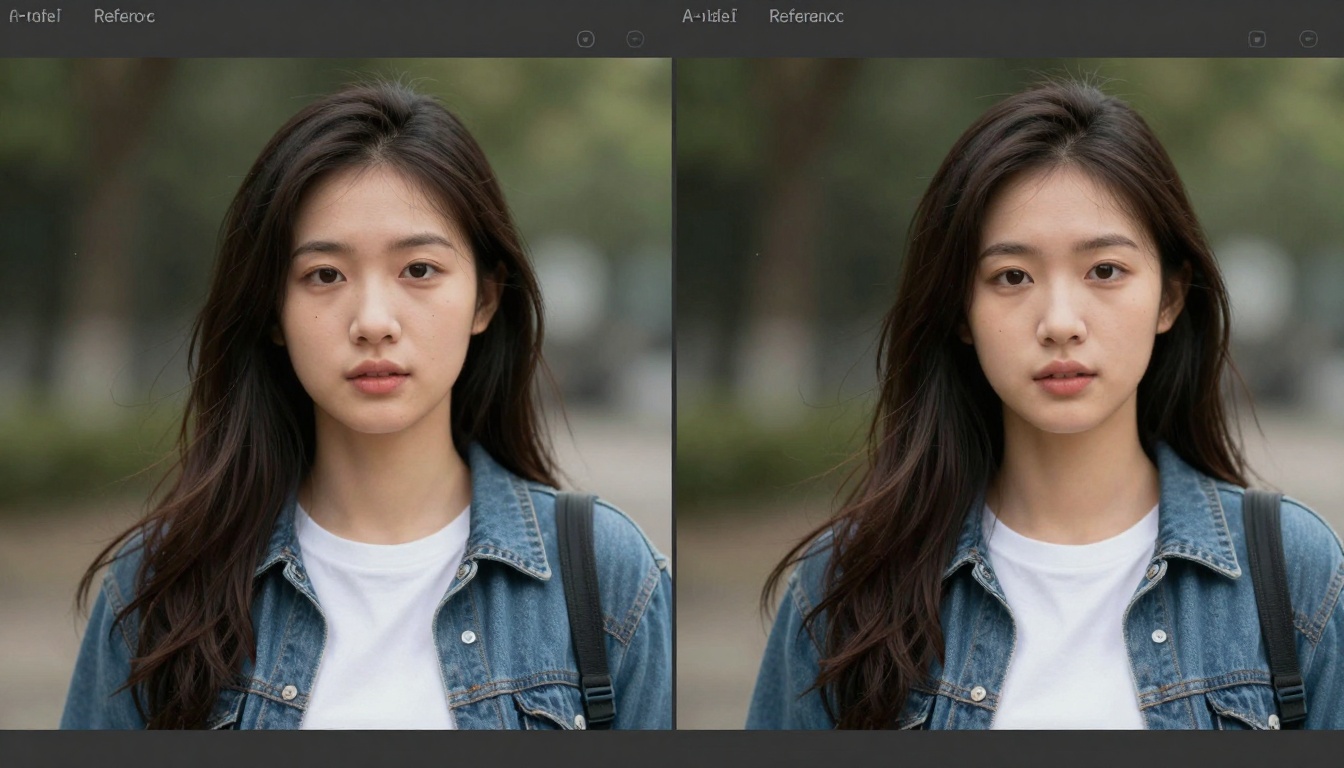
Reference Video Matching
One of Wan 2.6's most powerful features is reference video matching, which allows the AI to analyze an existing video and replicate its:
Character appearance and style
Lighting patterns and color grading
Motion rhythms and pacing
Editing patterns and shot transitions
✨ Quick Win: Use reference videos from your favorite films or professional content to guide Wan 2.6's generation style. This saves time explaining complex visual concepts in prompts.
Extended Duration Support
Wan 2.6 supports 15-second videos, compared to the 5-10 second limits of previous versions. This extended duration enables:
Complete narrative arcs with beginning, middle, and end
Character development through multiple interactions
Complex visual transformations with smooth transitions
Educational explanations with sufficient demonstration time
Comparison: Wan 2.6 vs Previous Versions
Understanding the evolution from Wan 2.2 to Wan 2.6 helps appreciate the cinematic advancements:
Feature
Wan 2.2 (Current Default)
Wan 2.5 (PicassoIA)
Wan 2.6 (Latest)
Max Resolution
480p
720p/1080p
1080p
Audio Sync
No
Basic
Precise lip-sync
Duration
~5 seconds
5-10 seconds
15 seconds
Multi-Shot
Single scene
Single scene
Complete sequences
Reference Video
No
No
Yes
Character Consistency
Limited
Good
Excellent
Generation Cost
Lowest
Medium
Highest
Best For
Prototypes, quick demos
Social media, marketing
Professional films, presentations
How to Create Cinematic Videos with Current PicassoIA Models
While Wan 2.6 offers the most advanced features, PicassoIA's Wan 2.5 provides excellent cinematic capabilities available right now. Here's how to maximize your results:
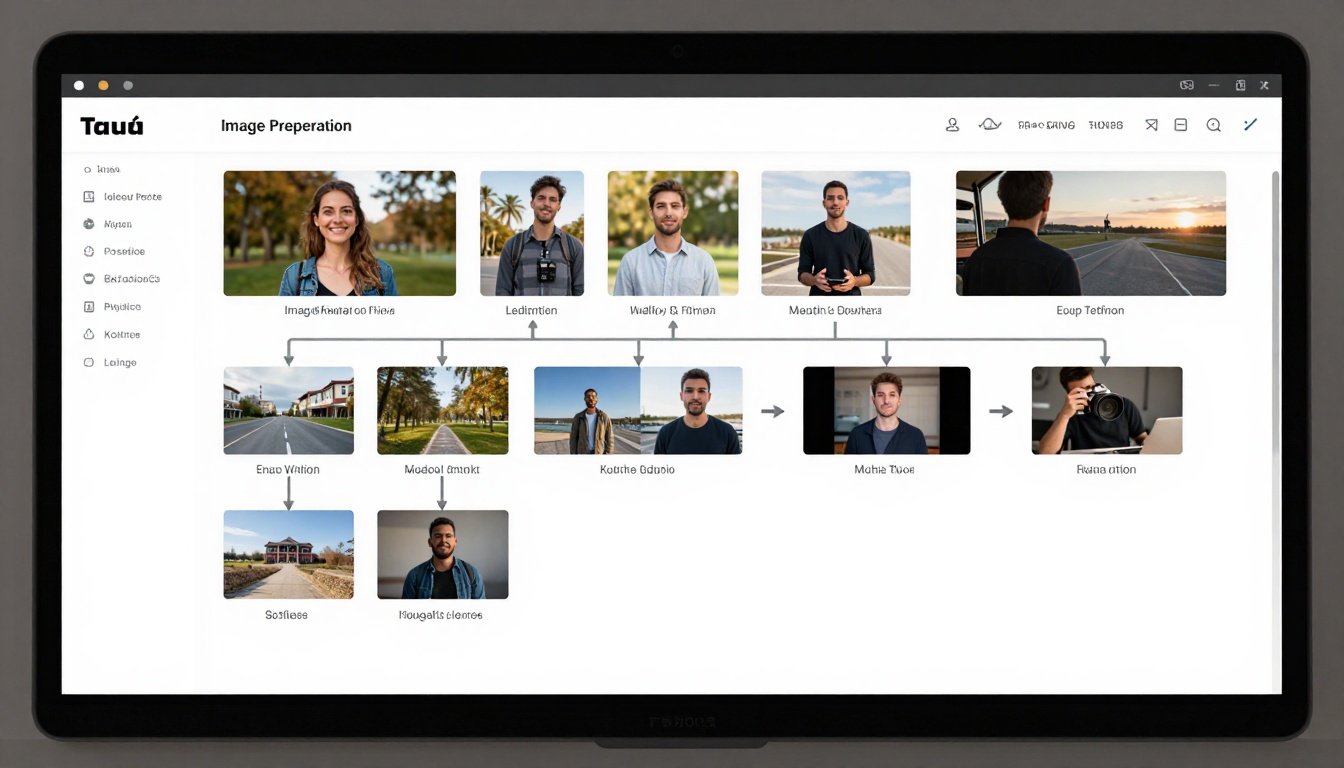
Step 1: Image Preparation for Best Results
High-quality source images dramatically improve video output:
Resolution: Use images at least 1920x1080 pixels
Composition: Frame subjects with cinematic principles (rule of thirds, leading lines)
Lighting: Ensure good contrast and natural lighting in source images
Subject clarity: Clear, well-defined subjects work best
📌 Note: For character videos, use images with clear facial features and expressive poses. Environmental videos benefit from images with depth and texture.
Step 2: Crafting Cinematic Prompts
Detailed prompts guide the AI toward cinematic results:
Basic Prompt: "A person walking through a forest" Cinematic Prompt: "Cinematic tracking shot following a character walking through sun-dappled forest with golden hour lighting, smooth dolly movement, shallow depth of field focusing on character, atmospheric fog in background, photorealistic 8k quality"
Image Input: Upload or provide URL to your source image
Minimum 512x512 pixels recommended
Clear subject with good contrast
Appropriate aspect ratio for your video
Prompt: Enter your descriptive text prompt
Be specific about desired motion
Include lighting and atmosphere details
Mention camera movements if needed
Step 3: Adjust Optional Settings
Fine-tune your results with optional parameters:
Parameter
Recommended Setting
Effect
Seed
Leave blank for random
Controls randomness of generation
Audio
Optional music/voice file
Adds synchronized audio
Duration
5 or 10 seconds
Longer for complex scenes
Resolution
720p (balanced)
1080p for highest quality
Negative Prompt
"blurry, distorted"
Avoids unwanted elements
Prompt Expansion
Enabled (default)
Optimizes your prompt
💡 Pro Tip: Start with default settings, then experiment with one parameter at a time to understand its effect. This methodical approach helps you learn what each setting does without overwhelming results.
Step 4: Generate and Review
Click the Generate button and wait for processing. Typical generation times:
480p: 10-15 seconds
720p: 20-30 seconds
1080p: 30-45 seconds
Review your first result and note:
Motion quality and smoothness
Lighting consistency
Character/item appearance
Overall cinematic feel
Step 5: Iterate and Refine
Professional results often require iteration:
Adjust prompts based on initial results
Try different seeds for variation
Modify resolution/duration as needed
Add/remove audio for different effects
Use negative prompts to eliminate issues
Practical Applications for Cinematic Videos
Social Media Content Creation
Wan 2.6's cinematic capabilities transform social media content:
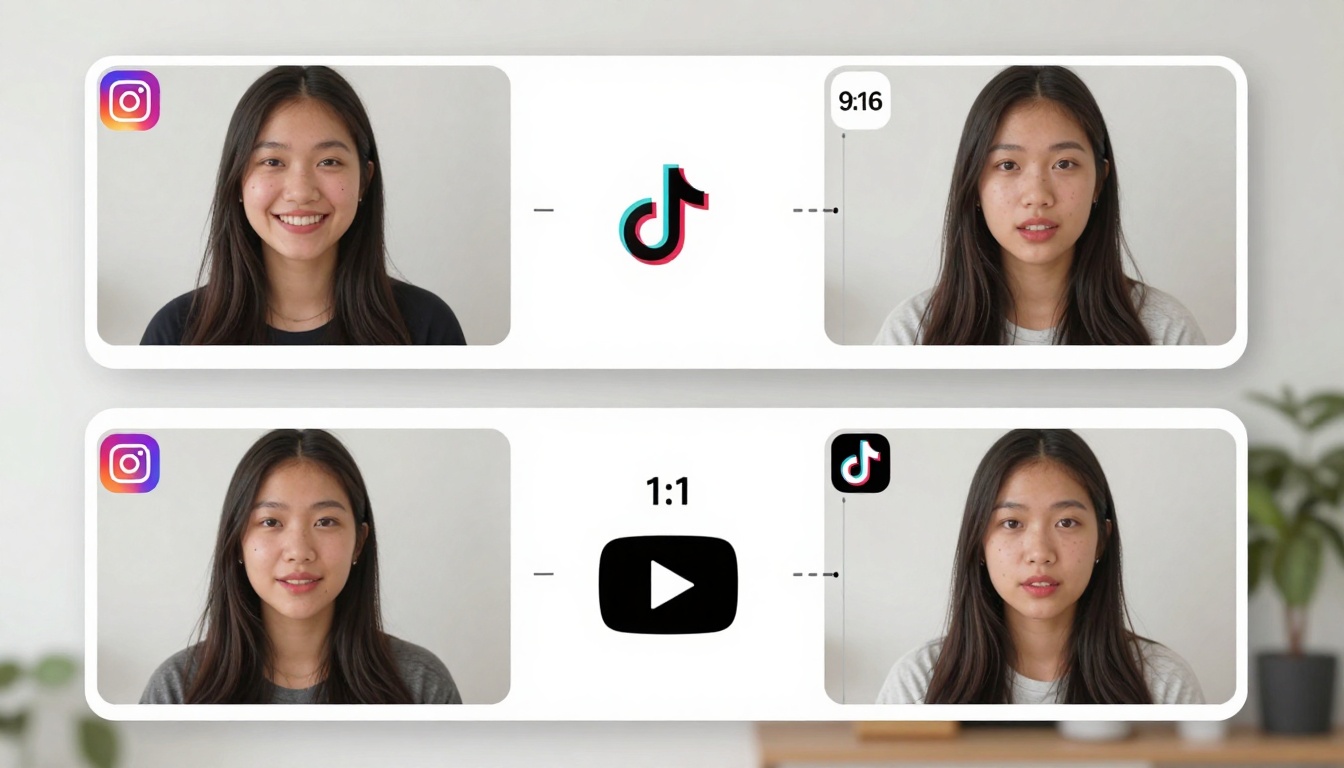
Instagram Reels: 9:16 portrait videos with smooth transitions YouTube Shorts: 9:16 vertical format with engaging motion TikTok: Quick, attention-grabbing cinematic clips LinkedIn: Professional presentation videos
Marketing and Advertising
Professional video ads with Wan 2.6 features:
Product showcases with smooth camera movements
Brand storytelling with consistent character appearances
Testimonial videos with synchronized voiceovers
Explainer videos with clear visual demonstrations
Educational Content
Complex concepts become easier to understand with cinematic videos:
Science demonstrations with animated processes
Historical recreations with period-accurate scenes
Technical tutorials with step-by-step visual guidance
Language learning with contextual visual scenarios
Confrontation: Action or development with rising tension
Resolution: Conclusion with satisfying closure
Scene Sequencing:
Establishing shot (wide, sets location)
Medium shot (shows relationships)
Close-up (emotional detail)
Reaction shot (character response)
Cutaway (contextual detail)
Audio Production Integration
Even with Wan 2.5, you can enhance videos with audio:
Post-Production Audio Addition:
Generate video without audio first
Record or source appropriate audio separately
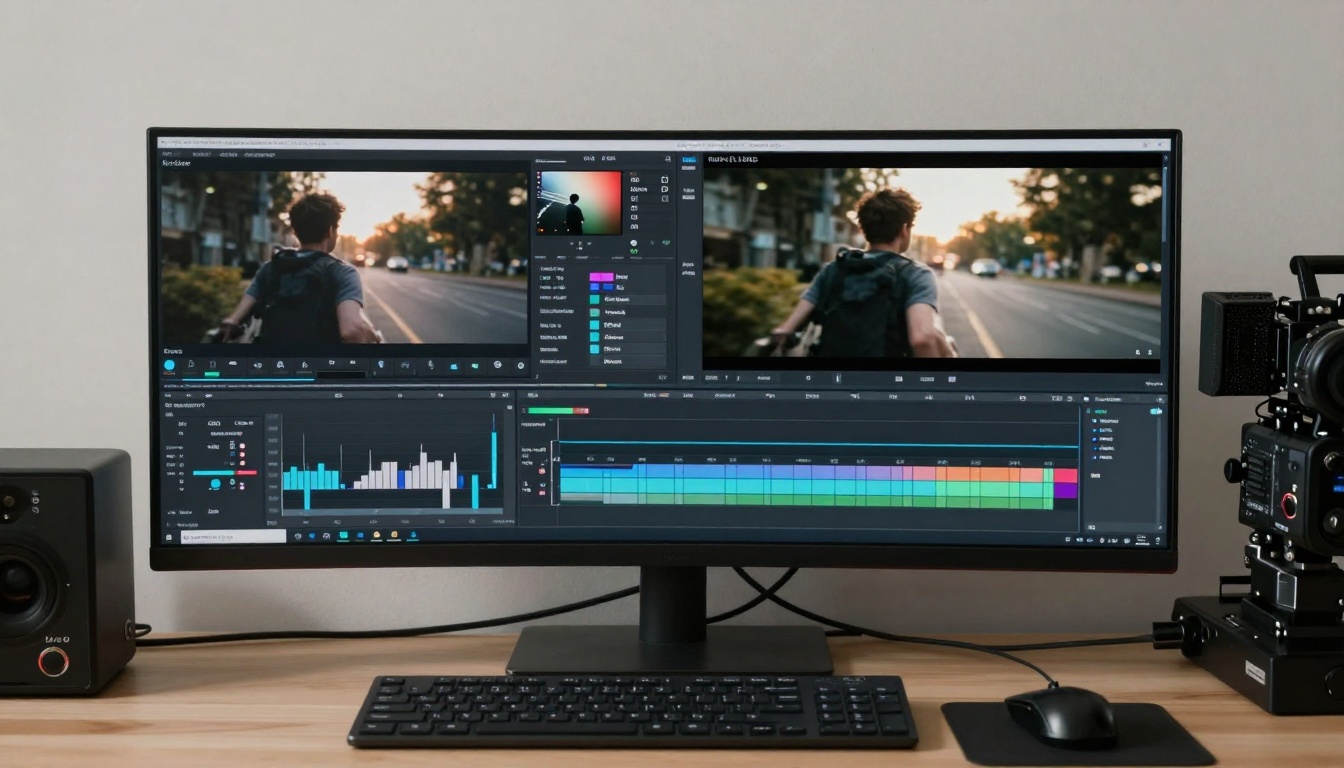
Use video editing software to sync audio
Adjust timing for perfect synchronization
Audio Types for Different Content:
Background music for mood setting
Voiceover for explanations
Sound effects for emphasis
Ambient sounds for atmosphere
Future Outlook: When to Expect Wan 2.6 on PicassoIA
Wan 2.6 represents the cutting edge of AI video generation, and its integration into platforms like PicassoIA typically follows a predictable pattern:
Typical Integration Timeline
New AI model adoption usually takes 4-8 weeks from Replicate release to PicassoIA integration, depending on:
API stability and reliability testing
Cost optimization for platform pricing
User demand and feature prioritization
Technical compatibility with existing systems
What to Do While Waiting
Build your cinematic skills with current tools:
Master Wan 2.5 on PicassoIA for foundational skills
Experiment with cinematic prompts and techniques
Develop storyboarding skills for multi-shot planning
Practice audio integration with current videos
Build a portfolio of cinematic examples
🚀 Next Steps: Follow PicassoIA's announcements and blog updates for Wan 2.6 integration news. In the meantime, perfect your skills with Wan 2.5 to be ready when the advanced features arrive.
Conclusion: Mastering Cinematic Motion Today
Wan 2.6 represents a major advancement in AI video generation, bringing professional cinematic capabilities to creators without film school training or expensive equipment. While the full Wan 2.6 feature set awaits PicassoIA integration, Wan 2.5 provides powerful tools available today.
Key takeaways for cinematic video creation:
Start with quality images and detailed prompts
Master current tools before advanced features arrive
Focus on storytelling through shot sequencing
Integrate audio for complete viewer experience
Iterate and refine based on results
The cinematic revolution in AI video generation is here. Whether using Wan 2.5 today or anticipating Wan 2.6 tomorrow, these tools empower creators to produce professional-quality videos that engage audiences and communicate ideas effectively.
Ready to start creating cinematic videos? Visit PicassoIA's Wan 2.5-i2v page and begin your journey toward professional AI video creation today.