The digital landscape has shifted dramatically in how visual content gets produced. Where photographers once needed studios, models, and expensive equipment, today's content creators can generate stunning visuals with nothing more than thoughtful words and AI platforms. This isn't about replacing human creativity but augmenting it with tools that remove traditional barriers.
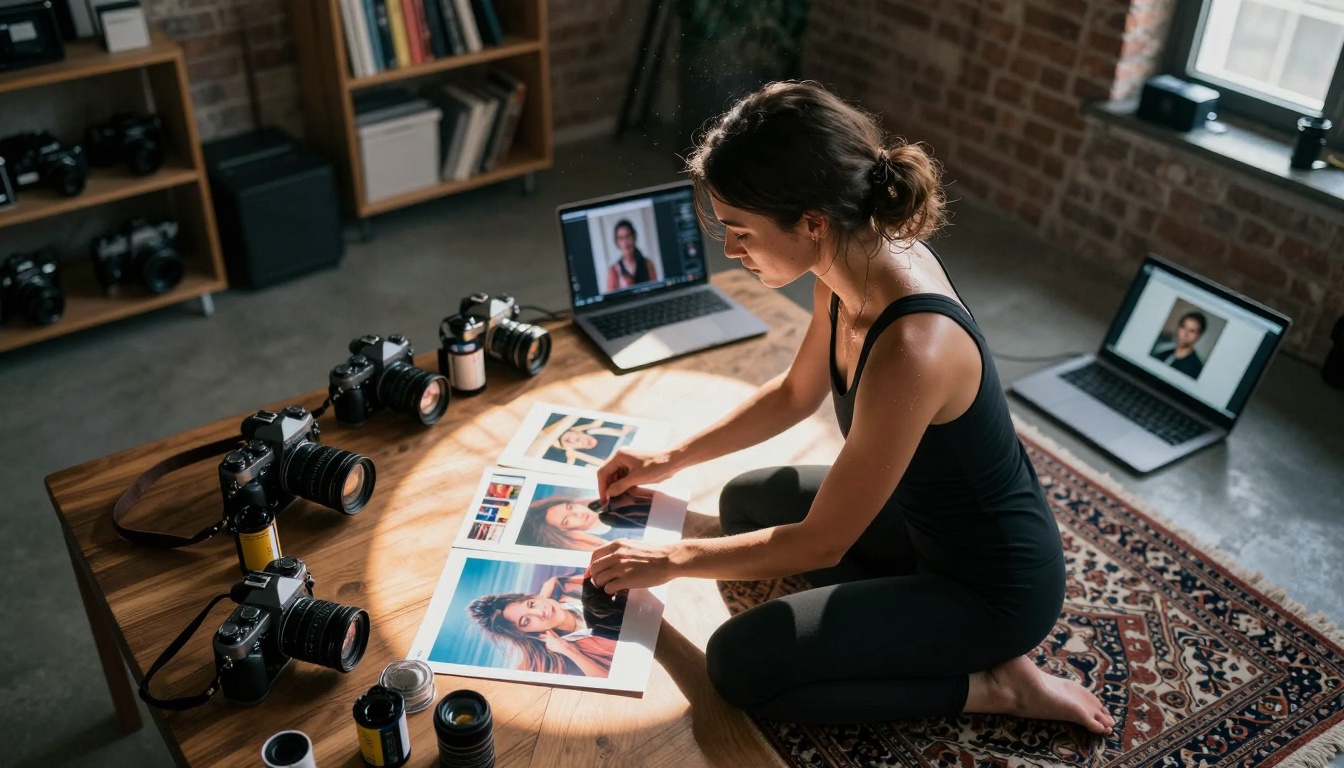
Caption: Modern creative workspaces blend traditional photography equipment with AI generation tools, enabling rapid iteration and concept development.
Why AI Images Matter for Content
Visual content drives engagement across every digital platform. Studies show articles with images get 94% more views than text-only content, while social media posts with visuals receive 150% more retweets and 180% more engagement on average. The problem has always been cost: professional photography runs thousands of dollars, stock photos look generic, and custom illustrations require specialized artists.
AI image generation changes this equation entirely. For the price of a monthly subscription, creators can generate unlimited custom visuals tailored to their exact needs. The quality has reached a point where AI-generated images frequently surpass stock photography in both uniqueness and relevance to specific topics.
The Technical Foundation: How AI Image Generation Works
At its core, AI image generation uses neural networks trained on millions of images to understand visual concepts. When you input a text prompt like "photorealistic mountain landscape at golden hour," the AI doesn't just match keywords to images—it understands the relationships between concepts. It knows mountains have peaks, golden hour creates warm light with long shadows, and photorealistic means natural textures rather than artistic interpretations.
Caption: The human eye remains central to the creative process, with AI tools serving as extensions of human vision and intention.
The technology works through several key processes:
- Text Understanding: Natural language processing breaks down your prompt into visual concepts
- Latent Space Navigation: The AI moves through a mathematical representation of visual possibilities
- Diffusion Process: Starting from random noise, the model gradually adds structure based on your prompt
- Refinement Iteration: Multiple passes refine details, textures, and composition
Essential AI Models for Content Creation
Different AI models excel at different types of content. Here's where to start:
For Photorealistic Quality: flux-2-pro
The flux-2-pro model from Black Forest Labs represents the current pinnacle of photorealistic AI image generation. It handles complex scenes with multiple subjects, maintains consistent lighting across compositions, and produces images with professional-grade detail. What sets it apart:
- Human Anatomy Accuracy: Natural proportions, realistic skin textures, believable poses
- Lighting Consistency: Maintains light source direction and intensity throughout the scene
- Material Realism: Differentiates between fabrics, metals, organic materials
- Atmospheric Effects: Handles fog, haze, lens flares, and other photographic elements
💡 Pro Tip: When using flux-2-pro for product imagery, include specific material descriptions like "brushed aluminum with subtle machining marks" or "hand-stitched leather with natural grain variations" for optimal results.
For Speed and Versatility: p-image
The p-image model from PrunaAI offers the best balance of speed and quality for content creators working under deadlines. It generates images in seconds rather than minutes, making it ideal for rapid prototyping and iterative design. Key advantages:
- Batch Processing: Generate multiple variations simultaneously
- Style Consistency: Maintains visual coherence across a series
- Quick Iterations: Refine prompts based on immediate visual feedback
- Cost Efficiency: Lower computational requirements per image
Caption: Crafting effective AI prompts requires understanding how different models interpret language and visual concepts.
The qwen-image-2512 model excels at artistic interpretations and stylistic variations. It understands artistic movements, specific painterly techniques, and can blend multiple styles coherently. This makes it perfect for:
- Brand Identity Development: Creating unique visual styles
- Editorial Illustrations: Complementing written content with artistic visuals
- Mood Board Creation: Exploring different stylistic directions
- Concept Art: Visualizing ideas before production
Practical Applications Across Content Types
Social Media Content
Social platforms demand constant visual innovation. AI generation solves three core challenges:
- Volume Requirements: Daily posts across multiple platforms
- Platform Optimization: Different aspect ratios and styles for Instagram, TikTok, LinkedIn
- Trend Responsiveness: Quickly creating visuals around trending topics
Example Workflow:
- Morning: Generate 10 Instagram carousel images using flux-2-max
- Afternoon: Create 5 TikTok backgrounds with seedream-4.5
- Evening: Produce LinkedIn header images with gpt-image-1.5
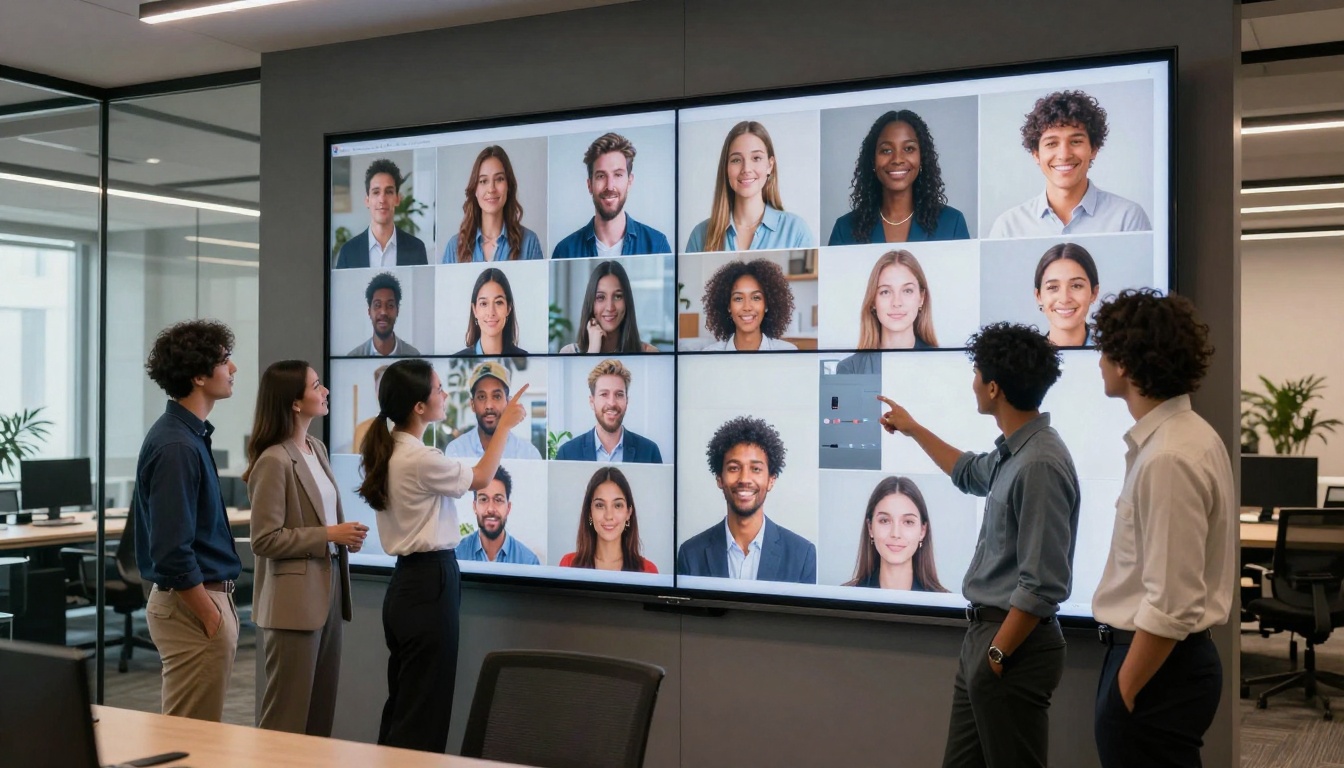
Caption: Professional teams increasingly compare AI-generated images against traditional stock photography, noting superior relevance and customization.
Blog and Article Imagery
Written content benefits tremendously from custom visuals that reinforce key points. Traditional challenges included:
- Finding relevant stock photos (often generic or mismatched)
- Budget constraints limiting custom photography
- Time delays waiting for commissioned work
AI generation provides same-day visual assets that precisely match article content. For a piece about sustainable architecture, you can generate images of specific building types, materials, and environments rather than settling for generic "building" stock photos.
E-commerce Product Visualization
Online stores face the "product photography bottleneck." Physical products require:
- Studio setup and lighting
- Professional photographers
- Post-production editing
- Multiple angles and variations
AI offers alternatives:
- Product in Context: Show items in realistic use environments
- Style Variations: Different colors, materials, configurations
- Lifestyle Integration: Products with models in appropriate settings
- Seasonal Updates: Quick visual refreshes for holidays or seasons
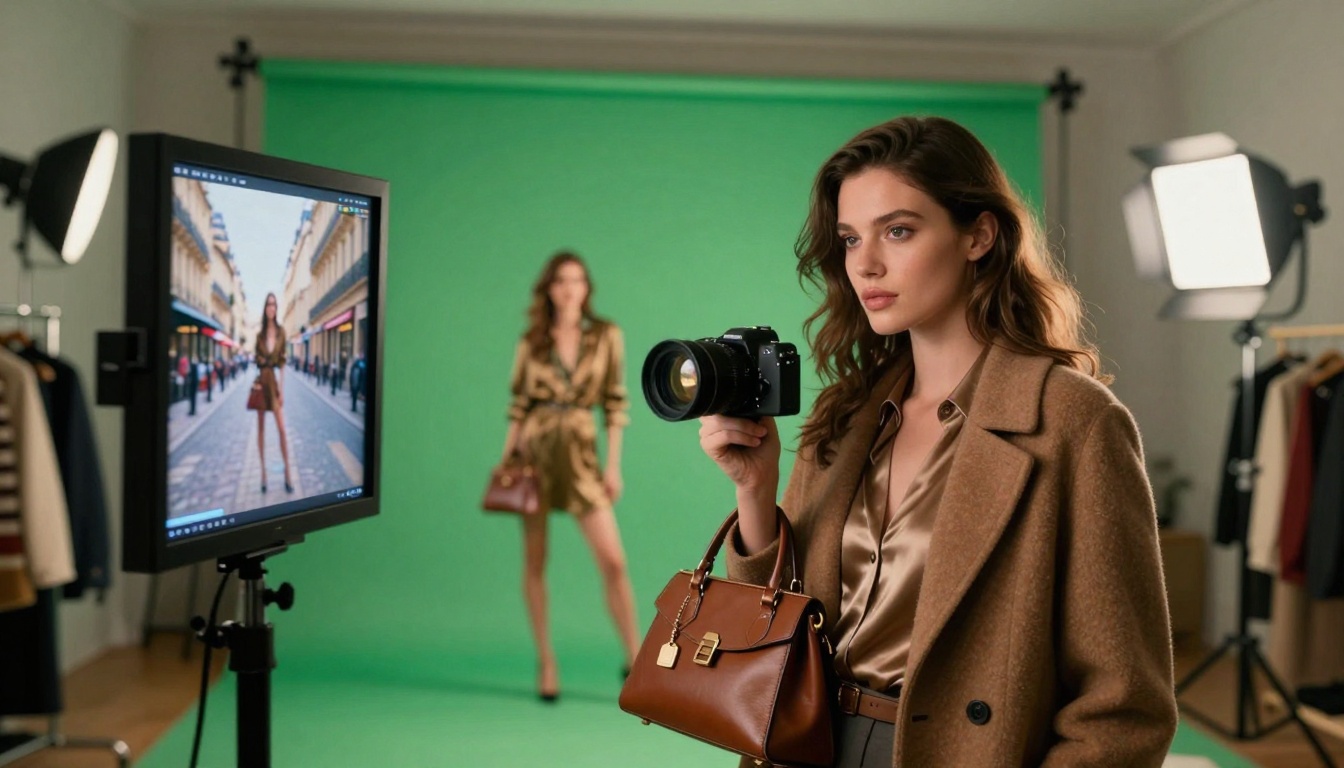
Caption: Fashion content creators use AI-generated backgrounds to simulate location shoots while working from small studios, dramatically reducing production costs.
The Prompt Engineering Process
Effective AI image generation relies on precision in language. Vague prompts produce generic results, while detailed descriptions yield targeted visuals. The evolution follows this pattern:
Basic Prompt: "A mountain landscape"
Improved Prompt: "Photorealistic Rocky Mountains at sunset, volumetric light through pine trees, mist in valleys, 85mm lens perspective"
Advanced Prompt: "Cinematic shot of Colorado Rockies during golden hour, long shadows from late afternoon sun, atmospheric haze creating depth, shot with 85mm f/1.8 lens at f/8 for deep focus, Kodak Portra 400 film simulation with subtle grain"
Prompt Structure Framework
- Subject Specification: Primary focus and secondary elements
- Style Direction: Photorealistic, cinematic, artistic, etc.
- Technical Parameters: Lens, lighting, composition
- Atmospheric Elements: Time of day, weather, mood
- Quality Modifiers: Resolution, detail level, imperfections
💡 Critical Insight: Include "imperfections" in prompts for authenticity. "Slight lens flare," "natural skin texture with pores," or "subtle motion blur" creates more believable images than perfection.
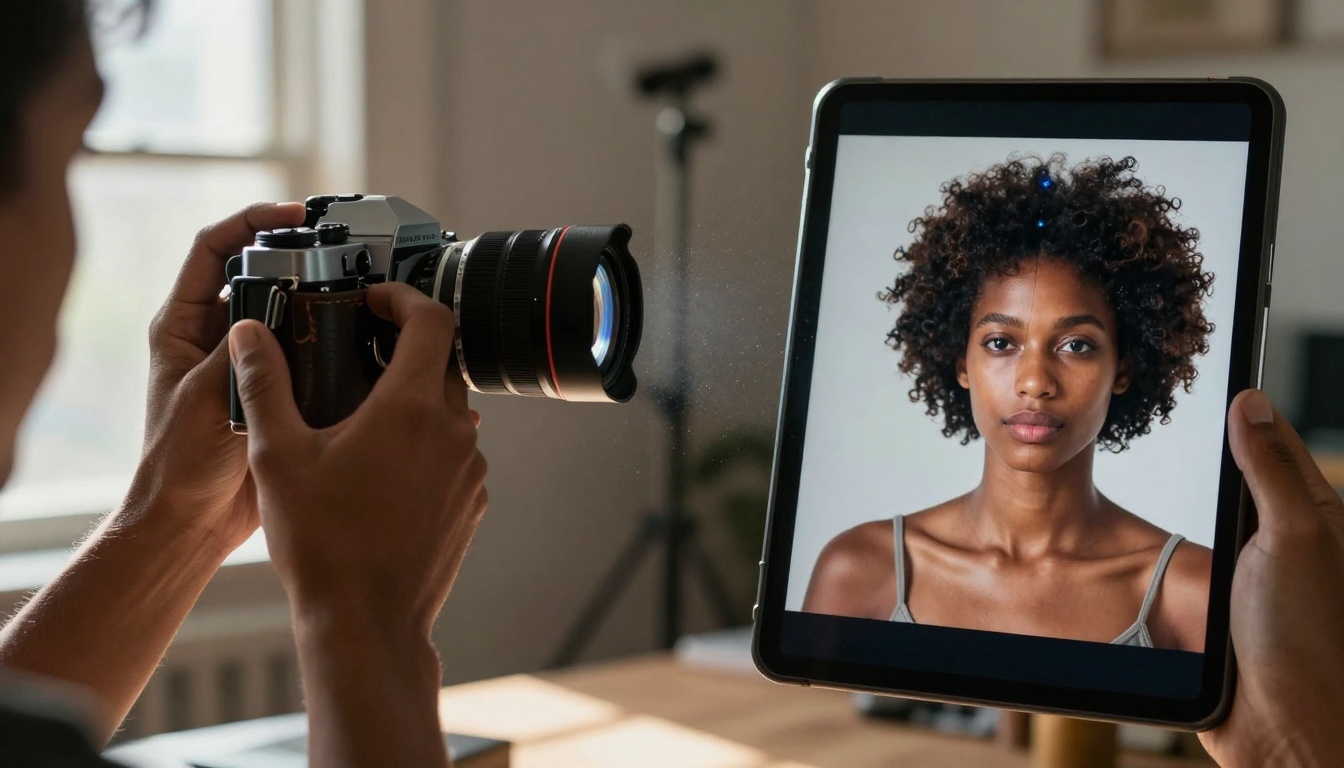
Caption: Side-by-side comparisons reveal how AI-generated images can match or exceed traditional photography in specific applications while offering unique advantages in customization.
Integration with Existing Workflows
AI doesn't replace existing tools—it integrates with them. Common integration patterns:
Photoshop and Graphic Design
- Base Image Generation: Create foundational visuals with AI
- Photoshop Refinement: Adjust colors, composites, add text
- Final Export: Optimize for specific platforms and uses
Video Production Pipeline
- Storyboard Visualization: Generate key frames with AI
- Background Creation: Produce environments for green screen work
- Asset Generation: Create textures, overlays, graphical elements
Web Development
- UI/UX Mockups: Visualize interface concepts
- Placeholder Images: Generate temporary content during development
- Final Assets: Produce optimized images for production
Quality Control and Ethical Considerations
As with any technology, responsible use requires guidelines:
Quality Standards
- Resolution Verification: Ensure images meet platform requirements
- Consistency Checks: Maintain visual coherence across a series
- Relevance Assessment: Verify images support rather than distract from content
- Technical Validation: Check for artifacts, distortions, or errors
Ethical Guidelines
- Transparency Disclosure: When appropriate, acknowledge AI-generated content
- Originality Emphasis: Use AI as starting point, add human creative elements
- Cultural Sensitivity: Avoid stereotypes and biased representations
- Copyright Awareness: Understand model training data and usage rights
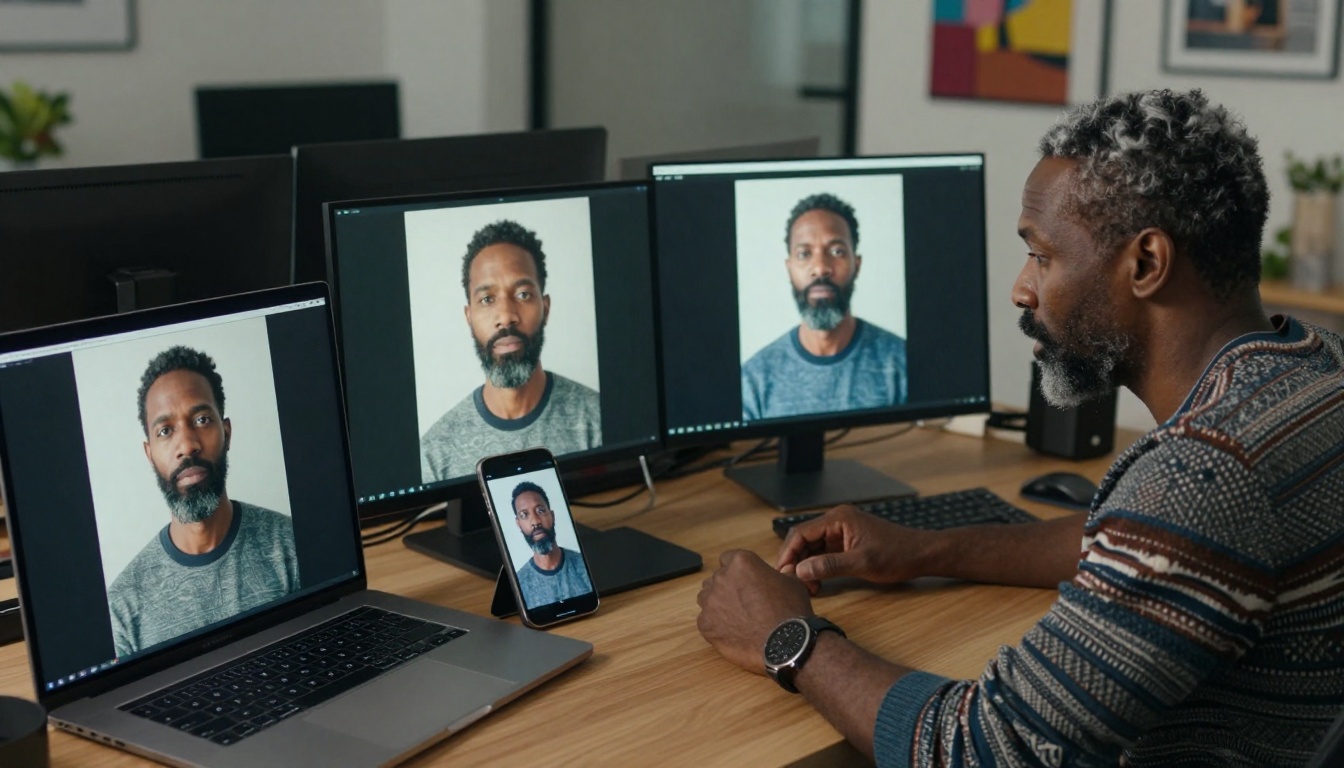
Caption: The iterative refinement process unique to AI image generation allows creators to evolve concepts from basic prompts to polished final visuals.
Cost Analysis: AI vs Traditional Methods
The financial implications are substantial. Consider a mid-sized content operation:
| Expense Category | Traditional Photography | AI Generation | Savings |
|---|
| Equipment | $5,000-20,000+ | $0 | 100% |
| Studio Rental | $500-2,000/day | $0 | 100% |
| Model Fees | $250-1,000/day | $0 | 100% |
| Photographer | $1,000-5,000/day | $0 | 100% |
| Post-Production | $500-2,000/image | $0.10-1.00/image | 99.9% |
| Stock Photos | $10-500/image | $0.10-1.00/image | 90-99% |
| Monthly Total | $15,000-50,000+ | $100-500 | 97-99% |
The 100:1 cost ratio makes AI accessible to individual creators and small businesses that previously couldn't afford professional visual content.
Different content platforms have unique visual requirements:
Instagram Visual Strategy
- Feed Images: Square or 4:5 ratio, high contrast, brand color consistency
- Stories: Vertical 9:16, bold elements for small screen viewing
- Reels: 9:16 video format with attention-grabbing first frames
- Carousels: Coherent visual narrative across multiple images
YouTube Thumbnail Creation
- Resolution: 1280x720 minimum, 1920x1080 optimal
- Text Legibility: Large, contrast-rich text for small preview sizes
- Emotional Impact: Faces showing emotion, dramatic compositions
- Brand Consistency: Recognizable style across channel
LinkedIn Professional Content
- Corporate Aesthetic: Clean, professional, trustworthy
- Infographic Support: Visuals that complement data presentation
- Thought Leadership: Images that convey expertise and insight
- Company Culture: Authentic representations of workplace environment
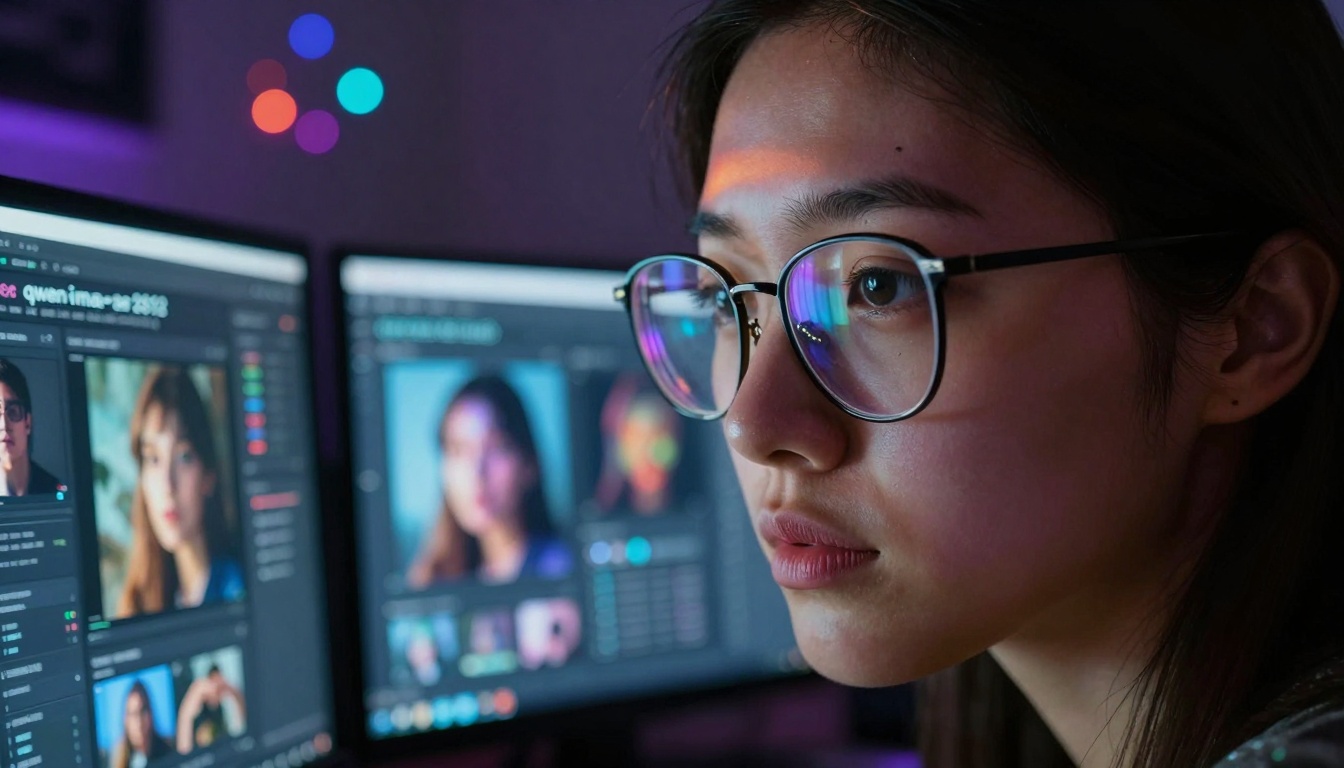
Caption: Deep engagement with multiple AI platforms allows creators to compare outputs and select the best model for each specific application.
Advanced Techniques and Pro Tips
Style Transfer and Consistency
Maintaining visual coherence requires:
- Prompt Templates: Reusable structures with variable slots
- Reference Images: Using previous outputs as style guides
- Parameter Documentation: Recording successful combinations
- Batch Processing: Generating variations with systematic changes
Negative Prompting
Specifying what not to include often improves results:
- "no cartoon style"
- "no unrealistic proportions"
- "no digital art effects"
- "no neon colors"
- "no CGI appearance"
Seed Control for Consistency
Using fixed random seeds enables:
- Variation Exploration: Same prompt, different seeds
- Incremental Refinement: Adjusting prompts while maintaining base composition
- Series Cohesion: Related images with consistent style
- A/B Testing: Comparing subtle prompt variations
The Future Evolution
AI image generation continues advancing rapidly. Current trends include:
- Increased Resolution: Moving from 1K to 4K and beyond
- Video Generation: sora-2-pro and veo-3.1 enable motion content
- 3D Model Generation: Creating assets for games, VR, and simulations
- Style Personalization: Models trained on individual creator preferences
- Real-time Generation: Instant visual feedback during prompt writing
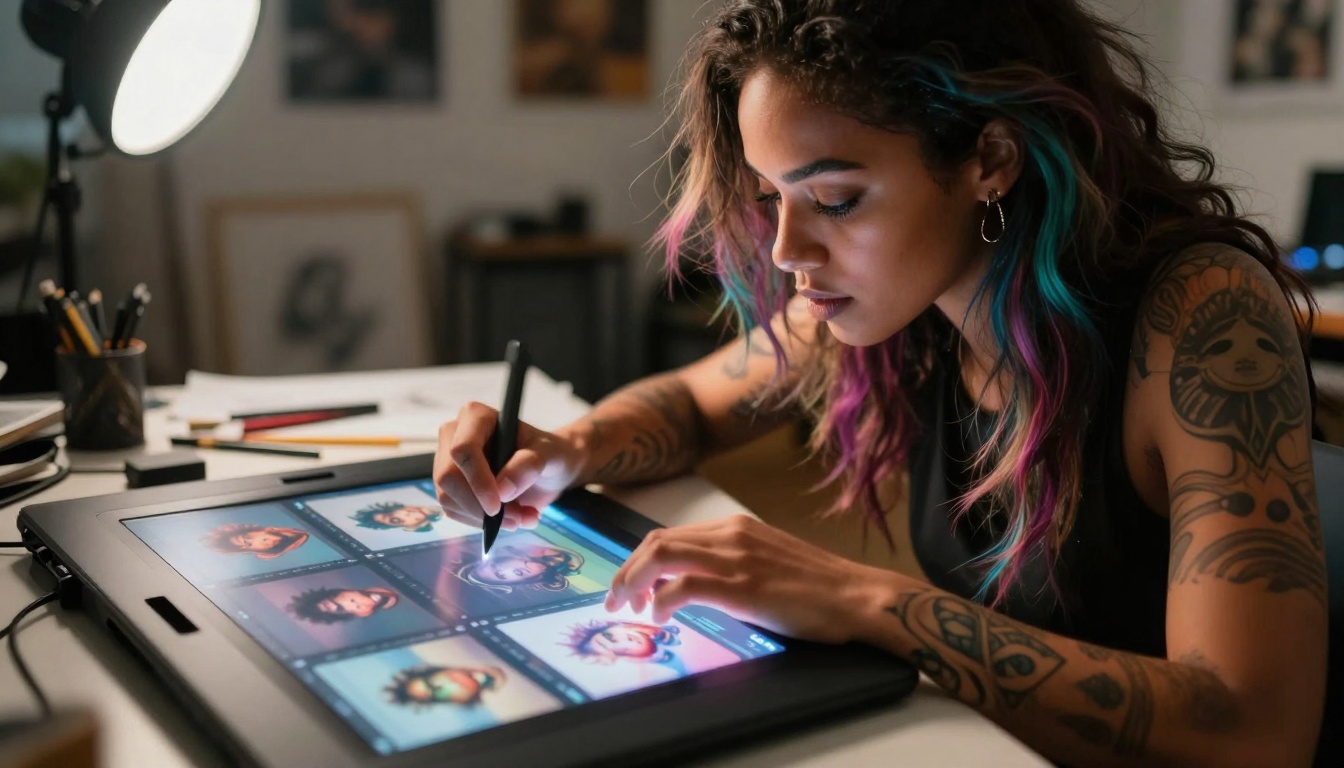
Caption: The speed of AI iteration enables creative experimentation at scales previously impossible, allowing rapid exploration of visual concepts.
Getting Started with PicassoIA
The PicassoIA platform provides access to leading AI models through a unified interface. Key advantages:
- Model Variety: Access to flux-2-pro, qwen-image-2512, p-image, and dozens more
- Cost Transparency: Clear pricing per generation
- Batch Processing: Generate multiple images simultaneously
- API Access: Integrate with existing tools and workflows
- Community Examples: Learn from successful prompts and results
First Week Plan:
- Day 1-2: Experiment with p-image for rapid prototyping
- Day 3-4: Explore flux-2-pro for photorealistic quality
- Day 5-6: Test qwen-image-2512 for artistic variations
- Day 7: Develop prompt templates for your specific content needs
Moving Forward
The tools exist, the quality has arrived, and the cost barriers have fallen. What remains is the creative application—taking these capabilities and directing them toward meaningful content that serves audiences, supports messages, and enhances communication.
The most successful content creators won't be those who use AI the most, but those who use it most thoughtfully—integrating generated visuals with human insight, editorial judgment, and strategic purpose. The technology provides the pixels; humans provide the perspective.
Start with a single project. Generate images for one blog post, create visuals for a social media campaign, or prototype concepts for a client presentation. Each experiment builds understanding, refines technique, and reveals new possibilities. The learning curve isn't steep—it's progressive, with each attempt yielding better results than the last.
Visual content has always been about communication. AI generation simply expands who can communicate visually and how efficiently they can do it. The creative potential now sits at your keyboard, waiting for the right words to transform into compelling images.


