How to Use AI to Create Viral Videos That Actually Work
This practical guide shows you exactly how AI tools can transform your video creation process. You'll learn which platforms work best, what prompts generate viral content, and how to optimize videos for maximum reach. Skip the theory and get straight to actionable techniques that produce results on TikTok, YouTube Shorts, and Instagram Reels.
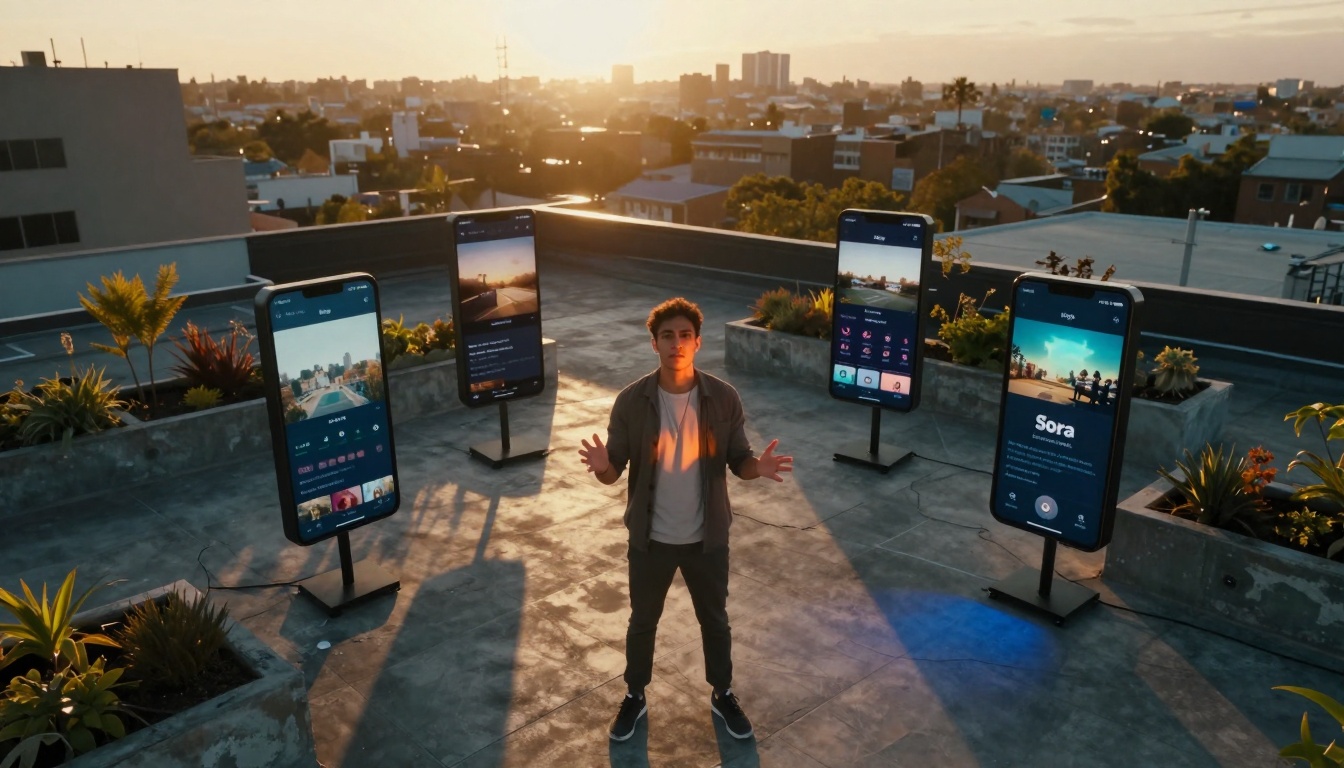
Every social media feed shows them: videos that explode overnight, racking up millions of views while you wonder how they did it. The secret isn't magic—it's AI. Tools like Kling v2.6, WAN-2.6-I2V, and Sora 2 Pro have changed what's possible. You can now create professional-looking videos without cameras, actors, or editing suites. This guide shows you exactly how to use these tools to make content that algorithms love and audiences share.
Why AI Changes Everything About Viral Content
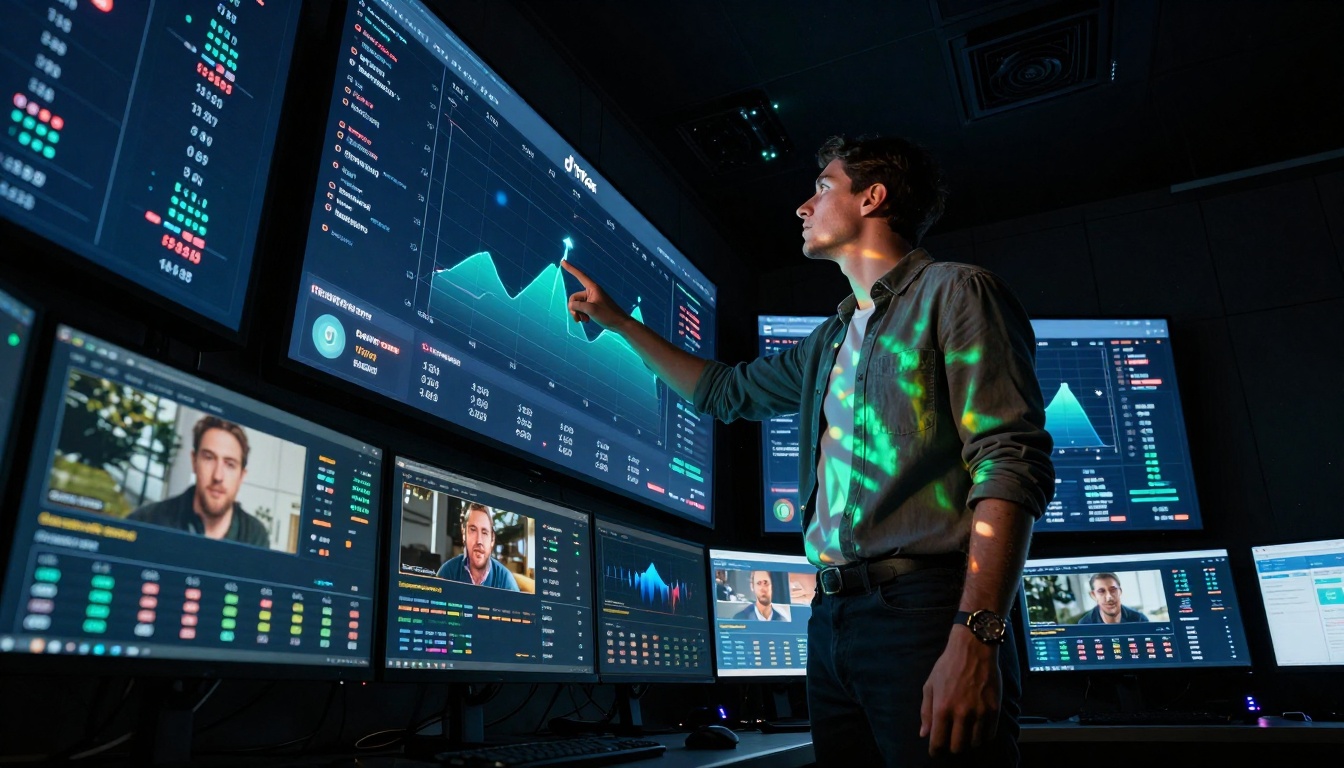
Traditional video production required teams, equipment, and time. AI removes those barriers. A single creator with a good prompt can now produce content that would have taken days to film and edit. The platforms know this—algorithms increasingly favor AI-generated content because it's consistent, engaging, and produced at scale.
💡 The 3-second rule: Platforms measure whether viewers watch past the first three seconds. AI videos can be engineered to hook viewers immediately with motion, contrast, or unexpected elements in those critical opening frames.
How algorithms prioritize AI-generated content
Platforms want content that keeps users engaged. AI videos often perform better because:
Consistent pacing: No awkward pauses or filler footage
Visual variety: Can include impossible camera movements
Predictable length: Exactly optimized for platform preferences
High production value: Looks professional without the cost
Cost comparison: Traditional vs AI video production
Aspect
Traditional Production
AI Production
Time per video
8-40 hours
5-30 minutes
Equipment cost
$5,000+ for basics
$0-$50/month
Team required
3-5 people minimum
1 person
Revision speed
Days to weeks
Minutes
Scalability
Limited by resources
Virtually unlimited
Consistency
Varies by shoot
Perfectly consistent
Choosing the Right AI Video Tools
Not all AI video tools work the same way. You need to match the tool to your content goals.
Example prompt for viral content:"A young woman laughing joyfully while walking through a vibrant flower market at golden hour, slow motion camera tracking alongside her, warm sunset lighting creating long shadows, cinematic photography style, vibrant colors, joyful atmosphere"
Common mistakes and how to avoid them
Too vague: "A person walking" → Be specific about who, where, how
Conflicting elements: "Bright sunny day with thunderstorm" → Keep conditions consistent
Overcomplicated: Multiple subjects doing different things → Focus on one clear action
Missing emotion: Add emotional cues like "joyfully," "determined," "curious"
How to Use WAN-2.6-I2V on PicassoIA
WAN-2.6-I2V transforms static images into dynamic videos. This is perfect for product demonstrations, transformation videos, and bringing illustrations to life.
Turning static images into dynamic videos
The key to success with WAN is starting with the right image:
High contrast: Images with clear light/shadow separation animate better
Simple composition: Avoid cluttered backgrounds
Clear subject: One main focal point works best
Good resolution: Minimum 1024px on the shortest side
Parameter optimization guide
Parameter
Recommended Setting
Effect
Motion strength
0.7-0.9
Controls how much movement happens
Consistency
0.8-0.95
Keeps the image recognizable
Duration
3-8 seconds
Short enough for platforms
Seed
Random
For variation testing
Upscale
Enabled
Better quality for final posts
Quality settings for different platforms
TikTok/Instagram Reels:
Duration: 3-7 seconds
Motion: Higher (0.8-0.9)
Focus: Strong opening movement
YouTube Shorts:
Duration: 8-15 seconds
Motion: Moderate (0.7-0.8)
Focus: Story progression
Twitter/X:
Duration: 3-6 seconds
Motion: High (0.85-0.95)
Focus: Immediate visual impact
How to Use Sora 2 Pro on PicassoIA
Sora 2 Pro represents the cutting edge of AI video generation. It handles complex scenes, character consistency, and sophisticated camera movements.
Advanced motion control techniques
Sora 2 Pro understands cinematic language. You can specify:
Camera movements: "dolly zoom," "crane shot," "handheld follow"
Focus effects: "rack focus," "shallow depth of field"
Camera movement specifications
Be specific about camera behavior:
Good:"Medium shot of a chef cooking, camera dollying slowly around the kitchen counter, maintaining focus on the chef's hands" Better:"Close-up on chef's hands chopping vegetables, camera tracking horizontally left to right at eye level, 35mm lens, shallow depth of field focusing on knife blade"
Character consistency across frames
Sora 2 Pro maintains character appearance better than most models, but you can help it:
Describe characters distinctly: "A woman with short red hair, freckles, wearing a blue apron"
Reference same character: Use "the same woman" in subsequent prompts
Maintain clothing: Specify outfit details that should remain consistent
Environmental anchors: Keep background elements the same for continuity
Viral Content Patterns That Work
Viral videos follow predictable patterns. AI lets you recreate these patterns consistently.
5 proven viral video templates
The Transformation
Before/after visual change
Satisfying completion
Clear improvement
Example: "Restoring old furniture with AI animation"
The Unexpected Twist
Setup normal situation
Sudden unexpected element
Surprise reaction
Example: "Normal walk interrupted by magical event"
The Emotional Journey
Start with problem
Struggle/solution shown
Emotional payoff
Example: "Overcoming challenge with help"
The Educational Hook
Present common misconception
Reveal truth visually
Simple takeaway
Example: "How X actually works"
The Satisfying Loop
Repetitive satisfying action
Perfect synchronization
ASMR elements
Example: "Perfectly timed domino effect"
Emotional triggers that drive shares
Different emotions drive different sharing behaviors:
Emotion
Sharing Motivation
Content Type
Awe/Wonder
"You have to see this"
Amazing visuals, impossible feats
Laughter
"This is too funny"
Humorous situations, unexpected comedy
Inspiration
"If they can, I can"
Overcoming challenges, skill demonstrations
Nostalgia
"Remember when?"
Retro aesthetics, childhood references
Curiosity
"How did they do that?"
Process reveals, behind-the-scenes
Validation
"This is so true"
Relatable situations, common experiences
Hook formulas for different platforms
TikTok (0-3 second hook):
Immediate movement/action
Text overlay with question
Sound cue synchronization
Visual contrast in first frame
YouTube Shorts (0-5 second hook):
Problem statement
Visual demonstration setup
Promise of solution
Branding consistency
Instagram Reels (0-4 second hook):
Trend sound identification
Visual matching to audio
Aesthetic consistency
Hashtag relevance
Platform-Specific Optimization
Each platform has different rules. What works on TikTok fails on YouTube Shorts.
TikTok: Sound strategy and vertical format
TikTok's algorithm heavily weights:
Sound usage: Original sounds perform better than popular ones
Completion rate: Videos watched to end get pushed more
Engagement velocity: Rapid likes/comments in first hour
Hashtag relevance: 3-5 specific hashtags beat 20 generic ones
Vertical format essentials:
9:16 aspect ratio
Text in safe zones (center, not edges)
Action flows top to bottom
Important elements in center third
YouTube Shorts: Hook placement and retention
YouTube Shorts prioritizes:
Watch time: Total minutes watched across all Shorts
Audio synchronization: Perfect timing with trending sounds
Visual aesthetics: Cohesive color palette and style
Hashtag strategy: Mix of broad and niche tags
Cross-posting: Share to Feed and Stories simultaneously
Trend participation:
Use trending audio within 48 hours of peak
Put unique spin on trend
Add value beyond imitation
Include relevant hashtags
Post-Production and Distribution
AI-generated videos often need finishing touches. The distribution strategy matters as much as the content quality.
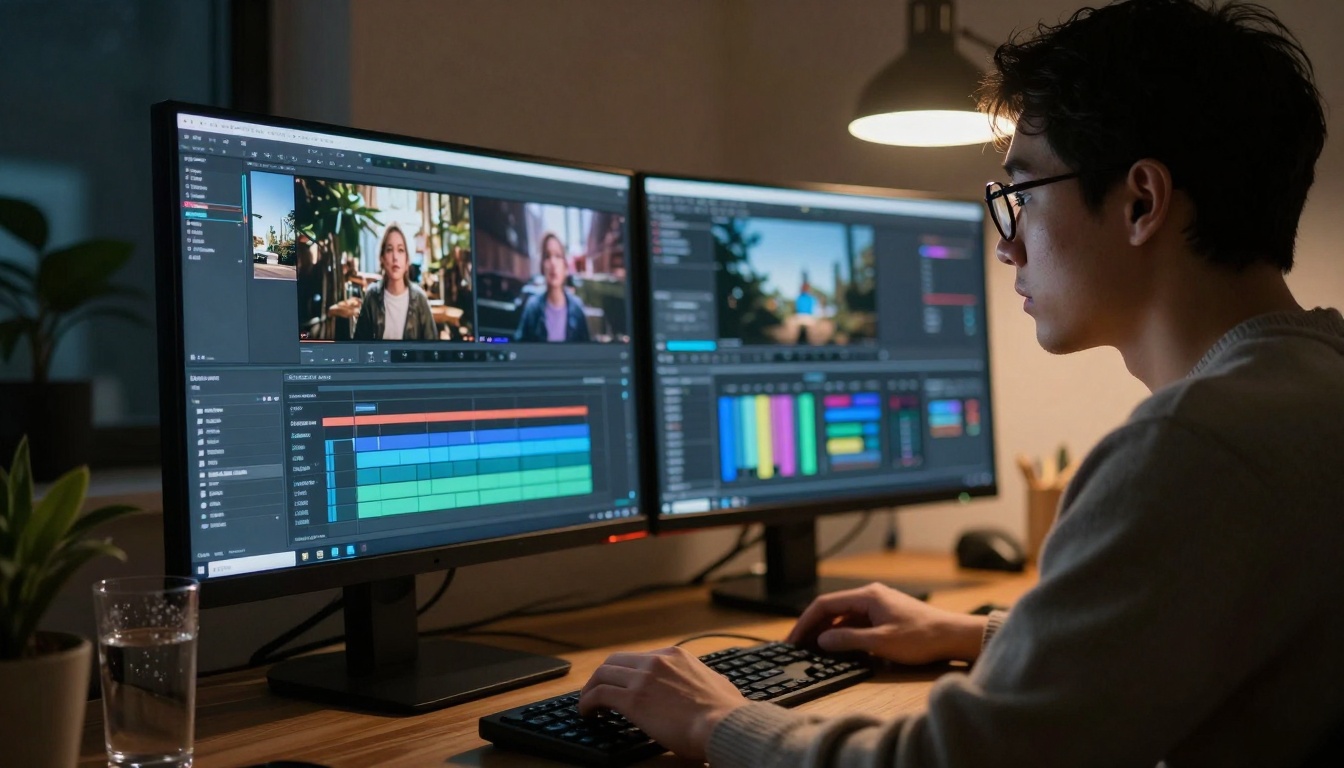
AI-powered editing tools
After generating with Kling, WAN, or Sora, consider:
Caption optimization:
AI caption generators (like CapCut's auto-caption)
Timing captions to audio/visual cues
Adding emphasis with text animations
Ensuring readability on small screens
Sound enhancement:
Adding subtle background music
Sound effects for emphasis
Voiceover for explanation
Audio mixing for clarity
Visual polishing:
Color grading for platform aesthetics
Adding platform-specific overlays
Creating custom thumbnails
Adding end screens/CTAs
Caption optimization for accessibility
Good captions help more people watch and improve SEO:
Accuracy: Match what's happening visually
Timing: Appear slightly before the action
Readability: Large, contrasting font
Brevity: One line at a time
Emphasis: Bold keywords for impact
Scheduling and cross-platform strategy
Optimal posting times (EST):
TikTok: 7-9 PM weekdays, 11 AM-2 PM weekends
YouTube Shorts: 12-4 PM daily
Instagram Reels: 9-11 AM, 7-9 PM
Twitter/X: 12-1 PM, 5-6 PM
Cross-platform workflow:
Generate base video with AI tool
Create platform-specific variations
Add platform-appropriate sounds/effects
Write platform-specific captions
Schedule using content calendar
Monitor performance across platforms
Double down on what works
Start Creating Your Viral Videos
The tools exist. The patterns are proven. What's stopping you from creating content that reaches millions? Kling v2.6 makes professional videos from text. WAN-2.6-I2V brings your images to life. Sora 2 Pro handles complex cinematic scenes.
Begin with one video today. Use the templates and formulas here. Test different emotional triggers. Track what resonates with your audience. The AI does the heavy lifting—you provide the creative direction. Your first viral video is a prompt away.