The free tier of AI image generation has changed dramatically. A couple of years ago, getting a convincing, aesthetically charged image from a free NSFW AI generator meant fighting with blurry outputs, censored results, and tools that seemed allergic to anything beyond fully clothed subjects. That's no longer the case. In 2027, the open-source ecosystem, combined with platforms that give free access to powerful models, means anyone with an internet connection can generate stunning, suggestive imagery without spending a dollar. The catch? You still need to know what you're doing. This article walks you through exactly that.
What NSFW AI Generation Actually Means
A lot of confusion exists around the term "NSFW AI." It gets used to describe everything from a beach photo in a bikini to fully explicit content, and platforms handle those two extremes very differently. Before you touch a single prompt field, it helps to be clear on the spectrum.
Suggestive vs Explicit Content
"NSFW" is not a single category. The term covers a wide range, and AI platforms enforce policies along that range with varying strictness. Most free-tier platforms in 2027 allow:
- Glamour photography: Bikini shots, lingerie, implied nudity
- Boudoir aesthetics: Artistic, tasteful, non-sexually explicit imagery
- Suggestive poses: Intimate framing without explicit nudity
What gets blocked or requires premium verification:
- Explicit sexual content: Any graphic depiction of sexual acts
- Real person approximations: Content designed to impersonate a specific individual
- Minors in any suggestive context: Zero tolerance, no exceptions
The sweet spot for free users is what photographers would call "artistic glamour." Think fashion editorial, Sports Illustrated, or high-end boudoir photography. That framing also produces the best aesthetic results, because photorealistic AI models were trained heavily on fashion and professional glamour work.
Why This Space Is Growing Fast
The numbers tell the story. Text-to-image models have improved their photorealism benchmarks by more than 300% over the past two years. At the same time, the cost of running inference has dropped so dramatically that platforms can offer meaningful free access. The result is a massive influx of users, many of whom have never used AI tools before, trying to figure out how to use a free NSFW AI generator without getting blocked or producing mediocre results.
💡 Tip: The best results don't come from searching for "NSFW mode." They come from writing excellent descriptive prompts and choosing the right model for the aesthetic you want.
The Best Free Models Right Now
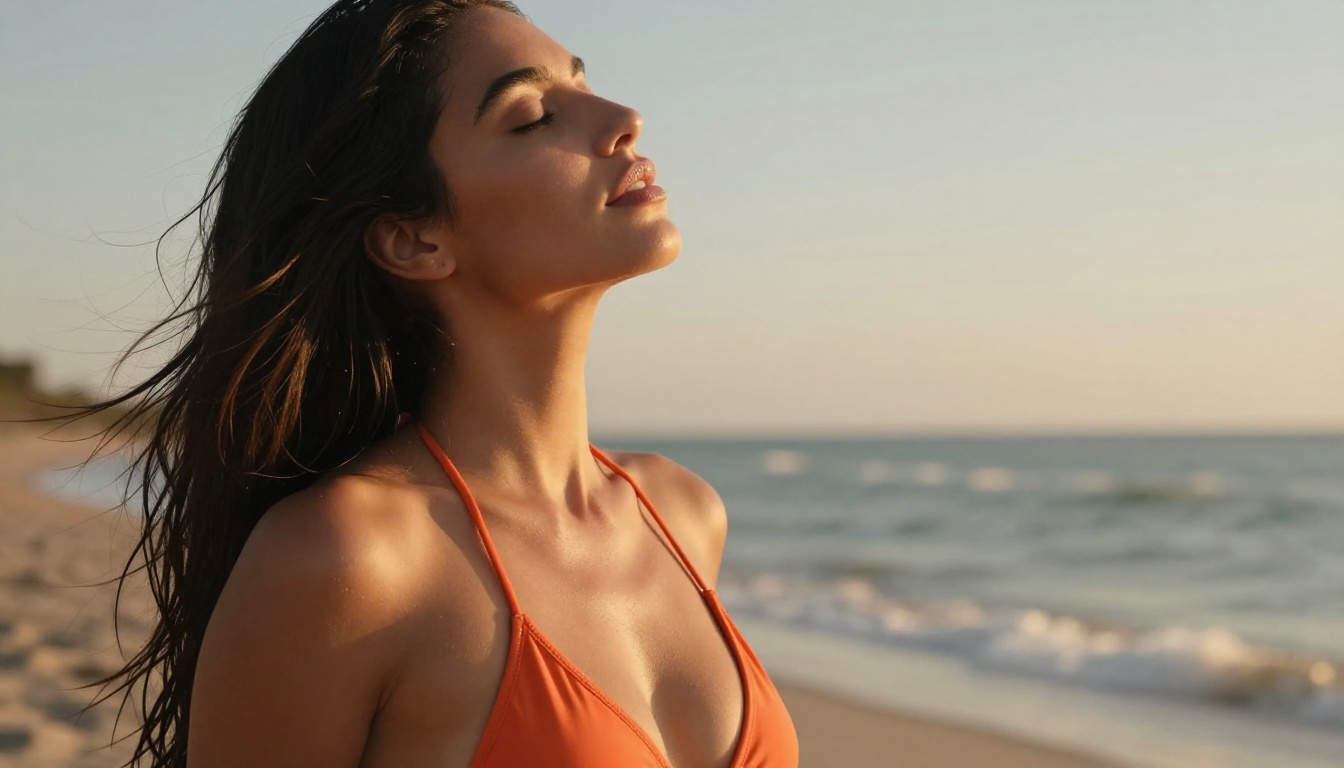
Not all AI models handle suggestive content with the same skill. Some produce plasticky, over-smoothed skin that immediately reads as artificial. Others nail the lighting but fail on anatomy. Here's a breakdown of what actually works in 2027.
Flux Models: The Current Standard
The Flux family from Black Forest Labs has become the default recommendation for anyone serious about photorealistic NSFW generation. Flux 1.1 Pro sits at the top: it handles skin texture, lighting gradients, and natural body proportions better than almost any competitor at this price point. If you want an image that could pass for a professional photograph, this is your starting point.
Flux Dev is the open-source variant, slightly slower but fully capable for glamour work. Flux Schnell is the speed-optimized version, ideal for iterating on prompts quickly before committing to a high-quality generation.
For the highest possible output quality, Flux 2 Pro and Flux 2 Max represent the state of the art. Both handle complex lighting scenarios and natural skin rendering with remarkable consistency.
| Model | Speed | Realism | Free Access |
|---|
| Flux 1.1 Pro | Medium | Excellent | Yes (limited) |
| Flux 2 Pro | Medium | Outstanding | Yes (limited) |
| Flux Schnell | Very Fast | Good | Yes |
| Flux Dev | Slow | Very Good | Yes |
Stable Diffusion Still Holds Up
Don't count out the Stable Diffusion lineage. Stable Diffusion 3.5 Large remains a powerhouse for fine-tuned aesthetic control. Its faster variant, Stable Diffusion 3.5 Large Turbo, cuts generation time without sacrificing too much quality.
SDXL still has a massive community of fine-tuned checkpoints built specifically for realistic human rendering. If you're working with LoRA fine-tunes through SDXL Multi ControlNet LoRA, you can achieve highly specific poses and body proportions through reference image control.
Realistic Vision v5.1 deserves a specific mention. Built on the SD foundation with photorealistic training data, it handles close-up skin texture and facial detail better than most models at any price tier.
Newer Challengers Worth Testing
DreamShaper XL Turbo has developed a loyal following for its ability to blend photorealism with a cinematic, slightly warm aesthetic that flatters human subjects. Ideogram v2 surprised many users with its anatomy consistency in full-body shots. And Flux 2 Dev, while newer, shows impressive results in complex lighting scenarios.
Writing Prompts That Actually Work
This is where most beginners fail. The model matters, but a bad prompt ruins even the best model. Here's how to write prompts that produce exactly what you're visualizing.
Anatomy of a Great NSFW Prompt
Every effective prompt for realistic NSFW AI generation follows a consistent structure:
- Subject description: Age range, body type, hair, skin tone, expression
- Clothing or state: Specific garment description (bikini type, lingerie cut, etc.)
- Pose and action: What the subject is doing, where they're looking
- Environment: Location, time of day, background elements
- Lighting specification: Source, direction, quality (soft, rim, backlit)
- Camera and lens: Focal length, aperture for depth of field
- Film stock or texture: Kodak Portra 400, Fuji 400H, grain level
- Quality modifiers: 8K, photorealistic, RAW photography, cinematic
Weak prompt:
"Beautiful woman in bikini on beach, photorealistic"
Strong prompt:
"A 25-year-old woman with tan skin and long dark hair, wearing a white string bikini, lying on white sand at sunset, arms above her head, eyes closed. Ocean waves in background. Golden hour backlight with sand reflection fill. Sony A7R V, 85mm f/1.4, shallow depth of field. Kodak Portra 400 grain, 8K RAW photography, cinematic composition"
The difference in output quality is dramatic. The second prompt gives the model every piece of visual context it needs to make decisions.
Style and Lighting Words That Matter
These specific descriptors consistently improve results across all major models:
Lighting terms:
volumetric golden hour light from leftsoft window light, no harsh shadowsrim lighting creating hair outlineovercast diffused natural light
Camera and lens terms:
85mm f/1.4 prime lens, bokeh background24mm wide angle, environmental context105mm macro, extreme skin detail
Realism enhancers:
Kodak Portra 400 film grainnatural skin texture, visible poresno digital smoothing, authentic RAW
5 Mistakes Most Beginners Make
1. Over-stacking NSFW adjectives
Piling up words like "sexy," "hot," or "seductive" rarely helps and often triggers content filters. Describe the scene visually, not emotionally. The model already knows what "string bikini at golden hour" looks like.
2. Ignoring the environment
"Woman in lingerie" produces a blank or generic background most of the time. Specify where she is. The setting anchors the image and gives the model spatial context for lighting.
3. Skipping camera specifications
Without focal length and aperture information, models default to generic wide-angle framing. An 85mm f/1.4 prompt immediately signals professional photography aesthetic.
4. Not iterating on results
Your first generation is a draft. Use it to identify what's wrong, adjust the prompt, and regenerate. Free platforms give you daily credits, so use that allowance deliberately.
5. Using the wrong model for your aesthetic
Flux models excel at photorealism. If you want a more cinematic, film-like quality, try DreamShaper XL Turbo. Match the model to the visual language you're after.
💡 Tip: Add photojournalistic, no editing, authentic RAW file to your prompt to suppress the artificial smoothing that makes AI images look fake.
How to Use Flux 1.1 Pro
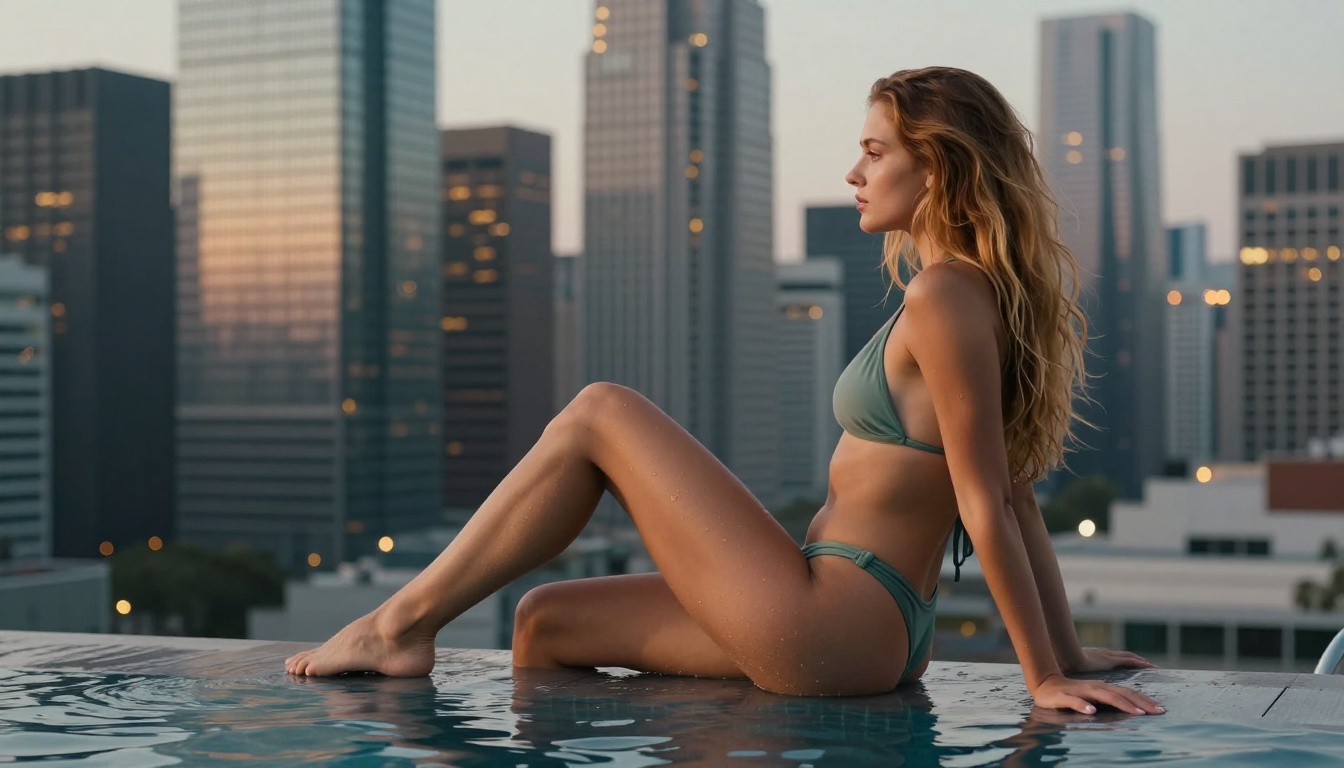
Flux 1.1 Pro is available directly on PicassoIA and is one of the most capable free-access models for glamour and suggestive photography. Here's how to get the best out of it.
Step by Step on PicassoIA
Step 1: Navigate to the Flux 1.1 Pro model page on PicassoIA.
Step 2: In the Prompt field, write a detailed description using the structure above. Include subject, clothing, environment, lighting, and camera specs. Aim for 80-120 words.
Step 3: Set Aspect Ratio to 16:9 for cinematic landscape compositions, or 2:3 for portrait and fashion shots.
Step 4: Set Steps to at least 28-35 for highest quality output. Lower step counts generate faster but sacrifice fine detail in skin and fabric.
Step 5: Use a Guidance Scale of 3.5-4.5. Too low and the model drifts from your prompt. Too high and it over-saturates colors and stiffens poses into something unnatural.
Step 6: Click Generate and review the output. If anatomy looks off, add correct anatomy, professional model posing to the prompt before regenerating.
Step 7: Download the image immediately if privacy matters. Free accounts on most platforms don't guarantee permanent cloud storage.
Parameter Settings for Best Results
| Parameter | Recommended Value | Effect |
|---|
| Steps | 28-35 | Sharpness and fine detail |
| Guidance Scale | 3.5-4.5 | Prompt adherence |
| Width x Height | 1344x768 | Cinematic 16:9 format |
| Seed | Random | Variety across generations |
💡 Tip: If your output has issues with hands or feet, add perfect hands, anatomically correct, professional model to the prompt. This is Flux's most common weakness on the free tier.
Free vs Paid: What You Actually Get
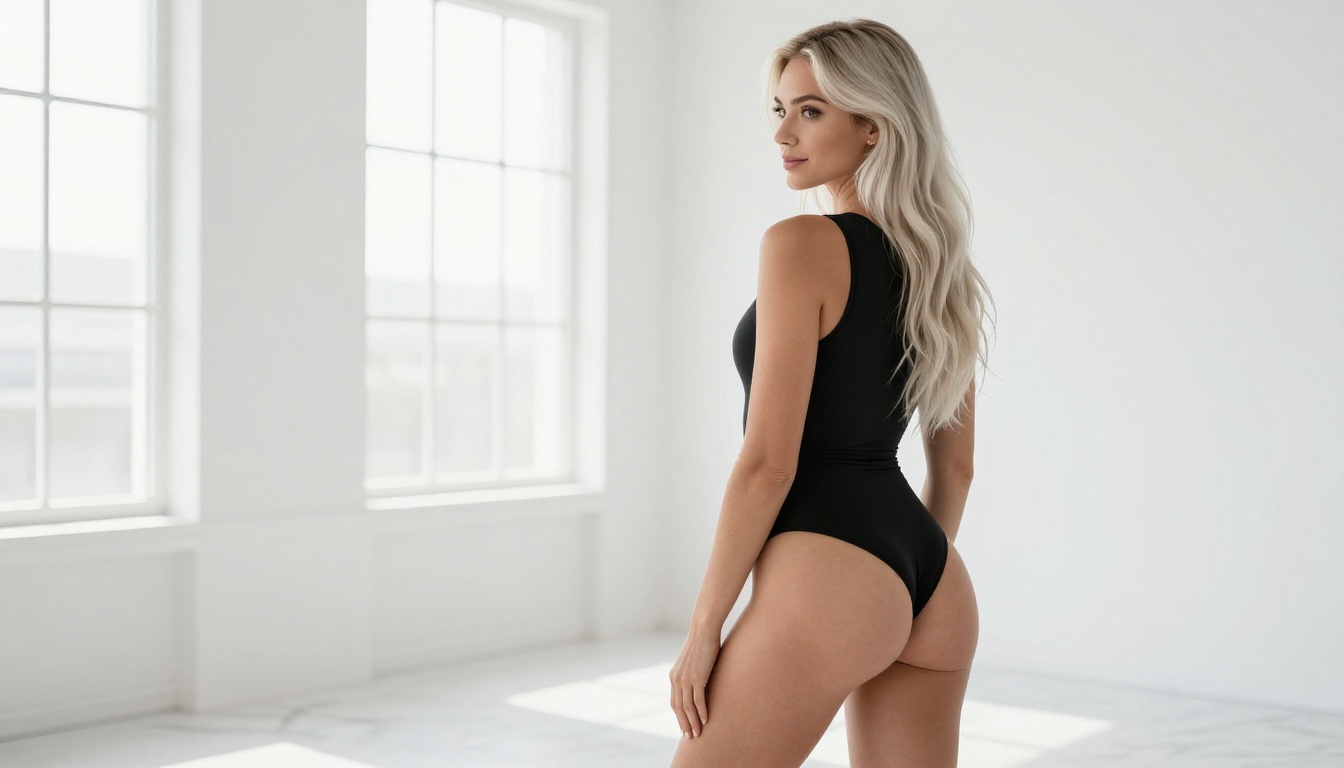
The free tier on most platforms in 2027 is genuinely useful. But understanding its limits saves frustration.
What Free Tiers Realistically Deliver
Most free plans include:
- Daily generation credits: Typically 10-30 images per day
- Standard resolution: 1024x576 to 1344x768
- Access to open-source models: Flux Dev, Flux Schnell, SDXL, Stable Diffusion
- Basic parameter control: Steps, guidance scale, aspect ratio
- Community queue: Generations may take 30-120 seconds during peak hours
What you don't get for free on most platforms:
- Priority queue: Paid users generate faster during peak hours
- Ultra-high resolution: 2048x1152 and above typically require credits
- Exclusive fine-tuned checkpoints: Some specialized models are paywalled
- Commercial license: Most free tiers restrict commercial use of outputs
For personal creative work, the free tier is sufficient for 90% of users. The main reasons to upgrade are speed and resolution, not raw capability.
When Upgrading Makes Sense
Consider upgrading when:
- You need more than 20-30 generations per day consistently
- Your projects require 4K or print-quality resolution
- You need commercial licensing for content you plan to publish or sell
- You want access to flagship models like Flux 2 Max without queue wait times
Even then, paid plans on PicassoIA are structured as credit bundles. You only pay for what you use, so there's no wasted monthly subscription fee.
Privacy and Legal Basics
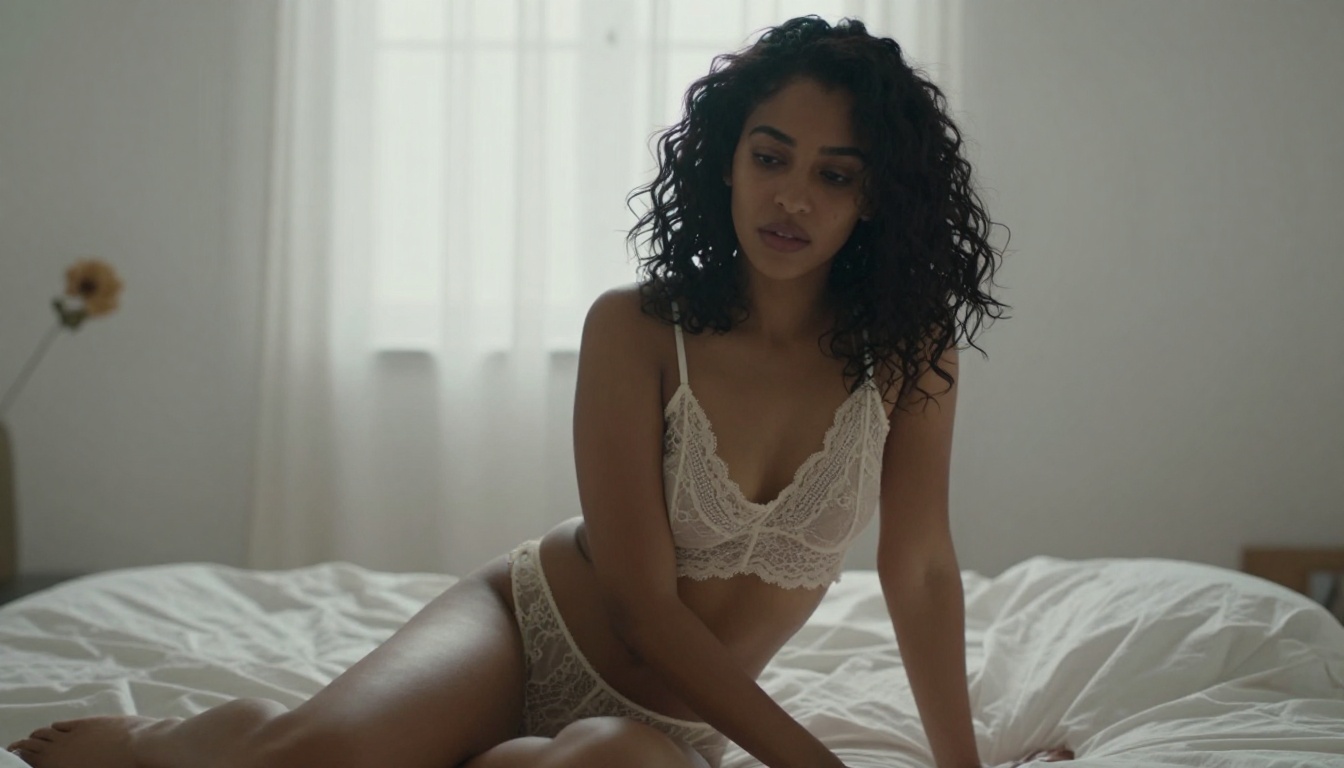
Using a free NSFW AI generator comes with responsibilities. The tools are powerful, and the legal landscape around AI-generated imagery is still forming in 2027.
Who Sees Your Generations
The basics, which most platforms are clear about in their privacy policies:
- Public galleries: Some platforms display all free-tier generations in a community feed. Check your settings and disable public display if privacy matters to you.
- Training data usage: Some platforms reserve the right to use your generations for future model training. Read the terms before generating anything sensitive.
- No permanent storage guarantee: Free tiers typically don't store images indefinitely. Download what you want to keep.
On PicassoIA, generations are private by default and not used for public display unless you explicitly opt in.
Content Policies in 2027
Every legitimate platform operates under content policies that prohibit:
- Explicit sexual content without age verification: Most free tiers are restricted to non-explicit NSFW
- Real person approximations: Using someone's likeness without consent
- Content involving minors: Absolute prohibition with no exceptions
- Violence, harmful content: Standard platform prohibitions
Working within these guidelines is not a creative limitation. It's what keeps these tools publicly available. The glamour and artistic space is wide enough to produce compelling, beautiful work without approaching those boundaries.
💡 Tip: If your generation gets blocked, don't try to circumvent the filter. Rephrase your prompt to be more visually descriptive and less loaded. "Woman in minimal swimwear at sunset, professional photography" will pass where over-loaded phrasing won't.
The Numbers Behind the Quality
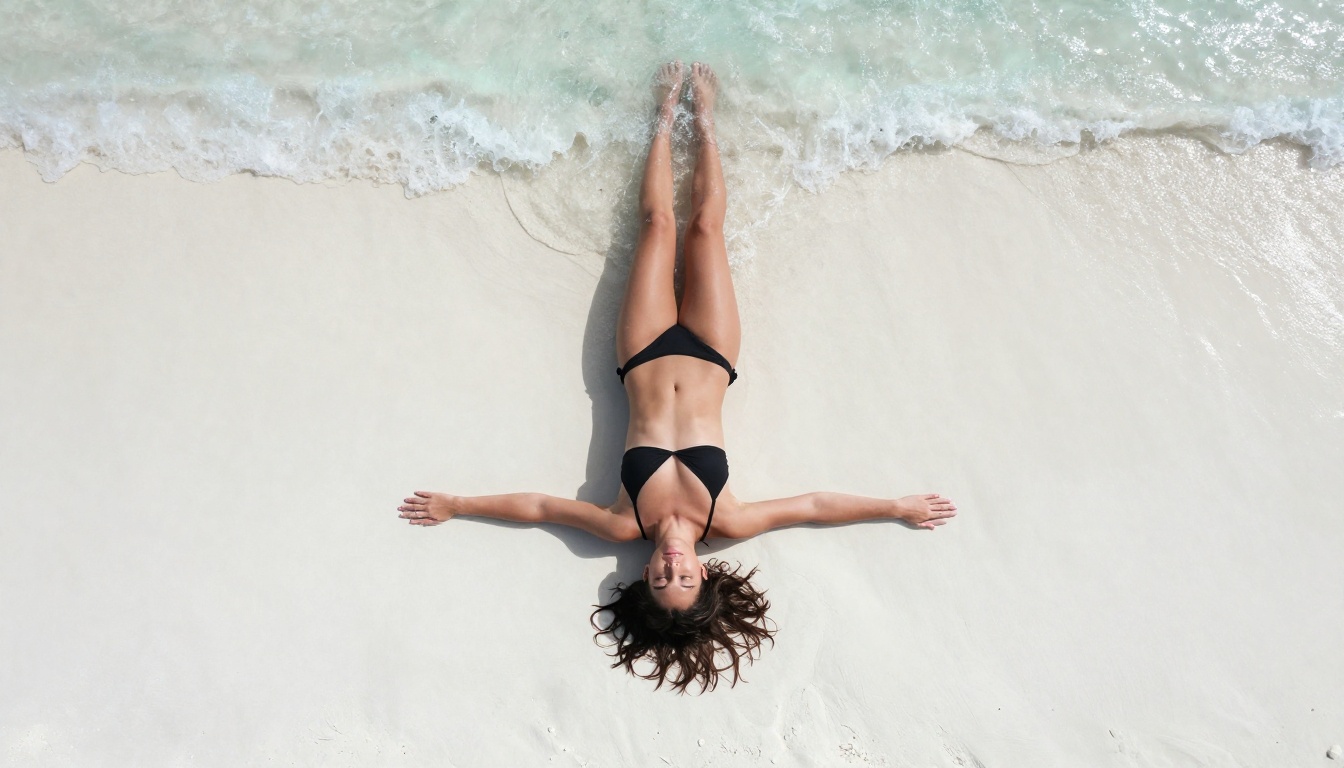
Understanding what these models are actually doing helps you use them more deliberately.
How Photorealism Actually Works
Modern NSFW AI generators use diffusion models. They start with random noise and gradually refine it toward your description using billions of learned associations from training data. The photorealistic capability isn't a special mode. It's the result of training on diverse human imagery including professional photography, fashion editorial, and artistic work.
The best models for human subjects score highly on two metrics:
- FID (Frechet Inception Distance): Measures how realistic generated images look compared to real photographs. Lower is better.
- CLIP Score: Measures how closely the output matches the text prompt. Higher is better.
Flux 1.1 Pro achieves near-parity with professional photography on both metrics for human subjects, which is why it's the dominant recommendation in 2027.
Why Some Models Fail on Bodies
The failure mode for human body generation usually comes from one of three sources:
- Training data bias: Models trained heavily on clothed subjects struggle with skin transitions and exposed anatomy
- Attention mechanism limits: Transformers can lose track of body part relationships at complex angles
- Guidance scale misconfiguration: Too-high CFG forces the model into over-saturated, stylized territory instead of photorealism
All three can be partially corrected through prompt engineering and parameter tuning, which is why the parameter table earlier in this article matters more than most beginners realize.
Start Creating Your Own Images
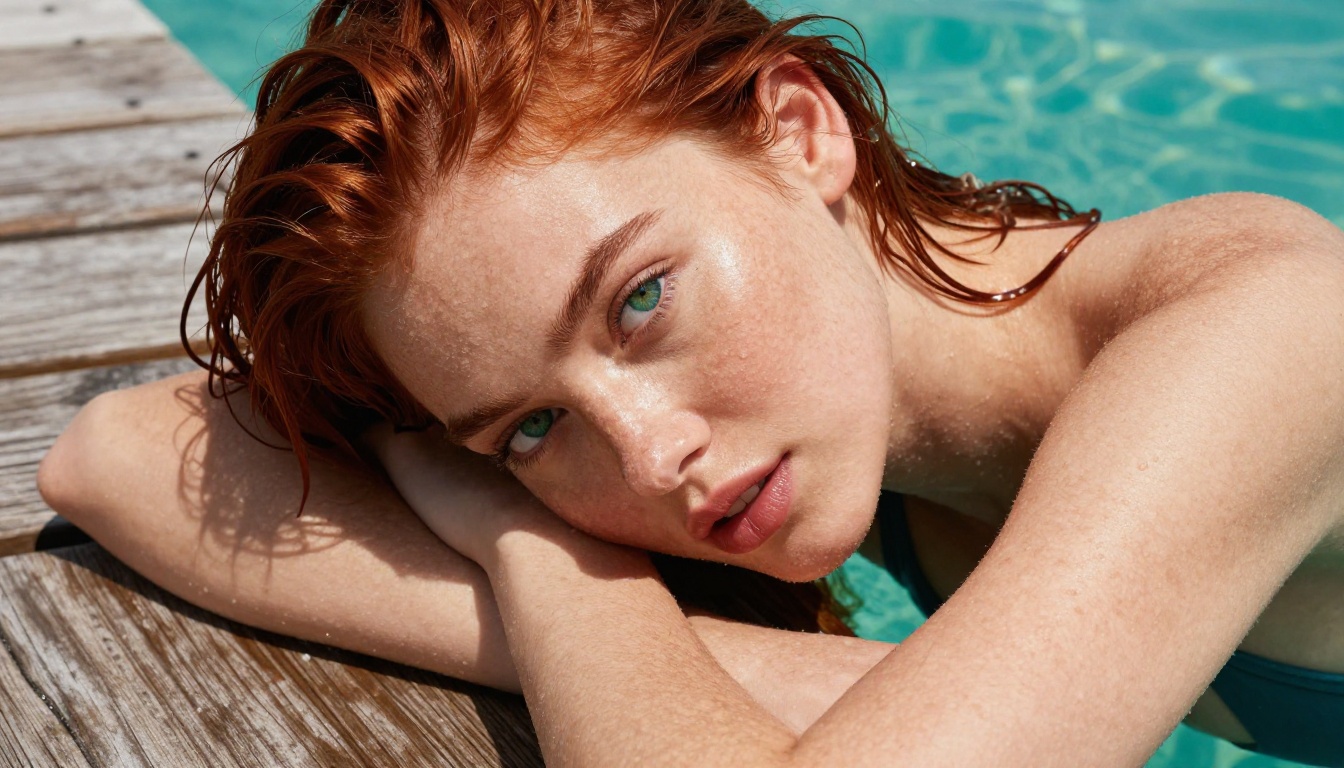
The best way to get good at this is to start. Pick one model, write a detailed prompt using the structure from this article, and generate. Study what works and what doesn't. Adjust the lighting description. Try a different focal length. Move the subject to a new location.
PicassoIA gives you access to over 91 text-to-image models from a single interface, including Flux 1.1 Pro, Flux 2 Pro, Realistic Vision v5.1, and Stable Diffusion 3.5 Large. The free tier is real, not a limited demo. You can generate dozens of images per day without entering a credit card.
If you want maximum pose control over the final result, try SDXL Multi ControlNet LoRA to guide body position through reference images, or Flux Dev LoRA to apply specific aesthetic styles to any generation.
The craft of writing good AI prompts for suggestive imagery is learnable, and the ceiling of what free tools can produce in 2027 is remarkably high. You don't need expensive software, specialized hardware, or design experience. You need a well-written prompt and the right model. Both of those are right here.


