How to Use GPT Image 1.5 to Create Social Media Content That Stops the Scroll
Social media has never been more visually competitive. This article breaks down exactly how to use GPT Image 1.5 to produce high-quality, platform-ready images for Instagram, TikTok, LinkedIn, and beyond — with real prompt strategies, workflow tips, and step-by-step instructions for content creators and marketers.
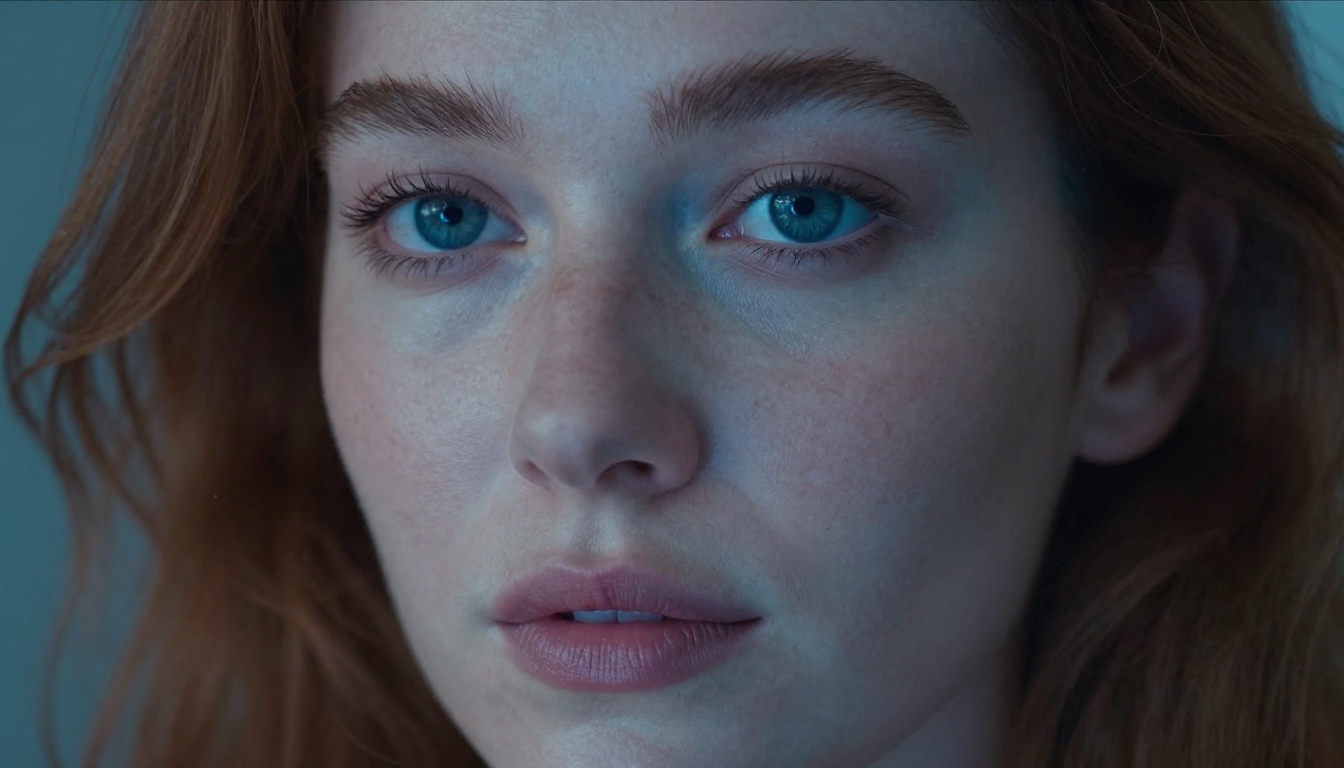
The feed doesn't slow down for anyone. Every day, thousands of brands and creators publish visual content competing for the same split-second of attention — and most of it gets scrolled past without a second thought. The difference between a post that stops the thumb and one that vanishes into the void is almost always the image. That's exactly where GPT Image 1.5 changes the equation.
GPT Image 1.5 is OpenAI's most capable text-to-image model yet, built to produce photorealistic, prompt-accurate visuals from a single text description. For social media creators, marketers, and brand managers, it represents a serious shift in how fast you can go from idea to publish-ready asset — no photography studio, no expensive designer, no stock photo subscription required.
This article walks you through exactly how to use GPT Image 1.5 to create social media content that actually performs — from what makes the model tick, to platform-specific prompt strategies, to running a full content creation workflow inside PicassoIA.
What GPT Image 1.5 Actually Does
The model behind the result
GPT Image 1.5 is a text-to-image model developed by OpenAI. What sets it apart from earlier generations isn't just resolution or aesthetic quality — it's prompt comprehension. The model processes nuanced, complex descriptions with significantly less distortion and semantic drift than previous versions.
In practical terms, this means you can write a prompt like "a close-up of a woman's hands holding a smartphone in a sunlit cafe with warm bokeh background, photorealistic, 8K" and get something that matches that description precisely — not a hallucinated approximation of it. For social media workflows, that matters enormously. When you're maintaining a consistent visual style across 30 posts in a content calendar, you need a model that executes your creative intent reliably, not one that surprises you every generation.
The model also handles instruction-following for complex scenes — multiple subjects, layered lighting conditions, specific environmental details — with a fidelity that was previously reserved for much slower, more expensive production pipelines.
Why it fits social media
GPT Image 1.5 excels at the types of images that perform across social platforms:
Lifestyle photography — authentic-feeling scenes with real human subjects in relatable environments
Product-adjacent imagery — objects and settings that suggest a brand without being heavy-handed
Emotional storytelling — images that carry a mood, a feeling, or a narrative in a single frame
Platform-native outputs — supports 16:9, 1:1, and 9:16 aspect ratios for every major platform format
💡 Tip: The model is particularly strong at relational scenes — two people interacting, a person in an environment, a subject reacting to something. These are statistically the highest-performing content categories on Instagram and Facebook for organic reach.
How to Access GPT Image 1.5 on PicassoIA
Finding the model
PicassoIA gives you direct access to GPT Image 1.5 alongside dozens of other cutting-edge image models — no API setup, no billing configuration, no local installation. The platform is built for people who want to create, not configure.
To get started:
Go to picassoia.com and sign in or create an account
Navigate to Collection > Text to Image
Search for GPT Image 1.5 or browse to the OpenAI section
Type your prompt in the input field and select your aspect ratio
Hit generate — your image is produced and ready to download
The interface is intentionally minimal. The creative work lives entirely in your prompt.
Your first prompt
Don't overthink the first generation. Start simple to calibrate the model's behavior:
A woman in her thirties sipping coffee at a window seat in a cozy cafe,
morning light, photorealistic, 8K
Run it. See what you get. Then layer in specifics — clothing details, lighting direction, camera angle, background props — until the output matches your creative vision. GPT Image 1.5 responds directly to specificity. The more precise your description, the sharper the result.
Platform-by-Platform Prompt Strategy
Instagram posts and stories
Instagram rewards visual clarity, emotional warmth, and aspirational framing. The images that perform best feel real but elevated — as if a skilled photographer happened to capture an authentic moment.
Prompt principles for Instagram:
Specify warm natural lighting — golden hour, window light, soft morning sun
Include human subjects whenever your content strategy allows it; faces drive saves and shares
Use shallow depth of field to create that editorial, premium feel
Request Kodak Portra 400 or film grain to avoid the over-processed AI look that followers have learned to dismiss
Example Instagram prompt:
A relaxed young woman in a white linen shirt reading a book on a sun-drenched balcony with Mediterranean tiles, golden afternoon light from the left, shallow depth of field, Hasselblad medium format look, photorealistic 8K, Kodak Portra 400 film grain
For Stories and Reels covers, switch your aspect ratio to 9:16 and ensure your subject is centered vertically with breathing room above and below for overlaid text.
TikTok thumbnails and covers
TikTok's algorithm surfaces content partly based on visual click-through from the For You page. Your thumbnail is your ad. The TikTok visual language is bolder, higher contrast, and more immediate than Instagram's softness. Faces dominate. Emotion needs to be legible at a glance.
Prompt principles for TikTok:
Request front-facing or three-quarter face shots with clear eye contact toward camera
Use strong directional lighting — overhead ring light look, dramatic side shadows
Keep backgrounds simple or softly blurred so the subject commands full attention immediately
Example TikTok thumbnail prompt:
A woman in her mid-twenties making direct eye contact with the camera, bright expressive smile, strong overhead studio lighting, clean light background, photorealistic portrait, 8K, tight shoulder-up crop
LinkedIn visuals
LinkedIn content performs best with imagery that communicates credibility, professionalism, and human connection. The aesthetic is documentary rather than aspirational — think editorial magazine over Instagram lifestyle.
Prompt principles for LinkedIn:
Favor professional settings — offices, conference rooms, co-working spaces with natural light
Use business casual or smart dress for human subjects — approachable but polished
Specify clean, uncluttered environments that don't distract from the subject
Warm, natural available light outperforms studio setups; it reads as authentic
Example LinkedIn prompt:
Two professionals in a bright modern office reviewing documents on a tablet together, warm afternoon window light from the right, Canon 50mm f/1.8 look, photorealistic, documentary style, 8K
💡 Tip: LinkedIn article header images at 16:9 ratio consistently outperform square posts in click-through rate. Always generate at 16:9 for link share posts.
Writing Prompts That Actually Work
The anatomy of a strong prompt
The gap between mediocre and exceptional AI-generated images is almost always in the prompt construction. Here's the structure that consistently produces social-media-ready results with GPT Image 1.5:
Element
What to Include
Example
Subject
Who or what is in the scene
A woman in her late twenties
Action / Pose
What they're doing
sitting cross-legged on a rooftop
Environment
Where the scene takes place
modern city rooftop terrace at golden hour
Lighting
Direction, quality, and source
backlit warm rim light from behind
Camera
Lens, focal length, depth of field
Fujifilm GFX 100S, 63mm f/2.8
Style
Film emulation, look, mood
Fuji Velvia film simulation, warm tones
Quality
Resolution and output format
photorealistic 8K RAW
Every strong prompt hits at least 5 of these 7 elements. Missing lighting or camera specs is where most amateur AI prompts fall apart — the model defaults to generic setups that produce flat, unremarkable images.
5 prompt templates you can steal
These are battle-tested prompt structures for the most common social media content categories:
[Product] placed on [surface/setting], [surrounding props], [lighting direction], product photography, [camera spec], RAW 8K
5. Brand Story
[Person descriptor] at [work setting] doing [relevant task], [environmental details], documentary photography style, [natural light description], 8K RAW
Save these templates in a working document and fill in the brackets for each piece of content you need to produce. It takes under two minutes per image brief.
Brand Consistency Across Posts
Maintaining a visual style
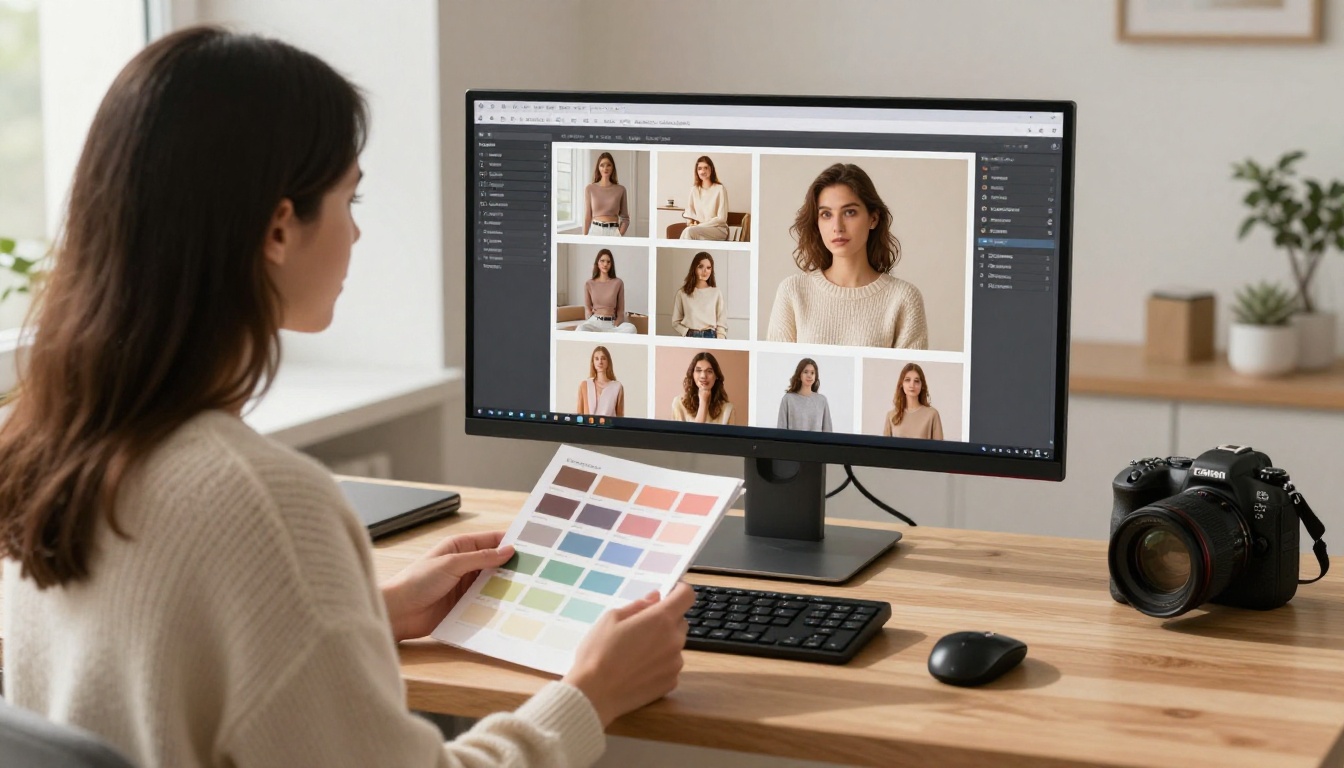
One of the most underused advantages of AI image generation for social media is the ability to produce a stylistically consistent set of images in a single session. Traditional photography requires reshoots, matched lighting conditions, and the same photographer keeping consistent color temperature session to session. AI removes that dependency entirely.
With GPT Image 1.5, you define the visual system once in your prompt and replicate it across every image in your content calendar.
Build a style anchor phrase — a consistent string of technical and aesthetic descriptors you append to every prompt for a given brand or campaign:
...warm afternoon window light from the left, Canon EOS R5 85mm f/1.4 look,
Kodak Portra 400 color grade, photorealistic 8K RAW
Append this to every prompt you generate for that brand. The outputs will share a consistent color temperature, grain character, and depth of field that makes your feed look intentionally curated, not randomly assembled.
Color, tone, and mood
Social platforms algorithmically surface content with higher interaction rates — and research consistently shows that color-cohesive feeds drive stronger follower retention. This isn't just a design principle; it's a growth metric with measurable impact.
Three approaches to color consistency with AI-generated social media images:
Film emulation: Specifying the same film stock across prompts — Kodak Portra 400, Fuji Velvia, Ilford HP5 — creates natural tonal consistency without manual color grading
Lighting direction: Always specifying the same light position (e.g., "morning light from the upper left") bakes in consistent shadow direction and warmth
Background palette: Anchoring every scene to the same tonal range — warm neutrals, cool grays, earthy tones — keeps the visual grid harmonious when viewed together
GPT Image 1.5 vs. Other Models on PicassoIA
The real differences that matter
PicassoIA gives you access to a deep catalog of text-to-image models, and different models genuinely perform better for different content types. Here's how GPT Image 1.5 stacks up against other top options for social media work:
The practical rule: For any social media content requiring believable human subjects, real-world environments, or complex multi-element scenes — GPT Image 1.5 is the strongest choice on the platform. For rapid iteration or high-volume draft production, Flux 2 Pro or Flux Schnell will give you fast throughput you can then refine with GPT Image 1.5 on the final selects.
Real-World Workflow for Content Creators
From content brief to published post
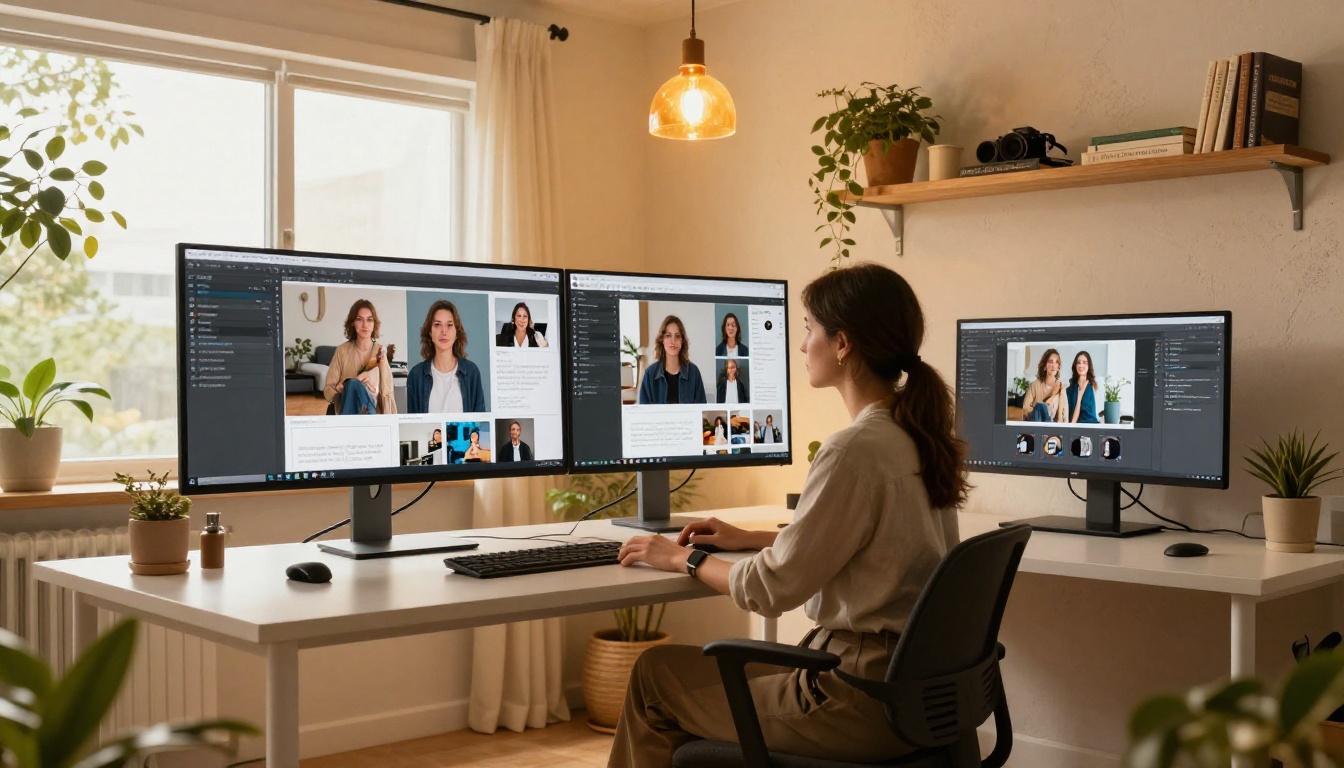
Here's the exact workflow a solo content creator or small marketing team should follow to produce a full week of social media visuals with GPT Image 1.5 in under two hours:
Step 1 — Define your visual system
Before generating a single image, write your style anchor phrase. Decide on a dominant color palette, preferred lighting condition, and camera aesthetic for the week's content. Write it down as a reusable string.
Step 2 — Map content to platform
List every post you need — Instagram feed, Stories, LinkedIn article header, TikTok thumbnail. Note the required aspect ratio and primary subject for each one.
Step 3 — Write prompts in batches
Use the template structure above. Write all prompts before you start generating — this keeps you in creative thinking mode rather than switching back and forth between writing and clicking.
Step 4 — Generate on PicassoIA
Open GPT Image 1.5 on PicassoIA, paste each prompt, select the correct aspect ratio, and generate. If a result doesn't match expectations, identify the weakest described element — usually lighting or subject specifics — add detail, and regenerate.
Step 5 — Quality check
Apply a three-point filter to every output:
Does the subject look believable? (no distorted anatomy, correct proportions)
Does the lighting feel natural and directional?
Does this match the brand's established color and tone?
Step 6 — Export and schedule
Download at full resolution and drop directly into your scheduling tool — Later, Buffer, Metricool, or similar. Add captions and post.
💡 Tip: Generate 2–3 variants of each prompt and pick the strongest one. The incremental time is minimal, and you'll almost always find a better image among three options than any single generation alone.
Create Your First Post Right Now
Everything in this article — the prompt structure, the platform-specific strategies, the six-step workflow — is immediately actionable. The only thing standing between you and a week's worth of professional social media visuals is a few well-constructed prompts and about two hours.
GPT Image 1.5 is available right now on PicassoIA. No software to install. No complicated setup. Open the model, paste your prompt, and see what the most capable OpenAI image model yet does with your creative brief.
Start with a single image for your next post. Use the template structure. Append your style anchor phrase. Generate three variants and pick the best one.
Once you see how precisely GPT Image 1.5 translates a detailed description into a scroll-stopping visual, the way you think about content production shifts permanently. The bottleneck in your social media strategy is no longer the image — it's the idea.