Short video content drives more engagement than any other format online, yet producing it at scale has always required equipment, editing skill, and time that most creators simply don't have. Hailuo 2.3 from MiniMax changes that. It takes a single text prompt and outputs a cinematic video clip in seconds, with motion quality and visual fidelity that puts earlier text-to-video tools to shame. Here's everything you need to start using it.
What Hailuo 2.3 Actually Does

Hailuo 2.3 is a text-to-video AI model developed by MiniMax. You write a description of a scene, the model interprets it, and it generates a video clip, typically 5 to 10 seconds long, with realistic motion, proper lighting physics, and spatial coherence between frames.
More than just moving images
The critical improvement in version 2.3 over its predecessors is motion coherence. Earlier models produced clips that looked like animation loops or image sequences with flickering transitions. Hailuo 2.3 generates motion that behaves the way real footage does: camera movements are smooth, subjects move with physics-accurate weight, and the lighting doesn't arbitrarily shift between frames.
It handles a wide range of scene types: outdoor landscapes, indoor environments, person-forward clips, abstract atmospheric footage, and product-adjacent scenes. The model is trained on cinematic references, which shows in how it interprets compositional cues in your prompt.
Text to video, not text to slideshow
Where some models produce something closer to a photo with a slight shimmer applied, Hailuo 2.3 generates actual motion. Wind through trees moves branches. Water flows. Camera paths glide. A walking figure has body mechanics that read as plausible. That distinction matters enormously for short-form content, where five static seconds will lose a viewer instantly.
💡 Tip: The model responds particularly well to prompts that specify camera movement. Phrases like "slow push in," "arc around," or "tracking shot" will trigger cinematic camera behavior.
Hailuo 2.3 vs. Hailuo 02

If you've used Hailuo 02 before, you already know MiniMax produces quality outputs. Version 2.3 pushes that further on several dimensions:
| Feature | Hailuo 02 | Hailuo 2.3 |
|---|
| Motion coherence | Good | Significantly improved |
| Prompt sensitivity | Moderate | High |
| Cinematic camera behavior | Basic | Advanced |
| Lighting realism | Flat to moderate | Volumetric, directional |
| Short-form optimization | General | Optimized |
When to choose which version
Use Hailuo 02 when speed is the priority and you're generating a large number of test clips. Use Hailuo 2.3 when the quality of the final output is the deciding factor. There's also Hailuo 2.3 Fast, which gives you most of the quality at faster generation times, making it useful for iteration passes before you commit to a final render.
Prompts That Produce Real Results

The quality of your output depends almost entirely on the quality of your prompt. Hailuo 2.3 is sensitive to language, which means a precise prompt produces a precise result. A vague prompt produces a random guess.
The anatomy of a strong prompt
A well-structured prompt for Hailuo 2.3 contains four elements, in roughly this order:
- Subject: What is in the frame? Who or what are we looking at?
- Action: What is the subject doing? What is moving?
- Environment: Where does this take place? What does the background look like?
- Cinematography: How is the camera positioned and moving?
Strong example: "A woman in a linen dress walks slowly through a sun-drenched lavender field, arms slightly open, camera following behind in a low tracking shot, golden afternoon light from the right"
Weak example: "A woman in a field"
The weak version will generate something technically functional. The strong version will generate footage that could pass as a brand campaign.
Prompts to avoid
Some inputs consistently produce poor results with Hailuo 2.3:
- Overly abstract instructions ("show the feeling of loss"): The model can't map emotion without visual anchors. Add what that looks like visually.
- Too many subjects: More than two distinct focal subjects creates compositional confusion.
- Conflicting lighting cues: "Bright sunshine" and "moody dramatic shadows" in the same prompt produce inconsistent outputs.
- Text-in-video requests: The model is not optimized for legible in-frame text.
💡 Tip: Treat your prompt like a cinematographer's note to a camera operator. Specific and visual beats vague and emotional every time.
How to Use Hailuo 2.3 on PicassoIA

Hailuo 2.3 is available directly on PicassoIA without any API setup or technical configuration. Here's the exact sequence to generate your first clip:
Step 1: Go to the model page
Navigate to the Hailuo 2.3 page on PicassoIA. You'll see the input field and parameter controls on the left, with the output preview area on the right.
Step 2: Write your prompt
Type your scene description in the text input. Use the four-element structure from the previous section: subject, action, environment, cinematography. Keep it under 150 words. The model processes longer prompts but accuracy can drop past a certain density of information.
Step 3: Set your parameters
The main parameters to adjust before generating:
- Duration: 5 or 10 seconds. For social media short clips, 5 seconds is often the right call since you can loop them cleanly.
- Aspect ratio: 16:9 for horizontal content, 9:16 for vertical formats like Reels or TikTok. Match this to your distribution platform before generating.
- Seed: Leave random for first runs. Fix the seed when you find an output you like and want to iterate on it with a slightly adjusted prompt.
Step 4: Generate and download
Click generate. Generation takes between 30 seconds and 2 minutes depending on server load. Once your clip is ready, preview it in the interface and download the MP4 directly. The file is ready to use in any video editor or publish directly to your platform without additional conversion.
💡 Tip: If your first output doesn't nail the motion you wanted, adjust a single element of your prompt rather than rewriting it entirely. Isolating the variable makes iteration much faster and cheaper.
3 Mistakes That Kill Your Clips
Most failed outputs with Hailuo 2.3 come from the same handful of errors. Here are the ones worth watching for:
1. Ignoring the aspect ratio setting
Generating in 16:9 and posting to a vertical platform crops the footage in ways that often cut off the main subject. Always set aspect ratio before generating, not after. There is no clean way to reformat a generated clip without visible quality loss along the new edges.
2. Using cinematic synonyms instead of cinematic instructions
"Epic" and "cinematic" are adjectives, not instructions. They produce inconsistent results because they give the model nothing specific to execute. Replace them with concrete camera language: "wide angle lens, 24mm, slow push in from left to center" tells the model exactly what you want and delivers it reliably.
3. Prompting for motion that isn't plausible at the clip length
Asking for a character to run across a field, stop, turn, look at the camera, and smile is five separate beats. A 5-second clip has room for one motion arc executed cleanly. Constrain your prompt to a single action and the execution will be sharper and more deliberate.

Hailuo 2.3 performs better on some content types than others. These formats consistently produce strong results:
Landscape and nature scenes
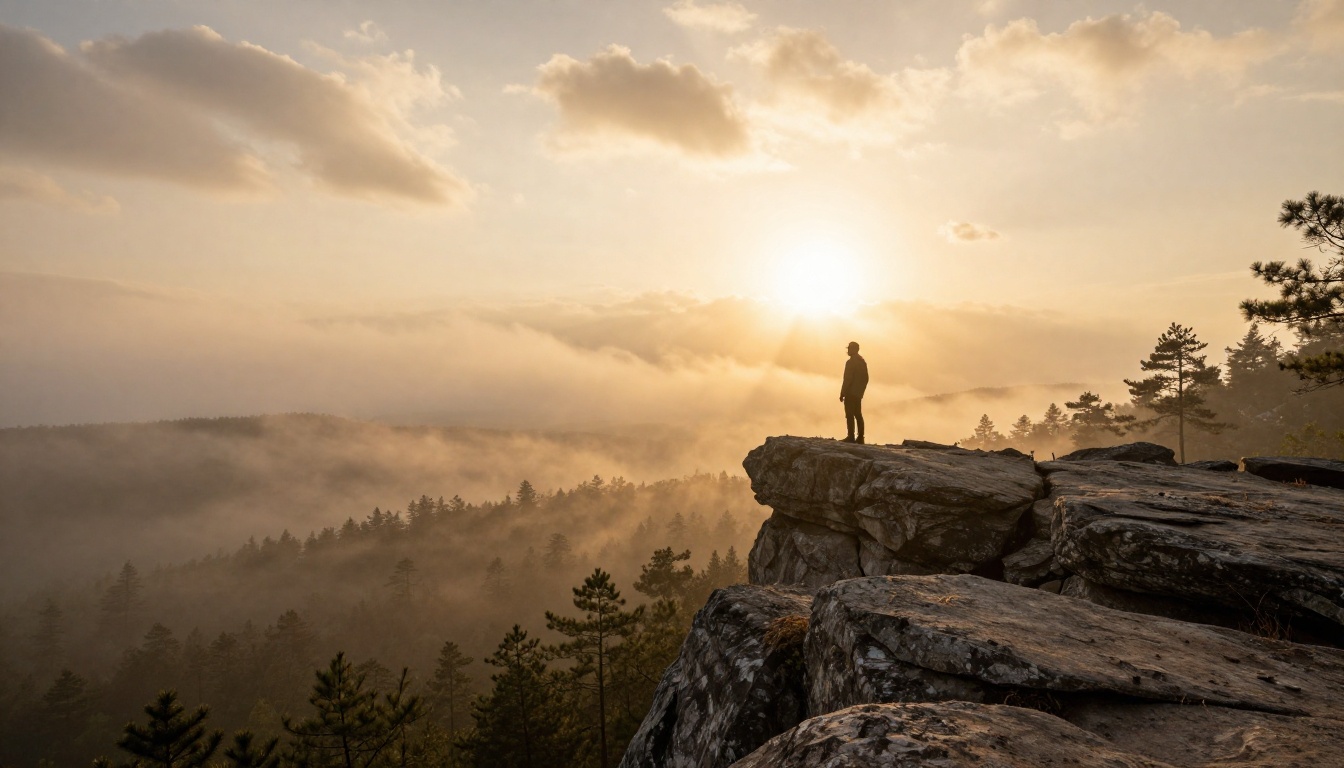
Aerial clips, coastal footage, forest light, open fields in golden hour. The model handles environmental motion including wind, light shifts, and flowing water with high fidelity. These clips work well as background footage, intro loops, or standalone atmospheric content for social channels.
Character-forward clips
A single person in a defined environment with a clear motion: walking, sitting, turning, looking. Keep facial close-ups to secondary positions rather than primary focus, since the model renders faces more reliably at mid-shot distance than at extreme close range.
Abstract and atmospheric footage
Fog through pine trees, rain on a window, light moving across a surface. The model handles these beautifully because there's no rigid correctness to evaluate against. The output has texture and mood without demanding anatomical accuracy from the generation process.
What to avoid building a format around
Fast-cutting action sequences, crowd scenes, and anything requiring synchronized lip movement are consistently the weakest output categories for Hailuo 2.3. For lip-synced avatar video, Video Agent by HeyGen handles that use case substantially better.
Other AI Video Models Worth Trying
Hailuo 2.3 covers a lot of ground but it isn't the only strong option. Depending on your specific use case, these models are worth keeping in your rotation on PicassoIA:
A two-model workflow that works
Many experienced creators use a paired approach: Hailuo 2.3 Fast for rapid iteration to find the prompt structure that works, then Hailuo 2.3 for the final quality render once the scene direction is confirmed. This saves generation credits while still reaching full output quality on the clips you actually publish.
Prompt Templates to Steal

These are ready-to-use prompt structures you can drop directly into Hailuo 2.3 and adjust to your content:
Landscape atmospheric:
"[Location] at [time of day], [weather condition], camera [movement] from [starting position], [light direction] light, [season]"
Example: "Rocky coastline at sunrise, light sea mist, camera pulling back slowly from a low rock angle, warm directional light from the east, early autumn"
Character in environment:
"[Person description] [action] through [environment], [camera angle and movement], [lighting condition], [clothing or texture detail]"
Example: "A man in a grey wool coat walks slowly down an empty city street at dusk, camera following behind in a low tracking shot, sodium streetlights casting warm pools of light on wet pavement"
Abstract atmospheric:
"[Natural element] [motion type] across [surface or environment], [lighting], [camera angle], [time of day or season]"
Example: "Sunlight filtering through pine tree canopy, slow drift left to right, early morning rays creating shaft light through morning fog, camera looking upward at 45 degrees"
💡 Tip: Save your best-performing prompts in a dedicated document. The specific phrasing that produced a great clip often won't reproduce the same result if you retype it slightly differently. Exact prompt text matters more than you'd expect.
Start Creating Short Videos Today
Hailuo 2.3 produces results that would have required a full production team just a couple of years ago. The barrier to creating short video content with real cinematic quality is now a well-structured text prompt and 60 seconds of generation time.
PicassoIA gives you direct access to Hailuo 2.3, Hailuo 2.3 Fast, and over 80 other text-to-video models alongside the full suite of image generation, upscaling, and audio tools, all in one platform. You can produce a complete short video workflow without switching between services.
The best way to build intuition for what the model does well is to simply generate. Start with the prompt templates above, note what works, and adjust from there. Every prompt teaches you something about how Hailuo 2.3 reads language. After a dozen clips, you'll have a reliable feel for the inputs that produce outputs worth publishing.


