This comprehensive tutorial covers everything from basic setup to advanced techniques for creating stunning AI-generated images with Google's Nano Banana Pro model. You'll learn prompt engineering strategies, parameter optimization, troubleshooting common issues, and professional workflow tips to produce photorealistic images for commercial use. We'll explore real examples, compare with other models like Flux and GPT Image, and provide actionable advice for consistent, high-quality results.
Creating professional AI-generated images requires more than just typing random words into a text box. The difference between amateur results and commercial-quality imagery often comes down to understanding how specific models work, what parameters matter, and which techniques deliver consistent results. Nano Banana Pro, Google's advanced text-to-image model available on PicassoIA, represents one of the most capable tools for photorealistic generation—if you know how to use it properly.
This isn't about "unlocking potential" or "mastering secrets"—it's about practical workflow, parameter understanding, and avoiding common mistakes that waste time and produce mediocre results. Whether you're creating images for commercial projects, personal portfolios, or creative experimentation, the approach matters more than the tool itself.
What Nano Banana Pro Actually Does
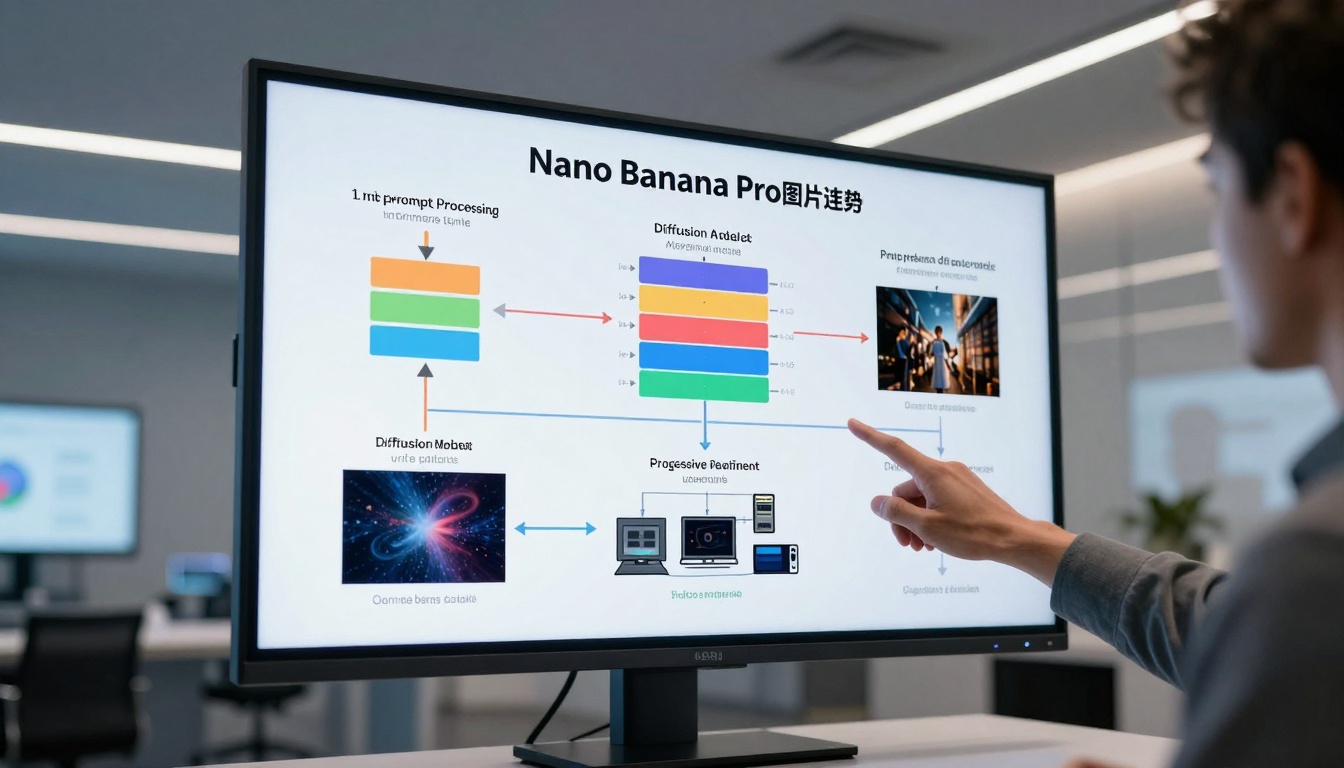
Nano Banana Pro operates on a modified diffusion architecture optimized for photorealism and detail retention. Unlike some models that prioritize artistic interpretation, this model focuses on accurate representation of real-world scenes, textures, and lighting conditions. The "Pro" designation indicates several key improvements over standard text-to-image models:
Detail preservation at higher resolutions without artifacting
Consistent character and object representation across multiple generations
Natural lighting simulation that mimics real photographic conditions
Texture accuracy for materials like skin, fabric, wood, and metal
💡 Technical Note: Nano Banana Pro uses Google's proprietary neural architecture with specialized attention mechanisms for spatial coherence. This means elements in your generated images maintain proportional relationships and contextual positioning better than many competing models.
The model excels at specific categories where photorealism matters:
Portrait photography with accurate skin texture and lighting
Product shots requiring clean studio lighting
Architectural visualization with precise perspective
Landscape scenes with natural atmospheric effects
Macro photography showing fine detail and texture
Setting Up Your First Generation
Starting with Nano Banana Pro requires understanding the basic interface on PicassoIA. The platform provides several critical parameters that directly impact your results:
Basic Configuration Settings:
Parameter
Recommended Range
Effect on Output
CFG Scale
7-9
Controls how closely the model follows your prompt. Higher values increase adherence but can reduce creativity.
Steps
30-50
Number of diffusion iterations. More steps improve detail but increase generation time.
Seed
Random or Fixed
Controls randomness. Use fixed seeds for reproducible results when refining prompts.
Aspect Ratio
Match your use case
16:9 for banners, 1:1 for social media, 3:2 for print.
Initial Workflow:
Start simple: Basic prompt with clear subject + setting
Generate multiple variations: Use the same seed with different CFG values
Identify strengths: Note what the model handles well naturally
Refine incrementally: Add detail descriptors one category at a time
Common First-Generation Issues:
Over-specified prompts that confuse the model
Inconsistent aspect ratios that distort composition
Unrealistic expectations for single-generation perfection
Crafting Prompts That Actually Work
Prompt engineering for Nano Banana Pro follows different rules than other models. The model responds better to descriptive clarity than artistic terminology.
✅ Good: "Photorealistic mountain landscape at golden hour, volumetric fog in valleys, 85mm lens, f/8 aperture, Kodak Portra 400 film grain"
Category-Specific Tips:
Portraits:
Photorealistic portrait of [description], natural skin texture with pores and fine hairs, studio lighting with softbox from left side, 85mm f/1.8 lens, shallow depth of field
Products:
Product photography of [item] on clean studio background, professional lighting with subtle shadows, commercial product shot, sharp focus, clean composition
Landscapes:
[Location] landscape at [time of day], atmospheric perspective with mist layers, natural lighting conditions, wide angle composition, professional nature photography
Negative Prompts That Matter:
Certain negative prompts consistently improve Nano Banana Pro outputs:
blurry, distorted, deformed, unrealistic lighting
digital art, illustration, cartoon, painting style
oversaturated, unnatural colors, color grading
text, watermark, signature, logo
The 5 Critical Parameters You Need to Master
Beyond basic settings, several advanced parameters significantly impact your results:
1. CFG Scale Precision
The guidance scale controls prompt adherence. Nano Banana Pro behaves differently at various CFG levels:
CFG Range
Characteristic
Best For
5-7
Creative interpretation
Artistic concepts, mood pieces
7-9
Balanced adherence
Most commercial applications
9-12
Strict following
Technical specifications, product shots
Testing Method: Generate the same prompt at CFG 7, 8, and 9 with identical seed to see adherence differences.
2. Seed Control Strategies
Seed consistency enables reproducible refinement:
Workflow:
Generate initial image with random seed
Save the seed value
Make small prompt adjustments
Regenerate with same seed to see specific changes
Pro Tip: Create seed libraries for different categories. Portrait seeds, landscape seeds, product seeds—each produces consistent character across generations.
3. Aspect Ratio Considerations
Different ratios affect composition differently:
Aspect Ratio
Composition Impact
Use Cases
1:1
Centered, balanced
Social media, profile images
16:9
Cinematic, wide
Website banners, presentations
3:2
Traditional photo
Print, portfolio pieces
9:16
Vertical emphasis
Mobile content, stories
4. Step Count Optimization
More steps don't always mean better quality:
20-30 steps: Fast iterations, concept testing
30-50 steps: Standard quality, most use cases
50+ steps: Diminishing returns, specialized needs
Time vs Quality: Each additional step increases generation time linearly. Find your balance between acceptable quality and practical workflow.
5. Style Weight Implementation
Nano Banana Pro responds to specific style descriptors:
Effective Style Terms:
photorealistic, professional photography
cinematic lighting, natural illumination
Kodak Portra 400, film grain aesthetic
commercial product shot, studio quality
Avoiding Common Generation Mistakes
Several predictable errors waste time and produce disappointing results:
Mistake 1: Overcomplicated Prompts
Adding too many descriptors creates conflicting instructions. The model tries to satisfy everything and produces confused results.
Solution: Start with core concept, then add one category of detail at a time.
Mistake 2: Ignoring Seed Consistency
Without seed control, you can't systematically improve results through iteration.
Solution: Always note seeds for promising generations, even early ones.
Mistake 3: Wrong Aspect Ratio for Purpose
Social media images fail as website banners and vice versa due to composition differences.
Solution: Match aspect ratio to final use case from the beginning.
Mistake 4: Unrealistic Single-Generation Expectations
Professional images usually require refinement through multiple generations.
Solution: Plan for 3-5 generation iterations to reach target quality.
Mistake 5: Neglecting Negative Prompts
Certain undesirable elements appear consistently without specific exclusion.
Solution: Maintain a standard negative prompt library for different categories.
Advanced Techniques for Professional Results
Once basic generation works consistently, advanced techniques separate amateur from professional outputs:
Batch Generation Strategies
Creating variations efficiently saves time and provides options:
Method 1: Same prompt, different seeds
Generate 4-8 variations
Select best composition
Refine from there
Method 2: Progressive refinement
Basic prompt → select best
Add lighting details → select best
Add texture details → select best
Final polish
Method 3: Parameter testing grids
Create CFG/Step combinations
Identify optimal settings for your style
Document for future reference
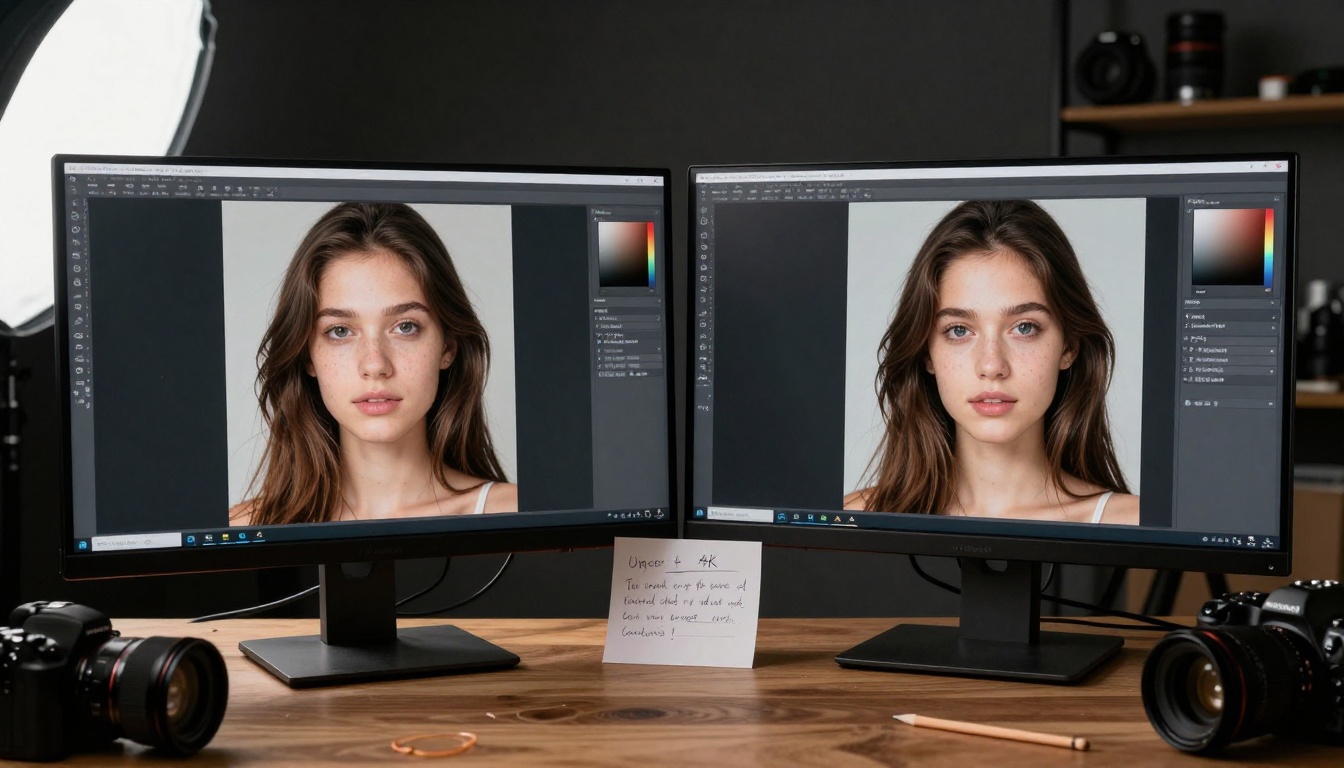
Upscaling for Print and Display
Nano Banana Pro generations at native resolution work for digital use, but print and large displays require upscaling:
Upscaling Workflow:
Generate at native resolution (1024x1024 or equivalent)
Select best composition and quality
Upscale 2x using professional tools
Apply subtle sharpening if needed
Final color correction for output medium
Print Considerations:
Resolution: Minimum 300 DPI at print size
Color Space: Convert to CMYK if commercial printing
Paper Type: Adjust contrast for matte vs glossy
Digital Display Considerations:
Web: Compress with quality retention
Social Media: Platform-specific dimensions and compression
Presentation: High resolution for projection clarity
Commercial Use Preparation
Images for commercial applications require additional considerations:
Licensing Documentation:
Track generation parameters and prompts
Document seed values for reproducibility
Maintain organization for client delivery
Quality Assurance Checklist:
No anatomical distortions
Consistent lighting direction
Appropriate detail level for size
Color accuracy for medium
Composition works for intended use
Client Presentation Preparation:
Provide multiple options when possible
Include technical specifications
Show before/after refinement examples
Demonstrate consistency across series
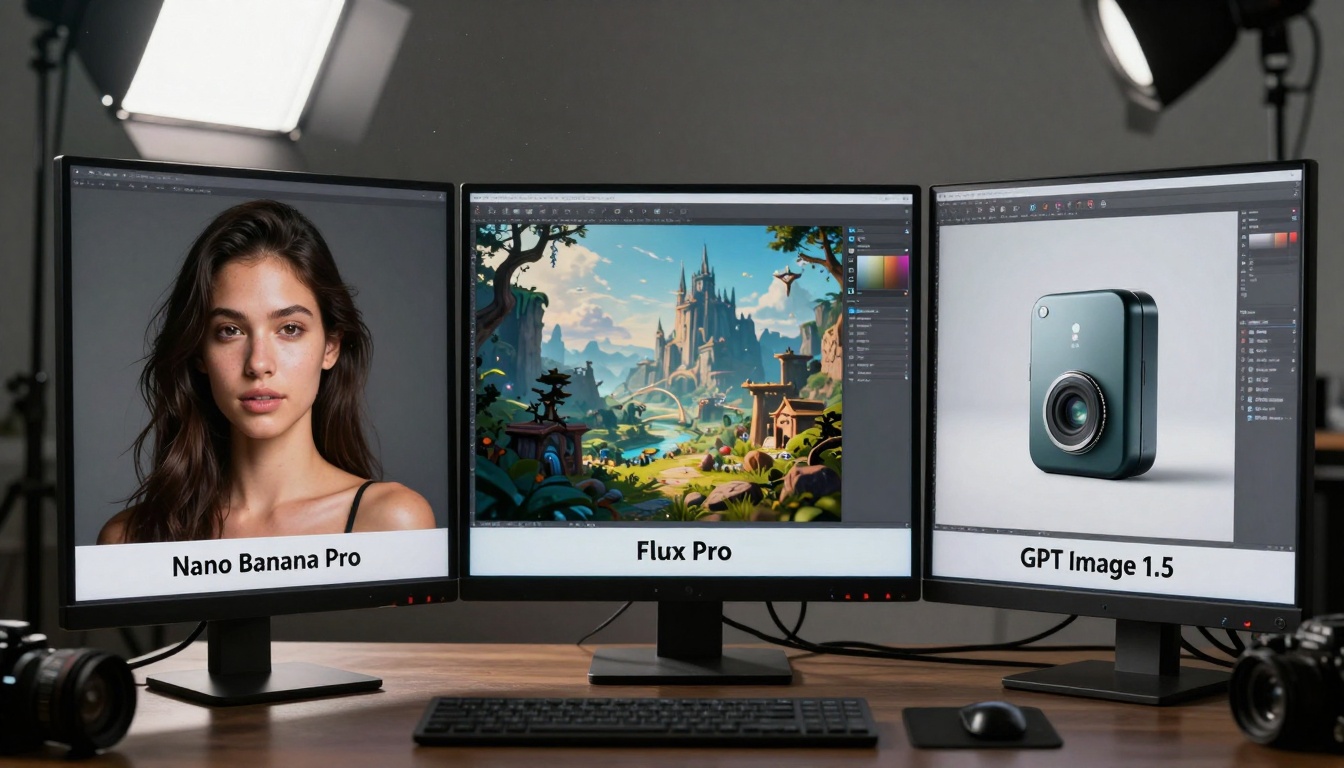
How Nano Banana Pro Compares to Other Models
Understanding where Nano Banana Pro fits in the model ecosystem helps select the right tool for each project:
Hybrid Workflows:
Sometimes the best approach combines multiple models:
Concept generation with faster model
Refinement with Nano Banana Pro for quality
Style elements with specialized models
Final polish with Nano Banana Pro consistency
Putting It All Together: A Complete Workflow
A professional workflow combines all techniques into a repeatable process:
Step 1: Project Definition
Determine:
Final use (print, web, social, presentation)
Required dimensions and resolution
Style references and mood boards
Technical constraints (file size, color space)
Document:
Client requirements if applicable
Timeline and delivery expectations
Revision process and approval steps
Step 2: Prompt Development
Research:
Reference images for composition
Technical terms for desired effects
Style descriptors that work with model
Structure:
Base prompt following effective formula
Negative prompts for category
Parameter starting points
Step 3: Initial Generation
Execute:
Generate 4-8 variations with different seeds
Same prompt, consistent parameters
Document all seeds and settings
Evaluate:
Composition strength
Lighting accuracy
Detail level
Overall "feel"
Step 4: Refinement Cycle
Iterate:
Select best generation as starting point
Adjust one aspect at a time (lighting, detail, composition)
Maintain seed consistency where helpful
Test parameter adjustments systematically
Quality Check:
Each iteration compared to previous
Progress toward target specifications
Identify when diminishing returns begin
Step 5: Final Preparation
Process:
Upscale if required for final use
Color correction for output medium
Format conversion if needed
Quality check at final size
Delivery:
Organized files with clear naming
Documentation of process and parameters
Multiple formats if required
Preview versions for client review
Step 6: Archive and Learning
Document:
Successful prompts and parameters
Seed values that worked well
Time investment vs quality results
Client feedback and usage results
Improve:
Update personal prompt libraries
Refine parameter preferences
Identify patterns in what works
Adjust workflow based on experience
Practical Results and Next Steps
The difference between basic and professional AI image generation comes down to systematic approach rather than random experimentation. Nano Banana Pro provides the capability—your workflow determines the quality.
Immediate Actions:
Test parameter sensitivity with controlled experiments
Build prompt libraries for your common use cases
Document seed values that produce consistent quality
Create comparison grids for model selection decisions
Long-Term Development:
Specialize in categories where you need consistent results
Standardize workflows for efficiency and quality control
Collaborate with others using similar tools and share findings
Adapt as models evolve and new techniques emerge
Remember: The most effective practitioners don't just generate images—they develop repeatable processes, document what works, and systematically improve their approach over time. Nano Banana Pro offers professional-grade capabilities, but your methodology determines whether you achieve amateur or professional results.
The platform continues to evolve, with PicassoIA providing access not only to Nano Banana Pro but also to complementary models like Flux for artistic projects and GPT Image for conceptual work. The combination of multiple tools with a disciplined workflow produces the best results for commercial applications, creative projects, and personal exploration.
Start with one technique from this guide, implement it consistently, measure the improvement, then add another. Professional AI image generation builds through incremental improvement rather than sudden revelation. Your next generation could be your best yet—if you apply the right approach.